


You will encounter situations where you need to edit pictures in your life. Although Windows, Mac, iOS or Android now have built-in picture editing tools, everyone who has used them knows that they are not very easy to use. If you just need to modify the picture size, convert common formats, or file names, then the YASIC recommended in this article is a good choice. It is simple and easy to use, and it is also an open source tool. It is shared on GitHub. I will introduce it to you below.
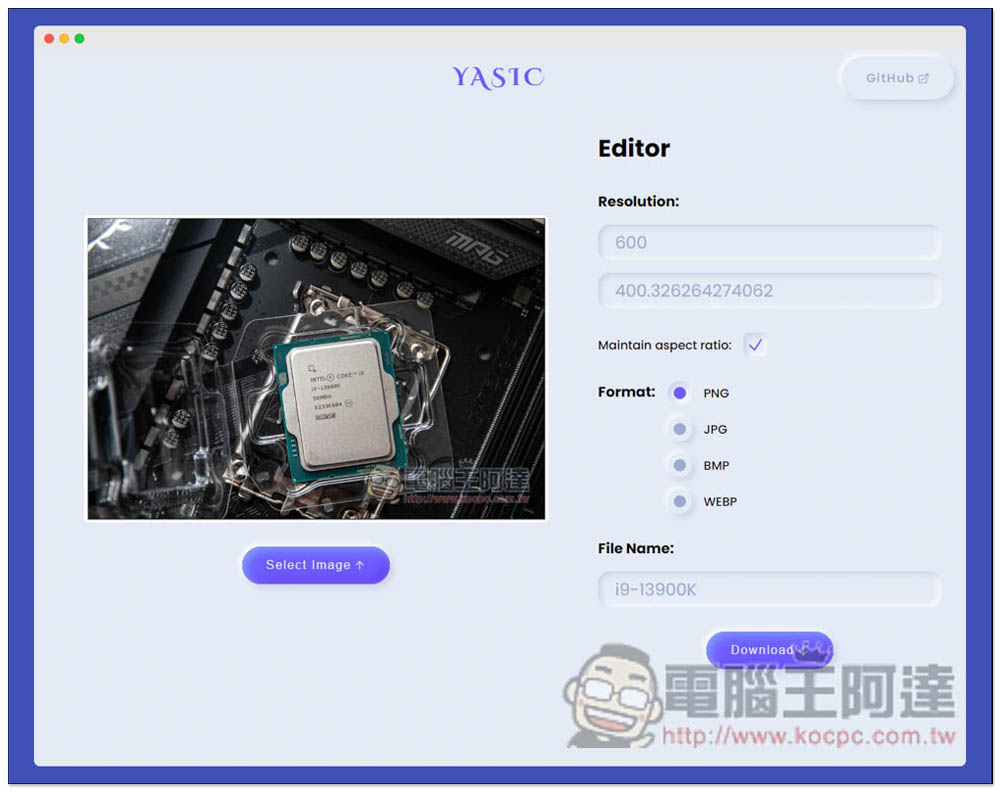
YASIC is a simple editing tool that allows you to modify image size, format conversion and file name by opening a browser.
YASIC is an open source free tool. Those who are interested can click on the upper right corner to jump to GitHub to view it. The usage is very simple. After entering the web page, click Select Image on the left to select the image you want to modify:
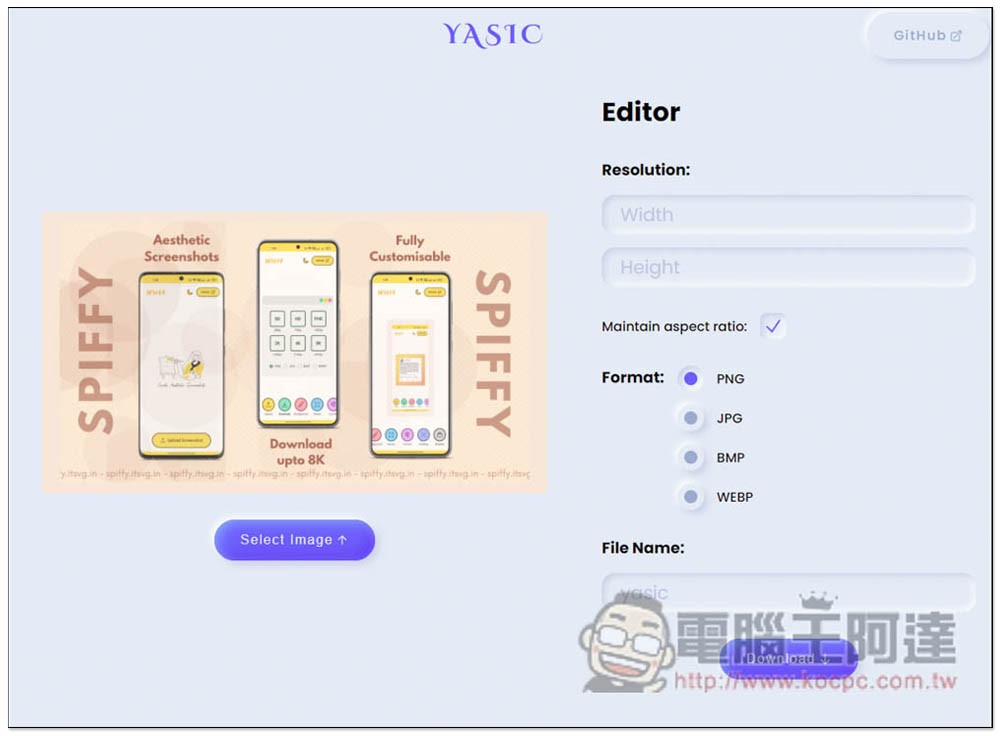
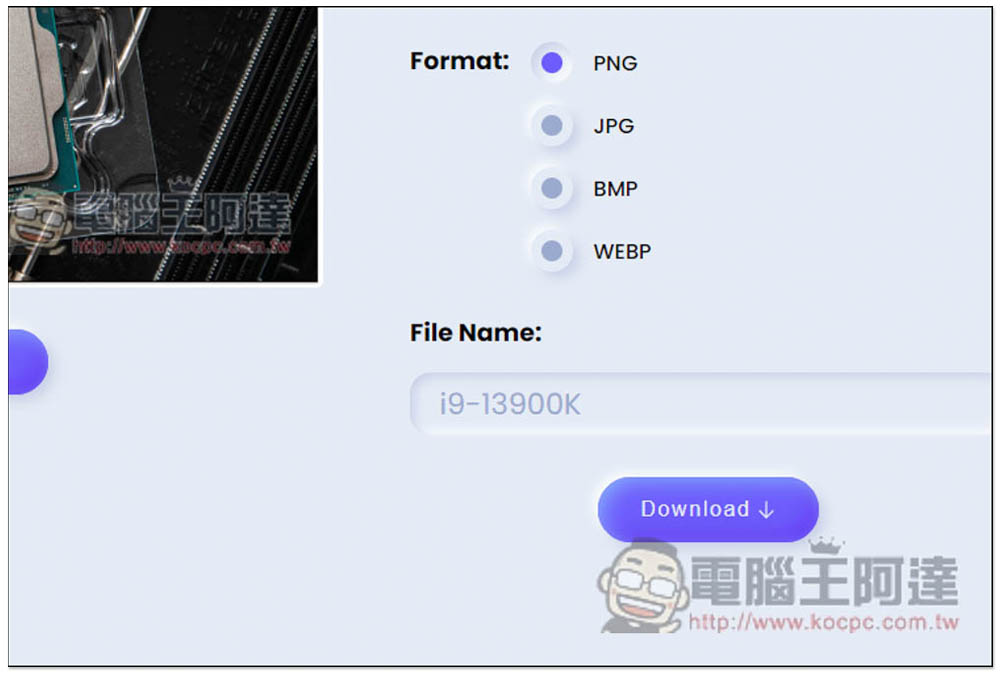
Then look at what you want to modify. This tool provides editing size (Resolution), format (Format) and file name (File Name). The format supports conversion to PNG, JPG, BMP and WEBP. This also means that if the image you download on the Internet is in WEBP format (many websites now use this format), you can use this tool to quickly convert it to the format you want, such as JPG or PNG, without using a conversion tool or the like:
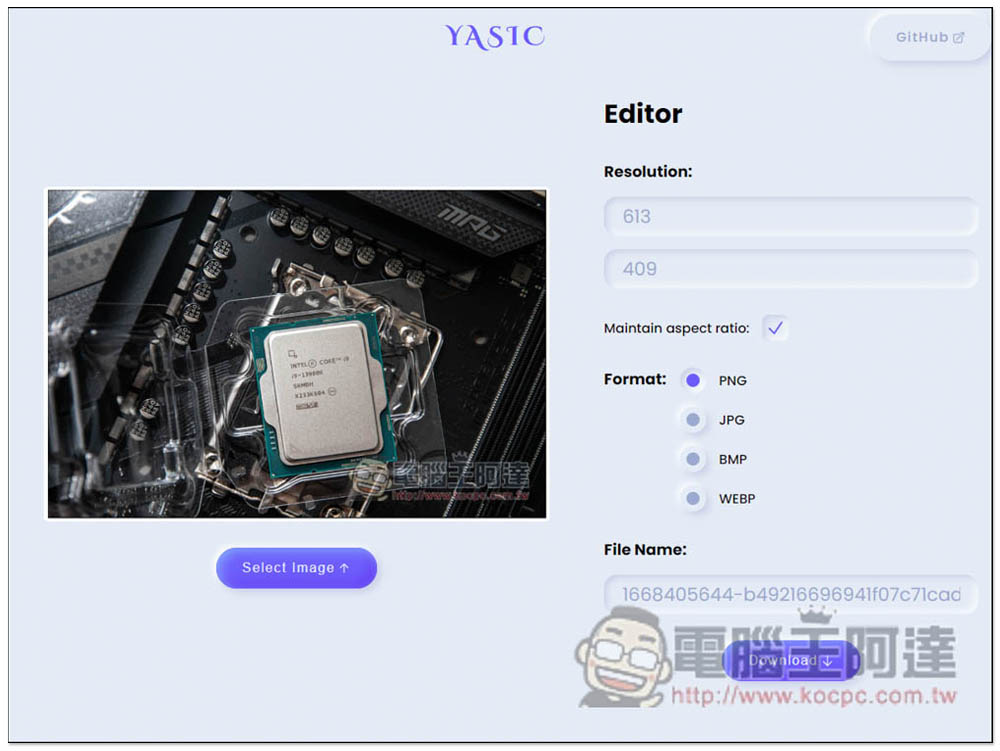
If Maintain aspect ratio is checked, when the length or width value is modified, the other one will automatically change, that is, the same ratio will be maintained:
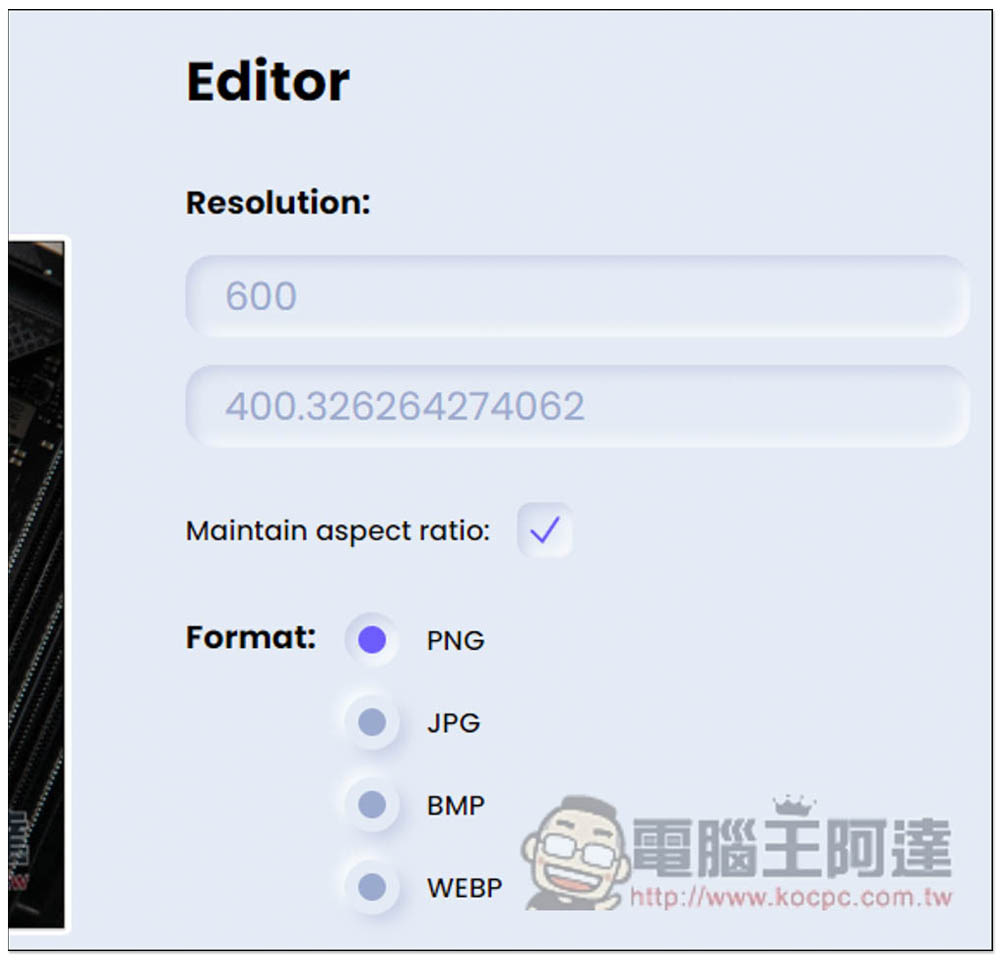
Next, select the format. If you don’t need the format, just click the same format. For example: the original picture is JPG, and click JPG for Format. The default file name is the same as the original image. If you want to modify it, fill in the name you want in the File Name field and click Download to download it:
The left is the original image, and the right is the new image resized using this tool:
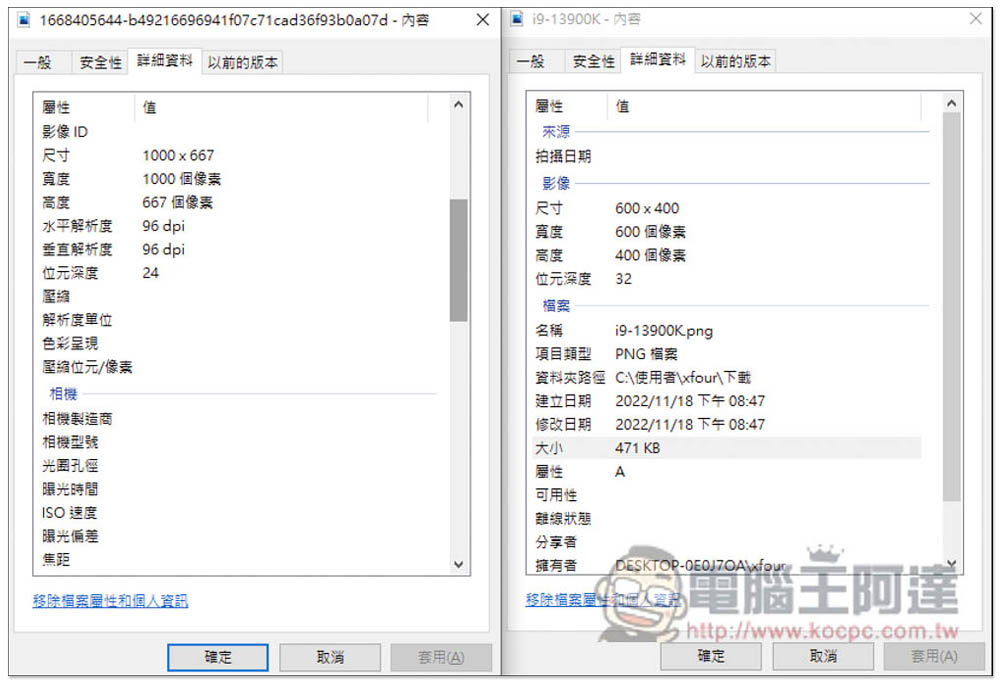
The above is the editing function provided by YASIC. It is very simple but also very practical. The only regret is that it does not support batch processing. If you have multiple pictures to edit, you can only read and edit them one by one, which is quite troublesome.
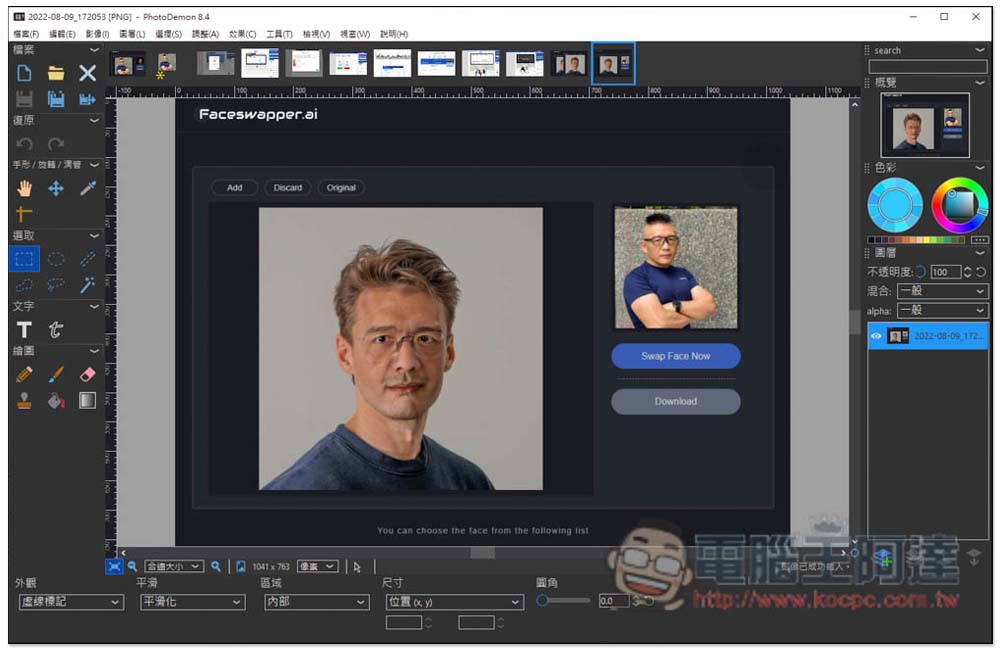
If you want to find a picture editing tool with more functions, you can refer to the ones we introduced before PhotoDemon, lightweight and completely free, and in many places the same as Photoshop, but only supports Windows:
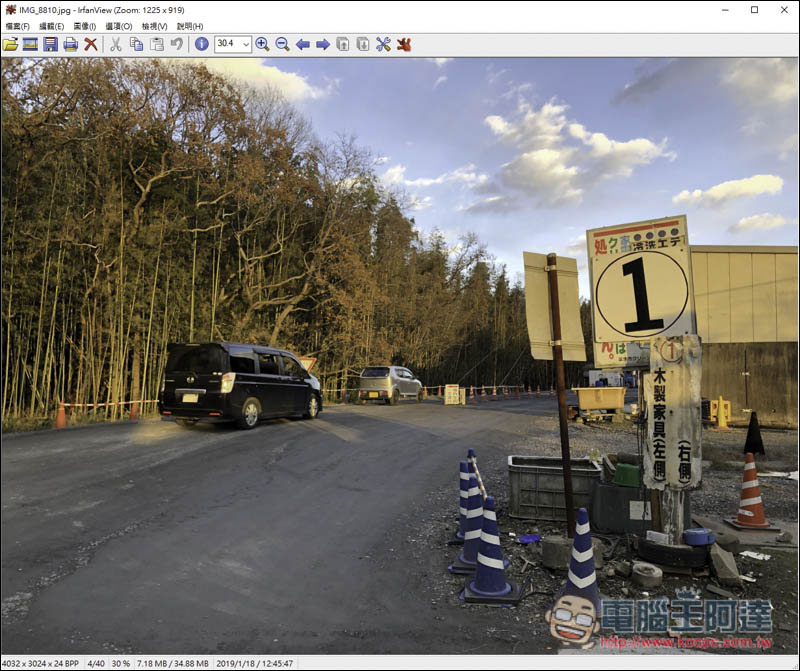
There is also IrfanView software. Although it is a free image viewing software, it also has built-in simple editing functions, such as converting files, adding frames to pictures, sharpening, reducing red eyes, adjusting colors, inserting text, watermarks, batch conversion functions, etc. It is worth trying if you are short of image viewing software, but it is also only available in Windows version:
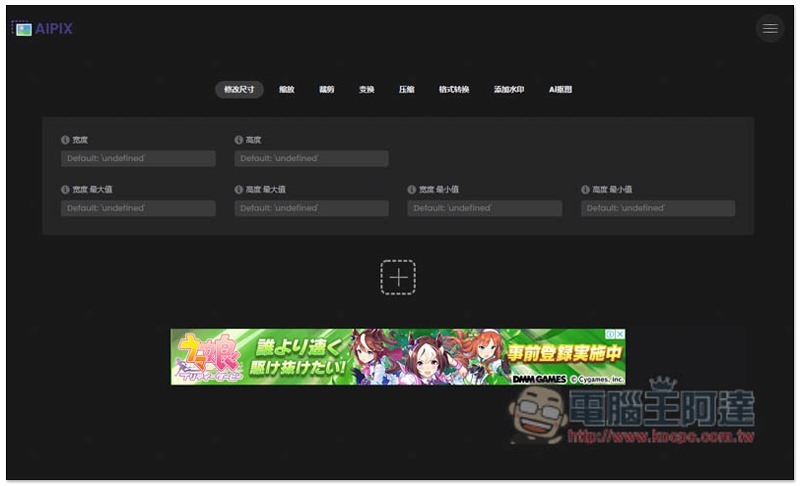
As for the online tools part,Aipix Not bad, it provides more functions than this YASIC, from resizing, cropping and scaling, compression, to conversion, etc., and it can be used on computers and mobile phones:
Source: KOCPC Chinese