


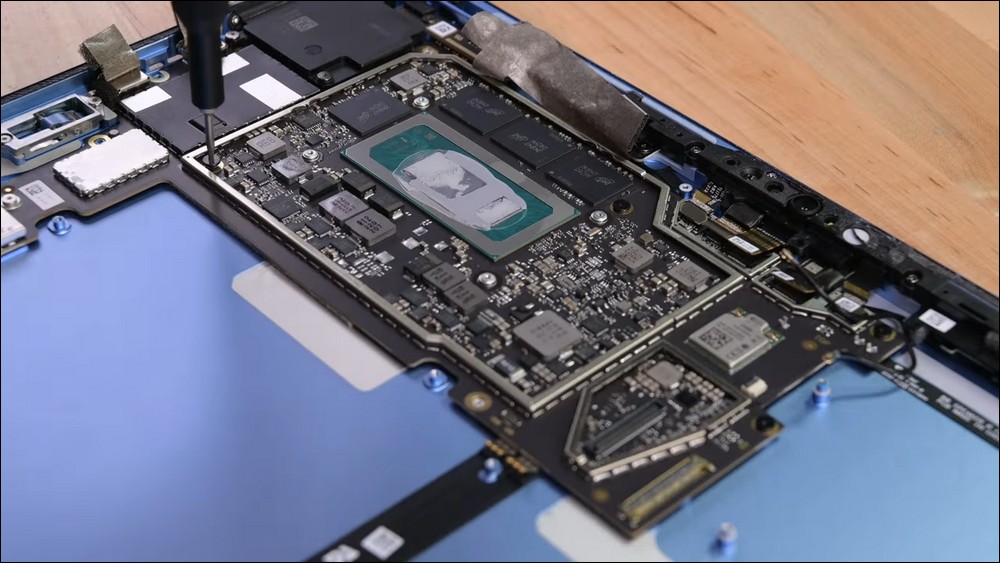
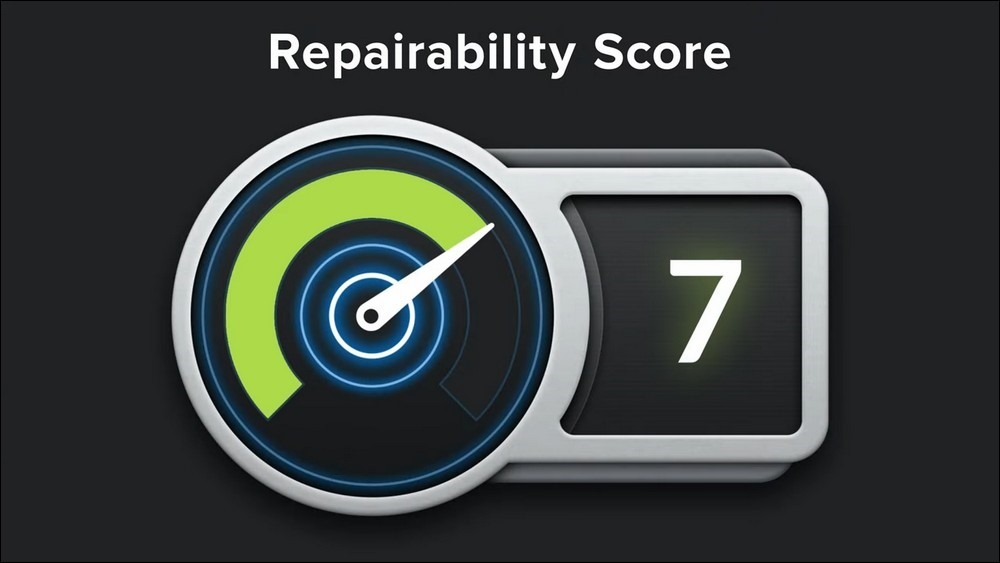
The foreign iFixit website is keen on scoring the ease of disassembly of various 3C products, and is famous in the 3C circle for this. Their teardown reports are very useful to many businesses who make a living by repairing products. From their point of view, we know that Microsoft’s Surface Pro tablet has always been a difficult opponent. The original manufacturer uses a lot of glue to firmly fix the components. Even the internal components often see a lot of glue. As a result, the disassembly score has never been high, and it has only improved slightly recently. The current disassembly report of Surface Pro 9 has just been released, giving it a very high score: 7 points. At the same time, it is also a high score rarely seen in Surface series products in the past.
The Surface series is a brand that Microsoft is proud of, and its brand is also subdivided into laptops, tablets and other products. Although Microsoft’s main business is operating systems and Office suite software, it still does well in tablets. However, their products have often not received good reviews from iFixit in the past.There have even been records of more than one item being rated as zero for maintenance.. Perhaps to gain a reputation, or to meet users’ needs for easier self-service repairs, each generation of Surface products strives to improve the difficulty of repair.
In the past, many users of the Surface series had a hard time trying to repair or replace some components by themselves. The reason was that the initial design did not consider the issue of easy disassembly and assembly. The battery was buried inside the fuselage. Not only did it have to be taken apart from the glued shell, but also the bottom plate. Finally, the battery was fixed to the bottom with a bunch of glue. These problems make older Surfaces, especially the Surface Pro series, particularly disliked by gamers who are willing to do their own repairs.
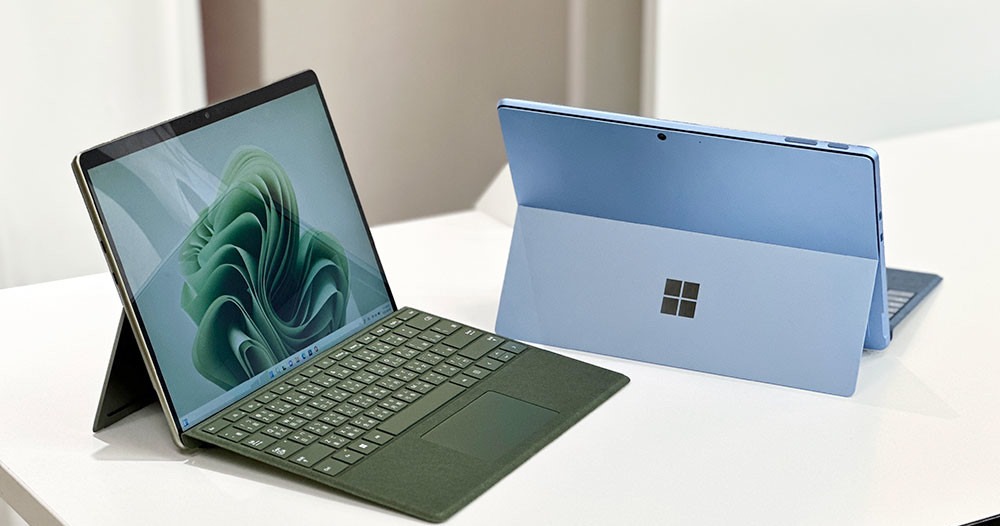
Surface Pro 9 is easier to replace thermal paste, and battery replacement is also much easier
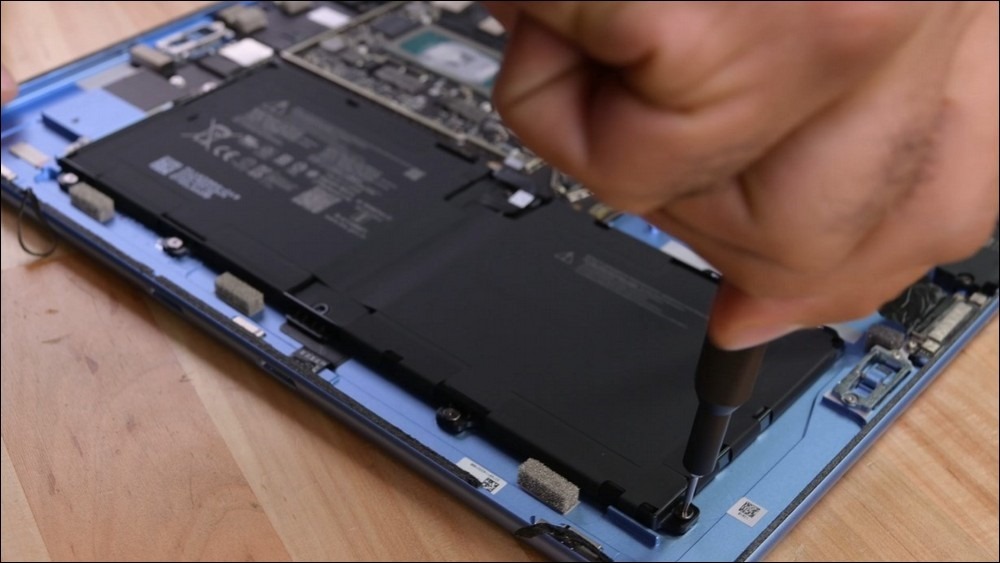
As for Surface Pro 9, a lot of glue trouble was significantly reduced during the disassembly process. iFixit’s disassembly report states that to remove the display, you only need to use a professional pry tool to remove it, and to replace the battery, you only need to loosen the screws. And if one day the machine becomes old and needs to be replaced with thermal paste, I believe that skilled players can easily access the surface of the CPU to clean and re-apply it.
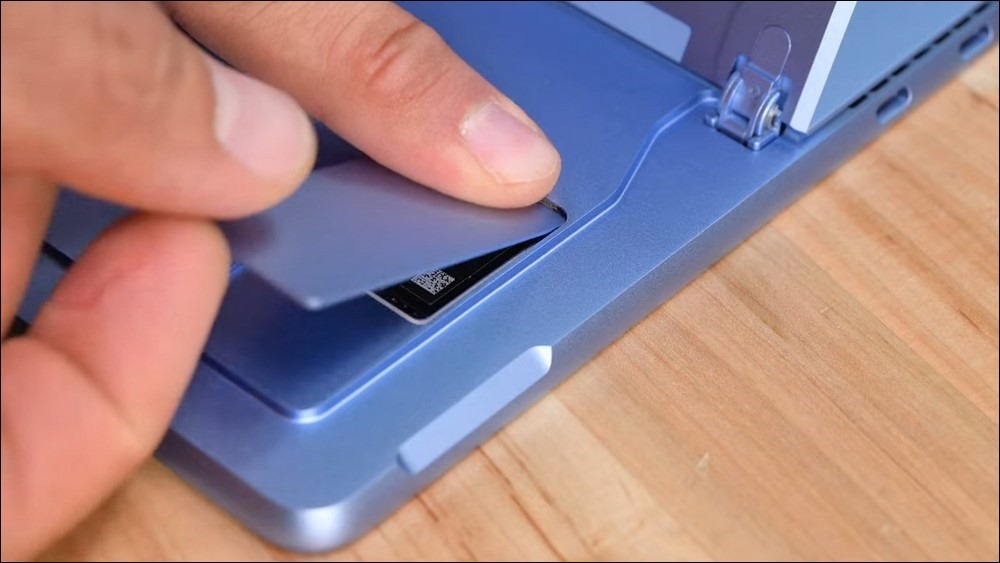
It is a pity that although Surface Pro 9 has a specially designed opening for the SSD, which can be replaced and upgraded by simply removing the cover of the opening, the SSD of Surface Pro 9 has special specifications, using M.2 2230 specifications, which is smaller than the common M.2 2280, and there are fewer purchasing options. But this seems to be the inevitable choice for this type of model. Even the Steam Deck uses M.2 2230 SSD. If you want to squeeze more storage space into the limited body, you can only use an SSD of this specification.
In terms of hardware structure and repairability, Surface Pro 9 can see significant improvements. Even the adhesive fixed battery design used in the Surface Pro series in the past has been improved, which must be excellent news for players who have the ability to repair it themselves.
This generation of Surface Pro 9 is also a rare version that adds 5G network support. However, the models that support 5G use Microsoft’s customized SQ series SoC chips, not Intel’s 12th generation processors. It is equivalent to selecting the 5G function, and the system becomes the Arm version. Many Windows programs may encounter support problems. However, since Microsoft is full of confidence in the processor it designed, there may be other tricks to solve this problem. It is hard to say.
Surface Pro Series Repairability Score (Source: iFixit)
- Surface Pro 9: 7 points
- Surface Pro 8: No information
- Surface Pro 7: 1 point
- Surface Pro X: 6 points
- Surface Pro 6: 1 point
- Surface Pro 5: 1 point
- Surface Pro 4: 2 points
- Surface Pro 3: 1 point
- Surface Pro 2: 1 point
- Surface Pro: 1 point
Source: KOCPC Chinese