


As AI voices become more and more lifelike, unlike the robotic sounds of the past, you might want to use voice-over for your content instead of recording your own voice. This article recommends a pretty decent AI speaker free online speech synthesis tool that offers up to 320 voices and supports 200 languages. After picking the AI voice you want, enter your text and hit synthesize, and the voice-over is done—simple and easy to use.
The AI voice settings also allow you to adjust the speech speed, pitch, and volume to your preference.
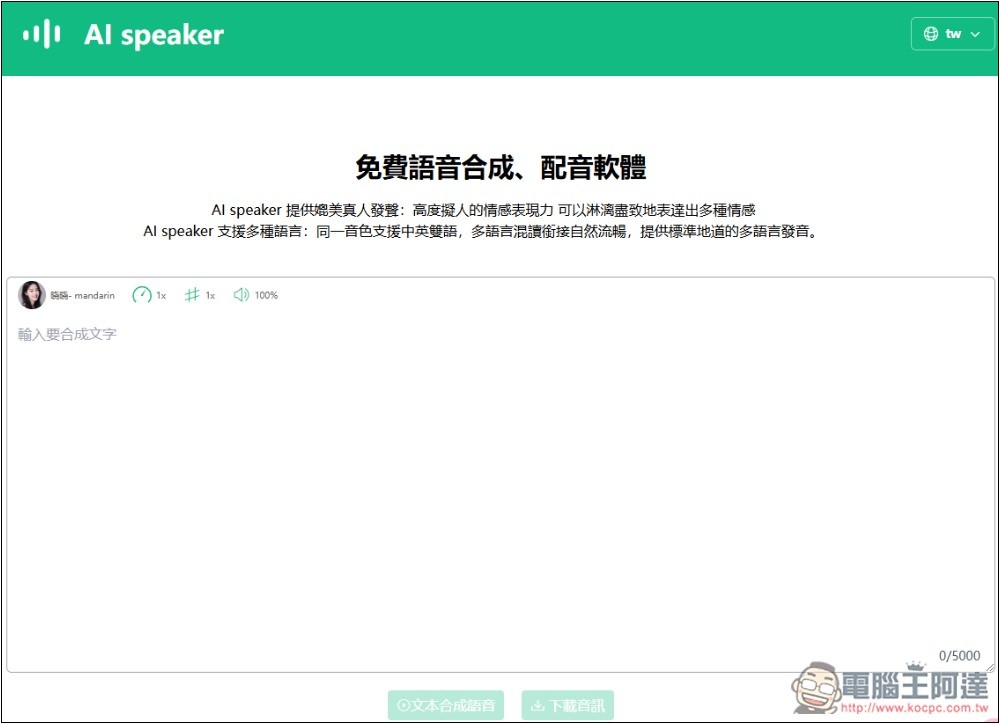
AI speaker free online speech synthesis tool introduction and operation tutorial
The AI speaker offers multiple platform versions. In addition to the web version introduced in this article, it also supports Chrome and Microsoft Edge extension versions, as well as Android and iOS versions. Those who need it can find the download links at the bottom of the web page.
Regarding commercial use, the website’s terms clearly state that you own 100% of the copyright to all synthesized audio files, so you can use them for any purpose, including commercial use, as long as it complies with local laws.
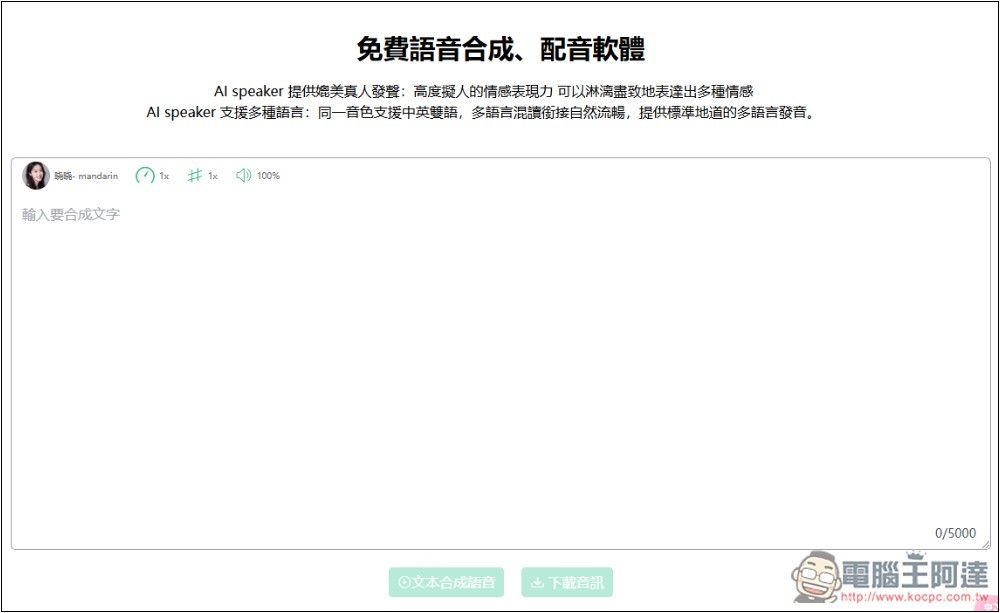
Once you enter the AI speaker website, type the text you want to synthesize in the middle area. You can synthesize up to 5,000 characters at a time, which is quite a lot. It also offers a VIP version with a higher character limit, but it’s on a monthly subscription basis.
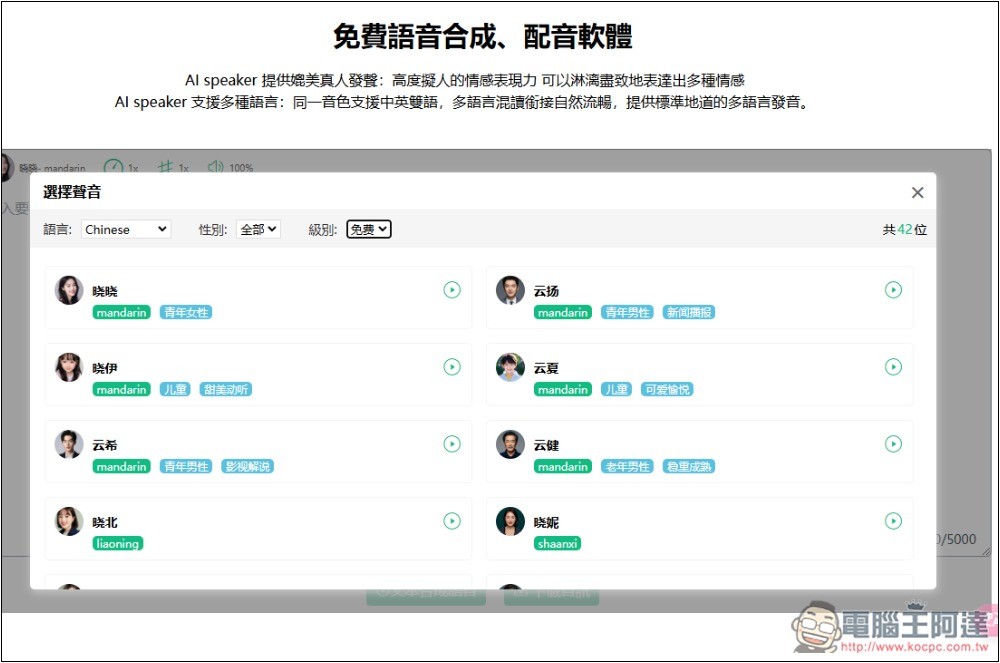
Open the menu in the top-left corner to find the voiceover voices. The default is Chinese, and there are currently 90 voices in total, which is really a lot. Each one also describes its style:
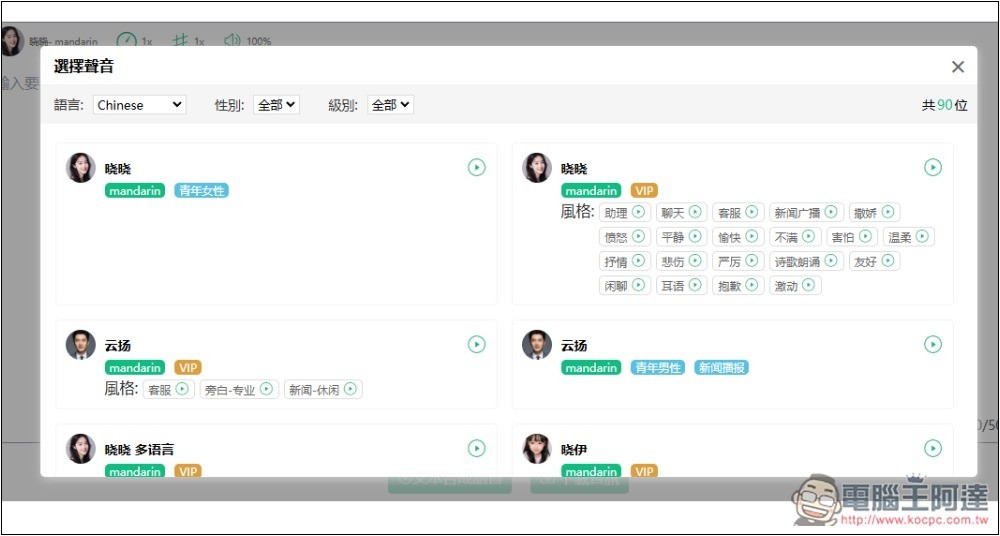
However, the default is a mix of VIP and free, so it’s recommended to switch the tier to free first:
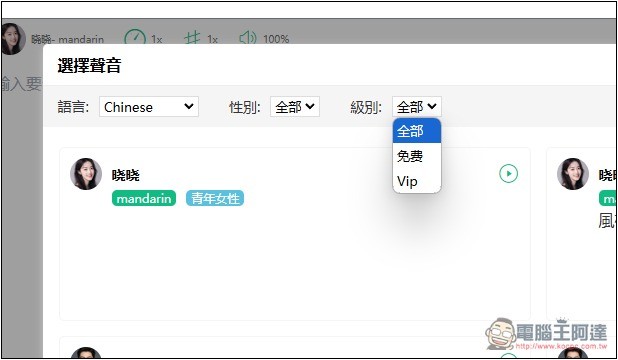
The screen will only display free voices, and the Chinese section also has 42:
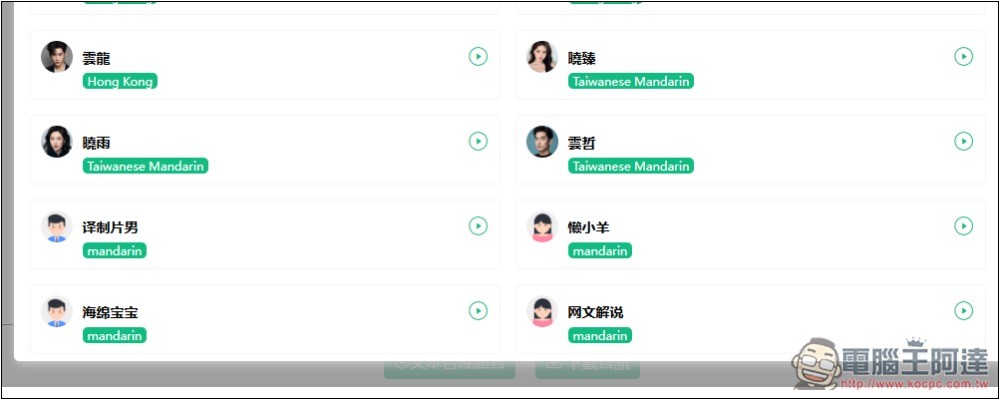
There are currently four Taiwanese-accent voices: three female and one male. There are also some interesting voices, such as SpongeBob, Anime Shin-chan, and a yuppie uncle, among others:
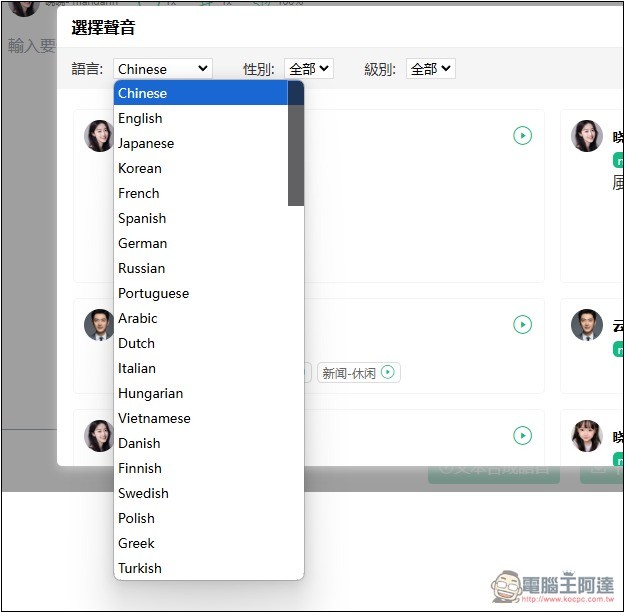
On the far left, you can switch to other languages, such as English, Japanese, Korean, French, Spanish, German, Russian, Italian, Vietnamese, etc. Each language offers a different number of voices:
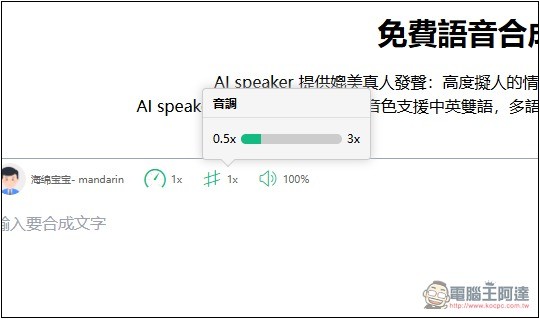
After choosing the voice, if you want to adjust the speed, tone, and volume, tap the icon on the right. The speed can be adjusted from 0.5x to 3x.
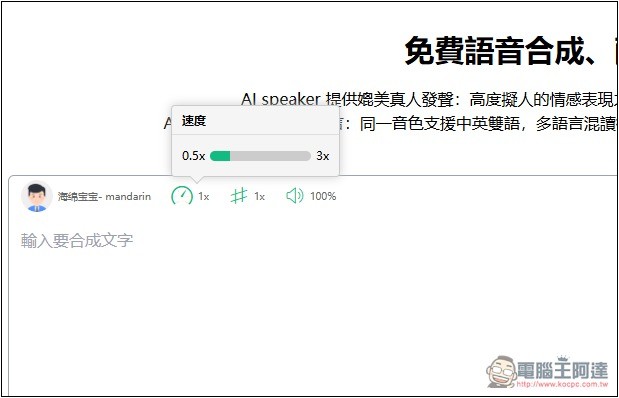
The pitch is also 0.5x~3x, while the volume is 0%~100%:
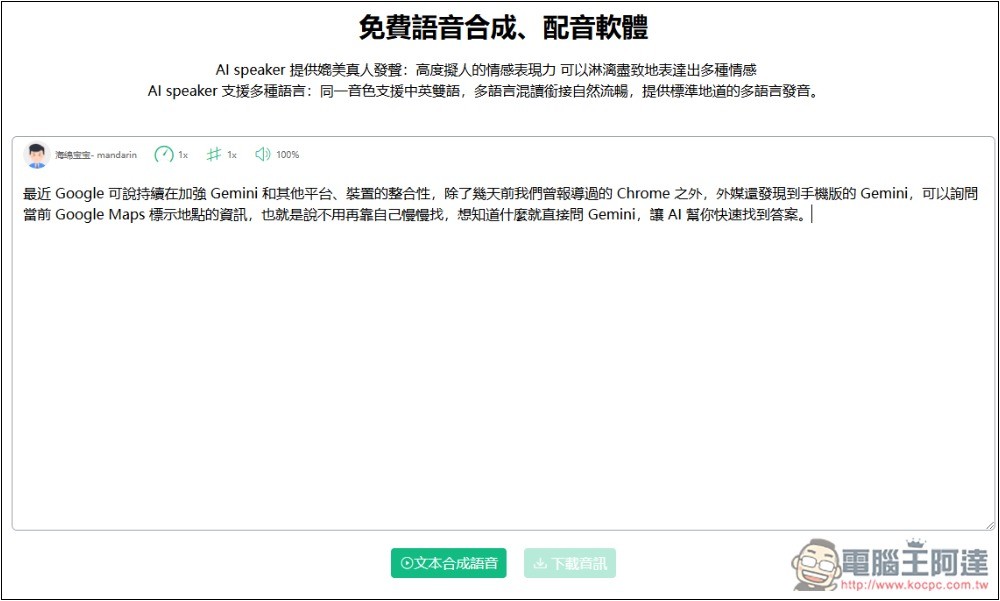
Once everything is set up, fill in the text you want to synthesize. You can mix in English, and the bottom right corner will show how many characters you’ve used so far. After entering the text, click “Text-to-Speech”.
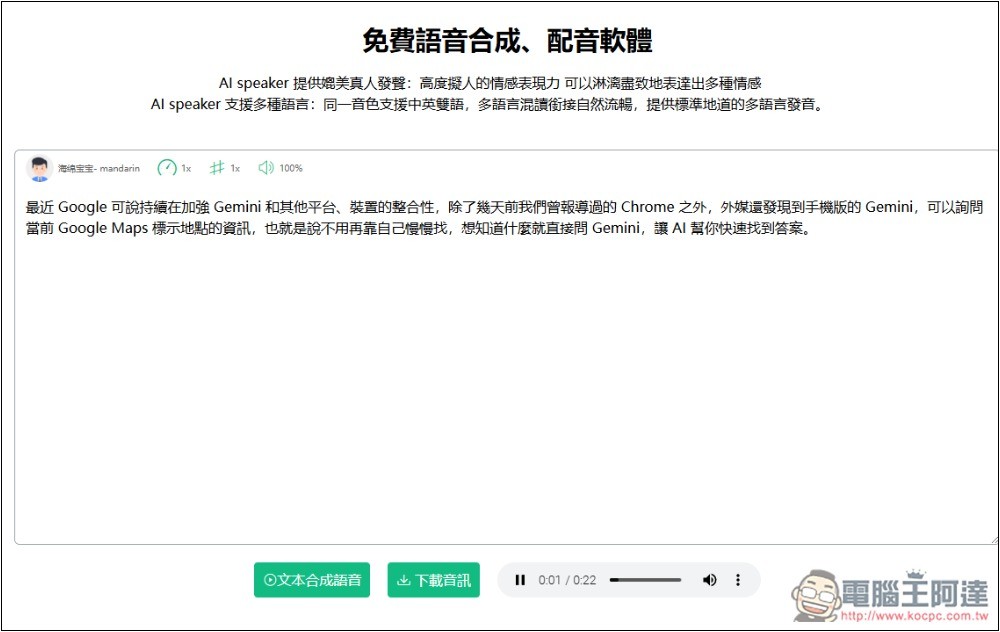
Wait a few seconds. After synthesis, it will automatically play for you to preview. If you’re satisfied, click “Download Audio” to download the voiceover file, which is in MP3 format:
I tested it, and the free version voices are basically the few common ones we’ve all heard. If you really want something that sounds like a real person, or something more unique that you haven’t heard before, you might want to consider upgrading to VIP, which doubles the voice selection, giving you over 600 AI voices.
Also, the website introduction mentions that in addition to synthetic voice, free users are also provided with SRT subtitle file generation, but I couldn’t find this feature. If you need it, you can look for it yourself.
Source: KOCPC Chinese