


There are many Instagram download tools on the Internet, but they all need to copy the URL and then paste it into the download function of the online tool. The operation is a bit troublesome. This article recommends the simplest way: the “Instagram Download Button” free extension function, which directly adds a download button to the Instagram web page. There is no need to copy the URL. Any photos or videos you like can be easily downloaded with one click.
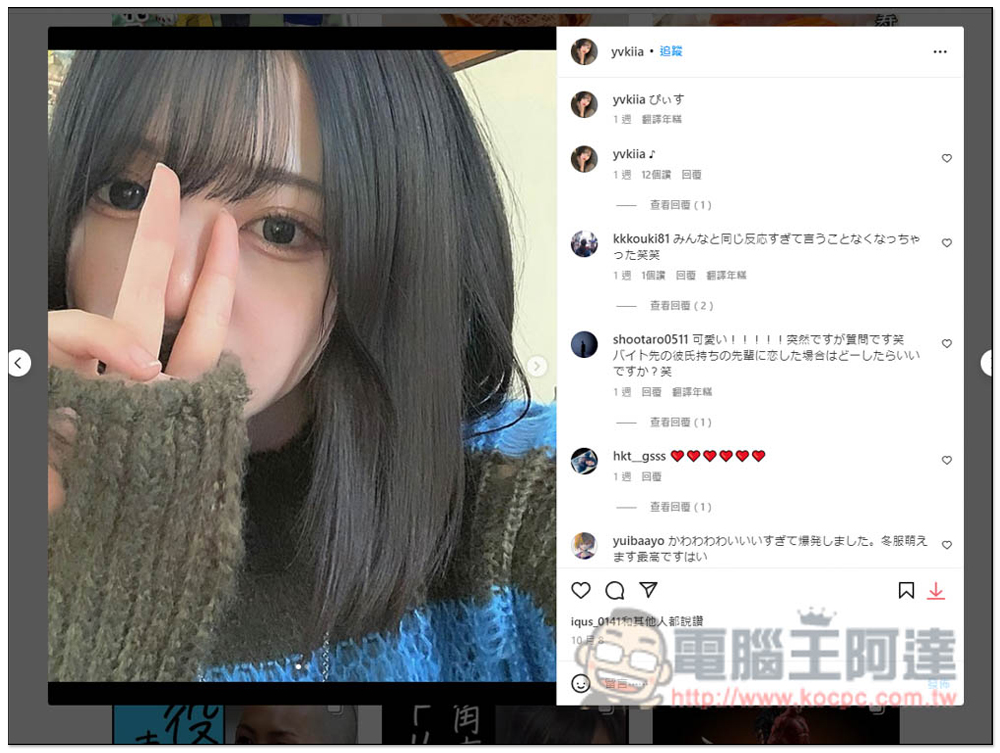
Implement Instagram download button, “Instagram Download Button” free extension function
“Instagram Download Button” is an extension of the Chrome browser and can also be installed on Microsoft Edge. I will use Edge as a demonstration.
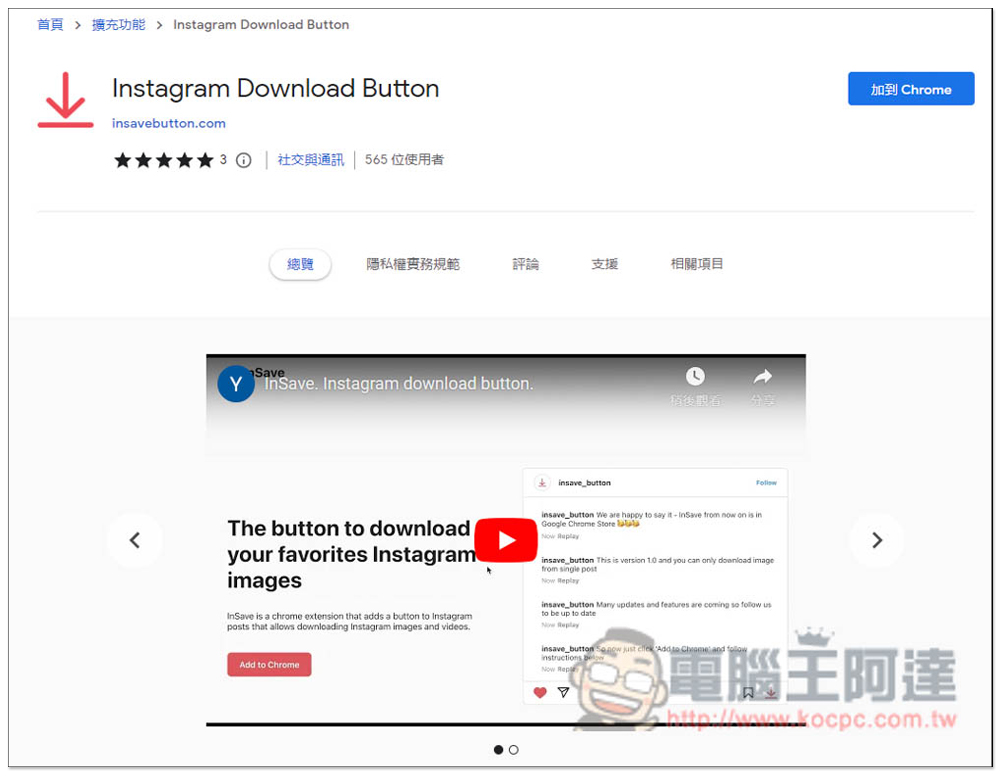
After entering the Chrome store page, click the upper right corner to add to Chrome. This extension is launched by the well-known InSave. It is also available in iOS and Android versions. Friends who want to use it on their mobile phones can search for InSave in the store:
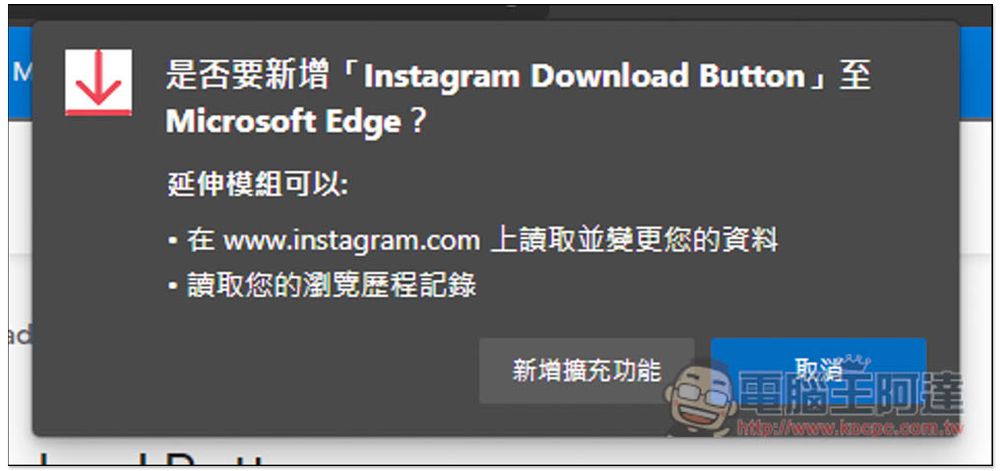
Then this window will pop up, click “Add extension” to install:
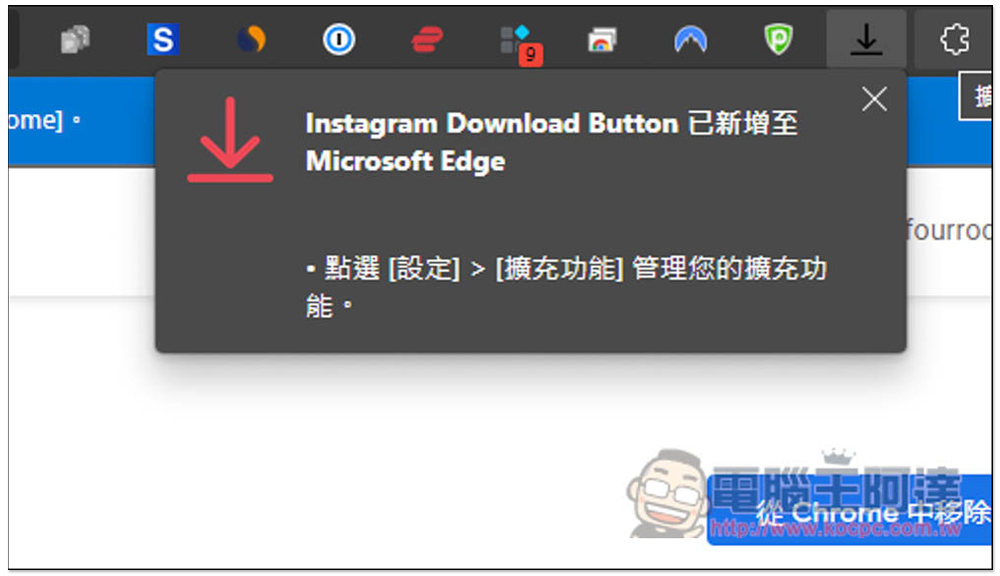
After installation, a prompt will pop up in the upper right corner, and the tool icon will be automatically hidden. There is no need to open it. Now when you open the Instagram page, you will see the download button:
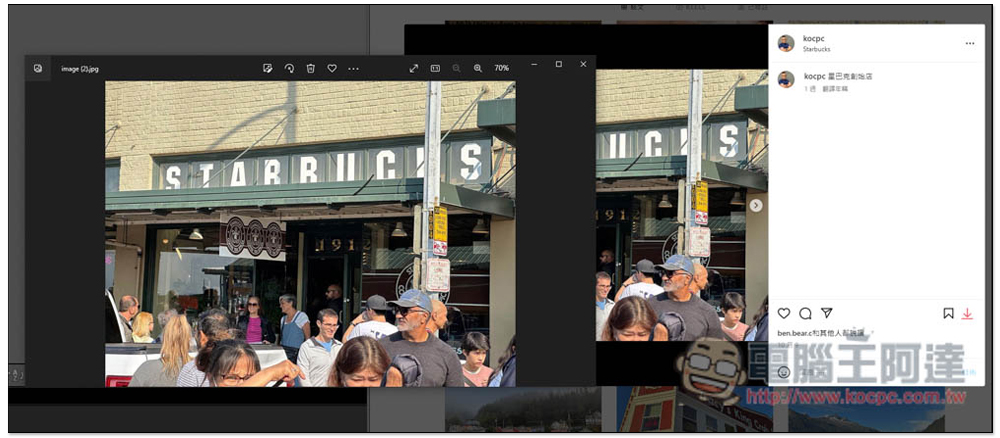
Take Computer King Ada’s Instagram photo as an example. After opening the photo feed, you will see a download button on the right. Click to download. The download will also be of high quality:
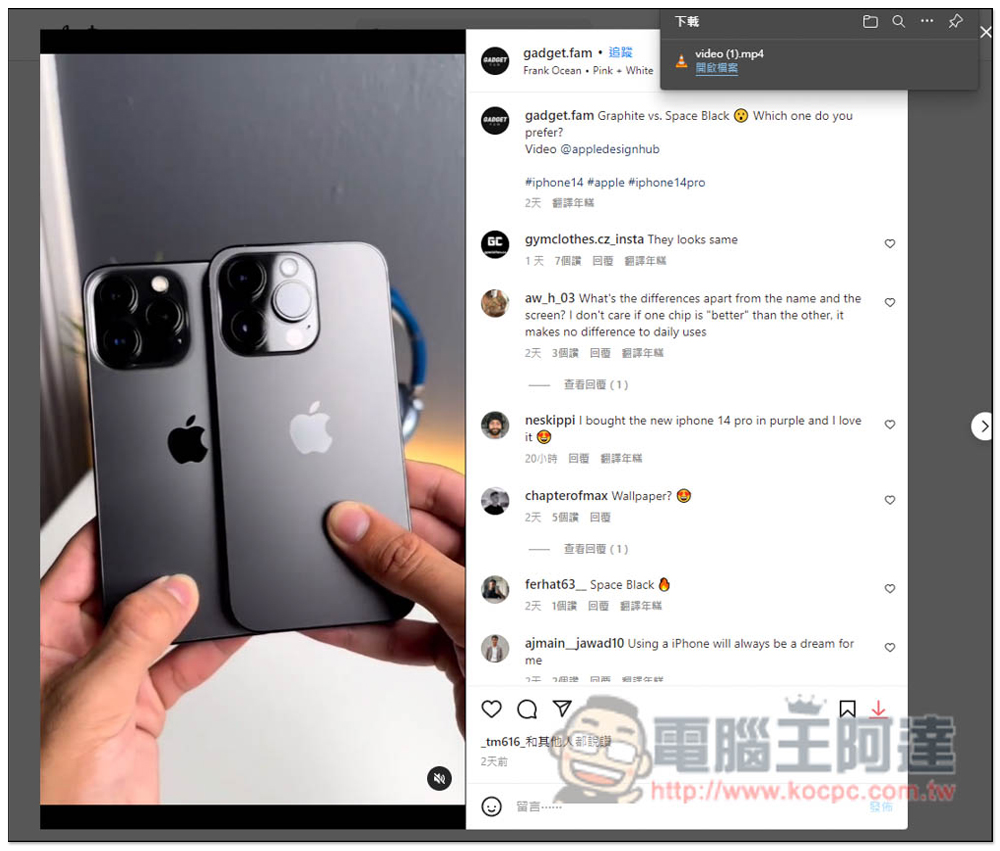
The video part is also supported, and you will also see a download button. In my actual test, there is no problem:
Other recommendations: Snapinsta
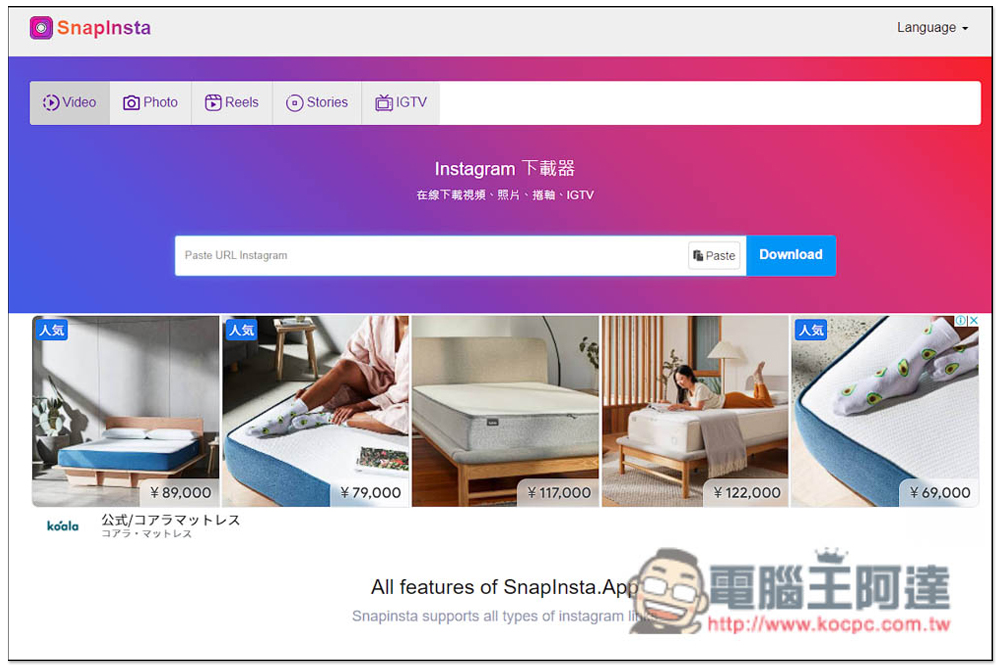
However, Instagram limited time updates or Stories IG part are not supported. If you want to download, we have previously introduced a “Snapinsta universal Instagram free downloader for downloading IG videos, photos, Reels, Stories and IGTV”. This one is no problem. You can download it by pasting the URL. It also provides a Chinese interface, which is simple and easy to use.Anyone in need can click me to read:
Finally, I would like to remind you that Instagram photos and videos are copyrighted, so pay more attention to this when downloading and remember not to infringe.
Other recommendations: Download This Video Free Video Download Android App
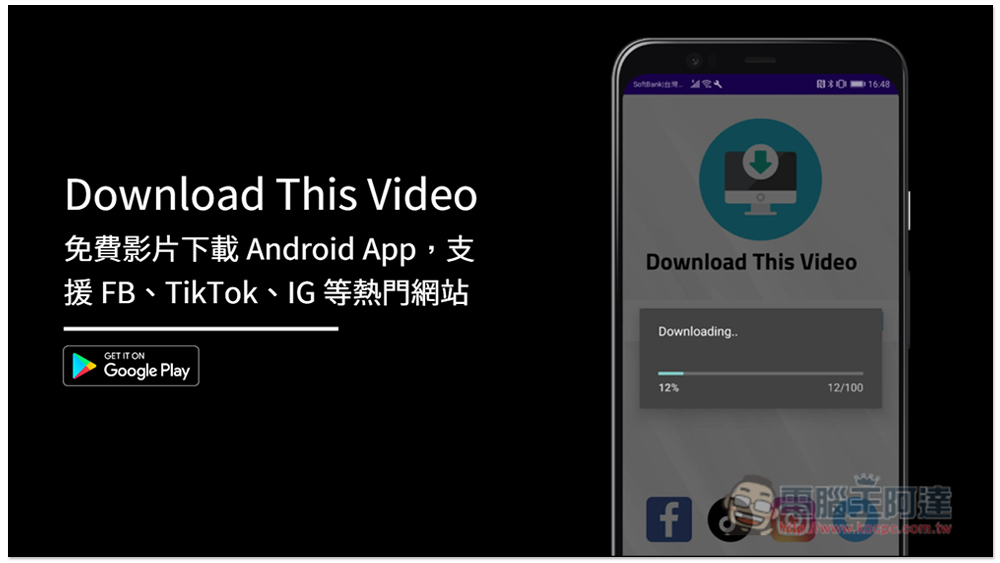
If Android users often want to download videos from social networking sites, Download This Video is a good choice. It supports downloading videos from Facebook, TikTok, Instagram and Twitter websites. Just paste the URL and the download will start. You don’t have to choose any format or quality. It’s simple and easy to use:
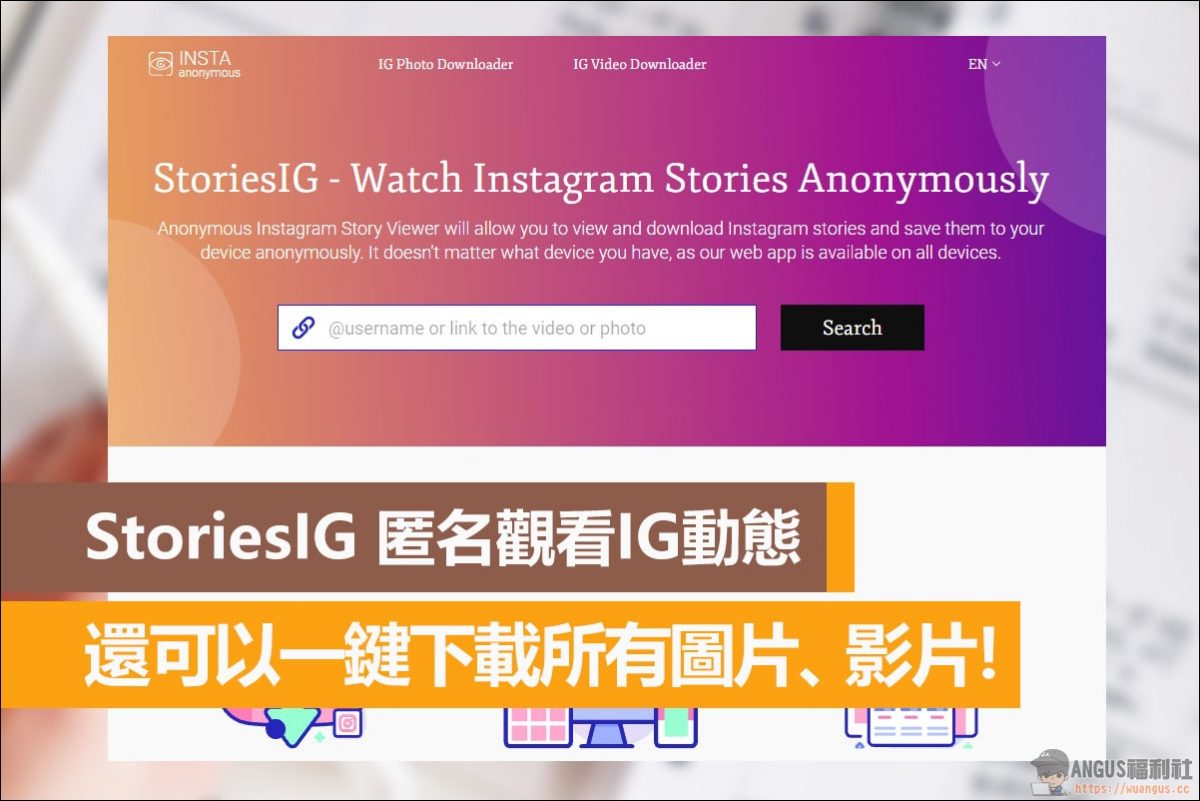
Other recommendations: StoriesIG to watch IG updates anonymously
StoriesIG is a website where you can anonymously watch IG updates. In addition, it also supports downloading photos and dynamic videos. You can directly view all the contents of someone’s account without registration. This function is very practical when you don’t want to use your own account to view someone’s IG account. If you want to download IG videos or pictures with one click, you can also bookmark this platform. It is a very good tool:
Source: KOCPC Chinese