


Although there are many extensions for video downloading nowadays, as more and more videos from websites are in M3U8 format, downloading becomes more difficult, and many extensions cannot be downloaded. Recently, the “Cat Catch” extension was discovered, which can parse the source of M3U8 videos, find all scattered files, and then use the merge download and MP4 conversion functions to allow you to successfully download M3U8 online videos.
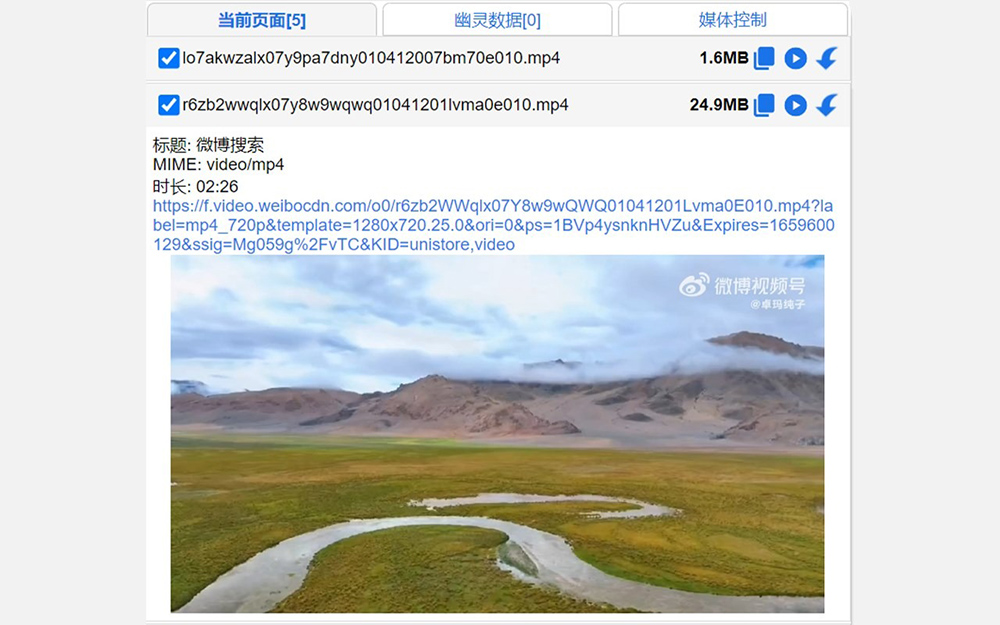
“Cat Scratch” is a video download extension that can parse M3U8 format and supports merging and converting to MP4
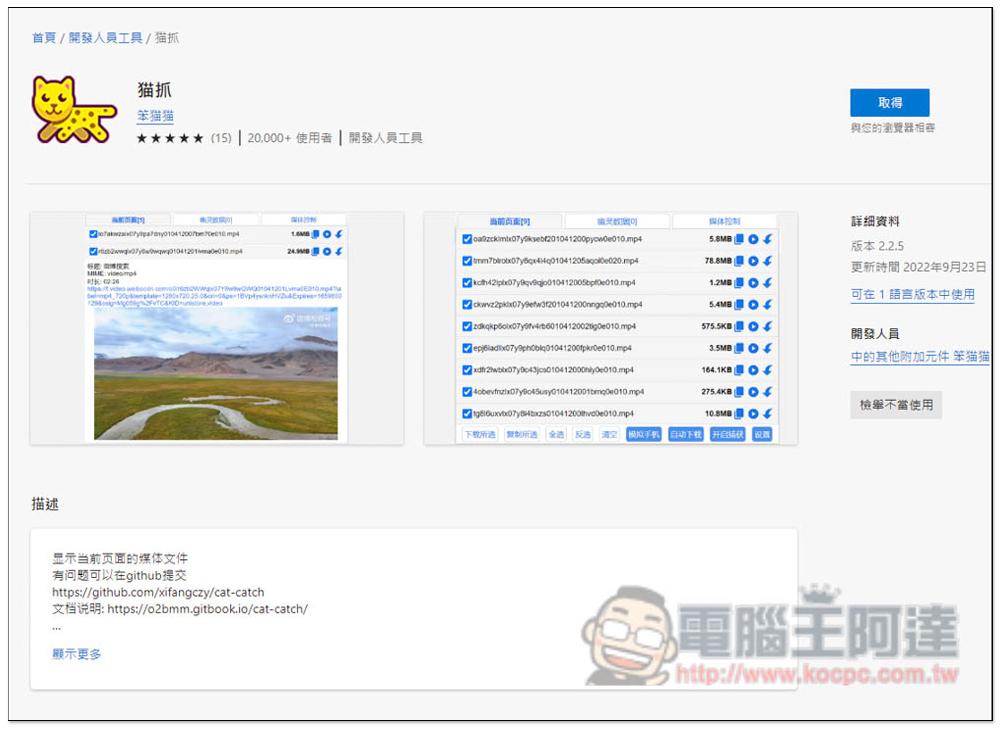
Cat Catch supports Chrome, Edge and Firefox browsers. I used Edge as an example, and the usage methods are similar. After entering the store, click Get to install:
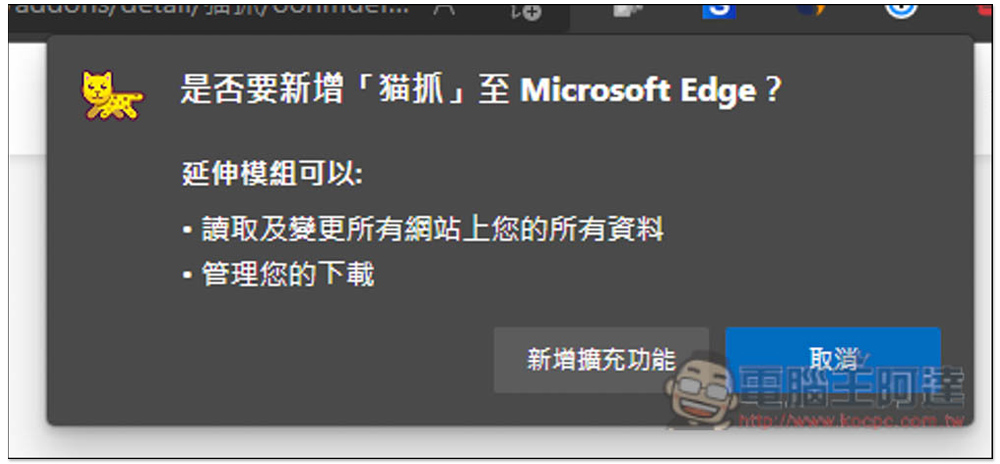
This window will pop up above, click on Add Extension to install it:
Displaying this message means the installation is successful, but the default icon will be hidden:
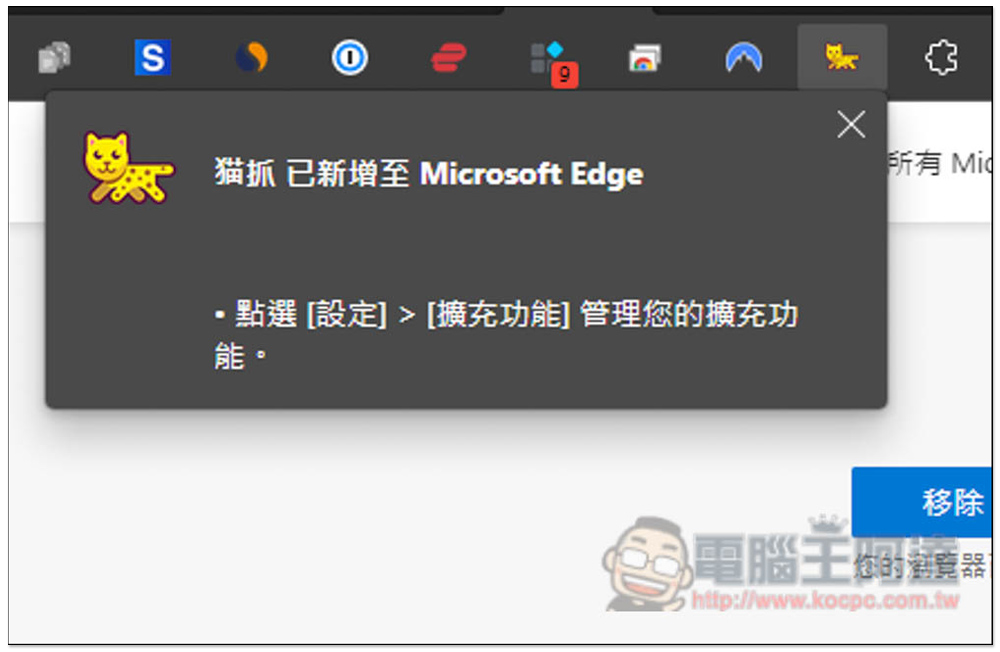
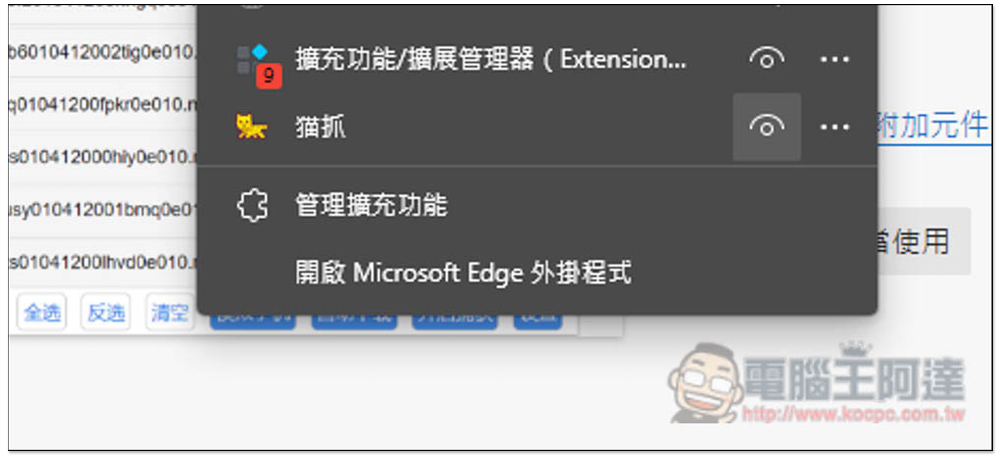
Please open the puzzle icon on the right, and then open the scratching eyes:
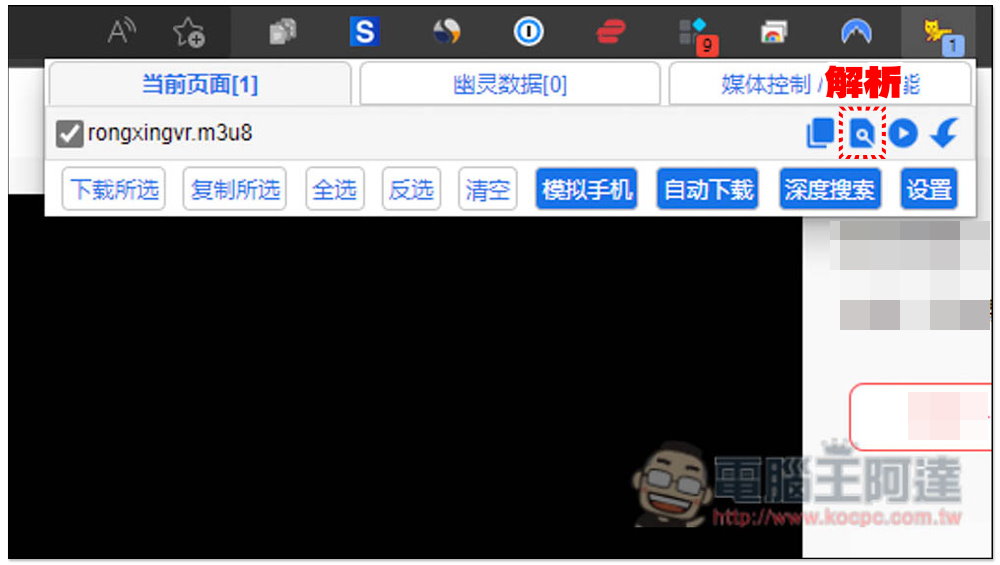
At this time, open the URL of the M3U8 video you want to download, and you will see the cat scratch icon detected. Sometimes there may be multiple M3U8 sources. Please click the second search icon on the right to check. This is the analysis function. You can also try clicking “Download Selected” below. If the video is successfully downloaded, you don’t need to use the parsing function:
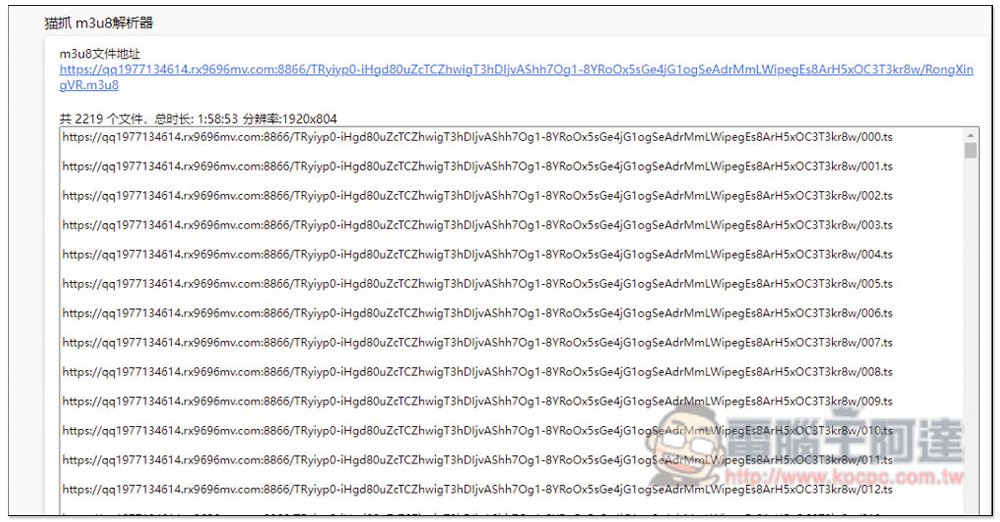
After turning on the parsing function, the page will list all related files. If it is related to the video, it is correct. If it is in JPG format, it is wrong:
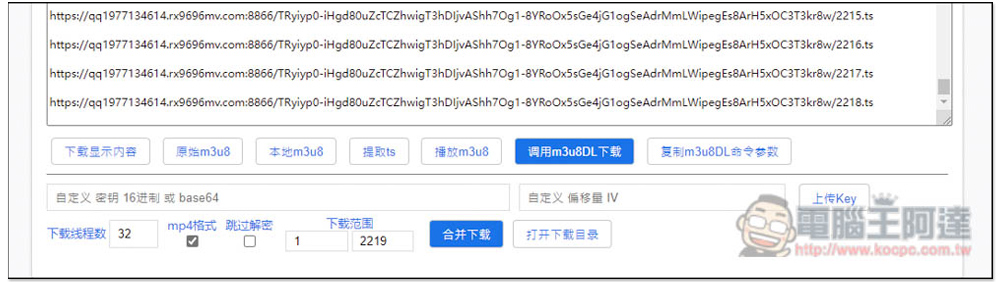
At this time, scroll down and you will find the “Merge Download” function, please click on it:
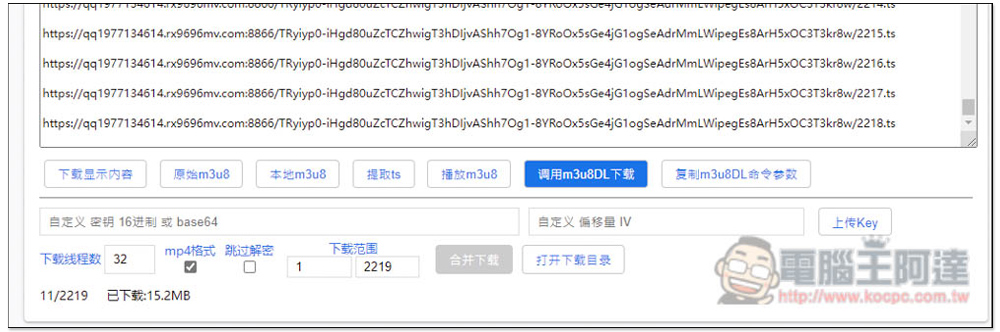
The download progress is shown below. Now wait for it to finish. Basically, the speed is quite fast, but sometimes the download fails:
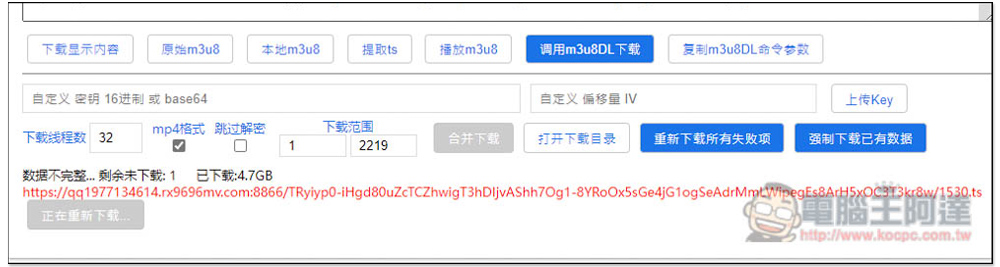
If it appears, click “Redownload all failed items” on the right:
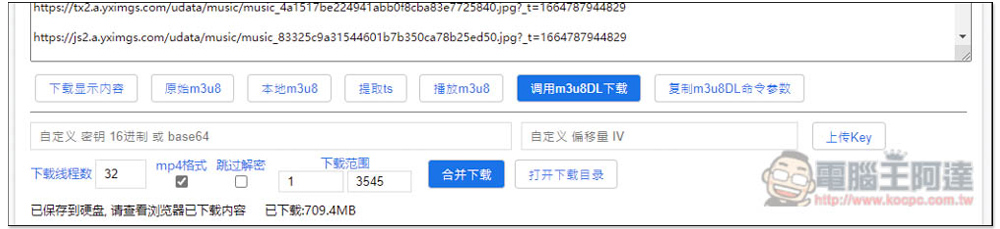
After successful download, it will be automatically converted to MP4 format (the default MP4 format is checked) and stored in the download folder:
Cat Catch is an open source expansion plug-in.Available on Github website, if you encounter any problems during use, you can report it. In addition, the developer also provides aDocumentation, such as how to use M3U9 to parse and merge downloads, and also supports the m3u8al:// protocol.
- Custom key:The keys of some websites are not in the m3u8 file. Maozhu cannot decrypt and merge them. You need to find the KEY and fill it in or upload the KEY file.
- Skip decryption:First forcefully merge the downloads and then use the decryption tool locally to decrypt them all at once.
- Download range: Select the slice range you want to download. If m3u8 has the #EXT-X-MAP tag, videos that do not start with 1 may not be played.
- Record live broadcast:The live broadcast m3u8 will display this function. The parser monitors m3u8 and continues to save the video to the memory until the download and record button is clicked. It is not recommended to use the parser for long recordings.
- Number of download threads:How many slice files can be downloaded at the same time? Some websites have limits on the number of files that can be downloaded at the same time. If it is too large, it will cause download errors, so the number of threads needs to be appropriately reduced.
Source: KOCPC Chinese