


LINE is basically an indispensable social software for people in Taiwan. However, the data transfer or backup functions often give users headaches. Recently, LINE has officially implemented the “backup activation code” function that has been talked about for a long time. As long as the “backup activation code” is set first, the chat history of the last 14 days can be restored on the new phone through this method.

LINE’s “Backup Activation Code” function can be set in advance to restore chat records within two weeks if a cross-system switch or device is lost.
LINE’s “Backup Activation Code” is a new option specially provided for backing up chat history. It has two main functions: when the phone is lost or malfunctions, the chat history of the last 14 days can be restored on the new phone, and when the phone is switched across systems, the chat history of the last 14 days can be restored on the new phone.
Previously, if you wanted to restore the 14-day history across systems, you could only use the “Move Account with Mobile Barcode” function to move the account, and the chat history within the 14 days would be automatically moved to a new device. Therefore, after LINE’s “Backup Activation Code” function is enabled, there is an additional convenient way to restore the chat history within the 14 days whether the device is lost or across systems.
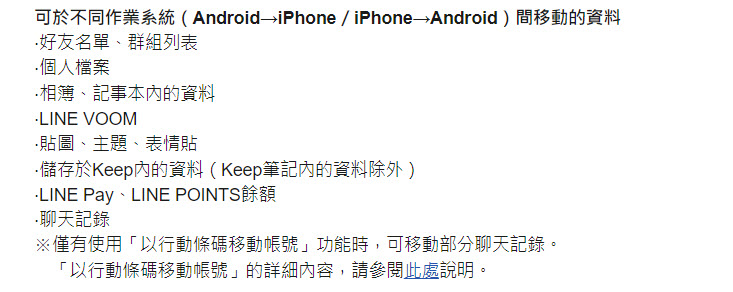
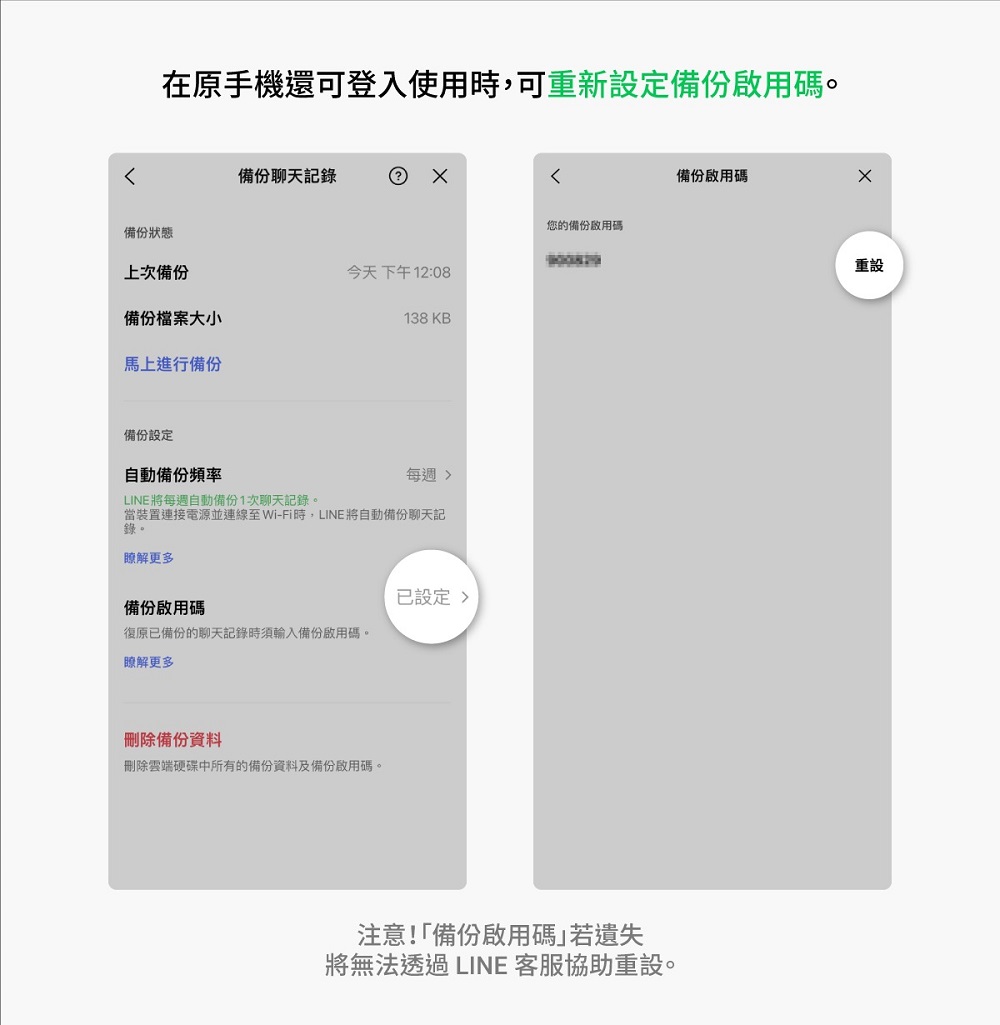
To use LINE’s “Backup Activation Code”, LINE needs to be version 12.13.0 (inclusive) or above. The iOS setting steps are: LINE homepage “Settings” > Backup chat history > Create backup activation code and backup chat history > Set backup activation code; Android setting steps: LINE homepage “Settings” > Backup and restore chat history > Create backup activation code and backup chat history > Set backup activation code. The following is an iOS screen example.
First, click on Backup Chat History in LINE.
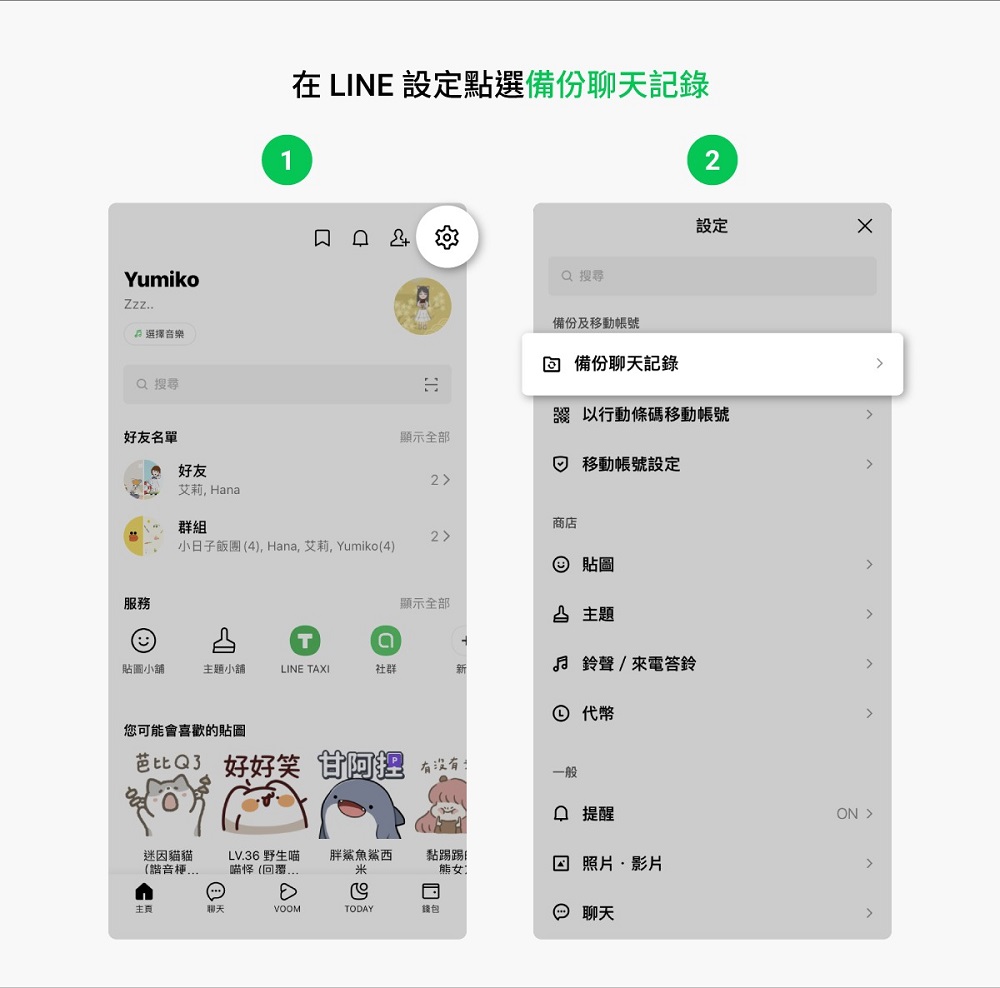
Then click “Create Backup Activation Code and Backup Chat History” and set a 6-digit backup activation code.
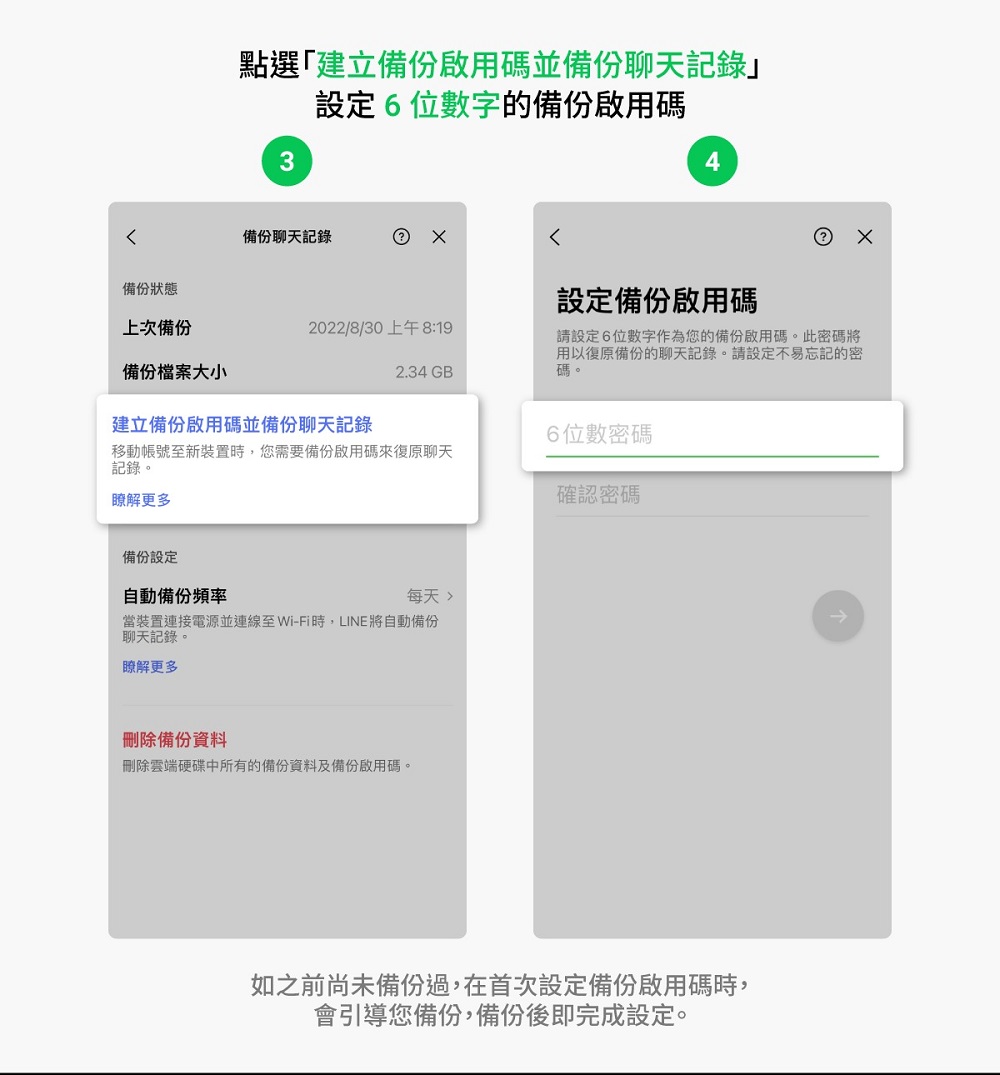
Of course, if the existing device can still be used, if the 6-digit “backup activation code” is accidentally forgotten after setting, the user can still reset it by himself. However, it should be noted that once the backup activation code is set, it cannot be canceled.
And if you enter the backup activation code incorrectly for 10 times on the new device, you will not be able to restore the chat history through the backup activation code, nor can you contact LINE customer service for assistance in resetting it. Therefore, if there is no backup completed chat history in the account, or the old device before the move is no longer operational, there is no way to move the chat history to the new device.
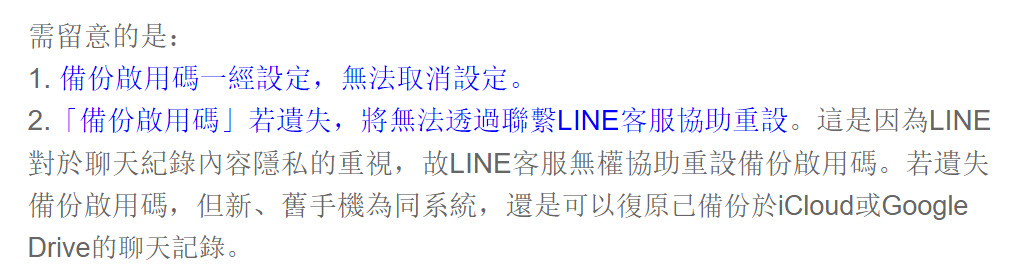
However, if you lose the backup activation code, but the new and old phones have the same system, you can still restore chat history that has been backed up in iCloud or Google Drive.

Judging from LINE’s official description, the biggest use of the “backup activation code” is to restore the chat history of the last 14 days on a new phone when the existing device is no longer in hand. Otherwise, when using the “Move Account with Mobile Barcode” function across systems, you can still move part of the chat history, but LINE’s “backup activation code” Although it is more convenient to restore chat history by entering a password, the official reminds you that once the backup activation code is set, it cannot be cancelled. If the “backup activation code” is lost, it will not be reset by contacting LINE customer service. Therefore, those who have set a backup activation code should still save the backup activation code carefully.
LINE “Backup Activation Code” official explanation page
Source: KOCPC Chinese