


Recently, xAI has made Grok Voice Mode free for all iOS users, so you can experience the Voice Mode service even without a paid subscription. In addition, regular users can now also use Grok’s DeepSearch and image generation features. If you’re interested in knowing which Grok services you can use without spending money, keep reading~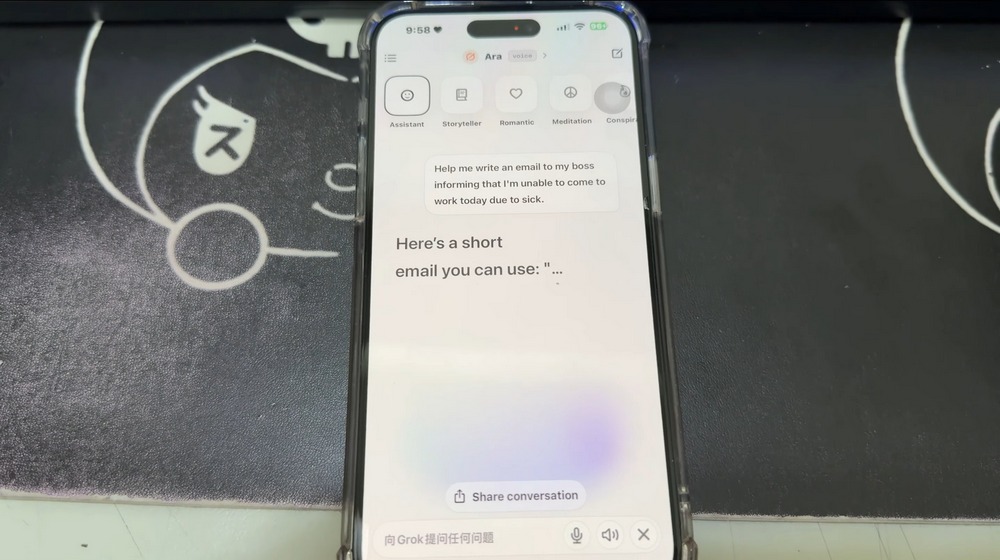
xAI has opened Grok Voice Mode to iOS users for free! Now you can experience AI voice chat, image generation, and more features.
Recently, xAI suddenly made many services free for all iOS users. iOS users can now simply download and log into the Grok app to experience Grok DeepSearch, image generation, and Voice Mode features. I wonder which of these three features everyone is most excited about? Today I’ll mainly introduce and share Grok Voice Mode, and later I’ll also touch on image generation and Grok DeepSearch.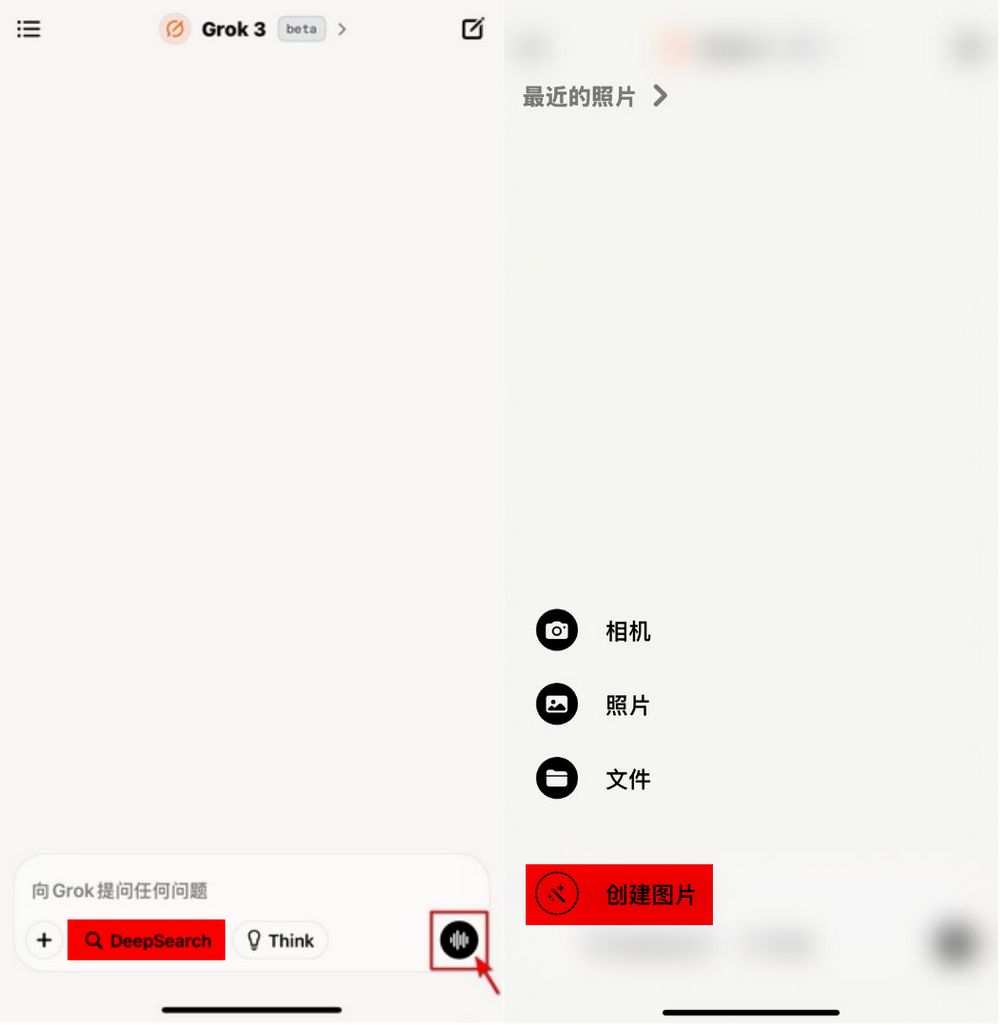
Go to the App Store to download Grok for mobile.
Friends who want to try Grok Voice Mode, please download the Grok app. After downloading, log in to your X account, and you’ll see this screen. Click the logo at the bottom right to start Grok Voice Mode.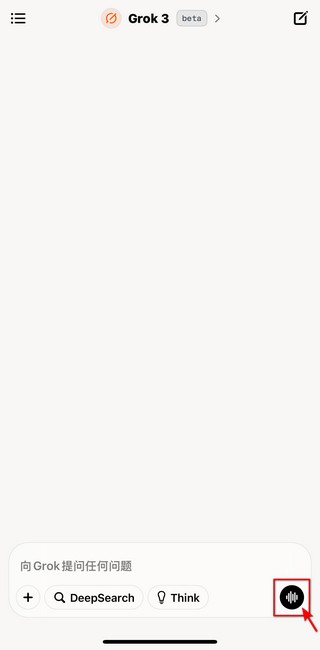
Before starting to experience it, everyone should know that Grok Voice Mode is different from the voice modes of other AI chatbots. Grok Voice Mode offers 11 choices: Assistant, Storyteller, Romantic, Meditation, Conspiracy, Not a Therapist, Not a Doctor, Unhinged (18+), Sexy (18+), Motivation (18+), and Argumentative (18+). You can choose the Voice Mode you want to use based on your needs. Currently, Grok only supports English and cannot understand any other languages.
The editor tested Assistant’s Voice Mode, which can tell stories, help draft emails, offer emotional support, and serve as an outlet for your feelings. It can also answer questions and brainstorm with you, but since the editor’s English isn’t great, I couldn’t really do these things in English. Still, if you’re interested, feel free to test it out yourself and see what else Voice Mode can do.
In addition to Voice Mode, regular iOS users can now also use Grok’s DeepSearch and image generation features, and both of these support Chinese!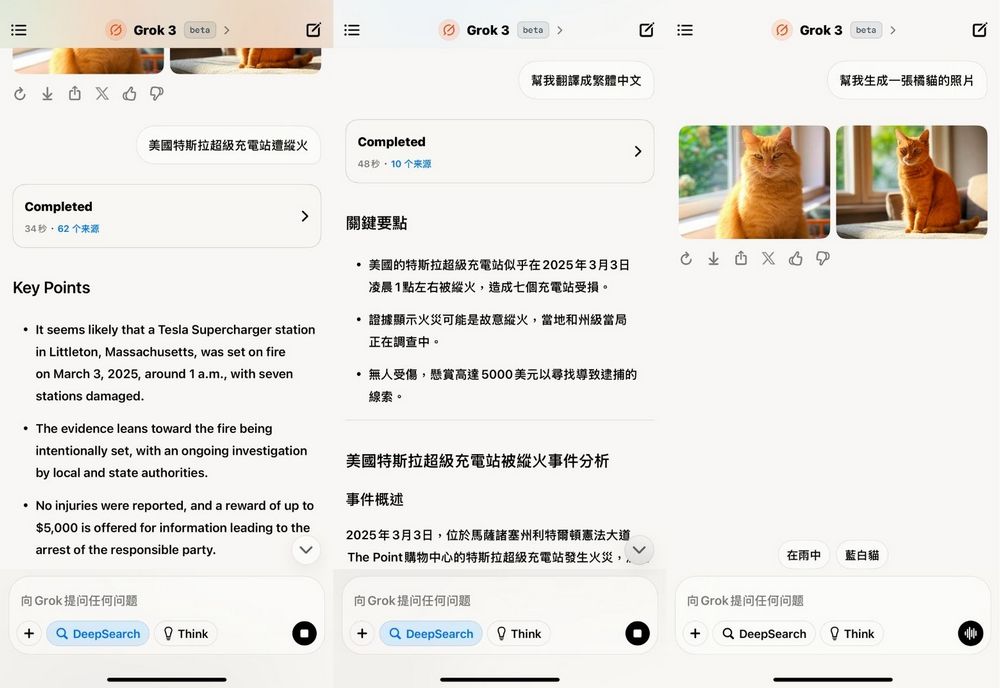
Source: KOCPC Chinese