


There are many AI image generation tools on the internet, but most of them can generate multiple types. If you want to generate cartoon images, the AI Cartoon Generator introduced in this article is definitely the top choice. Designed specifically for AI cartoon images, it comes with multiple preset art styles, including Disney style, Pixar 3D, Japanese anime, American comic style, cyberpunk, retro pixel, and more, allowing you to quickly generate the images you want.
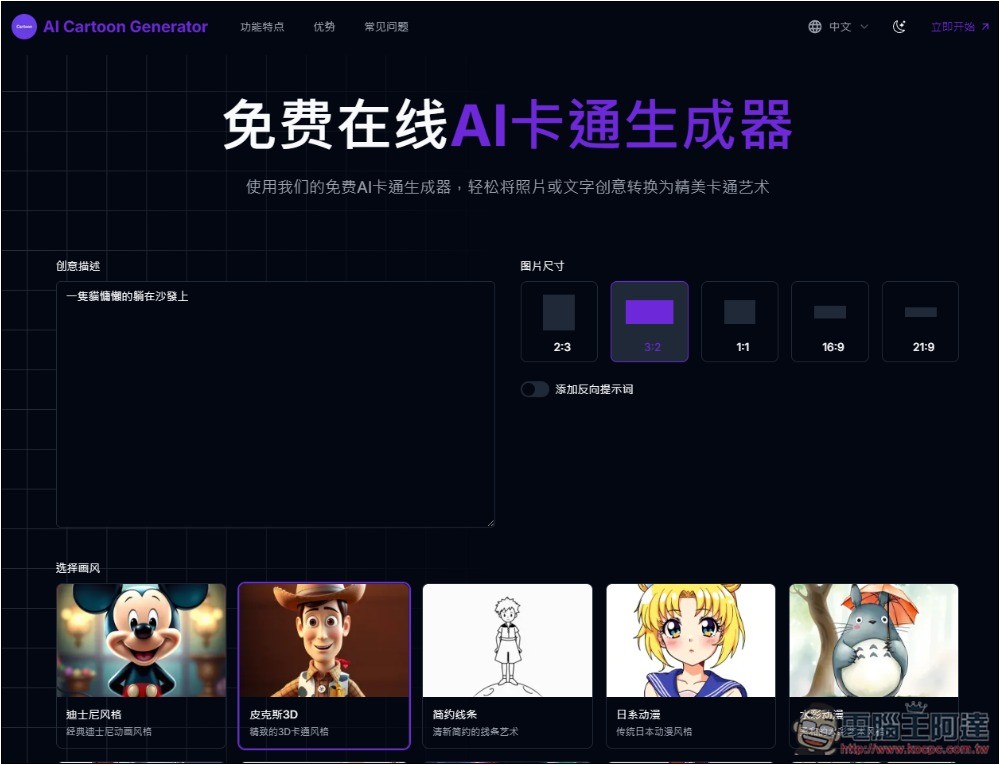
AI Cartoon Generator: Introduction and Tutorial for the Free AI Cartoon Image Generator
The official description for AI Cartoon Generator is a bit odd—it’s all about analyzing user images and converting them into a cartoon style, but it doesn’t actually offer that feature, only AI image generation. So I’m guessing it’s just using a template and the page hasn’t been fully updated yet.
In any case, at least the AI image generation feature works fine in my testing, and the quality is decent. However, it’s unclear what model the underlying AI uses.
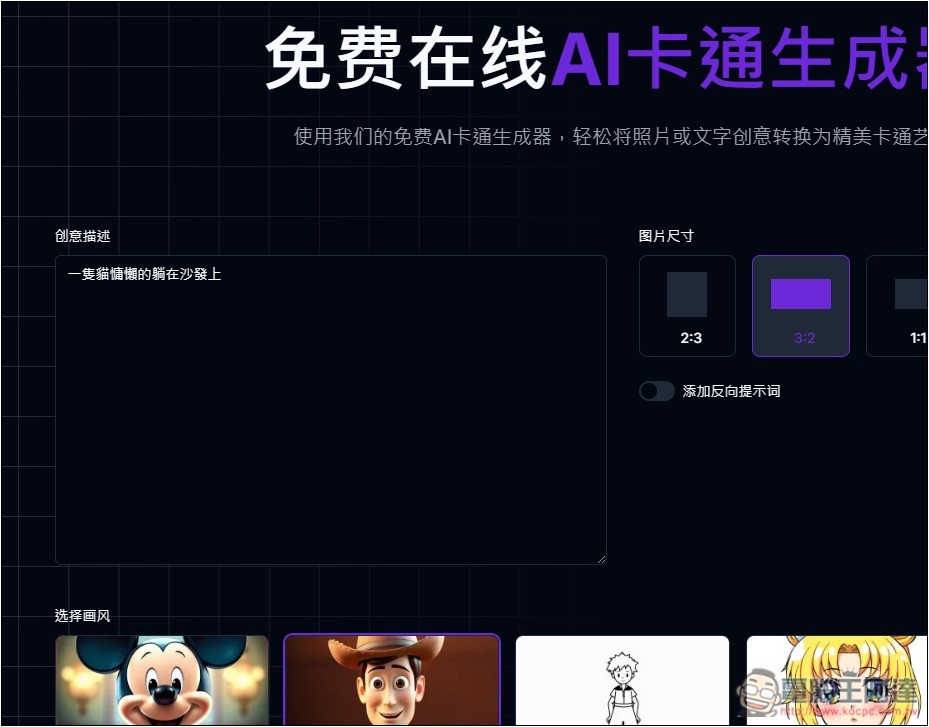
AI Cartoon Generator supports multiple languages, including Simplified Chinese. After clicking the link above to enter the website, enter your image description in the field on the left. On the right, you can select the image size, with options of 2:3, 3:2, 1:1, 16:9, and 21:9. The art style options are located below.
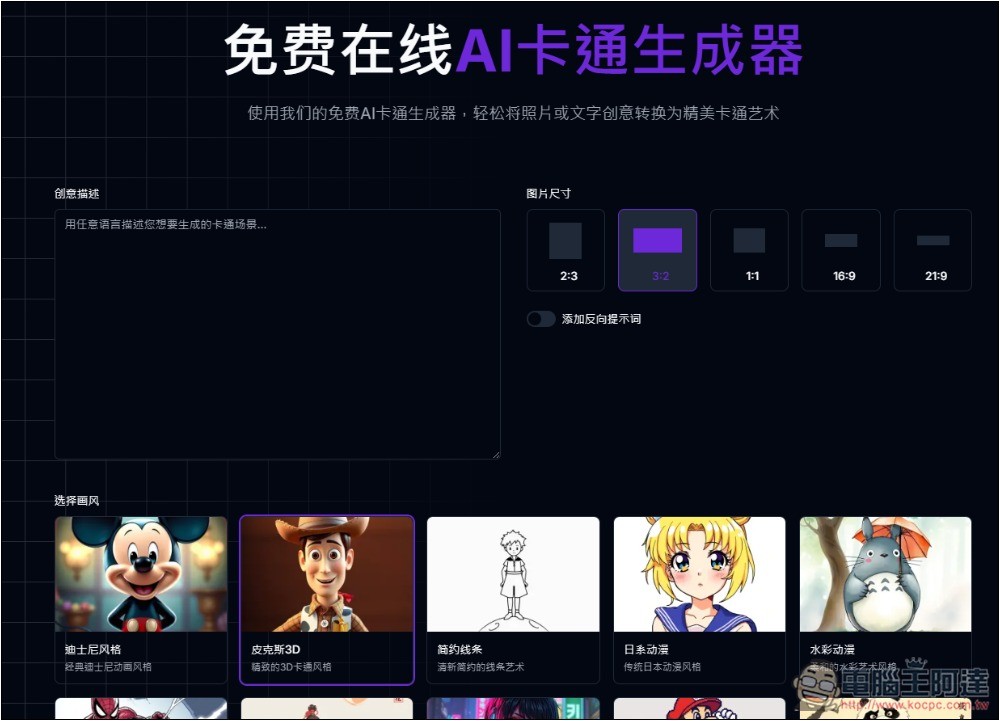
It also provides a negative prompt function, which those who need it can turn on:
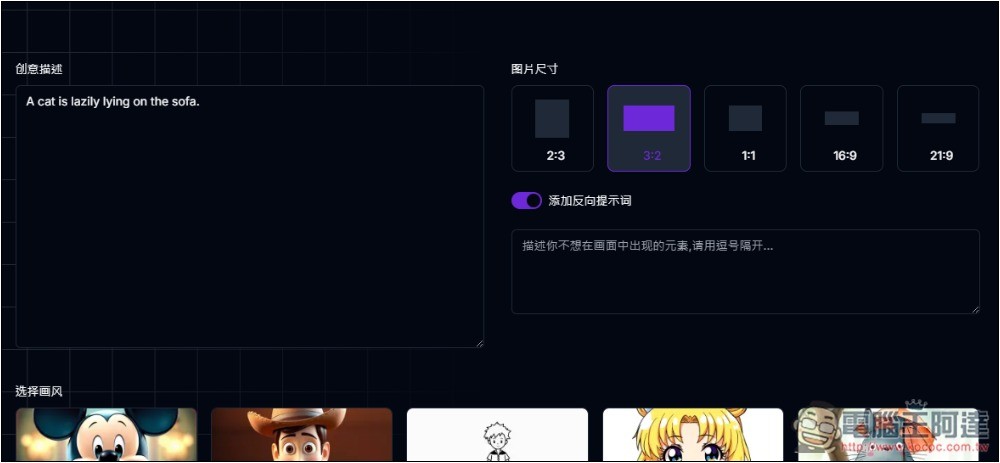
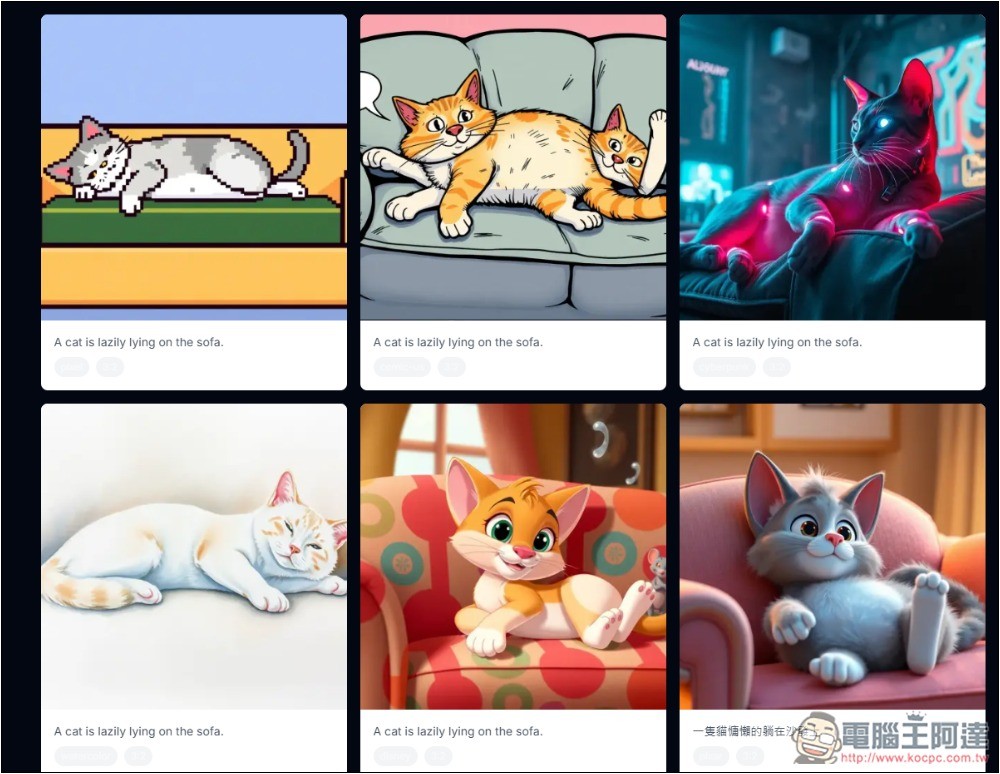
There are currently 10 art styles for images, including Disney style, Pixar 3D, minimalist lines, Japanese anime, watercolor anime, American comics style, Chinese comics style, cyberpunk, retro pixel, and ink wash Chinese style. Based on these descriptions, you can basically guess that the developer is probably from China.
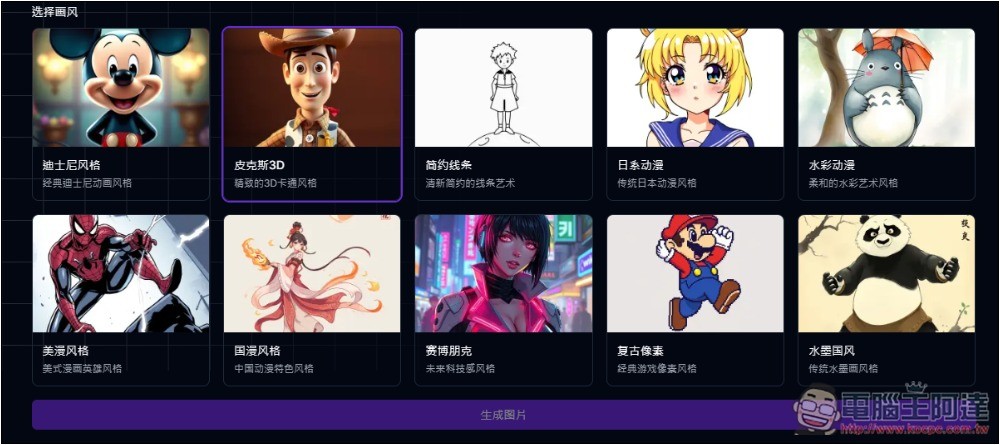
You can enter Chinese in the description field, but English works better; in my tests, English accuracy is sometimes higher. Once everything is set, click the generate image button below to start generating. It only takes 3~10 seconds, so you won’t have to wait long:
Then the result will be displayed below. I entered “a cat lazily lying on the sofa,” chose the Pixar 3D style, and the generated image was a bit weird—it turned into two cats merged together. So I changed it to English “A cat is lazily lying on the sofa,” and the image became normal, with only one cat. But the first one still had a problem—it only had three horns. I generated it again, and it was fine:
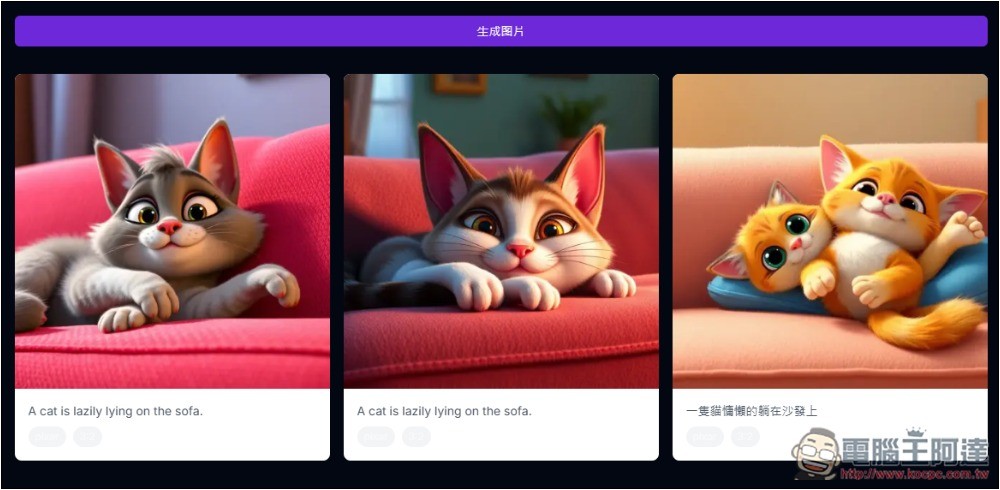
This tool is completely free right now, so if the images you generate turn out a bit off like mine did, just try generating a few more times.
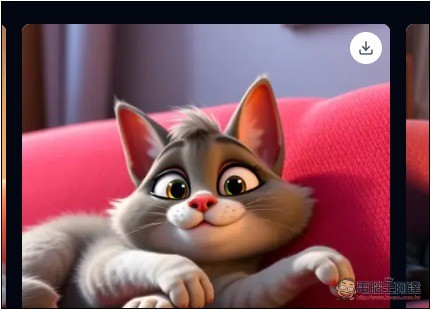
If there is an image you like, hover the mouse over it and a download icon will appear in the top right corner; click it to download:
If you don’t know which art style to choose, you can also generate all styles at once—it’s fast and there are no limits anyway.
As for whether it will charge in the future? That’s still unknown, because the webpage description is currently all wrong, so I’m not sure whether the part that says “with a premium plan, you will get full commercial usage rights to the cartoons you generate, while free users only get personal usage rights” is correct or not.
Right now there’s no paid version or free personal version, and there’s no registration feature or pricing plan information either, but you should be prepared for that.
Source: KOCPC Chinese