


More or less in life, you will encounter situations where you need to convert formats. If you only use it occasionally and the files are not that important, then you can use an online tool. This article will recommend an “ALL TO ALL” online tool that supports up to 200 formats, ranging from documents, videos, sounds, to e-book formats. The conversion speed is quite fast, and it even provides a one-click memorization function. The results in my test are also very good.
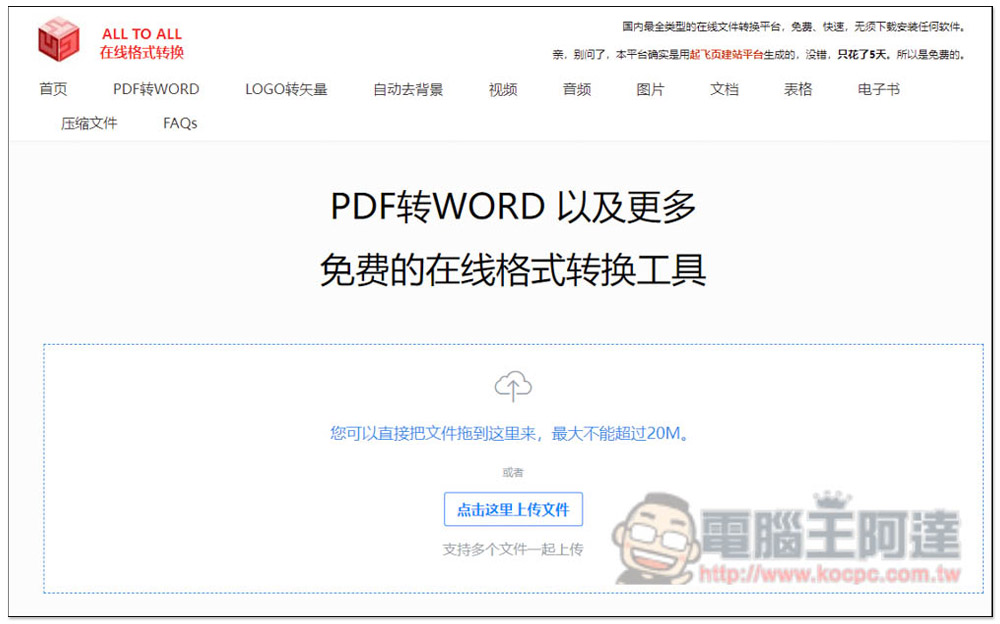
ALL TO ALL online format conversion, supports about 200 format conversions, and also has a one-click memorization function
ALL TO ALL is an online format conversion tool developed in China. It is billed as the most comprehensive format conversion platform and supports the conversion of more than 200 file formats, including multimedia files such as videos, music, pictures, fonts, as well as common Office files, PDFs and e-books.
After entering, you can drag in the format you want to convert. The maximum size of a single file cannot exceed 20MB (but it says below that it supports files up to 10MB, not sure which one is accurate). There is also a category of conversion tools at the top, but I recommend just dragging the file directly to the frame on the homepage. It will automatically detect and display the formats that can be converted, so you don’t need to find any conversion tools yourself:
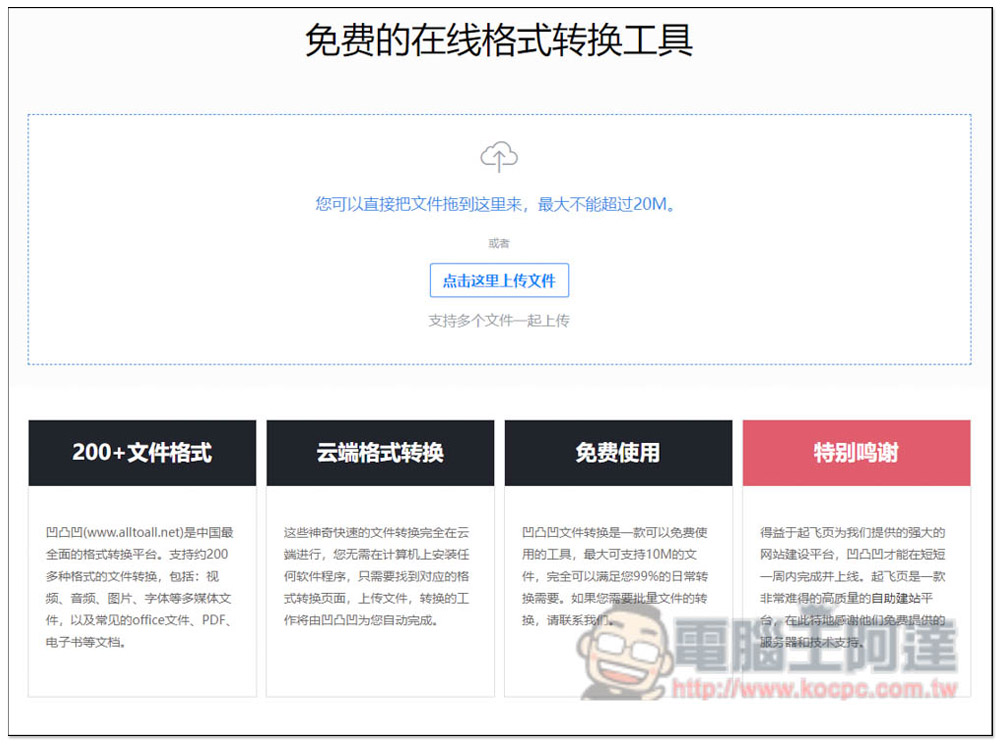
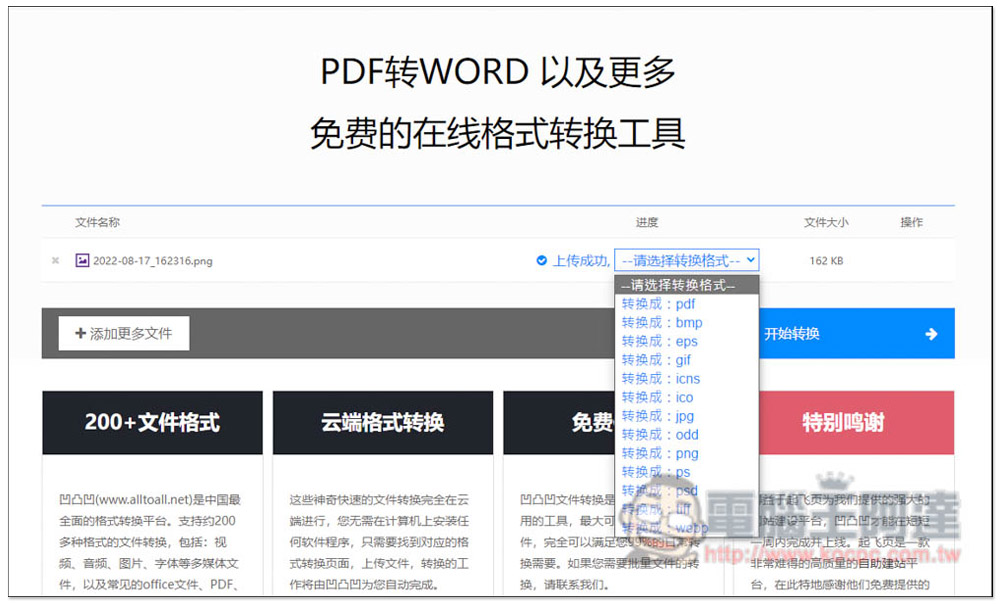
After I upload a PNG image, there are options on the right to select the format to be converted. PDF supports conversion to PDF, bmp, epb, gif, ico, jpg, odd, psd and other formats:
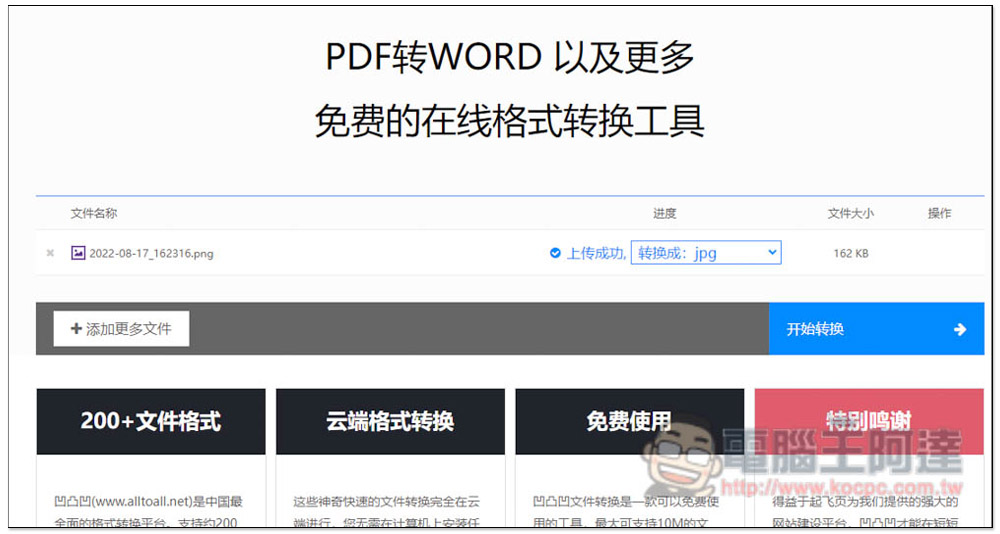
After selecting, click “Start Conversion”:
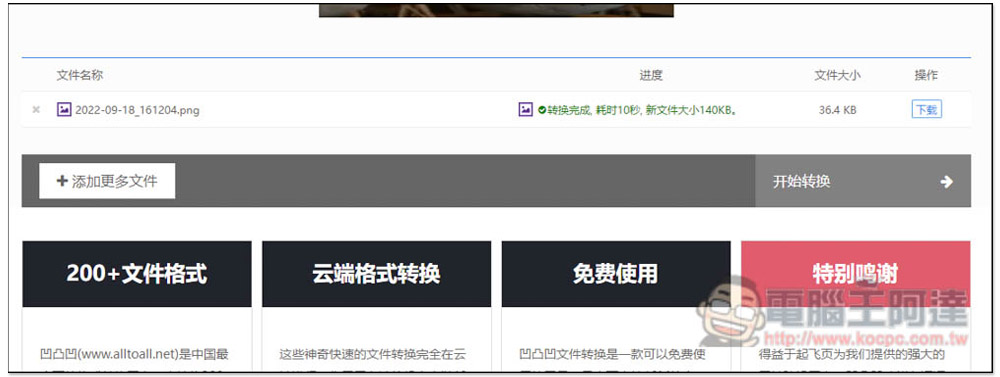
If you just convert pictures to pictures, the conversion speed is very fast, and you can see the download point in a few seconds:
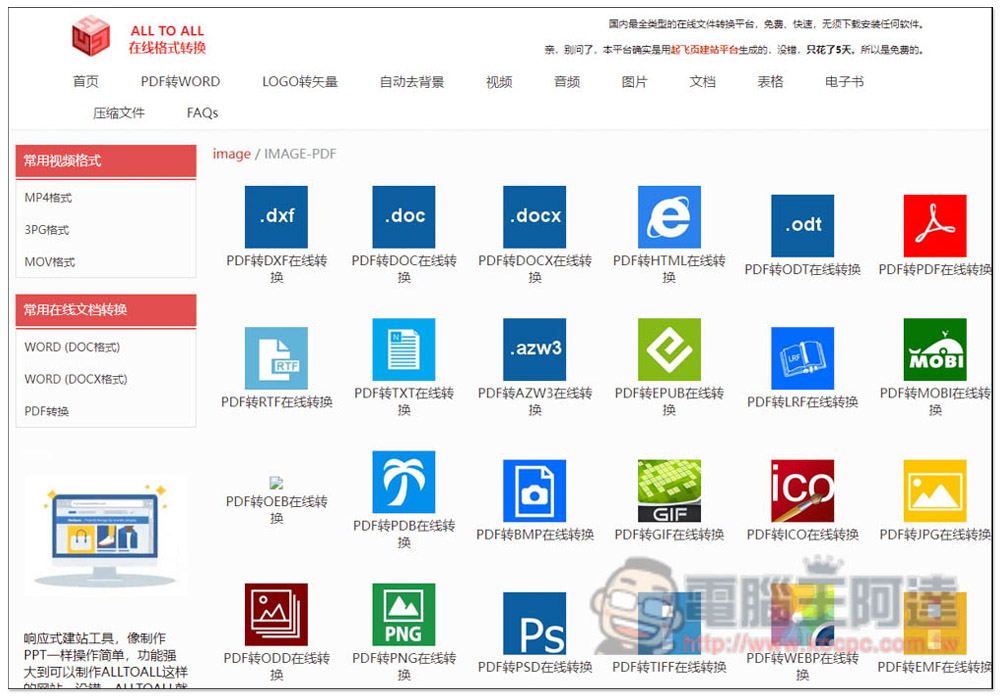
I have suggested before that you directly use the automatic detection and conversion function on the homepage. The main reason is that this website supports too many formats, and it will be confusing to enter the categories, making it difficult to find the conversion tool you want to use. For example, when you enter the PDF to WORD page, you can find PDF to DXF, PDF to ODC, PDF to DOCX, PDF to HTML, PDF to ODT, etc., especially PDF to PDF? :
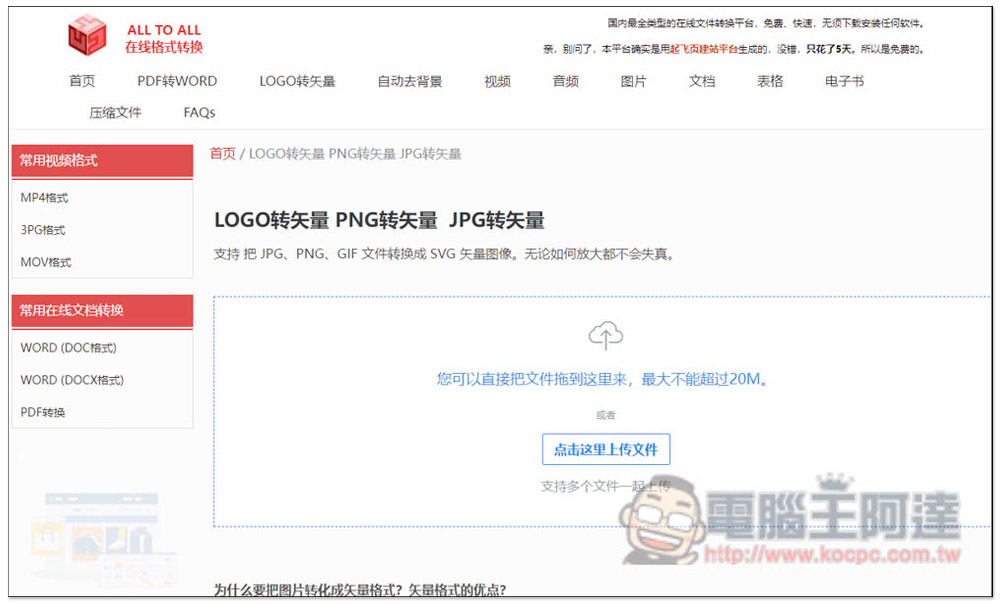
A LOGO rotation (vector image) tool is also provided. Although it is claimed that there will be no distortion no matter how much it is enlarged, this is unlikely:
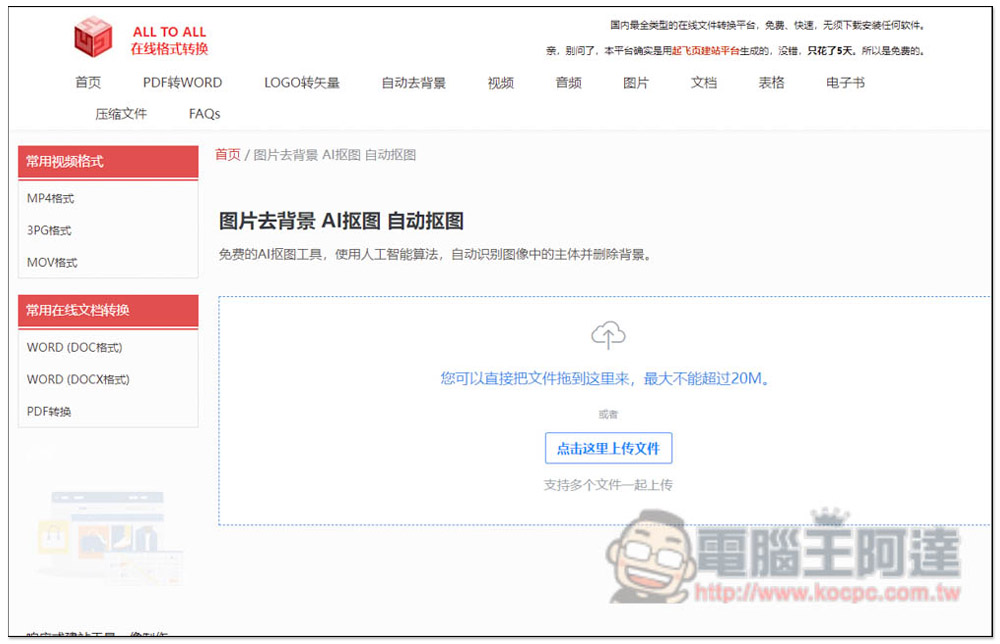
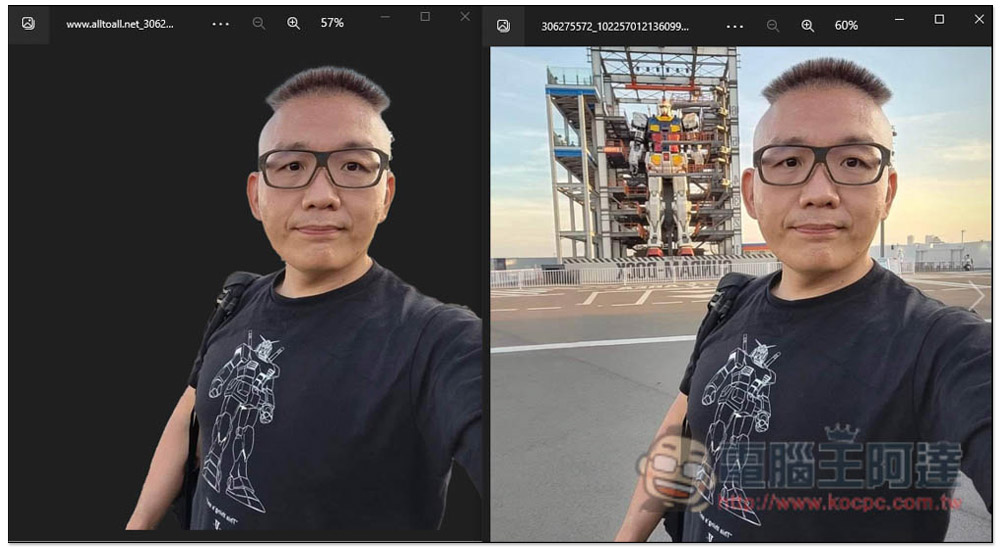
When you need to use pictures to remove the background, you can also use the “automatic background removal” function of this website. The effect is very good, and you don’t need to operate anything. After uploading the image, it will automatically remove the background and provide a download point for removing the background image:
This is my test photo, and I have to say it is really great. The background is very clean, even the bag strap on the right shoulder is retained, and the hair is also processed. I didn’t expect that such a complex background could be detected so accurately. Now the online memorization function is really powerful:
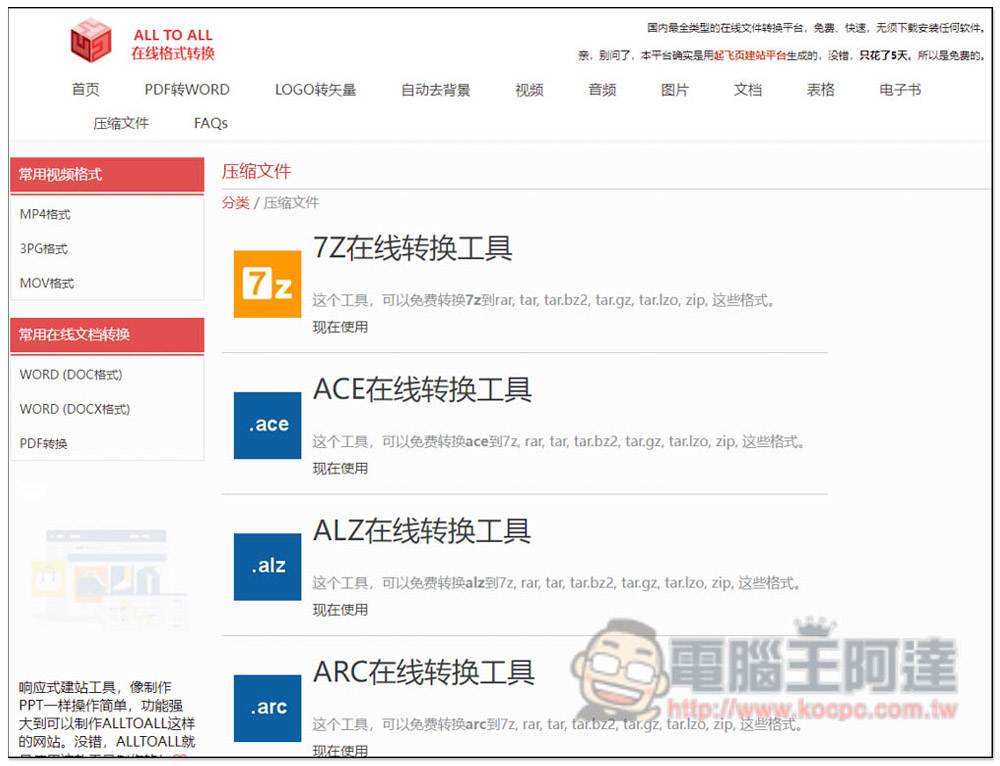
There is also a very special “compressed file” conversion function, which can convert compressed files, such as: 7z into rar, tar, zip and other formats:
Finally, I would like to remind you that if the file you want to convert is an important company or school document, it is not recommended to use such online tools, because after all, the file needs to be uploaded to the website server, and there are some risks, even if it is advertised as safe.
Source: KOCPC Chinese