


Recently, the iOS 16 system has been officially opened for updates. I believe many iPhone users can’t wait to upgrade to iOS 16 to experience the new interface and functions, right? This time in iOS 16, the much-anticipated “battery percentage” display returns. However, it has been previously reported that several iPhone models still cannot support this feature after updating to the iOS 16 system. But the latest news points out that it will also be available in the subsequent iOS 16.1 update!
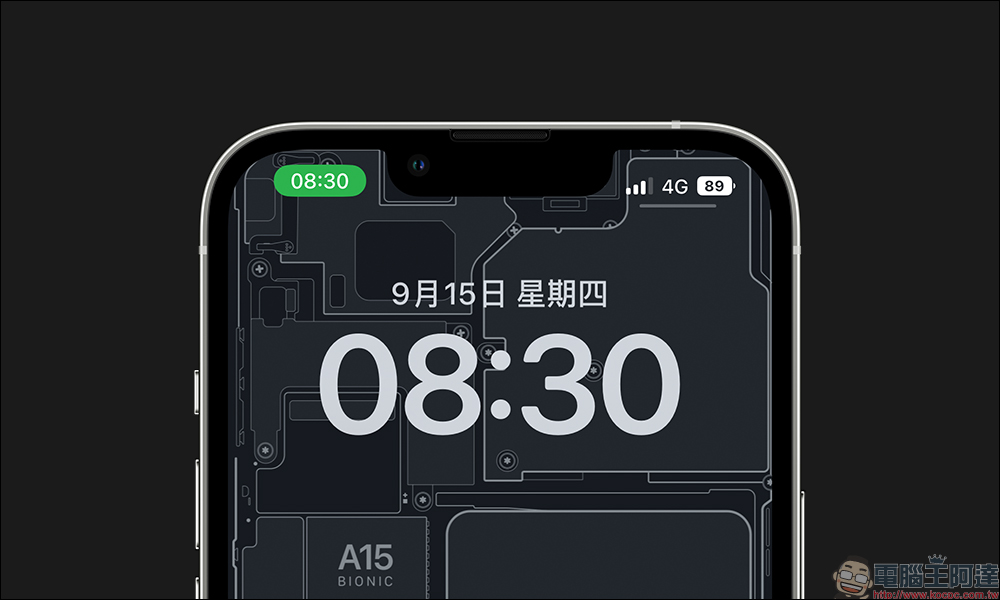
iOS 16.1 will also add a “battery percentage” display to the status bar of these 4 older iPhone models
Apple released the official iOS 16 update in the early morning of the 13th. All iPhone users using newer models such as iPhone 8 and iPhone SE (2nd generation) can update. Which iPhones can be upgraded to iOS 16?
- iPhone 14 series (iPhone 14, iPhone 14 Plus, iPhone 14 Pro, iPhone 14 Pro Max)
- iPhone 13 series (iPhone 13, iPhone 13 mini, iPhone 13 Pro, iPhone 13 Pro Max)
- iPhone 12 series (iPhone 12, iPhone 12 mini, iPhone 12 Pro, iPhone 12 Pro Max)
- iPhone 11 series (iPhone 11, iPhone 11 Pro, iPhone 11 Pro Max)
- iPhone XS series (iPhone XS, iPhone XS Max)
- iPhone XR
- iPhone X
- iPhone 8 series (iPhone 8, iPhone 8 Plus)
- iPhone SE series (2nd generation or later)
Since the release of iOS 16, users at home and abroad have reported feedback. Many people believe that battery life has been significantly improved after updating to iOS 16. In addition to interface optimization, iOS 16 has many new features added or returned. Among them, the “battery percentage” function that can directly display the remaining battery power in the notification bar is also back.
However, in iOS 16, not all iPhones can fully use the “battery percentage” function of iOS 16. Among them, iPhone XR, iPhone 11, iPhone 12 mini and iPhone 13 mini cannot use this function, and these iPhones happen to use LCD screens or 5.4-inch small-size iPhones. So this is only “temporary” because according to the foreign media MacRumors forum and multiple Twitter posts, iPhone XR, iPhone 11, iPhone 12 mini and iPhone 13 mini will also support the “battery percentage” function after the subsequent iOS 16.1 update.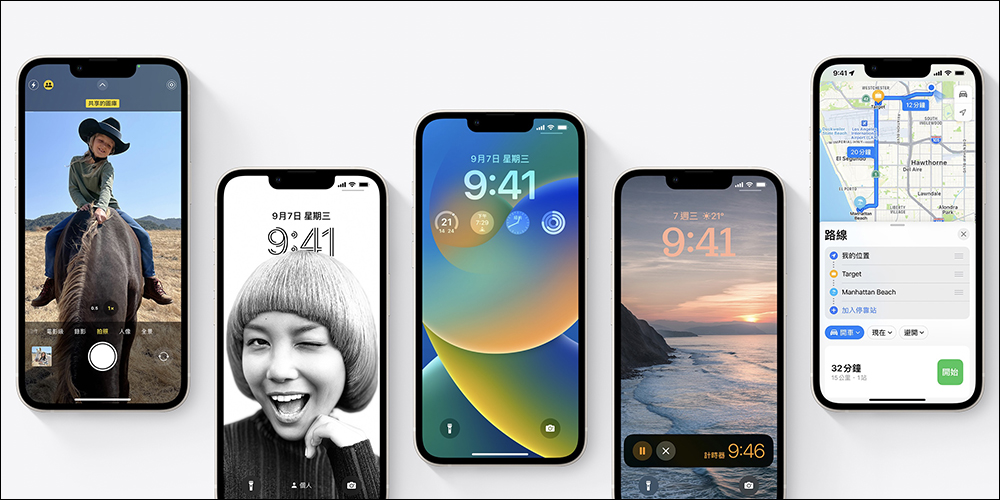
▲Picture source:Apple
How to turn on the “Battery Percentage” function?
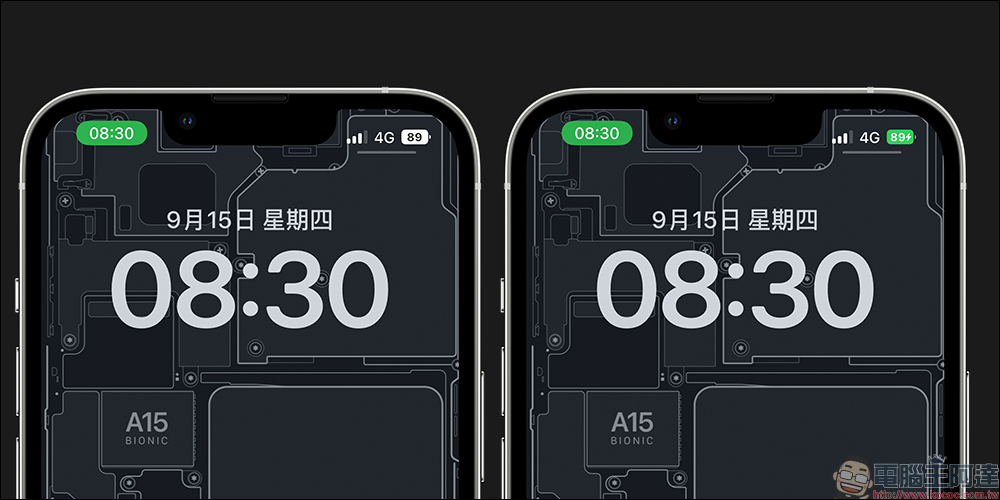
After updating to the iOS 16 system, the battery percentage function will not be turned on automatically. Users need to manually go to settings to turn on the function before it can be displayed. How do I enable this feature? First, go to “Battery” in the system “Settings”, then you will see the “Battery Percentage” function, just turn it on!
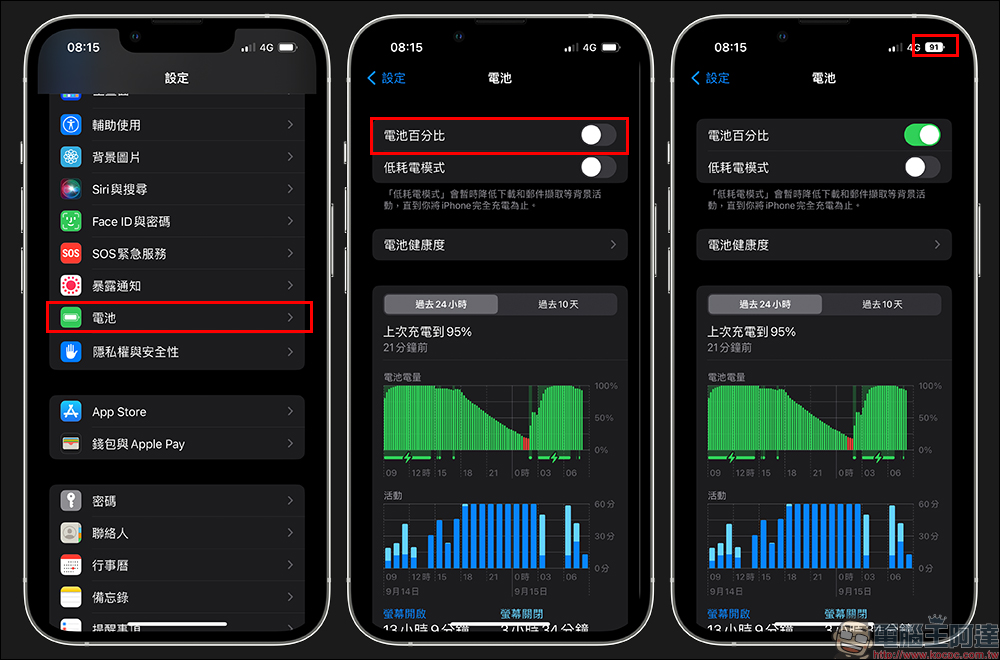
Since the iPhone However, after the “battery percentage” function returns after the iOS 16 update, users will be able to check the battery level directly in the status bar, and it will be displayed in the battery icon. If the “Battery Percentage” function is not turned on, in addition to opening the control center, you can only check the approximate remaining power through the battery icon.
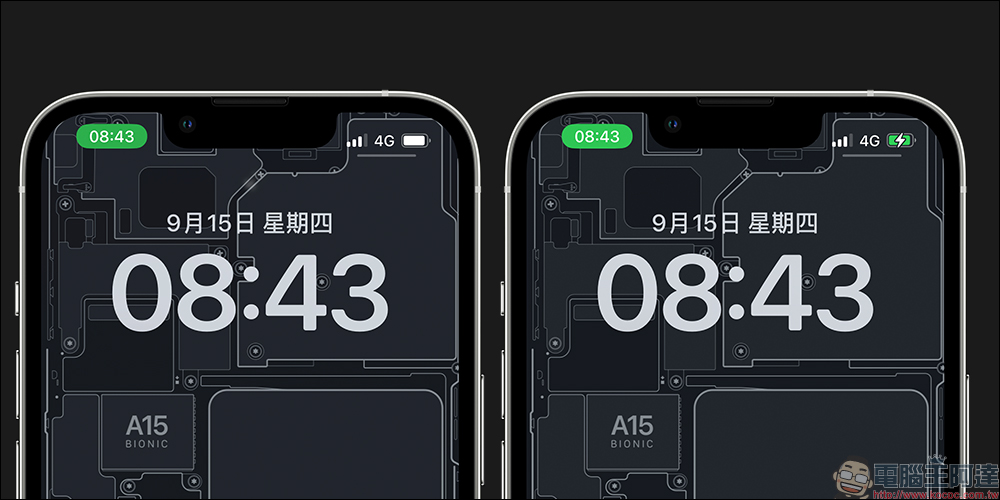
However, after turning on the “battery percentage” function, users can see the current remaining power through the battery icon in the status bar, whether during daily use or charging.
Further reading:
iPhone 14 Pro series AnTuTu performance benchmarks are out! A16 bionic chip, really fragrant
Source: KOCPC Chinese