


Do you have watermarks on your images or documents and want to remove them, but don’t know how? LightPDF, the free online PDF tool we introduced before, has recently launched a brand-new “free online AI image watermark remover” feature. It’s very easy to use—no professional image editing skills needed—and you can quickly and cleanly remove watermarks from your images. The author tested it and found the results to be quite impressive! Let’s take a look at how to use it!
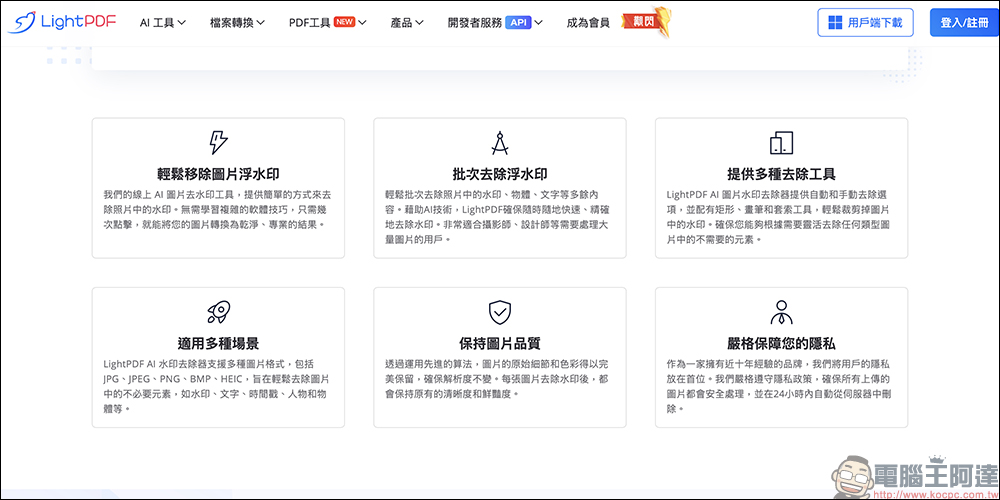
LightPDF’s new “Free Online AI Image Watermark Remover” tool: one-click easy removal of image watermarks, and the real-world test results are amazing!
This free online AI image watermark remover from LightPDF lets users quickly and easily remove watermarks from images—no software installation needed, and no need to learn professional tools like Photoshop. In just a few steps, the AI automatically cleans up watermarks and restores clean, professional-looking images. Whether you’re a photographer, designer, or everyday user, you can enjoy a highly efficient and convenient image processing experience.
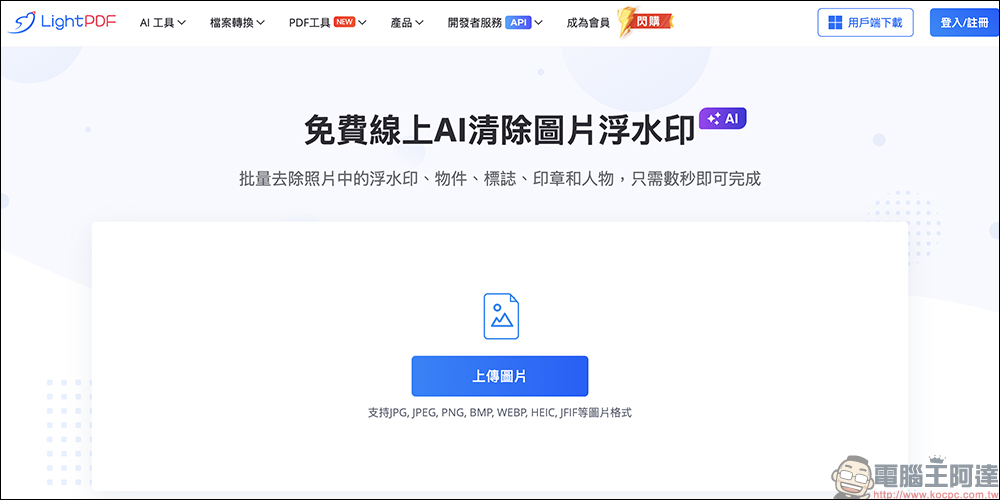
LightPDF uses AI-driven automatic watermark removal technology that accurately identifies and eliminates watermarks, text, dates, people, and other unwanted objects from images, ensuring a natural, seamless result. With just a few clicks, you can quickly complete watermark removal, saving tedious editing steps and giving your images a fresh new look.
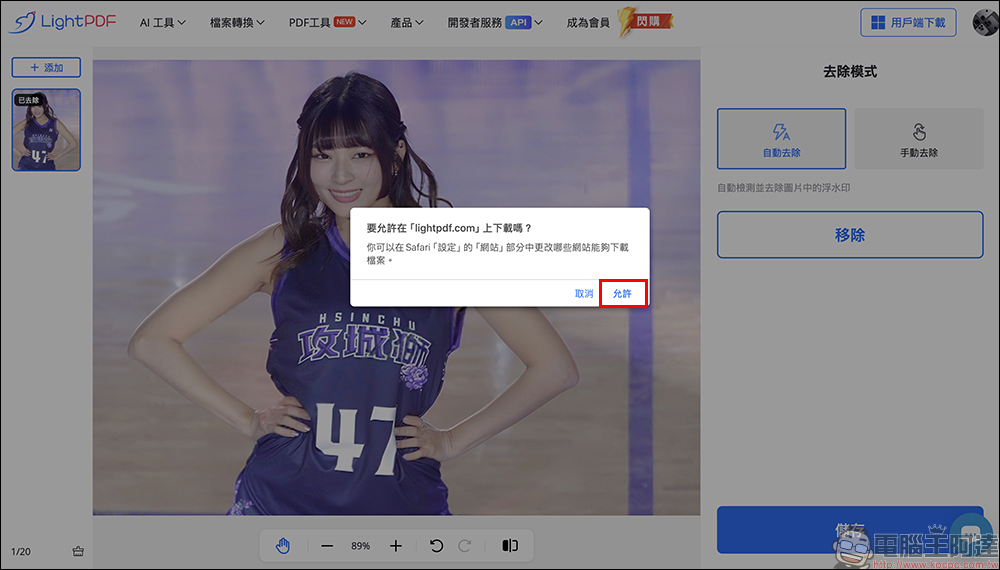
To give users a more flexible editing experience, LightPDF offers two watermark removal functions: “Auto Remove” and “Manual Remove.” You can use manual removal as needed, with rectangle, brush, and lasso tools to freely select the watermark area, precisely removing unwanted elements and ensuring image integrity. However, in real-world testing, using “Auto Remove” is generally sufficient to successfully remove most image watermarks.

To download images to your device, you must first log in to your account. You can choose to use a Google account for quick login. While logged in, tap “Save” to download the image to your device.
Unlike traditional watermark removal methods, LightPDF uses advanced AI algorithms to remove watermarks while preserving the original details, colors, and resolution of the image, avoiding issues like blurring or distortion and ensuring the watermarked image remains sharp and natural. Whether for commercial design, presentations, or personal collections, it delivers high-quality visual results.

Whether you need to process a single image or handle bulk image processing, LightPDF has you covered. It supports batch watermark removal. Whether you’re an e-commerce seller processing product images, or a designer or photographer optimizing your work, AI can efficiently remove unwanted elements, saving you significant time and boosting productivity.
In terms of privacy and security, LightPDF states that as a brand with nearly a decade of experience, it places great importance on user privacy and data security. All uploaded images are strictly protected and automatically deleted within 24 hours, ensuring that users’ images will not be saved or leaked, so you can use it with confidence.
Conclusion
LightPDF’s free online AI image watermark remover makes removing watermarks simpler and more efficient. Whether processing a single image or removing watermarks in batches, it can be done easily, and it supports multiple formats and removal methods, ensuring image quality is not affected. Best of all, it’s completely free! Whether you’re a professional or a regular user, try LightPDF’s free online AI image watermark remover now and experience the convenience of seamless watermark removal!
LightPDF Free Online AI Image Watermark Remover:
https://lightpdf.com/tw/image-watermark-remover
Further Reading:
Foreign media list over a dozen ways the Samsung Galaxy S25 Ultra “pays tribute” to the iPhone

Source: KOCPC Chinese