


Nowadays there are more and more video generation tools, making them increasingly competitive. As you can see, not only has the quality of video generation features improved, but users also have access to more and more special effects when generating videos, such as the previously introduced Pika’s Pikaffects andPikadditions Special effects—and today we’re introducing PixVerse’s special effects. As an AI video creation platform, PixVerse not only excels at basic video generation, but also offers a wide range of effects. Recently, PixVerse launched a new effect called Anything, Robot. Whether it’s a person, an animal, or a car, just one photo can turn it into a robot. If you’re interested, check out how PixVerse’s latest effect performs!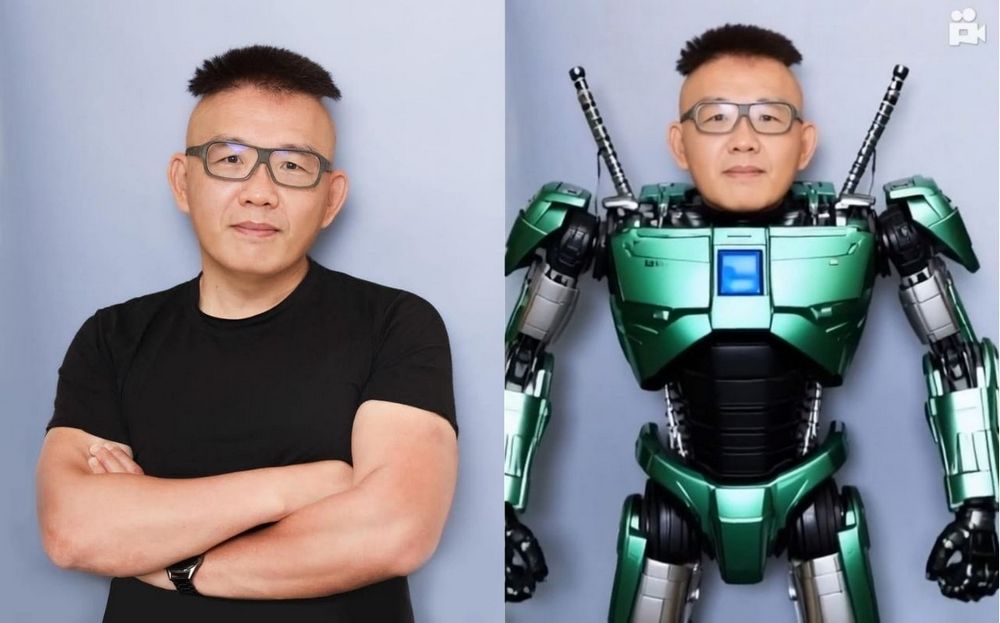
AI video creation platform PixVerse has launched several new effects, including Anything, Robot, and Squid Game, letting you transform from just one photo.
Just last November, we introduced AI video creation platform PixVerseBesides the basic text-to-image and image-to-video generation features, PixVerse also offers many fun effects for creators to use. In previous introductions, we already shared PixVerse’s Venom transformation and Zombie effects. Recently, PixVerse has launched new effects like “Anything, Robot,” Squid Game, Hulk, and more. Today, the editor tested several of these new effects—if you’re interested, keep reading!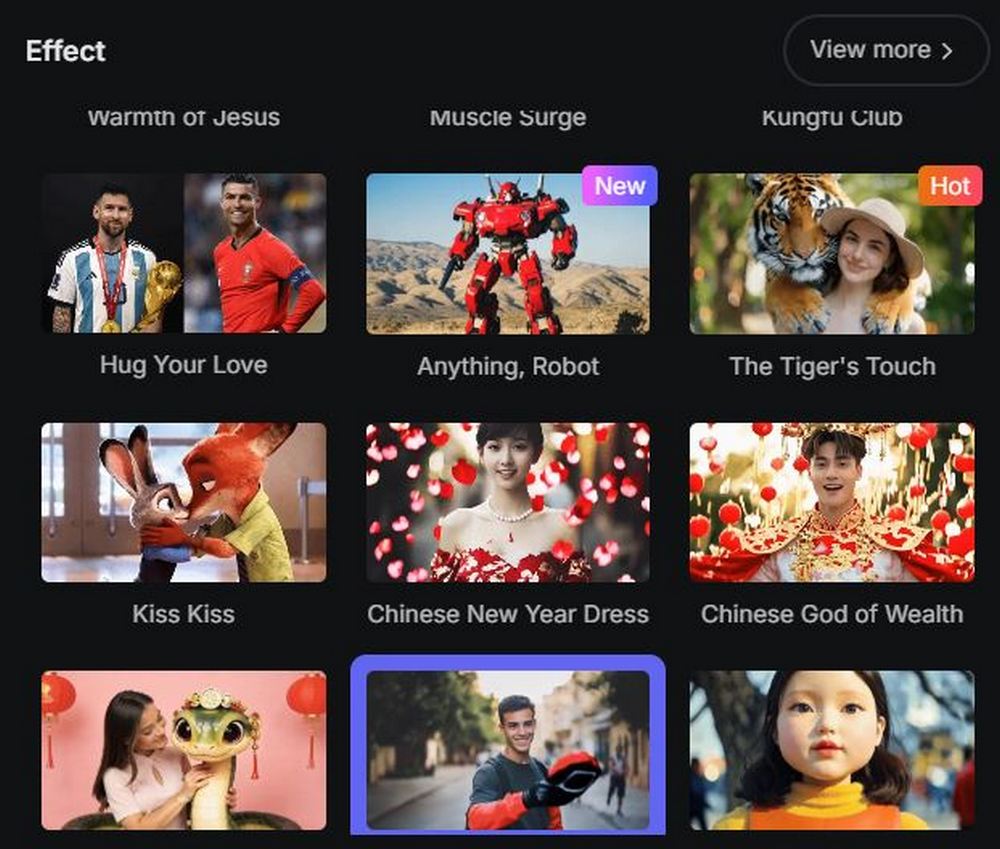
Head to PixVerse to experience the new effects.
Before everyone starts experiencing PixVerse’s new effects, the editor would like to remind you that PixVerse currently provides 90 points per day, and each generation costs 30 points, so you can generate at most three videos a day. If you have many Gmail accounts, of course you can switch accounts and try many times, but if you only have one account to use, before using PixVerse’s new effects, you can first look at the examples below, and then decide which effect to use your three chances on.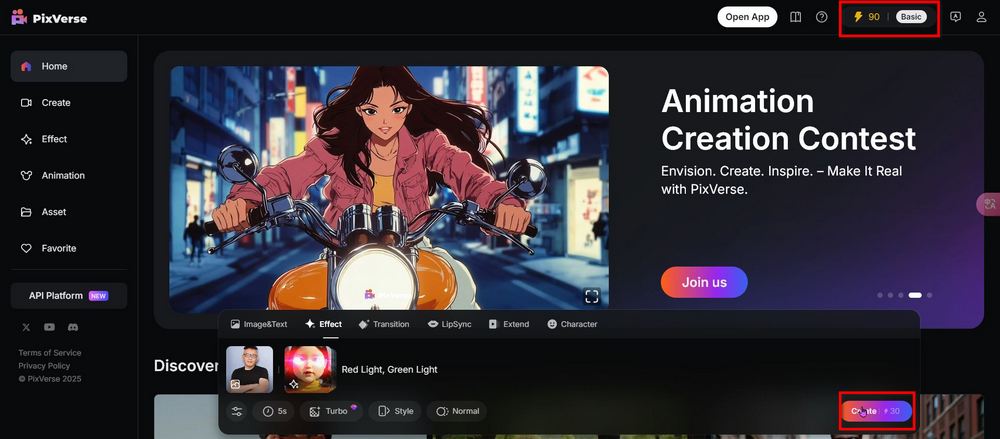
After clicking the link above to go to PixVerse, you’ll need to log in. Once logged in, you can start using PixVerse’s effects features. Click the Effect option on the operation panel. Place an image or video on the left, and select the PixVerse effect you want to use on the right. After making your selections, you can either click Create directly, or enter an optimized prompt yourself and then click Create to generate the video.
Here are videos our editor created using various PixVerse effects, all using the original prompts provided by PixVerse, with no extra prompts added:
I wonder which effect everyone likes most from PixVerse after seeing the examples above? If you like any, you can head to the PixVerse official website to try out the new effects yourself, but remember there are only 3 free generation chances per day! If you’re interested, you can also click the link below to go to the previous AI video creation platform PixVerse to learn about the basic text/image to video generation features:
Source: KOCPC Chinese