


Artificial intelligence assistants such as ChatGPT and Gemini can already handle long-form content, answer daily questions, and even explain complex concepts in human-like language. However, once they are asked to perform specific actions within an application, especially on smartphones, these new generations of AI are still limited in their ability to truly take over the task.
At this year’s Google I/O, Google showed off Gemini as a prototype of a “real smart assistant” that doesn’t just answer questions, but can complete actual operations across applications for you. It looks like science fiction from the outside, but the basic engineering behind it is extremely critical. Google is using the new AppFunctions framework to create an underlying system for Android that allows AI (not limited to Gemini) to directly coordinate applications.
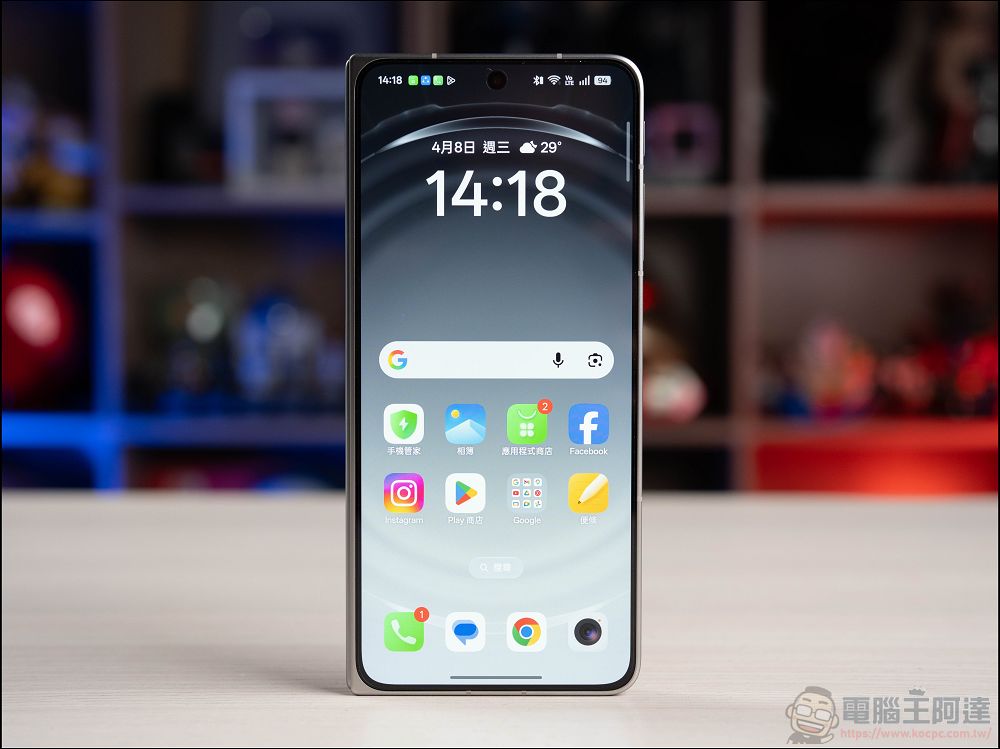
How Google is quietly changing the way you use your Android phone?
What are AppFunctions?
As the name suggests, AppFunctions is a framework that allows applications to “expose” internal functions to AI. Humans operate mobile phones through screens, buttons, and menus, but AI does not rely on visual interfaces. If the application does not actively open functions, AI can only rely on screen recognition to guess the button location, like a “blind man touching an elephant.”
The purpose of AppFunctions is to allow applications to provide a standardized interface so that AI can directly call its functions. For example:
- Uber lets AI book cars directly instead of asking it to find buttons on the screen
- Amazon lets AI query your frequently purchased items and automatically place orders
- Any app can let AI do its thing in the background without you staring at the screen while it clicks slowly
This “common language” allows AI to no longer need to imitate human operations, but can communicate directly with applications with higher efficiency.

Why is this important?
Imagine you want to complete a multi-step task across applications:
- Find a recipe on YouTube
- Create a shopping list in Google Keep
- Order your party ingredients on Amazon
Tools like Perplexity Comet already control the browser, open tabs, and click buttons, but they are extremely inefficient. AI is not familiar with the structure of each website, so it can only rely on screen recognition to try again and again. It often presses the wrong button, cannot find the button, or even gets stuck. You may become anxious and have to take over by yourself in the end. There is already similar MCP (Model Context Protocol) technology in the enterprise field, which allows AI to interact directly with tools and data instead of pretending to be users. Google is bringing this concept to the consumer side, and AppFunctions is the Android version.
So when you ask Gemini to compare headphone prices on Amazon and Best Buy, it doesn’t need to switch between the two apps. Instead, it can directly request data from the service and send back the results. Likewise, it can check your schedule, read your email, book flights and restaurants, and schedule an Uber, all in the background while you still use your phone as normal.
Google’s unique advantage: AI + operating system
Almost all AI companies are building intelligent agents, but most of them can only interact with applications through browsers or APIs, lacking operating system-level permissions. Google also owns:
- Android operating system
- Gemini Artificial Intelligence
This allows it to integrate AI directly into the bottom layer of the system, rather than “stacking it on top” like other companies. AppFunctions is the specific result of this integration. Google does not teach Gemini how to “use” Android, but allows Android itself to work natively with Gemini. Android has billions of devices, and the scale of this underlying integration is difficult for other companies to copy. This also means that AI is no longer just an additional feature of Android, but has gradually become a part of Android. Apple has tried to let Siri take on a similar role in the past, but Google’s approach this time is more radical: first building the underlying framework, and then letting AI take over.

Risks Behind Beautiful Visions
When AI can perform tasks for you, risks also arise. The most direct problem is: lack of human review. If Gemini chooses the wrong contact, creates reminders you don’t need, or places the wrong order, the consequences are much more serious than the “hallucination” of a chatbot, because these mistakes translate directly into real-world actions.
Another, less discussed risk: the app’s visibility may decrease. When AI can directly complete tasks, users may no longer care about which app completed the task, how the interface is designed, or the differences between services. This will weaken developers’ motivation to create unique experiences. While it won’t happen anytime soon, the trend is already emerging in some AI tools, such as Perplexity Computer, which automatically selects the most suitable model without the user caring which model is running behind it. In the future, applications may gradually recede into the background and become AI “function providers.”
Despite the misgivings, AppFunctions represent a major turning point for Android, perhaps even the deepest change since the platform’s inception. It symbolizes a new era where AI will no longer just answer questions. AI will be able to coordinate operations across applications. AI will complete tasks for you like a human assistant, and you no longer need to directly operate each App. AppFunctions isn’t the most eye-catching feature on I/O, but it may have the most profound impact. It redefines the role of Android and the way we interact with our phones. In the future, we may no longer “use apps” but let AI use them.
Source: KOCPC Chinese