


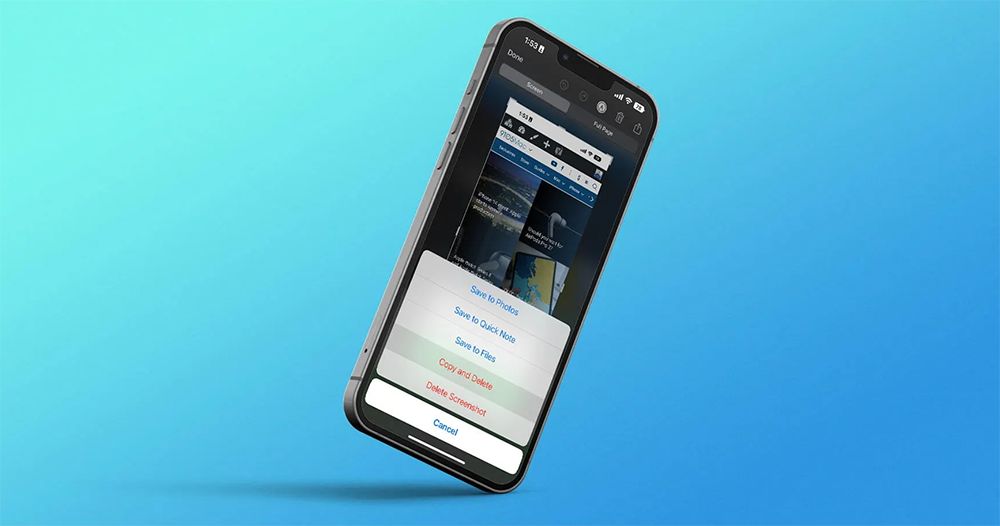
It seems that it is not only the long-awaited “added” battery percentage, but Apple’s detailed functions for iOS 16 actually include many thoughtful features that refer to the needs of users. When many people use mobile phones, they often take screenshots to share relevant information in real time. The latest Apple smartphone system has also introduced a small change to avoid the situation where a bunch of screenshots occupy the space of everyone’s photo album. Continue reading iOS 16 test uses “Copy and Delete” to solve the problem of a bunch of screenshots taking up space in the photo album (laughs).
▲Image source: 9to5Mac
iOS 16 tests “Copy and Delete” to solve the problem of a bunch of screenshots taking up space in the photo album (laughs)
I don’t know if the photo library on your iPhone is often filled with screenshots that you don’t know when to share with friends in LINE or Facebook communities.
In order to avoid this situation, unless you develop the habit of pressing the trash button to delete every time you take a screenshot and copy the image – this is what I did. Otherwise, you may have to go to the photo album to slowly delete photos every once in a while – let me share a little trick. As long as you find the “Screenshots” sub-item under “Album”, you can actually delete or manage all the pictures that have been captured through the combination button at once.
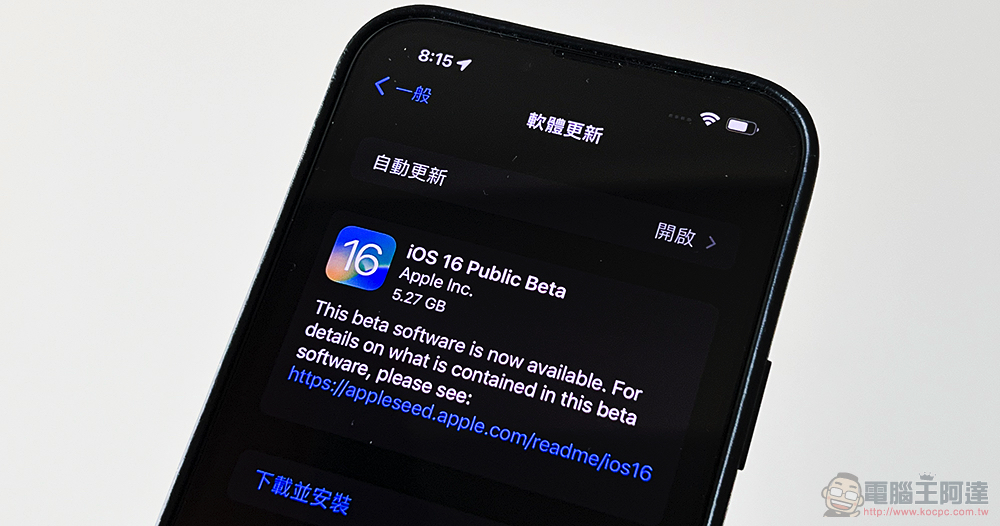
That is to say, it should be because after discovering that many users take screenshots, they often copy and share them immediately and then delete them. In response to this accustomed “process”, Apple also thought of responding through the latest Beta developer test version of iOS 16.
Compared with the previous screenshot, you still have to press the share arrow to copy, and then press “Done”. Options will appear including saving to file or photo library, or deleting. In the latest iOS 16 Beta 5 test version, it was discovered by foreign media 9to5Mac that Apple has added a new deletion option of “Copy and Delete”.
That is to say, this function is actually the same process as the author often uses screenshots. But I always handle it through the button in the upper right corner.
Simply put, just press the share arrow and select “Copy”. Then when you get to the original screenshot page, select the trash can button to delete the screenshot. Then jump to Facebook or press Paste in the message to post and share the photo you just deleted (but copied first). The button in this update is actually a bit like the burn mode for sending messages, which can be used in a more efficient way for instant sharing needs.
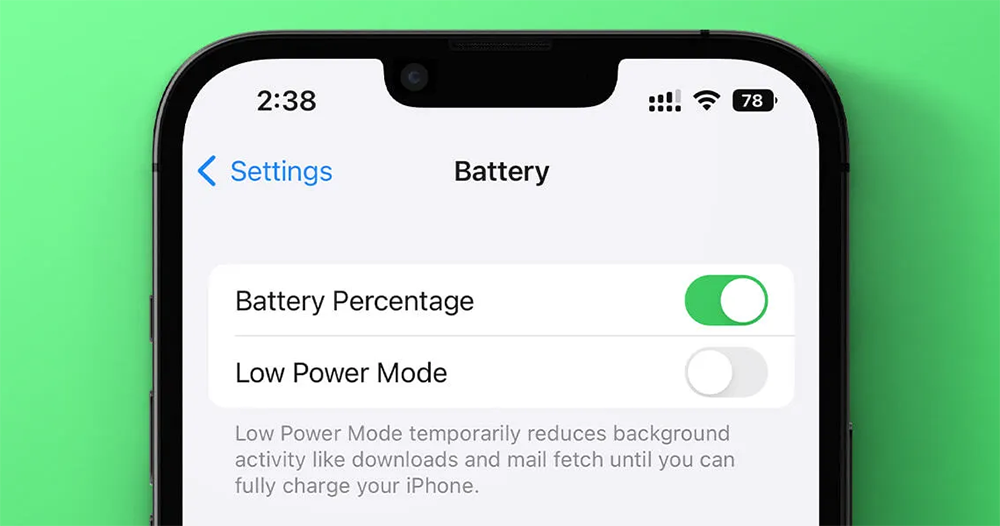
With the launch of iOS 16 Beta 5, the most noticeable change to Apple’s smartphones should be the addition of a battery percentage display for the battery function. Although foreign media seem to be a little cold about this design, for users, it can be considered that Apple seems to have heard everyone’s voices.
However, it should be noted that since they are still beta testing versions, there is still a good chance that such functions will be adjusted before the official version is launched – optimistically, the design will be better-looking, but it may suddenly disappear, so you still have to be mentally prepared for this. Speaking of this update, I feel that Apple has put a lot of thoughtful details into it. I believe there will be some small improvements to be dug out in the future, so you can look forward to it.
Further reading:
With less than 1% of users supporting it, it seems difficult for Netflix Games to “stick” to users
Source: KOCPC Chinese