


There are many English playing practice websites on the Internet, and we have introduced a few before, such as:Typing Bolt、TypeLit.io,as well as Give Me 3 Minutes, I recently discovered this very good English typing practice website called “The Typing Cat Practice”. In addition to the general typing speed test, it also provides a game mode, which is a great bonus for practice and will not be so boring. In addition, for those who want to quickly master the knowledge of English typing and how to become faster, it also provides learning courses, which can be said to be very rich in functions.
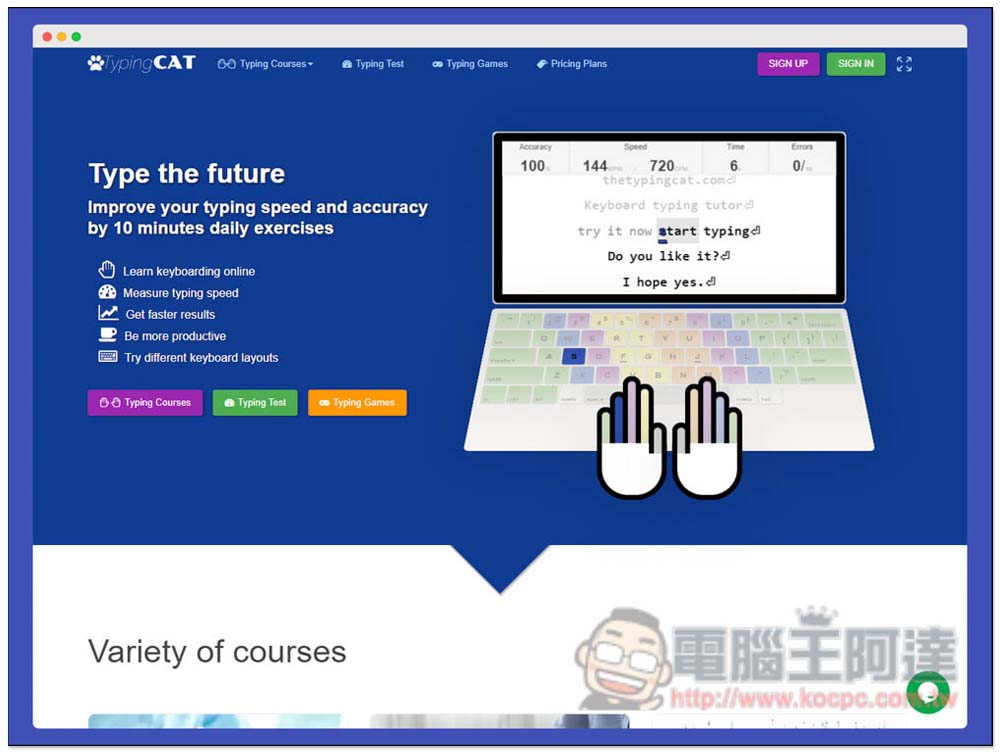
The Typing Cat Practice and test your typing speed, and also provide an introduction to the game mode website
After entering The Typing Cat website, you will see three modes, namely “Typing Courses”, “Typing Test” and “Typing Games”. Let’s look at the typing test part first:
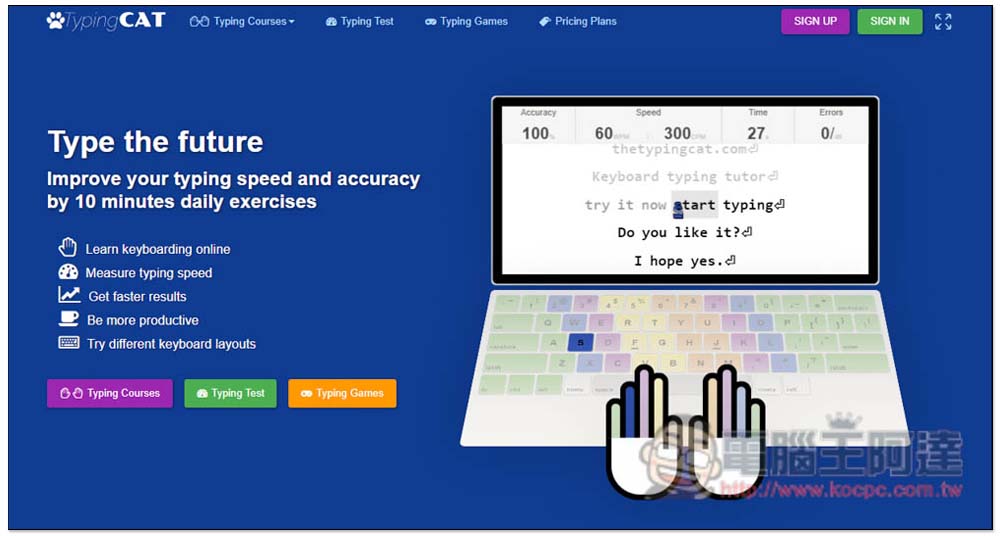
There are three types of typing test times, 1 minute, 3 minutes and 5 minutes. It depends on how long you want to test. Generally speaking, the longer the time, the more accurate your typing speed test will be. There is also the ranking of the past 24 hours on the right. If your speed can be faster than these foreigners, that is really good. After setting the time (default is 1 minute), press any key to start the test:
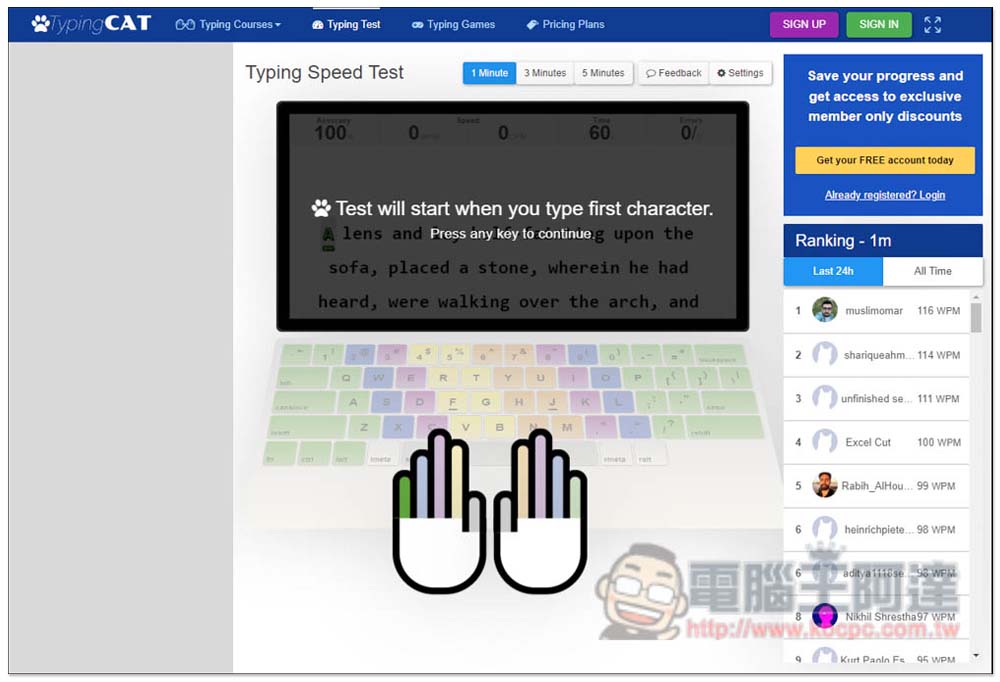
There will be an article for you to type on the screen. If you type incorrectly, it will be displayed in red, and if you type incorrectly, it will be gray. If you type incorrectly, you can go back and modify it. Your current typing speed, time spent, etc. will also be displayed in real time at the top:
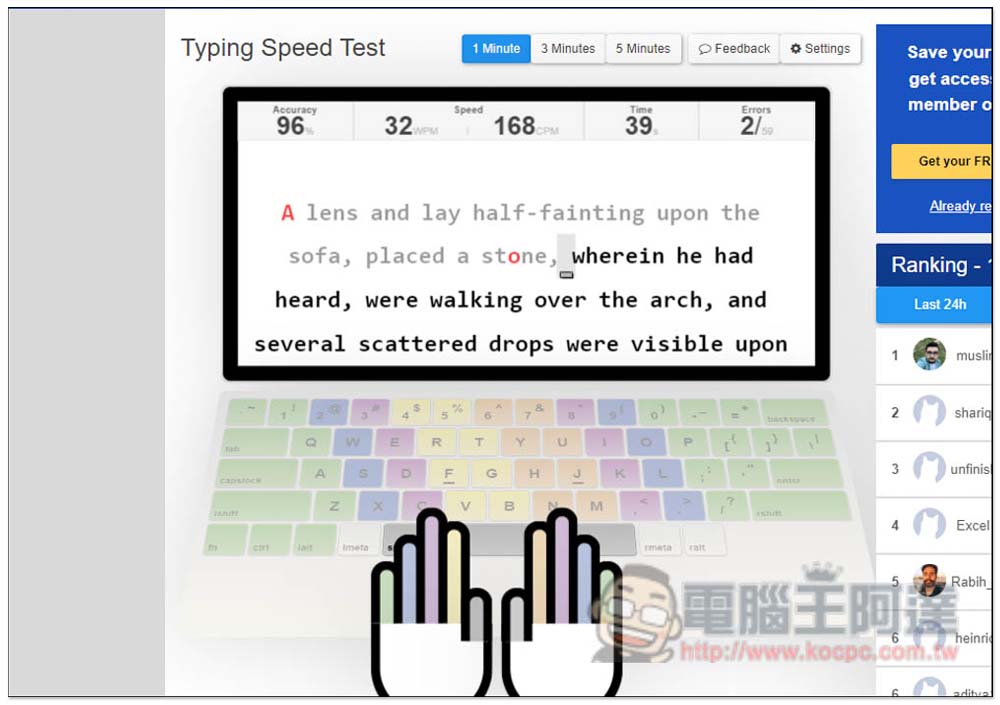
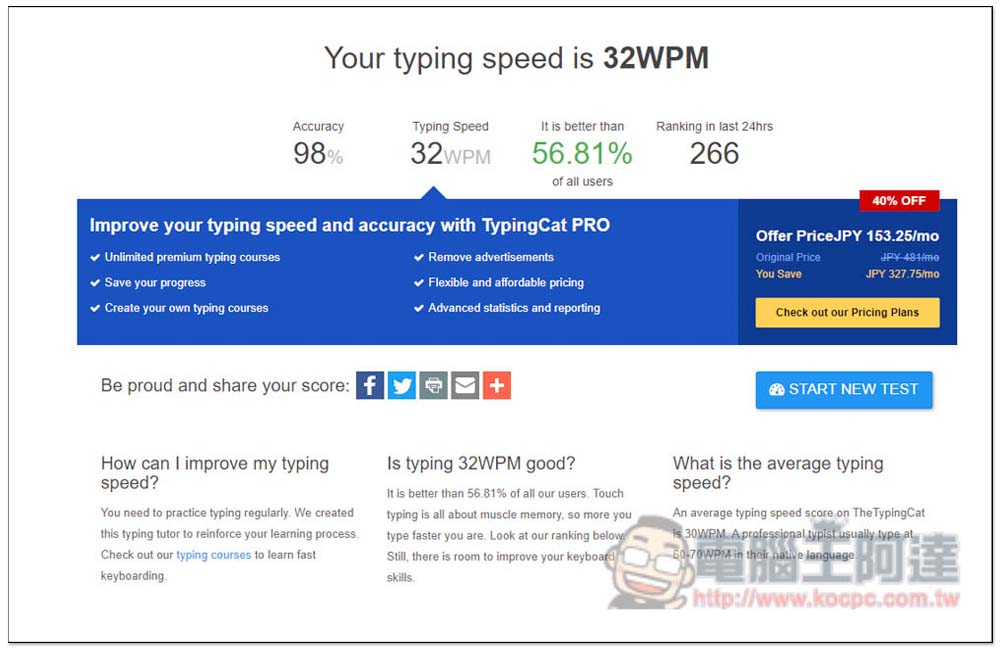
After the time is up, the data will be tallied and told, in addition to typing speed, there are also accuracy, how many people you have won (percentage), and your ranking in the past 24 hours. There are some suggestions below that you can take a look at, such as how to improve your typing speed? Is my current typing speed good enough? What is the average typing speed? :
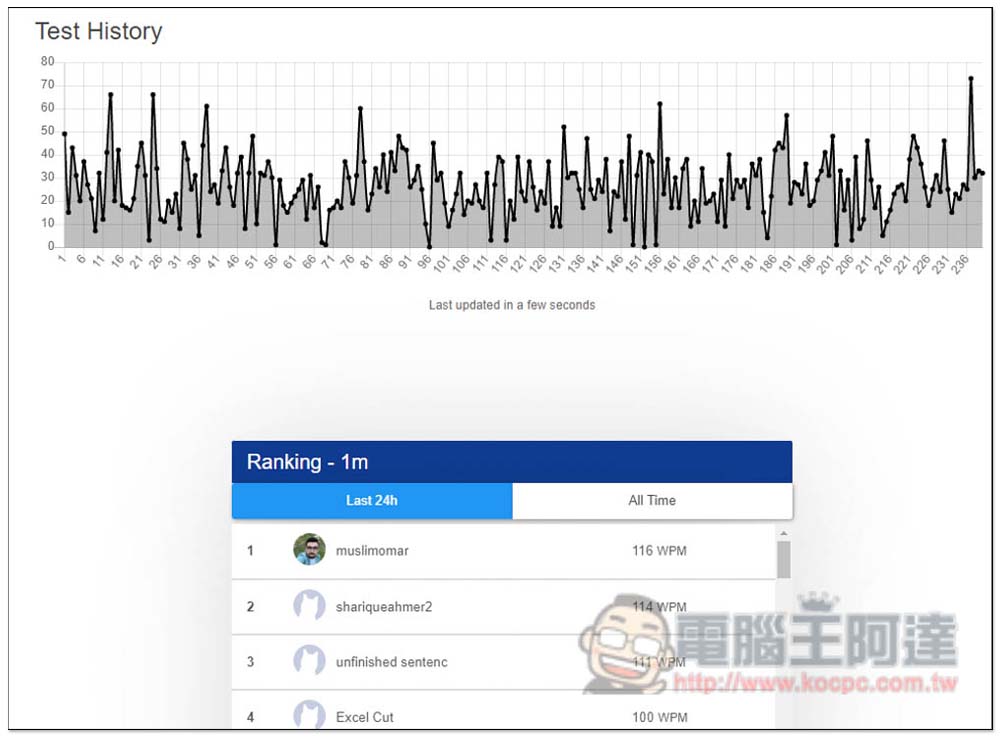
Quiz history graphs are also available:
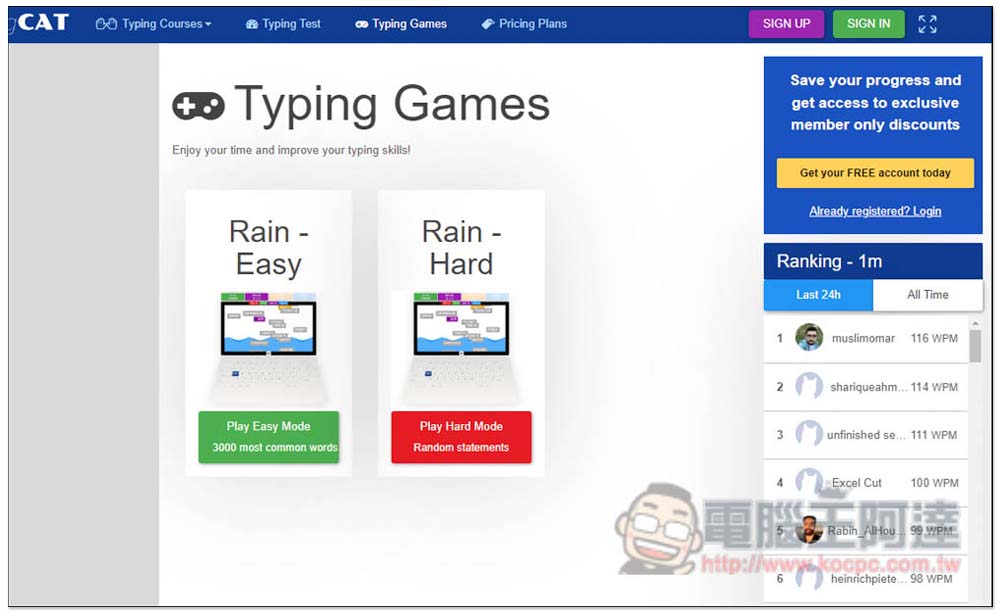
There is currently only one Rain in the free game, which is divided into easy and difficult. For those who feel that their typing speed is not very fast, it is recommended to start with easy, because the speed is quite fast:
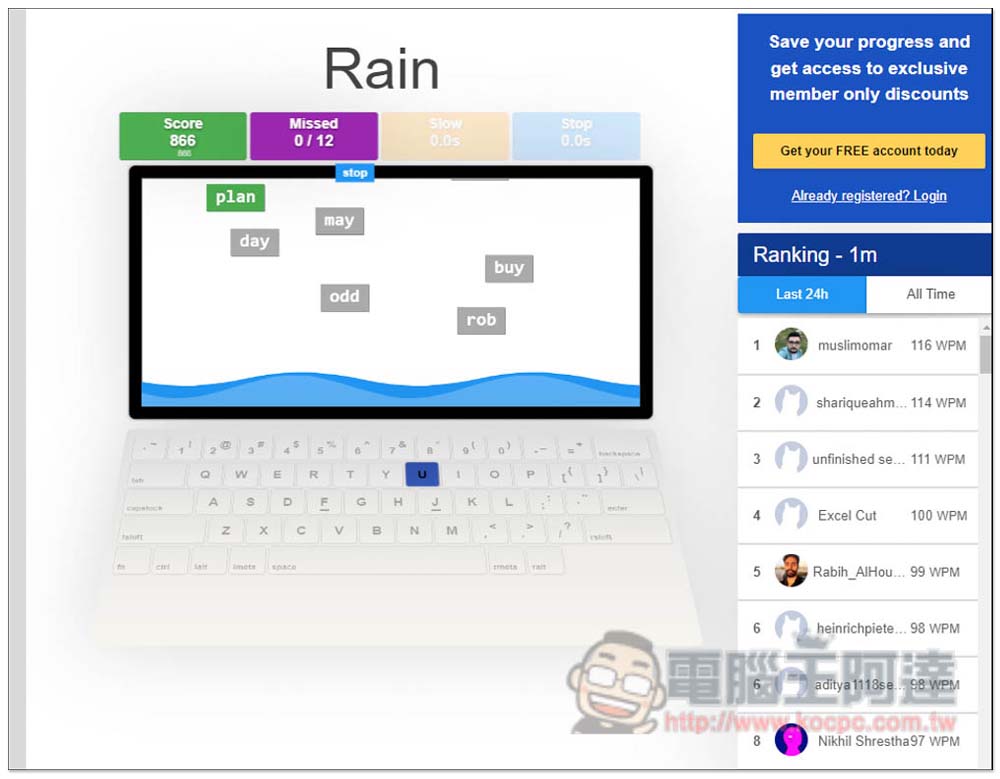
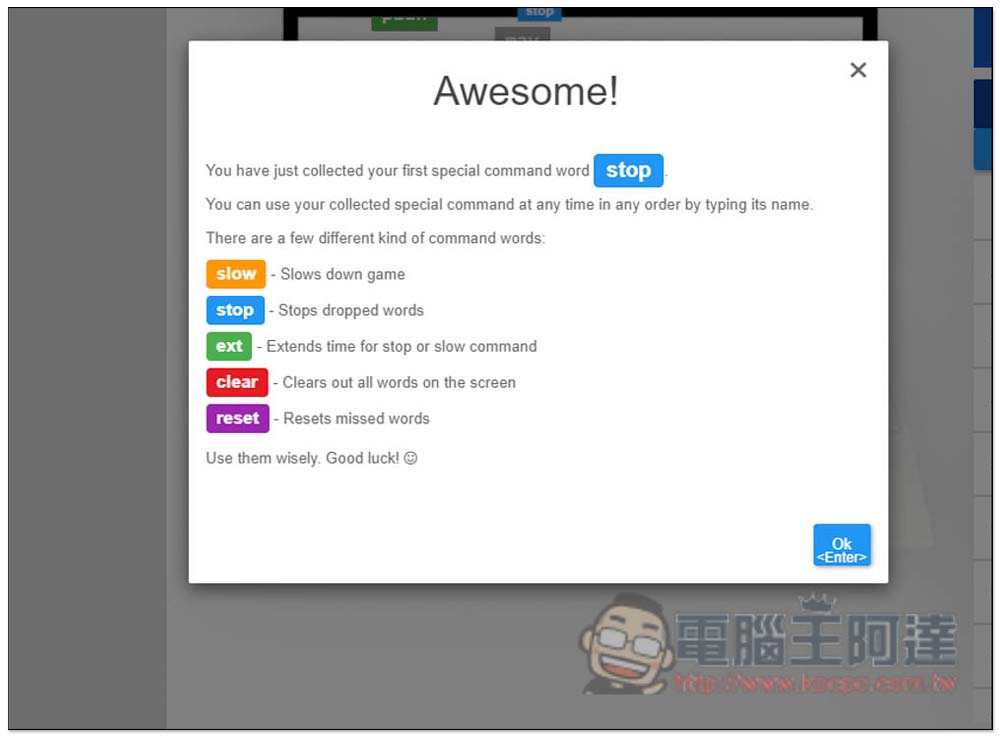
The gameplay is very simple. English words will continue to fall from the top. You must spell them out and press the Enter key before they disappear. If you fall into the sea, points will be deducted. Each Missed number dropped will increase by 1. If it exceeds 12, it will end. In addition, you can notice that some words will have special colors, such as: blue, green:
The picture below is an explanation of the different colors:
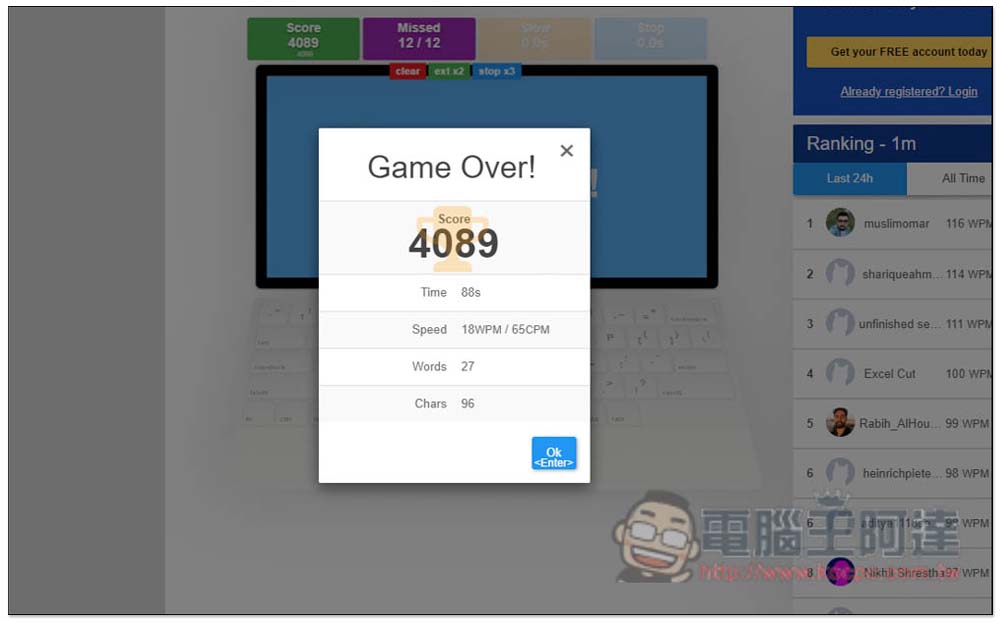
After the end, the total score, time spent, typing speed, etc. will be tallied. There is also a ranking function to allow you to compare with users around the world:
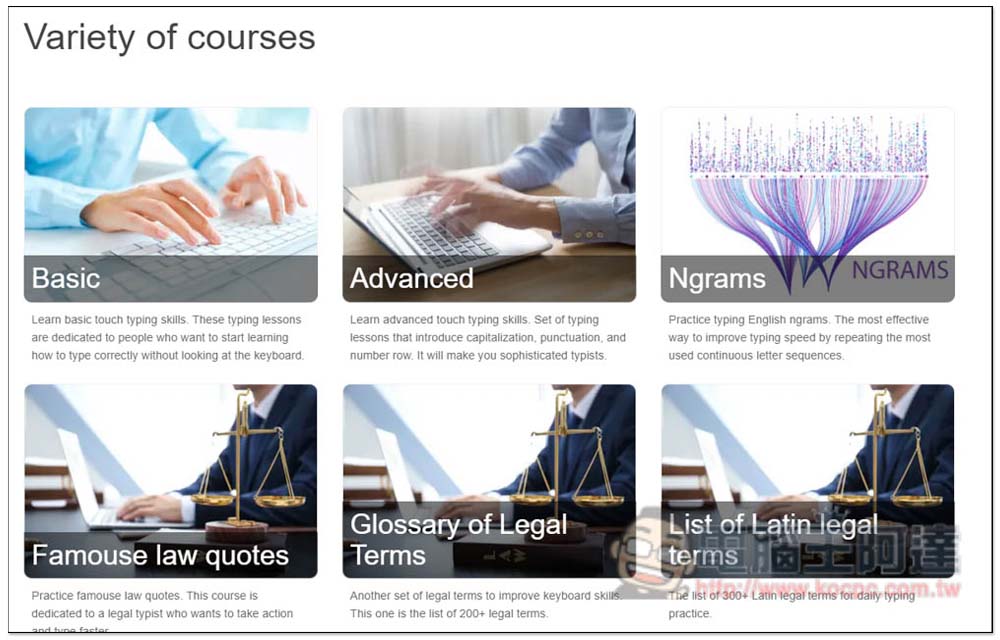
For those who can read English (or use full-page translation), this website also provides a lot of typing knowledge and practice learning. However, the free version can only view Basic content (it seems not all). For others, you must upgrade to the paid plan:
For those who want to improve their English playing practice, this website is indeed a good choice. It also has a game mode, which makes practicing more interesting. As for the courses, I’m not sure if they are really helpful, so you can try the free courses yourself and consider them if you find them useful.
Source: KOCPC Chinese