


Nowadays, there are many file sharing services and free cloud space on the Internet. Sometimes when you want to share files with others, you may want a file sharing service with encryption function to ensure the security of the file. You may even want it to be automatically deleted after a few days to avoid forgetting and causing the file to keep sharing. The “FileSend” introduced in this article is a good choice. It has built-in AES-256 encryption technology. Each time you upload, you will get a set of unique encryption keys. You must enter this key to decrypt when downloading. 5 It will be automatically and permanently deleted from the server within a few days. You can set the number of days freely.
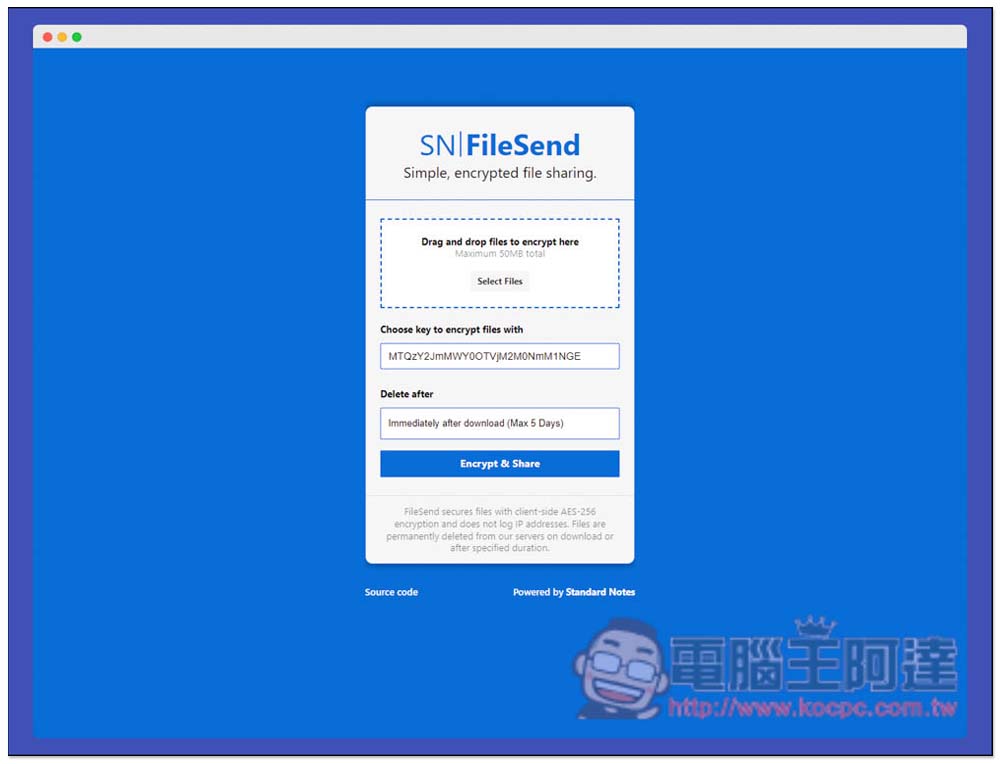
FileSend has a built-in encrypted file function and is a file sharing security service that will be automatically deleted within 5 days.
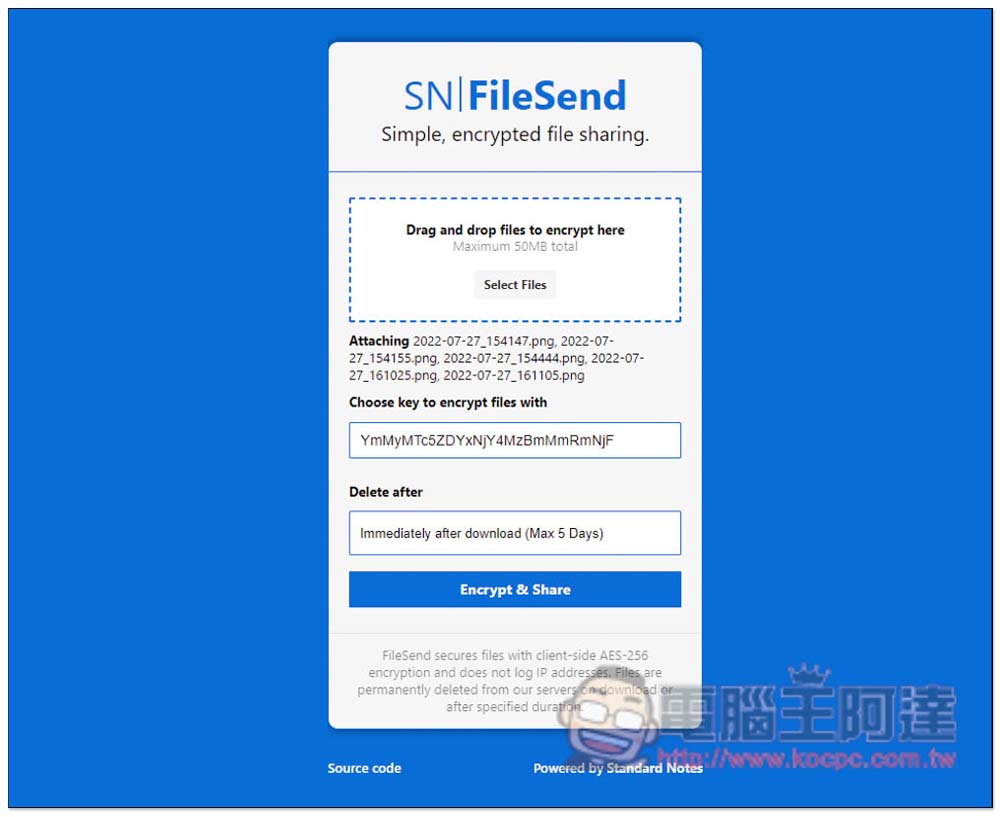
After opening the FileSend website, you can drag in the file you want to share. It supports a maximum of 50MB at a time, so it is not suitable for sharing large files. The Choose key to encrypt files with in the middle is the encryption key. You need to enter this key to decrypt before downloading. The encryption key is automatically changed every time you open this page, so there are no duplicates:
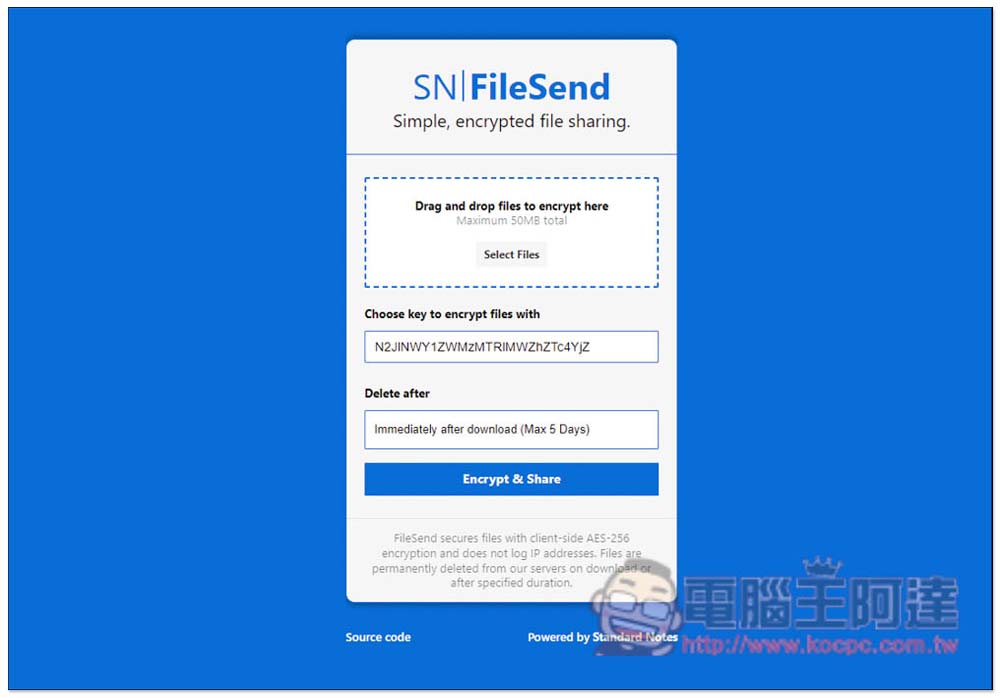
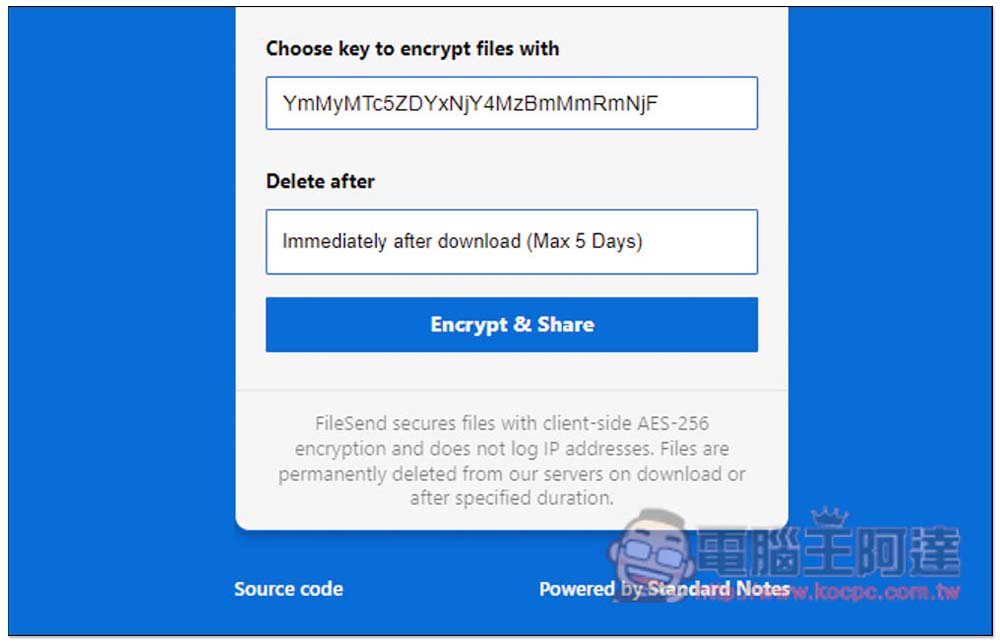
Like this, I changed the encryption keys after reorganizing them. Delete After is how long it will take to delete it, up to 5 days. The default is to delete it from the server as soon as it is downloaded, which means that after someone downloads it, opening this URL again will show no file:
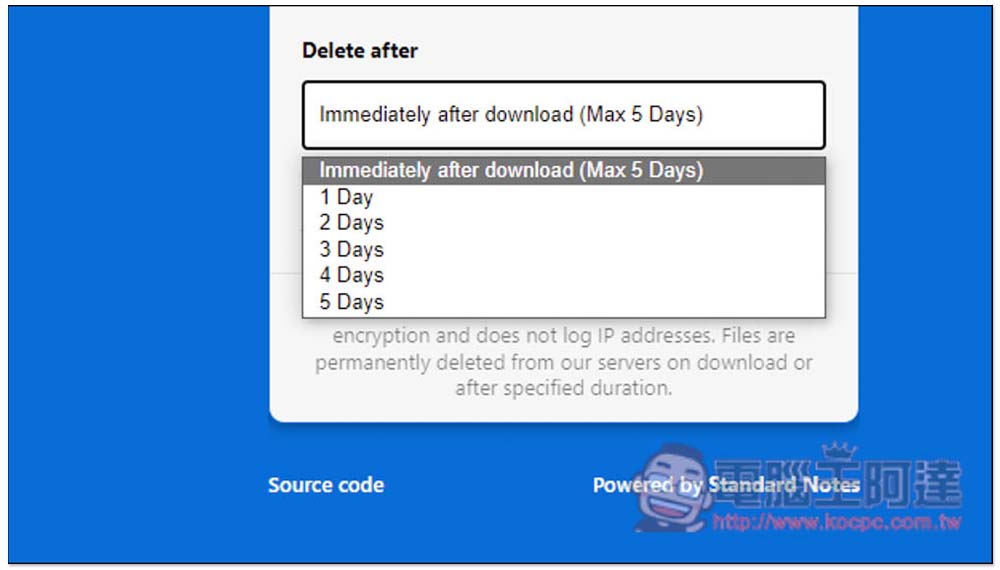
There are 6 options: delete immediately after downloading, 1 day, 2 days, 3 days, 4 days and 5 days:
After selecting the files, the name of each file will be displayed in Attaching below. If there is no problem, press Encrypt & Share:
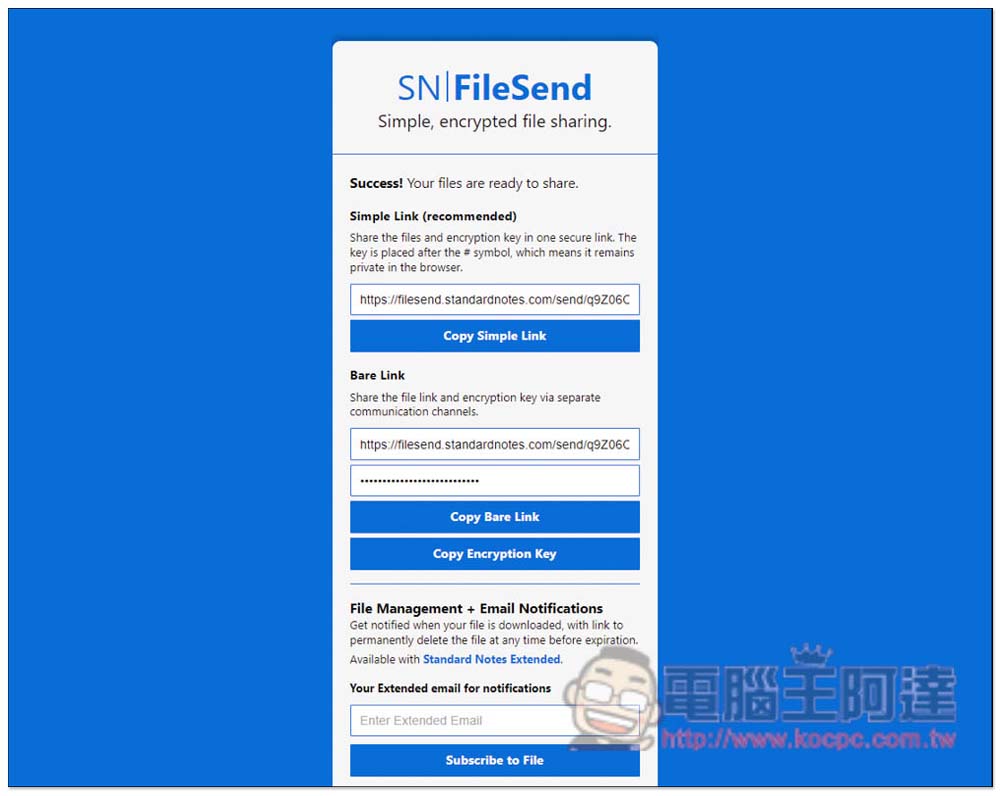
After uploading, you will get 2 links. The first Simple Link is a link containing an encryption key. When others paste this link, the encryption key will be automatically entered. For the second Bare Link, you need to manually enter the encryption key. Which one you are more comfortable with, click Copy xxx below and it will be automatically copied to the clipboard:
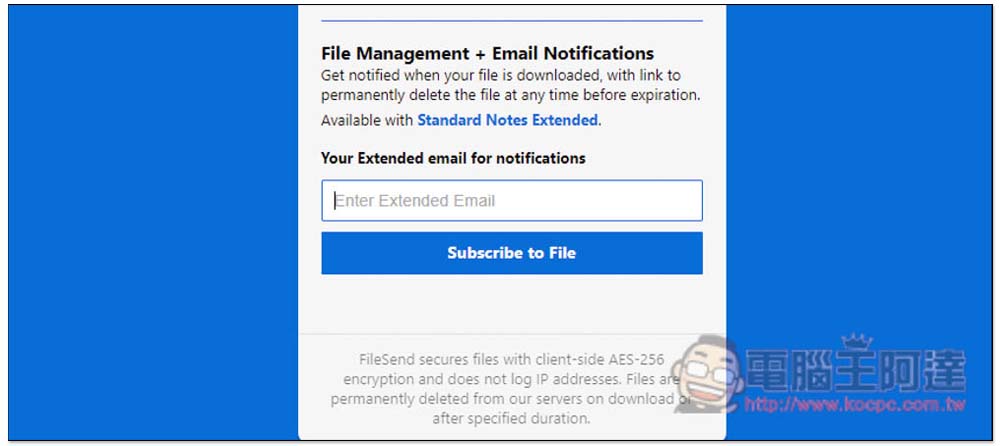
The email notification function below is only available to Stardard Notes Extended subscribers:
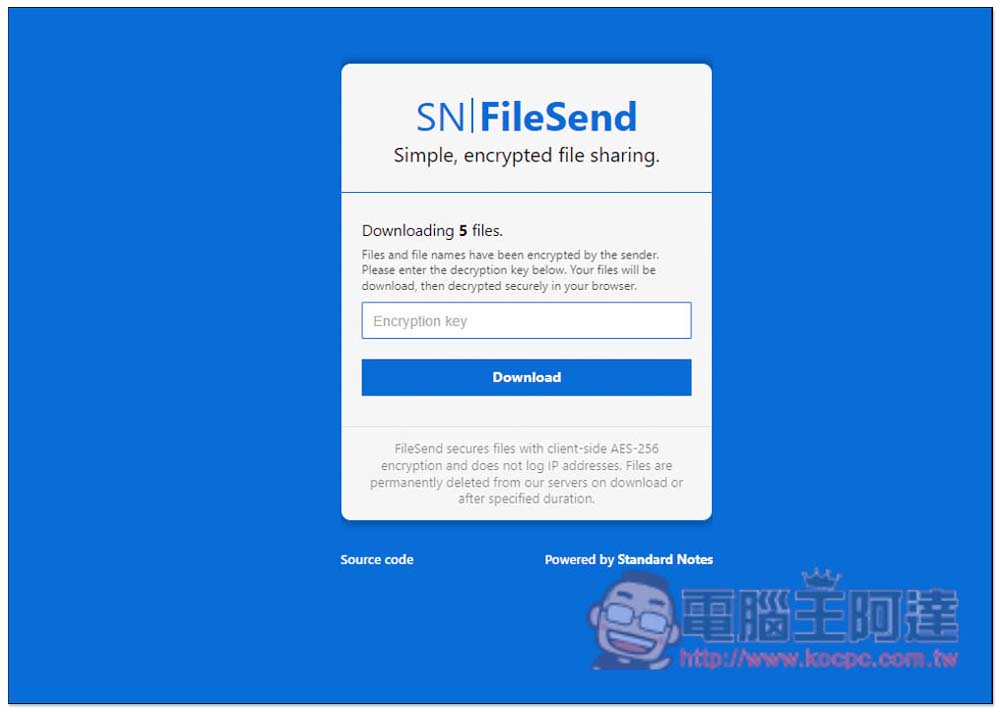
The picture below is to paste the link containing the encryption key. The middle will be filled in automatically. The other party does not need to fill it in manually. Click Download and it will decrypt and download:
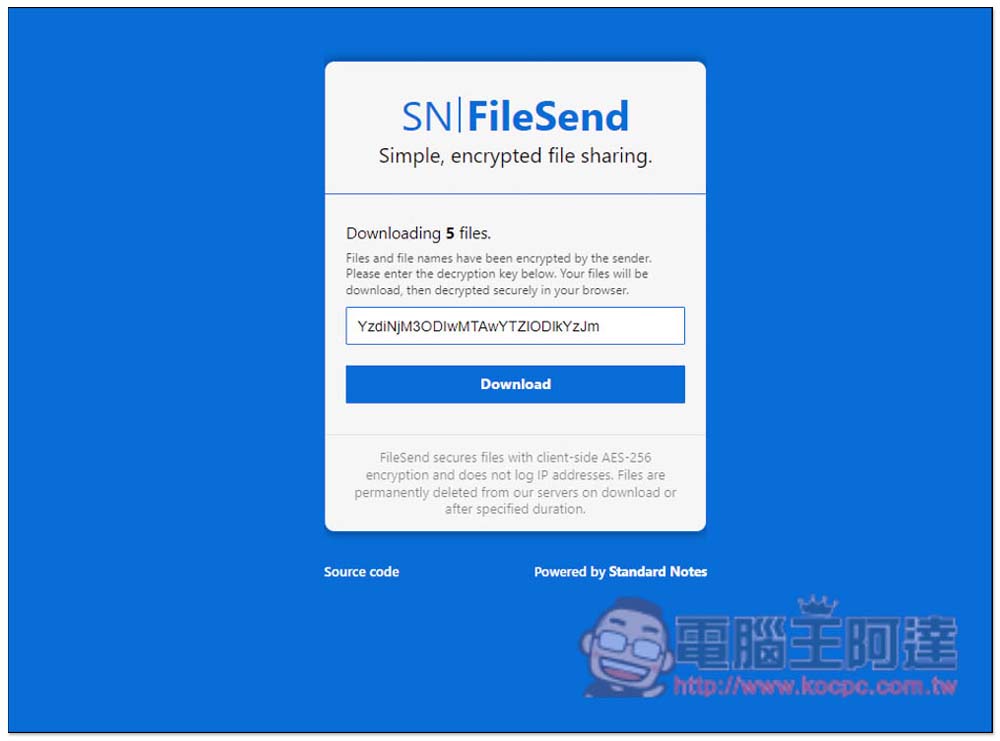
For Bare Link, the middle will be empty and must be filled in manually to decrypt the download:
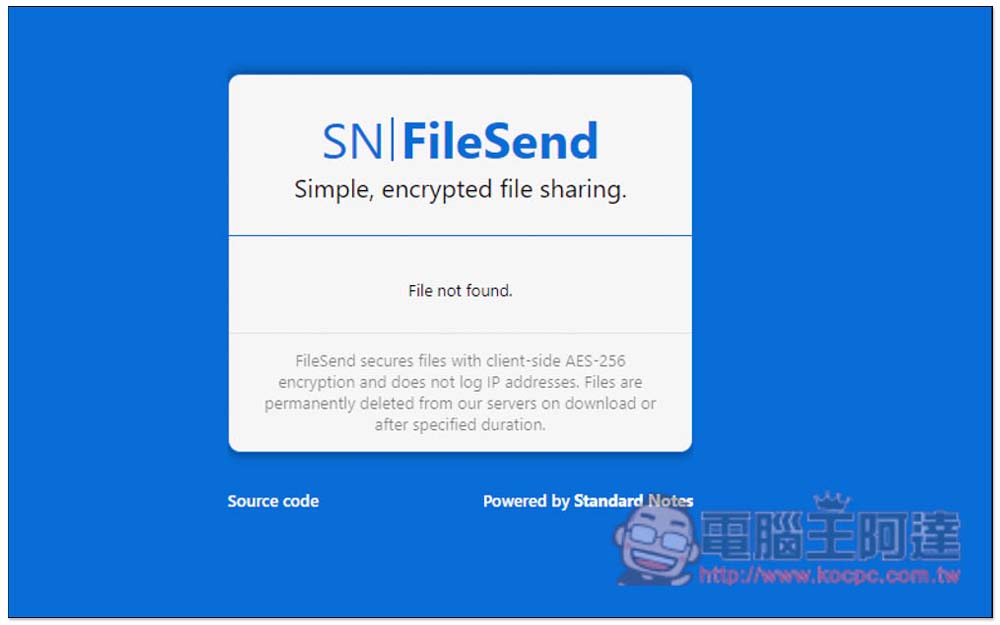
After the file is automatically deleted from the server, when entering the download URL, it will display that the file cannot be found:
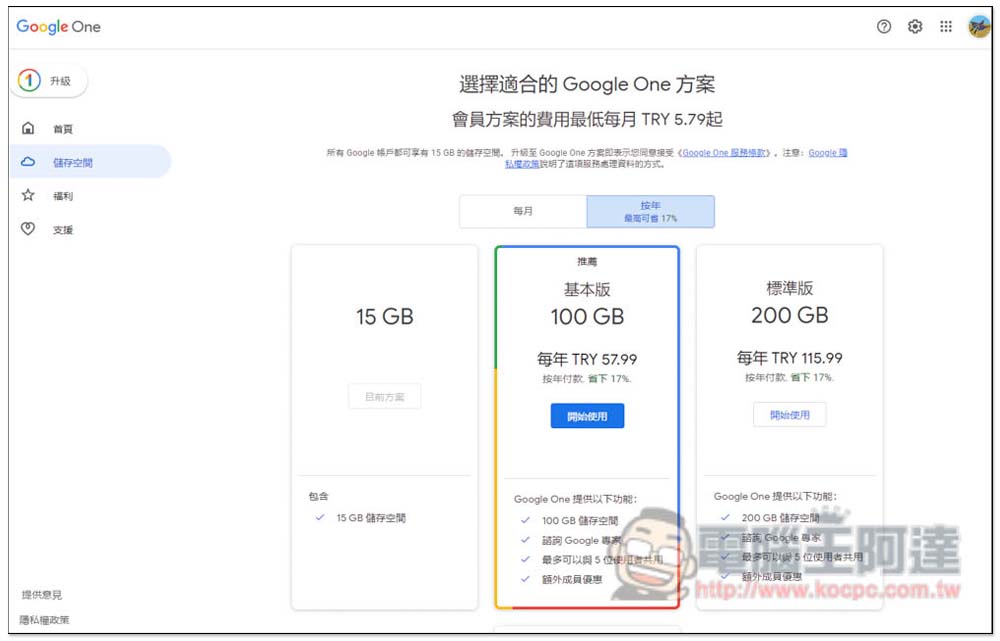
For those who have small file sharing needs, if they want a more secure file sharing space, FileSend is really good. However, if the file is too large, or if you don’t want to use this kind of free file sharing service, you can refer to what we have introduced before.Türkiye Google One Cloud Subscription Tutorial, 2TB super large capacity costs less than NT$500 per year, and other capacities are cheaper, such as 100GB capacity, which costs less than NT$100 per year, which is really super cheap.
Source: KOCPC Chinese