


As AI models get stronger, the quality of AI-generated images is now quite impressive. So when you need an image and don’t have one at hand, you can use AI to quickly generate it. If you’re not aware of any good ones, this article rounds up 9 fairly useful AI image generation services, covering various models, including the well-known Stable Diffusion.
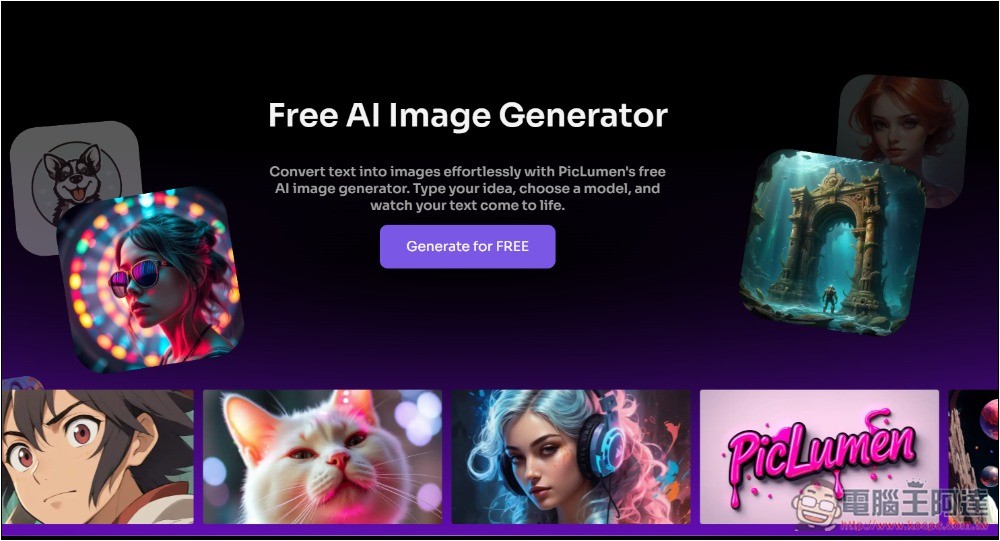
1. Microsoft Copilot
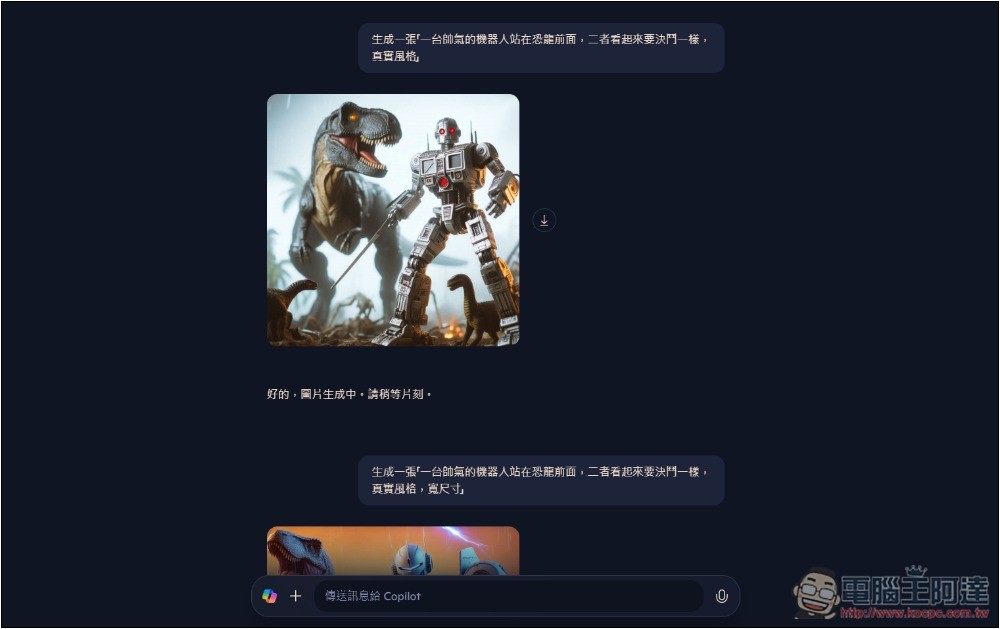
Microsoft’s Copilot chatbot also features built-in AI image generation, using OpenAI’s latest DALL-E model.
Unlike other AI services, the free version of Copilot can generate images almost without limits, meaning you can keep modifying the prompt to generate new AI images, though there is a daily limit for quick generation.
Prompts also support Chinese; you just need a Microsoft account to use Copilot.
However, one obvious drawback is that the free version can only generate images with a 1:1 aspect ratio; aspect ratios like 16:9 require upgrading to Copilot Pro.
2. ImageFX
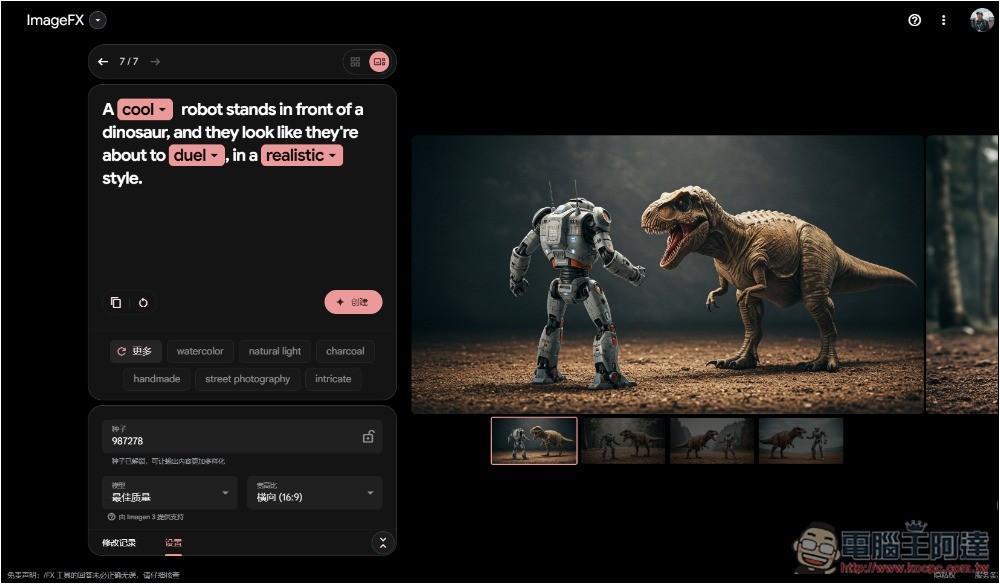
ImageFX It is an experimental image generation tool developed by Google DeepMind, using the Imagen 3 model. The image quality it produces is very high, and it generates four images at a time, free and unlimited to use.
For those without ideas, ImageFX provides an auto-prompt generation feature that you can freely choose from to create. Additionally, after entering a prompt, suggested words you can add will also appear below.
However, it currently only supports English. For those who aren’t good at English, you can first use other tools to translate your Chinese prompts into English, then paste them into ImageFX to generate. When generating, you can choose the aspect ratio you want.
3. Tensor Art
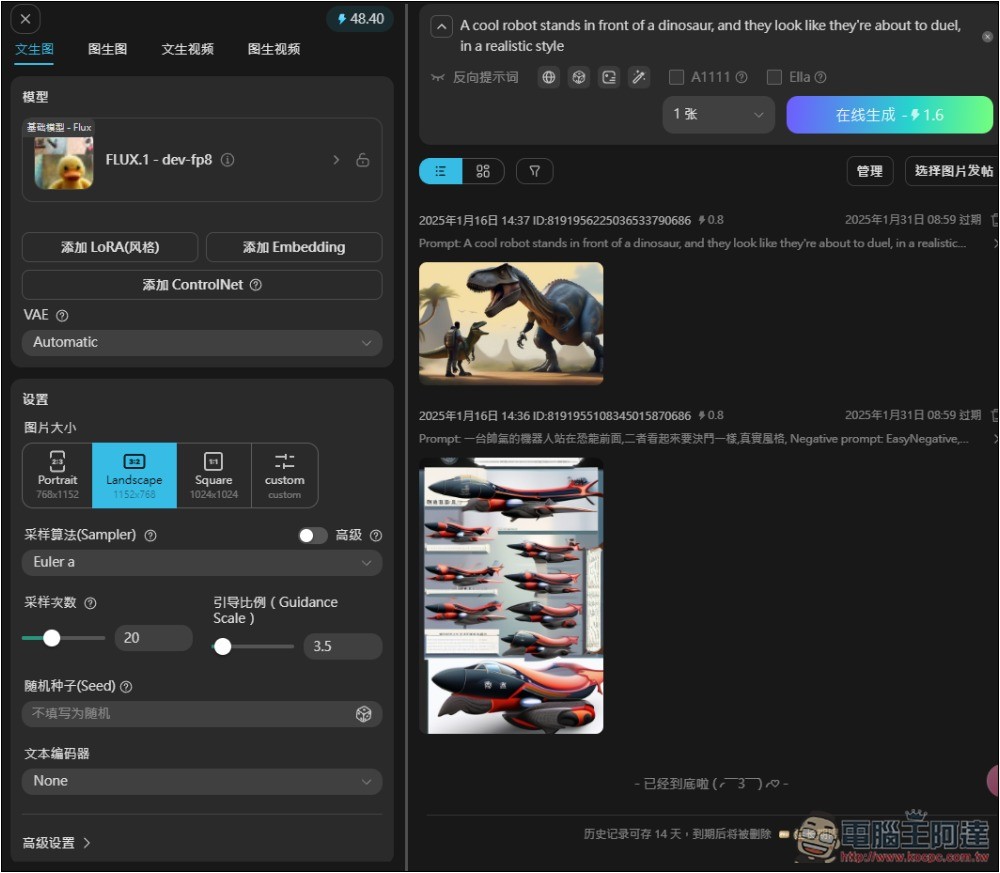
Tensor Art It is a rather unique online AI image generation service, and it also provides a model hosting platform where every user can upload their own models for everyone to use, including base models, LoRA, Embedding, and ControlNet.
This also means that, in addition to the basic Stable Diffusion, you can choose models created by other users to generate images with specific styles, characters, and actions.
Although it offers a Simplified Chinese interface, the Prompt can only be entered in English; Chinese cannot be generated.
The free version gives you 50 points of computing power daily, and each model consumes a different amount. The minimum is about 0.8 per image, meaning you can generate at least 60 images. After generation, images can also be used for functions like image-to-image and local repainting.
4. BlinkShot
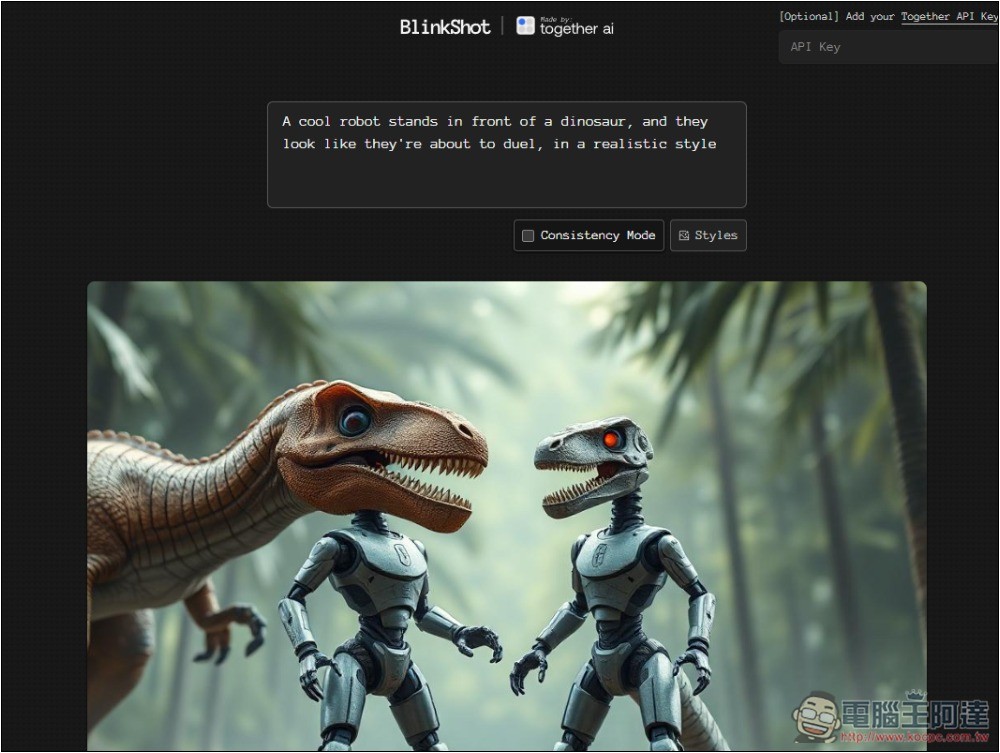
BlinkShot It’s a free open-source tool that offers an online version. It works with the Together API, and the developer has already configured it, so you don’t need to fill anything in.
This one’s strength is real-time generation—after entering a prompt, you can immediately see the result. It also currently offers style options, letting you specify the image style you want. There’s no quantity limit; you can generate as many as you like.
Additionally, the developer has also shared the source code to GitHubAfter obtaining it, you can switch to running it locally, but you need to fill in your own Together API.
5. PicLumen
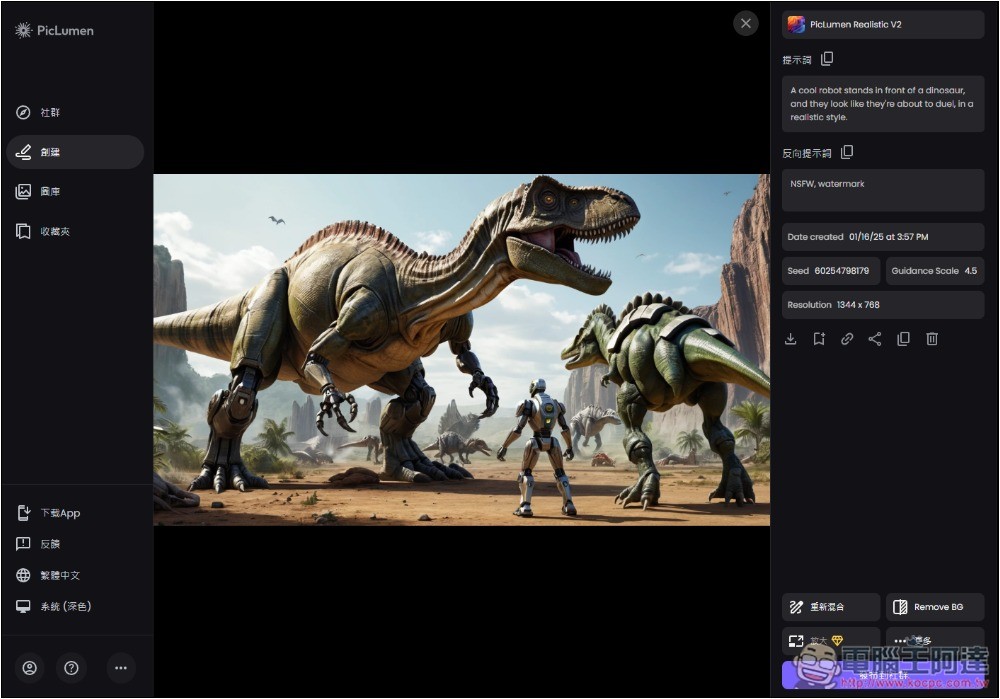
PicLumen Unlike most AI image generation services, it uses its own PicLumen series of models, such as PicLumen Art for artistic styles, PicLumen Realistic for realistic styles, and PicLumen Lineart for anime styles. The generation quality is quite impressive, especially the realistic style, which is packed with detail.
Unfortunately, despite having a Traditional Chinese interface, prompts only support English; entering Chinese will cause random output.
The generated images do offer some editing options, such as enlarging, coloring, expanding, and so on, but most are only available in the paid version.
The free version lets you generate 10 images a day. It’s a bit limited, but I think it’s enough, since it’s rare that I’d need to generate multiple images in one day anyway.
6. AUX MACHINA
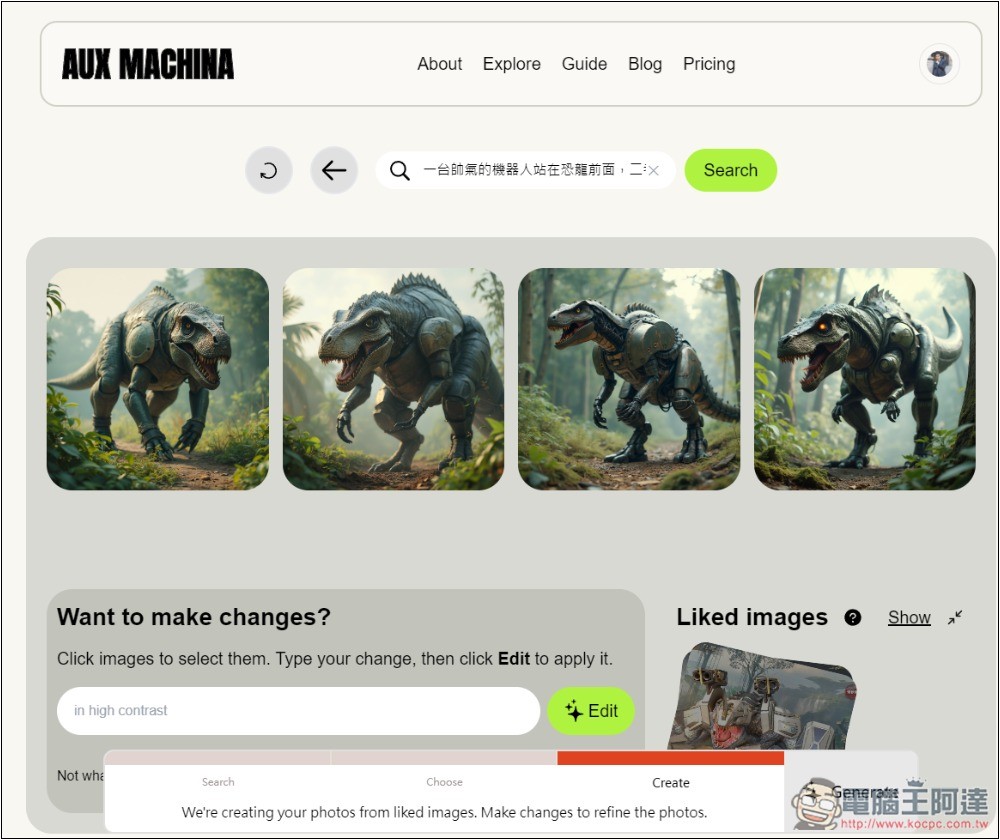
AUX MACHINA It is an image-to-image AI service. You can upload your own images, or search using prompts, which will list matching web image results. You can then choose an image you like, and the AI will generate similar images.
The free version allows you to generate 100 images per day, which is a generous amount, and each generation produces 4 results. If you’re still not satisfied after generating, you can select the one you think looks decent and use it to generate again or add more content.
It supports Chinese prompts, which is great.
However, since it’s image-to-image and doesn’t offer local editing features, it’s a bit harder to generate exactly the image you want. It’s better suited for situations where you already have an image but can’t use it due to copyright, so you use it to generate a similar one.
7. DeepAI
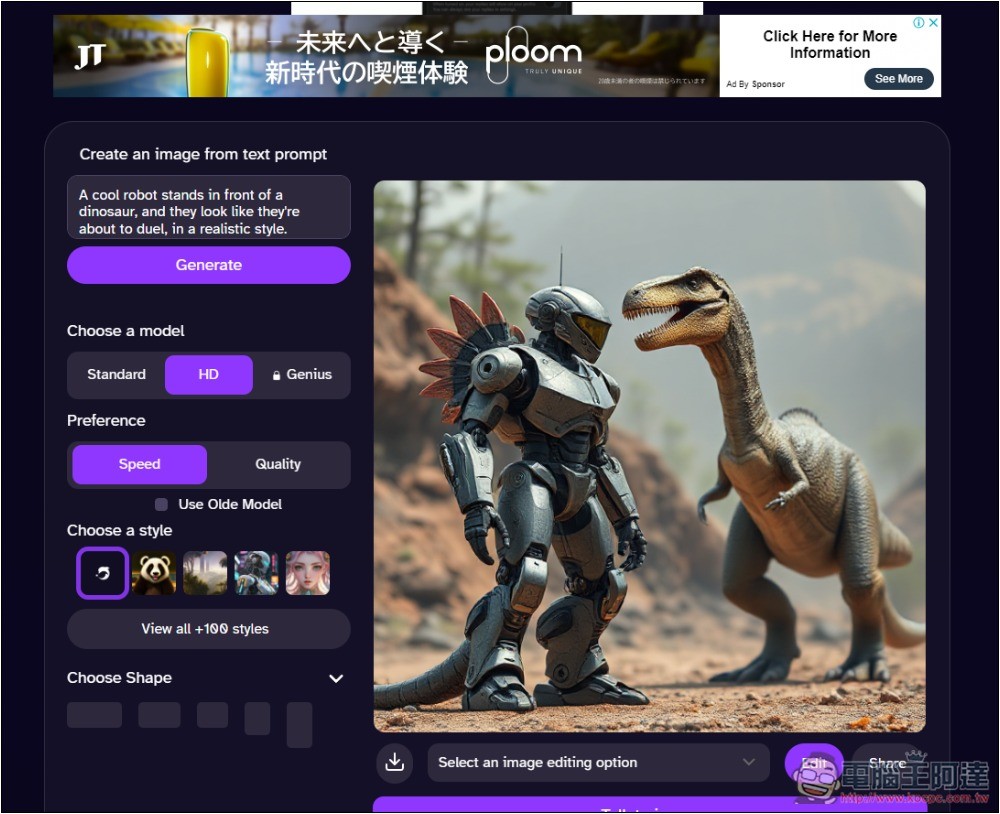
DeepAI No registration required to use it. It offers multiple AI features, including image generation, chat, video, and music. The interface is quite simple: enter your prompt, choose a style (over 100 options) and aspect ratio, then you can start generating.
The quality is decent, but the generated images are a bit monotonous compared to the earlier ones, which were richer. One clear drawback is that there are too many ads, filling the entire webpage. Also, prompts only support English.
According to the official website, the free version has a daily limit, but it doesn’t specify how many times, only saying until you use it up.
8. Ideogram
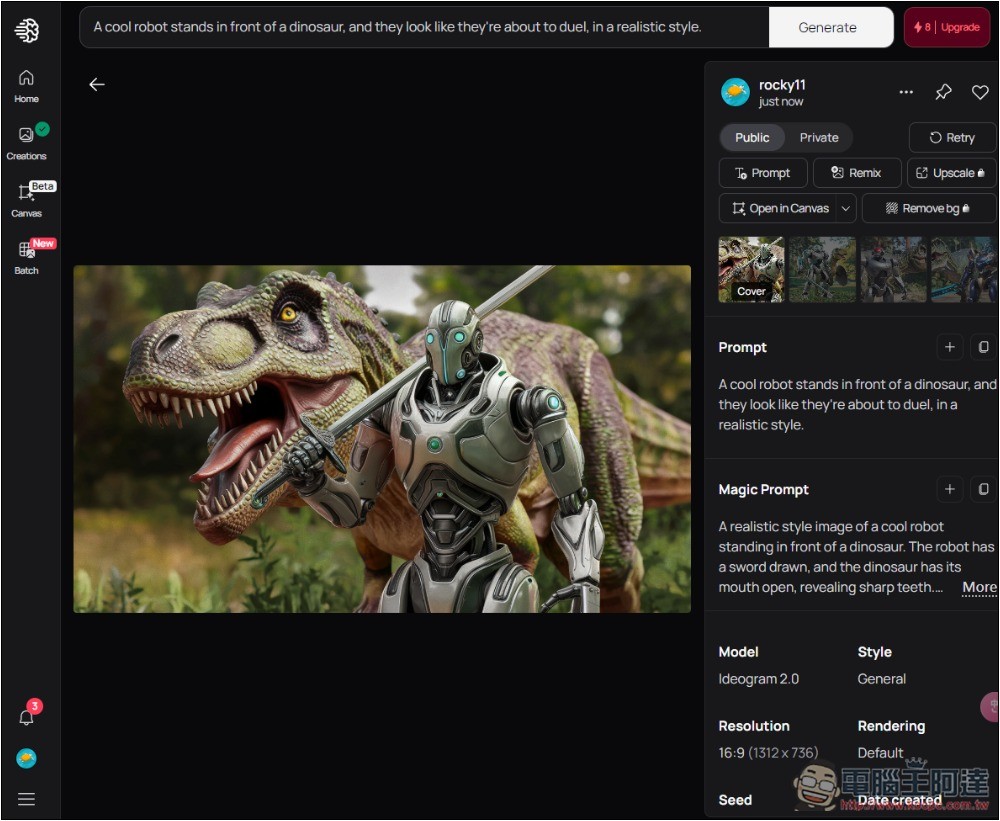
Ideogram Probably many people have heard of this fairly well-known AI image generation service. Previously, the free version gave 10 credits per day, but now it’s changed to weekly, so the generation quota is gradually shrinking.
Depending on the mode and model used for your generation, with 10 points you can generate up to 40 images, and the higher the quality, the more points are deducted.
The latest 2.0 model is already quite good with the Default quality setting.
Although the prompt can only be in English, it has a built-in Magic Prompt feature that automatically enriches the prompt you enter, meaning that even if you just fill in a few simple words, you can still get decent images.
9. Stable Diffusion Online
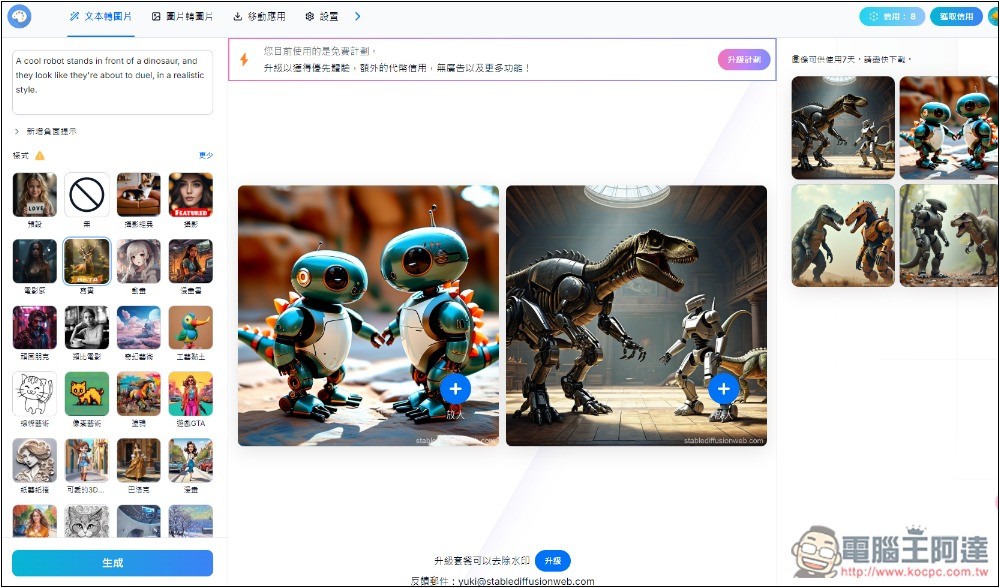
Stable Diffusion OnlineWhen it was first launched, it was a completely free AI image generation service, but before long it started charging. However, the free version still has a quota, allowing 10 generations per day.
It provides a Traditional Chinese interface, so you don’t need to worry about not understanding the features, but prompts still need to be entered in English.
It offers multiple styles for you to quickly choose from, and the aspect ratio can also be adjusted, generating up to two images at a time.
One obvious drawback is that all images generated by the free version have watermarks, and you must upgrade to the paid version to remove them.
Source: KOCPC Chinese