


In order to focus more on the current work, many people now probably listen to some Lofi or nature sounds to make themselves less distracted. Lofi Garden can be said to be the simplest Lofi music player I have ever used on Mac. It only has two functions: play and stop. When you need to listen to Lofi music, just press play without pressing stop. There are no other extra functions, and you can’t even skip to the next song. It should be very popular for lazy people.
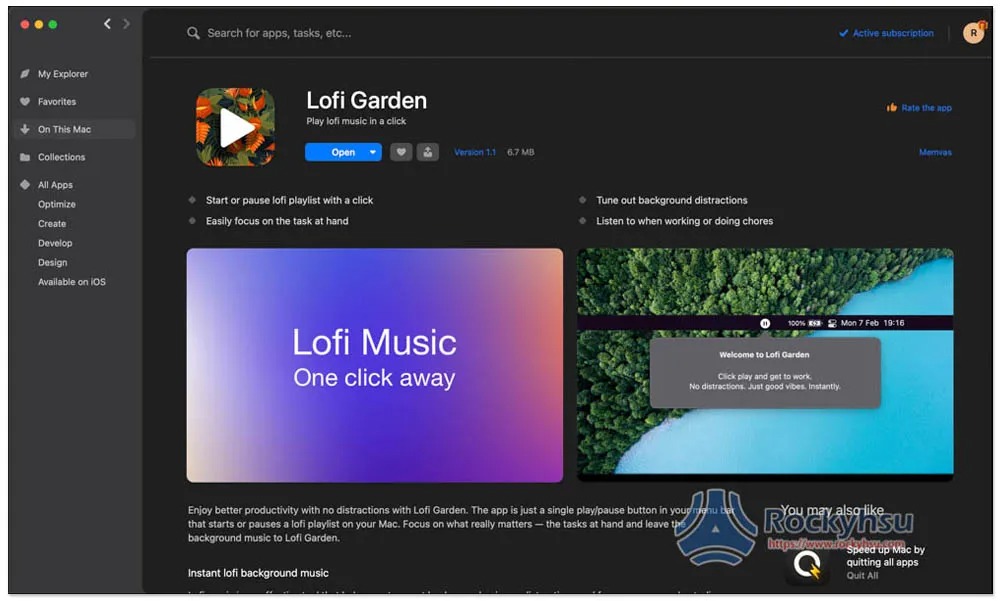
Is this free software?
No, Lofi Garden is currently only available on Setapp. Setapp is a Mac Apps subscription service. For only $9.99 per month, you can use more than 230 professional paid Mac Apps. It is quite cost-effective, and there are many expensive software, such as CleanMyMac X, Ulysses, MarsEdit, etc.
Setapp has a 7-day free trial, you can try it first and then subscribe if you are satisfied.
- Further reading:Setapp Mac and iOS software recommended subscription service, one account can use more than 230 professional paid software apps
Lofi Garden operation teaching and introduction
After installing Lofi Garden from Setapp, a play icon will appear in the upper right corner. This is, click to start listening to Lofi music:

When you don’t want to listen, just click again to stop:
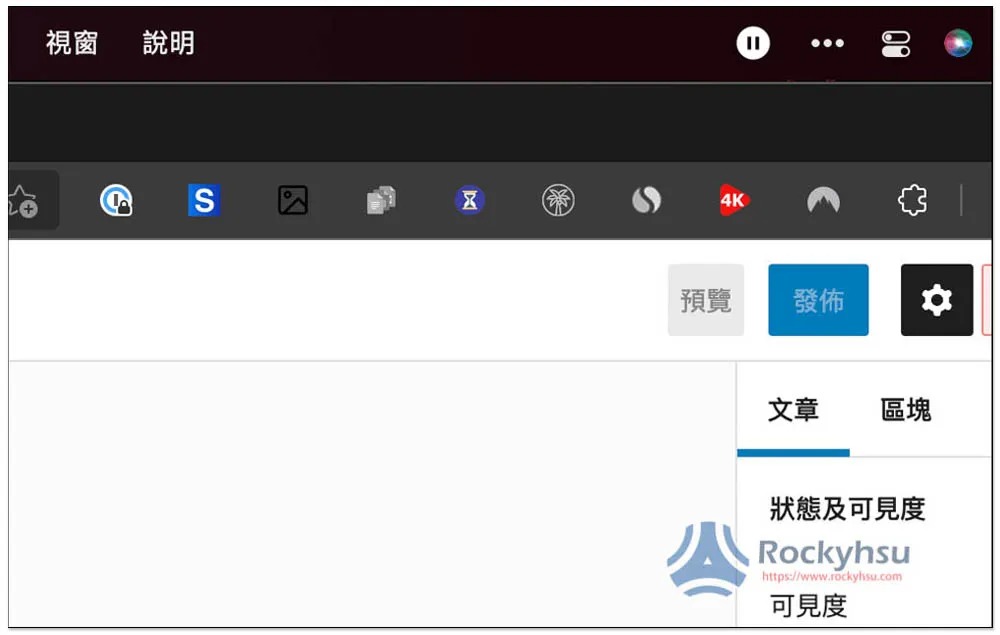
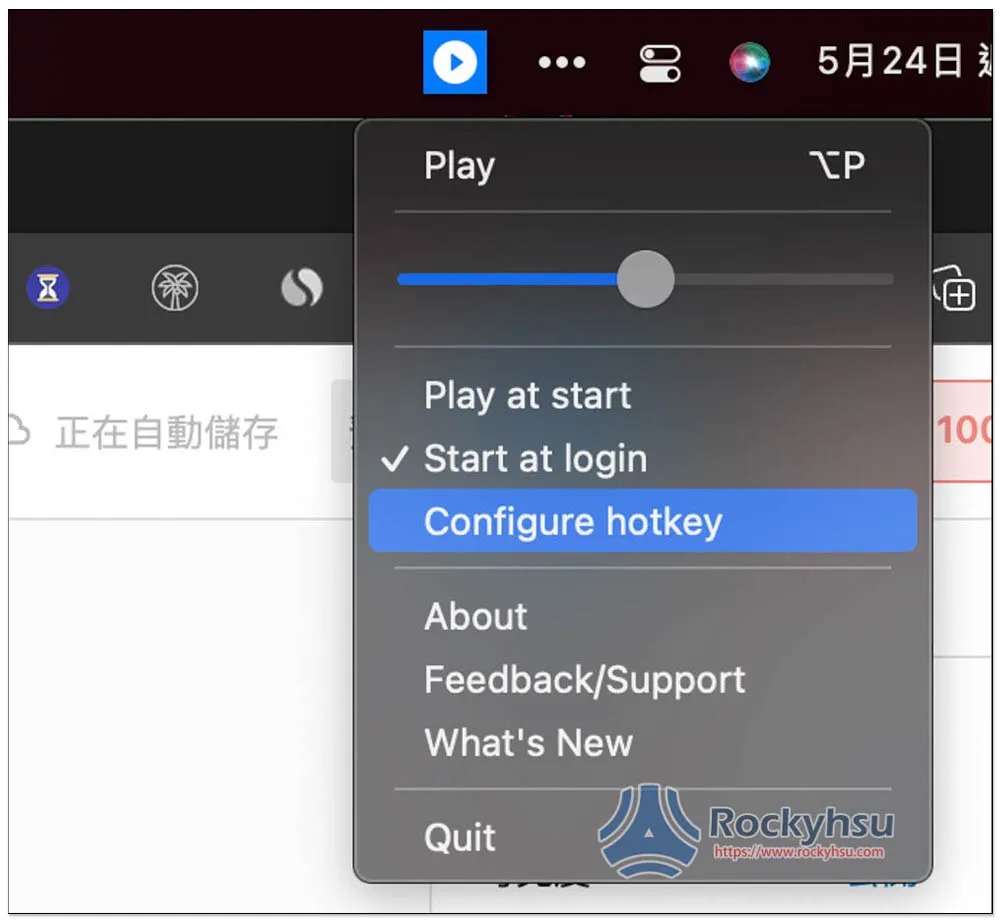
It’s that simple. The sound volume can be set independently. In addition, shortcut key functions are also supported. If you are too lazy to click manually every time, you can set it:
Summarize
For friends who haven’t found a good music-focused tool, I highly recommend trying this one. You might like it. You don’t have to worry about which music to listen to or make any settings. You can just click play when you start working. If you have any questions, please leave me a message at the end of the article and I will try my best to help you answer them.
Source: KOCPC Chinese