


Users who frequent Starbucks must have downloaded the Starbucks App and have their own travel cards. However, in the past, the Starbucks App could only use credit cards to recharge the travel cards except at the counter. After the recent app update, the LINE Pay recharge method option has finally been added, making the recharge more diverse! You can also earn LINE POINTS points as rewards.
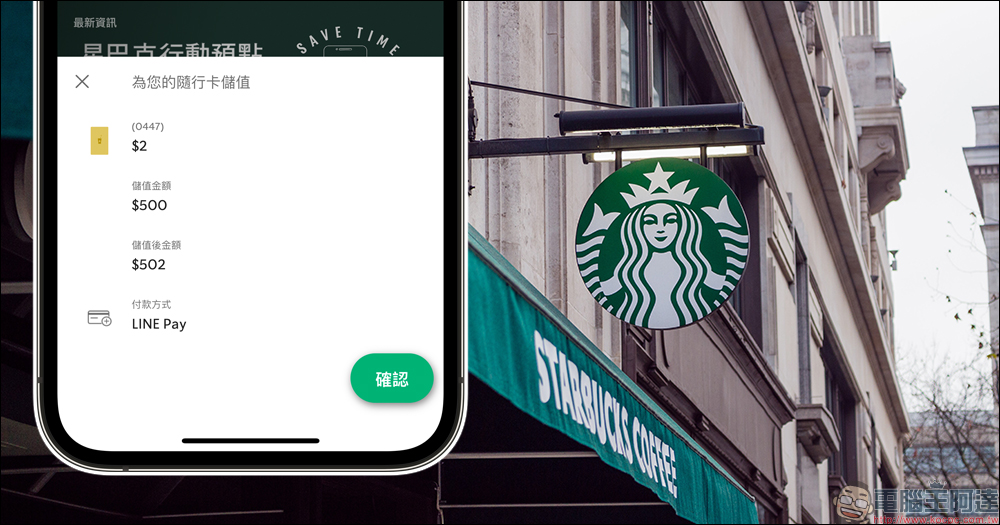
The Starbucks App has been updated to include the LINE Pay stored-value card function, and you can earn LINE POINTS points with designated credit cards! (teaching)
For loyal Starbucks customers, it is quite common to have the Starbucks App on their mobile phones. Users can use the Starbucks App (Starbucks TW) to check the level qualifications and number of stars in their Starbucks Rewards account, redeem products, store value/checkout payment, or directly use the “mobile pre-order” function launched last year to complete ordering and checkout directly without going to the counter.
In the Starbucks App, in the past, you could only use the single payment method “credit card” to recharge online in the App, but the recent update has finally added another recharge method! That’s “LINE Pay” that many people use!
After updating the Starbucks App, click “Online Recharge” on the home screen and agree to the user terms and instructions, and then select “LINE Pay” under the payment option of “Recharge your travel card.”
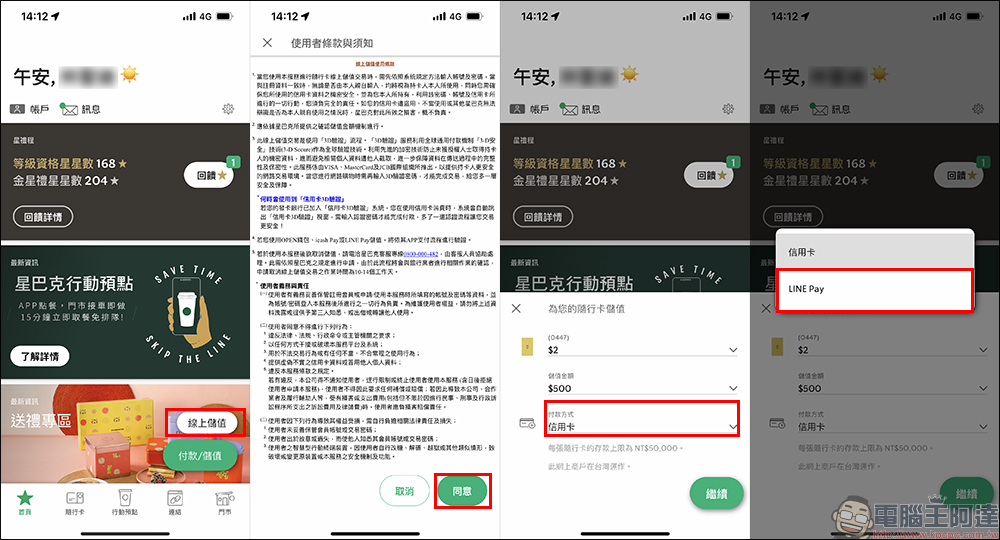
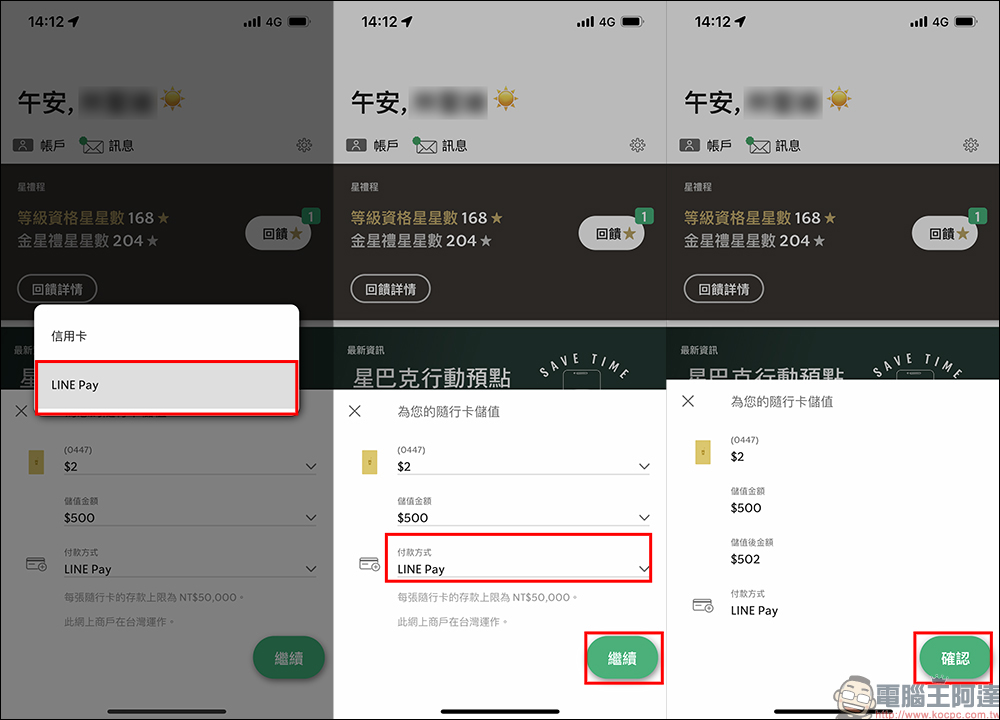
After selecting LINE Pay as the payment method, click “Continue” and “Agree” to proceed to the next step.
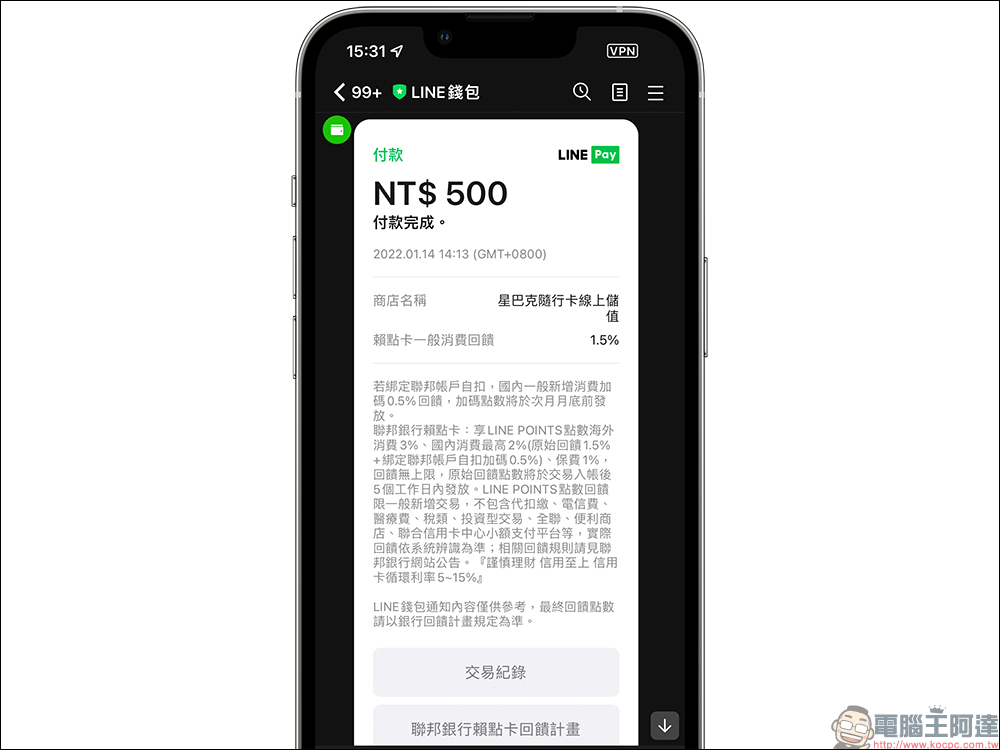
The system will then automatically jump to the payment page of LINE Pay. After selecting the payment method in LINE Pay, you can click “Pay” to complete the online recharge! The minimum amount for online recharging of Starbucks cards using LINE Pay is the same as for credit cards. The minimum recharge amount for a single time is NT$500 and the maximum amount is NT$50,000. However, most people probably recharge NT$500 to NT$1,000 at a time.
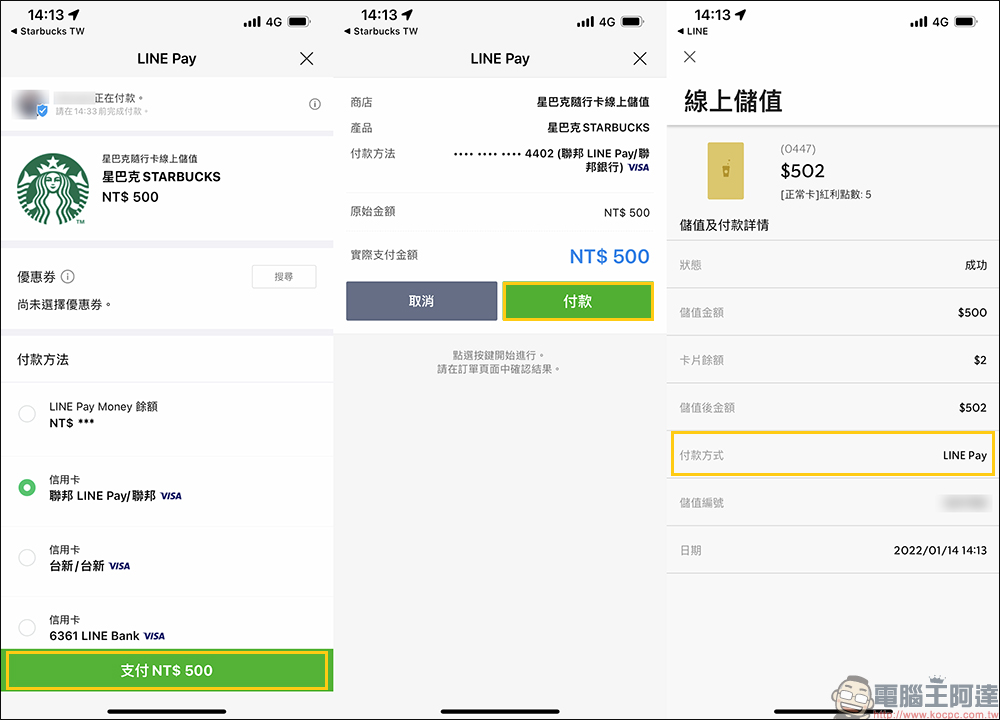
Although currently the LINE Pay online recharge card cannot be bound to the automatic recharge function like a credit card, users who are accustomed to using LINE Pay can more effectively control their every expenditure and can also view payment records in the LINE wallet. If you use a designated credit card to store value, you can also enjoy the credit card’s LINE POINTS consumption rewards.
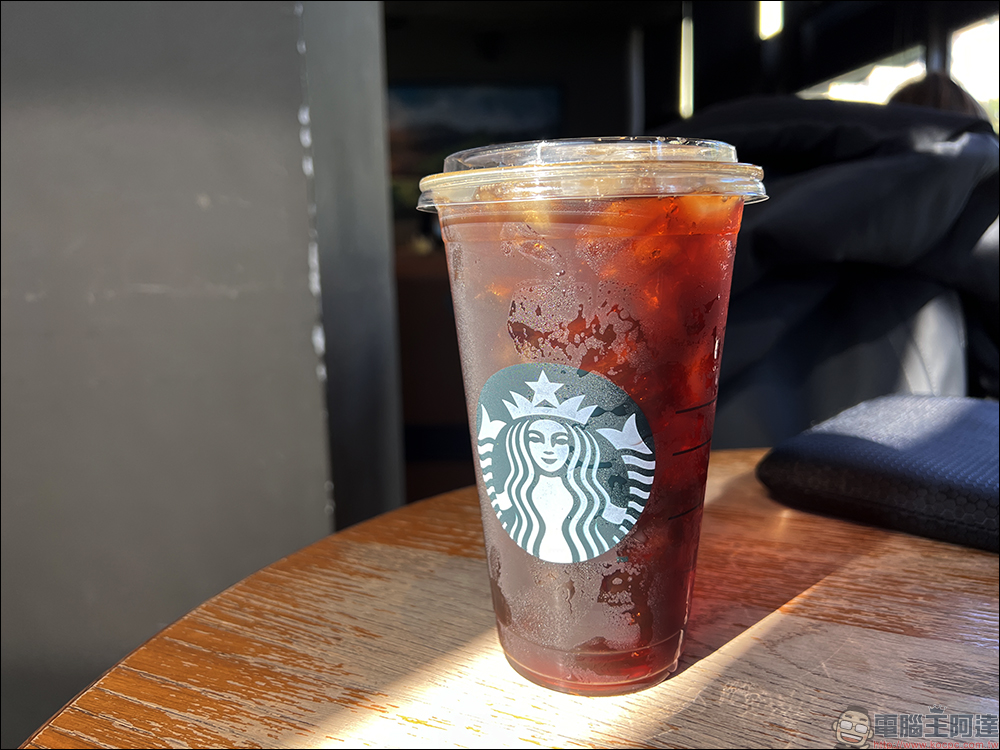
In fact, the author personally recommends everyone to use “action point“The function is for consumption at Starbucks, because in addition to not having to wait in line at the counter to order, you can also go to a Starbucks store to find a seat first, order a meal on your seat with your mobile phone, wait for the meal to be completed, and then go directly to pick up the meal.
Especially in the current period of epidemic prevention, it is a safer way to reduce group contact between people as much as possible. In addition, Starbucks mobile pre-ordering function also allows everyone to customize the way drinks and meals are made. Customized options such as preferring more ice cubes, stronger coffee, or more water can be customized according to personal habits, which also reduces the error-prone situation of verbally ordering customized drinks.
However, when encountering Starbucks’ Friends Sharing Day (buy one drink, get one free) event, it is recommended to choose manual ordering, because mobile pre-ordering is not applicable to such promotions.
Starbucks TW App download:
iOS version (App Store)|Android version (Google Play Store)
Further reading:
LINE 12.0.0 update: Added “Display personal pictures” function, “Built-in media search in chat” experimental function and other updates
LINE free sticker collection: 30 free LINE stickers for limited time download!
Source: KOCPC Chinese