

• About Us
King of Computer Media
  • Home
  • Tech News
  • AI News
  • Apps & Tutorials
  • Mobile & Telecom
  • Lifestyle
  • About Us
No Result
View All Result
  • Home
  • Tech News
  • AI News
  • Apps & Tutorials
  • Mobile & Telecom
  • Lifestyle
  • About Us
No Result
View All Result
King of Computer Media
No Result
View All Result

Home - iPhone/iPad software introduction - Apple Store hides Easter eggs, enter this keyword to enable snow effects

Apple Store hides Easter eggs, enter this keyword to enable snow effects

Rocky by Rocky
December 8, 2021 - Updated on August 4, 2026
in iPhone/iPad software introduction

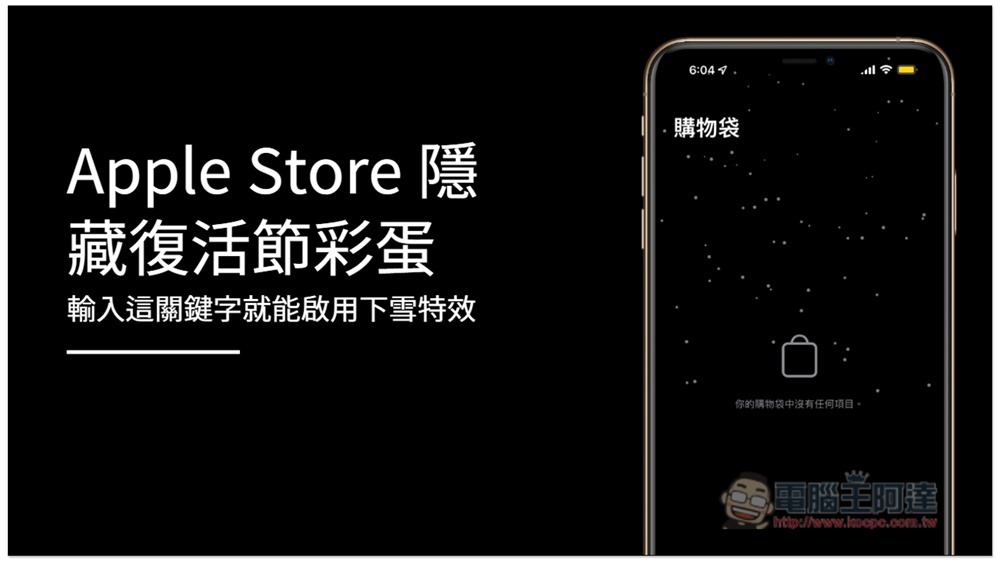
Whenever important foreign holidays come, Apple will hide some easter eggs in its apps. For example, if you enter the keyword “Let it snow” in the Apple Store app now, a snow effect will appear on the screen, and it will continue to snow on all App Store pages until you close the app.
Untitled - Made with DesignCap

Enter a keyword to enable the snow effect for Apple Store hidden Easter eggs

First, you must download the Apple Store app on your iPhone. If you haven’t installed it yet, please click on the link below.

  • Click here to download and install from App Store

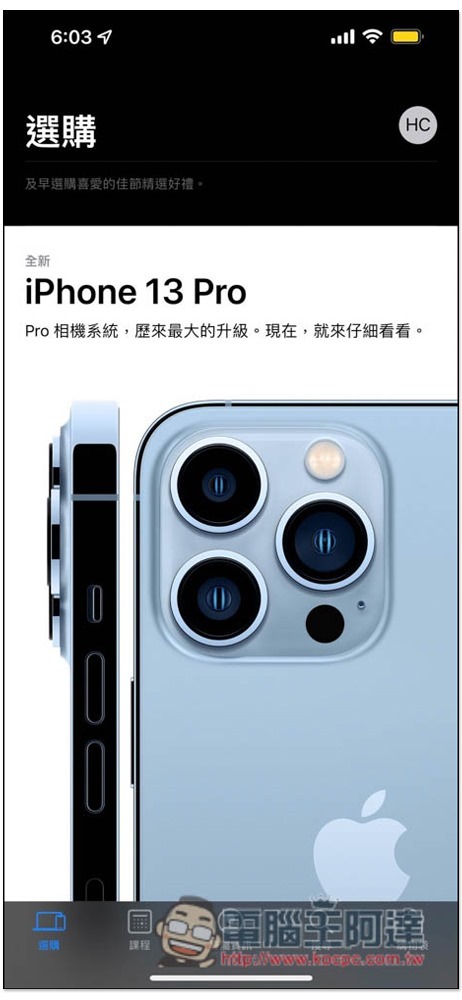
Then open the Apple Store App. It will not snow by default. Please click the “Search” function below:
S__13000707

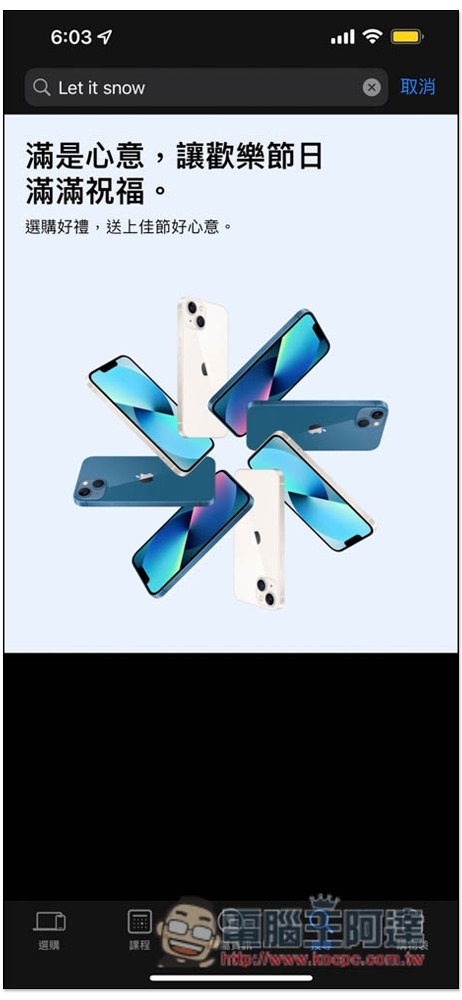
Then enter “Let it snow” in the search field above. You can also use all lowercase letters. Basically, it should start snowing immediately without pressing the enter key. But if yours does not appear, you can press enter:
S__13000709

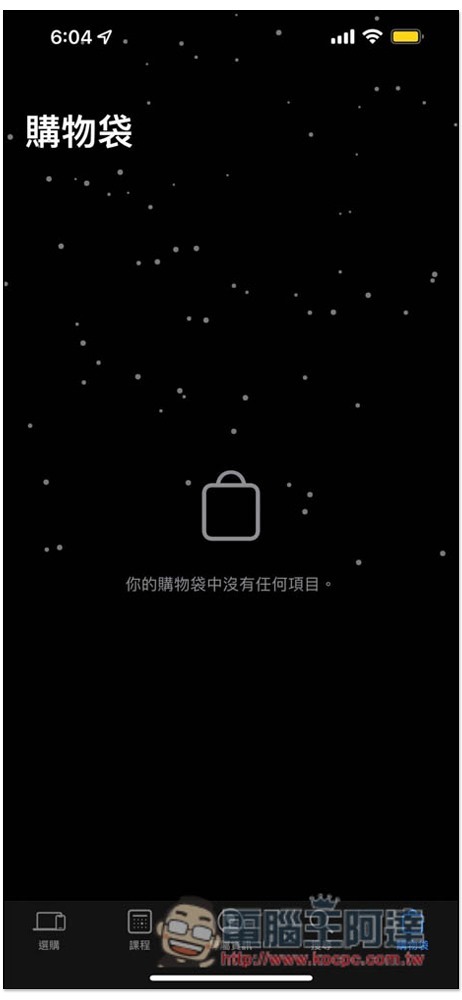
The screen will start to snow, and it will continue. Even if you browse other Apple Store pages, it will be canceled after closing. If you want to see snow again, you must enter Let it snow again:
S__13000710

Below is a dynamic image file. As for when this effect will end, we don’t know yet, but I guess it will be at least until Christmas (?):

View post on imgur.com

According to 9to5Mac, Apple has actually launched this Easter egg (snow special effect) as early as 2017. This is not the first time, it seems to happen every year at this time, but having said that, since it has been launched long ago, it should be localized so that this special effect can be enabled by inputting Chinese.

In addition, for this holiday season, Apple’s official YouTube channel also uploaded a holiday season advertisement at the end of last month. The content describes a little girl trying to save a little snowman. The entire process was shot with an iPhone. Those who are interested can take a look. It is quite good:

Store Switch 輕鬆一鍵切換其他國家 App Store,免修改任何資料

Source: KOCPC Chinese

Tags: EasteriOSiPhone

Recent Posts

  • The Xiaomi Pad 8S Pro has passed network access certification and will debut with the self-developed XRING O3 chip.
  • The entire Google Pixel 11 lineup has been leaked! Official promotional renders of the Pixel 11 Pro XL have also surfaced
  • Are Chinese phone battery capacities falsely labeled? A brief look at the “capacity locking” phenomenon in Chinese silicon-carbon batteries.
  • NCC is leaderless, recklessly sending out national-level alert messages!?
  • What does “QR” in QR Code mean?

Recent Comments

No comments to show.
  • About Us

We welcome partnership inquiries and product review opportunities from smartphone manufacturers, iPhone accessory brands, and app developers.koc kocpc.com.tw|Privacy Policy |Hosting & Maintenance: Fast Line Taiwan, A-Chang Digital Technology

No Result
View All Result
  • Home
  • Tech News
  • AI News
  • Apps & Tutorials
  • Mobile & Telecom
  • Lifestyle
  • About Us

We welcome partnership inquiries and product review opportunities from smartphone manufacturers, iPhone accessory brands, and app developers.koc kocpc.com.tw|Privacy Policy |Hosting & Maintenance: Fast Line Taiwan, A-Chang Digital Technology