


Since the iPhone has a built-in function for scanning PDF files, there is no need to install another app, and the scanning effect is quite good, which is really convenient. However, sometimes when scanning, you may want to merge two or even three PDF files, such as accidentally forgetting to scan a certain file. Then you realize that many people may use third-party PDF Apps to merge or even scan again. In fact, the iPhone also has this built-in function, and the operation is very simple. Let me teach you below.
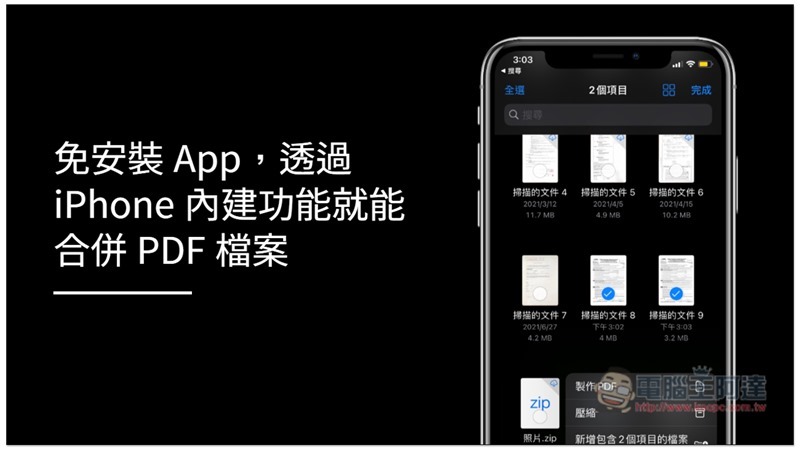
Merge PDF files using built-in features on iPhone
I’m not sure which iOS version the PDF merging feature was added to. I’m sure it’s available in iOS 14. People who are not on this version can try it to see if this feature is available. (It should be available in iOS 13, launched together with the PDF scanning function)
First, open iCloud Files and enter the location of the PDF files you want to merge:
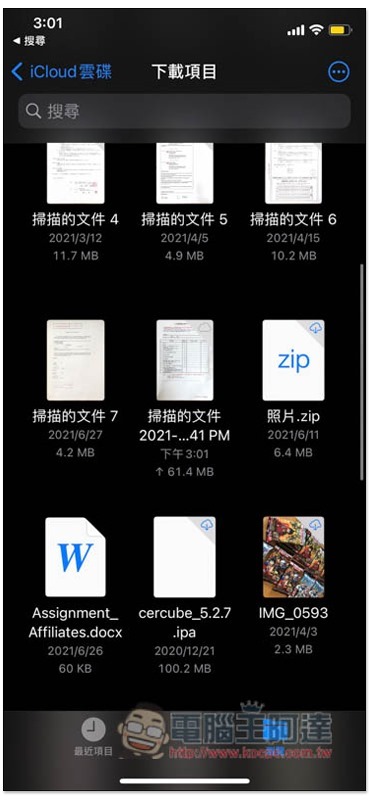
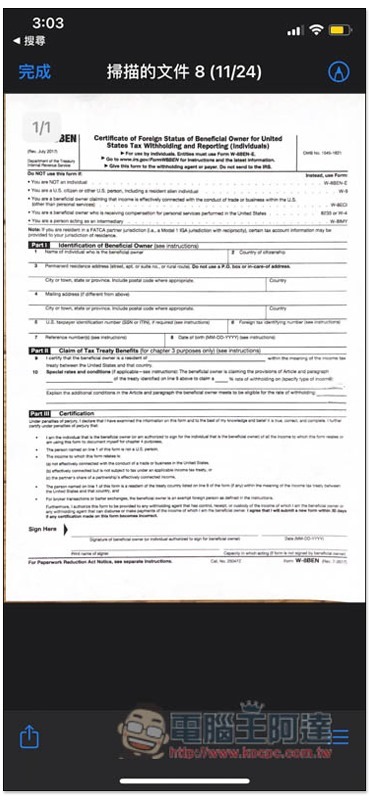
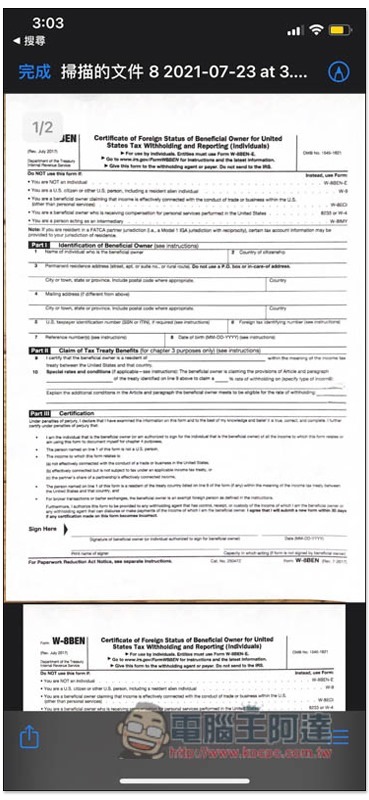
I take this PDF file as an example. It is noted in the upper left corner that there is currently only 1 page, and there is no picture of other pages below:
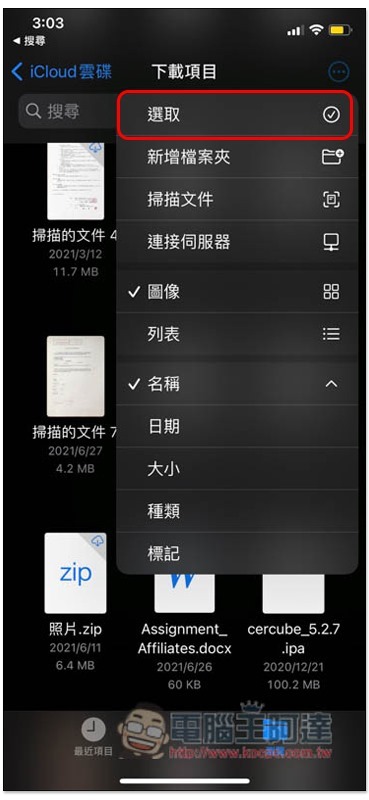
After returning to the previous screen, open the… menu in the upper right corner and click on the first “Select” function:
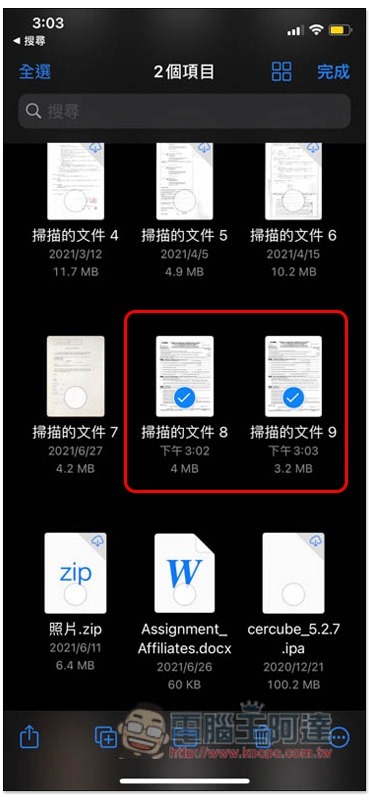
Then select the PDFs you want to merge. Remember to click in order. The first one is the first page, and the second and subsequent ones are sorted in order. It depends on how many you want to merge:
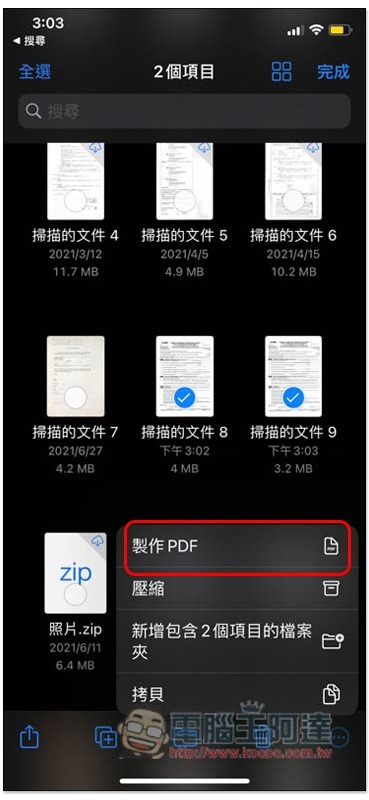
Open the… menu in the lower right corner and you will see the “Make PDF” function, which is to merge PDFs:
After waiting for a few seconds, a new PDF file will appear on the screen. The file name will be similar to the first PDF you selected to merge:
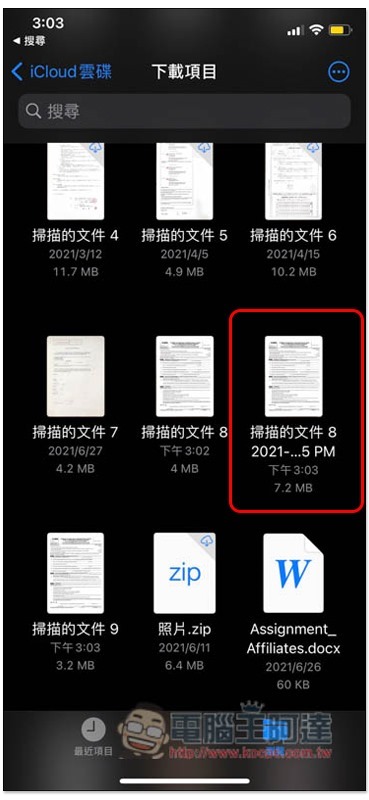
As shown in the figure below, the two PDFs I selected are both one page, and the new PDF file after the merge has two pages, and the merge is successful:
Therefore, if there is a need for PDF merging in the future, you can just use the built-in iPhone without any additional installation. However, the iPhone does not currently have functions such as cropping or modifying the order of internal pages, and can only use third-party PDF Apps.
I still don’t know how to operate the function of scanning PDF files. We have written a complete tutorial before. Those who need it canread this。
Source: KOCPC Chinese