


1DM Download Manager is a recently discovered and powerful free downloader app for Android. It can download videos or music from many online websites, such as Facebook, Twitter, online movie websites, etc. It supports HLS / M3U8, Torrent seeds and magnetic links, but not YouTube. After all, it is listed on Google Play, and Google cannot allow it. If you haven’t found a good Android downloader yet, you might as well try this one, it’s completely free (but there are ads).
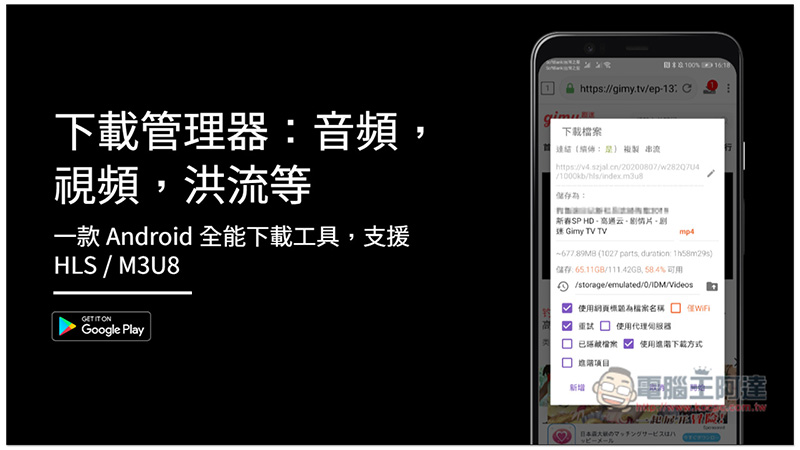
Download Manager: Audio, Video, Torrenting and More Free App Introduction
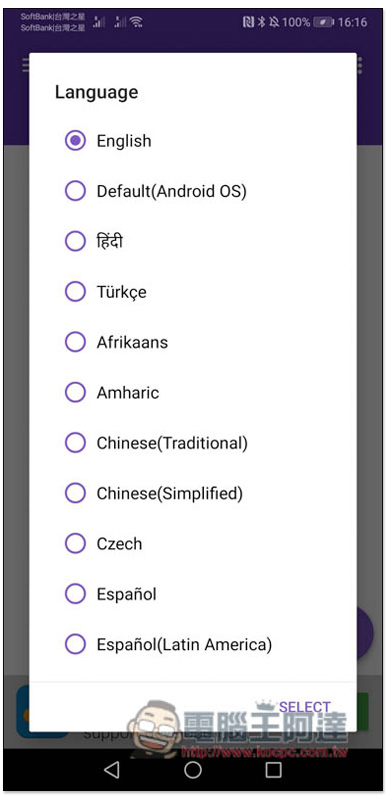
When you open it for the first time, you will be asked to select the language. For Traditional Chinese, select “Chinese (Traditional)”:
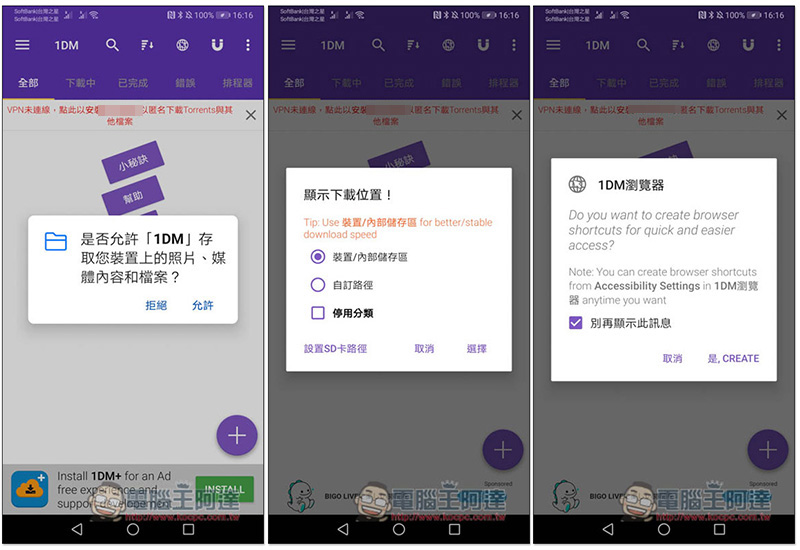
Then it asks for permission to access the device and set the download location. The last one asks if you want to add a shortcut to the browser. It depends on whether you need it. Those who are not sure can open it later:
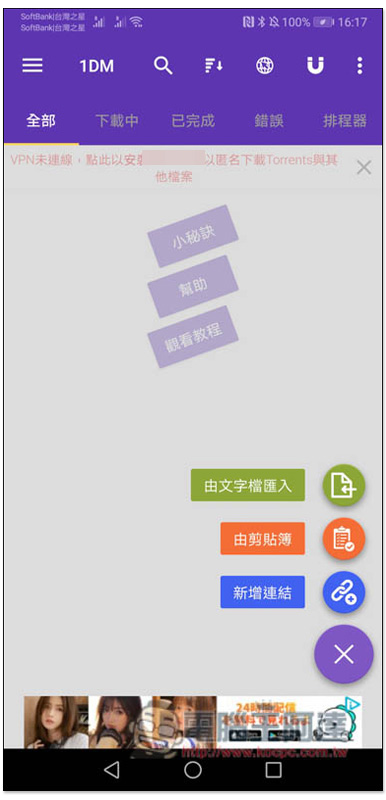
Those who already have video or music download links can click + in the lower right corner to find the three functions of “Import from text file”, “From clipboard” and “New link”. For those who don’t know yet, you can open the browser (globe) icon above:
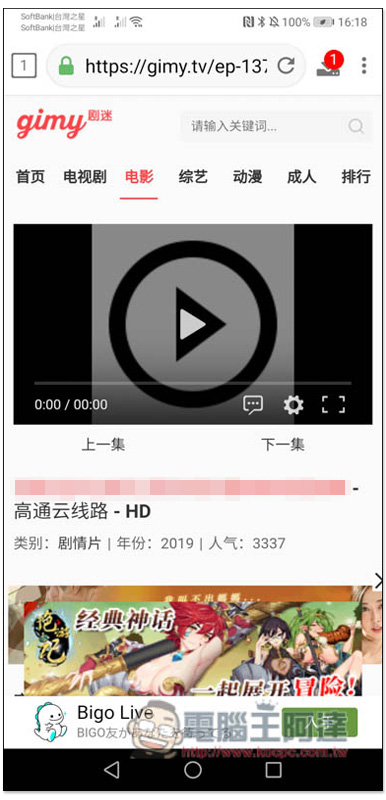
Let me first take the online free movie website as an example. Also a reminder, we do not recommend watching pirated content, this is just to demonstrate the functionality. After opening the video you want to watch, 1 or other numbers will appear in the upper right corner, indicating that the video download point has been found:
Make sure the file size is not normal. If it is a movie, feature film, etc., it will basically start at 100 MB. If it is too small, it means the download point may be wrong. After confirmation, open the… menu and you will find the download function. If there are no special needs in the download setting section, just press Start without adjusting anything:
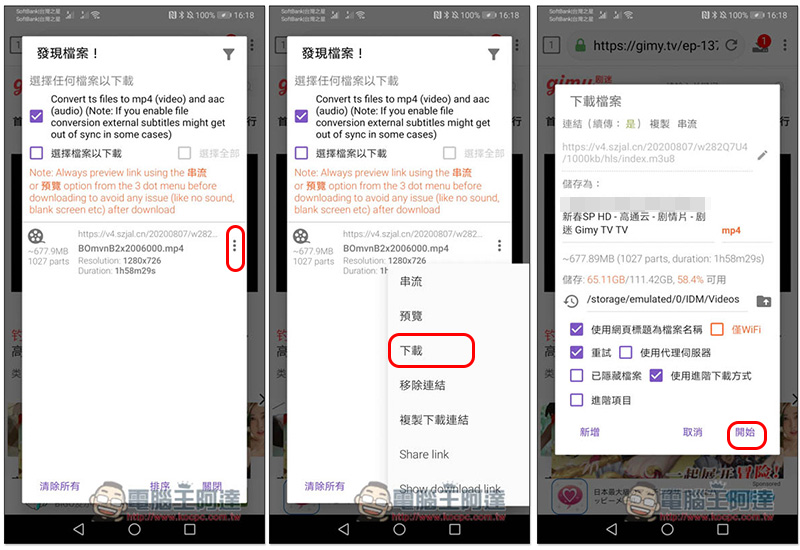
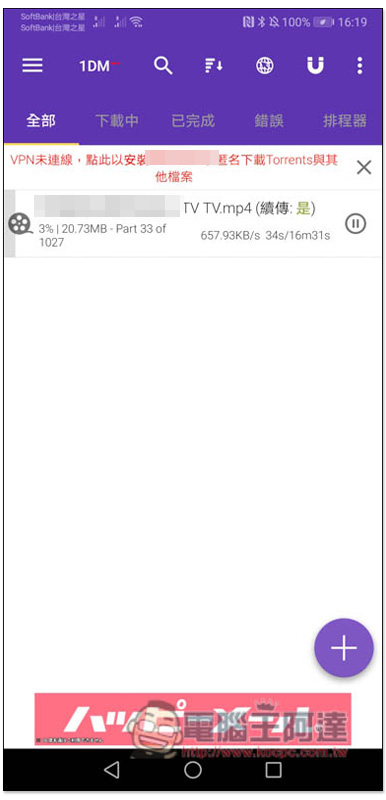
This will start the download. This device supports the resume function, so there is no problem if the connection is disconnected or paused in the middle of the download:
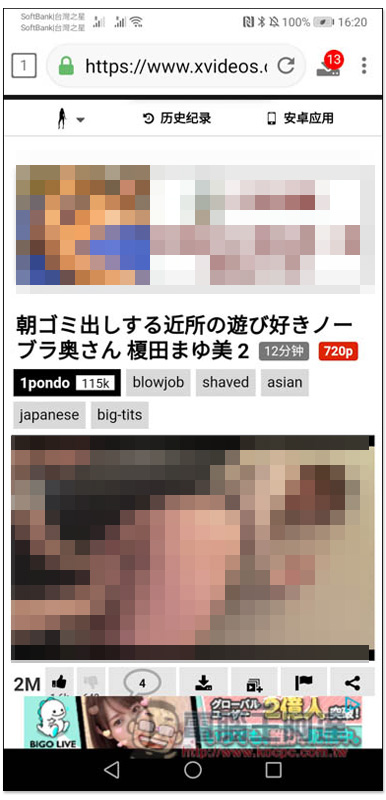
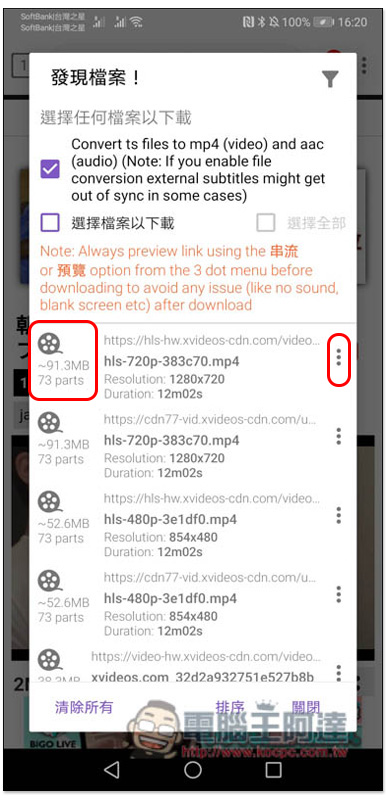
Next is xvideos late-night video. After opening the movie page to be uploaded, a number will also appear in the upper right corner. However, xvideos has too many advertisements, so the number of videos found will be very large:
Just look for the one with the largest file capacity, usually first:
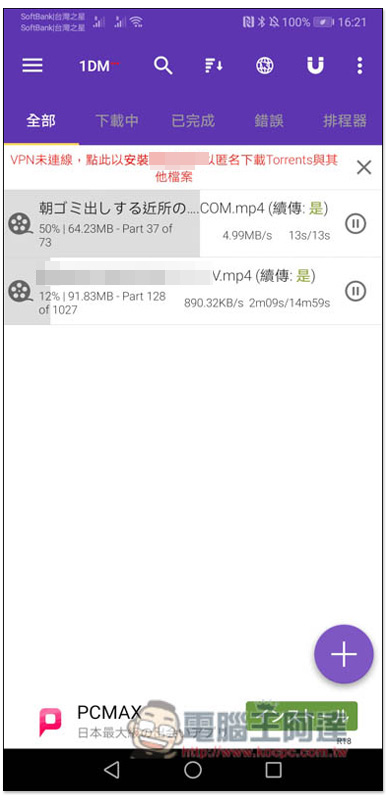
The download speed depends on the website, xvideos is pretty fast:
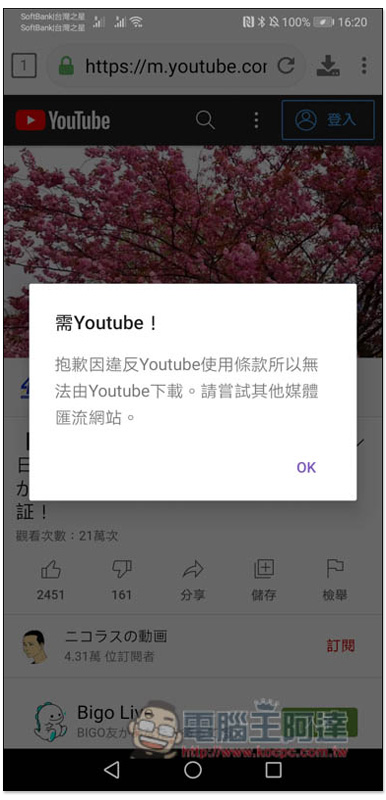
Due to policy restrictions, YouTube is unable to provide:
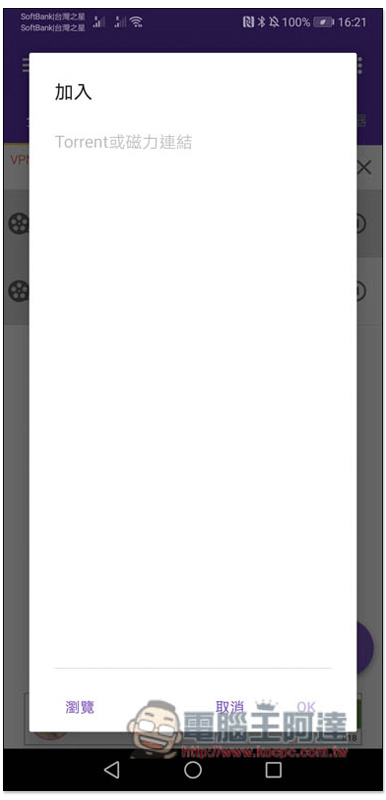
Friends who need to download BT seeds or magnet links can also use this set:
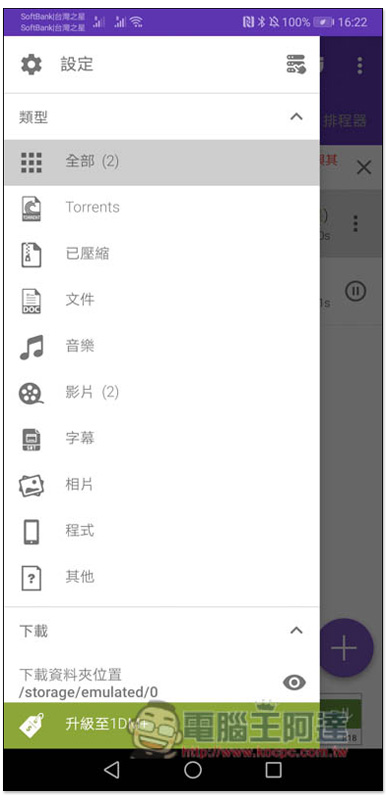
There is also a complete classification function:
Source: KOCPC Chinese