


Google has many services, and some of its applications have more interesting functions on iOS.For example, last month we shared Google App, the widget on the iOS home screenA variety of new theme styles are launched for users to customize. Recently, foreign media also discovered that there is actually a hidden “pinball machine” Easter egg in the iOS version of Google App. You can start playing it directly on your iPhone by just turning on the App tab and sliding up!
Google App hides pinball game! You can play it directly on your iPhone
Google often hides some interesting little easter eggs in web browsers or its service applications. In addition to the computer web version of Google launching various interesting games from time to time, this time the classic “pinball” game is hidden in the Google App, and it is also in the iOS version.
iOS users only need to download the Google App and open it, then click the “Tab” tab in the lower right corner of the screen, and then slide your finger up from the bottom of the screen with the opened tab until various geometric color blocks pop up to start the pinball game of Google App!
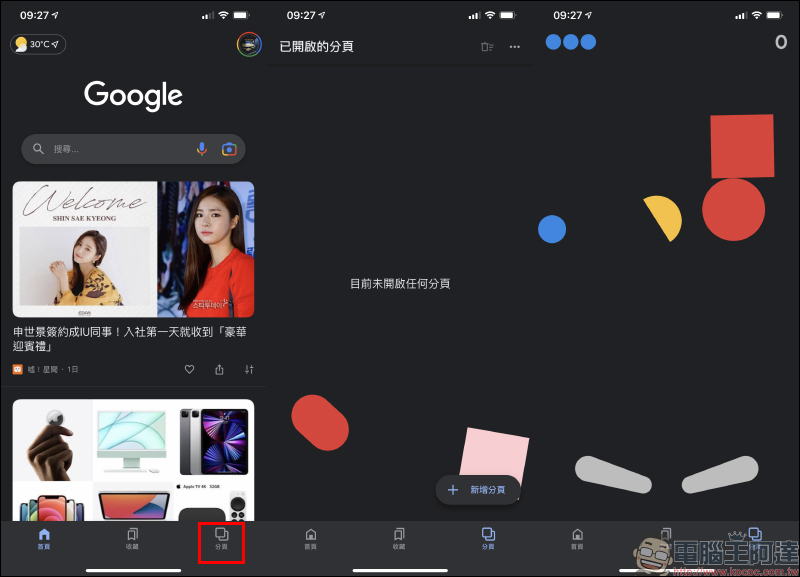
In order to help you better understand how to start the pinball mini game, you can refer to (left picture below) to better understand the game startup process. After starting the game, the player only needs to click on the hitting control levers on both sides of the bottom of the screen to hit the ball upwards, and just smash the various colored blocks. In the upper right corner of the screen is the player’s current total score, and the number of balls in the upper left corner is the player’s remaining number of balls (lives). If all the balls fall and are not caught, the game will end directly.
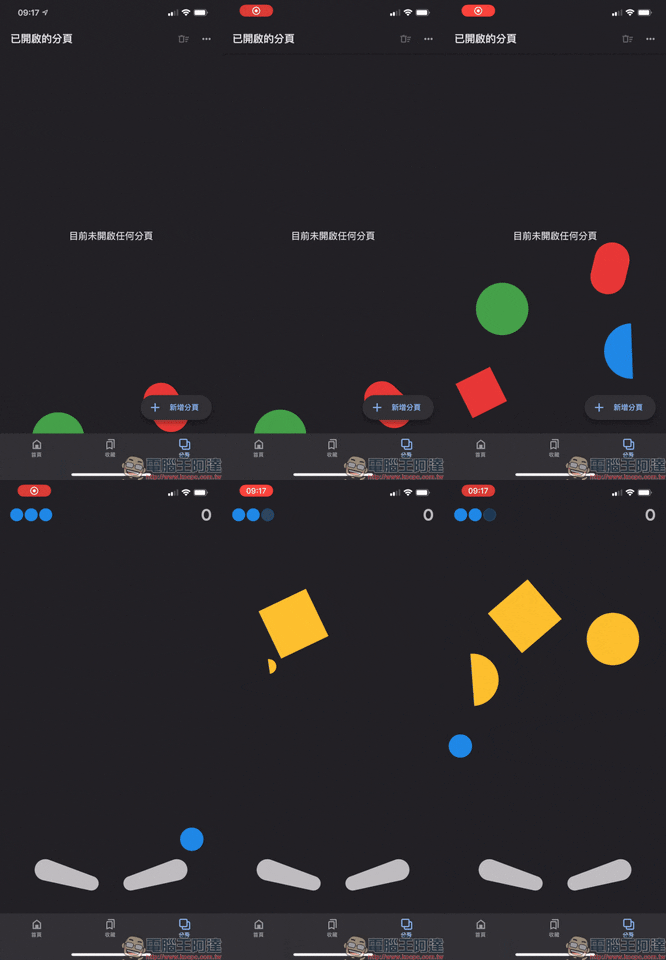
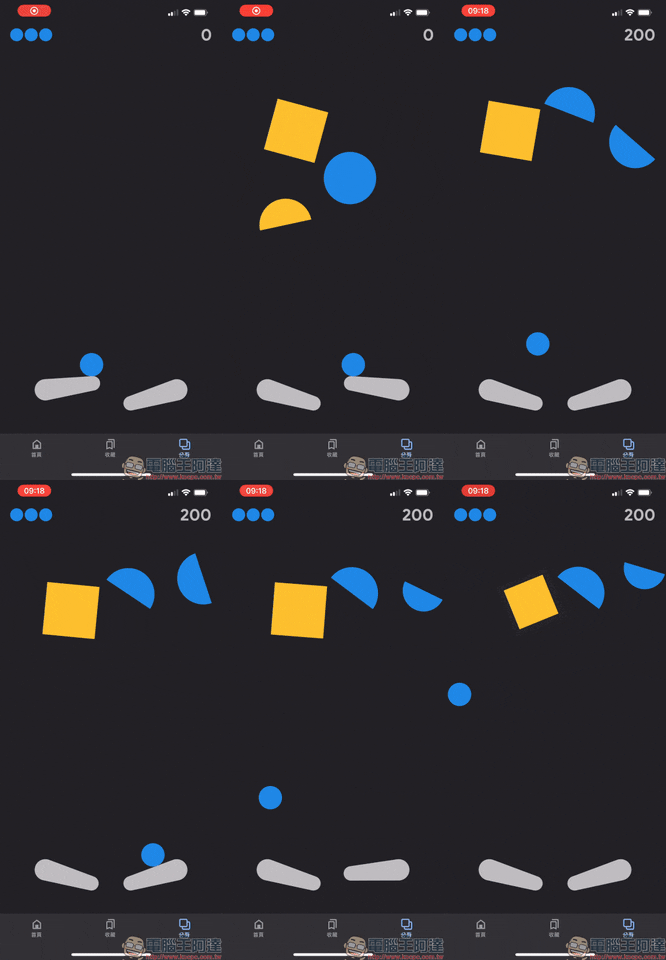
If you click on the left or right bat, only the bat on that side will bounce upward. If you want to bounce both bats at the same time, click the hole in the middle of the screen.
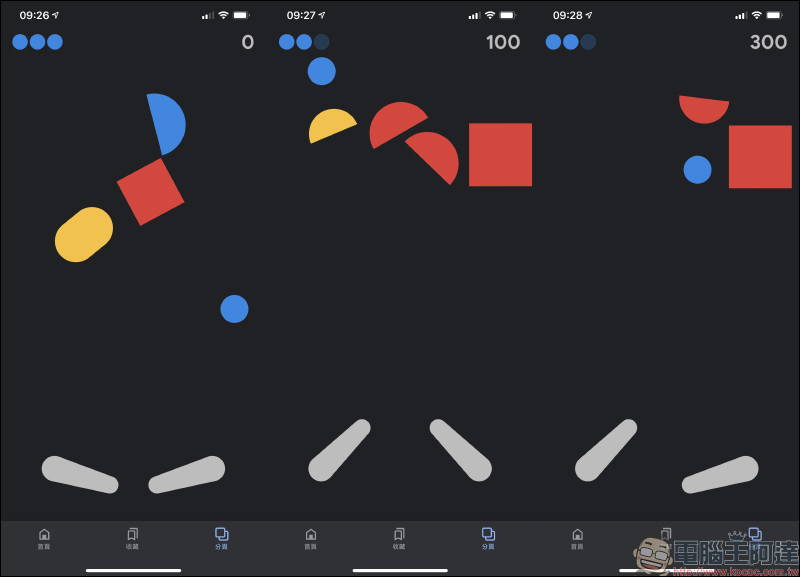
As players defeat more geometric color blocks, the level difficulty will continue to increase, and various rebound devices and obstacles will be added.
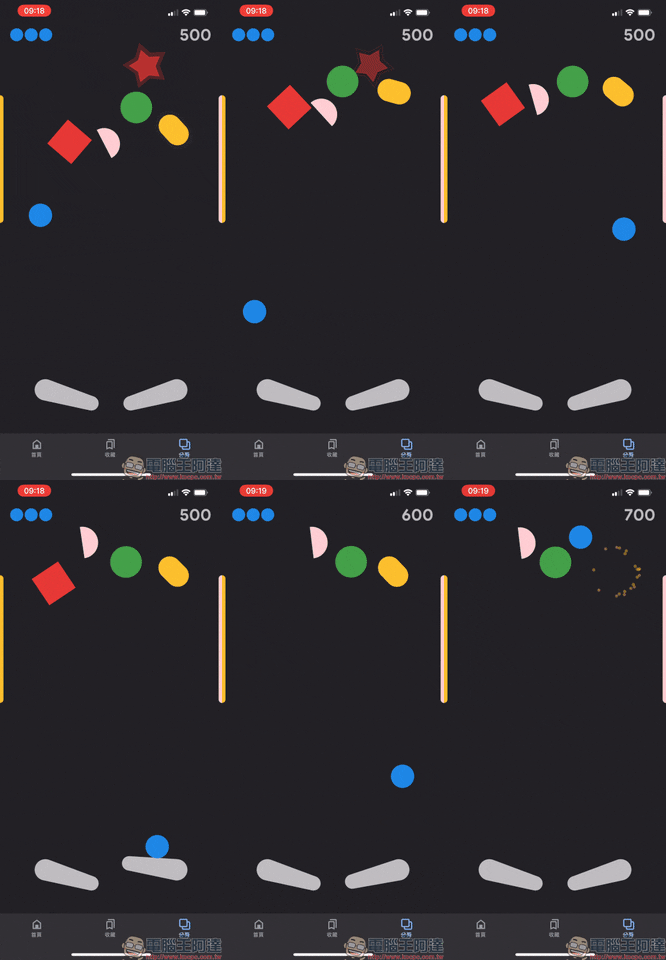
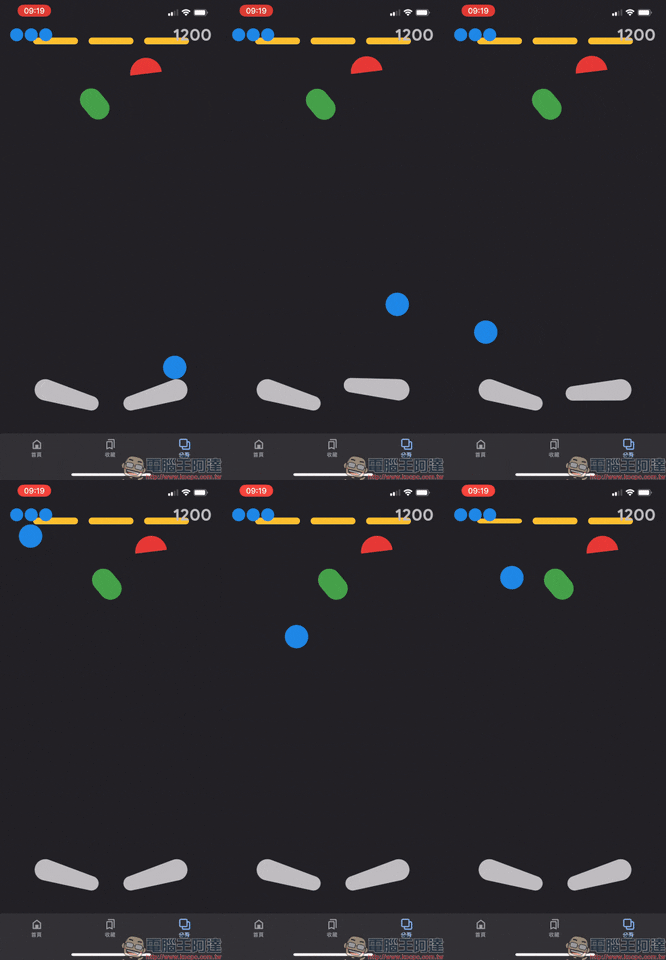
When the game ends, the total score for this round will be displayed immediately. If you want to restart the game, you can click the play button in the center of the screen, or you can leave this tab and return to restart it. Each session of the Google pinball game actually doesn’t take too long, so it’s pretty good as a relaxing game to kill time.
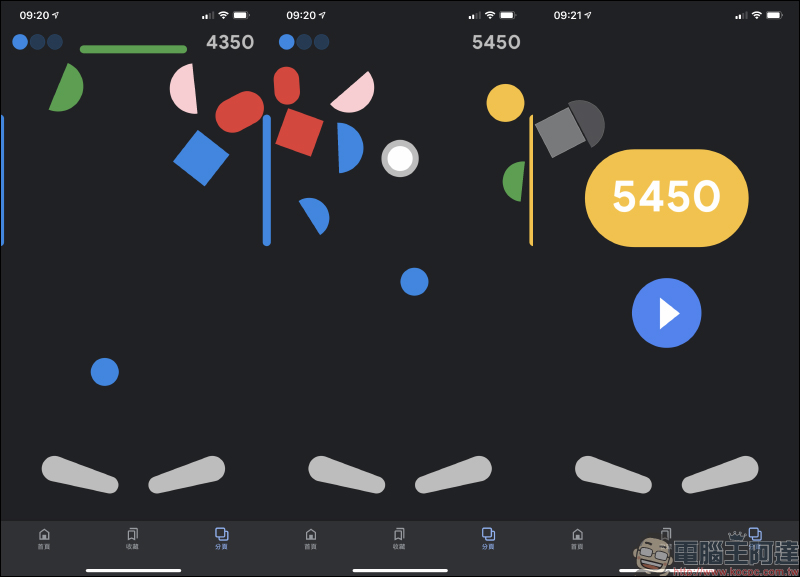
Unfortunately, this pinball game in the Google App is currently only playable on the iOS version of the Google App, and Android phone users seem to be unable to launch it.
Google iOS App Download:Click here to download (App Store)
Further reading:
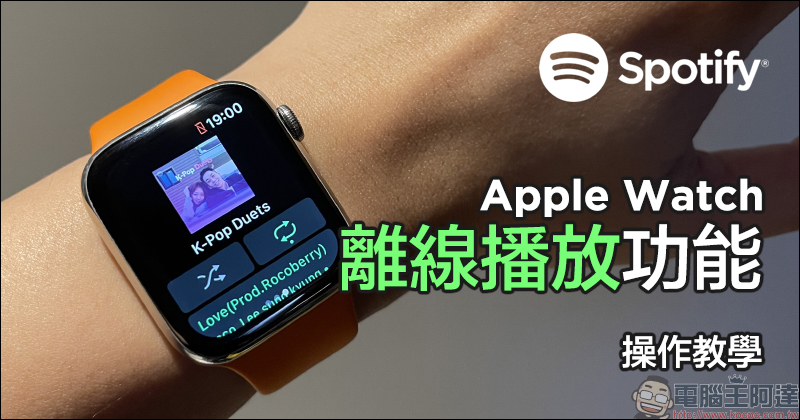
How to use Spotify’s “offline playback” function on Apple Watch? For operation instruction, read this article
LINE free sticker collection: 16 practical LINE stickers for free download!

Source: KOCPC Chinese