


YouTube is currently the world’s largest online audio and video platform, and it is also the world’s second largest search engine after Google. In order to facilitate users to quickly search for videos, YouTube provides filters below the website search bar, allowing users to filter videos based on video upload date, video type, video length, video attributes, and sorting criteria.
However, in the video length filter, YouTube only provides two conditions: short films (less than 4 minutes) and long films (more than 20 minutes), which is not very friendly to users who need more precise video search of length. Share one todayChrome extensionYoutube Time Filter allows you to more accurately set the video length condition in hours, minutes and seconds. The longest video condition is 59 hours, 59 minutes and 59 seconds.
YouTube Time FilterPrecisely set up YouTube search
Chrome extension store address:Click me to download
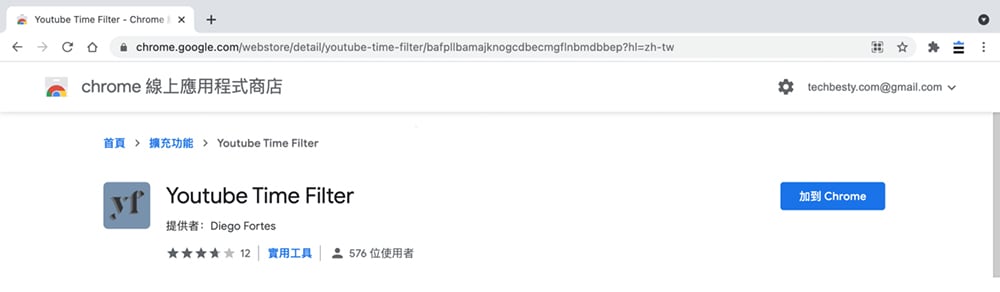
The first step is to visit the Chrome extension store to download and install Youtube Time Filter, click Add to Chrome on the extension details page, and then click Add extension in the pop-up window.
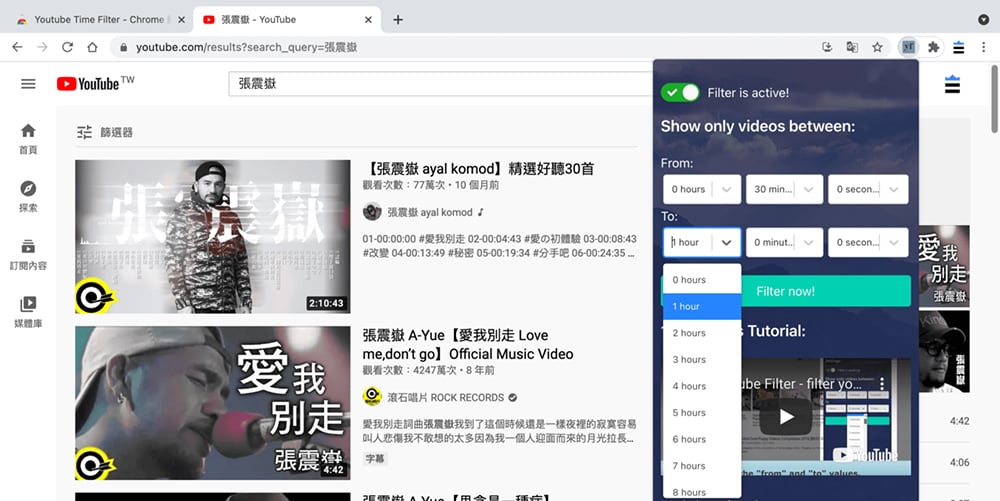
 In the second step, after the Youtube Time Filter is successfully downloaded and installed, visit the YouTube website to start a keyword search, and click the Youtube Time Filter expansion icon in the upper right corner of the search results page. Set the video length range, start time (from) and end time (to) according to personal needs. For example, if I want to search for videos ranging from 30 minutes to 1 hour, I can set 30 minutes in From and 1 hour in To. After the settings are completed, click the Filter Now button to apply the filter conditions.
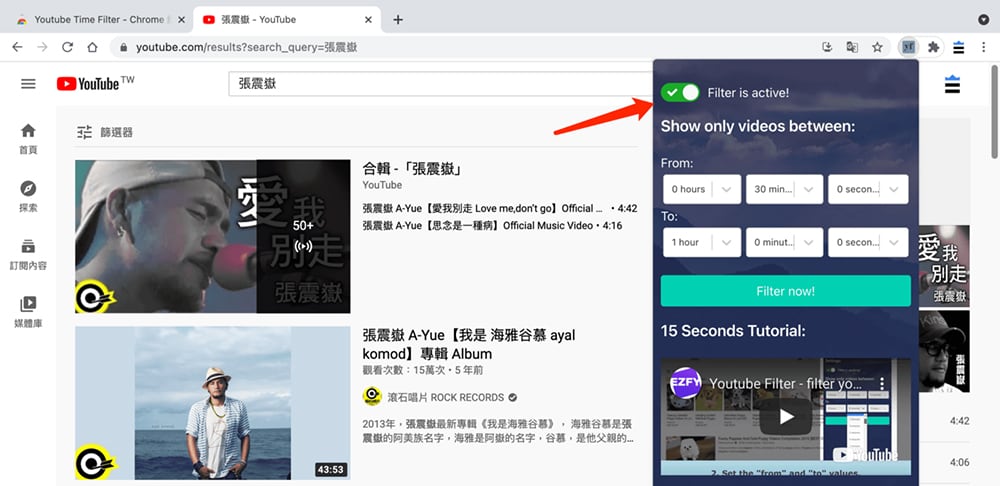
Step 3: If your video search results have not changed, you can try refreshing the current page and clicking the Filter Now button again. If you don’t want to apply filtering conditions, you can turn it off through the switch option provided by Youtube Time Filter.
Summarize
Youtube Time Filter ChromeThe extended function can effectively help you search for a certain time range more accurately.YouTubevideo, but if you use botheightYouTubeSearch skills,yourYouTubeVideo search results will be more accurate.
Source: KOCPC Chinese