


So far we have introduced many white noise and music-focused apps, such as:Noise、tidal、TaoMix, most of them have many built-in sounds and instruments, allowing us to freely choose and match the music we want to listen to, but this Endel: Focus & Sleep Sounds is very different in that it will automatically generate suitable personalized sounds based on the user’s current environment. The influencing conditions range from weather, location, to time, etc., which means that the music you hear is different every time, which is very special. It also provides 4 commonly used modes, “Relaxation”, “Focus”, “Travel” and “Sleep”, available in iOS and Android versions.
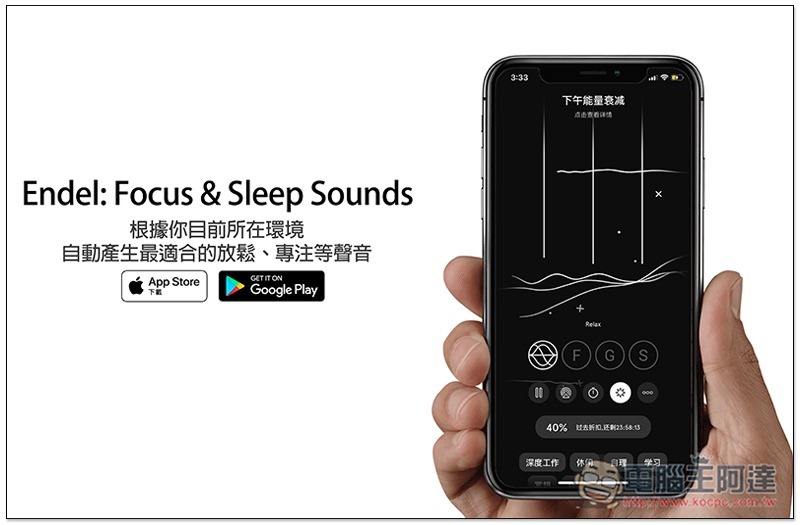
Introduction to Endel: Focus & Sleep Sounds
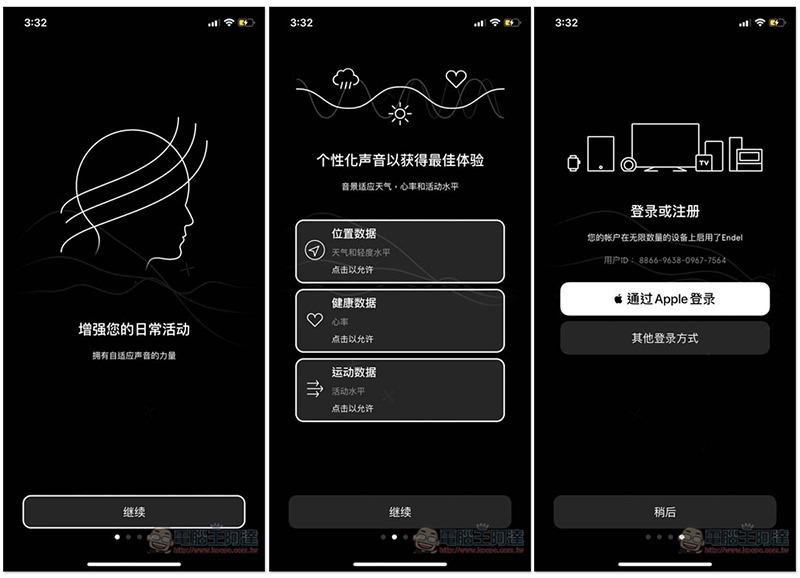
Endel: Focus & Sleep Sounds supports a Chinese interface. A brief introduction will be displayed when you open it for the first time. Remember to allow each step of personalized sound, such as: location data, health data, and exercise data, so as to get the best experience. You can skip the login or registration part first, click later:
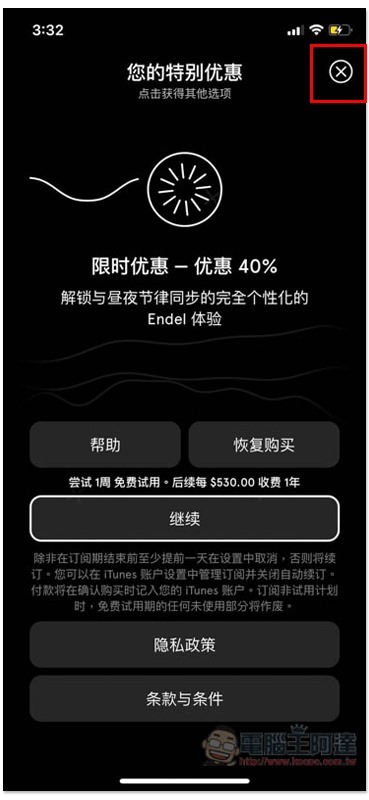
This step is very important. Just click the X in the upper right corner of the discount payment screen to close it. If you really like it later, you can consider whether to subscribe:
After entering the main screen, the sound will start to play, and the current situation will be written above. For example, when I tested it on a weekday afternoon, most people’s energy will decrease, so I played music that can increase energy. The small icon in the middle is the four modes. The first one is “Relaxation”, which can calm your mind and create a feeling of comfort and security:
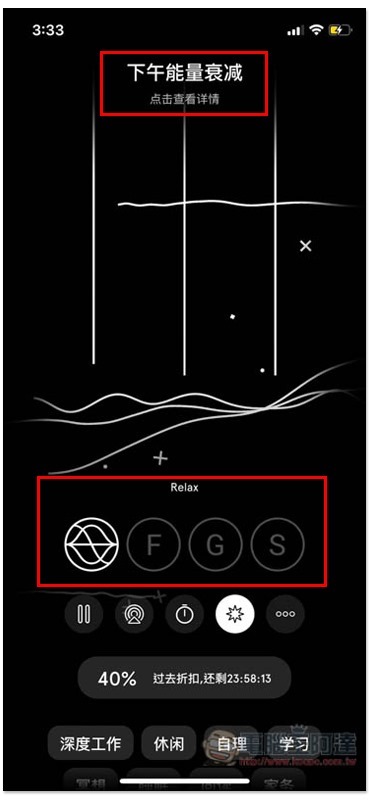
The second is “Focus”, which helps you concentrate for a long time to improve work efficiency; the third is “Travel”, which is suitable for personal rhythm when traveling; the fourth is “Sleep”, which allows you to enter deep sleep faster through soft sounds:
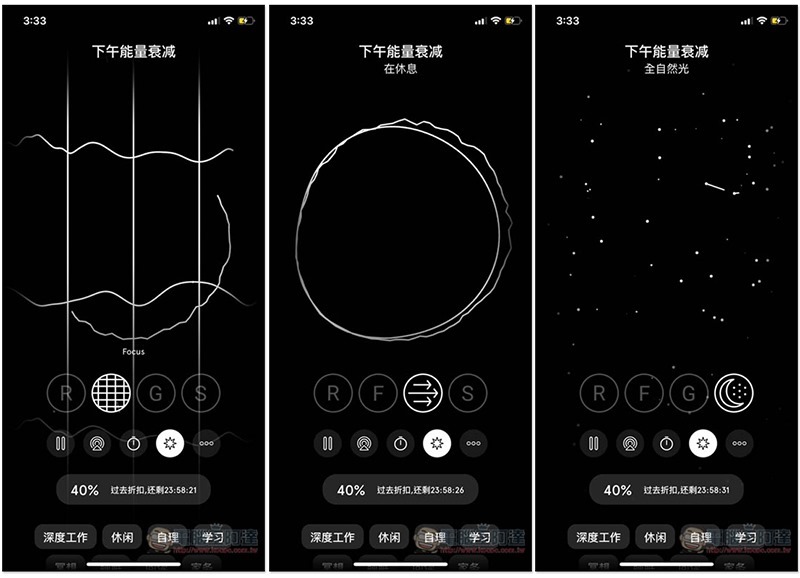
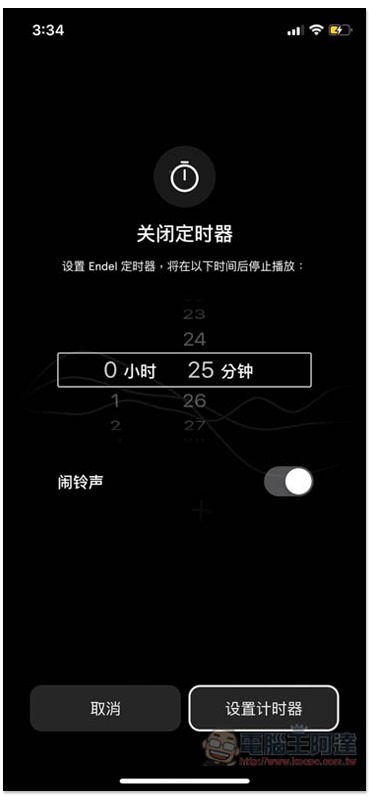
Provides a timer function, which will automatically stop when the time is up. You can also set whether to have an alarm sound:
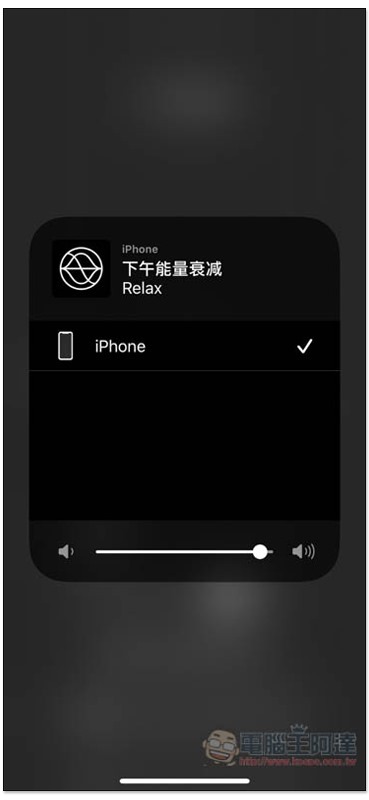
People with AirPlay devices can switch to play:
There are 12 common scenarios below. You can enable these scenarios when you want to work, sleep, study, etc. They are mainly used for reporting. After recording for a long time, you can review them at any time to see if there is anything that can be improved:

After selecting the scene, set the time you want to last, then press start, and the countdown will begin:
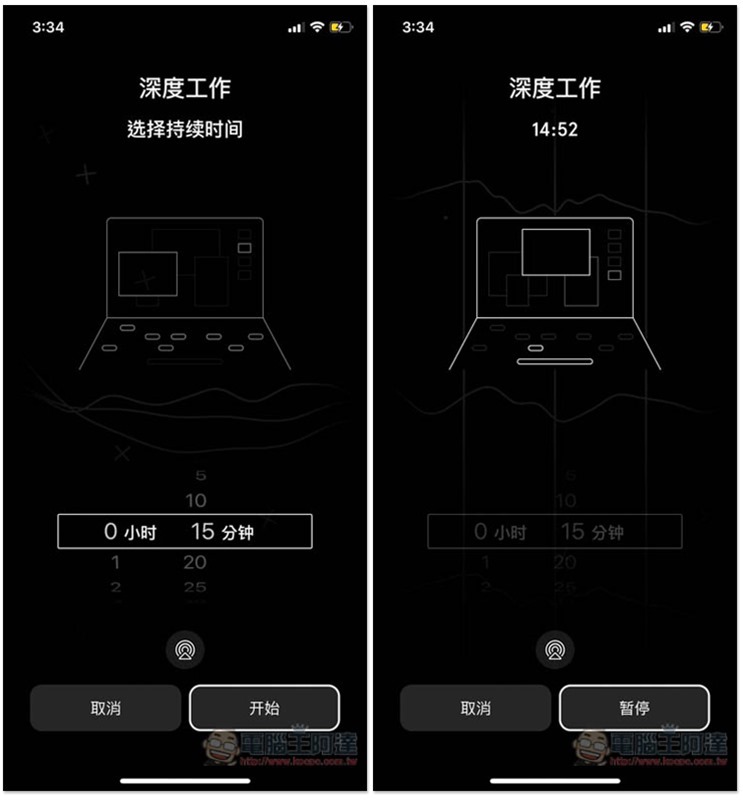
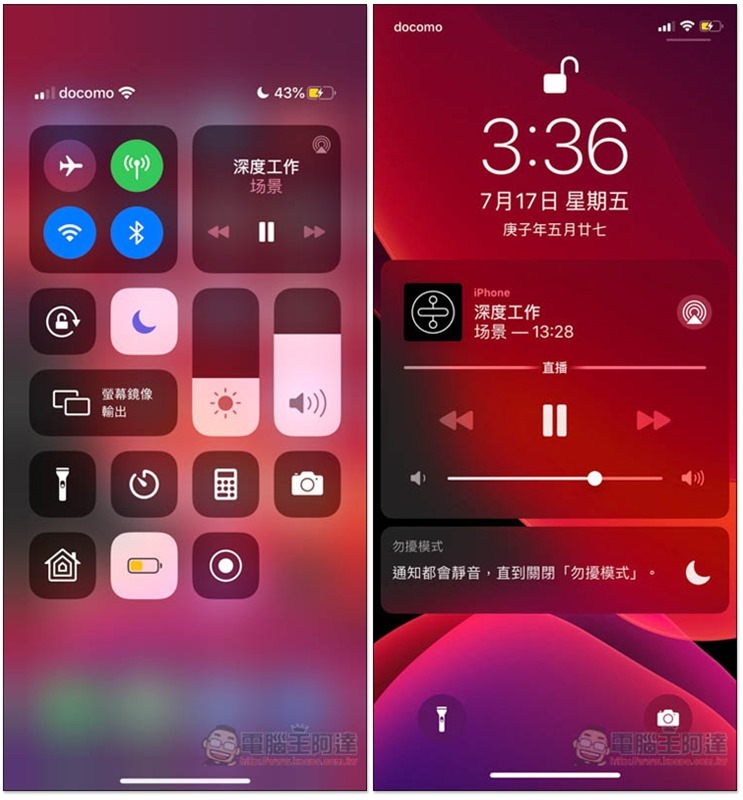
Background and standby playback are both supported, and the standby screen will also display the remaining time for you to check at any time:
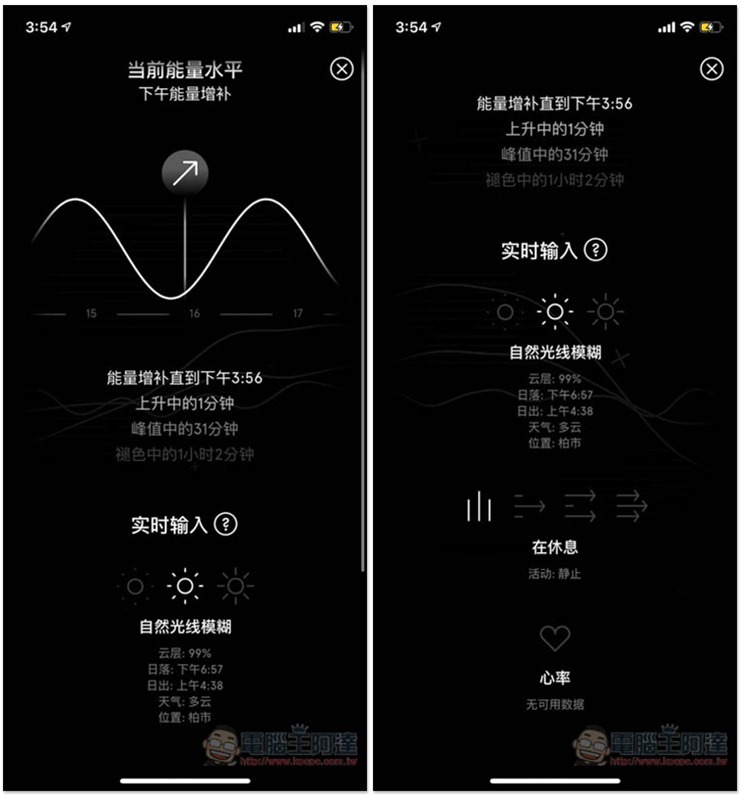
Click on the text at the top of the main screen to see what data it is based on to generate the sound:
Supplementary information
- App Name: Endel: Focus & Sleep Sounds
- Nature: Free, paid subscription
- Supported operating systems: iOS, Android
- Download page:App Store、Google Play
Source: KOCPC Chinese