


LM Studio can be said to be a free tool used by many people to execute large-scale language open source models locally. It is supported by Windows, Mac and Linux. The model can be downloaded directly in the application, which is very convenient to use. However, LM Studio is still closer to “download the model and open the conversation”. If you really want AI to modify the entire program project, organize folders, or process PDFs, presentations, and spreadsheets at the same time, the support is not that good.
Finally earlier, LM Studio officially entered this field. Officially announced the launch of a new desktop application “LM Studio Bionic”, which is positioned as an “AI agent specially built for open source models” and currently supports Apple Silicon Mac, Windows x64 and Windows ARM64. Not only can you chat with the local model, but you can also ask AI to process code, research work, complex documents and files, so that the model can really start to do things for the user.
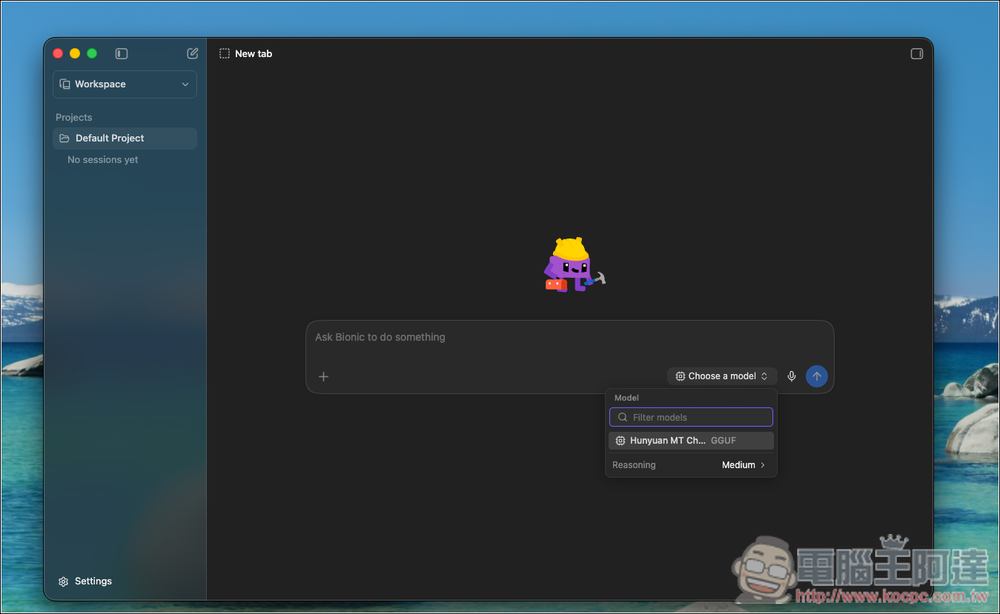
LM Studio Bionic officially launched: an AI agent specially built for open source models, free to switch between local and cloud computing
LM Studio Bionic The core advantage is that it breaks the computing limitations of a single device. In addition to being able to directly download and execute local large models within the software to handle daily chat and AI agent work, users can also seamlessly connect and use model resources on other devices through LM Link.
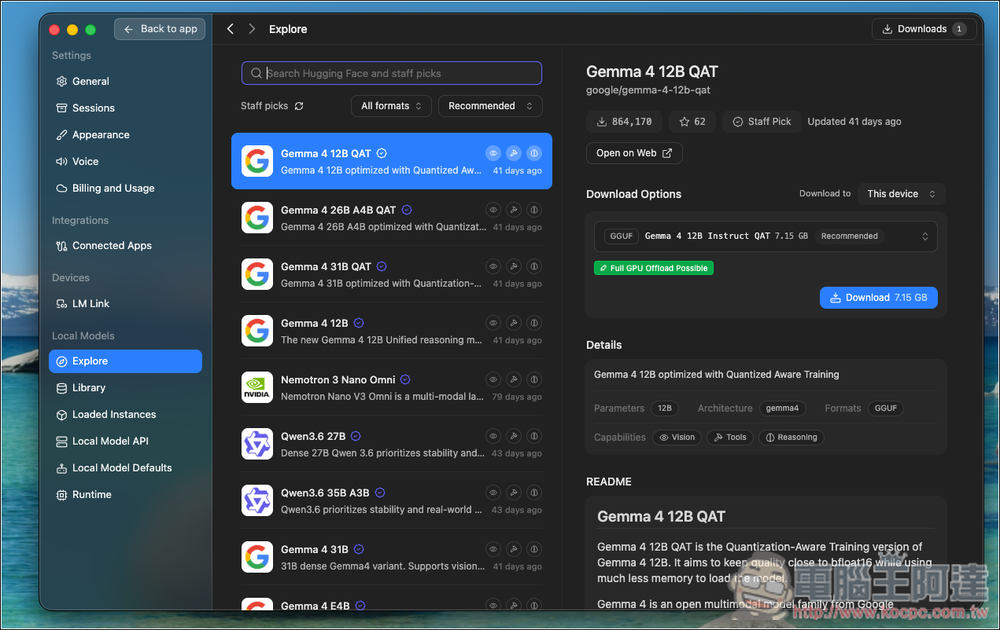
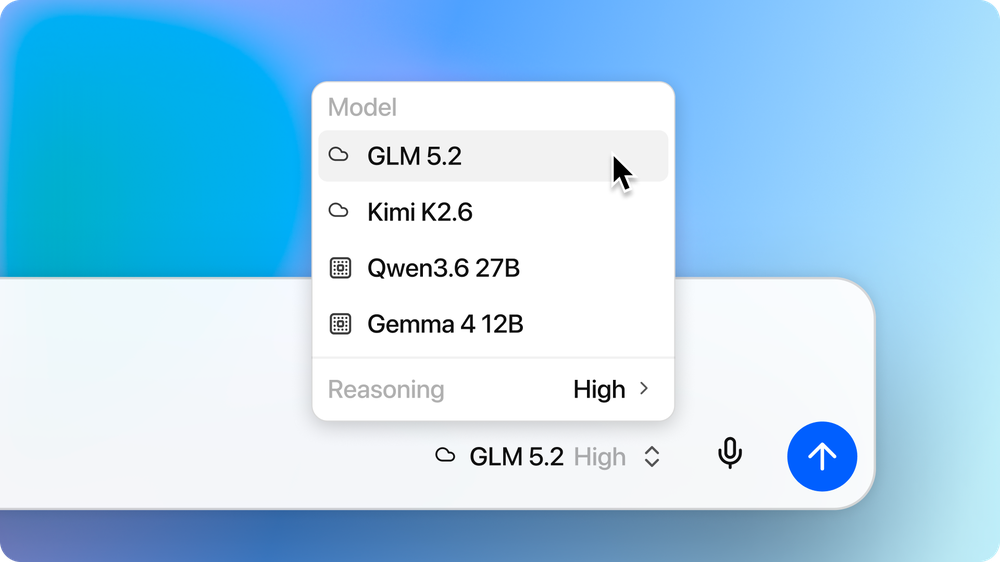
If you encounter resource-intensive tasks such as long context, complex reasoning, program development, etc., and the local hardware cannot run or the speed is not ideal, you can also use the cutting-edge open model on LM Studio Secure Cloud. Users can decide where to process each task based on work difficulty, computer performance and budget, instead of all data having to be uploaded to the cloud, which is very flexible.
However, the current official statement is that users can choose between the local machine, LM Link and Secure Cloud. It does not mention whether Bionic will automatically determine the difficulty of the task and actively switch the computing environment for you.
Bionic’s privacy policy is also a major focus this time for users who have access to company documents, unpublished code or research data. LM Studio promises that all Bionic users will be eligible for “Zero Data Retention” and will not use users’ data to train models. When using Secure Cloud, requests are only processed temporarily during execution and are not persisted once completed.
When processing files, Bionic will place the work in a sandbox environment, limiting the scope of the AI agent’s operations to the specified project to prevent it from touching other files on the computer. This is very important. During the AI agent processing process, files will actually be read, created, and modified. Therefore, whether the operation scope can be properly isolated will directly affect the security during use.
In terms of program development, after linking the folder, you can ask Bionic to investigate errors, modify functions, or perform debugging. It has agent code search capabilities, can find files related to problems, track program behavior, and can also explain unfamiliar code.
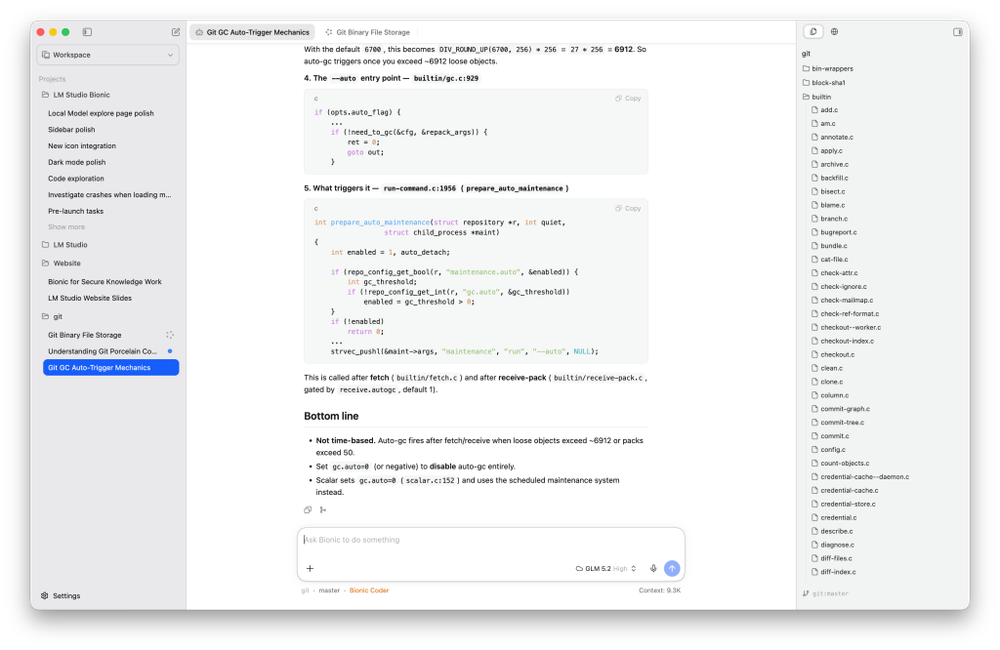
Bionic has also added an inline diffs function. Every time AI adds, deletes or modifies content, you can check it directly next to the original code. This is very convenient. It reduces the trouble of having to re-compare the entire project after the agent changes a large number of files at once. It also makes it easier to find out where the modification direction is wrong.
As for model selection, the Secure Cloud models currently listed by LM Studio include GLM 5.2, Kimi K2.6 and Kimi Code K2.7 for program development, and more models will be added in the future.
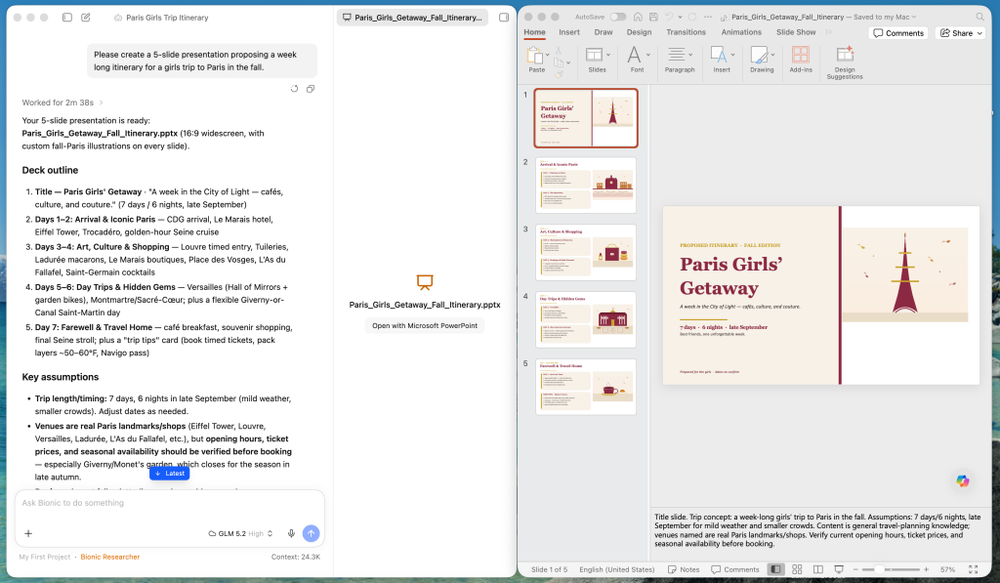
Bionic is not simply a program development tool designed for engineers to use. General office workers, researchers or content workers can use it to create “work projects” and let them process documents, PDFs, presentations, spreadsheets and other work files.
For example, after giving an entire project folder to Bionic, you can ask it to rearrange files and directories, summarize multiple research materials, edit existing documents, or create new documents, presentations, and spreadsheets directly from scratch. If local data is insufficient, it also has built-in native web search, which can bring external content into the current workflow, eliminating the need for users to constantly copy and paste between browsers and AI tools.
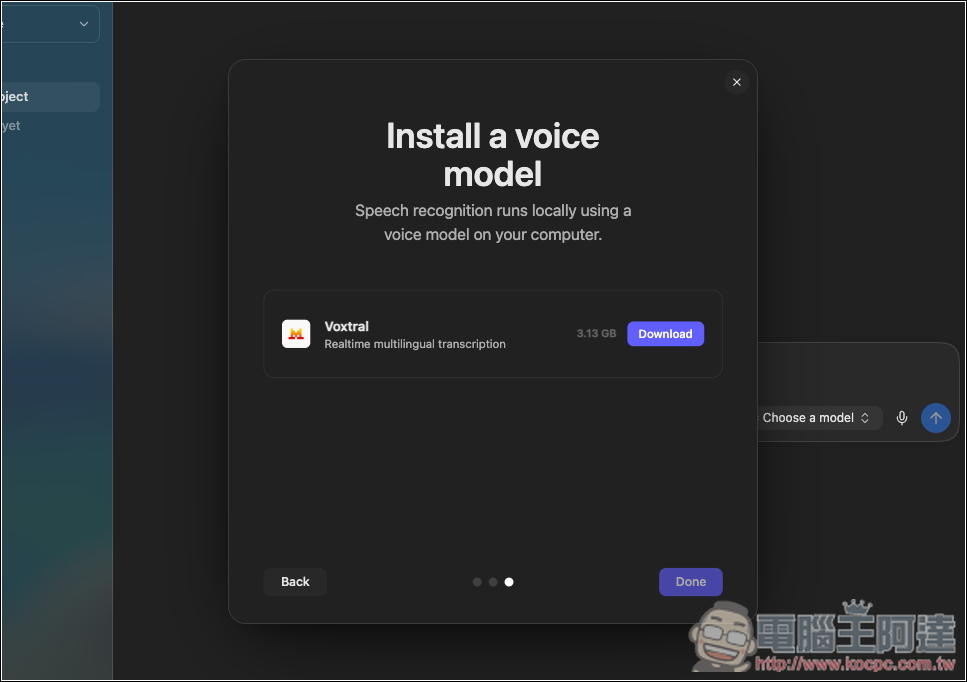
In addition to AI agents and document processing, Bionic also has a very useful feature: an offline voice keyboard that can be used across applications. You can use it in any App, similar to Typeless. The first built-in Voxtral multi-language real-time speech recognition model launched by Mistral AI, the entire speech-to-text process is completed on the device side, without the need to transfer recordings to the cloud:
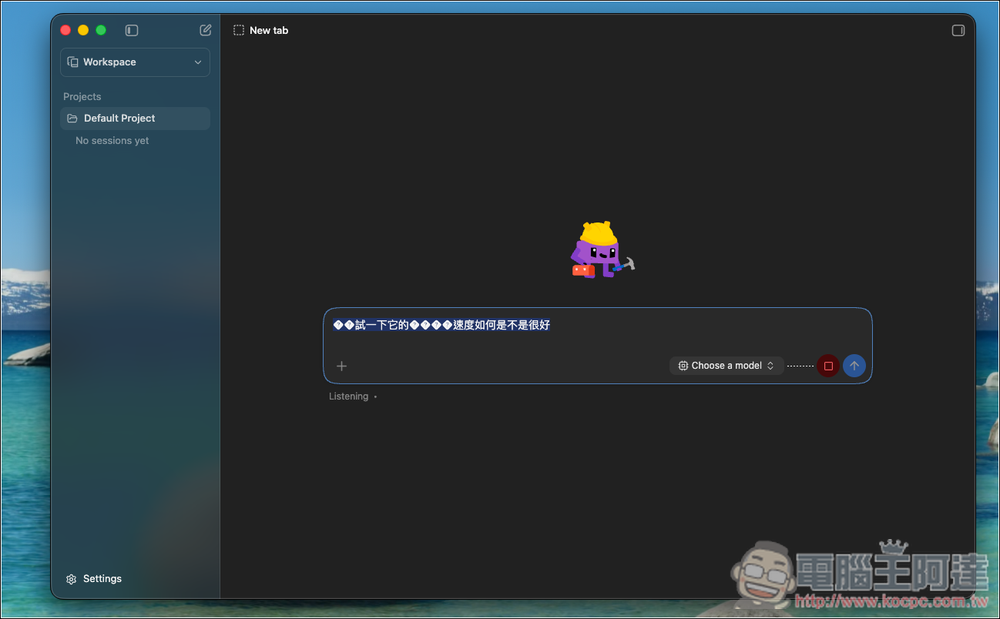
I have tested it and found that the Chinese support of this model is not very good, so for now, it is not very practical for Chinese users. It depends on whether more models will be opened in the future. In addition, it seems that global shortcut keys are not currently provided. I can’t find the relevant settings in the current version:
LM Studio Bionic is now available for download, which is a new standalone application.
In terms of price, Bionic Agent, native large language models and offline speech recognition are all free to use. After logging in to your account, you can also use network search with a zero data retention policy, but there are usage restrictions. If you want to use GLM 5.2, Kimi K2.6, Kimi Code K2.7 and other models on Secure Cloud, you need to first create an LM Studio account and purchase Cloud Credits, using the pay-as-you-go billing method.
Source: KOCPC Chinese