


Apple has officially unveiled the new-generation Apple TV 4K (fourth generation), featuring an all-new Siri AI. However, for users who already own an Apple TV, the question that matters most is actually: is this upgrade really worth it?
To help everyone decide whether it’s time to upgrade, we compared the all-new Apple TV 4K (4th generation) with the previous-generation Apple TV 4K (3rd generation), as well as the earlier Apple TV (3rd generation), which supports a maximum output of only 1080p. Now let’s take a look at exactly what changes the new model brings that make it worth upgrading.

Should you upgrade to the new Apple TV 4K? A full comparison with older models
Specifications Overview
| Specifications | Apple TV 4K (4th generation) | Apple TV 4K (3rd generation) | Apple TV (3rd generation) |
| Processor | A19 | A15 | Single-core A5 |
| Save | 128GB |
64GB(Wi-Fi) |
8GB (cache only) |
| Size | 31 x 93.24 x 93.24mm | 31 x 93 x 93mm | 23 x 98 x 98mm |
| Weight | 217g | Wi-Fi version: 208g Ethernet version: 214g |
272g |
| Highest video quality | 4K 60fps | 4K 60fps | 1080P 30fps |
| HDR support | Dolby Vision (Profile 8.1 and 5), HDR10, HDR10+, HLG | Dolby Vision(Profile 5)、HDR10、HDR10+、HLG | Nothing |
| Video edge decoder | AV1、VP9、HEVC、H.264、MPEG-4 | HEVC、H.264、MPEG-4 | H.264、MPEG-4、M-JPEG |
| Dolby Atmos | Yes | Yes | No |
| wireless network | Wi-Fi 7 (802.11be) | Wi-Fi 6 (802.11ax) | 802.11a/b/g/n |
| Bluetooth | Bluetooth 6 | Bluetooth 5.0 | Supports Apple Wireless Keyboard |
| Ethernet | Gigabit Ethernet | Gigabit (Wi-Fi + Ethernet models only) | 10/100 Ethernet |
| Thread | Yes | Wi-Fi + Ethernet models only | No |
| HDMI | HDMI 2.1 | HDMI 2.1 | HDMI |
| infrared receiver | Yes. | Yes | Yes. |
| Built-in microphone | Three-microphone array with voice isolation. | No | No |
| Siri | Siri AI (beta) supports the hands-free “Hey Siri” feature. | Use Siri AI (beta) via the remote control |
No |
| Remote control | Siri Remote (4th generation) | Siri Remote (3rd generation) | Apple Remote |
| Remote control material | Aluminum alloy | Aluminum alloy | aluminum alloy |
| Remote control dimensions | 136 x 35 x 9.25mm | 136 x 35 x 9.25mm | 120 x 30 x 5.7mm |
| Remote control weight | 69.6g | 66g | 33g |
| Remote control connection | Bluetooth 6, infrared | Bluetooth 5.0, infrared | Infrared only |
| Remote Control Finder |
Yes, precise search is possible. |
No | No |
| Remote control power | Can be charged via the USB-C port. | Can be charged via the USB-C port. | Replaceable CR2032 or BR2032 battery |
What new features does Apple TV 4K (4th generation) have?
One of the biggest hardware upgrades in the new Apple TV 4K is the replacement of the previous generation’s A15 Bionic chip with the all-new A19 chip. According to Apple, the A19 delivers up to 50% faster CPU performance and doubles GPU performance, making interface navigation, gaming, and multitasking smoother.
In addition, the new model also supports the AV1 video encoding format for the first time, delivering higher-quality streaming video at lower bandwidth requirements, further enhancing the viewing experience. So, aside from performance improvements, what other changes does the new Apple TV 4K bring? And are these upgrades worth retiring your old device? Let’s take a look one by one.
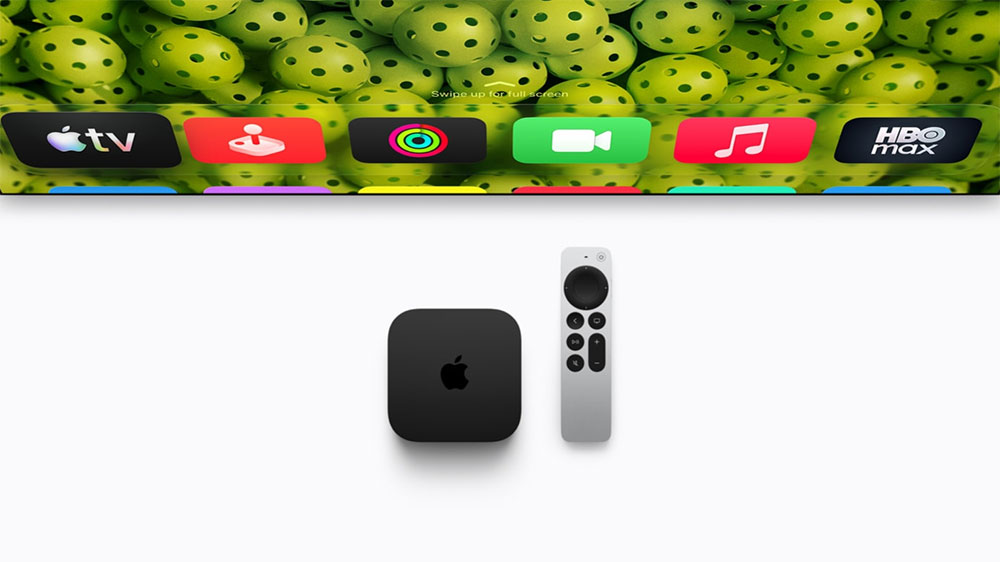
Finally, you can speak directly to Siri.
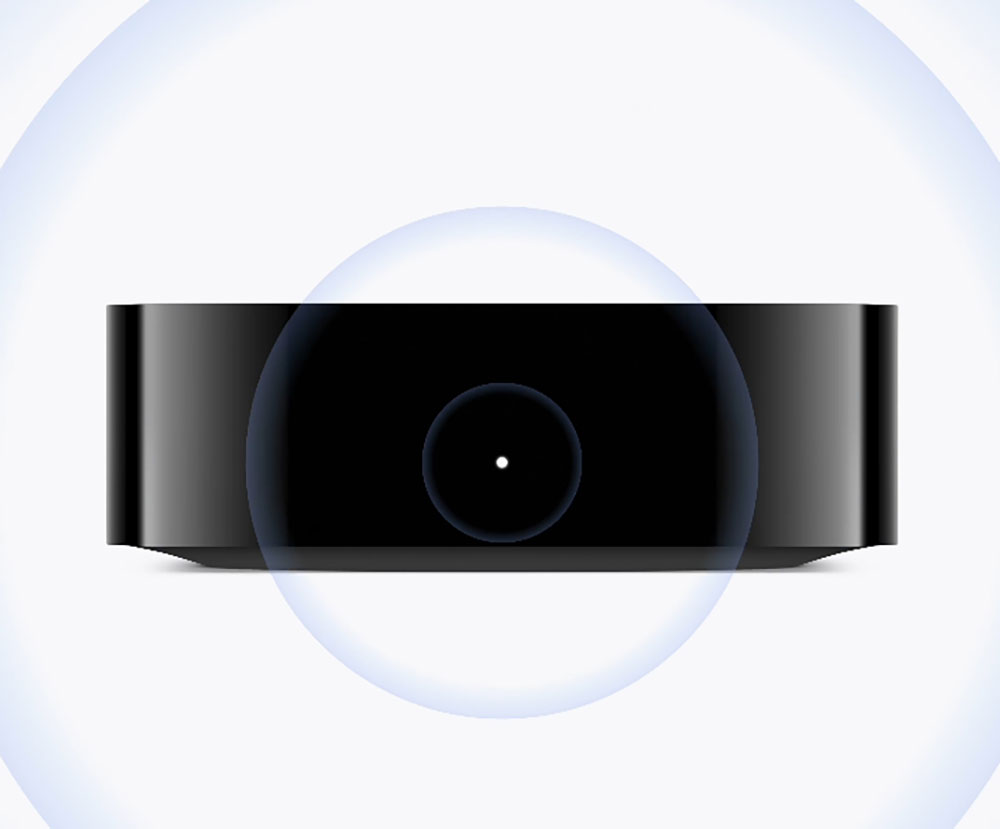
This is arguably the author’s favorite upgrade. For the first time, the new Apple TV 4K has a built-in three-microphone array, meaning you no longer need to pick up the remote. You can just sit comfortably on the couch and say “Hey Siri” to activate the voice assistant. Paired with next-generation Siri AI features, it can not only search for content you want to watch and get show recommendations, but also hold continuous conversations, ask follow-up questions, and even ask for all kinds of everyday information, bringing the interaction closer to that of a true smart assistant.
For current Apple TV 4K (3rd generation) users, there’s also good news. Siri AI features will likewise be introduced to older models through a beta update. However, because the third-generation product itself does not have a built-in microphone, voice control still needs to be done through the Siri Remote, so users cannot enjoy the convenience of hands-free wake.
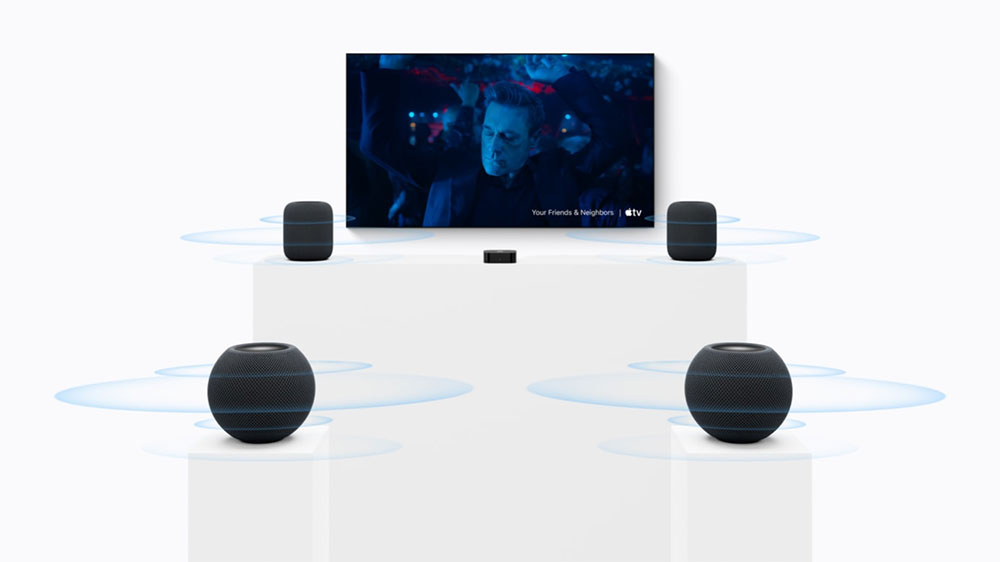
Supports a four-channel HomePod surround sound system.
If you already have a HomePod in your home, this upgrade may be very appealing. The new Apple TV 4K is currently the only Apple TV model that supports pairing with two HomePod mini 2 or HomePod (2nd generation) units to build a four-channel surround sound system. Once paired, the speakers can automatically detect their respective positions in the room and adjust the soundstage configuration according to the spatial environment, creating a more immersive surround sound experience.
For Apple ecosystem users who want to build a streamlined home theater system without having to buy an additional soundbar or AV receiver, this is undoubtedly one of the most attractive selling points of the new Apple TV 4K.
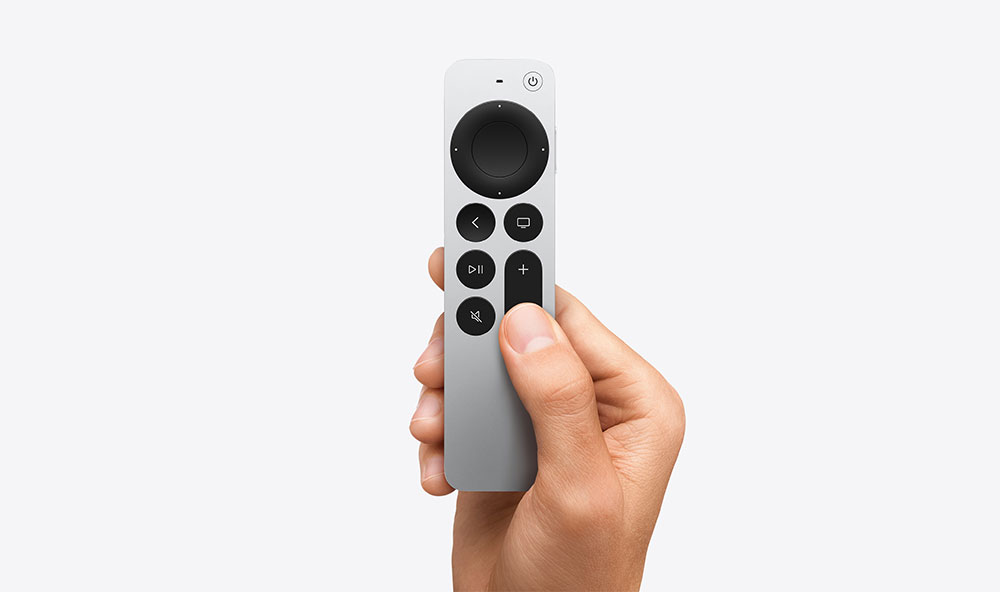
Is it worth upgrading just for the new remote?
The Siri Remote looks the same as the previous generation, but it now supports Precision Finding in Find My and will emit a sound if it’s lost. It also supports Bluetooth 6 and weighs slightly more at 69.6 grams. The good news is that you don’t need to upgrade to the latest Apple TV 4K model to use it—you can buy it separately and use it with your existing Apple TV 4K.
How is the network connection?
The new model upgrades to Wi-Fi 7 and Bluetooth 6, and Apple has also simplified the lineup: there is now only one model, with 128GB of storage, a Gigabit Ethernet interface, and a built-in Thread processor. Previously, users had to choose the Wi-Fi + Ethernet model to get these features.
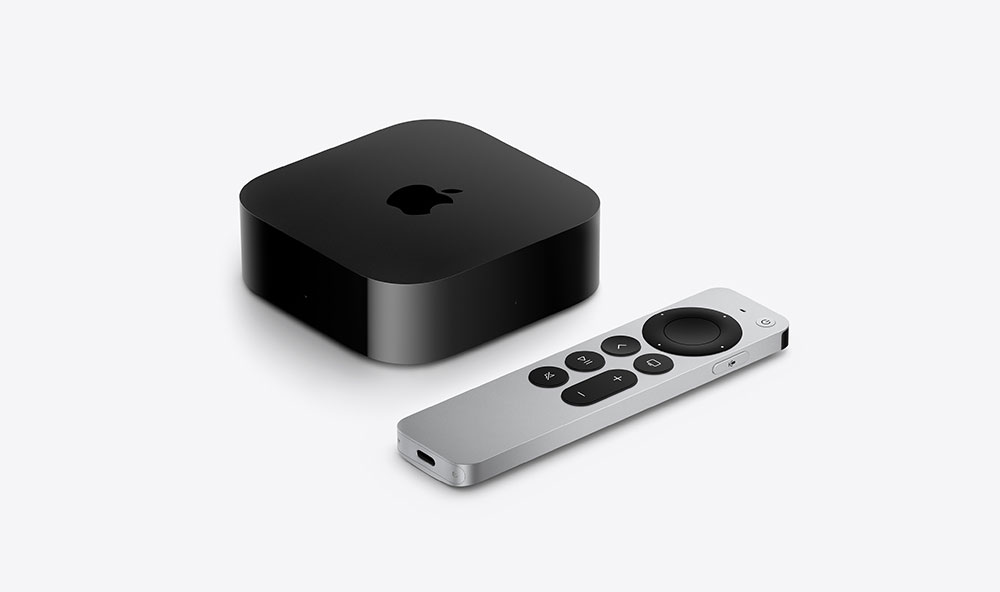
Should I upgrade?
If you’re still using an Apple TV (3rd generation), the answer is yes. After upgrading, you’ll jump from 1080p to 4K and get features like HDR, Dolby Atmos, and Siri, which your old Apple TV doesn’t have. If you own an Apple TV 4K (3rd generation), it depends on how much you value hands-free Siri, four-speaker HomePod surround sound, and faster performance.
Source: KOCPC Chinese