


Apple Watch has many beloved features, from health monitoring and workout tracking to message notifications, making it an indispensable smart device in many people’s lives. However, if there is one thing that gives Apple Watch users the biggest headache, battery life is likely at the top of the list. Because different Apple Watch models differ in battery capacity and charging technology, charging frequency and charging time also vary.
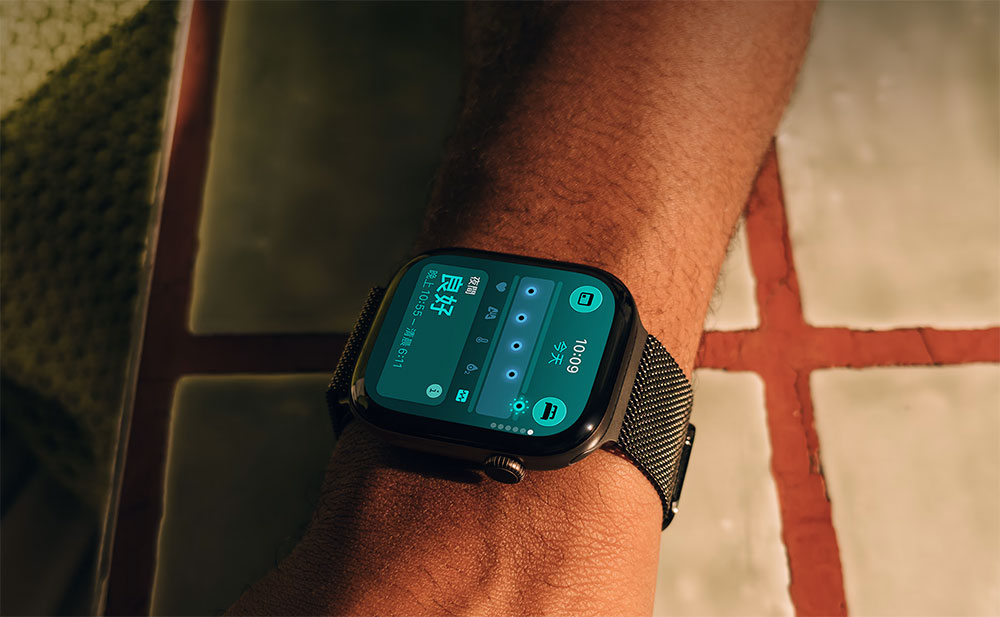
What is the best time to charge an Apple Watch?
Currently, Apple Watch battery life is approximately between 18 and 72 hours, depending on the model and usage. For Apple Watch Series 10, for example, the official rating is up to 18 hours under typical usage; if Low Power Mode is enabled, battery life can be extended to about 36 hours. Even so, under everyday usage conditions, most users still need to charge frequently. According to relevant data, Apple Watch Series 10 takes about an hour to charge from empty to full; in other words, even under more power-saving conditions, users on average still need to charge at least five times a week.
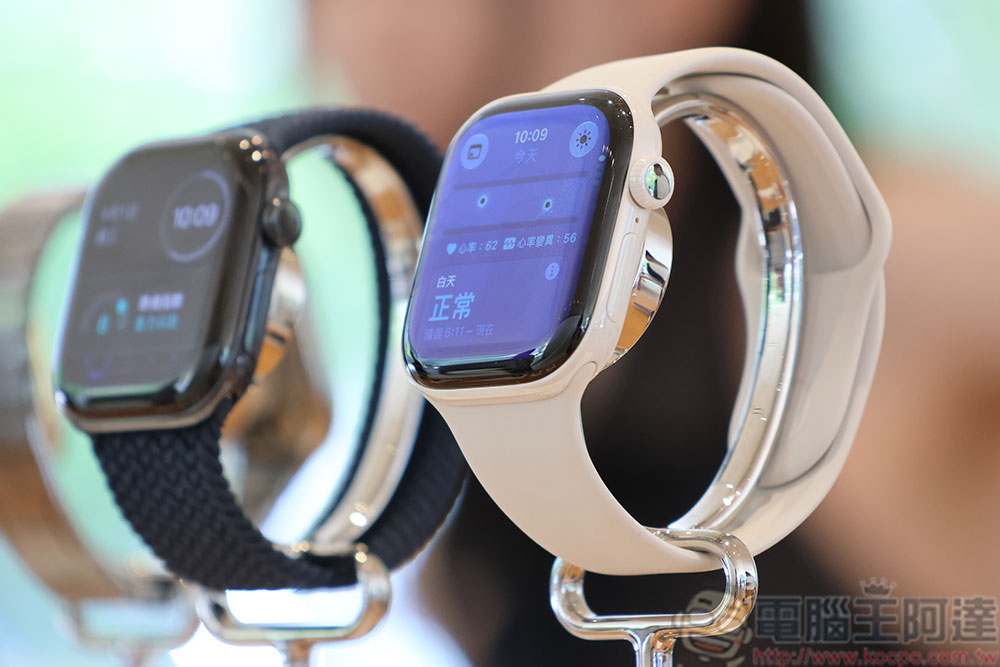
On the other hand, some earlier or entry-level models do not support fast charging. For example, the first- and second-generation Apple Watch SE may take up to 150 minutes to charge from 0% to full. Because battery life and charging speed vary significantly between devices, there is no “best time to charge” that works for everyone. For most people, the ideal approach is to develop a charging routine that fits their own lifestyle.
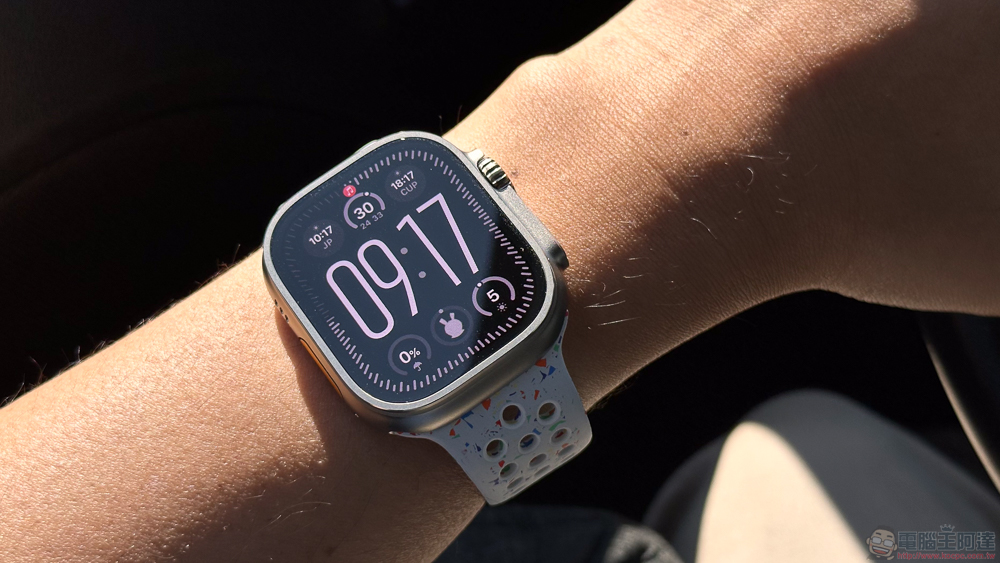
Generally speaking, most experts recommend that devices with lithium-ion batteries be charged when about 20% charge remains, to avoid being in an over-discharged state for extended periods. This not only helps maintain battery health but also slows battery aging. Of course, in addition to knowing the right time to charge, understanding the factors that affect Apple Watch battery performance is equally important.

When planning a charging strategy, you should first understand how long it takes your watch to fully charge. Although there are many reference figures online for average charging times, the actual situation will still be affected by your personal usage habits. For example, GPS usage frequency, screen brightness, background app activity, and how you use health monitoring features can all drain the battery faster. In addition, even if you usually maintain good charging habits, the capacity of a lithium battery will still gradually degrade over the years, a phenomenon that is unavoidable for all electronic devices.
Besides the condition of the battery itself, charging accessories can also affect charging efficiency. If you use an original charger or accessories that meet specifications, you can usually get a more stable charging speed; conversely, lower-quality third-party chargers or charging cables may slow down charging efficiency and even affect battery life.
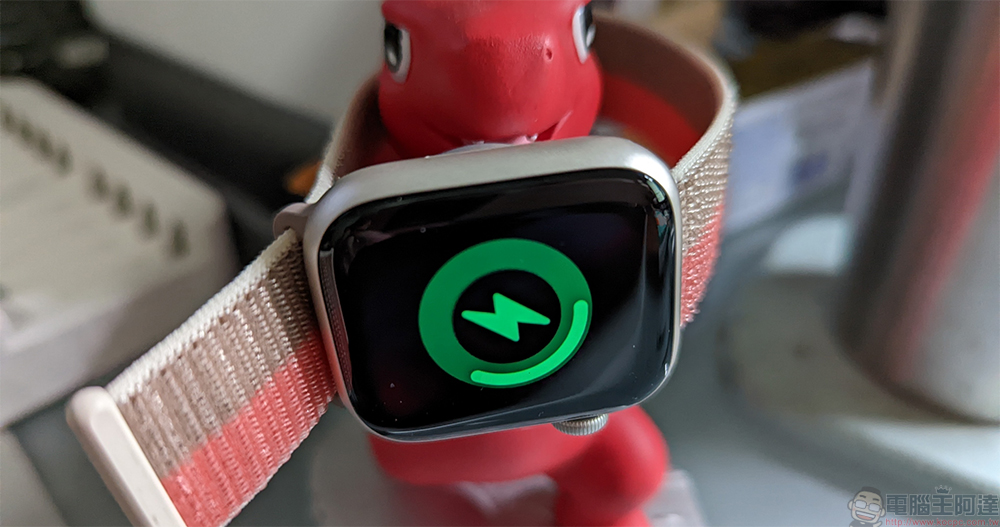
To find the charging times that best suit you, you also need to consider whether you normally rely on your watch for tracking specific functions. For example, if you use Apple Watch to monitor sleep quality and notice before bed that the battery is below 30%, the system will usually proactively send a notification reminding you to charge it, so your nighttime sleep tracking is not affected. Rather than waiting until the battery is about to run out, it is better to use spare moments during the day to top up. For example, while preparing breakfast, showering, reading, or working, briefly placing the watch on the charger to add power can often be enough to meet a full day’s usage needs. If your Apple Watch takes about an hour to fully charge, then your morning grooming and meal times may be a fairly ideal charging window.
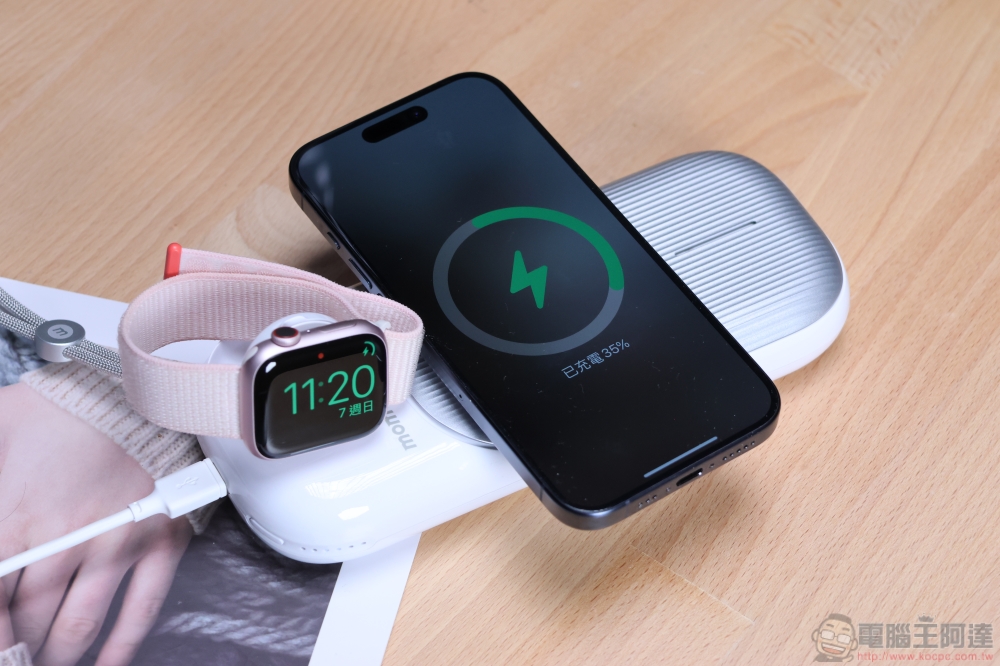
Additionally, you can consider placing multiple charging spots in locations where you spend a lot of time, such as your bedroom nightstand, office desk, living room, or even your car. By adopting a distributed charging habit, you can not only reduce the chances of forgetting to charge but also keep your Apple Watch adequately powered at all times. As long as you establish a charging plan that fits your lifestyle, you can effectively reduce battery anxiety and get the best experience from your Apple Watch.
Source: KOCPC Chinese