


OpenAI officially announced the launch of ChatGPT Images 2.5 in the early morning of September 9 Taiwan time on its official blog, marking the largest image generation upgrade since the release of Images 2.0 in April this year. The new version highlights faster generation speed, sharper details, more precise editing controls, and adds a new “Sketch” drawing feature along with a template sharing mechanism. According to official data, global users create over 3 billion images each week on ChatGPT Images and the API, and the launch of Images 2.5 will further expand the application scope of this service.
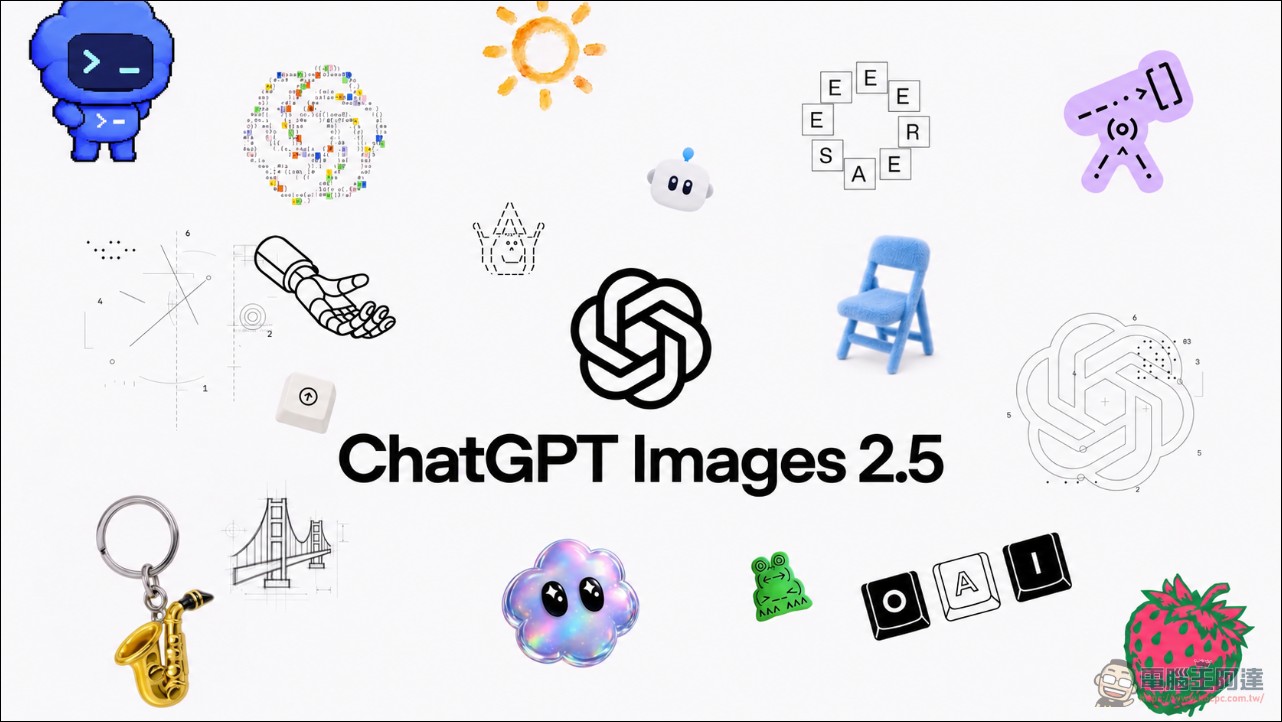
ChatGPT Images 2.5 generation speed is 50% faster, with comprehensive quality upgrades.
According to the official description, the most direct improvement in ChatGPT Images 2.5 is speed. Compared with Images 2.0, the new version reduces image generation latency by about 50%, which is quite noticeable for users who need to quickly iterate on ideas—it means more ideas can be produced and more rounds of adjustments can be made in the same amount of time. Whether generating quickly or with fine detail, users can get results in less time.
In terms of quality, Images 2.5 produces more natural lighting and richer texture details, performs better at preserving the key characteristics of subjects in reference photos, and follows multi-turn editing instructions more reliably. The company emphasizes that the model maintains more consistent editing results when handling complex compositions, and each modification does not cause image quality to degrade over time—a substantial improvement for design workflows that require multiple adjustments. For development teams using the API, this consistency makes reference-photo-centric workflows more dependable, with variation versions consistently anchored to the original source rather than gradually drifting across iterations.
The new version improves both intelligence and style. Images 2.5 can more accurately understand complex visual instructions, deliver more precise image content that incorporates real-world information, and support advanced layout features such as transparent backgrounds. In terms of style, the model better reflects users’ artistic style requests and is less likely to drift from the original visual direction when generating a series of brand assets or UI concepts. The company notes that this is especially important for enterprise users who need large volumes of consistently styled assets—whether generating a series of brand creative materials, maintaining UI concepts with a specific hierarchy, or creating presentation visuals that fit an established layout framework—Images 2.5 performs more reliably across all of these.
「Sketch」Drawing: Enter @Sketch to hand-draw a sketch.
The most eye-catching new feature in this update is the “Sketch” drawing tool. Users can now draw sketches directly in the ChatGPT interface and use these hand-drawn creations as a reference for image generation. According to the official announcement, users can activate this feature simply by typing “@Sketch” in ChatGPT. Whether you’re quickly outlining a room layout, sketching clothing silhouettes, or just doodling for fun, ChatGPT will transform the sketch into a complete image. Users don’t need to be professional artists—Sketch is simply another way to communicate so the final generated image more closely matches the vision in your mind.
Additionally, OpenAI has also introduced template features for common image formats, covering popular formats such as posters and merch, so users don’t have to start from scratch. They can simply select a template and fill in the details to quickly generate visual content that meets their needs. Combined with the prompt sharing mechanism, users can share their own image generation prompts with others—for example, the official example of prompts like “What would you look like if you lived in the 80s?” that spread virally on social media. The “edit with comments” feature also makes targeted local modifications more intuitive, as the system only adjusts the specified area while keeping everything else unchanged.
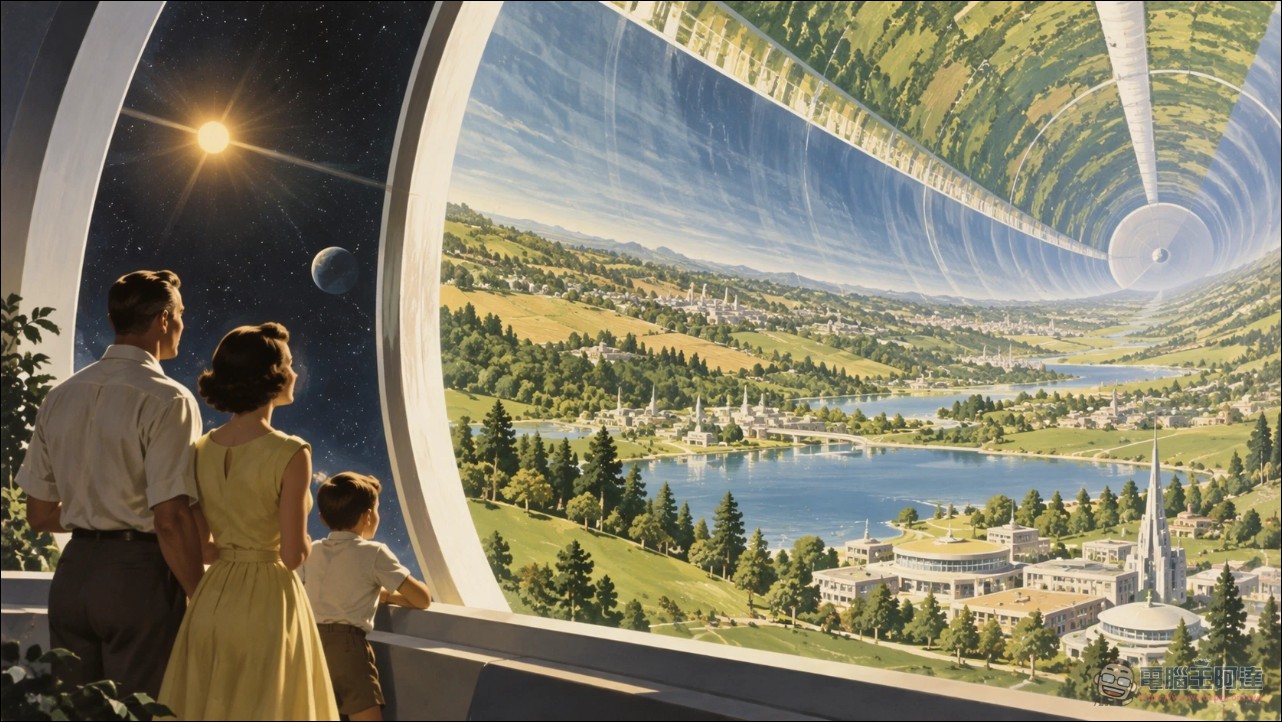
Developer API: Flare and Sunburst Dual Versions
OpenAI has also launched two API models for developers. GPT-Image-2.5 Flare is the default version, suitable for most application scenarios, delivering quality improvements while maintaining 50% lower latency than GPT-Image-2. It is ideal for tasks such as social content creation, product visual experiences, visual search, rapid prototyping, and high-volume generation, striking a good balance between efficiency and quality. GPT-Image-2.5 Sunburst, on the other hand, is designed for advanced visual workflows, offering stricter editing control and suited to professional scenarios like advertising assets and product catalog generation—though with comparatively longer generation times.
Axultan Alimkulov, an early user and product lead at Higgsfield AI, said: “GPT-Image-2.5 Flare’s performance in quality, editing precision, and speed is impressive, allowing us to create a smoother creative experience for users.” Higgsfield AI is a platform focused on AI image and video generation, and their feedback represents the developer community’s positive reception of the new API.
Security mechanism and system card
OpenAI also detailed the safety measures for Images 2.5 in its official blog, building on existing protections to review prompts and generated images and prevent harmful content. The company continues to use C2PA metadata and invisible watermarking to help identify images generated by OpenAI tools, and has published a System Card that thoroughly explains its evaluation methods and safety guidelines. This security framework was established during the Images 2.0 period, and version 2.5 maintains the same level of safety while improving quality.
Conclusion
The ChatGPT Images 2.5 upgrade focuses on three major areas: 50% faster speed, enhanced quality and detail, and a comprehensive overhaul of editing and sharing mechanisms. With over 3 billion images generated weekly, ChatGPT Images has already proven to be one of the largest-scale AI image platforms today, and the release of version 2.5 further solidifies this position. From @Sketch hand-drawn sketches to community features for prompt sharing, OpenAI is gradually pushing image generation from one-off outputs toward an iterative, collaborative creation model—making it easier for everyone to turn the images in their minds into reality.
Source: KOCPC Chinese