


When sharing files with others, you might want the file to delete itself automatically, or add restrictions like a password lock or download limits. Typical cloud storage doesn’t offer that much flexibility. If you’re not sharing anything important, you can use this free file-sharing tool, 0807.st. It has all the features mentioned above, and supports files up to 10GB each, which covers most usage needs.
0807.st Free File Sharing Tool! Up to 10GB, Password Support, Download Limit Controls Introduction
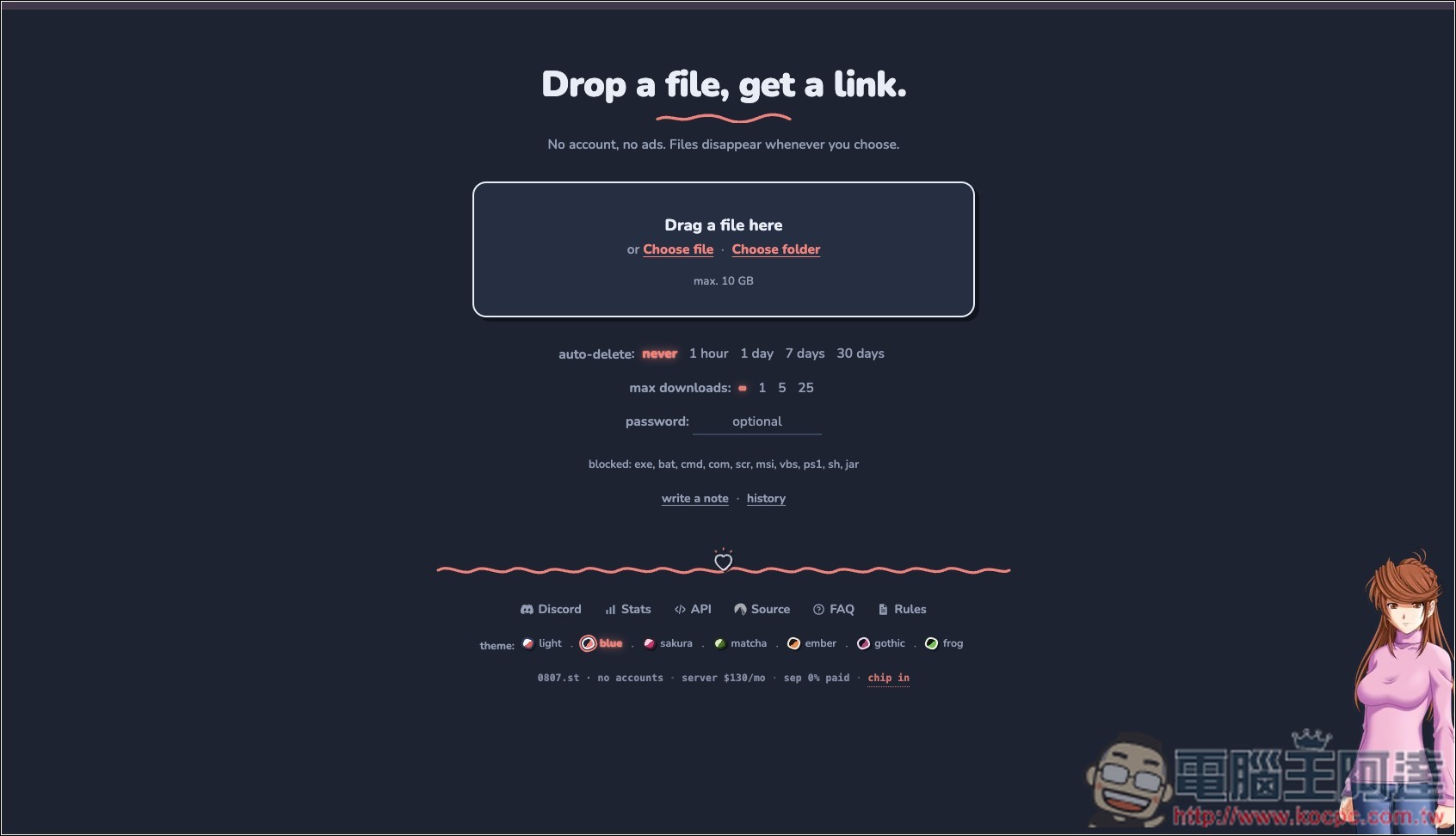
0807.st is a free online file-sharing tool focused on no registration and no ads. When you need to quickly send large videos, photos, compressed files, or other files on the spot, but don’t want to bother logging into cloud drives like Google Drive or Dropbox, you can just use it. After opening the website, simply drag in files or select them manually; once the upload finishes, a dedicated share link is automatically generated. Just send that URL to friends or colleagues, and they can download. Anonymous usage supports up to 10GB per file, with no account creation or software installation needed. It’s very easy to use.
Besides the basic file transfer function, 0807.st also offers many settings suitable for temporary sharing. For example, you can choose to keep files for 1 hour, 1 day, 7 days, or 30 days, or set no fixed countdown time. You can also limit downloads to a maximum of 1, 5, 25 times, or leave it unlimited. If you don’t want a file to remain online for too long, you can set it to allow only one download, and the file will be automatically removed once that condition is reached. It also supports password protection, so only those who know the password can access the content.
However, note that even if you select “Never” for the retention time, it doesn’t mean the file will be kept permanently. According to the official explanation, anonymously uploaded files that have not been downloaded for 30 consecutive days will still be automatically deleted by the system.
In terms of privacy, 0807.st does not provide a public file list or search function, so under normal circumstances only those with the sharing link can access the content. The official also states that it does not store users’ IP addresses or connection logs, and only retains basic information such as file name, size, file type, and date, which is removed along with the file deletion.
Main features
- Use it directly without registration.
- General anonymous usage supports a maximum of 10GB per file.
- The website is ad-free with a clean interface.
- After the upload is complete, a share link is automatically generated.
- Can set retention periods of 1 hour, 1 day, 7 days, or 30 days.
- Can be limited to 1, 5, 25, or unlimited downloads
- Supports password protection.
- Anonymous files with no downloads for 30 consecutive days will be automatically removed.
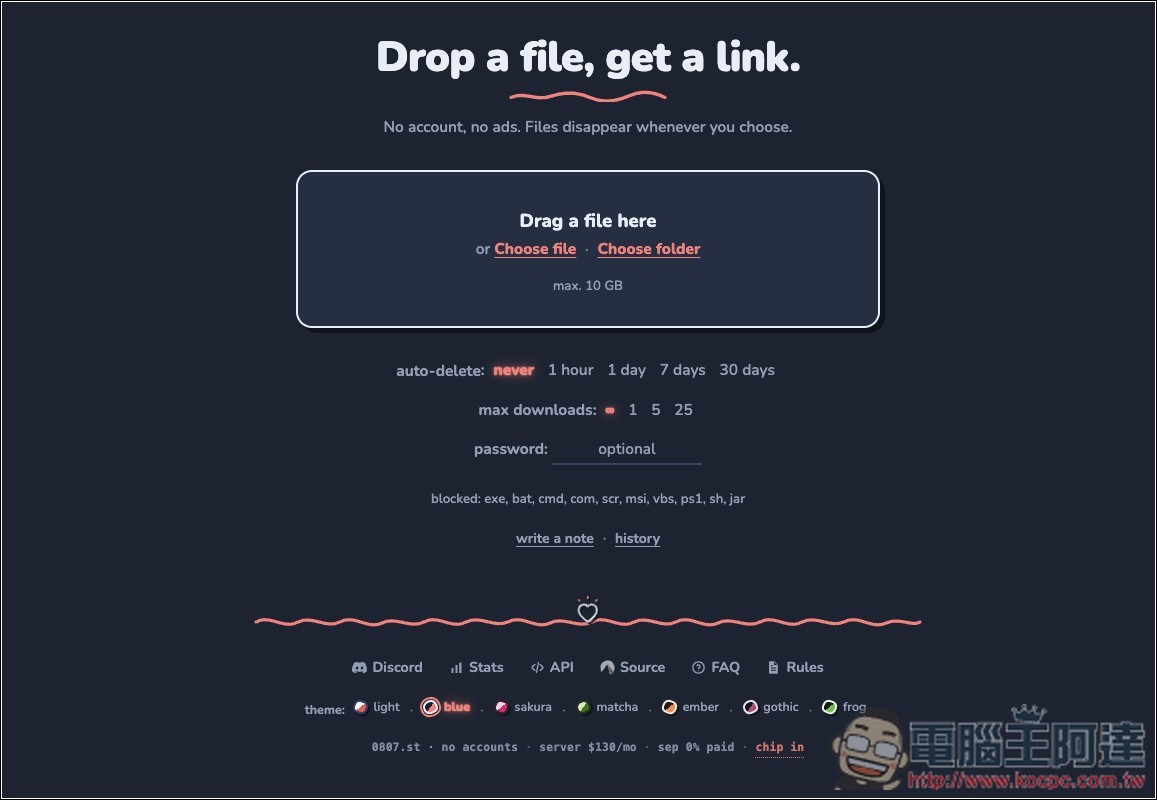
After entering 0807.st via the link above, you can drag and drop the file you want to share, or select it manually. However, you can’t share multiple files at once (each file gets its own dedicated share link). If you want to share multiple files at once, remember to compress them into a single archive first. Certain file formats are blocked, including exe, bat, cmd, msi, etc. You can refer to the blocked instructions for details. Auto Delete is the automatic deletion date, Max Downloads is the maximum number of downloads, and Password is the password. You can configure these based on your needs.
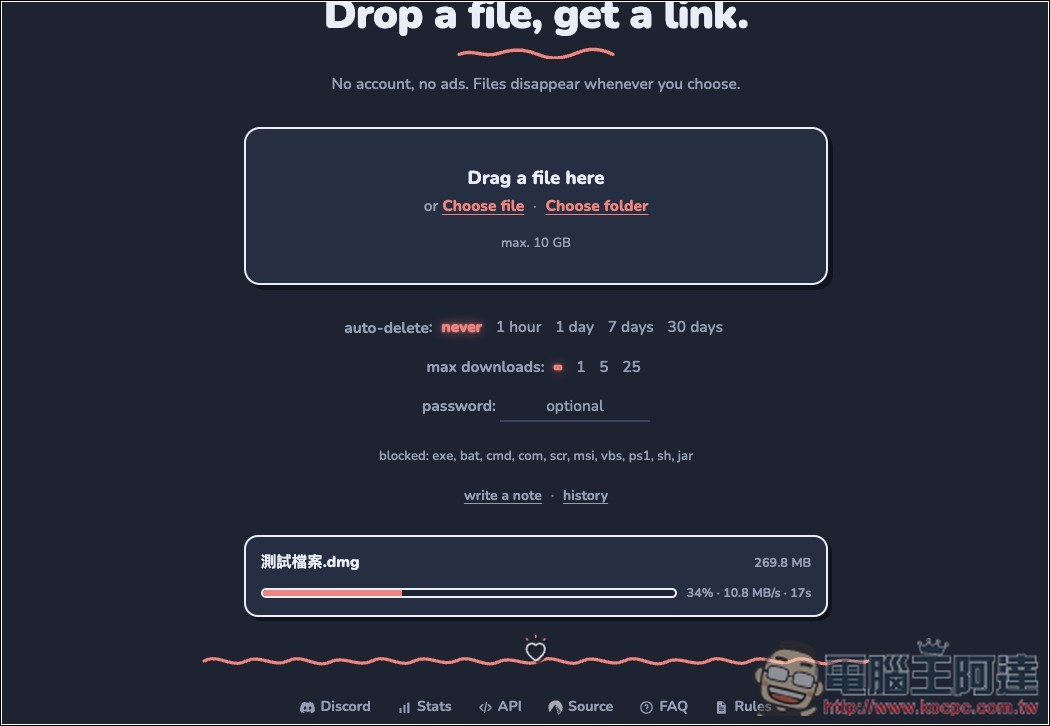
I think the upload speed is quite fast:
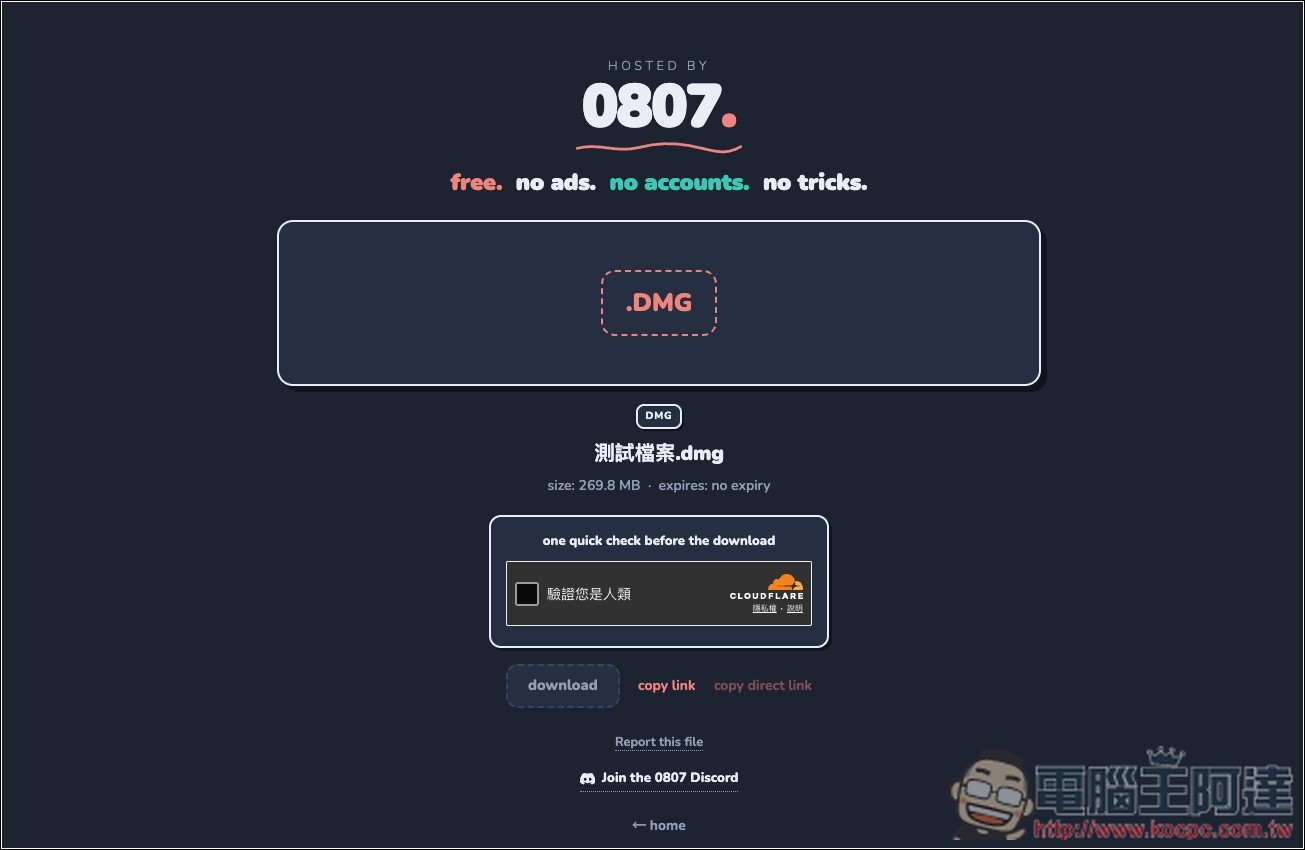
Once uploaded, you’ll get a unique download link—just share it with the other party:
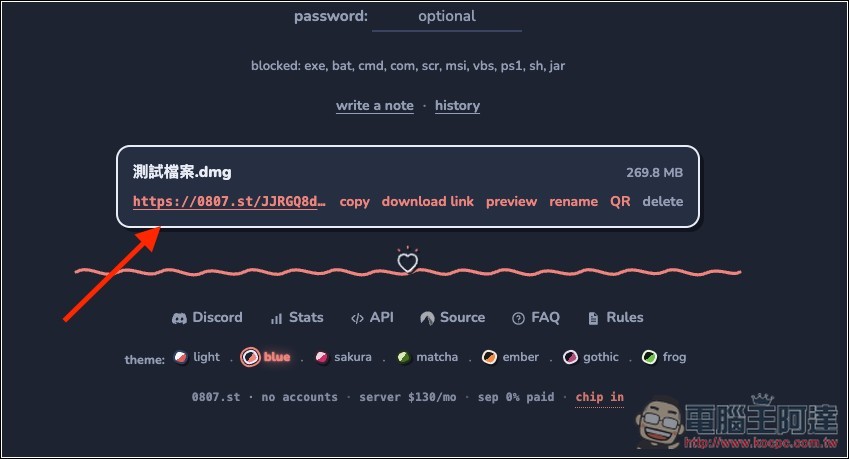
When opened, it looks like this:
Source: KOCPC Chinese