


Although there are many AI image generation services that can generate pull vector materials, you must rely on your own imagination and Prompt ability to generate the required images. If you have been unable to generate it, you can go to the county website to find it. The CocoMaterial recommended in this article is very good. It has more than 3,000 free materials, and it can be used for both commercial and personal purposes. It does not require any backlinks.
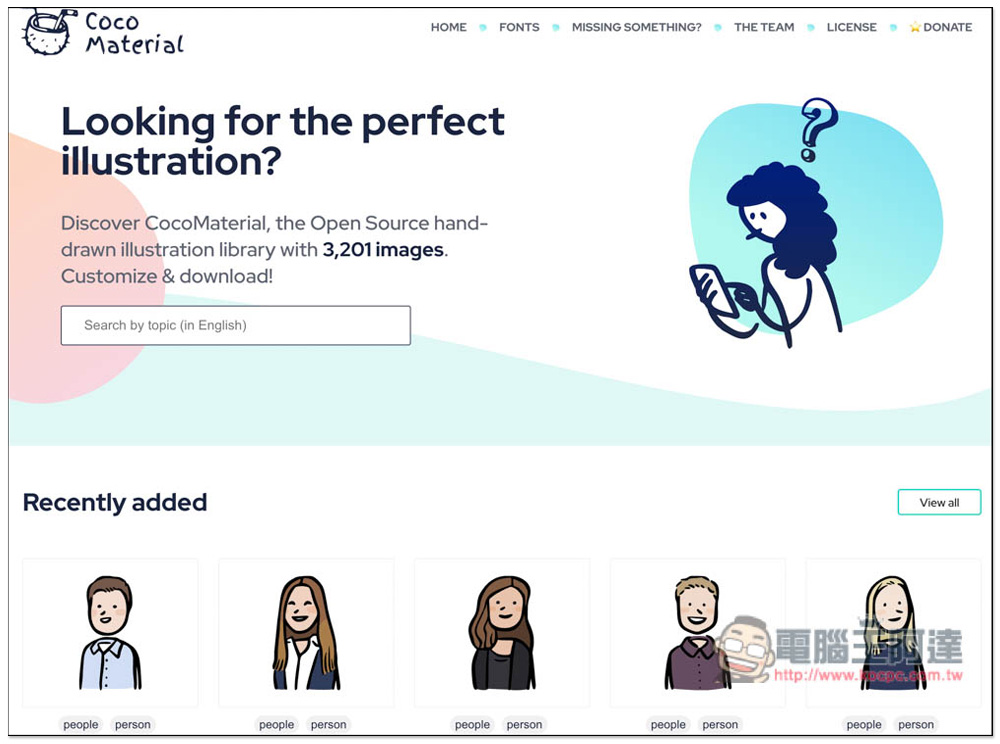
CocoMaterial provides more than 3,000 free vector hand-drawn materials, which are available for commercial and personal use.
CocoMaterial, like most material websites, has complete categories (tags) and provides a search function. You can quickly find the vector materials you want by entering keywords, but it only supports English. Currently, the number of materials has reached 3201, and will be increased in the future.
What’s even better is that you can download the materials directly without registering an account, and you don’t need any backlinks when using it.
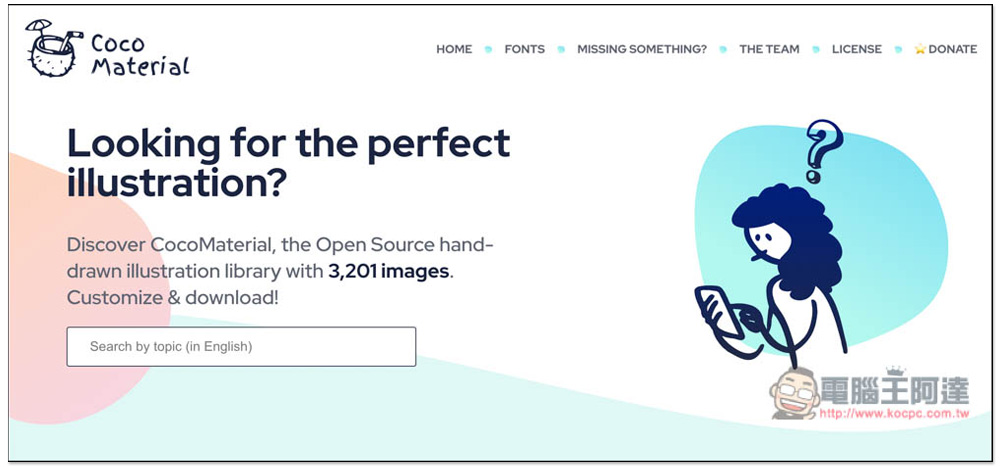
After clicking the link above to enter the CocoMaterial website, you can directly enter the material keywords you want in the search box:
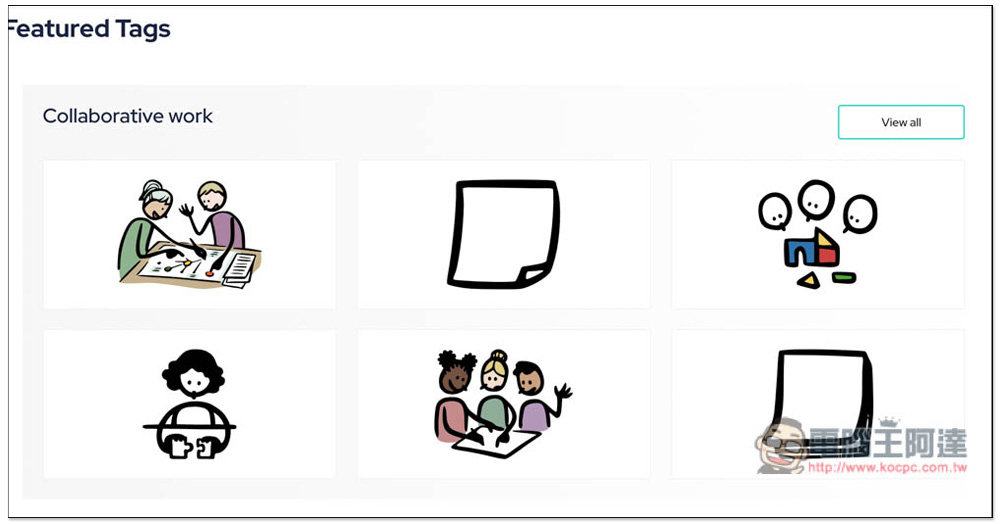
There are also some selected collections at the bottom of the homepage, such as for collaborative work, which I highly recommend browsing:
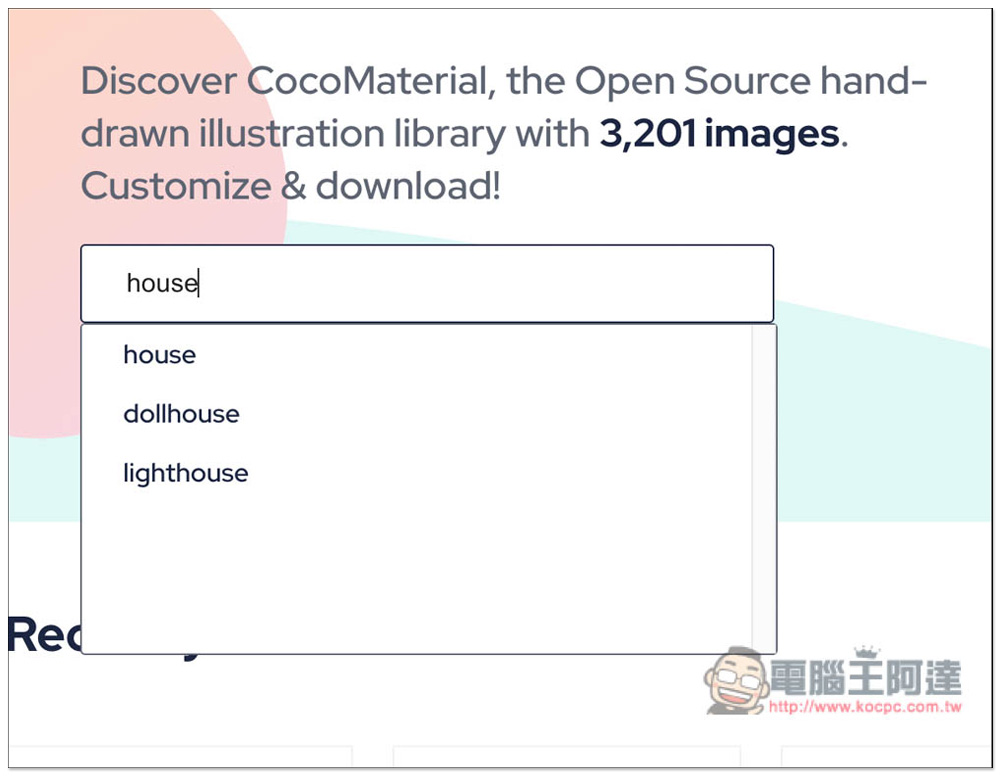
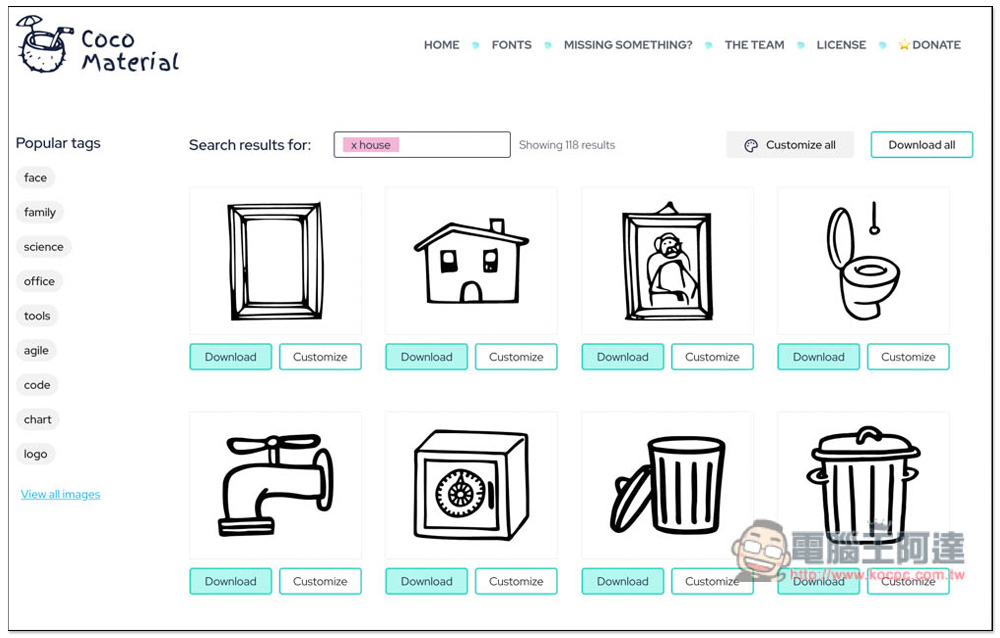
When entering keywords, matching tags will be displayed below. For example, if I enter house, there will be three matching tags, including house, dollhouse, and lighthouse. If they appear, it means that this material is present:
After entering and pressing the search key, the web page may initially display Empty and no results. Ignore it at this time and wait for two or three seconds before the real search results appear. Most of the materials are preset in black and white, and there is also a function to adjust the color matching yourself:
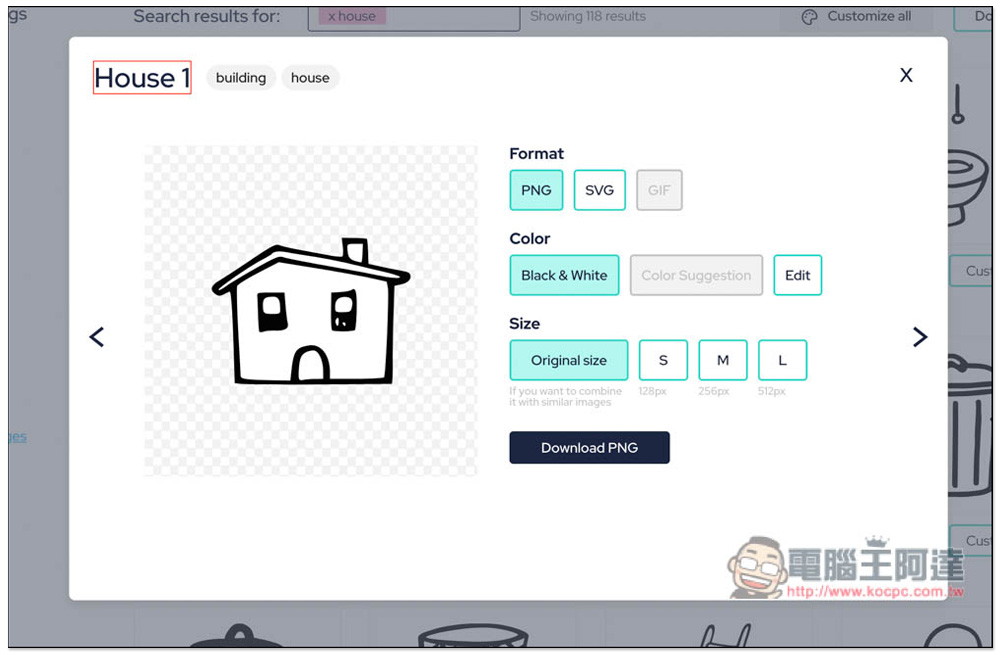
After you find the material you like and click to open it, you will enter the customized interface. There are three formats: PNG, SVG and GIF. The size of the PNG format can be set, and there are four types: original, S, M and L. If you want to adjust the color, press the Edit edit function under Color:
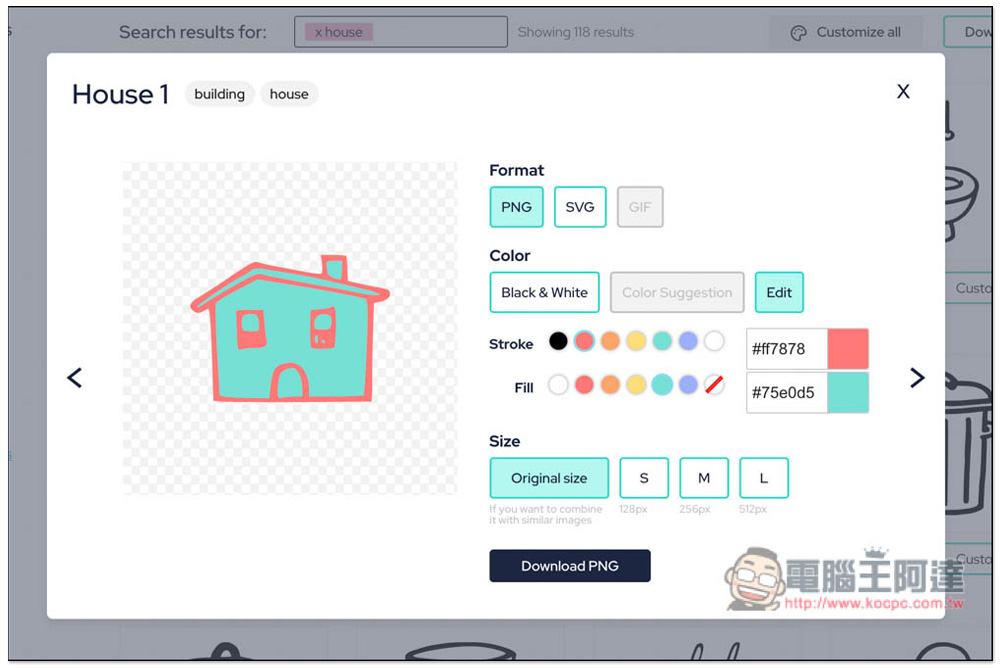
Then you can adjust the color of the lines and the color of the fill. If you are satisfied, press the Download button below to download:
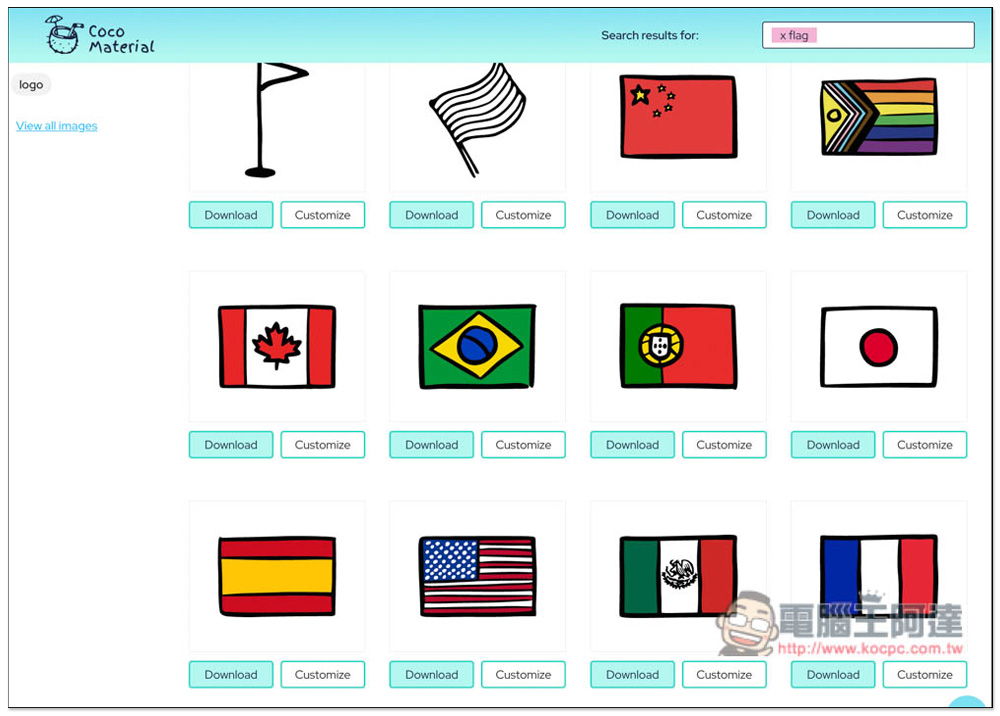
There are really a lot of Ella materials provided, including cute national flags of various countries:
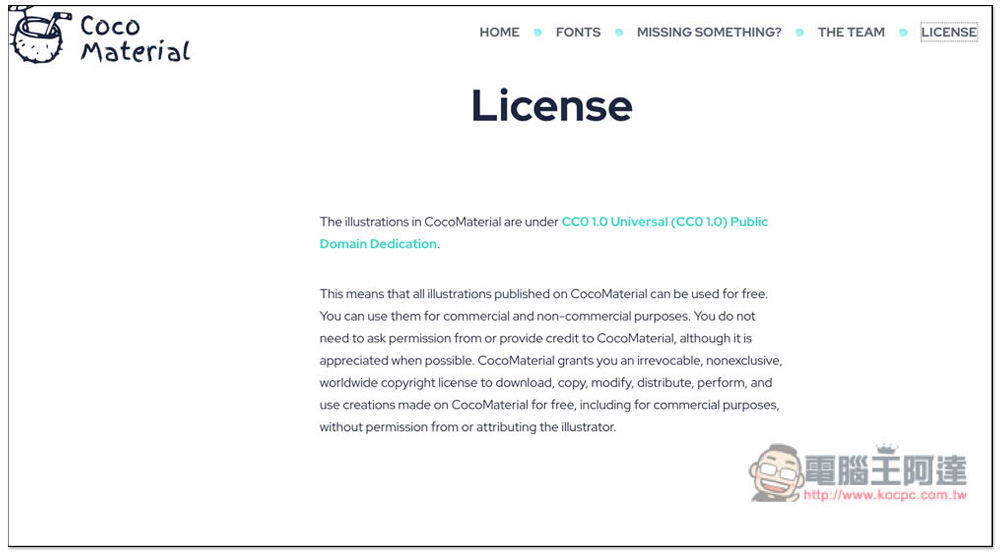
And the license section reads: “All illustrations published on CocoMaterial are free to use. You can use them for commercial and non-commercial purposes. You do not need to ask CocoMaterial for permission or attribute the source, although it would be appreciated if you could. CocoMaterial grants you an irrevocable, non-exclusive, worldwide copyright license to download, copy, modify, distribute, display and use on CocoMaterial for free. Works created on the Internet, including commercial use, do not require permission or identification of the illustrator.” Simply put, commercial use is no problem and does not require any permission:
In addition to free materials, this website also provides icons and fonts. Those in need can download them from the FONTS page, which is also suitable for commercial use.
Source: KOCPC Chinese