


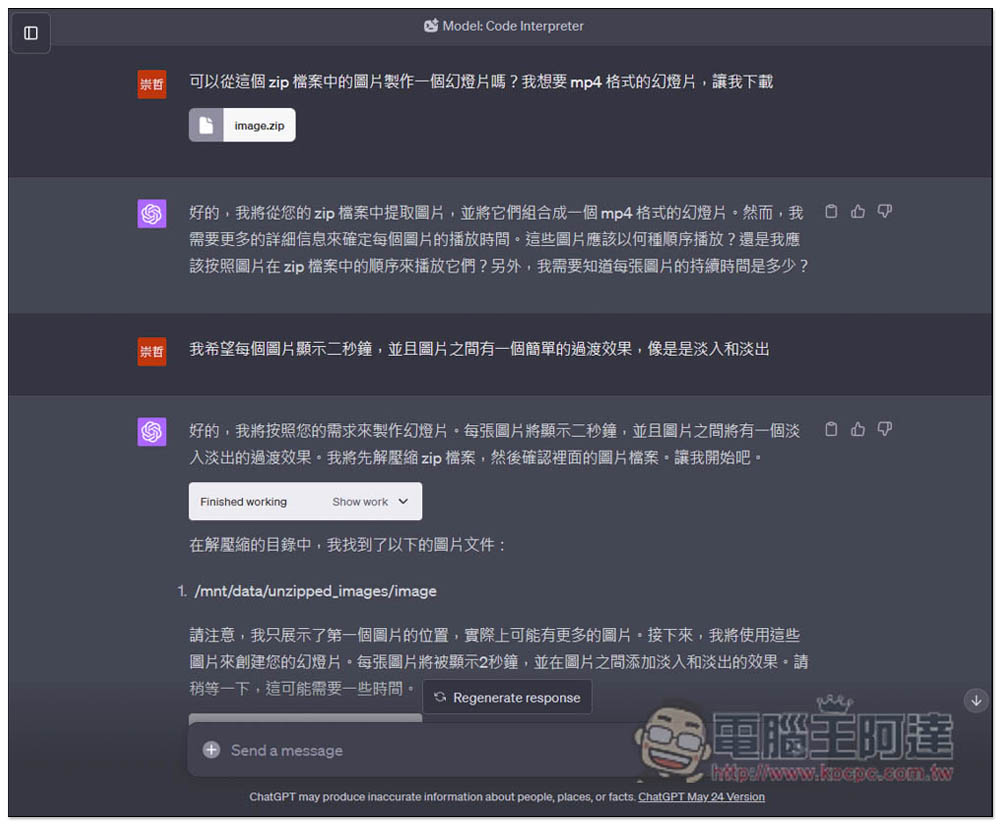
Recently, ChatGPT can be said to be becoming more and more powerful. After opening dozens of plug-in functions for ChatGPT Plus in May, it has recently launched a super powerful Code Interpreter plug-in function, which has the ability to read files and automatically write Python programs. With these two alone, it can be used in many ways, such as asking it to help you analyze data, create reports, modify pictures, create slideshows, clean data sets, etc. Here are a few simple demonstrations for everyone.
How to enable the Code Interpreter plug-in function?
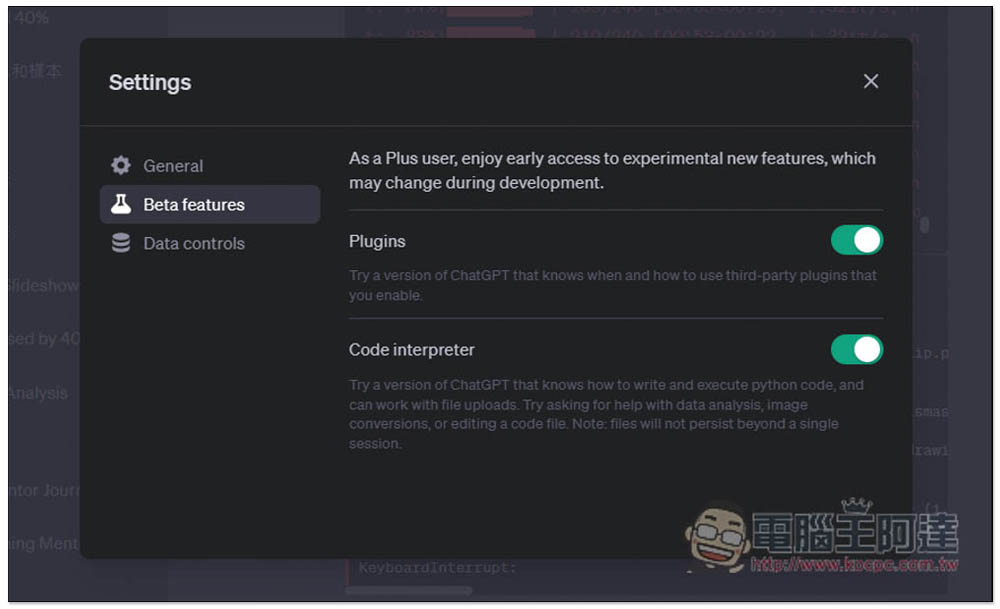
First of all, you must be a ChatGPT Plus subscriber, because it is a function under the GPT-4 model and is not available for GPT-3.5. If you are a ChatGPT Plus user, go to the Beta features option in the lower left corner and open Code Interpreter:
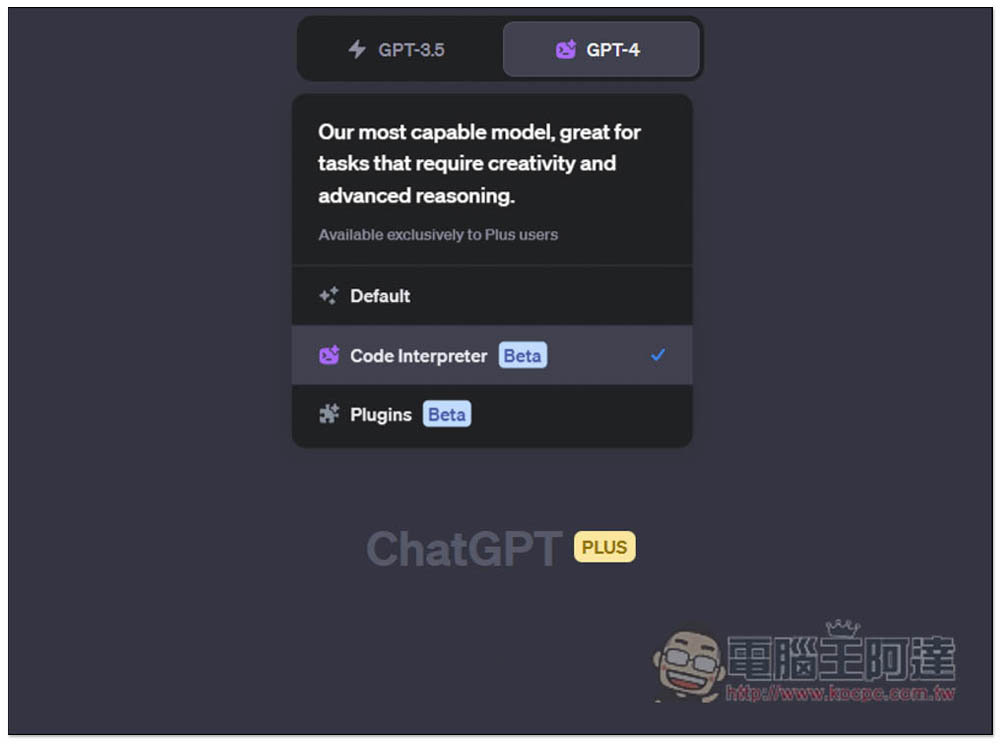
Then you can find Code Interpreter under GPT-4. Open it when you want to use it:
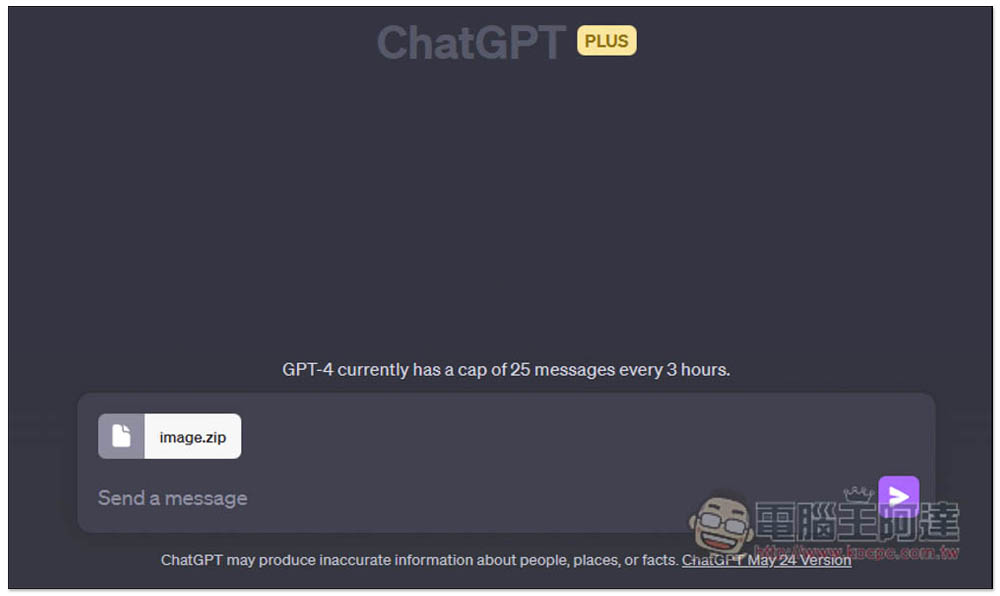
You will see an input field where you can upload files, or you can drag files in directly:
Case usage of Code Interpreter
1. Help you handle the data purification work of database tables
Data purification can be said to be a very time-consuming and energy-consuming task. With Code Interpreter, you can now directly ask ChatGPT to handle it for you, upload your files, and then issue instructions such as “possible ways to evolve this data” or “propose possible ways to clean this data” in English. ChatGPT will start processing and explain each step in detail, how it will clean it, and you can tell it if you have any special needs.
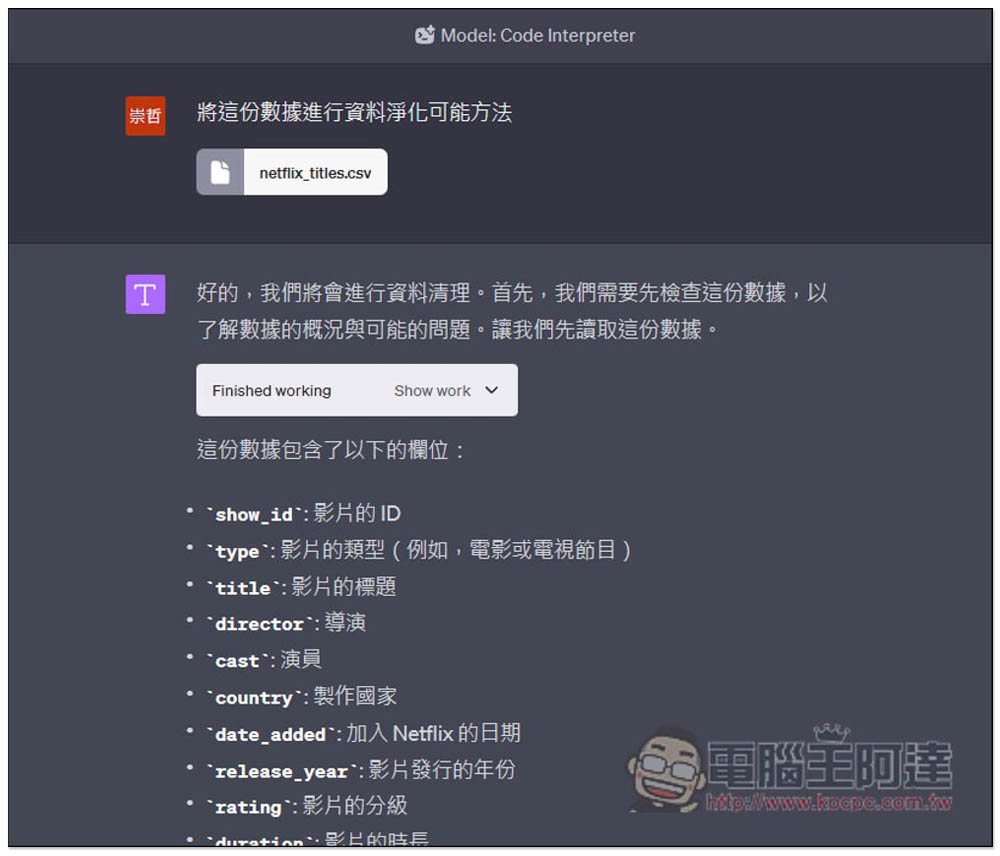
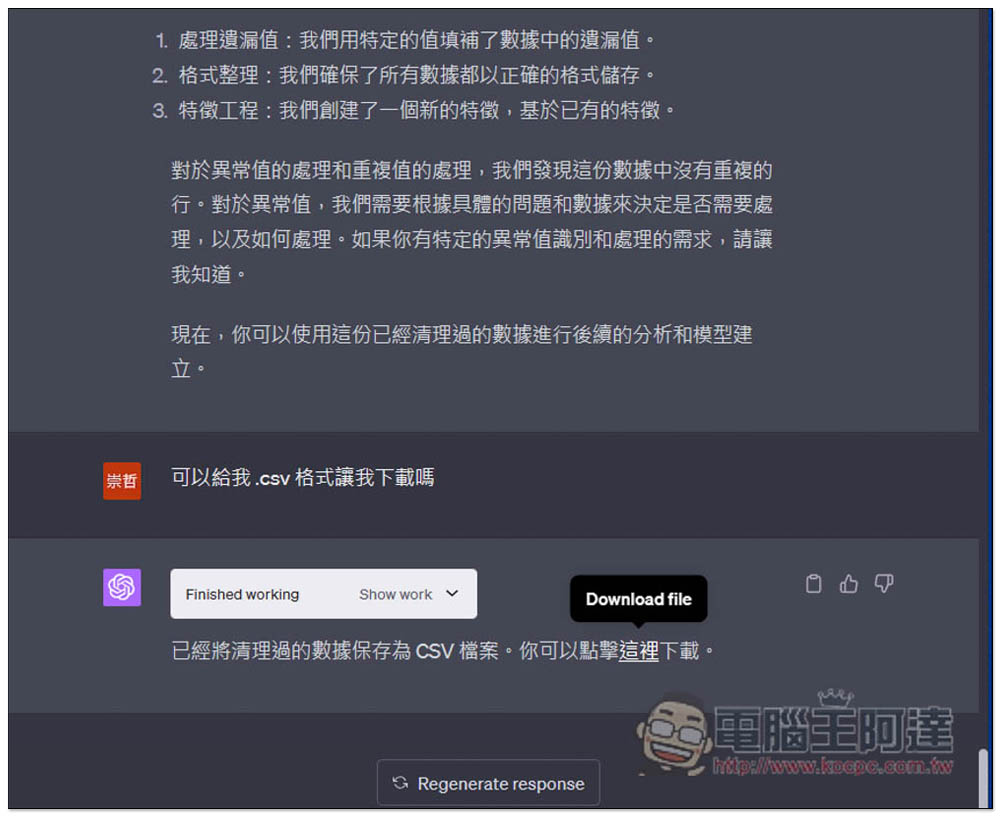
And after processing, you can also ask it to save the completed file as .csv for you to download:
2. Extract the color from the picture
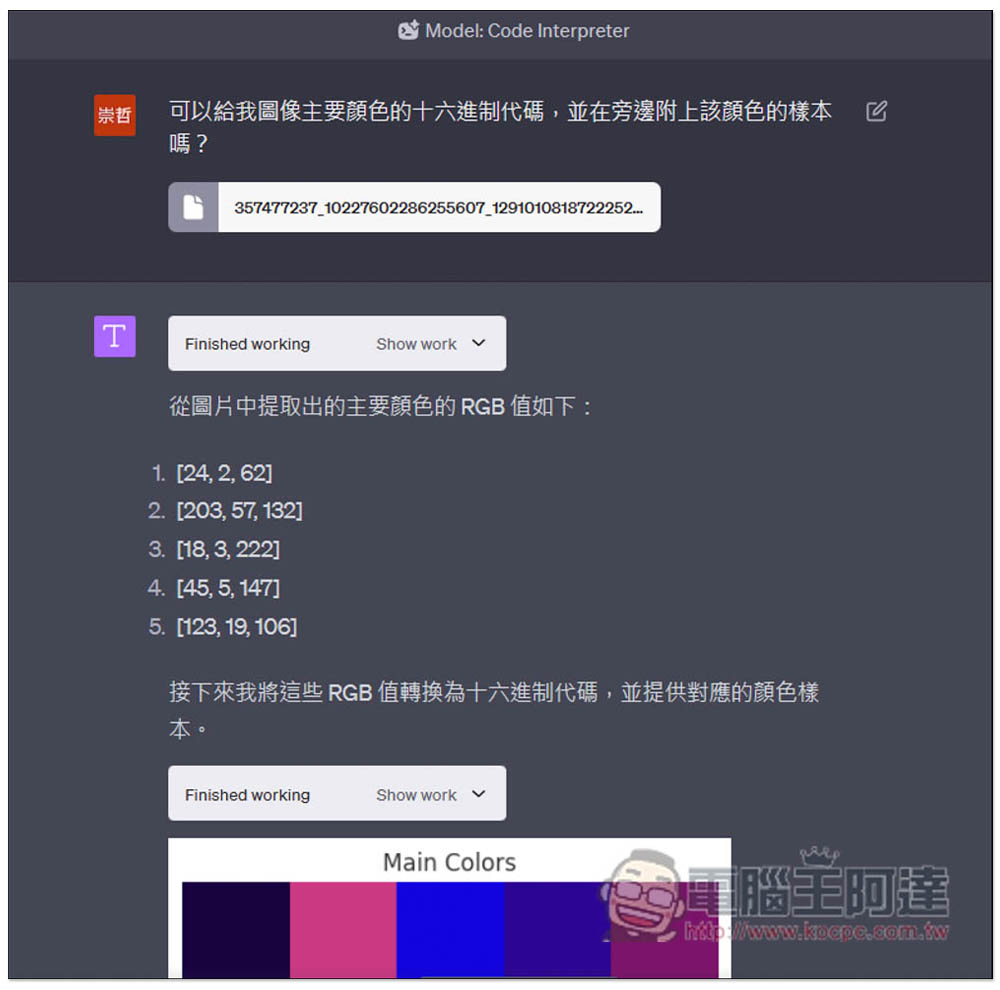
In the past, if you want to know what the color code on the picture is, most people should use tools like Photoshop to query it. Now ChatGPT can also do it easily, and you can also ask it to give the corresponding picture next to the code, so that we can more easily identify the color.
Let me take the picture below as an example:

Say to ChatGPT “can you give me the main colors of the image in a hexadecimal code for me together with a swatch of the color next to it” in English, and then ChatGPT will start to extract, and soon the RGB values will come out:
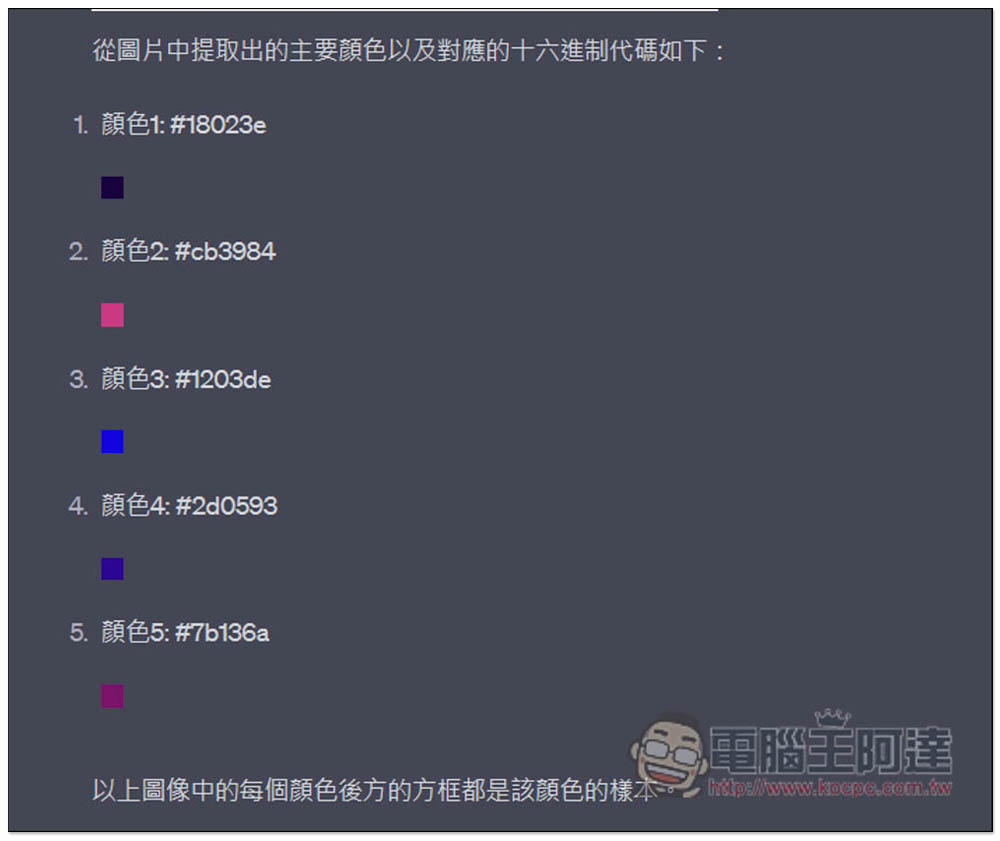
Convert it to hexadecimal code, and there are corresponding color sample pictures below:
3. Enlarge the picture
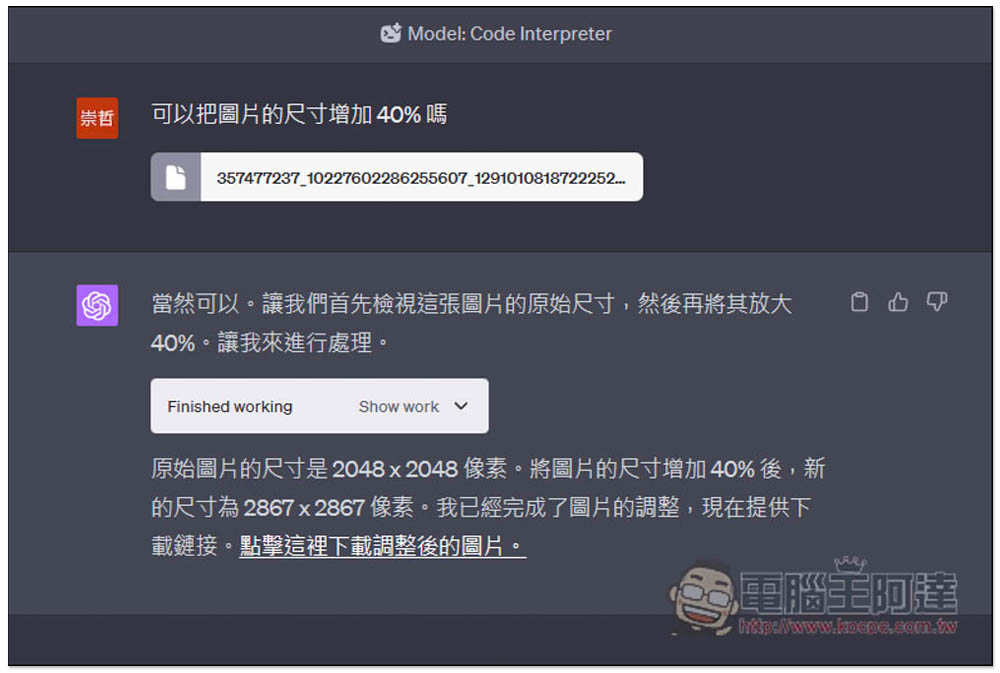
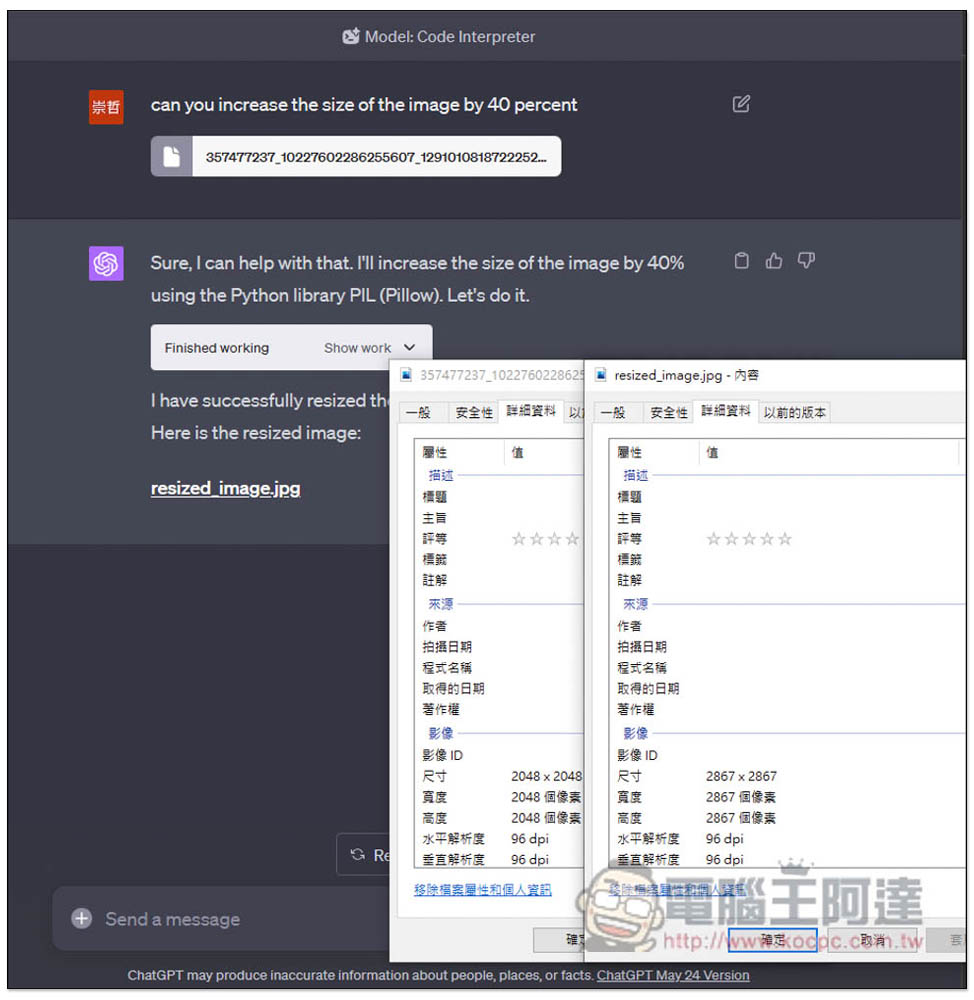
This is relatively basic. When you need to enlarge a picture, you don’t need to go through the software, just call ChatGPT to do it. For example, I asked ChatGPT to enlarge the above image by 40%. The command “Can you increase the size of the image by 40%” in English is “can you increase the size of the image by 40 percent”. ChatGPT helped me enlarge it from 2048×2048 to 2867×2867, and attached the loading point of the enlarged image.
After checking, it really turned out to be this big:
4. Make slideshows
This is really powerful. You just need to throw the pictures to ChatGPT and give it the desired time interval and display time for each picture, and it can create a slideshow with transition effects. However, I prefer to use English for this part, because the processing process is very complicated and huge. My tests in Chinese are often interrupted and I cannot complete the production. I guess it may be because ChatGPT needs to keep switching languages (Chinese <-> English).
There are many ways to do it, here is my method for your reference.
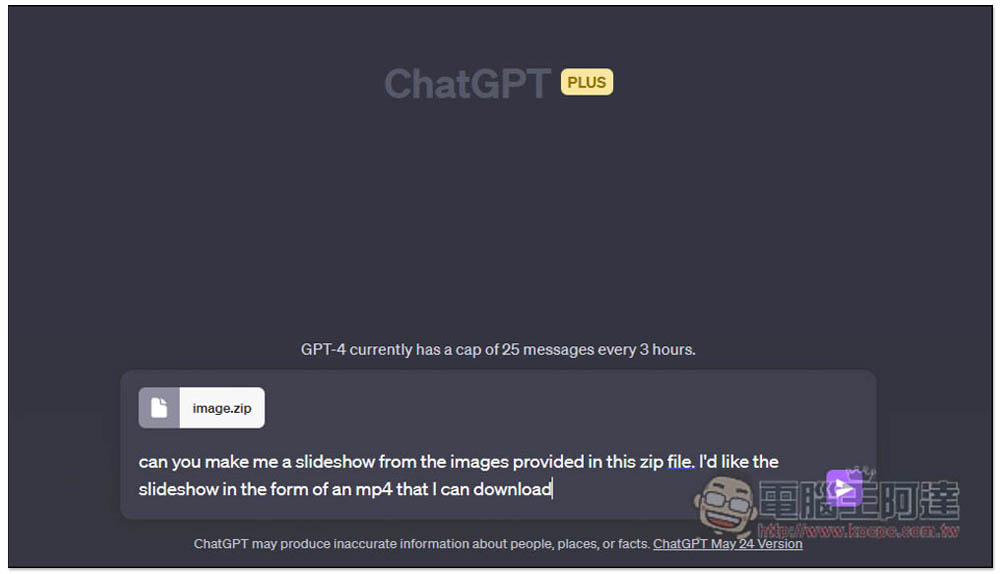
First I threw the images into a ZIP archive, and then uploaded it to ChatGPT (yes, it can also read compressed files). The command is: “can you make me a slideshow from the images provided in this zip file. I’d like the slideshow in the form of an mp4 that I can download”
It will start processing. During the process, you can open the Show work menu to see where it is processed:
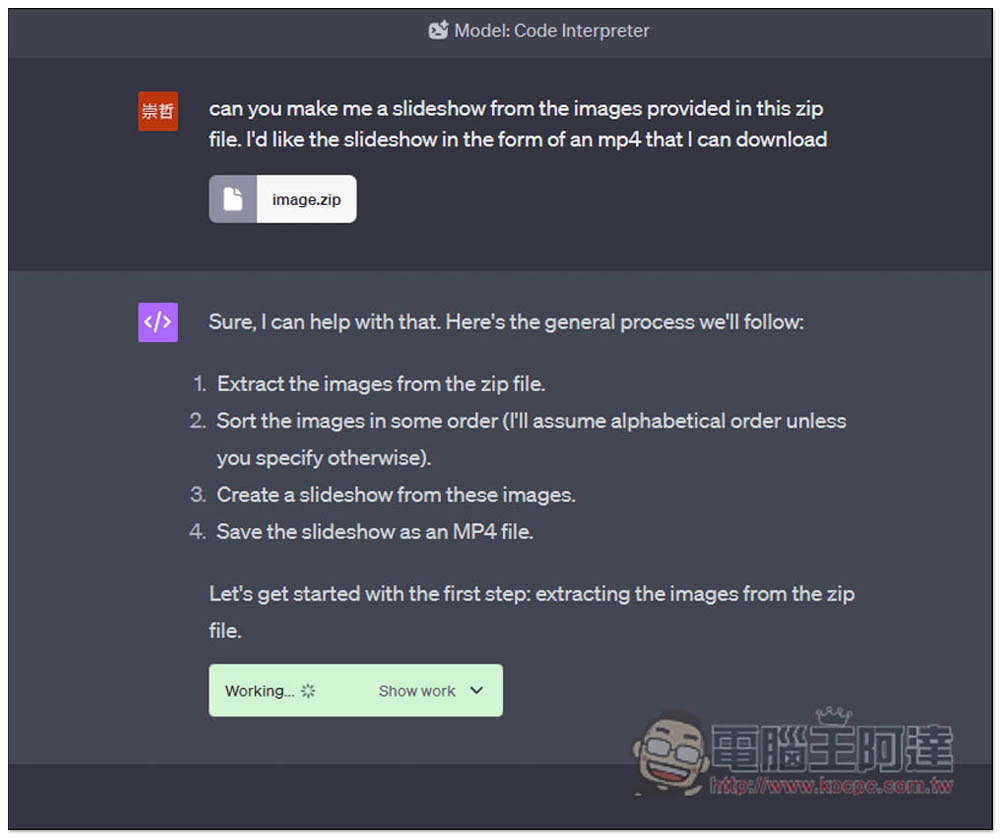
Correctly find the 5 files in the compressed file, and then it will ask you how you want to arrange the slideshow, including the display time, spacing, etc. of each image. Here are my requirements: “I’d like each image shown for three seconds and a simple transition between images perhaps a fade in and out.” Each image is displayed for three seconds, and there is a transition effect in the middle of each image, such as a fade in and out:
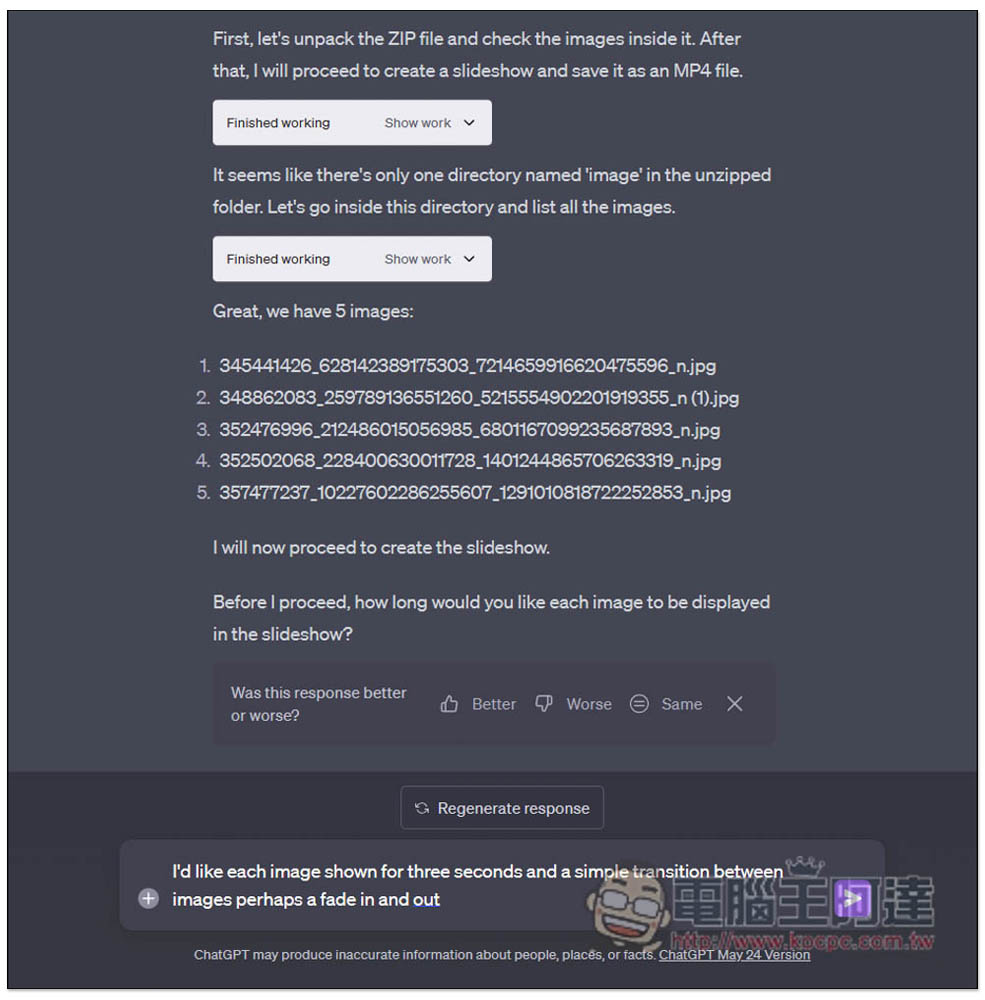
The great thing is that ChatGPT will encounter some errors during the process, and then it will try again and find a way to solve it. For example, this time it encounters that each picture has a different size, which makes it unable to complete normally, so it automatically adjusts the size of each picture before starting to create the slideshow. When you’re done, give me the slideshow points:
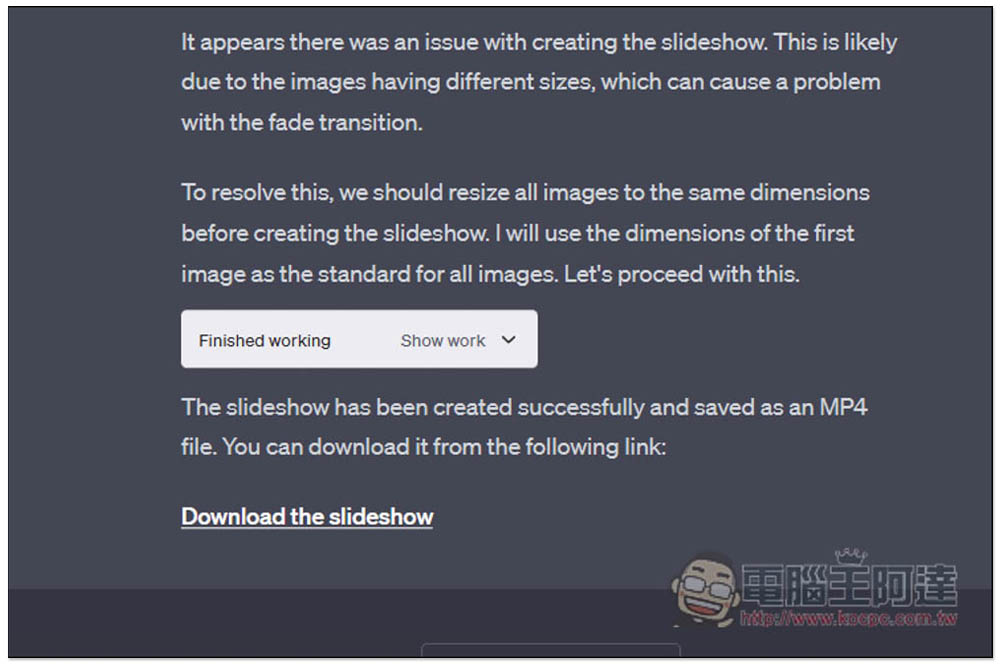
Below is a slideshow created with ChatGPT:
5. Turn static images into animated GIFs
Not only slides, you can also turn static images into dynamic images through Code Interpreter. I also used the photo of the Gundam photo sticker above and asked ChatGPT to help me create an animated GIF image that zooms in. The command is: “can you turn the image into an animated gif that zooms in.”
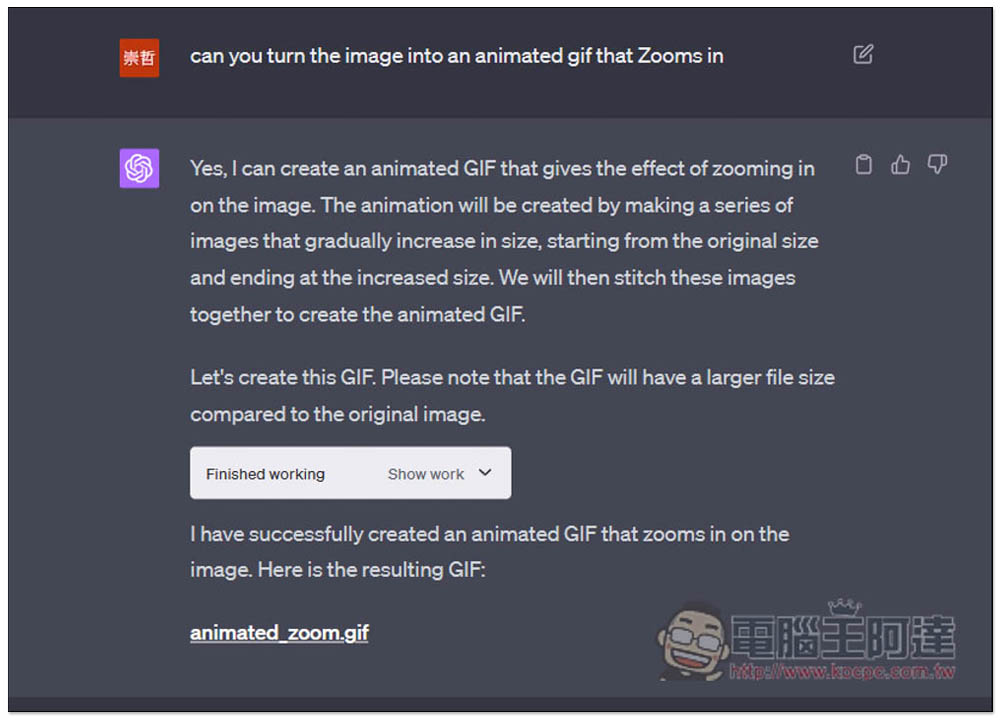
Complete GIF:
Summarize
Not only the above, there are more things that Code Interpreter can do. For ChatGPT Plus users, it is highly recommended to play it. It will really make your eyes light up. In addition, it would be best if the instruction part can be in English, and the processing will be more accurate and faster.
Source: KOCPC Chinese