


The Apple Pencil is a great iPad accessory for everything from handwritten notes to sketching, artwork, and more. Apple sells a total of 4 Apple Pencil models: the first-generation Apple Pencil, the USB-C Apple Pencil, the second-generation Apple Pencil, and the Apple Pencil Pro. Choosing the right one can seem like an arduous process, and there really isn’t that much choice when it comes to specific iPad models.
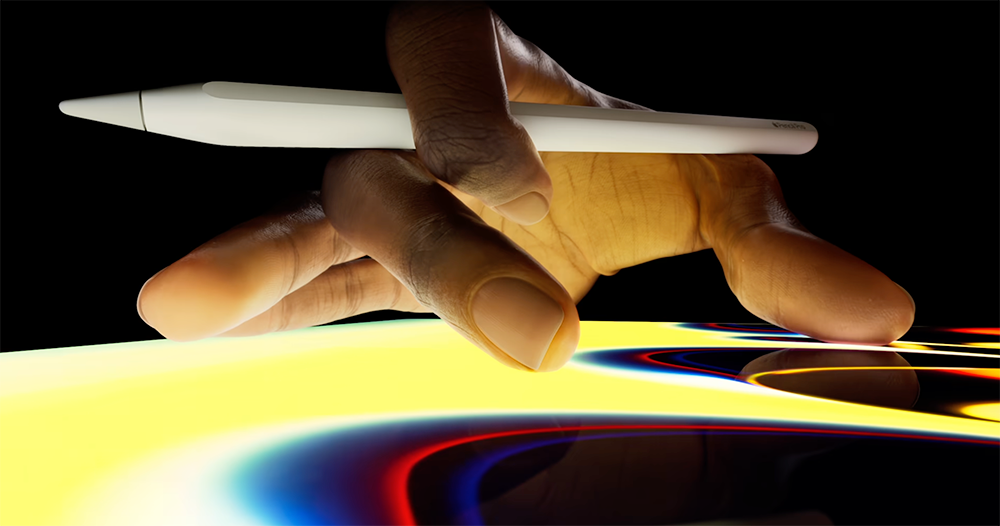
Four Apple Pencils, which one should you choose?
Start with your iPad
You have to know which iPad you have before you can choose the right Apple Pencil, as each Pencil model is only available on a specific model. You can check your iPad model by opening the Settings app and navigating to General >> About >> Model.
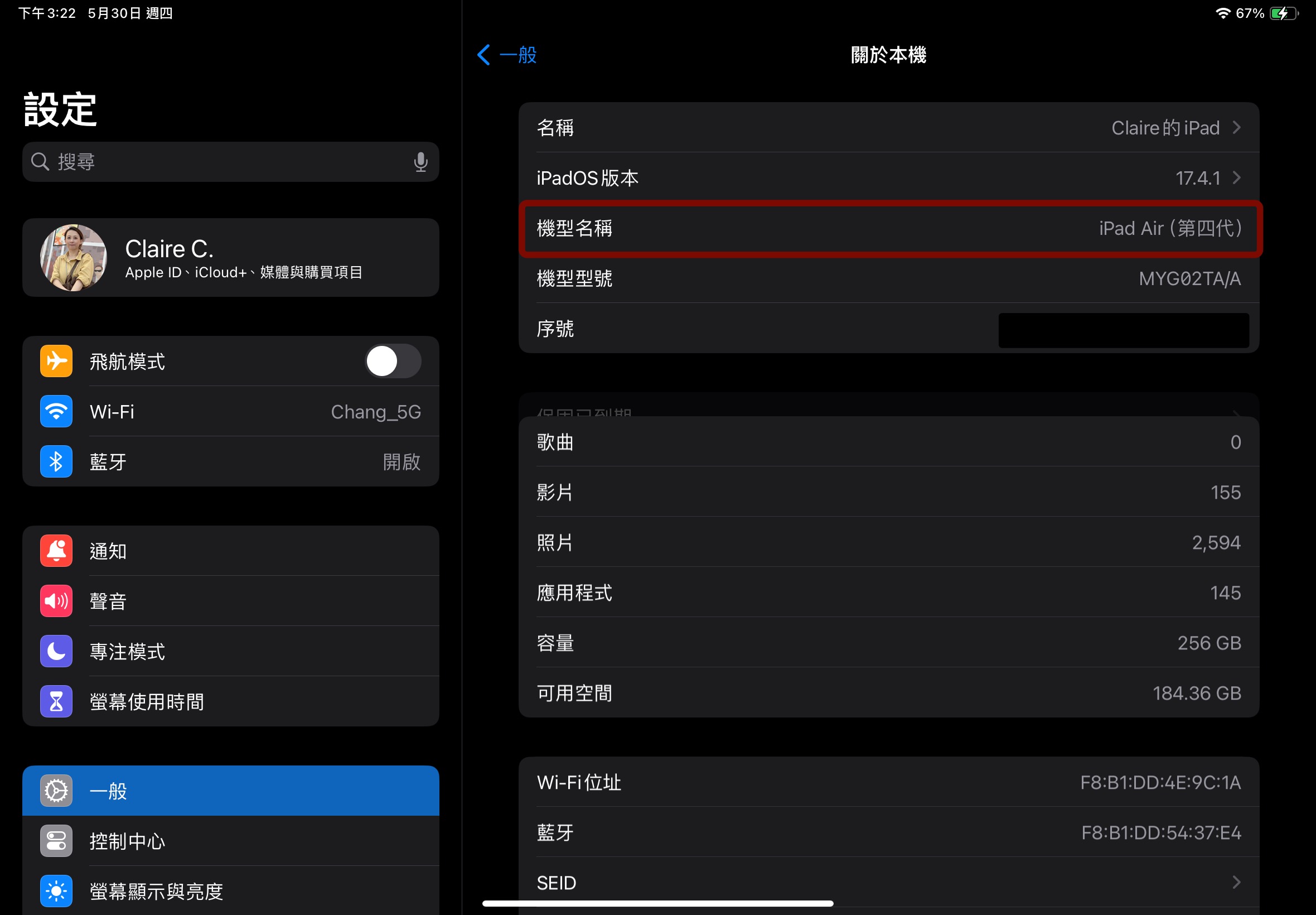
Knowing your iPad model will help you narrow down your Apple Pencil choices. You can enter the model name directly into Apple Pencil page on the Apple websiteto see the available options, we also provide a compatibility list below for your reference:
- Apple Pencil Pro
iPad Pro 13-inch (M4), iPad Pro 11-inch (M4), iPad Air 13-inch (M2), iPad Air 11-inch (M2) - Apple Pencil USB-C iPad Pro 13-inch (M4), iPad Pro 12.9-inch (6th generation), iPad Pro 12.9-inch (5th generation), iPad Pro 12.9-inch (4th generation), iPad Pro 12.9-inch (3rd generation), iPad Pro 11 ” (M4), iPad Pro 11” (4th generation), iPad Pro 11” (3rd generation), iPad Pro 11” (2nd generation), iPad Pro 11” (1st generation), iPad Air 13” (M2), iPad Air 11” (M2), iPad Air (5th generation), iPad Air (4th generation), iPad (10th generation), iPad mini (6th generation)
-
Apple Pencil first generation
iPad Pro 12.9-inch (2nd generation), iPad Pro 12.9-inch (1st generation), iPad Pro 10.5-inch, iPad Pro 9.7-inch, iPad Air (3rd generation), iPad (10th generation), iPad (9th generation), iPad (8th generation), iPad (7th generation) gen), iPad (6th gen), iPad mini (5th gen) -
Apple Pencil (2nd generation)
iPad Pro 12.9-inch (6th generation), iPad Pro 12.9-inch (5th generation), iPad Pro 12.9-inch (4th generation), iPad Pro 12.9-inch (3rd generation), iPad Pro 11-inch (4th generation), iPad Pro 11-inch (3rd generation) generation), iPad Pro 11-inch (2nd generation), iPad Pro 11-inch (1st generation), iPad Air (5th generation), iPad Air (4th generation), iPad mini (6th generation)
How to choose your Pencil
Each iPad model typically comes with two Apple Pencil options, a higher-end model with more features and a lower-priced model without some features. For example, the latest iPad Air and iPad Pro models only work with the Pencil Pro (the higher-end model) and the USB-C Pencil (the lower-priced model). For older models, such as the iPad Air (4th generation), you can choose between the second-generation Pencil (high-end model) and the USB-C Pencil (low-priced model).
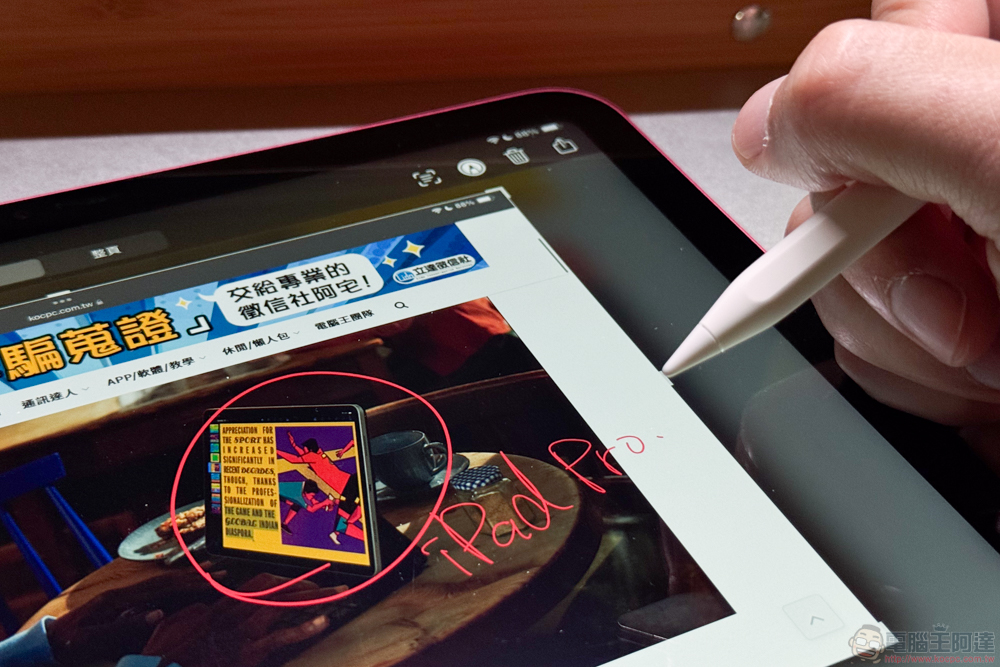
The exceptions to this rule include previous regular iPad models (9th generation and earlier) and the oldest iPad Pro, iPad Air, or iPad Mini models, for which you only have one choice: the first-generation Apple Pencil, so the choice barrier doesn’t have to kick in.
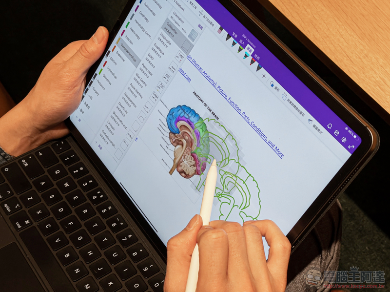
The USB-C Apple Pencil is the lower-priced option for most iPads these days. It has the precise drawing, low latency, and tilt sensitivity necessary for a digital stylus, and it can be magnetically attached to the side of your iPad for storage when you’re not using it. However, the Pencil cannot be charged while it’s attached to the iPad, and when it needs charging, it must be connected to a USB Type-C cable.
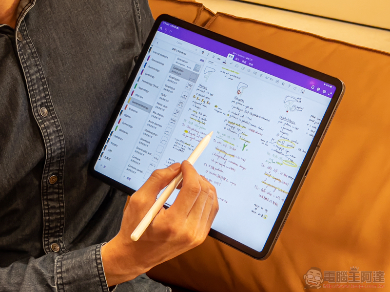
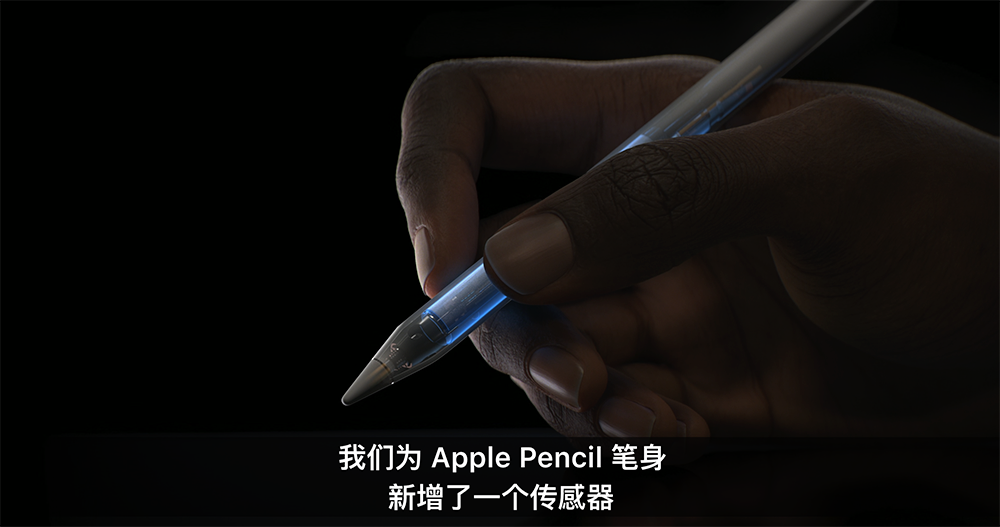
The higher-end option for most iPads these days is the second-generation Apple Pencil or Apple Pencil Pro. They both feature wireless pairing and charging when connected to an iPad, double-click to change tools, and pressure sensitivity. Apple Pencil Pro goes a step further, offering squeeze detection (often used for tool changes), haptic feedback, Find My tracking support, and pen rotation for changing the orientation of the shape pen and brush tools.
All possible Pencil selection combinations for each iPad model are listed above. If you just need a stylus for occasional note-taking and basic drawing, just choose one of the lower-priced options (USB-C Pencil or first-generation Pencil) that supports your iPad. If you want to do more digital art, or want specific features that are only available with higher-end Pencils, the extra budget may be worth it.
What about third-party Pencils?
There are many iPad-compatible stylus options from other brands, most of which are affordable alternatives that are functionally equivalent to the first-generation or USB-C Apple Pencil and work with all the same apps in the Apple Pencil family.
There are no major issues with these third-party styluses, and if you see one you like and it works with your iPad, feel free to buy it. However, you should compare the available features with the options Apple offers for your iPad to see the differences more clearly.
Source: KOCPC Chinese