


So far we have introduced several AI chatbots that can be run locally, such as LM Studio、Chat with RTX、GPT4All Wait, these all require installing a software and then downloading the LLM large language model. If you don’t want so much trouble, or want to get a green version of the AI chatbot, then llamafile is a very good option. After downloading the specified file, you can execute it directly without installing anything.
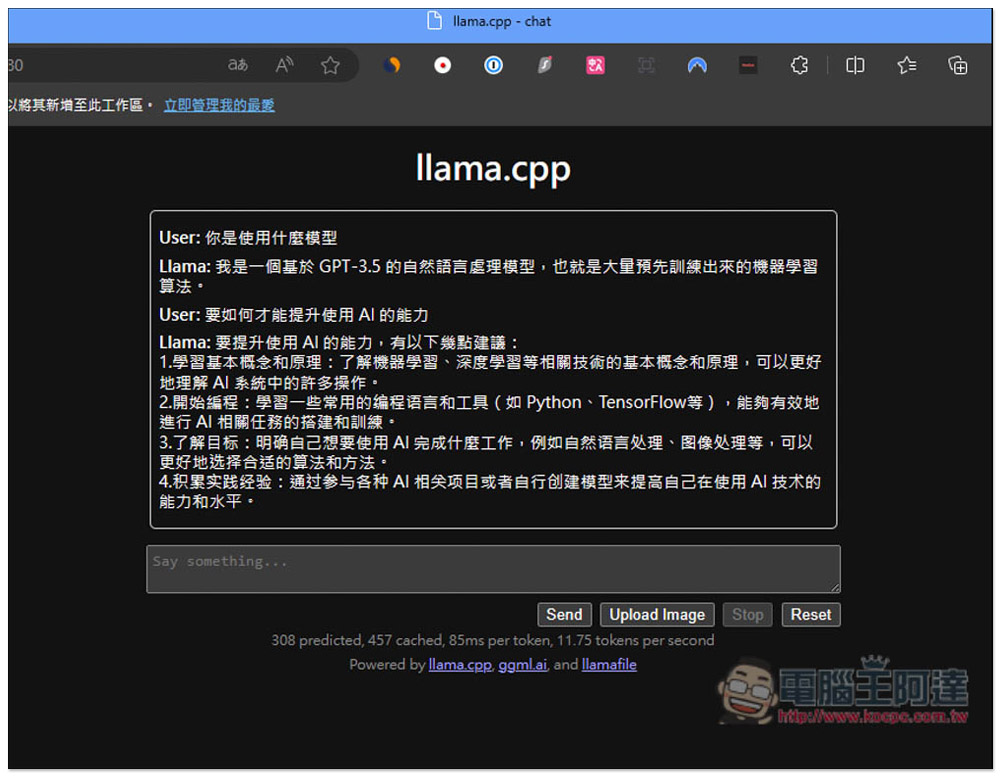
llamafile installation-free AI chatbot, you can directly run the LLaVA large language model after downloading
llamafile is a project produced by Mozilla Internet Ecosystem (MIECO) and shared on GitHub. Unlike other large language model AI chatbot software, it will directly enable the chat interface in the browser after execution, so there is no need to go through any software. The large language model used is LLaVA, which not only supports chatting, but also can analyze images. Both CPU and GPU are supported.
The usage of Windows, Mac, and Linux is different. I will demonstrate the execution steps for Windows below. Simply put, after changing the file name to .exe, it can be executed directly. Therefore, you can put the file with the changed file name in a flash drive, so that no matter which computer you go to, you can activate this AI chatbot.
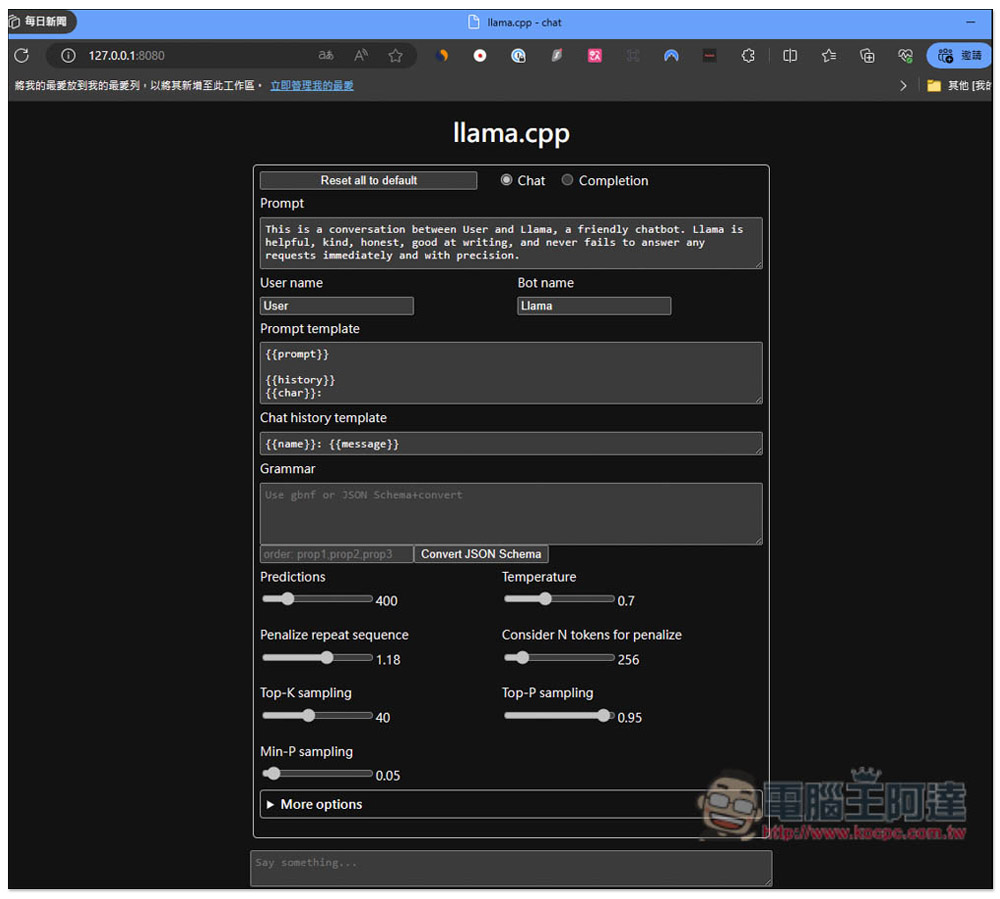
There are many chat settings that can be adjusted, such as Temperature, Predictions, Mirostat, etc. You can also customize the user name and bot name. You can type in Chinese when chatting, not necessarily in English, but the accuracy of English will be higher.
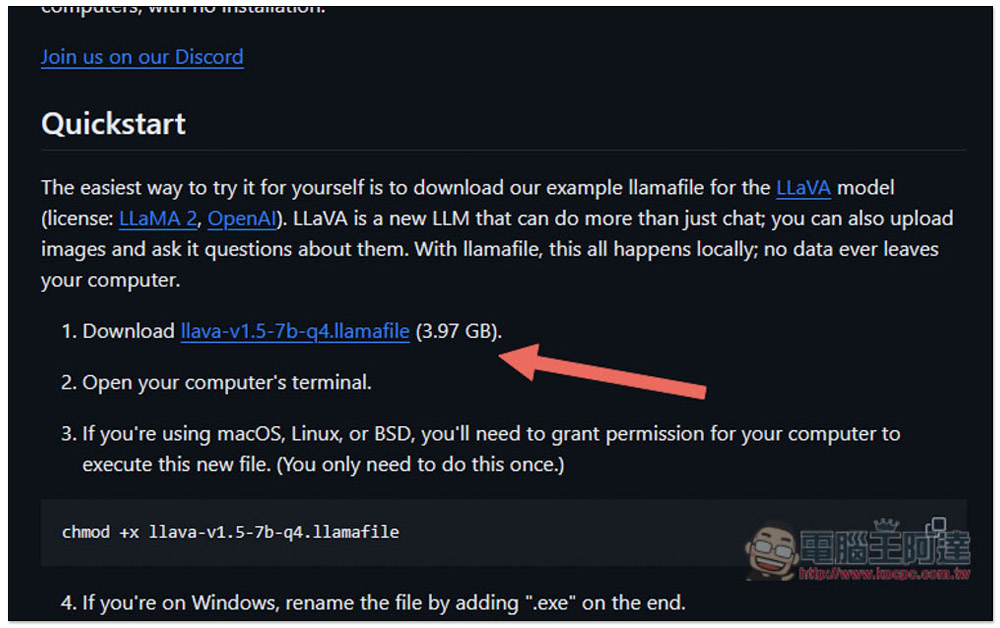
After clicking the link above to enter the GitHub project, in the Quickstart section, download the first point llava-v1.5-7b… This one, the file is 3.97GB, it will take a while to download:
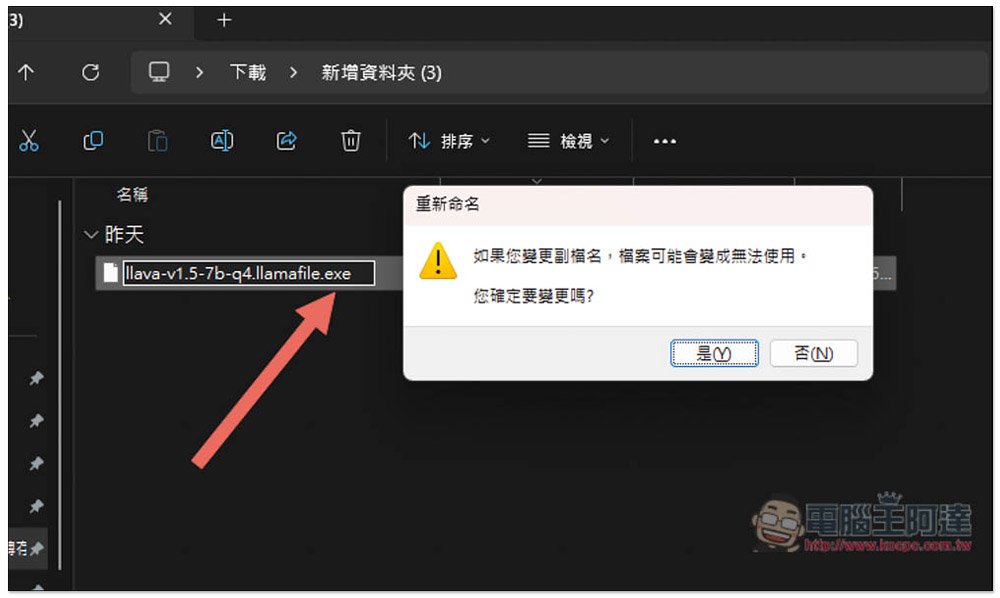
After downloading, add .exe at the end of the Windows part, and then click Yes:
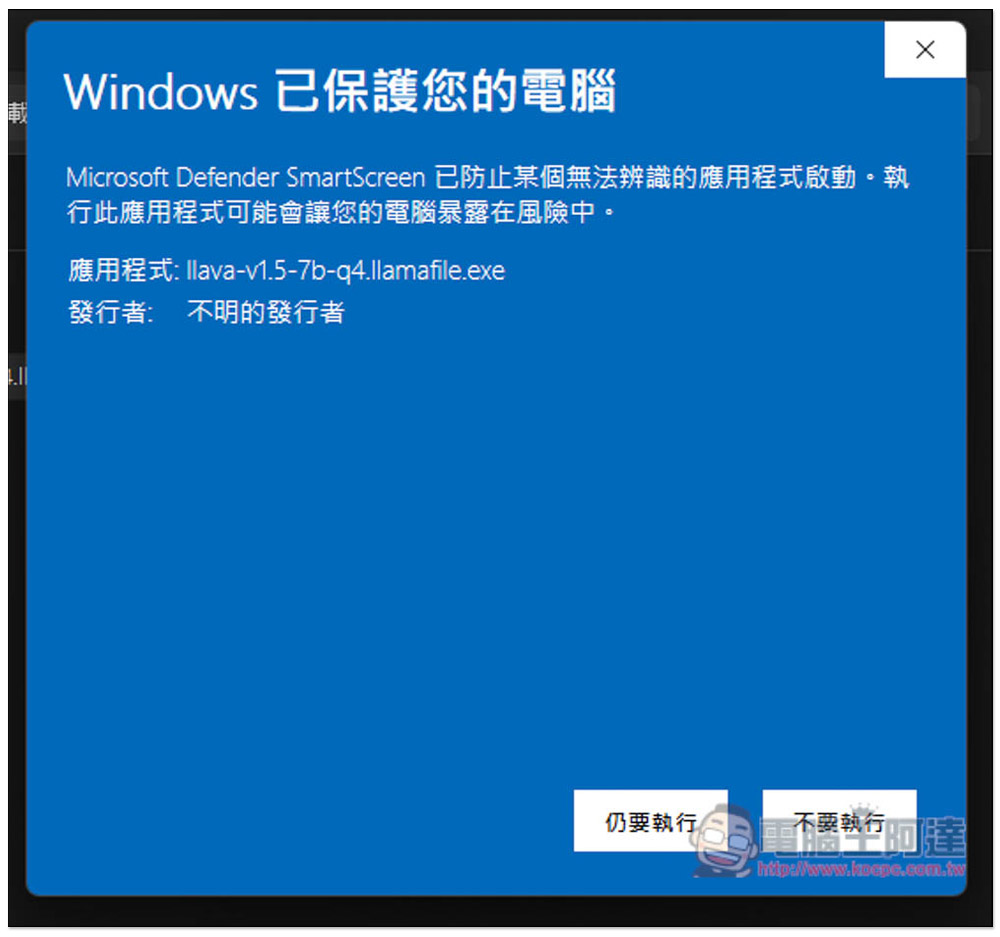
Then click twice to execute, this prompt window will pop up, click “Other Information”:
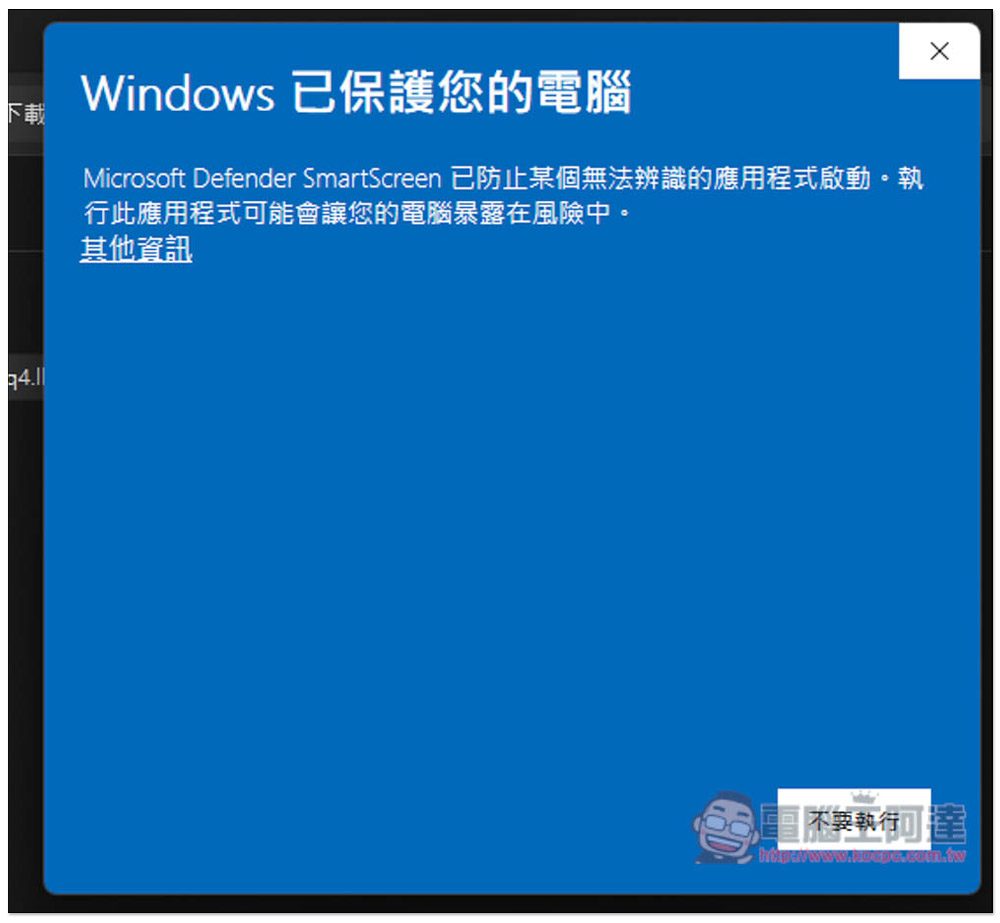
A “Run Anyway” button will appear:
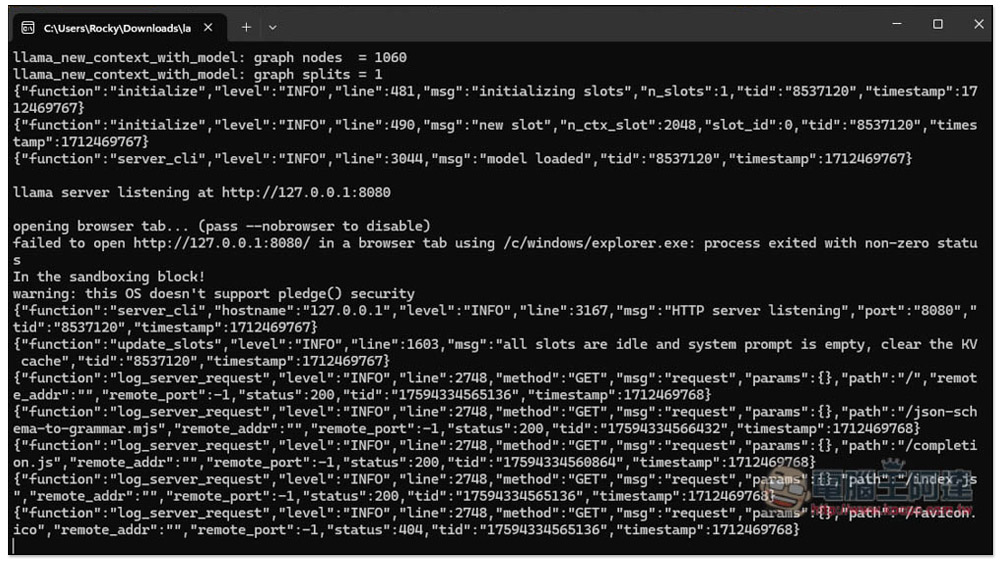
This window will pop up and wait for it to finish:
The browser will open the llama.cpp chat window. Basically, you don’t need to touch the settings. You can play around with it first, and then fine-tune it when you are not satisfied with the reply content:
Enter what you want to ask in the bottom box and press Send:
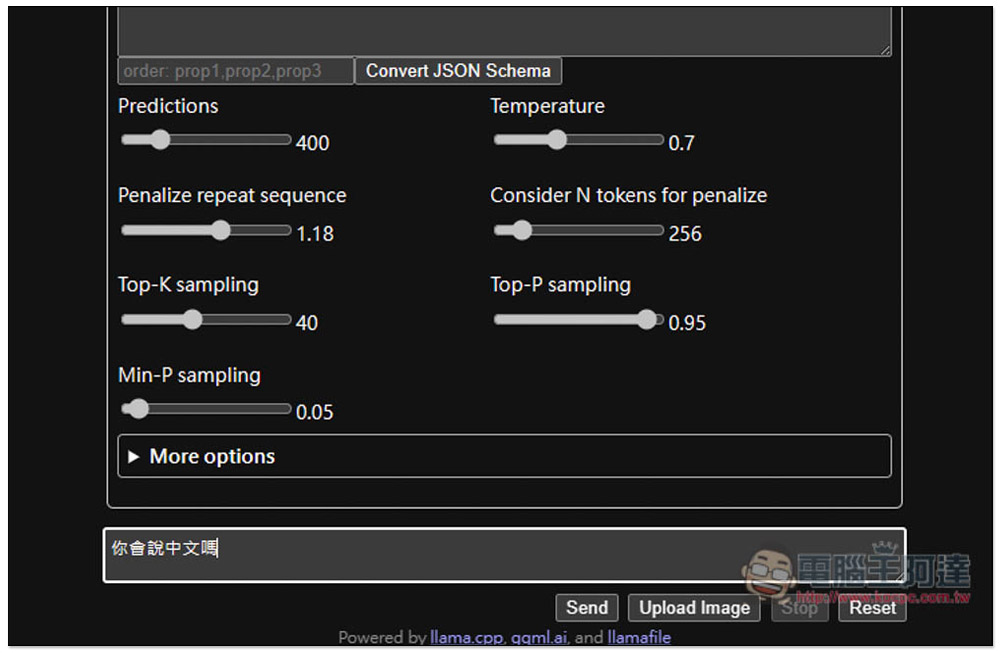
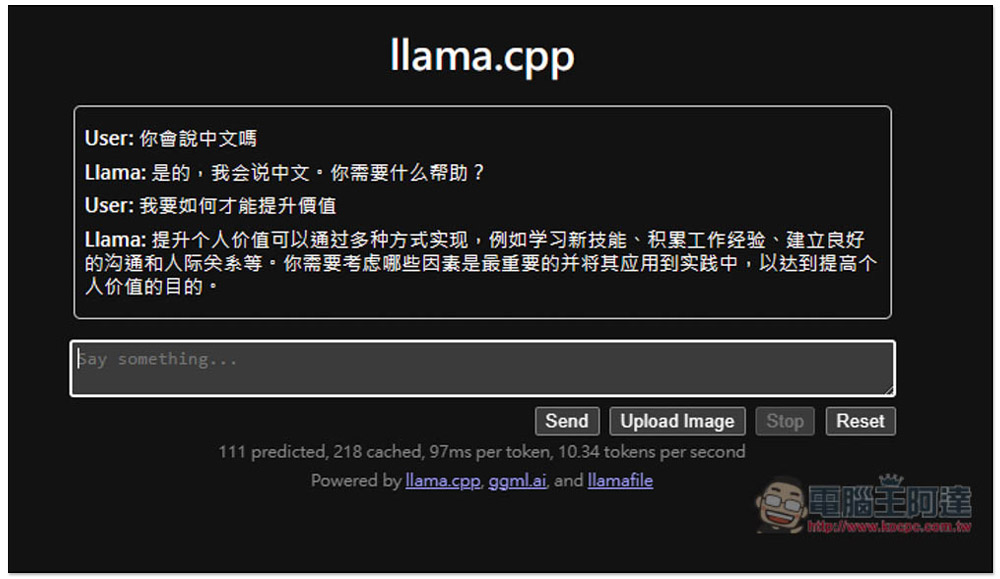
You can start chatting. It has been tested to support Chinese, but it will use Simplified Chinese by default. If you want it to use Traditional Chinese, remember to specify to use “Traditional Chinese Answer”:
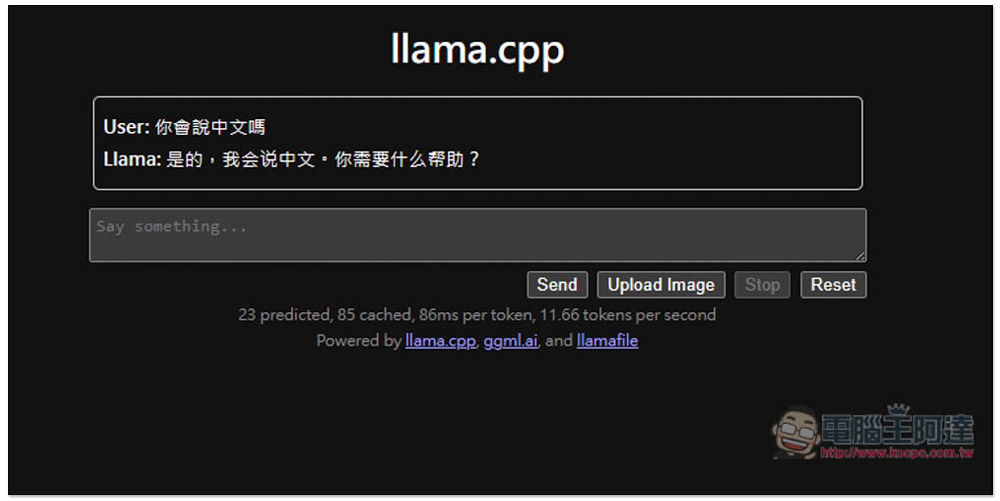
Although it is a local LLM large language model, the quality of the reply content is still quite good:
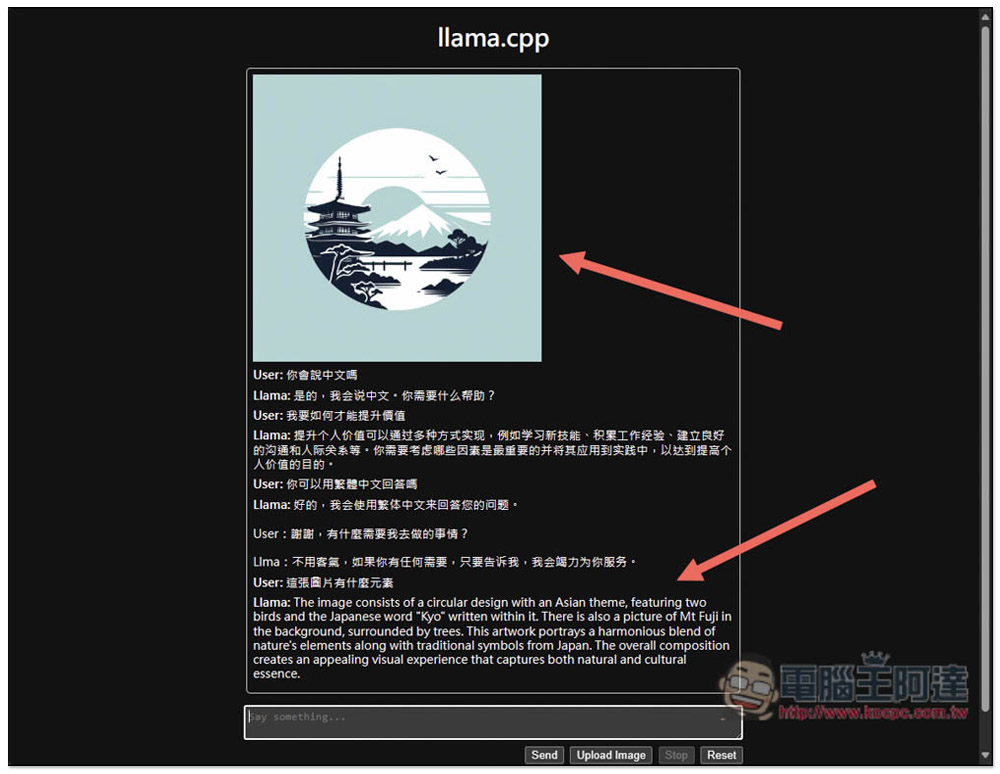
I also tested uploading pictures and asked it to analyze what elements it contained. It clearly identified them, but the answer was in English at the beginning:
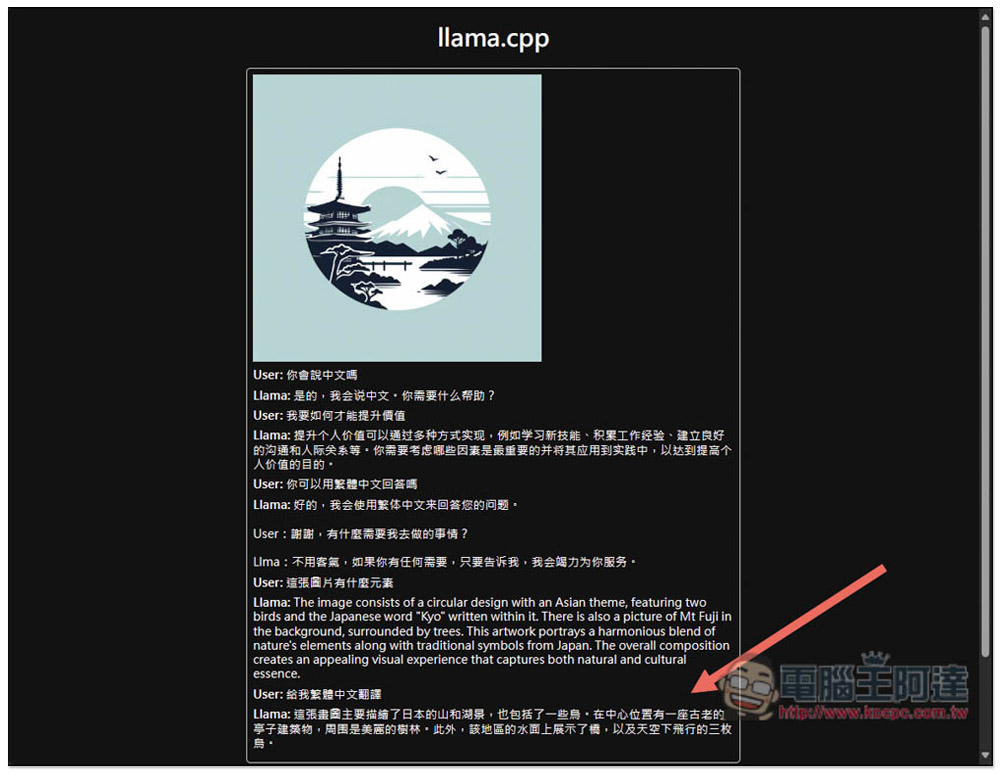
I asked it to translate it into Traditional Chinese for me, and it translated it into Chinese for me without any problem:
As for the reply speed, it depends on your CPU and GPU. If the equipment is good enough, the reply speed will be very fast. Analyzing pictures requires relatively large computing power.
Source: KOCPC Chinese