


This year, Microsoft’s development in AI can be said to be very rapid. Not only will Windows 11 usher in a major AI revision, Copilot will continue to be updated, and now there is also a “Designer” similar to the AI portal website, which brings together 5 major AI tools for you to use for free, ranging from image generation, sticker generation, design creation, background removal, to brand kit creation. New AI tools will continue to be added in the future, and it has been confirmed that there will be a creation tool for creating photo albums.
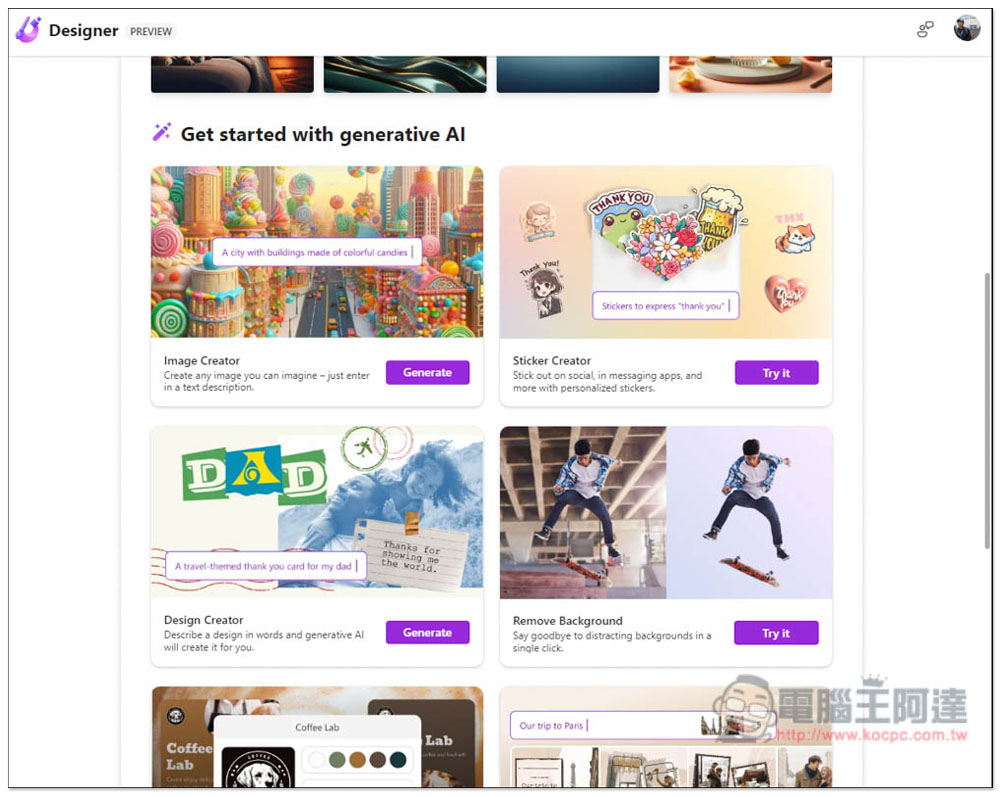
Microsoft’s latest “Designer” brings together 5 major AI tools for you to use online for free, including pictures, stickers, designs, brand kits, etc.
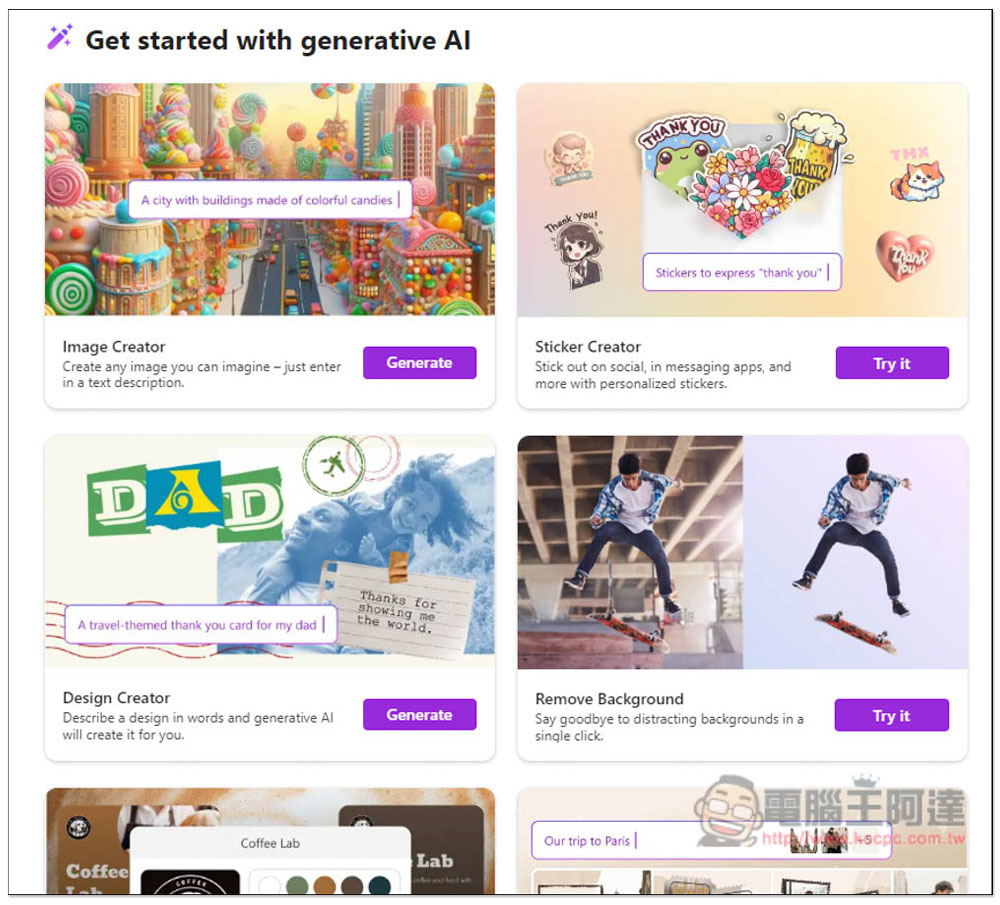
After clicking the link above to enter the Designer website, you can see the five major AI tools, namely “Image Creator”, “Sticker Creator”, “Design Creator”, “Remove Backgroud”, and “Brand Kit Creator”. You need to log in to a Microsoft account to use:
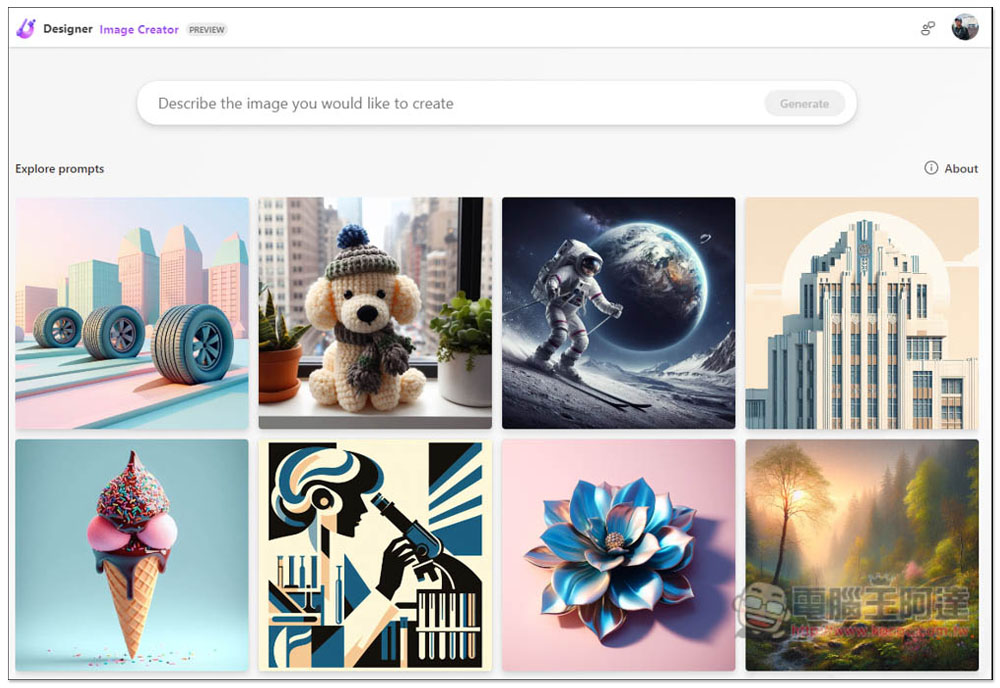
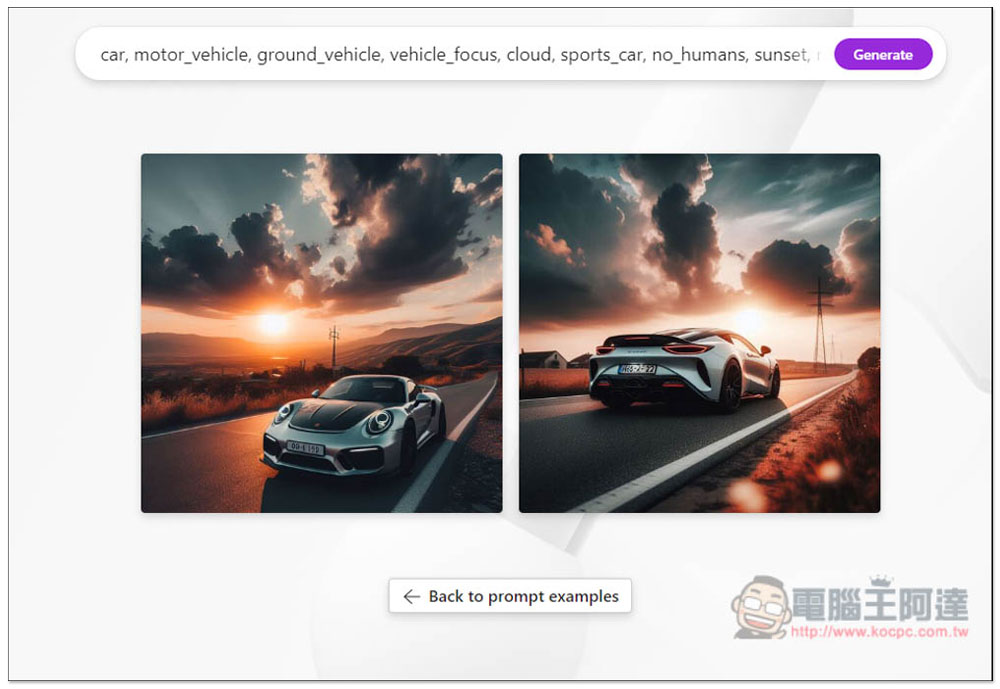
The first is “Image Creator”, which everyone should be familiar with. It is Microsoft’s image generation tool. Enter the image description you want in the search box above:
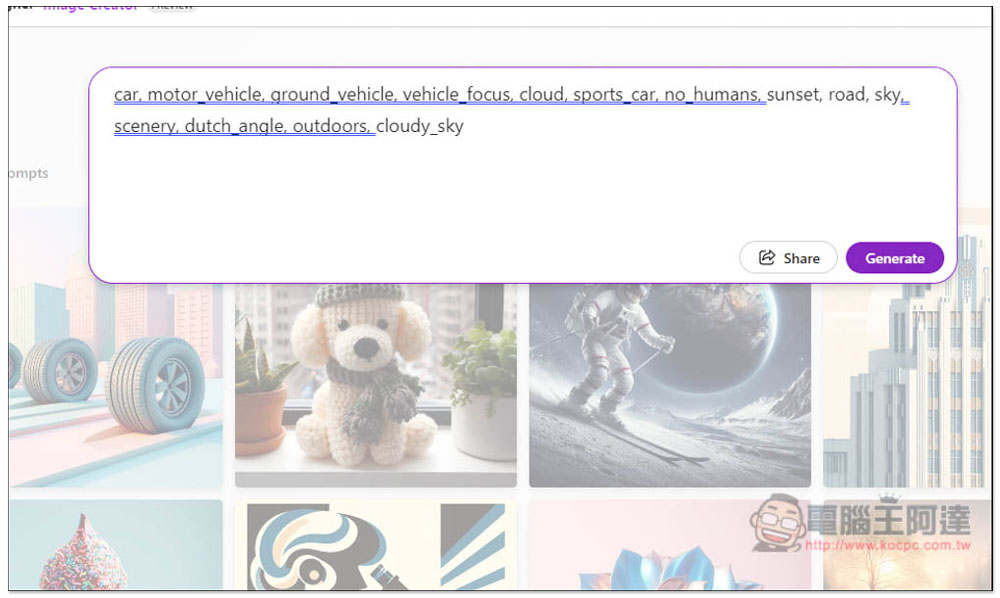
You can enter Chinese, English and other languages. I will create a picture about a sports car:
Wait a few seconds to get the result. If you are satisfied, you can download the image:
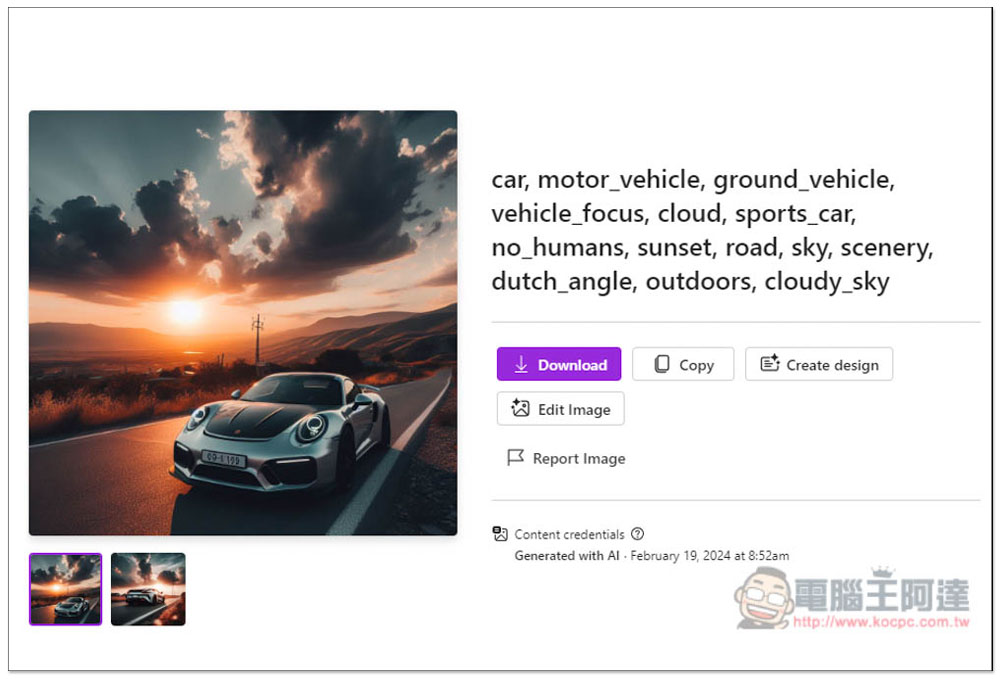
An interesting new feature now is that you can import this AI picture directly into design creation, and let AI help you automatically generate beautiful design pictures. Click Create design on the right:
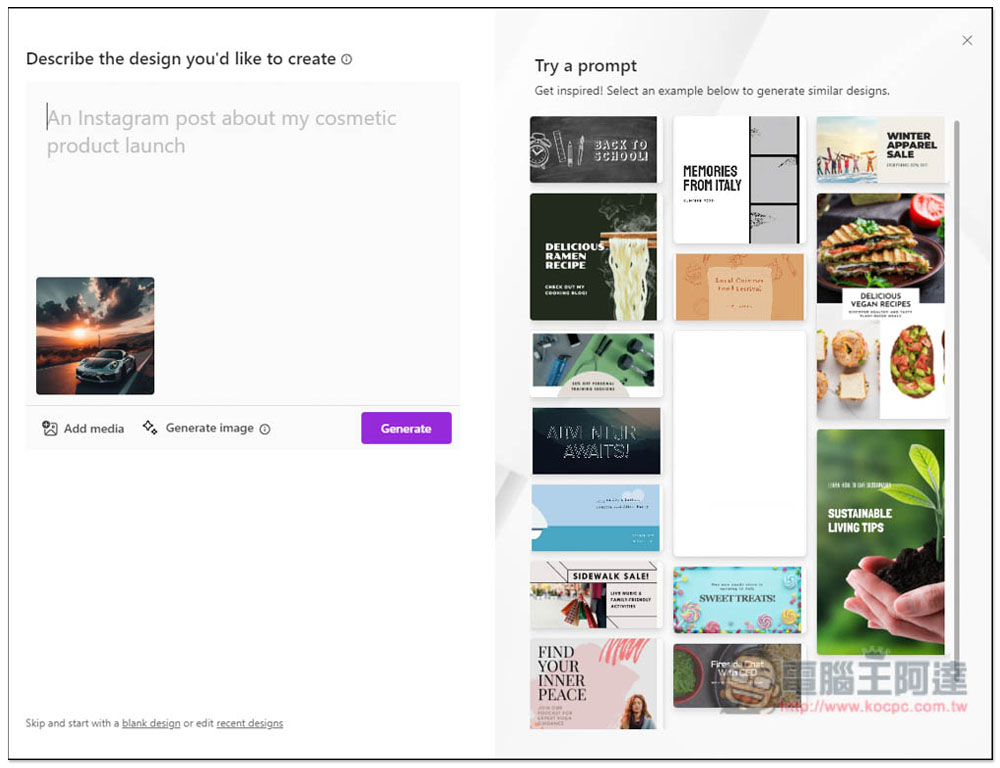
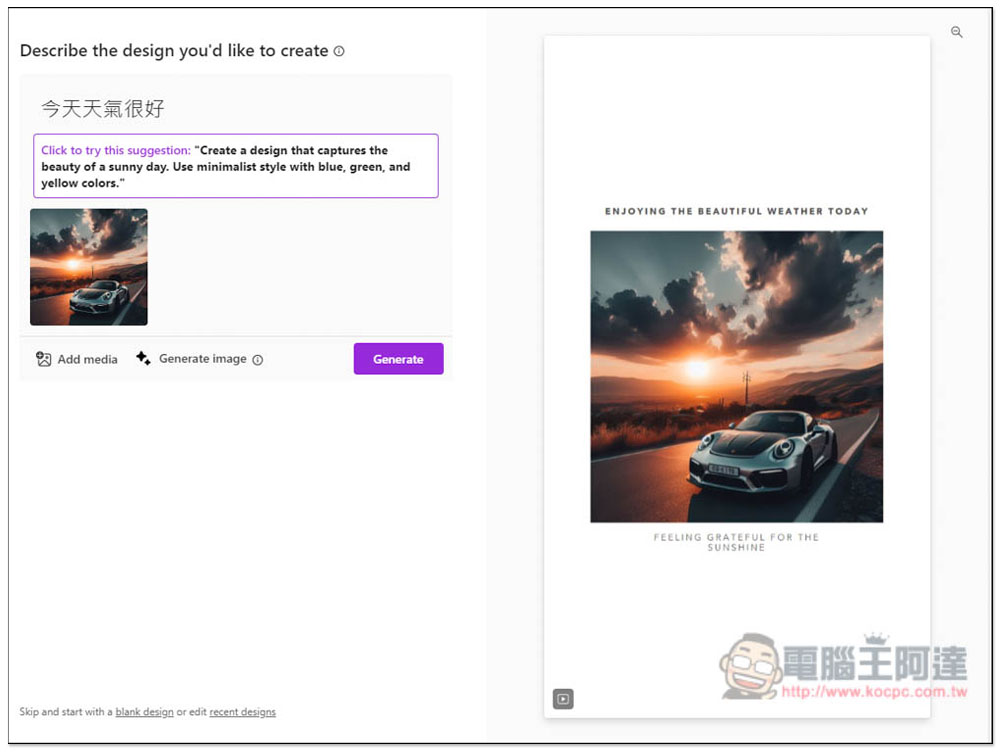
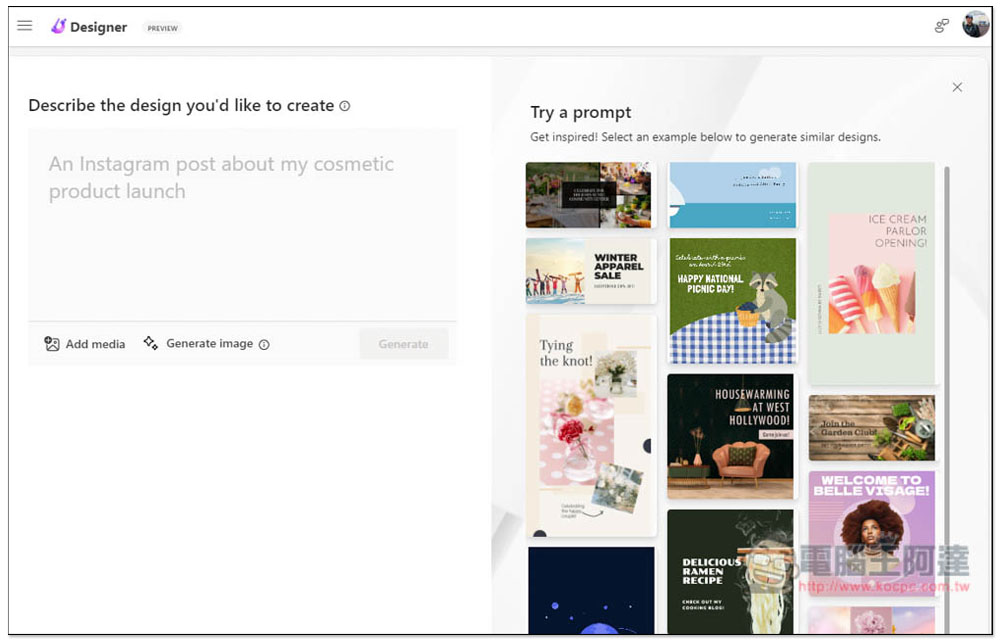
It will jump to this creation page. Enter the description of the design image you want on the left. If you plan to share it on Instagram, you can add Instagram in the description. If there is a design pattern on the right that you like, you can also use their prompt:
I can just type “Today’s weather is very good”, and after a few seconds, various AI-created pictures will appear on the right, many of which are suitable for sharing on Instagram:
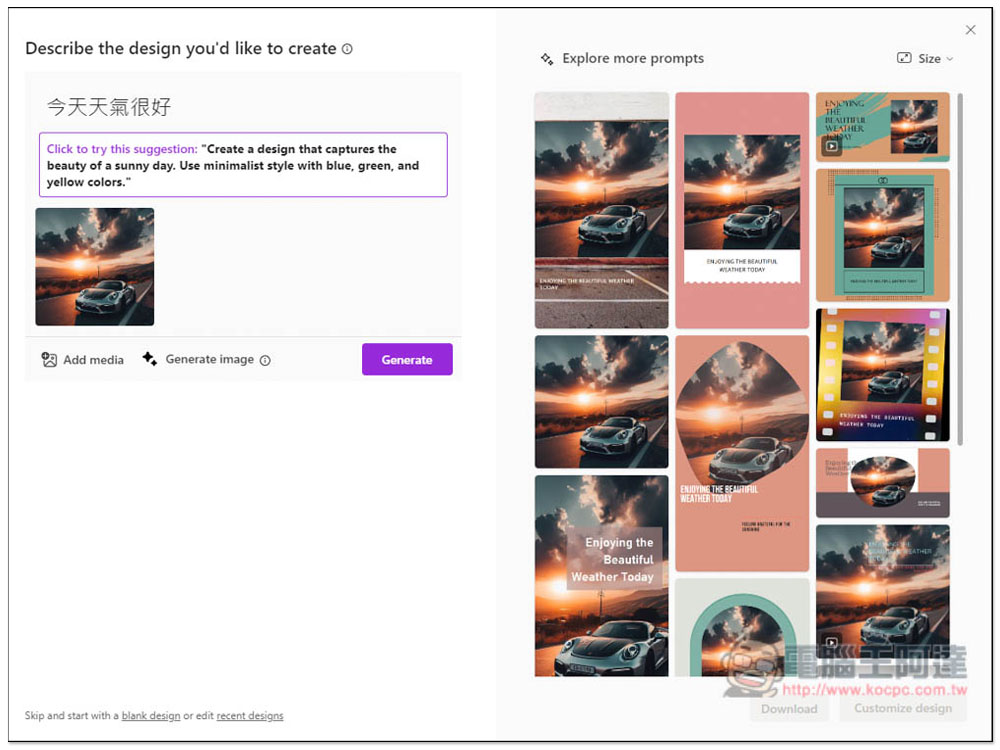
Like this one is great:
When you find a creation you are satisfied with, a Download button will appear below. Click to find the download point. URL sharing is also supported:
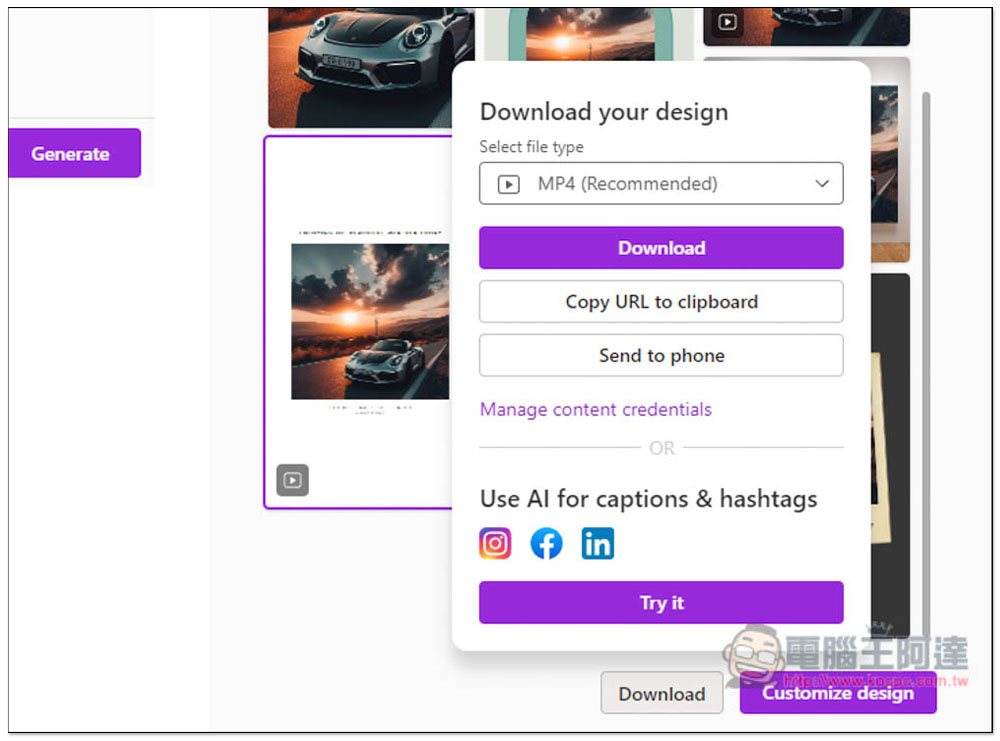
This is the image I just created automatically using AI:
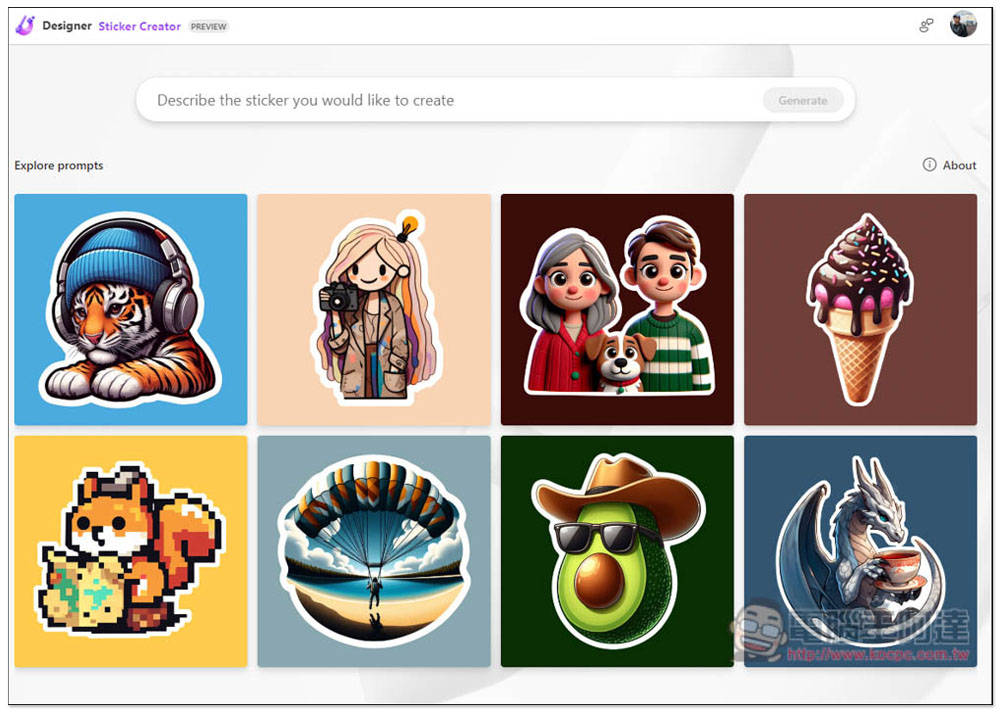
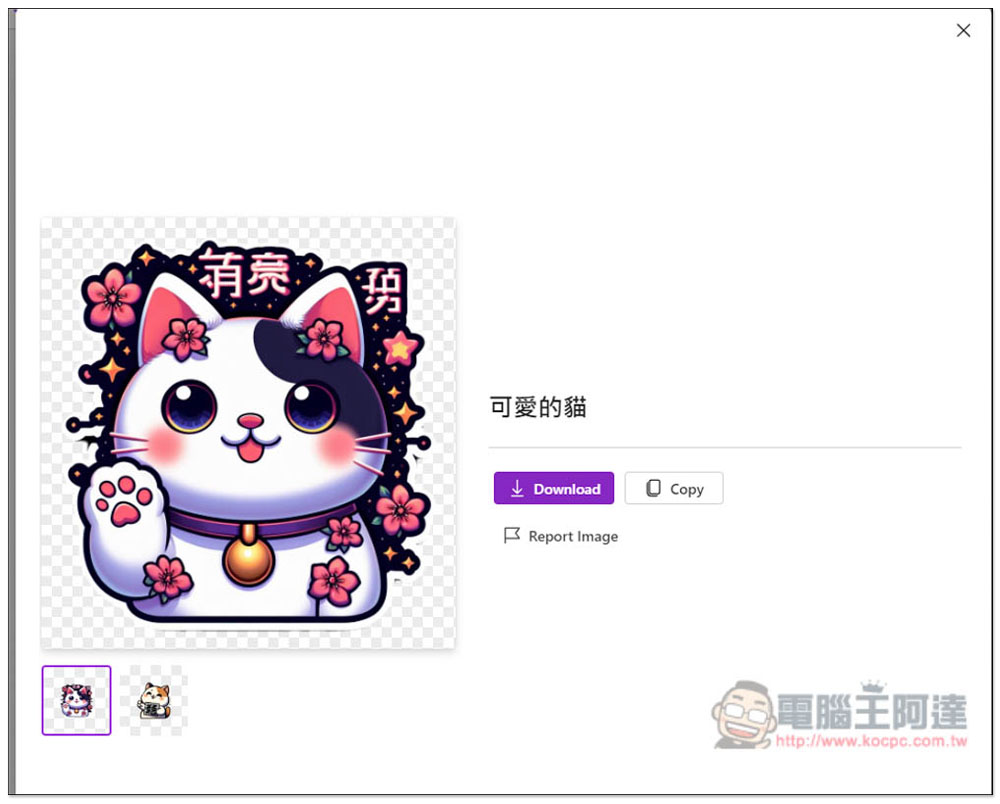
“Sticker Creator sticker creation” is basically similar to AI image generation, except that it generates sticker patterns:
I entered cute cat, and cute cat stickers appeared. What’s very considerate is that the background is transparent, which means that if you have a sticker photocopier, you can print the pattern directly. Although AI image generation capabilities are now very strong, Chinese is still very poor. I don’t know what the Chinese characters of these two sticker pictures are:
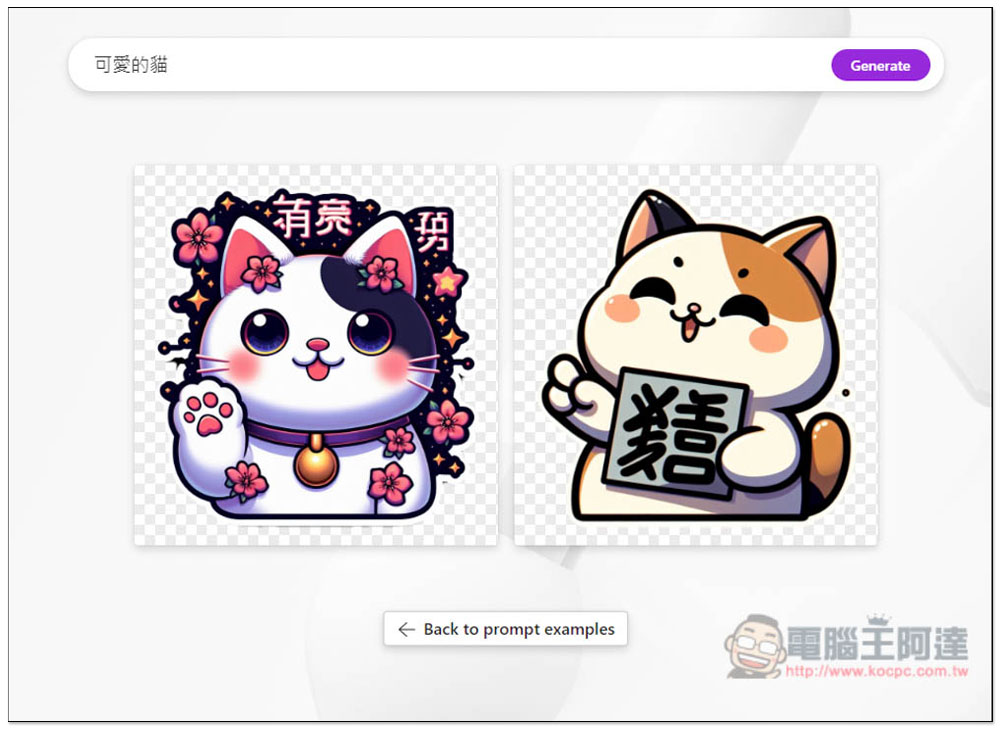
Go to the image page and press Download to start downloading:
“Design Creator design creation” is the Create design function entered by the AI image generation above. I will not explain it here:
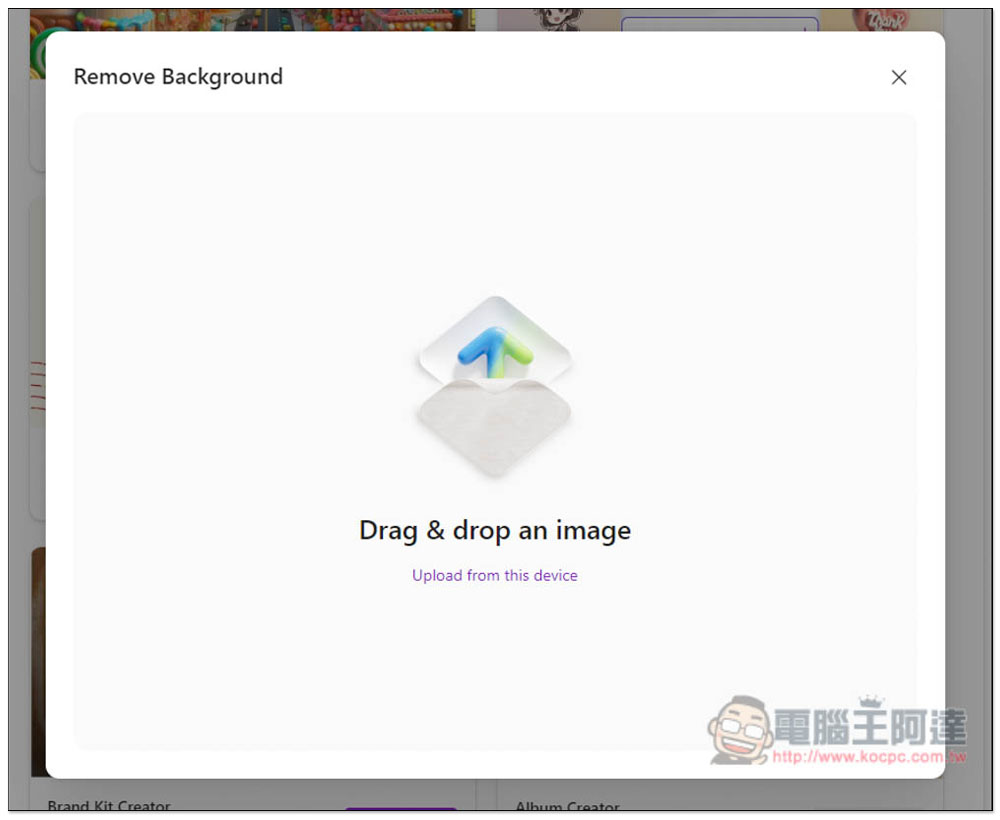
Memorization is the same as other related tools. Drag in the picture you want to memorize and you will get the memorization image:
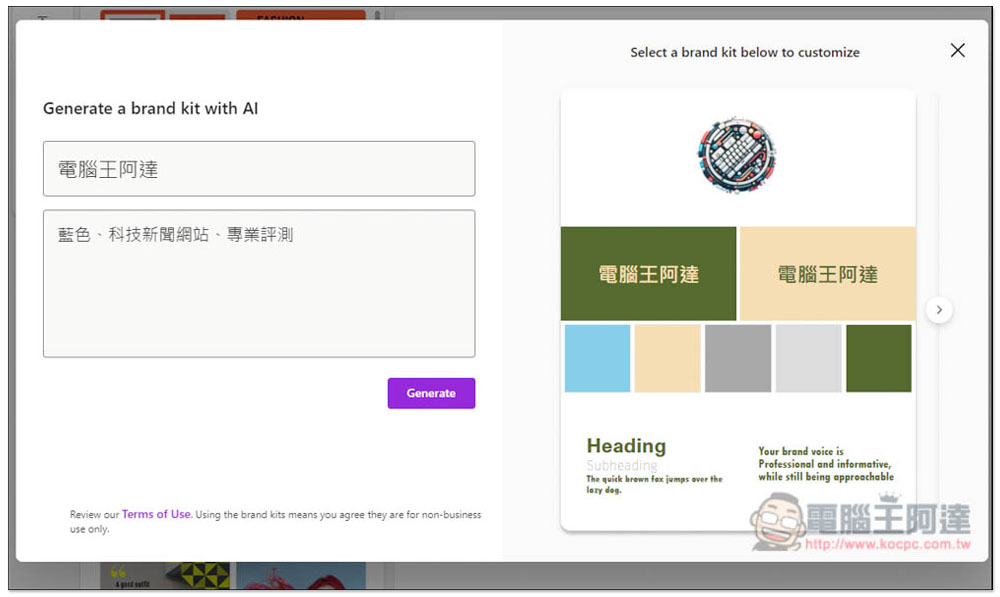
The usage of Brand Kit is similar. Enter your brand name and related introduction, such as: what the brand is doing, favorite colors, etc.:
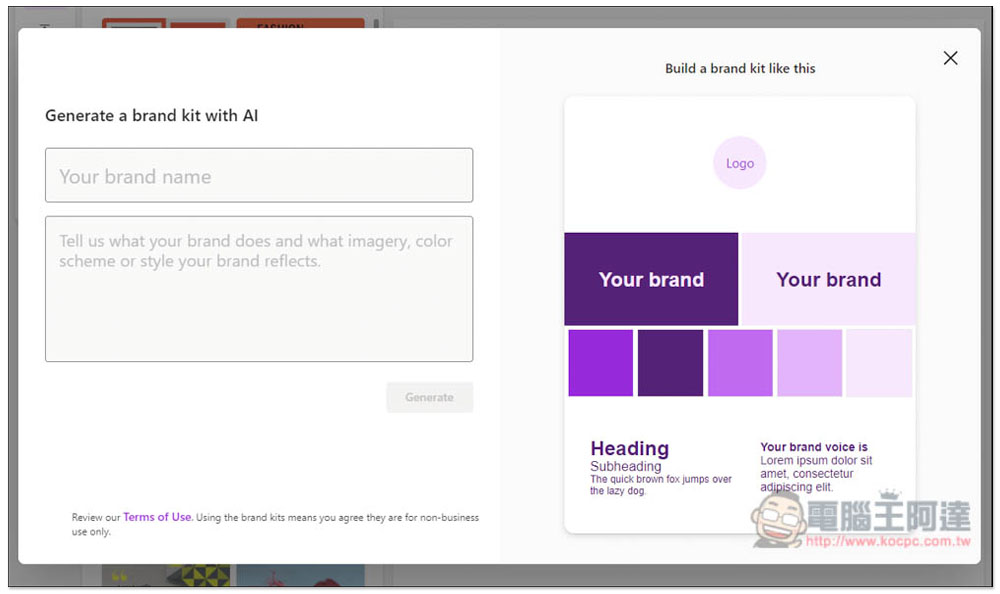
Then you can get logos, colors, fonts, etc., but I don’t think this one is very useful yet:
In the future, Microsoft will add more AI tools to this page, so I highly recommend you to bookmark it.
Source: KOCPC Chinese