


Nowadays there really are more and more on the internet.Speech-to-textTools, aside from the ones we introduced a few weeks ago, GeminiRecently I discovered this “TransPocket” — not only is it completely free to use, it also uses a well-known Whisper The latest model, and not only does it support uploading audio files and direct recording, but it also supports YouTube transcription, meaning you can simply paste the link directly. YouTube The video converts content into text, and the transcription speed is very fast.
TransPocket Voice-to-Text Online Tool: Introduction and Operation Guide
TransPocket is a completely free audio/video-to-text tool that uses the Whisper model to quickly convert audio files or YouTube video content into text. The interface is easy to use, and you can start using it after registering. It offers a daily quota of 120 minutes, which is more than enough for most users. Besides supporting multilingual transcription, it can also identify different speakers and output subtitle formats with timestamps. Currently, it offers the Whisper Large-v3 and Turbo models, so you can choose based on your needs.
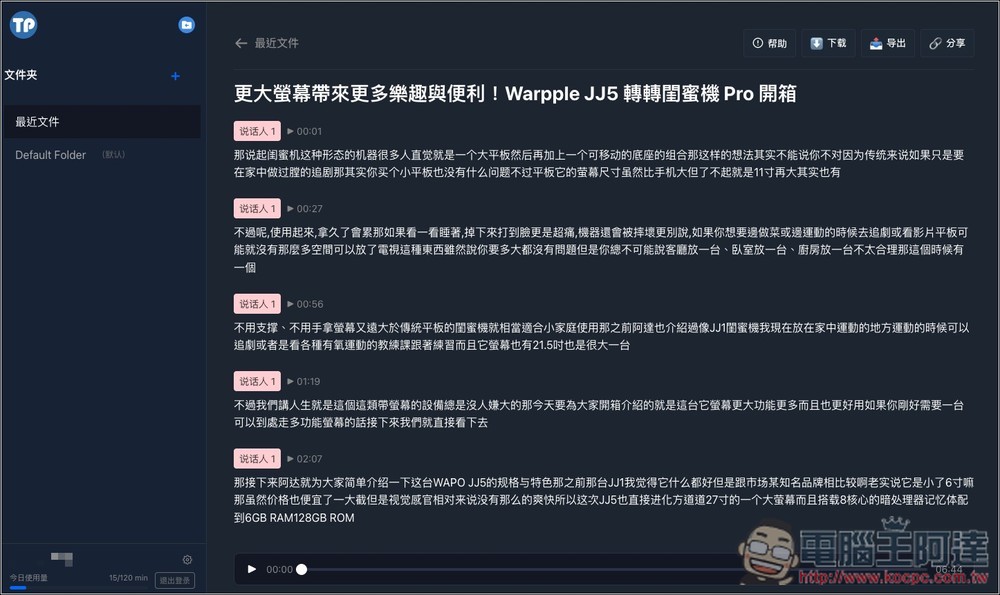
However, after trying it, I found a few minor drawbacks. First, regarding Chinese, it currently only supports transcription into Simplified Chinese, so you still need to convert it to Traditional Chinese via a Simplified-to-Traditional converter or AI tools. Second, the transcribed text has no punctuation. I handled both of these by giving them to ChatGPT, asking it to add punctuation and convert the content to Traditional Chinese.
Key Features
- Completely free
- Supports multiple formats (MP3, MP4, WAV, M4A, etc.)
- Can directly process YouTube videos
- Can identify the speaker
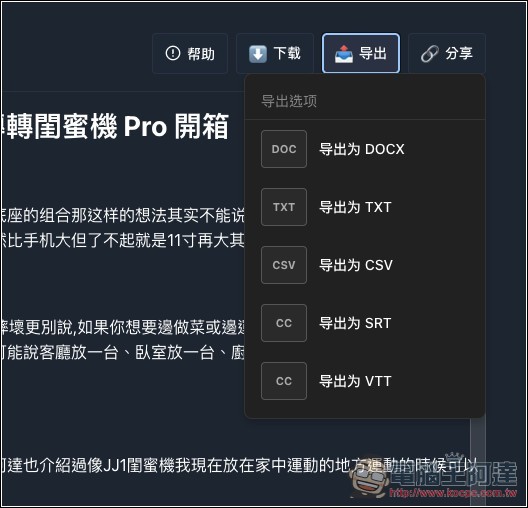
- Can be exported to formats such as DOCX, SRT, VTT, CSV, etc.
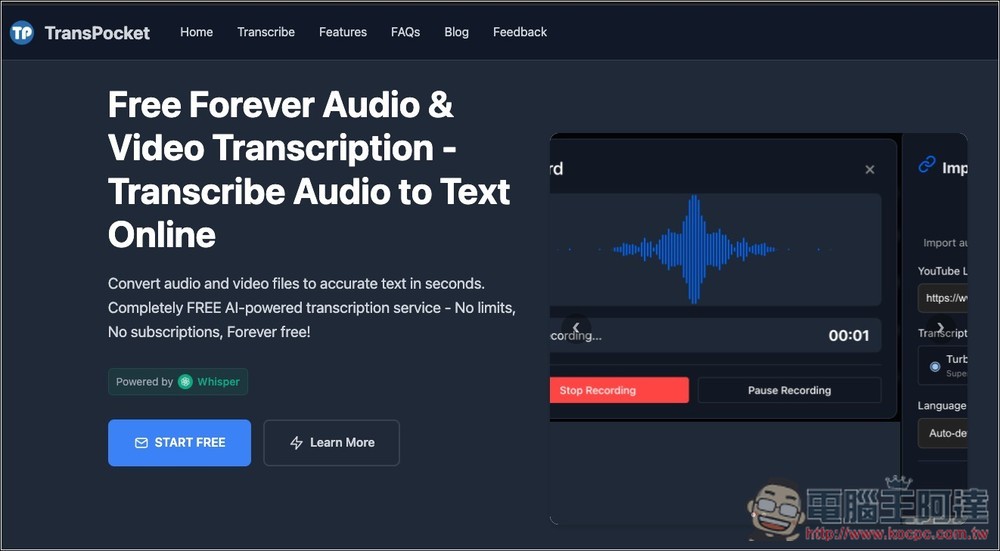
After clicking the link above to enter TransPocket, click START FREE on the screen:
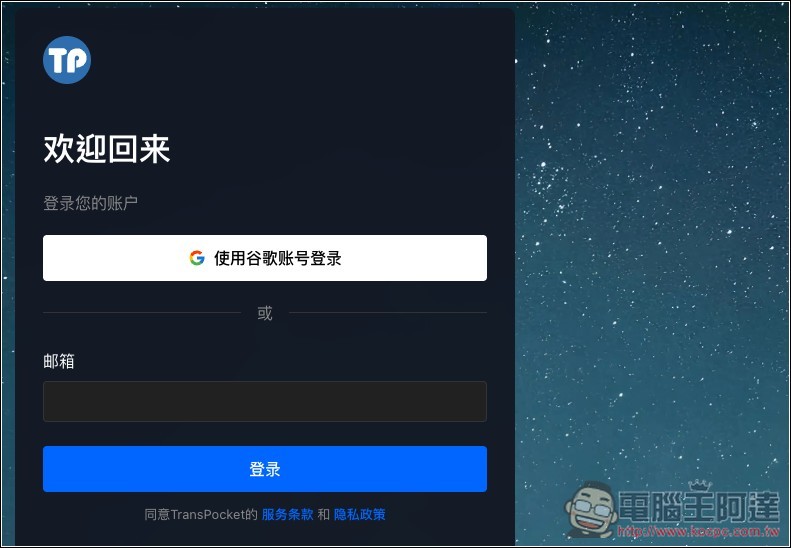
Next, you need to register an account, offering quick login with a Google account:
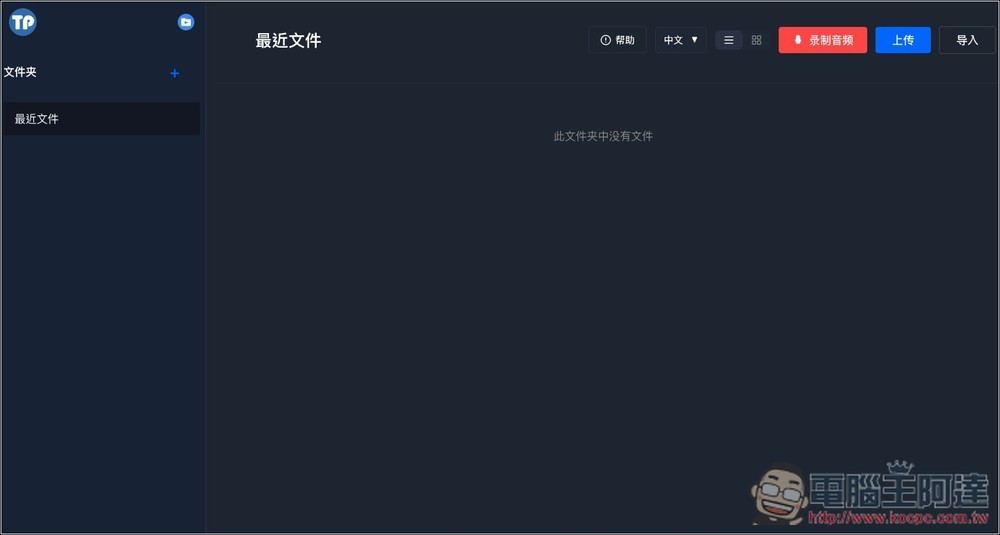
After logging in, you’ll be taken to the backend. The menu is at the top right, with three options: Record Audio, Upload, and Import.
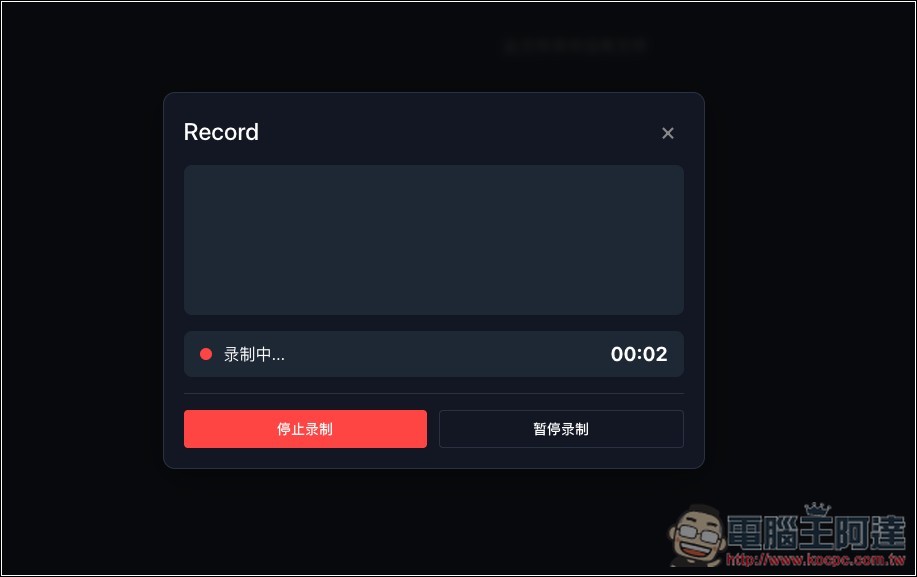
Recording audio is just recording; once it’s done, it will convert directly:
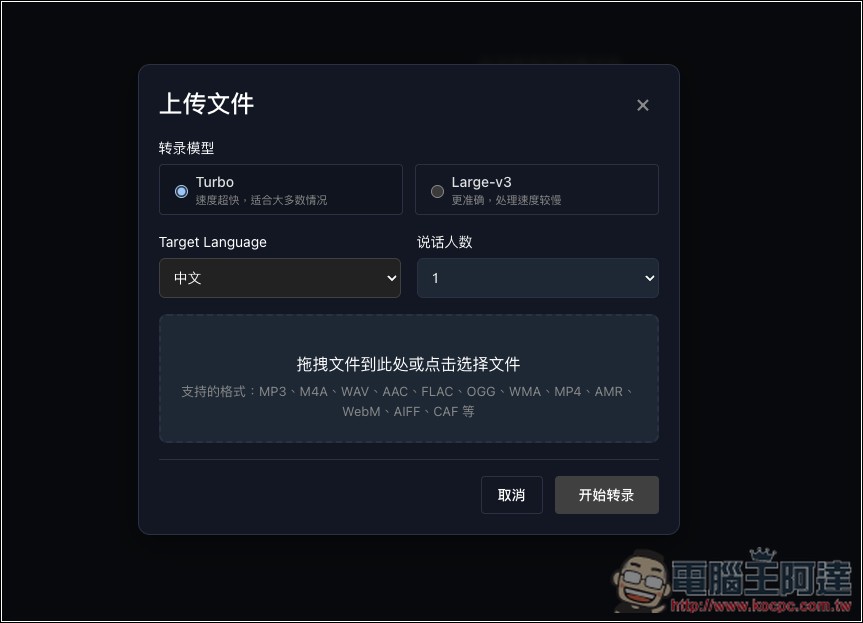
The uploaded file supports a wide range of formats, including audio formats like MP3, WAV, AAC, as well as video formats such as MP4, WebM, and more. You can set the model to use; I personally recommend Large-v3. Although processing time is longer than Turbo, the accuracy is higher. In my tests, even for content close to 10 minutes long, Large-v3 completed transcription in just 1-2 minutes, so it’s very fast. The target language also supports English, Japanese, Korean, and more. If your content involves multiple speakers, you can set the number of speakers:
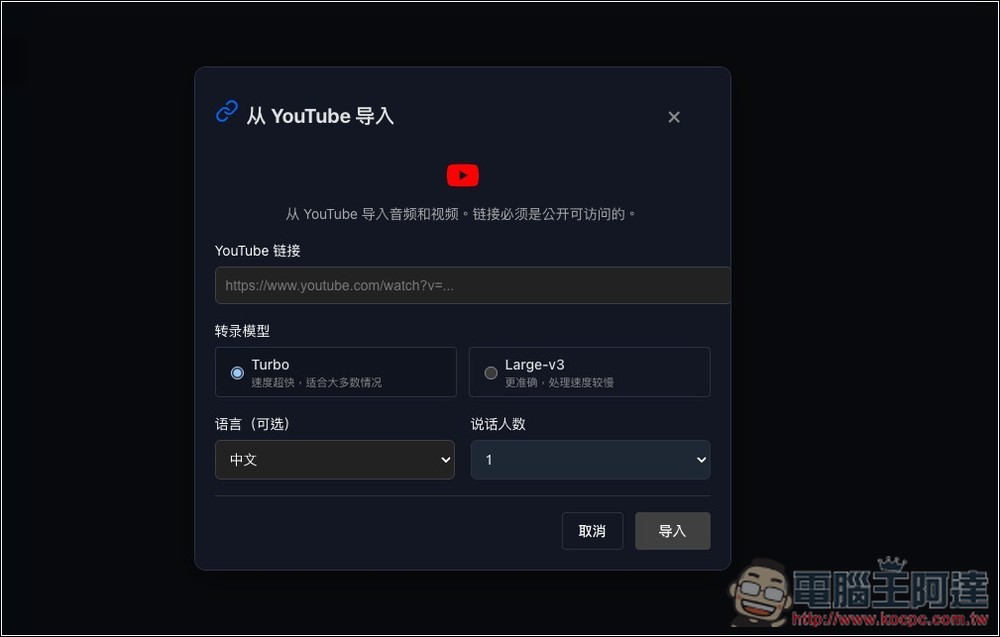
Importing means importing from YouTube—just paste the video URL, and you can also set the model, language, and number of speakers:
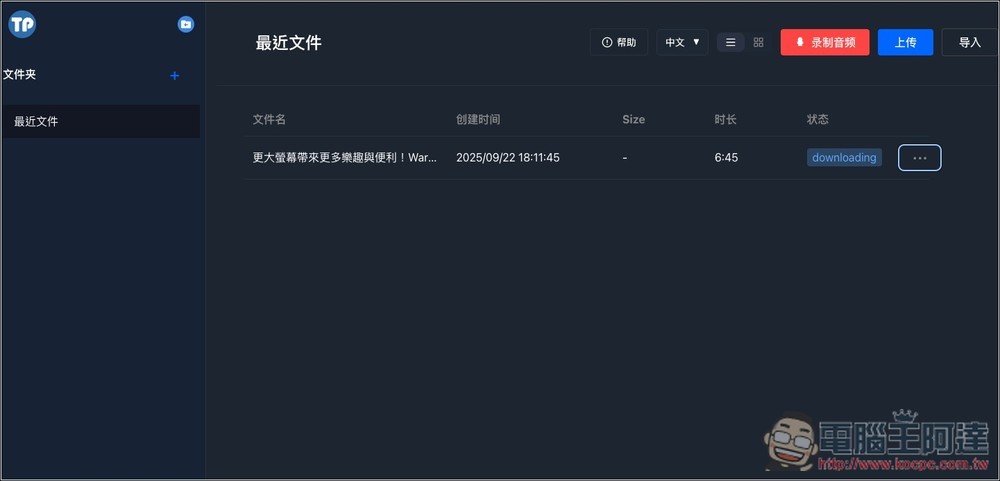
I import Ada’s YouTube video. First, it downloads it in the background, then starts transcribing:
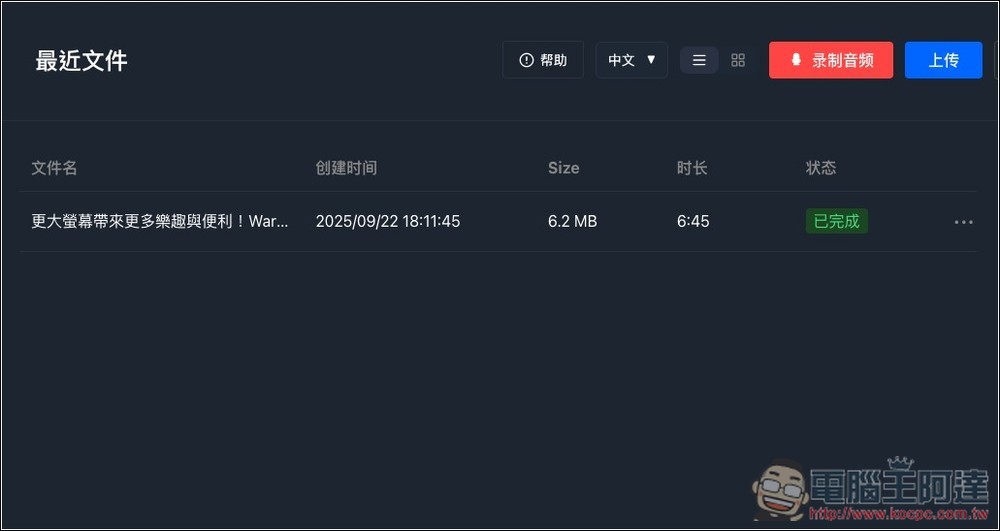
The status shows “Completed,” which means the transcription is done. Click on the file name to open it:
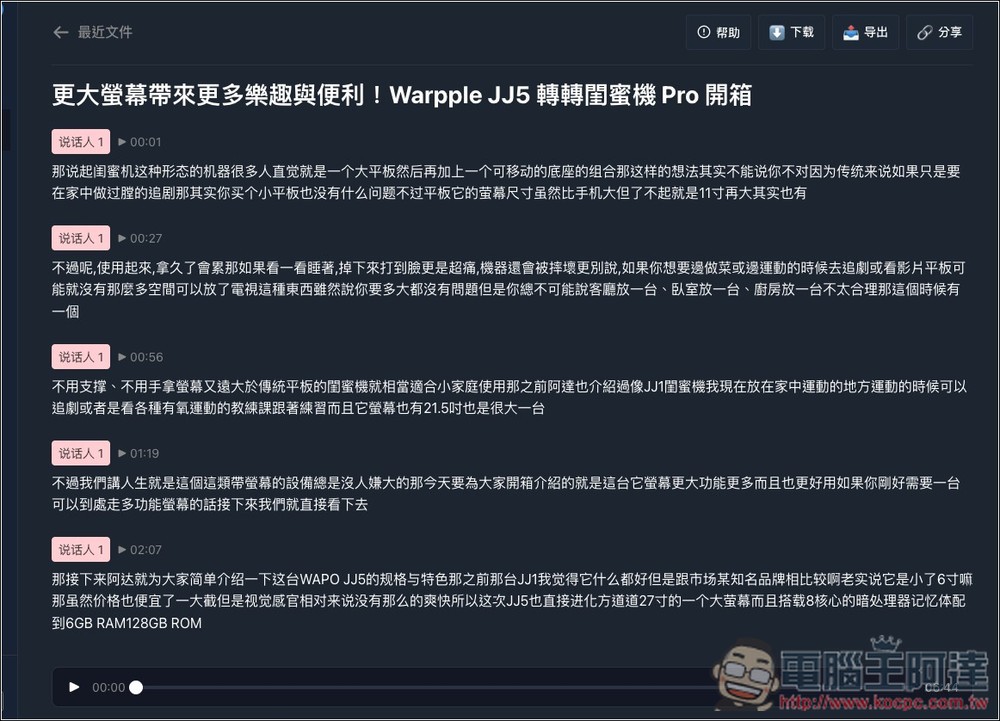
The transcription results are as follows. Each segment indicates the speaker and the content. You can press the play button above to listen to the transcribed content, right? As you can see from the image below, the content is in Simplified Chinese and has no punctuation at all, making it very difficult to read:
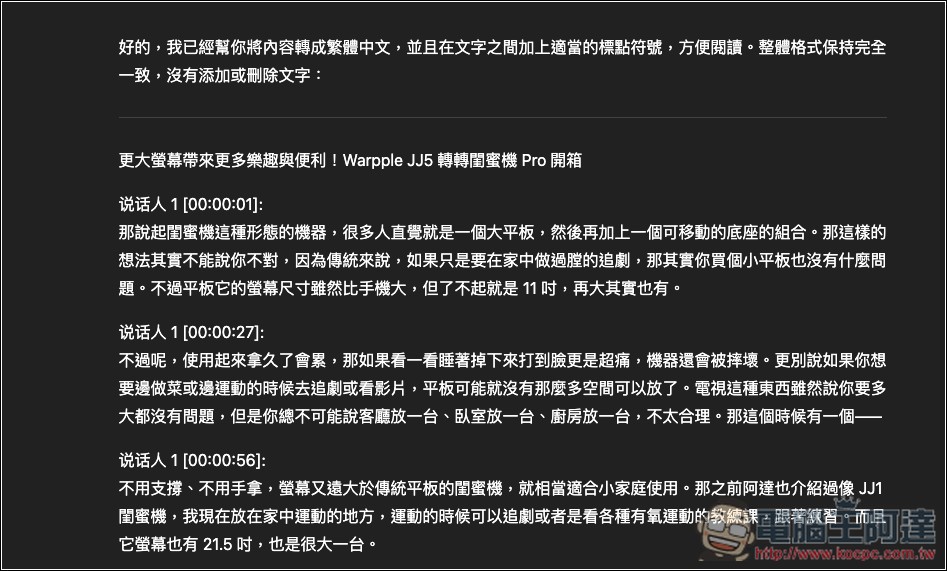
My approach is to copy all the content, then ask ChatGPT to “convert it to Traditional Chinese and add appropriate punctuation between the text for easier reading. Keep the format unchanged, keep the text exactly the same, and do not add or remove any content on your own.” After ChatGPT finishes the revision, the content becomes much easier to read.
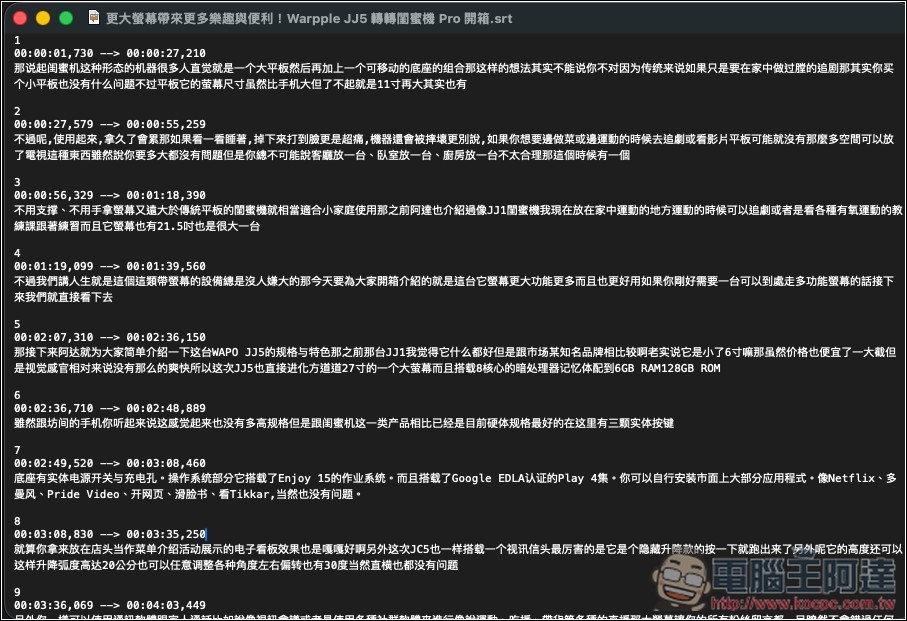
The export function in the top right corner can output text in different formats, including SRT subtitles:
The subtitle file has timestamps and will also remove the speaker:
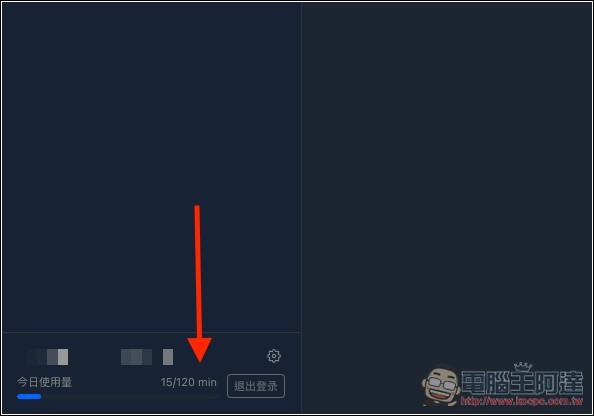
There is a daily usage allowance of 120 minutes, and the bottom-left corner will show how much you’ve used.
Source: KOCPC Chinese