


Now it seems that the official has actually heard the wails from fans of the “Swipe to Switch Face” function. In the latest watchOS 10.2 beta version, support for this has been silently added. Continue reading watchOS 10.2 welcomes back the sliding switching surface function of Apple Watch. This article teaches you how to enable it.
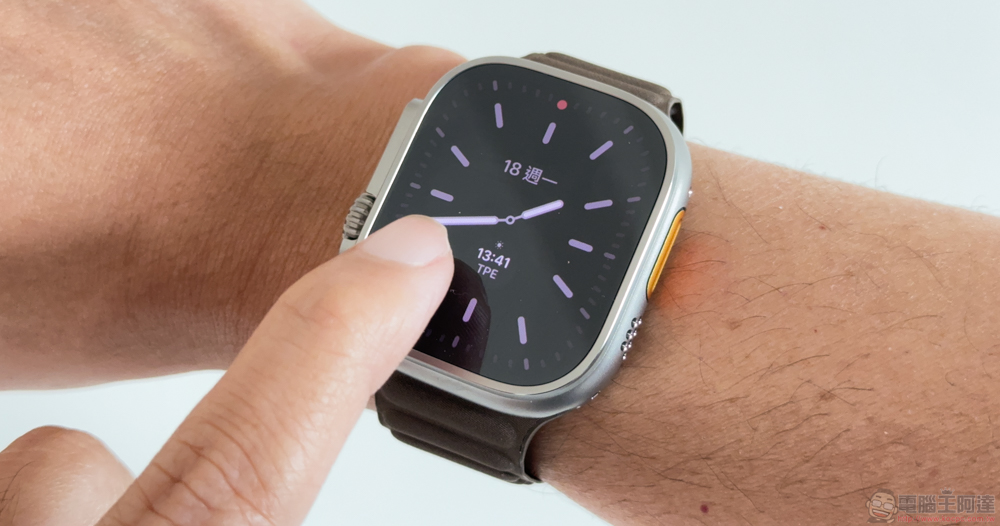
watchOS 10.2 welcomes back the sliding switching surface function of Apple Watch, this article teaches you how to enable it
After updating to watchOS 10, I wonder if you have felt that the Apple Watch on your wrist seems to have a new look.
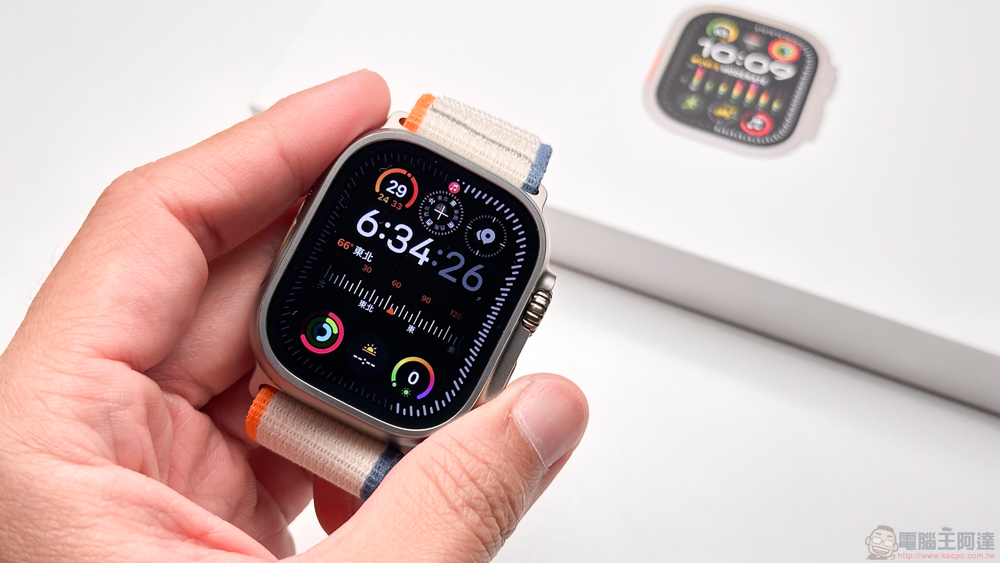
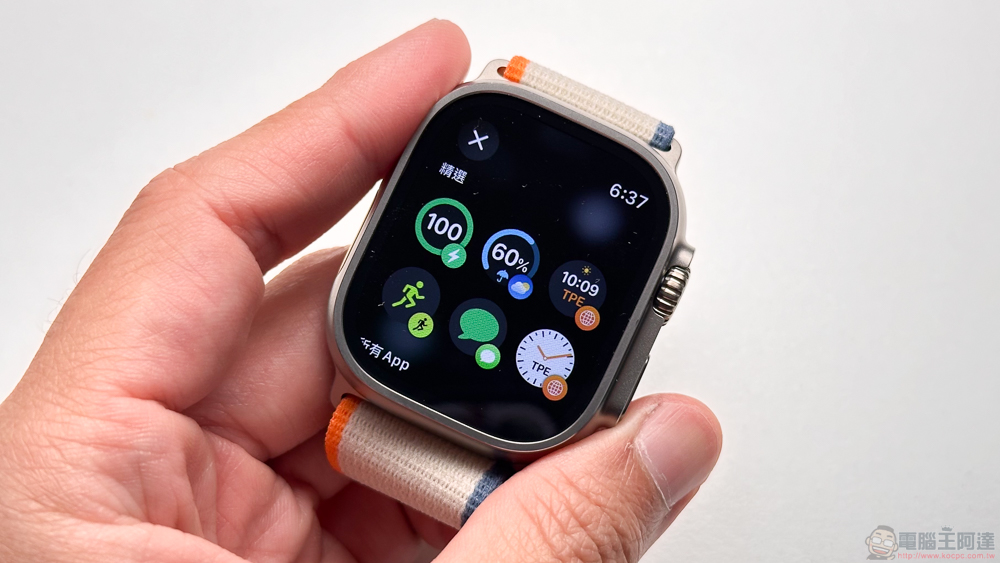
With the addition of new functional interfaces including a new side button to directly launch the “Control Center” and a “smart stack” for quick access to gadgets and even app functions. Some people also found that the left and right swiping gesture that could be used as a quick surface in the past has now been cancelled. This has also caused dissatisfaction among many people, even in Discussion forum officially supported by AppleInitiate related complaints.
Now it seems that the official has actually heard the wails from fans of the “Swipe to Switch Face” function. In the latest watchOS 10.2 beta version, support for this has been silently added.
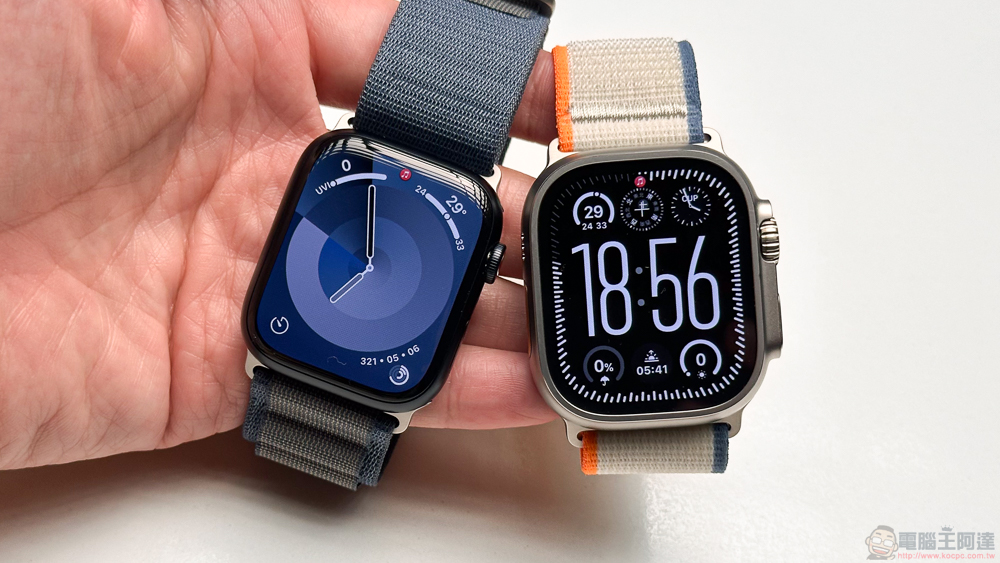
You can quickly switch the functions of the watch by swiping left and right directly on the surface of the Apple Watch. Although for users of traditional watches, it may be difficult to understand why they want to change the watch surface when nothing happens. But on the one hand, you can quickly switch simply because you want to change your mood; on the other hand, the tools and displays on different surfaces can basically be used in different situations. Therefore, it is also regarded as an indirect multitasking experience.
However, such a function was suddenly canceled after it became possible to pin more small functions to the new “smart stacking” interface.
Although the reason for this is actually not difficult to understand, it may be that the user wants to put the multi-tasking functions they want to use directly on the stack, and quickly access them by turning the physical crown or sliding in from the bottom. But it also caused a backlash from some people who couldn’t quickly adapt to the new interface.
And perhaps it was because the discussion forum’s complaint about the disappearance of the “swipe to switch surfaces” function received more than 2,000 “Me too” votes. The official realized that directly asking users to change their original usage habits through the new operating interface may be a bit too radical.
Coming to the new watchOS 10.2 update, someone discovered that this feature has been silently added back.
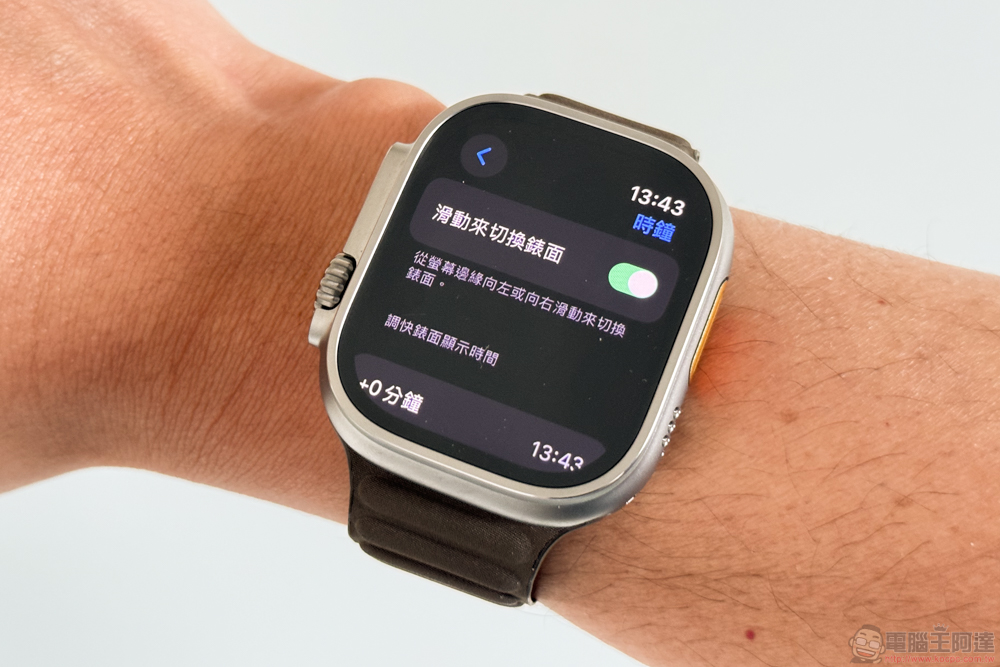
If you also want to regain the function of quickly sliding to switch surfaces, you can now find the “Swipe to switch surfaces” option in the “Time” option in the watchOS Settings app. If you click to turn it on, you can restore the function of directly swiping left and right into the screen on the watch surface to quickly switch between adjacent virtual surfaces.
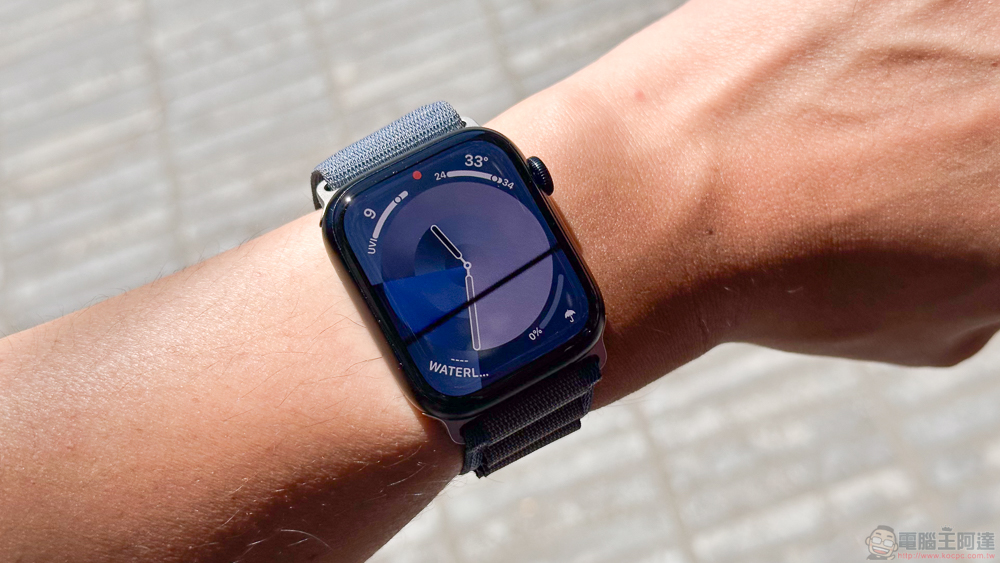
Speaking of which, the author myself is after watchOS 10, because the smart stacking function can basically cover my main commonly used camera, computer and other shortcut functions and various gadgets. Therefore, in the future, there will be a tendency to keep the surface simpler, and rarely set complex functions on the surface – this way, there is no need to select a new surface and slowly add surface functions.
However, it is obvious that many people still feel that the new features of watchOS 10 are not enough to meet their needs for quickly switching surfaces in various situations. Fortunately, it has been added back now. If you have similar troubles, hurry up and find it through settings!
via|
Further reading:
Source: KOCPC Chinese