


See Write on iPad Masters of amazing note-taking, it seems that they all specify the GoodNotes app to handle various note-taking needs in class, work and life. After a little research, I found that this popular note-taking application also received a major update to version 6 this month. One of the big highlights is the comprehensive use of AI technologies from various companies. It is claimed to be the first app in the industry to introduce artificial intelligence-related technologies for handwritten note-related functions. In this article, we will also do some simple usage and introduction of new functions! Continue reading AI can learn your handwriting, too! GoodNotes 6 Note App user experience report content.
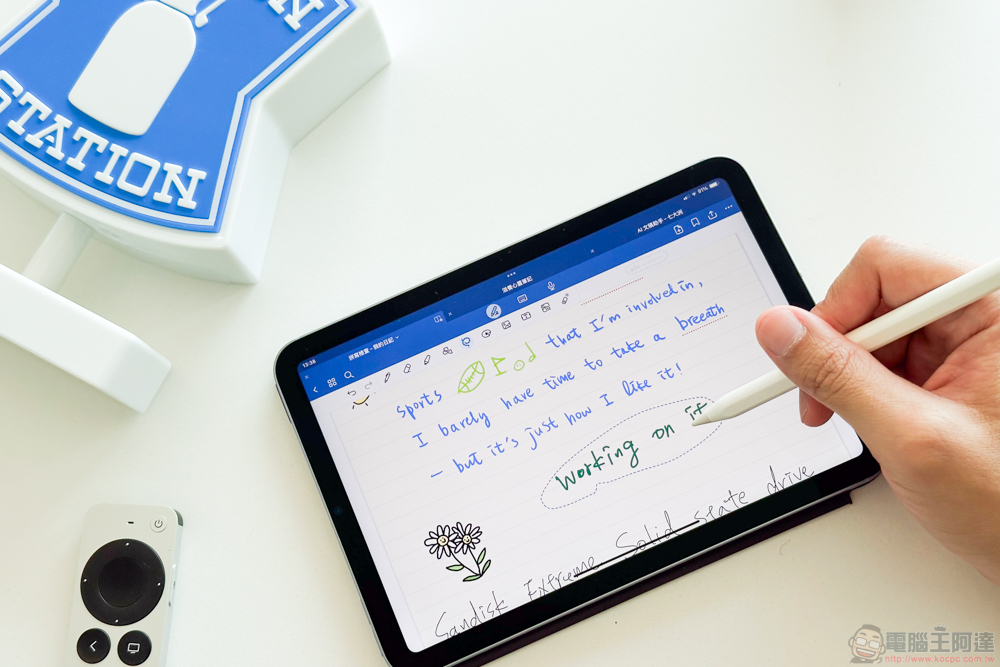
AI can also learn your handwriting! GoodNotes 6 Note App User Experience
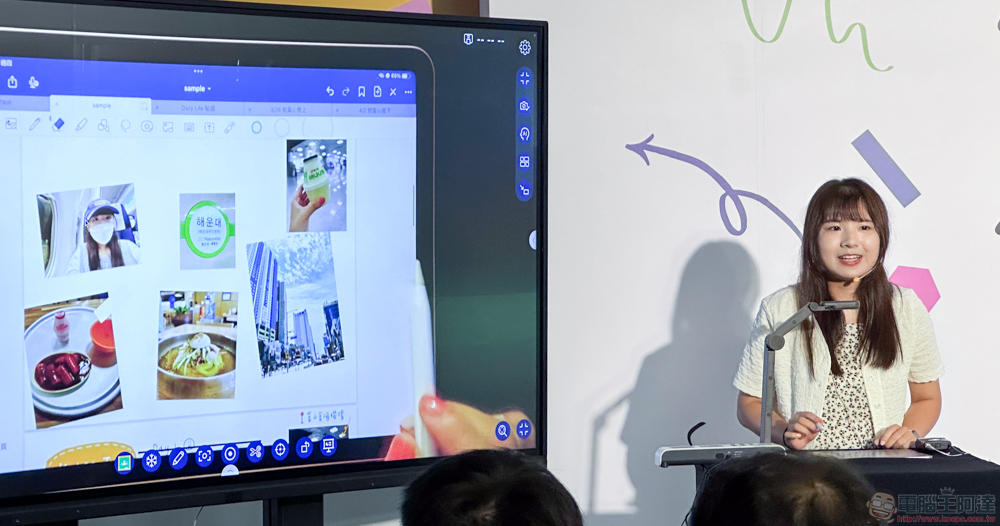
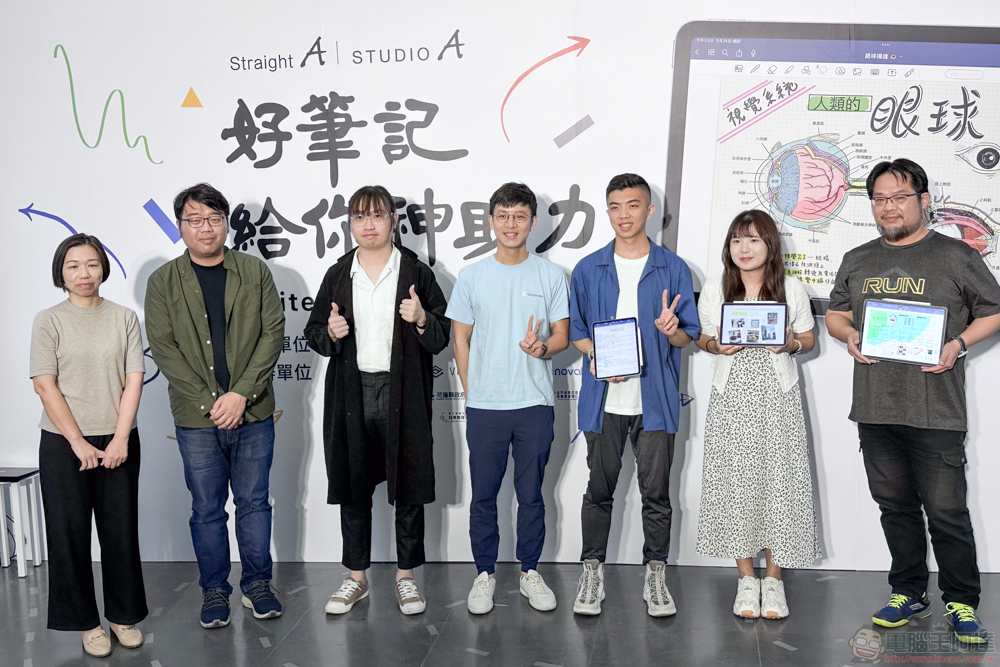
In fact, this time “Good notes will give you a magical boost – Digital Notes Online Exhibition (Click here to enter)” press conference event, Computer King Ada team met the GoodNotes 6 team and listened to a brief introduction. The new generation of GoodNotes still maintains the development team’s long-held belief that “handwriting is the most suitable form for human thinking.” With handwriting as their strength, this time they provide enhanced functions through more aspects – so even though the interface this time does not look much different from other note-taking applications, the internal part has many magical and easy-to-use special functions through the blessing of AI.
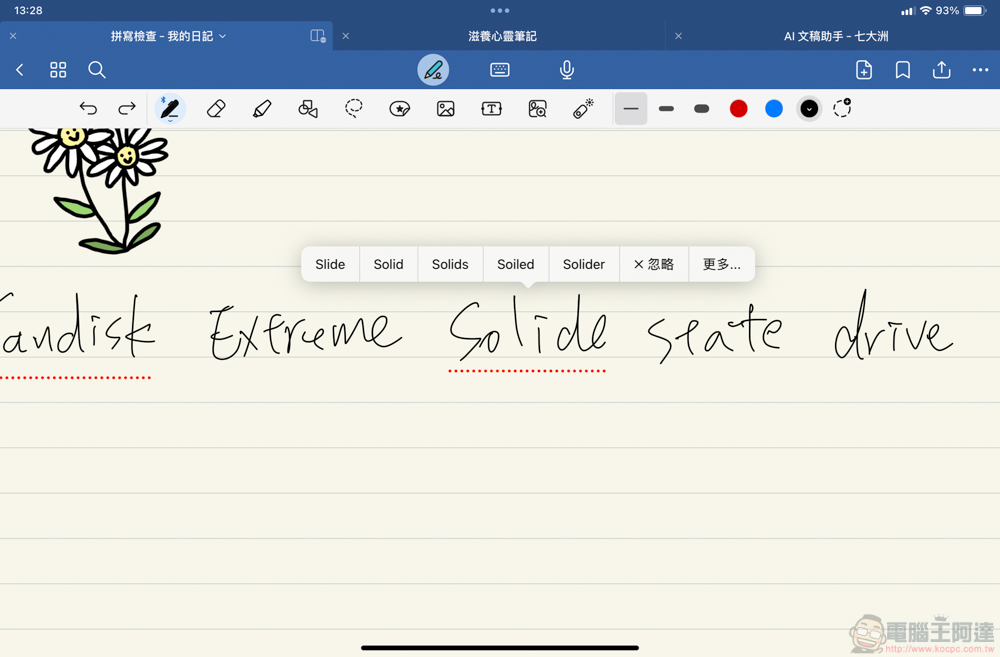
First of all, what everyone is most concerned about is the handwriting learning mentioned in the title. It is said to be about handwriting learning, but in fact GoodNotes 6 only provides a spell check function similar to keyboard input for English words that are accidentally misspelled when handwriting – if there is a suspected typo, a red dotted line will appear underneath.
The experience at this time is the same as a general text input spell check. After clicking, the suggested correction text will pop up. But after all, this is handwritten text. If it is displayed in a typed font after correction, it will be weird because the handwritten notes suddenly turn into text, right?
Now comes the magical part. GoodNotes 6 makes deep use of the neural network machine learning of Apple iPadOS and the text recognition capabilities provided natively by the system. When you choose to correct “handwritten spelling”, AI will actively learn the handwriting before and after each line of text, trying to simulate similar handwriting to refill the corrected words; “Word Complete” that can complete complete sentences will also be provided in a similar way.
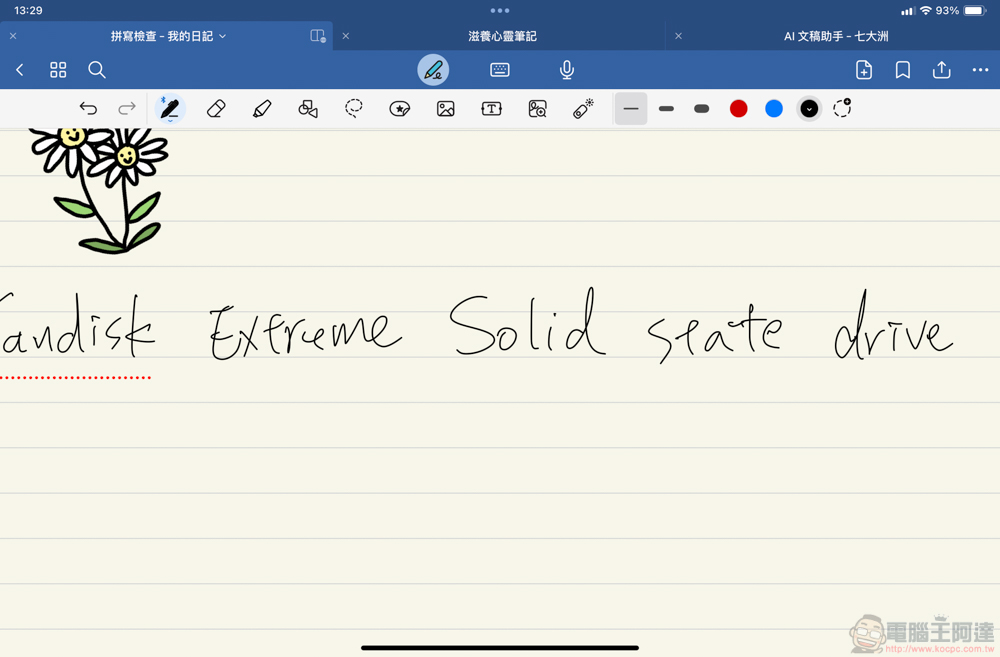
Actually trying this function, to be honest, if you keep switching back and forth to look at it, you will feel that the handwriting cannot be said to be really simulated perfectly. But in fact, as long as this function appears in a series of handwritten text, as long as it doesn’t feel too abrupt, it can basically achieve the task perfectly – unless you really misspell words all the time and the entire article is filled with AI-simulated handwriting, you may feel that the note was not written by you at all (laughs).
The development team emphasized that since this part of the AI function is deeply cooperated with Apple to take advantage of the machine learning performance of the A series (actually also including the M series) chip On device, it can be guaranteed that there will be no problem of the privacy data of the currently very popular generative AI being exploited. It is one of the AI functions that is worth using in depth.
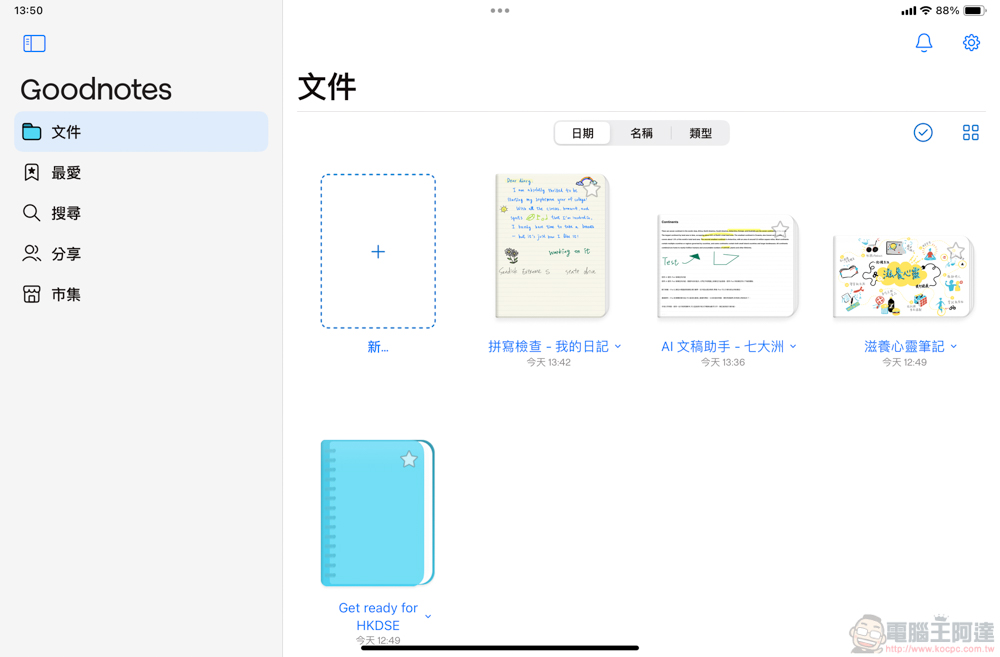
Starting from the homepage of the new version of GoodNotes, you can see the new market functions such as templates and stickers (yes, you can sell them yourself!); the function of creating new notes allows you to specify more precise sizes in addition to the default paper.
As for the interface part, some basic brush strokes, highlighter pens, eraser thickness and color, etc. should not need special introduction. What I personally like about GoodNotes is that it supports many intuitive gestures when writing by hand. For example, when you draw a straight line, just pause at the end, and the line will automatically straighten the distorted part for you – at this time, if you move the touch point of the stylus, you can also connect the end points of other lines, or change the angle of the line. This function can make notes look neater and better than others through neat lines.
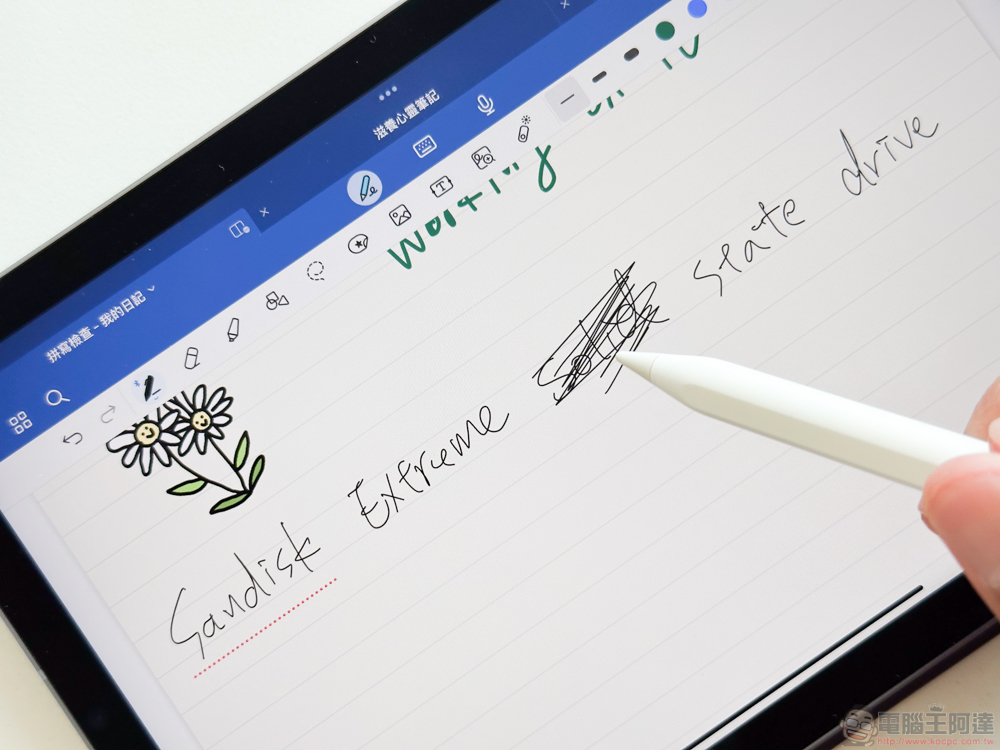
In addition, although Apple Pencil 2 can already switch the eraser function intuitively through touch. However, GoodNotes also brings the erase stroke gesture in the iPadOS handwriting to text function to the note application – as long as you directly perform the erase gesture on the handwritten stroke you want to erase (as shown above), the covered strokes will disappear; the gesture circle function of quickly selecting by stroke circle is also very practical.
As far as the general note-taking function is concerned, GoodNotes really makes it very simple to organize notes in a neat and easy-to-use manner. It’s no wonder it’s so popular among experts who take notes on iPad. But their “special functions” for AI are actually not over yet.
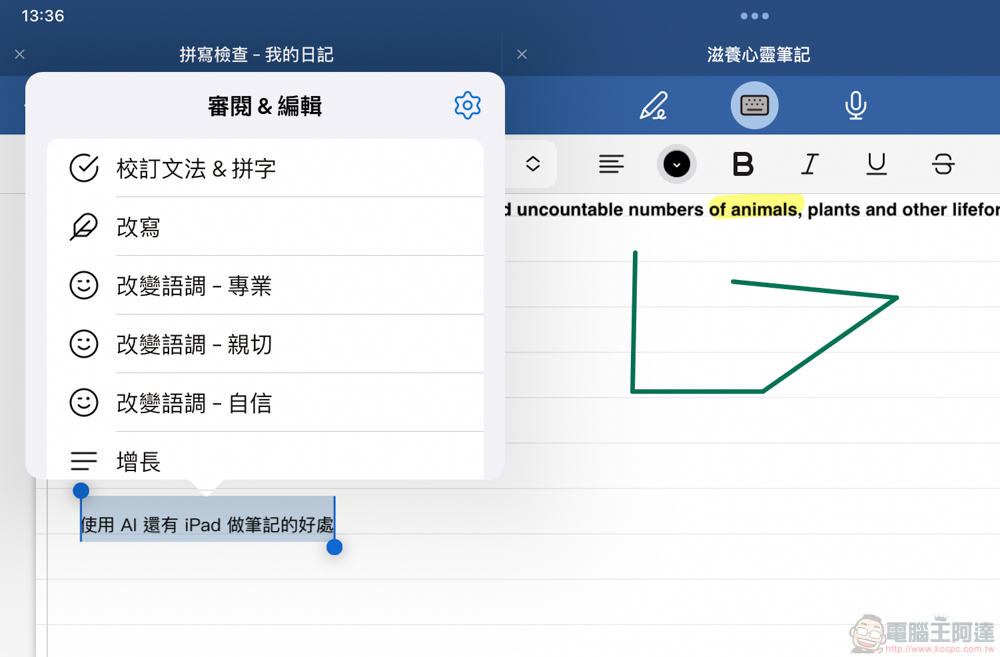
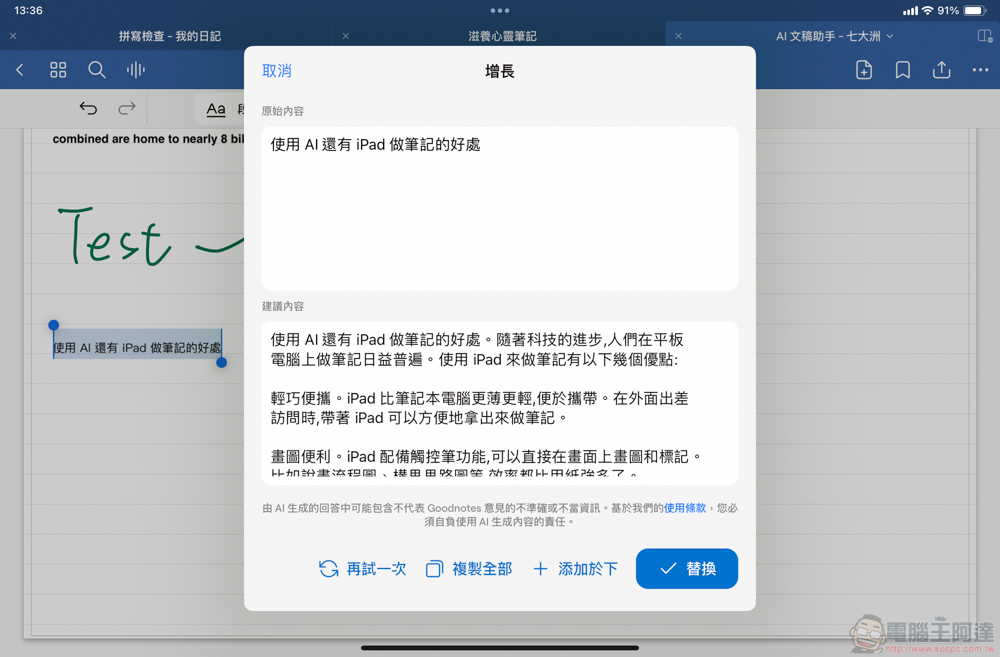
In addition to machine learning functions such as stroke style simulation that are deeply integrated with Apple’s software and hardware solutions. GoodNotes 6 also introduces generative AI technology. As long as you select the input text, or press the first button of the checkbox to call up the “AI Document Assistant” menu that is still under testing, you can ask AI to generate the text content you need through the upper and lower split interface – supports correction of grammar & spelling, rewriting, changing intonation, growth and other options.
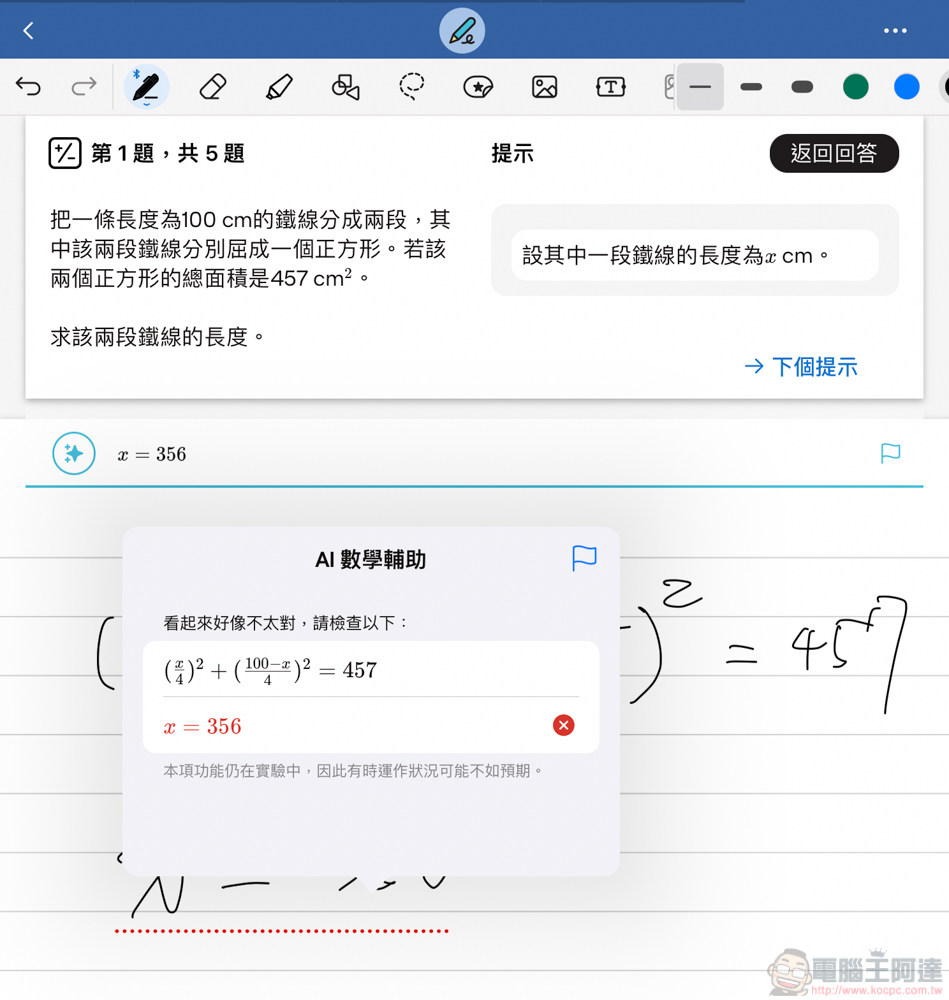
For math and other formula exercises, GoodNotes not only starts SAT Math in this version, but also HKDSE test questions that directly cooperate with the publisher. It also provides an interface that supports mathematical formula verification, providing handwritten test questions and an answering interface with AI recognition of mathematical formulas – you can also click on the answer prompts. It is really a magical combination of tools for classroom learning!
As a third-party application, GoodNotes takes full advantage of its development flexibility and introduces AI functions with different characteristics for different note-taking needs. And still provides the flexibility of a free trial – Click here to download the iOS version. The main limitations of the free version are that it can only provide three notebooks and the recording time is limited, but it still provides the function of AI handwritten notes (the generative AI part requires a subscription).
What is surprising is that GoodNotes 6 does not only have a subscription system like other applications. There is actually a one-time payment option that provides a buyout (NT$770, or NT$320 for a one-year subscription). Then you can also provide users of the previous version with different subscription discounts based on the previous subscription time. I have to say that the development team also takes good care of old users. This kind of note-taking application is very popular among professional users. If you need to use iPad to take notes, it is recommended that you consider giving it a try!
Further reading:
Source: KOCPC Chinese