


As the shooting capabilities of mobile phones become more and more powerful, it is now very easy to record videos. Even many people who run YouTube channels use their mobile phones to shoot directly. However, recording is not that simple. In addition to the recording quality of mobile phones not being good enough, occasionally the sound of the video recording is not very good due to external factors, such as too much wind and too noisy background. Therefore, many people use external recording equipment to improve it. Recently I discovered ai-coustics, a very powerful free online tool that uses AI artificial intelligence voice enhancement technology to improve sound quality. After actual testing, the effect is quite good. Not only does it really eliminate background sounds, but the vocal part is also enhanced, as if it were recorded in a recording studio.
ai-coustics uses AI to improve sound quality and achieve studio-like effects no matter where you record.
ai-coustics is a service that uses AI artificial intelligence voice enhancement technology to improve sound quality. According to the website description, all sound applications can use their technology to improve the quality, which means not just recording files, but also video conferencing, phone calls, wireless headsets, hearing aids, podcasts, video editing tools, live broadcasts, speech-to-text, and more. For general users, there are free tools on the website that can upload your recording files to improve the sound quality.
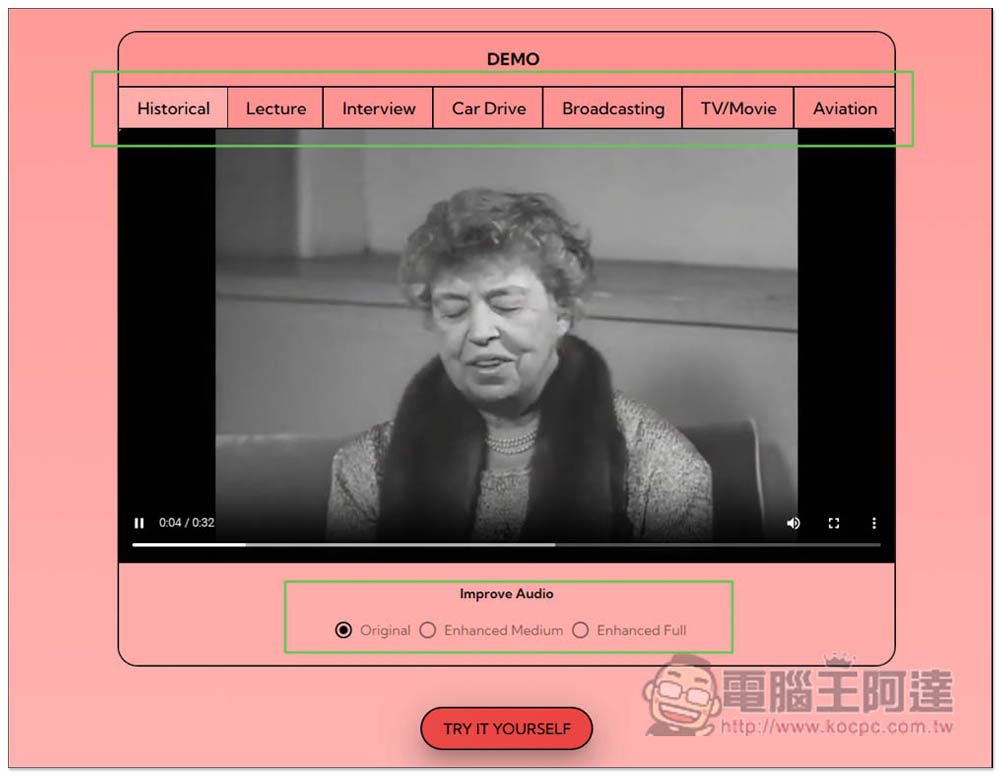
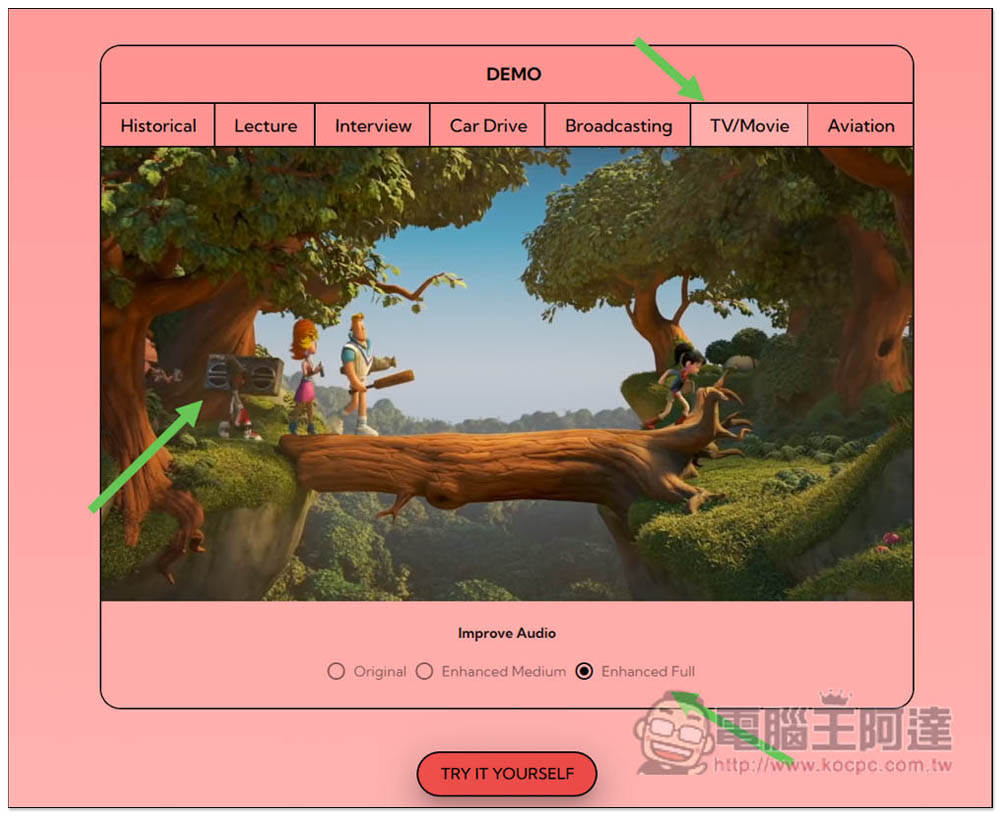
After entering the website, there are 7 DEMOs with different uses on the homepage for you to listen to and see the differences, including historical videos, interviews, driving, live broadcasts, TV/movies, etc. AI enhancement has two intensities, Moderate (Enhanced Medium) and Strongest (Enhanced Full). You can switch to listen below:
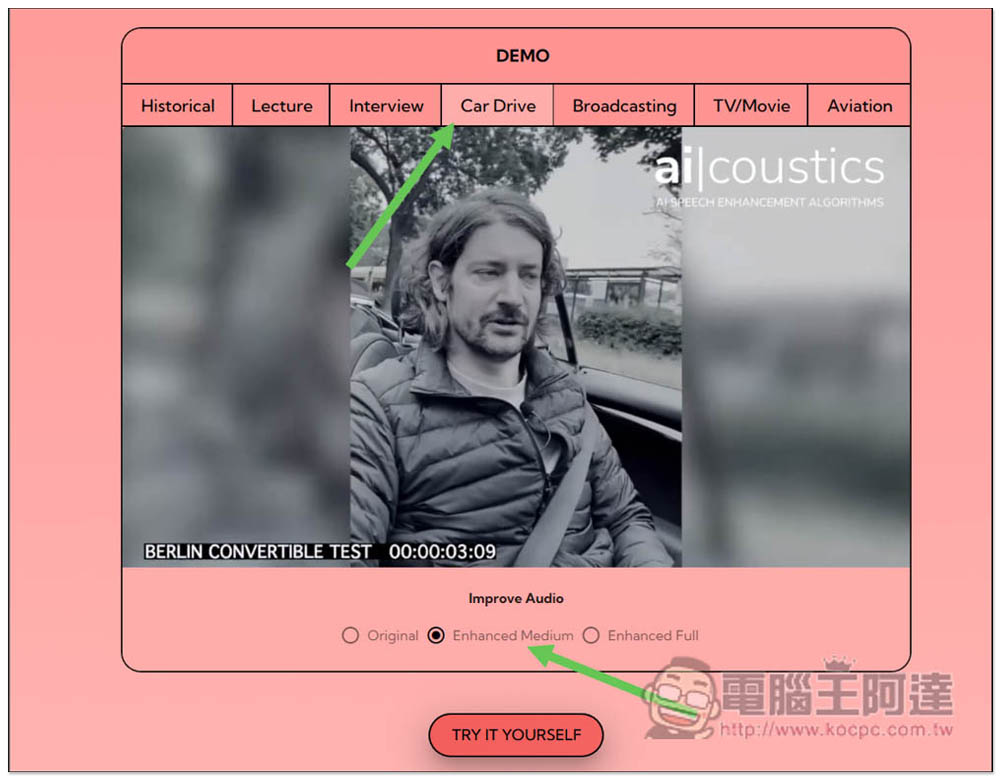
The driving DEMO can be said to have the most obvious effect. The original film sound had obvious background wind noise, but after switching to medium enhancement, the wind sound almost disappeared and the sound became clearer. The strongest enhancement made it look like the sound was recorded indoors:
The same is true for this animation. The original sound contained small music, emitted by the speaker carried by the little boy, and after it was changed to the strongest enhancement, it became the sound of the little girl who was still speaking:
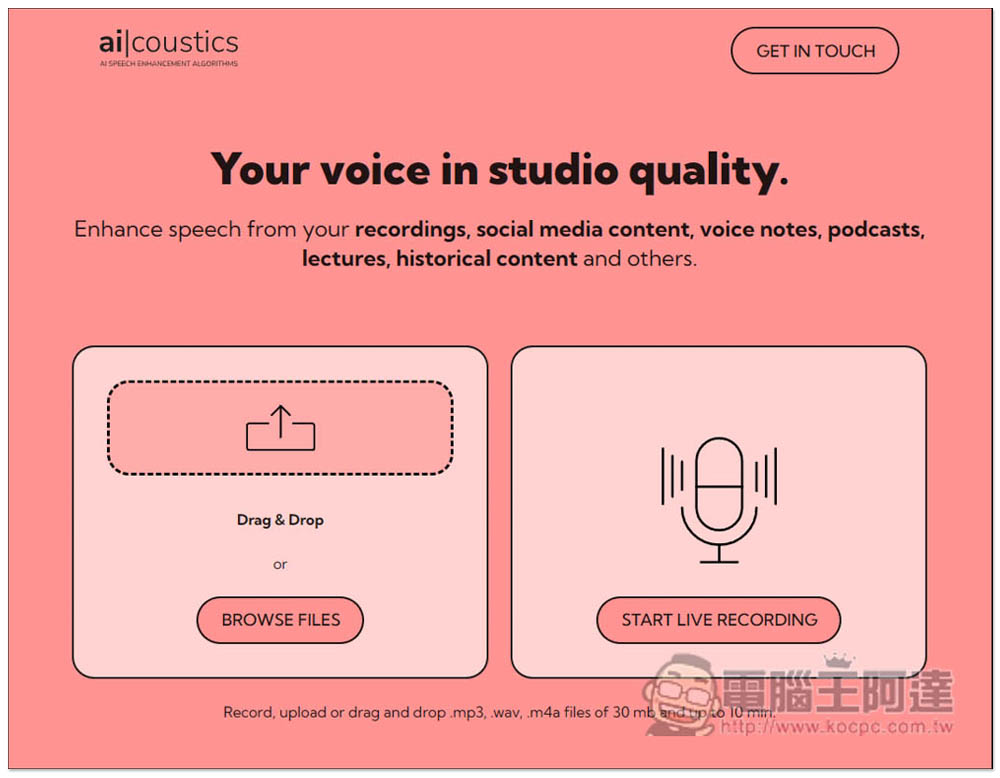
You can upload or record to feel the difference. The upload format supports MP3, WAV, and M4A formats, with a maximum size of 30mb and a maximum length of 10 minutes. If it exceeds, it will be uploaded multiple times. There seems to be no limit on the number of uses at present, and you can use it without registration:
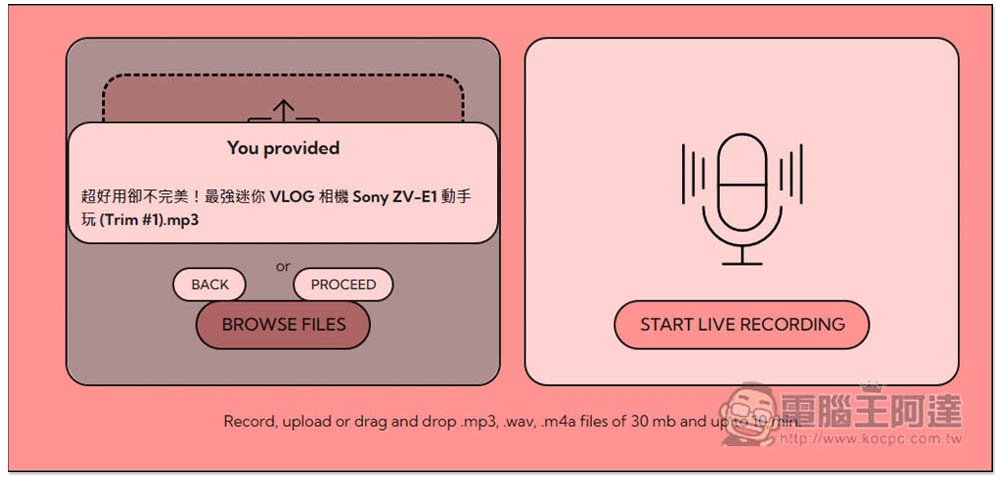
In Ada’s Sony ZV-E1 hands-on video, there is a short section in the middle that was recorded outdoors, and the wind noise was obvious. I tested this short section. After selecting the file, I pressed PROCEED to start processing:
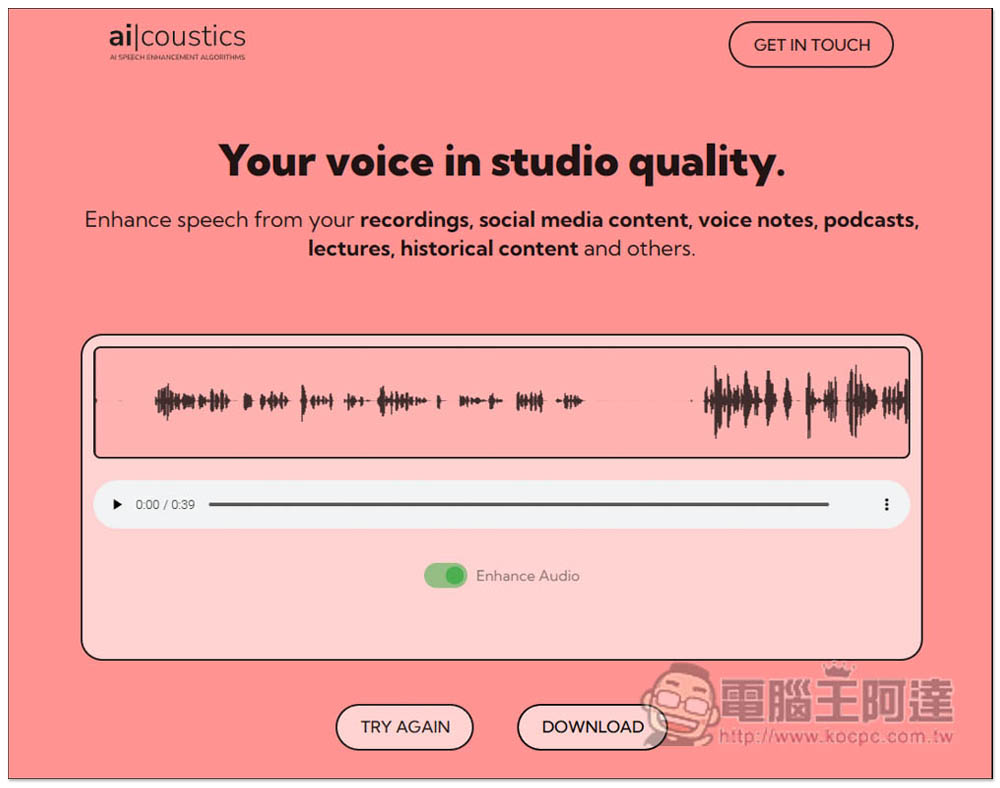
After the processing is completed, you will be allowed to listen online. There is also Enhance Audio below to facilitate you to switch and compare the differences. If you are satisfied, press DOWNLOAD to download the enhanced MP3 file:
I uploaded the MP3 file to the whyp space. Those who are interested in listening to it can click on the link below. It only lasts about 40 seconds. A loud wind sound can be heard in the middle of the original file. After the upgrade, the wind sound is completely gone:
Source: KOCPC Chinese