


We have discussed with you before aboutThe topic of how many FPS can the human eye see?, this time the author continues to talk about further issues: FPS and update rate. In computer screens and games, FPS and refresh rate are usually used as indicators of the power of a computer, but what exactly do these two key computer specifications refer to? How are they different? Who is more important between the two?
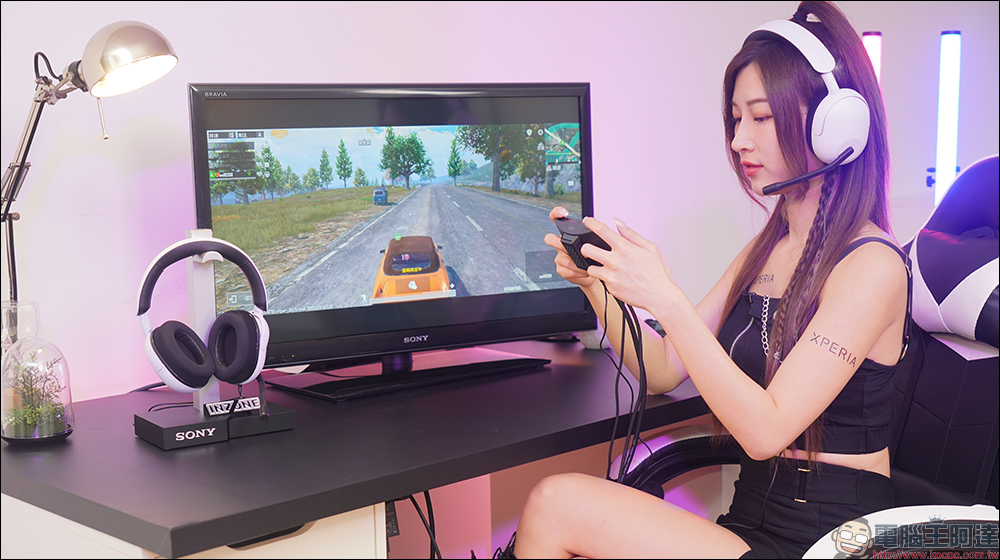
“FPS” and “update rate”, what is the difference between the two?
Whether it’s “FPS” or “update rate,” these two terms are familiar to gamers who use computers and mobile phones, and even people who are interested in technology products. They are often seen in specification sheets, game settings, or marketing copy.
- What is FPS?
- What is update rate?
- Are FPS and update rates important for gaming?
- Which is more important, FPS or update rate?
- How to maximize FPS and update rate?
Maximize FPS
Maximize update rate - FAQ
What is FPS?
FPS (frames per second) is a unit of video frame rate commonly used in the film, television, and gaming industries. It refers to how often consecutive images (or frames) are captured and displayed on the screen. The faster the frame rate, the smoother the motion of the image. In gaming, FPS refers to the frequency at which the graphics processor renders frames on the screen rather than the display frequency, but as far as our brains are concerned, the two statements mean the same thing. As FPS increases, dynamic displays look smoother and more realistic.
When we watch moving images (such as movies), what we actually see is a series of still images. Above 10 frames per second, our brains stop recognizing a single frame and instead treat it as seeing motion. There is debate as to how many frames per second the human eye and brain can effectively record, but it is generally agreed that 60FPS is the maximum and anything above that is redundant. In the video below, you can see how the same screen looks like at 24FPS and 60FPS:
What is update rate?
The update rate of a TV or computer screen, measured in Hz, is the number of times per second the panel can update the image it receives. A 60Hz monitor updates each pixel on the screen 60 times per second, a 120Hz monitor updates each pixel 120 times per second, and so on. In almost all cases, especially for gaming, higher is naturally better.
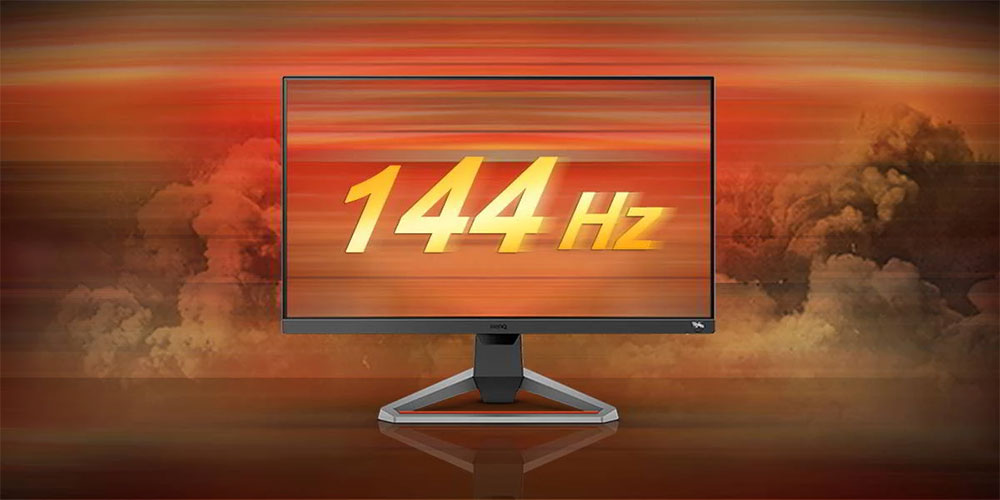
60Hz has long been the standard for TVs and computer screens, but in recent years, higher refresh rates have become common. Newer mid-range and high-end monitors support 144Hz or higher. When the graphics card equipped in the computer can support it, high refresh rates can significantly improve image and graphics performance.
Are FPS and update rates important for gaming?
The short answer to this question is: yes. Higher FPS and update rates will improve the visual quality of the game, reduce input lag, and overall improve the game’s response to player actions.
The advantages of high FPS and high update rates are easily noticeable when playing first-person shooters and other fast-paced games, but even slow-paced games will look better in this setting. You can see what the same game would look like with update rates of 30Hz, 60Hz, 144Hz, 165Hz, 240Hz, and 360Hz in the video below:
For most PC gamers, 60FPS vs. 60Hz is a good balance between good image quality and affordability. If you’re planning on upgrading to a 120Hz or 144Hz monitor or even higher, you have to make sure your graphics card is powerful enough to push frame rates that take full advantage of it.
Which is more important, FPS or update rate?
Both update rate and FPS offer the same or similar benefits to users when increased, which seems to indicate that you can focus on maximizing one or the other for a better viewing experience. Unfortunately, the reality is not so ideal.
Although FPS and update rate are different things, the graphical improvements they can provide are interrelated, and any increase in one will be affected by a performance decrease in the other. For example, if your graphics card is only capable of 60FPS, you won’t notice the benefits of using a 144Hz monitor; the same is true if your graphics card can consistently output 240Hz, but your monitor only supports 60Hz.
The difference between FPS and update rate can even lead to image tearing, although technologies like VSync, G-Sync, and FreeSync make this less likely. In order to obtain the best game image effects, the FPS and update rate should be as close as possible for the best configuration.
How to maximize FPS and update rate?
The simplest, most direct, and most efficient way to maximize your FPS and update rate is to upgrade your computer’s graphics card and monitor. But if you’re not planning on spending a fortune on every new PC component, there are other ways to increase update rates and FPS.
Maximize FPS
If your computer is struggling to deliver great FPS while gaming, there are a few things you can do to slightly improve it. Updating your graphics drivers is a good starting point, taking advantage of Nvidia, AMD or Intel import optimizations. Beyond that, it really depends on the display settings in each game you play. Lower the game resolution, image quality and reduce special effects. Although the game screen does not look as beautiful as setting it to full settings, this will help increase FPS, run smoother and reduce latency.

Maximize update rate
You may already know that most CPUs and graphics cards can be overclocked to improve performance, but you may not know that some computer monitors can also be overclocked. Of course, you don’t have to dream about safely boosting a 60Hz monitor to 120Hz, but there is still hope that you can increase it to 75Hz or higher.
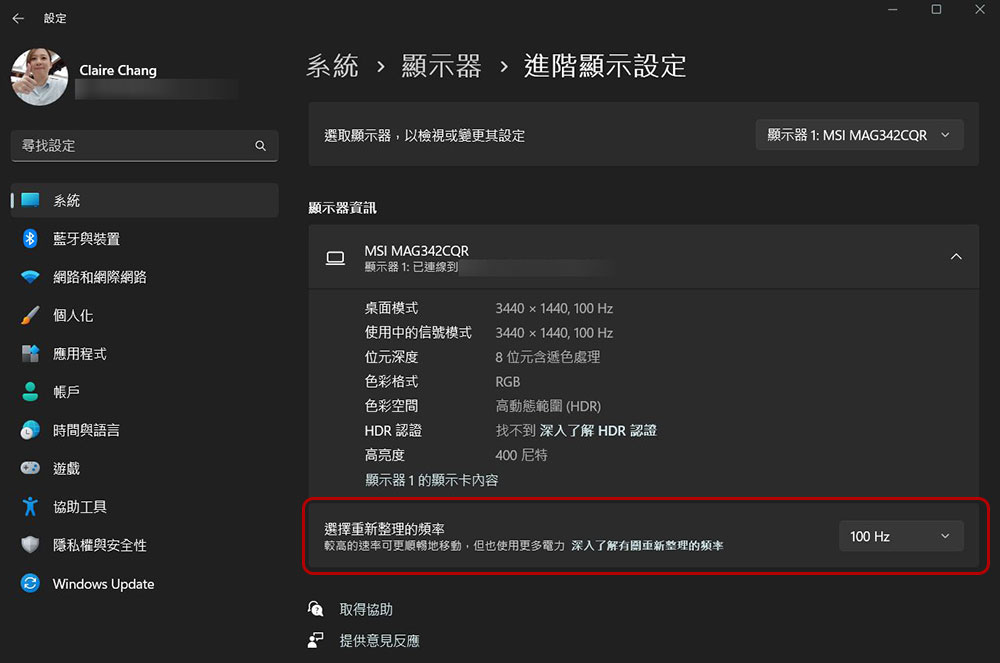
Before you consider overclocking, you can check to see if your monitor is currently using the highest refresh rate it supports. In Windows, go to “Settings >> System >> Display”, scroll to the bottom and click “Advanced display settings” to view the update rate currently being used, or select a refreshed update rate from here.
FAQ
Would it be better to have a 4K or 120Hz monitor?
It really depends on the type of game you play. A good 4K monitor will likely offer better overall image quality, but if you mainly play fast-paced games, a monitor with 120Hz support may be better. Update rates such as 120Hz or 144Hz or even higher will have very significant effects in games such as “Apex Legends” and “Special Forces”.
Is using a low update rate harmful to the eyes?
Update rates below around 60Hz produce an almost imperceptible flicker, which can cause eye fatigue, but other factors such as viewing time and screen brightness can also be responsible.
Does “FPS” have other meanings?
When discussing computers and games, the term FPS can be confusing to tech-new users because the abbreviation for first-person shooters is also FPS.
Is update rate the same as response time?
The response time of a TV or computer monitor (some specifications will say “response time”) refers to the speed at which pixels switch from one color to another, in ms, and the response time is not directly related to the update rate of the display panel.
Source: KOCPC Chinese