


Anyone who has used Cutting will know that compared to other editing software, one of its major features is that it comes with a large number of materials. Whether it is sound effects, transitions, backgrounds, meme videos, stickers, etc., these can be directly applied to Cutting, saving you a lot of time in finding materials.
These materials in the cut can actually be found in the files on the computer, and then copied directly for use. It depends on whether you want to import them into Premiere, Final Cut Pro… or other editing software applications. Here I will teach you how to get these materials in the cut!
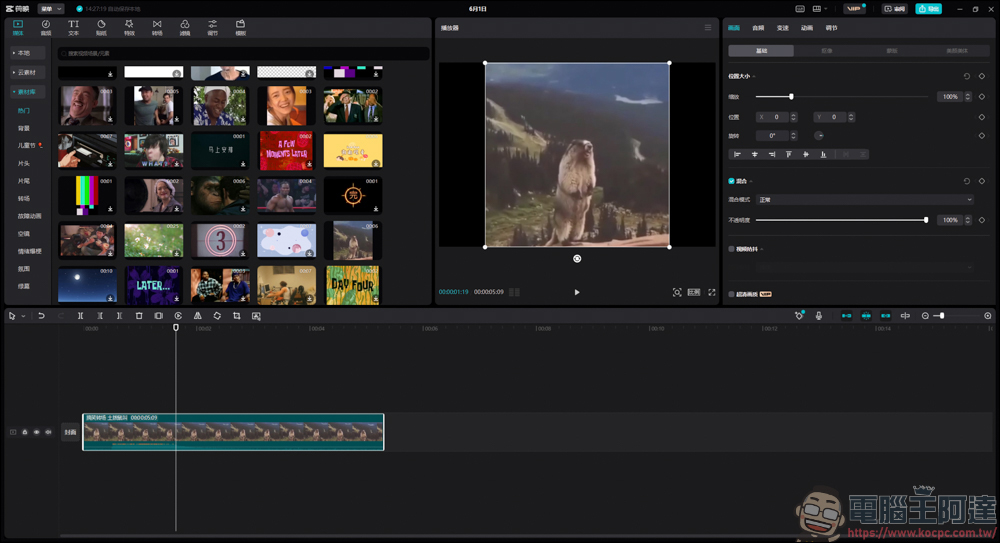
Take video material as an example
First, select the material you want to copy in the material library and click Download (you can also drag it directly to the clip bar and the download will be completed)
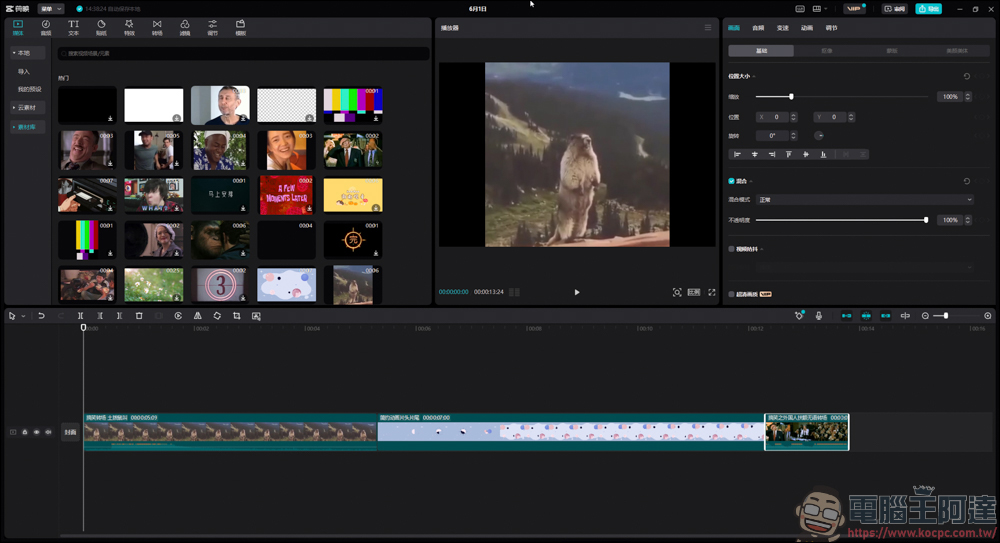
If it is a video, the path will be C:\Users\User Name\AppData\Local\JianyingPro\User Data\Cache\onlineMaterial, and you can see the file you just downloaded in the clip. 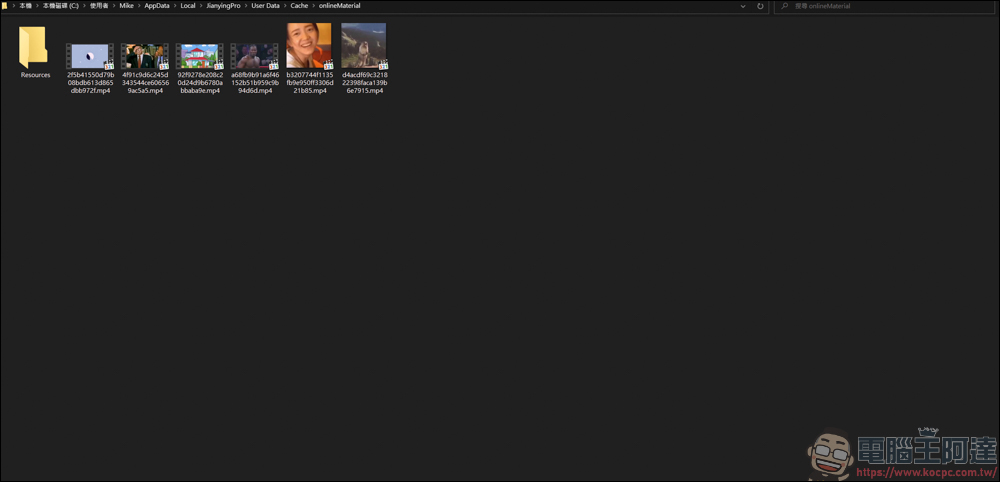
The downloaded file is almost an mp4 file, and there is no problem playing it:
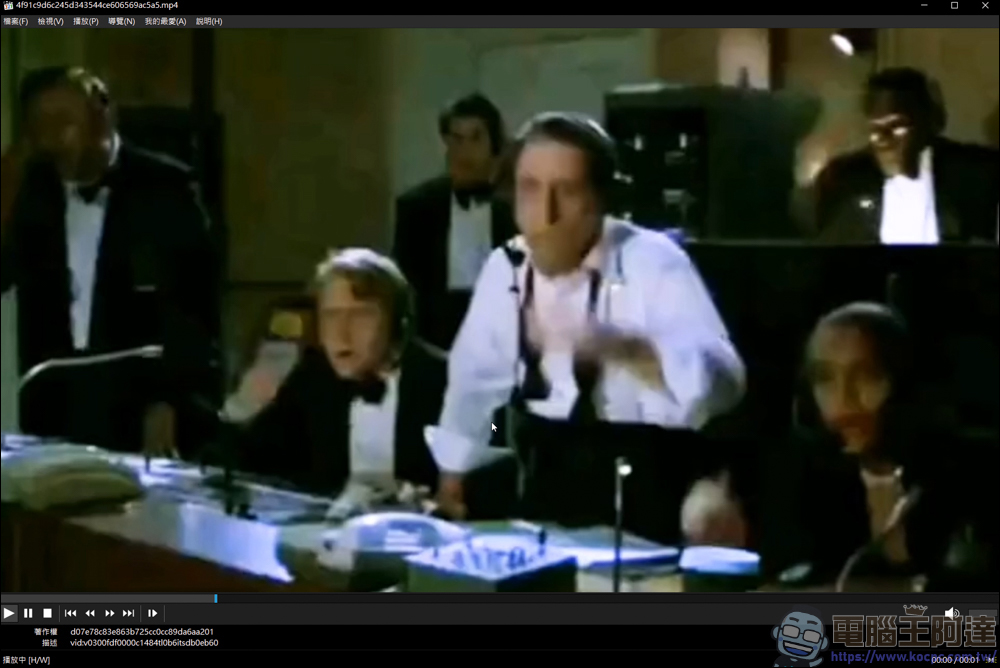
Like this, you can directly throw the downloaded materials into the editing software and you can use it quickly and save a lot of time looking for materials:
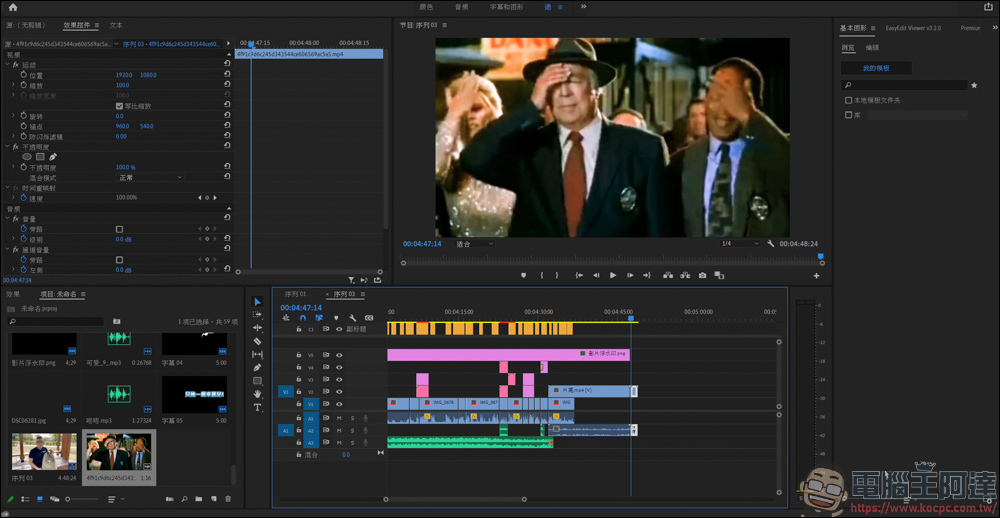
Take sticker materials as an example
The same goes for another sticker material, find the one you like and download it:
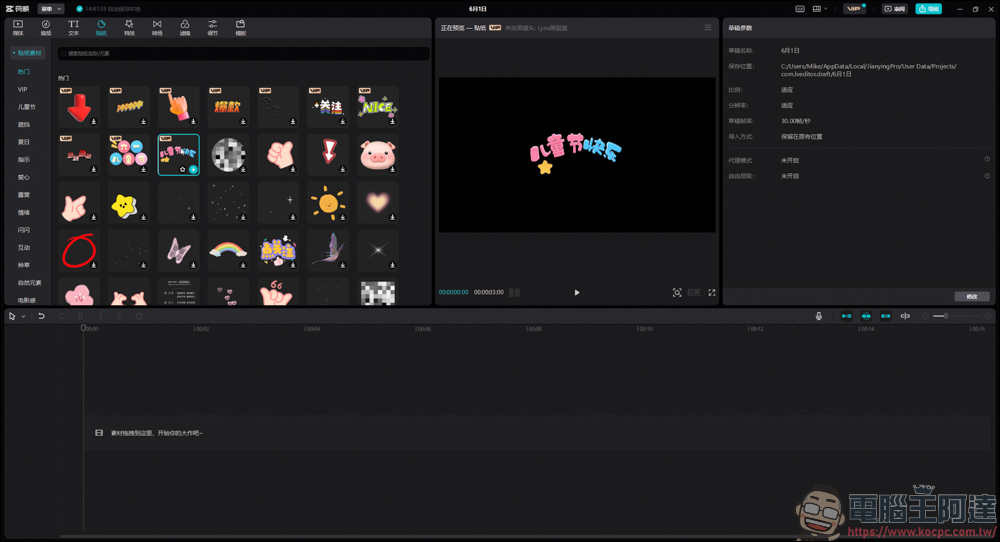
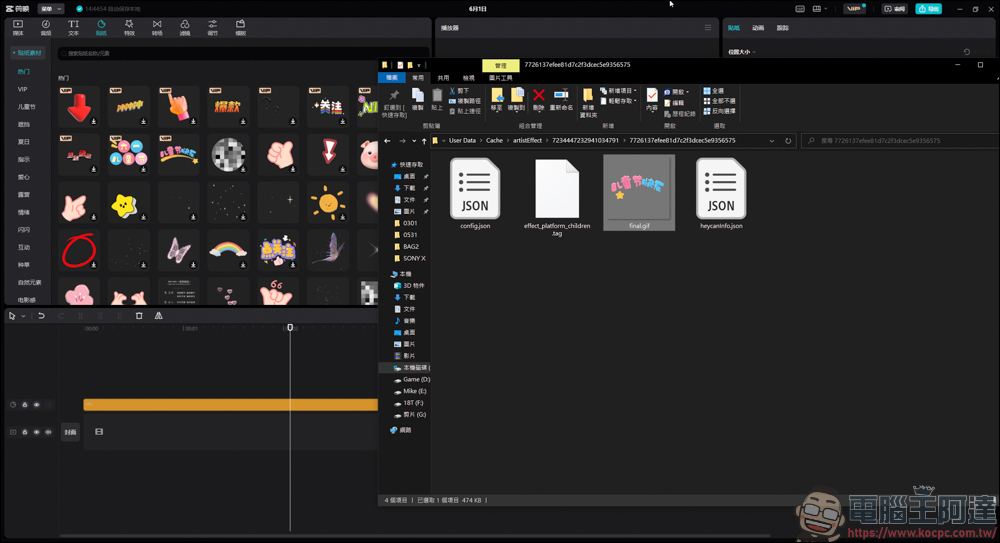
The download path will be C:\Users\User Name\AppData\Local\JianyingPro\User Data\Cache\artistEffect. As long as you download one, a separate folder will be created in the artistEffect folder. You have to find it one by one:
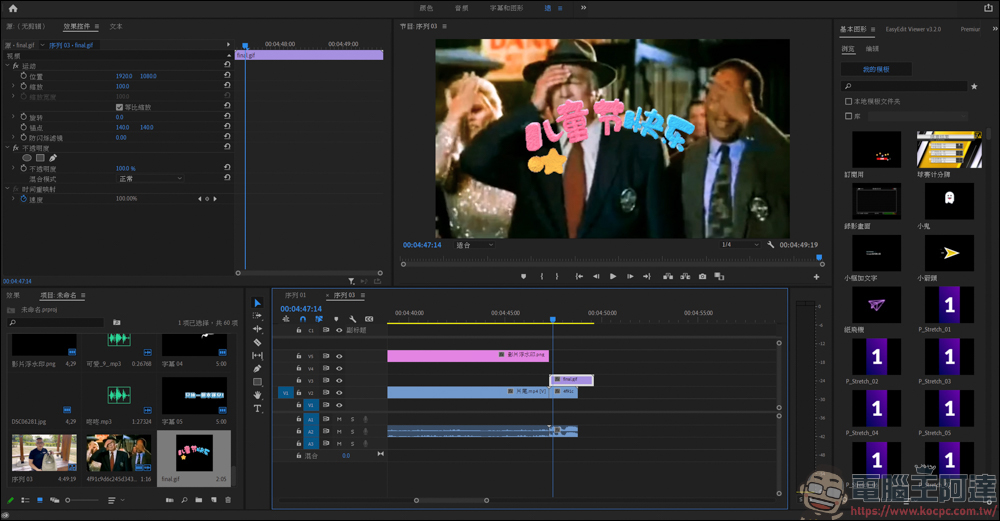
Most of the sticker materials are GIFs, which is not a problem when used in editing software. However, the bigger problem is that most of the clipping materials are in simplified Chinese characters, so… this part depends on how you use it:
Take sound effects materials as an example
The last is the sound effect material. Just like the above two, download it first:
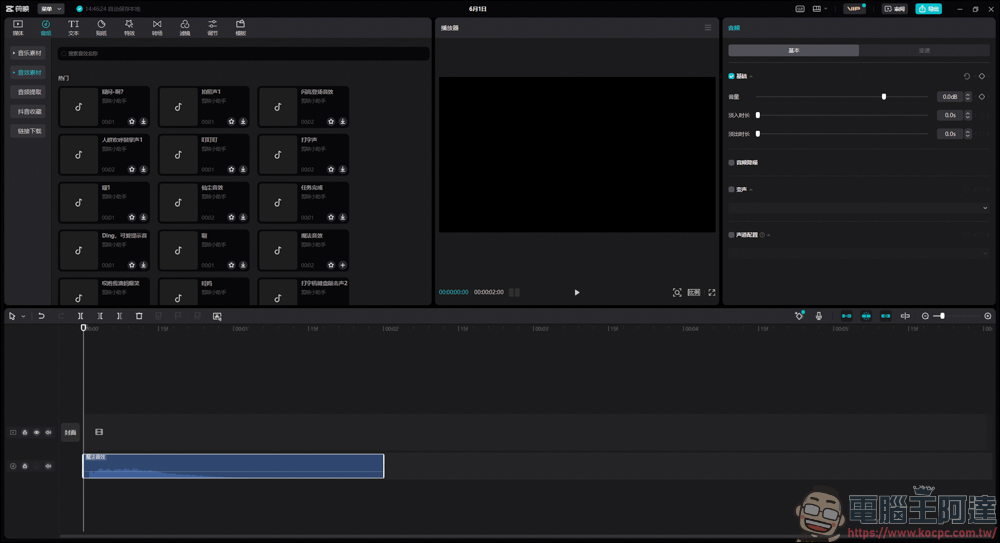
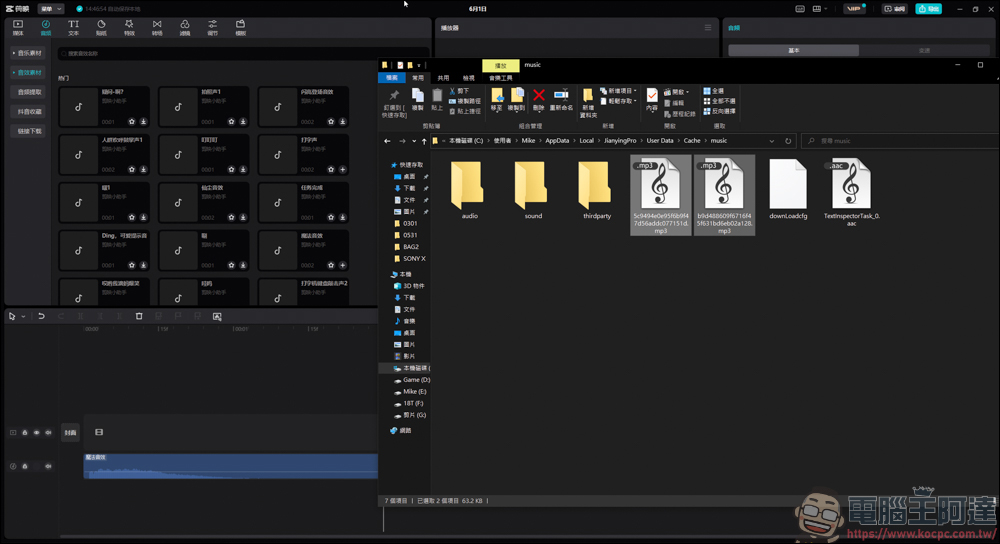
The location of the sound effects is C:\Users\Username\AppData\Local\JianyingPro\User Data\Cache\music. The downloaded name will not be the name on the clip, so you have to listen to it one by one to find out:
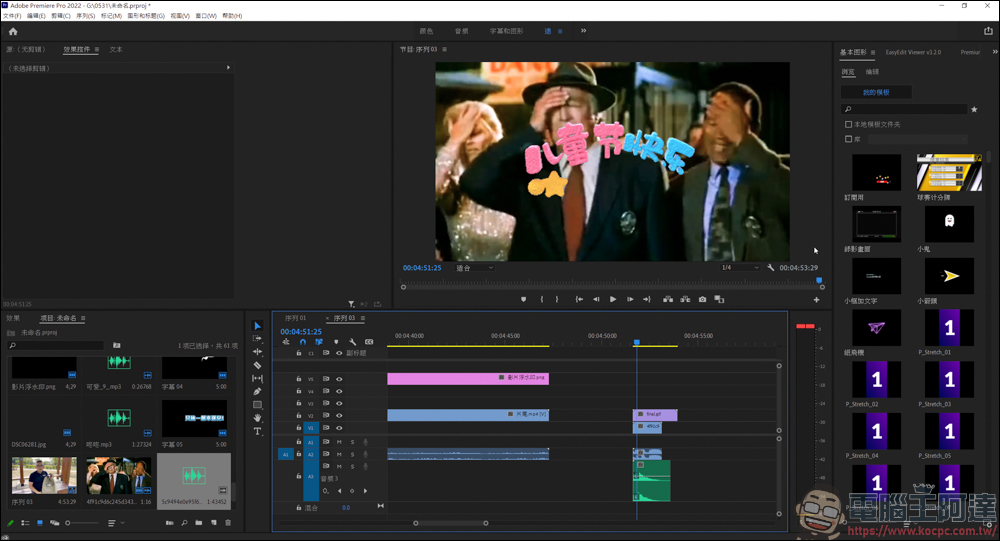
With a few simple steps, you can copy all the edited videos, stickers, sound effects, etc., and you don’t need to edit to use these materials. However, it should be noted that if these materials are used in other editing software, will there be any copyright issues? It is recommended to go toOfficial websiteConfirm to avoid infringement:
Source: KOCPC Chinese