


Still using it every time. ChatGPT Do I have to re-explain who I am and what I like every time?OpenAI The latest update lets free users use the “memory” feature too! This time it’s not exclusive to Plus users—now what you say ChatGPT It can also remember things—whether it’s where you live, what you do for work, or the fact that you hate cilantro. It’ll quietly jot it all down in its little notebook, making every chat feel more personal.
OpenAI rolls out memory feature to free ChatGPT users
Have you ever felt like every time you open a ChatGPT conversation, it’s like getting to know each other from scratch all over again? Just last time you told it you’re a designer, love bubble tea, and absolutely hate cilantro, yet the next time it still completely forgets. Now, this awkward situation is finally about to change!
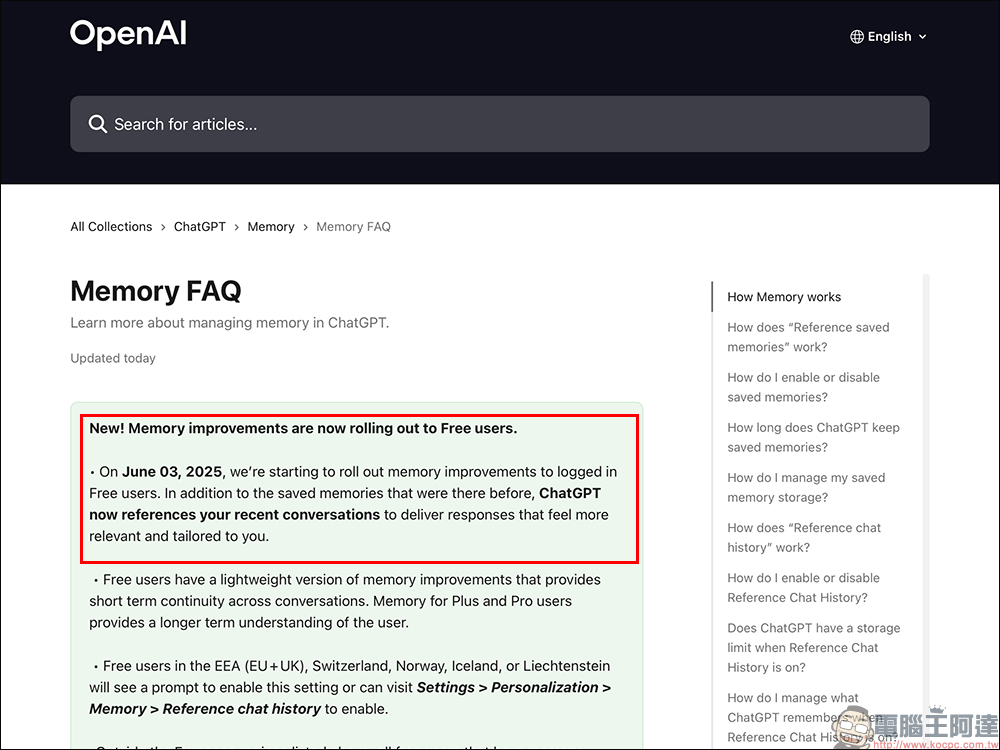
OpenAI recently released a major update: ChatGPT’s “Memory” feature is now officially available to free accounts with partial access, no longer an exclusive privilege for Plus or Pro users. With the memory feature, the AI can not only remember your name, preferences, and even your speaking style, but also makes conversations more coherent overall—almost like an old friend who has known you for a long time.
▲Image source:OpenAI
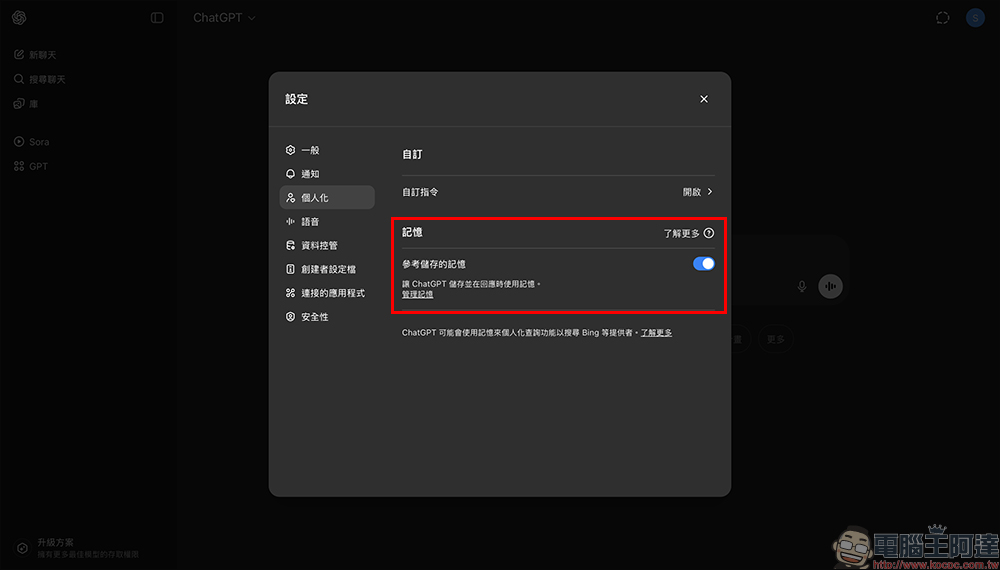
What is ChatGPT’s “memory” feature?
If talking to ChatGPT before was like ordering fast food—once the conversation ended, there was no follow-up—then now with the “memory” feature, the overall user experience feels more like cultivating a sense of familiarity. It starts to remember what you’ve said, and the information you proactively share with it can become an important basis for how it responds to you. This means it is no longer just a tool that replies based solely on a single conversation, but an AI that gradually learns to “know you.”
What can you proactively ask it to remember?
You can say this to ChatGPT:
- Remember that I live in Taipei.
- I don’t eat spicy food, please recommend a mild menu.
- I am an elementary school teacher.
- “I like to write articles with a more conversational tone.”
This information will be incorporated into memory, making its future responses more targeted and closer to your tone and needs. If you want to confirm exactly what it remembers, just type “What do you remember about me?” to view it all at once.
Where does memory come from? Two recording mechanisms explained
ChatGPT’s memory mainly comes from two sources:
1. Stored Memories (Saved Memories)
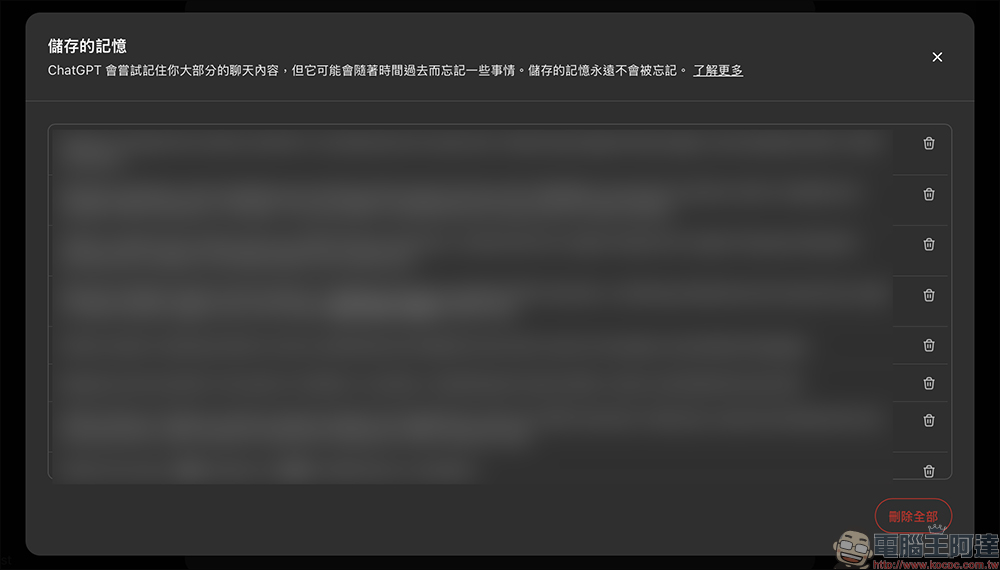
This is an information source that the system actively records, and you can also manually set or delete it. For example, things you often mention, such as your occupation, writing style, dietary restrictions, and usage habits, the AI automatically captures and stores these recurring data.
- Can be manually managed and deleted by the user.
- There is a storage limit; when memory is almost full, the system will notify you to clear it.
- After clearing, memory formation will be paused until space is freed up.
2. Chat History(Chat History Reference)
As long as you haven’t turned off the “chat history” feature, ChatGPT will automatically pull information from the conversation context for future responses, even if you don’t actively save it. This helps maintain logical coherence across different conversations and prevents sudden drops in performance.
- Automatically quote past content
- No capacity limit
- This feature is currently not supported for free users.
Don’t want to be remembered? These tricks work like a charm
Sometimes we ask rather private or odd questions, such as:
- How do I ask my boss for leave without getting scolded?
- How to avoid being asked about your dating status at parties?
- “I actually hate kids but I’m afraid to say it—what should I do?”
At this point, you might not want ChatGPT to keep a record of these things. Don’t worry—there are several ways to prevent those “embarrassing moments” from being permanently archived.
Start a temporary chat
This is a “use and discard” mode; it won’t be stored in the memory bank, nor will it affect your original preference settings. It’s suitable for handling questions that come from spontaneous emotions or bursts of inspiration.
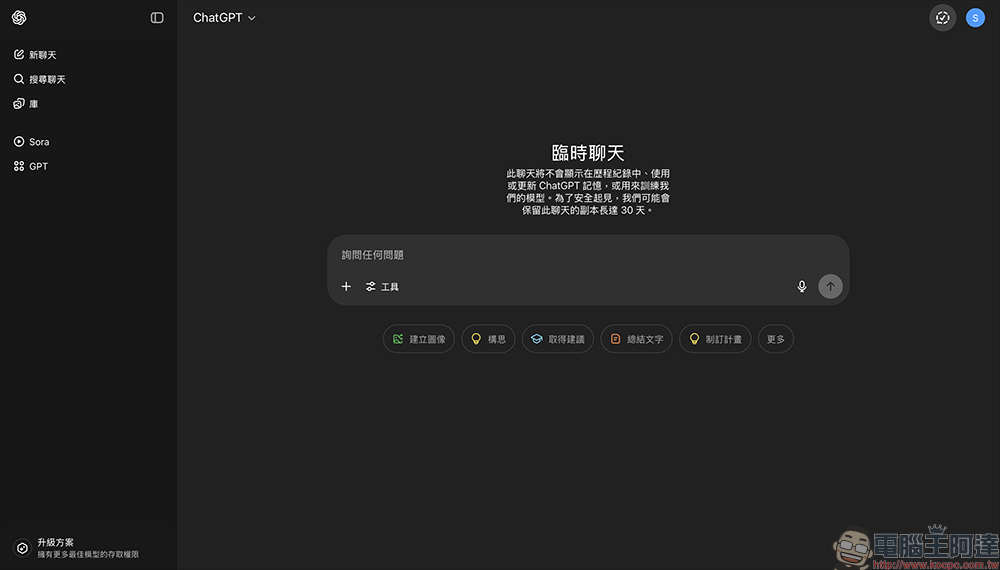
Delete or archive conversation history:
Archiving or deleting a segment of a chat from the conversation history means ChatGPT won’t reference that content in the future. However, note that it may take a few days for the system to process the deletion.
Just call it “Forget”:
Just type “Please forget what just happened” or “Help me remove that information from my memory,” and ChatGPT will immediately delete the corresponding data—it’s very intuitive.
Conclusion
Although ChatGPT can now remember what you say, your preferences, and even your tone, this memory does not mean it is absolutely permanent. According to the official statement: “ChatGPT will try to remember most of your chat content, but it may forget some things over time.”
This wave of ChatGPT memory feature updates not only enhances conversational coherence but also makes human-machine interaction feel more “human.” It is no longer just a tool for answering questions, but a smart assistant that can accompany you longer and understand you better.
Further Reading:
Source: KOCPC Chinese