


Many people usually use online music streaming services to listen to the latest songs, and Spotify is a must-have app for many people. Apple has launched the lock screen widget function since iOS 16, allowing users to set commonly used applications above the lock screen. Not only can they view information such as time, temperature, rainfall probability, etc. more quickly, but it can also make many applications more convenient to open. Recently, the Spotify iOS 16 lock screen widget has also been officially supported!
Spotify iOS 16 lock screen/home screen widget setting tutorial
In iOS 16, users can add application widgets to the lock screen to make it easier to browse information, such as temperature, air quality, battery level, upcoming calendar itineraries, or quick launch functions of other applications. Recently, Spotify, the world’s largest online music streaming platform, finally supports the lock screen widget in iOS 16! Starting now, iPhone users running iOS 16 can add the Spotify app widget to their lock screen.
First, touch and hold the lock screen until you enter the lock screen edit page, then click “Add Gadget”, find Spotify, click it and drag it to the gadget area.
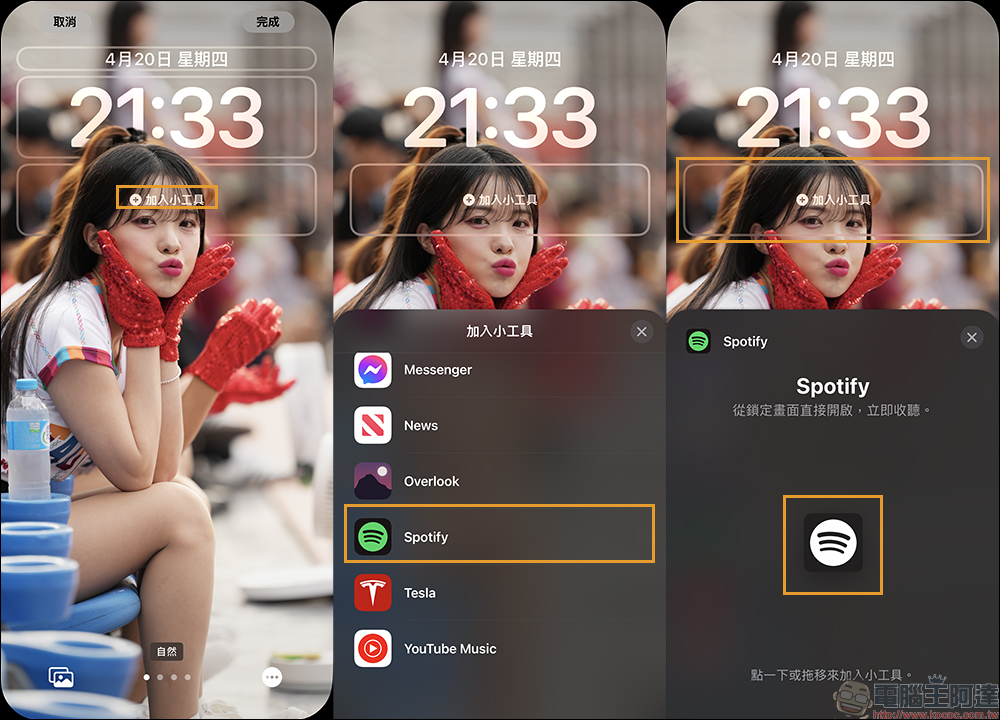
Finally, don’t forget to click Done in the upper right corner of the screen to save the currently set configuration of the lock screen gadget.
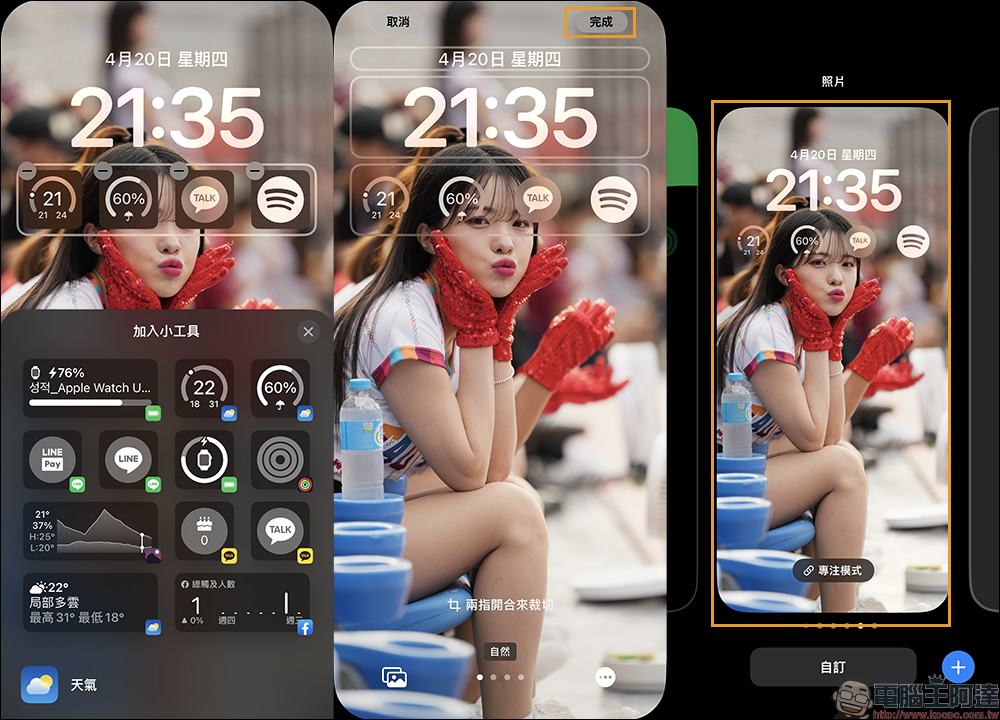
The four lock screen gadgets that I have recently used are, in order, the weather display of temperature and rainfall probability, the Korean communication software KakaoTalk, and the Spotify introduced this time.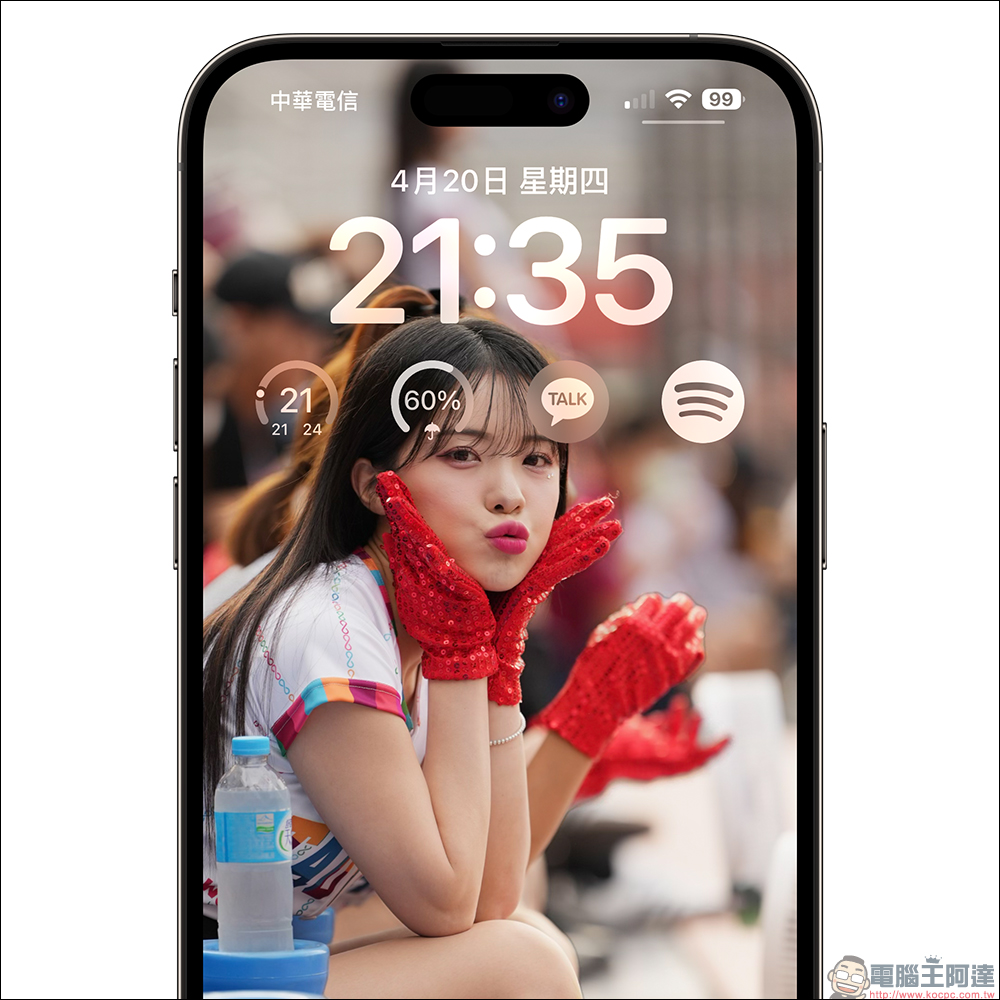
When the user clicks on the Spotify widget on the lock screen and unlocks the screen, the system will quickly open the Spotify App, and then the favorite music can be played! Save yourself the hassle of unlocking your iPhone and finding the Spotify app to open.
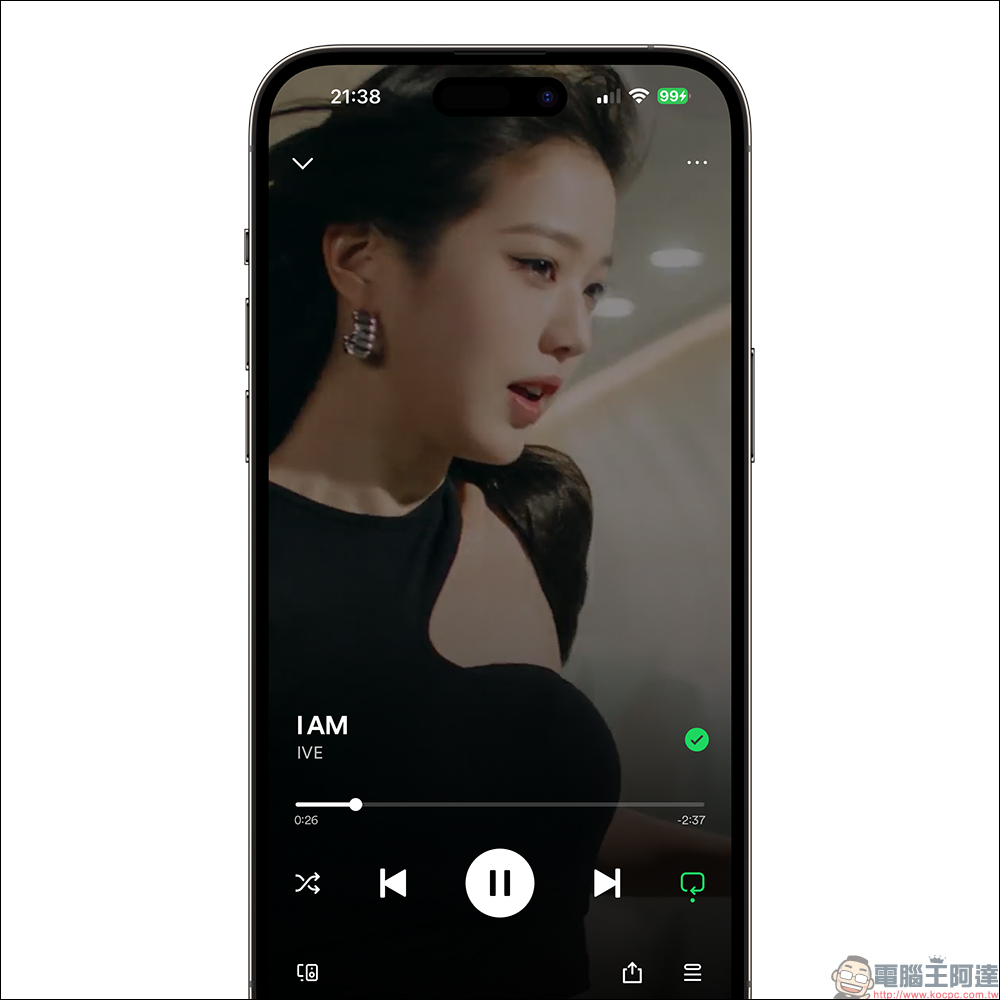
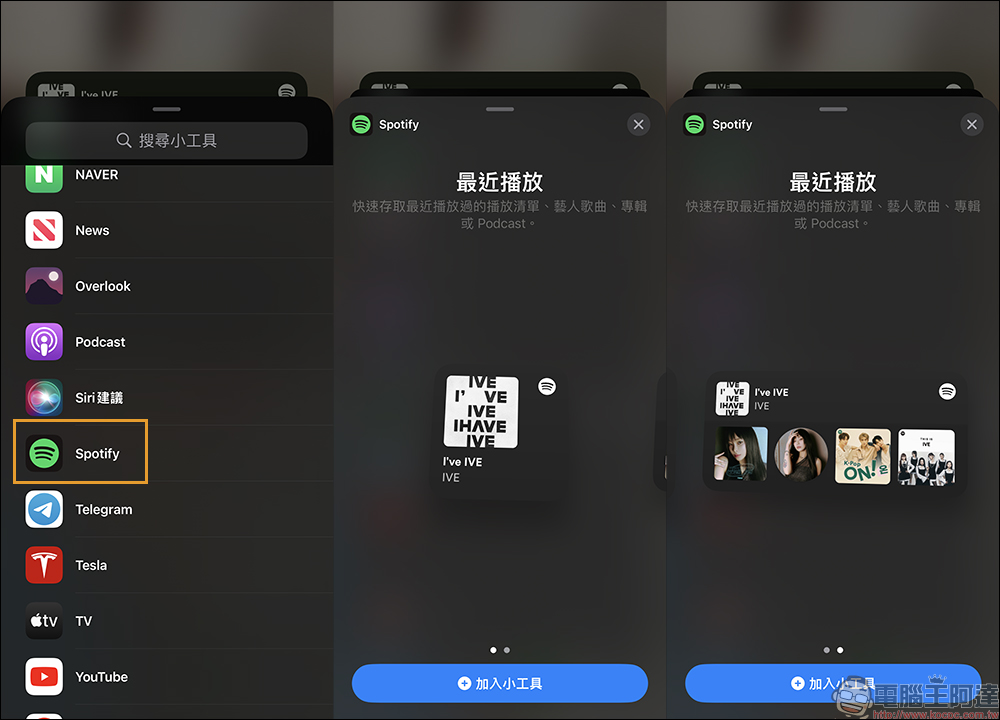
In addition, Spotify has previously supported home screen widgets. Currently, you can choose two different formats of Spotify widgets. These widgets can support the display of “recently played”. It will provide quick access to the user’s recently played playlists, artist songs, albums or podcasts.
summary
In summary, Spotify has finally followed up to support the lock screen widget in iOS 16, which is very convenient for users who often use Spotify to listen to music. They only need to wake up the screen, click the Spotify widget on the lock screen, and then automatically open the Spotify application after the screen is unlocked. For example, if you want to listen to music while taking a walk, you no longer have to worry about finding the Spotify app and making yourself busy!
Spotify App Download (App Store)
Source: KOCPC Chinese