


Microsoft’s Office series of productivity tools are a necessity for almost everyone when doing paperwork. You can get them mainly by subscribing to Microsoft 365 (formerly known as Office 365) or by purchasing Office 2021 for Windows or macOS separately. So what is the difference between these two methods? Which one should you choose? Are there any other free alternatives? This time we will analyze it with you one at a time.

Microsoft 365 vs. Office 2021: What’s the difference? Which one should I choose?
The difference between Microsoft 365 and Office 2021 may not seem big to ordinary people at first glance, but if you look closely at its content and coverage, there are very obvious differences. Simply divided, we can regard Microsoft 365 as a “productivity suite service” and Office 365 as a “productivity tool.” Next, the author will explain the two separately in detail so that you can truly understand them more clearly from this article.
Office 2021 (Home Edition/Home and Small and Medium Business Edition): Classic software products
Microsoft Office 2021 is a classic software version, and although it can now be purchased online, you can still think of it as the boxed software you used to buy in physical stores. Microsoft offers “Office Home Edition 2021” priced at 4,790 yuan for home users, and “Office Home and Small and Medium Business Edition 2021” priced at 8,790 yuan for enterprise users. When you make a one-time payment, you can get a key to activate it. For software, you can use the link in the purchase confirmation email to download the digital version, or purchase a physical box with a download key.
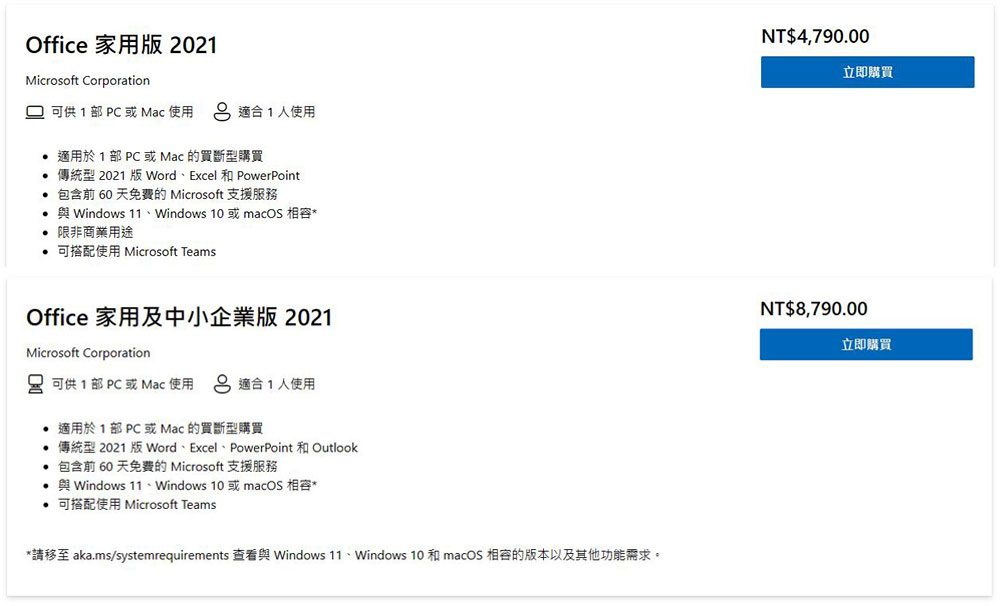
The Office Home 2021 suite includes the 2021 versions of Microsoft Word, Excel, and PowerPoint tools, supporting Windows 11, Windows 10, and macOS. If you need Microsoft Outlook, you need to choose Office Home and Small and Medium Business 2021. Microsoft also said that the home version is not available for commercial use. You can download and use Office 2021 as needed and don’t have to pay for anything else after the initial purchase, but when Microsoft launches a new version of Office, you have to pay to buy a new version of Office, or continue to use Office 2021 until you spend money on a new version. You’ll never get any feature updates on Office 2021, and Microsoft has announced that its security update deadline is October 13, 2026.

Additionally, once you purchase Office 2021, you can only install it on one computer (Windows or Mac) at a time. You can deactivate it from computer A and move to computer B, but if you want to install it on two computers at once you’ll need to pay for another key.
Microsoft 365 (Personal/Home/Business): Subscription-based service
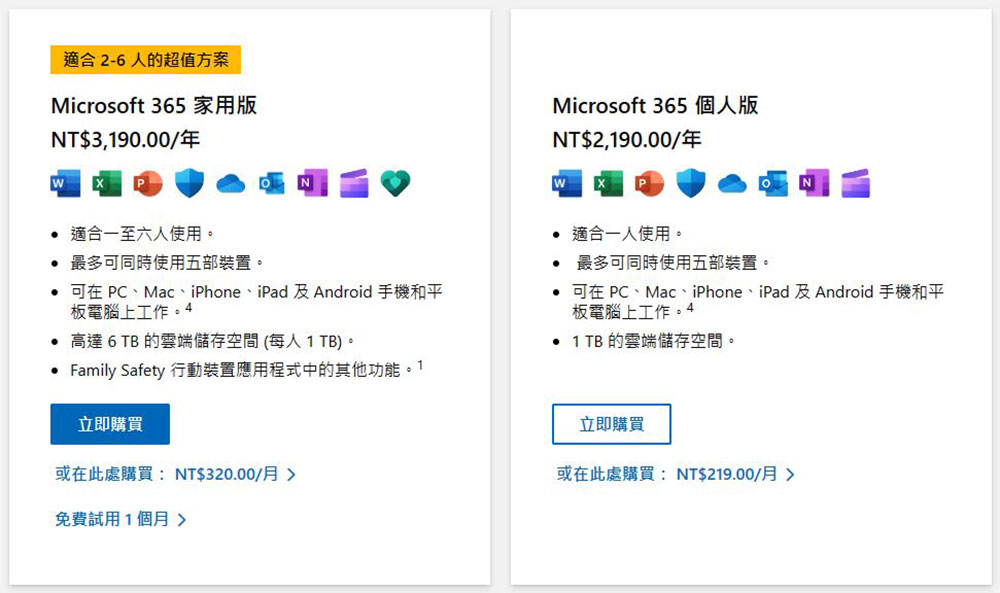
Microsoft 365, formerly known as Office 365, is the new way Microsoft has been selling Office in recent years. Microsoft 365 lets you download the latest version of Office anytime, anywhere. The versions of Microsoft productivity tools you get through Microsoft 365 are newer than those in Office 2021, and Microsoft typically adds new features from time to time for 365 subscribers, but not for box buyers. For example, Microsoft’s Copilot AI feature is available for download to Microsoft 365 users, but is not available to Office 2021 users. Microsoft 365 personal version costs 219 yuan per month (annual payment is 2,190 yuan), and can be used by one person after subscription; if 2 to 6 family members need to use it, you can choose the home version which is 320 yuan per month (annual payment is 3,190 yuan), which is more cost-effective. You can also get the Family Safety parental control application, which can provide functions such as digital content filtering, screen time limits, and location sharing.
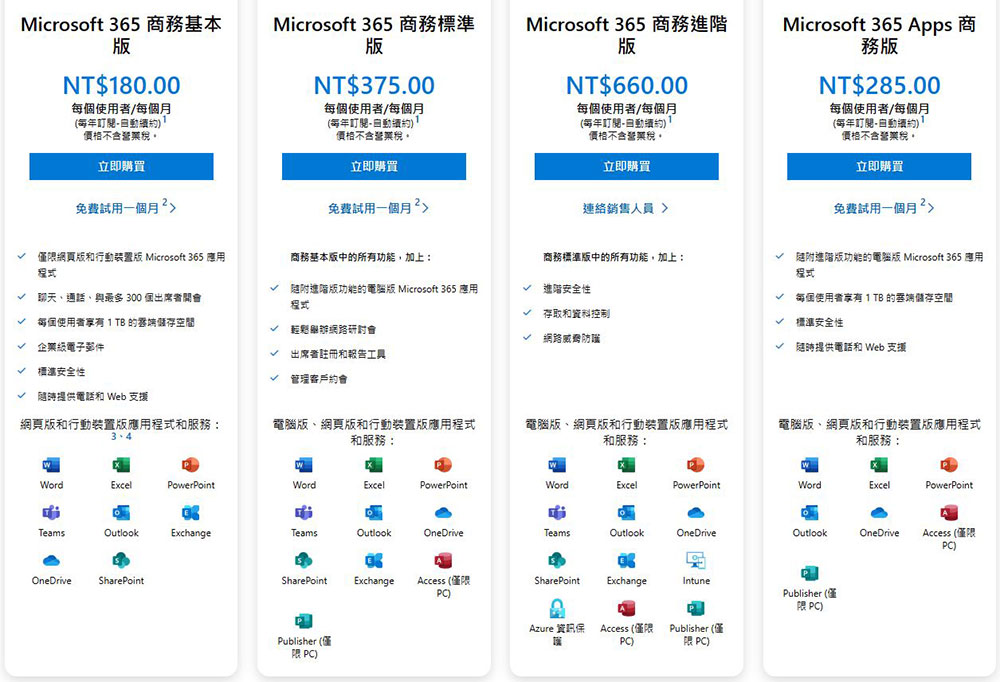
Microsoft 365 Business Edition, which is suitable for enterprise users, has four different subscription plans for you to choose according to the size of your enterprise. The author also lists the prices and covered services below for your reference. You can also go toCheck the Microsoft official website for more detailed information:
The Microsoft 365 software suite includes Word, Excel, and PowerPoint and covers Office 2021 Home Edition. However, it additionally includes OneDrive, Microsoft Outlook and Microsoft Editor (for finding grammatical errors in your writing), 1TB of OneDrive cloud storage, and Microsoft’s Clipchamp Advanced features in the video editor. You can use these apps on up to 5 devices, including Windows 10 and Windows 11 PCs, Mac computers, Android phones, iPhones, or iPads. Plus, you get the classic Microsoft Publisher and Microsoft Access apps for Windows computers. You can checkMicrosoft comparison site, for a complete list of the latest Microsoft 365 features.
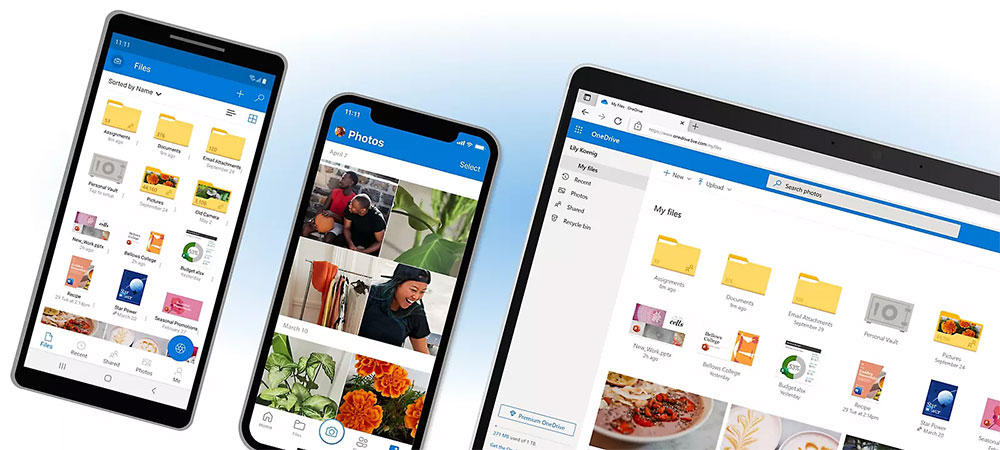
If you stop your paid subscription, you won’t be able to use Office applications until you start paying again. You don’t need to be connected to the Internet to use these apps, but you should be connected regularly to get new feature and security updates. If you are not connected to the Internet for more than 31 days, Office apps installed through Microsoft 365 will enter “reduced functionality” mode. You can view and print documents, but you will not be able to edit them or create new documents until you reconnect to the Internet and start again.
Microsoft 365 vs. Office 2021: Which one to buy?
In the long term, Microsoft clearly wants to phase out the one-time buyout of Office and transition entirely to a subscription service, so the company has tweaked a few things to make a Microsoft 365 subscription look like a better deal for most people. Such as annual payment discounts, other incidental services and cloud space, etc.
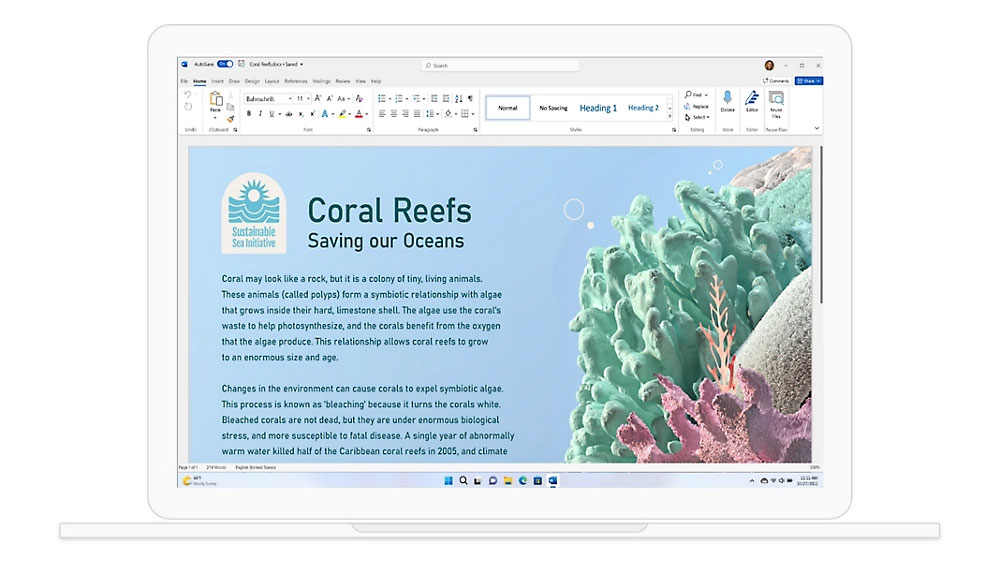
If you only need to install Office software on one computer, purchasing a new version of Office once when it’s first released can be a more cost-effective deal. Let us calculate here. Office 2021 will be launched in October 2021. Microsoft will support it for 5 years. The buyout price of the home version is 4,790 yuan. If you buy it in the first month of launch, the monthly cost will be 80 yuan for 60 months until the support expires (the home and small and medium-sized enterprise version is 147 yuan).
But if you need to install it on multiple devices, Microsoft 365 will be a more cost-effective choice. Even for the personal version with an annual payment of 2,190 yuan, you can use various Office applications on up to 5 devices (computers, mobile phones, mobile devices). If you want to use Office 2021 to install on 5 devices, you must spend at least 23,950 yuan (4,790 yuan x 5 copies). If multiple members of the family need to use it, subscribing to the home version is more economical and affordable.
Free alternative to Office productivity tools
Although we mainly describe the direct installation version of Office 2021 and Microsoft 365 above, there are still some free alternatives to choose from. Microsoft has its own completely free service. Let’s take a look at what other options are available.
- Office Online
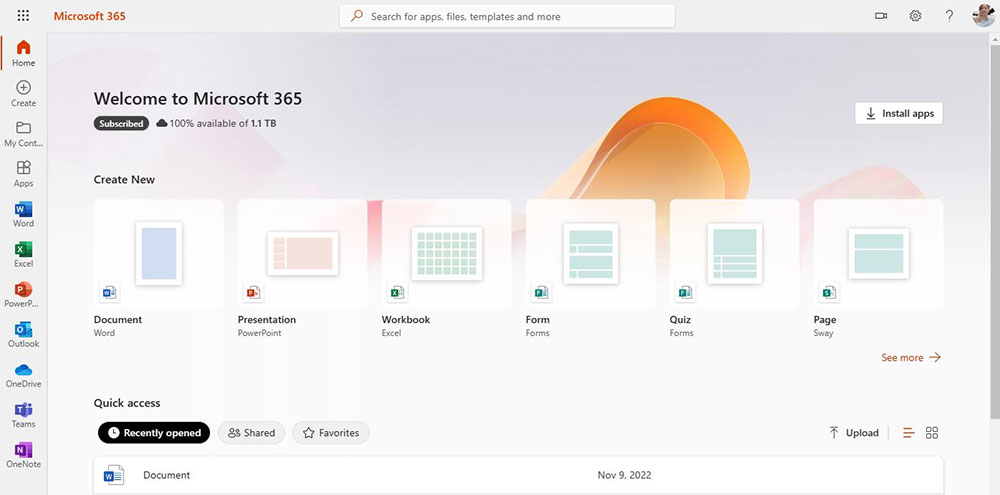
This free web-based Office service launched by Microsoft only requires a Microsoft account to use. Simplified on the original Office structure, the basic functions are very easy to use and have excellent compatibility with the Office series file formats. The downside is that this free service requires an Internet connection, but it’s great for people who don’t need Office very often or who only need basic functionality.
- Apple iWork
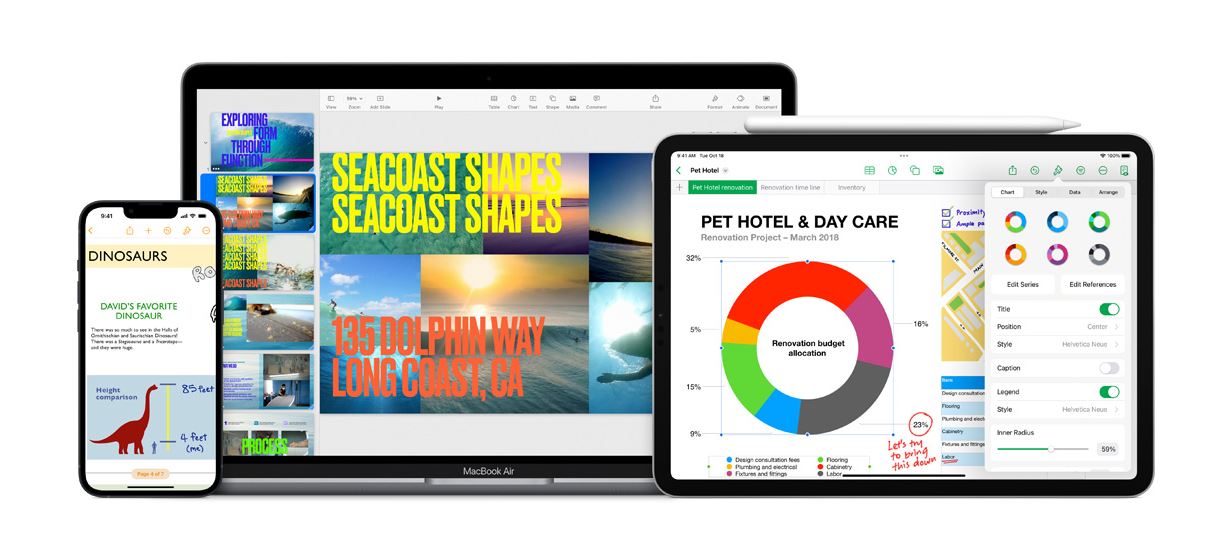
The iWork suite, which includes Pages, Numbers, and Keynotes, is free to download and use on Mac, iPhone, and iPad, and you can also access it directly from browsers on Windows computers and other devices. iCloud websiteSign in with your Apple ID to use iWork.
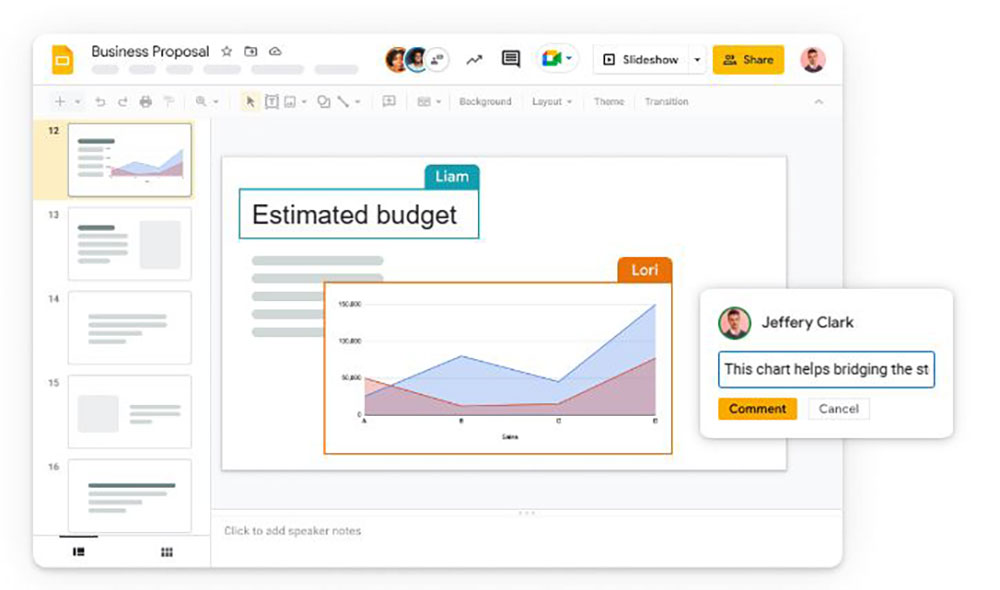
- Google document、spreadsheet、briefing
Google’s productivity suite for the web is free for anyone with a Google account and can be used in a browser on Windows, Mac or Chromebook, or as an app on Android devices, iPhone and iPad. Although it is based on the Internet, you can still turn on offline support.
- LibreOffice
A free, open-source alternative to Microsoft Office, you can download LibreOffice installations for Windows PC, Mac and Linux systems, which are traditional offline native productivity applications that run on your computer.
Source: KOCPC Chinese