


A few days ago, we introduced to you aLINE ChatGPT bot made by Japanese developers, but later I discovered that that model has a daily usage limit. Once the number is exceeded, you can only wait until the next day to continue using it. In order to provide the majority of LINE users with more alternatives, this time we share two equally easy-to-use free LINE ChatGPT chatbots with you! There are also more powerful versions that even support voice commands and AI drawing functions.
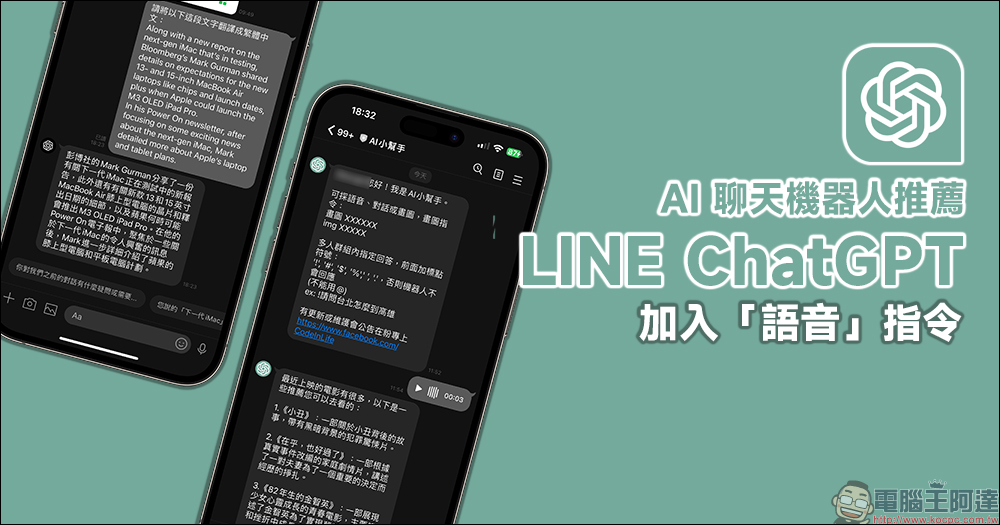
2 recommended free LINE ChatGPT chatbots: In addition to basic text chat Q&A, it also adds “voice” commands and AI drawing!
Since the end of last year, the ChatGPT chatbot developed by OpenAI has become very popular. Recently, many enthusiastic developers have launched many ChatGPT chatbots that can be used on LINE. The version released by Japanese developers a few days ago is very useful, but unfortunately it has a limit on the number of uses per day (if you exceed it, you need to pay for a subscription), which is relatively stressful for users who want to chat with robots to kill time from time to time. Therefore, this time we have compiled two more LINE ChatGPT bots that have similar functions and can be used for free. You only need to use LINE to add them as friends to use! Friend links and QR Codes are also attached below for your convenience.
1. ChatGPT
First of all, the first one is named ChatGPT. It currently supports text question and answer conversations. So far, ChatGPT has been used for language translation. Users only need to input a piece of foreign language and ask it to be translated, and they will get a translated sentence pattern in vernacular! However, sometimes the translated terms are slightly different from those used in Taiwan. If you want to quote directly, you must modify it yourself.
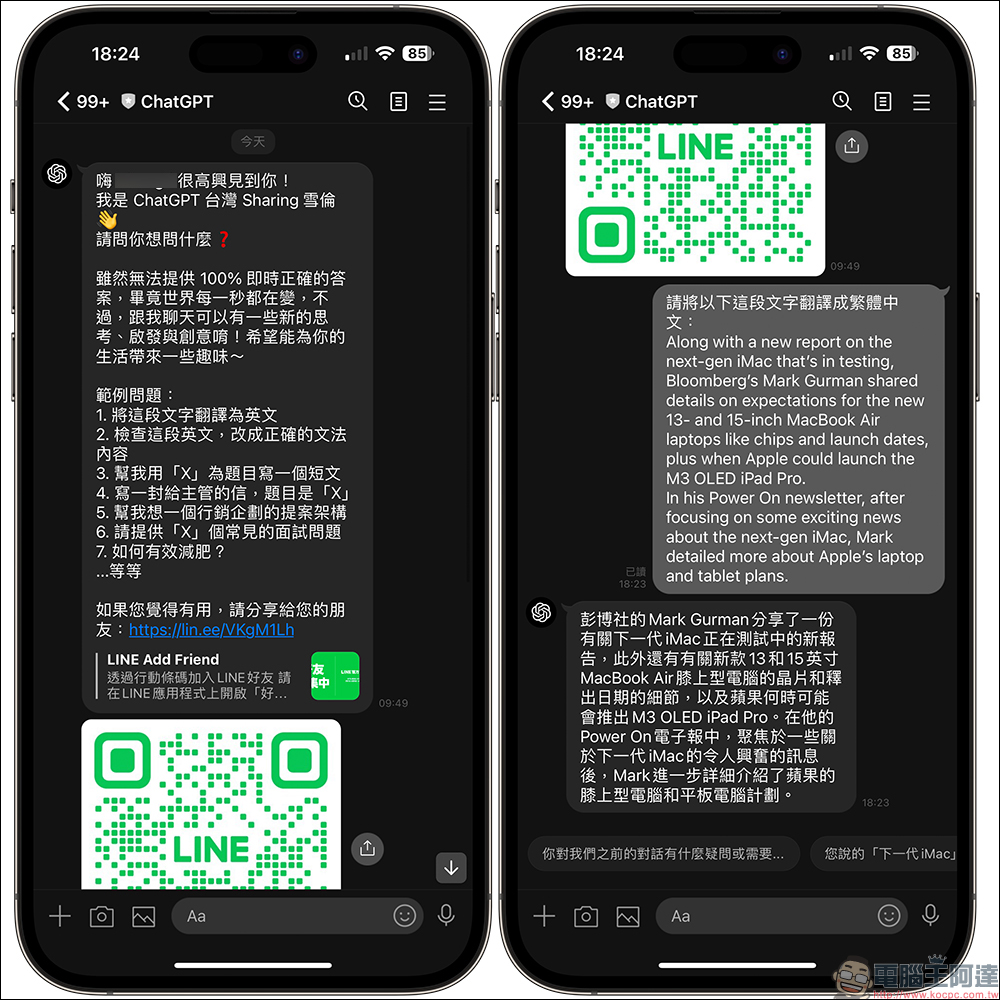
ChatGPT (LINE ID: chatGPT, or click me to add a friend)

2. AI helper
The second one is actually the focus of today’s introduction. The LINE ChatGPT robot currently named “AI Helper” can not only be used for the most basic text conversations in 1-on-1 chat rooms, it even makes good use of LINE’s functional features and also supports voice commands, multi-person group designated answers and other functions. Searching by voice command is very simple. Just press the voice button on LINE and then send a voice message to the chat room. The AI assistant will give corresponding answers based on the voice command spoken by the user.
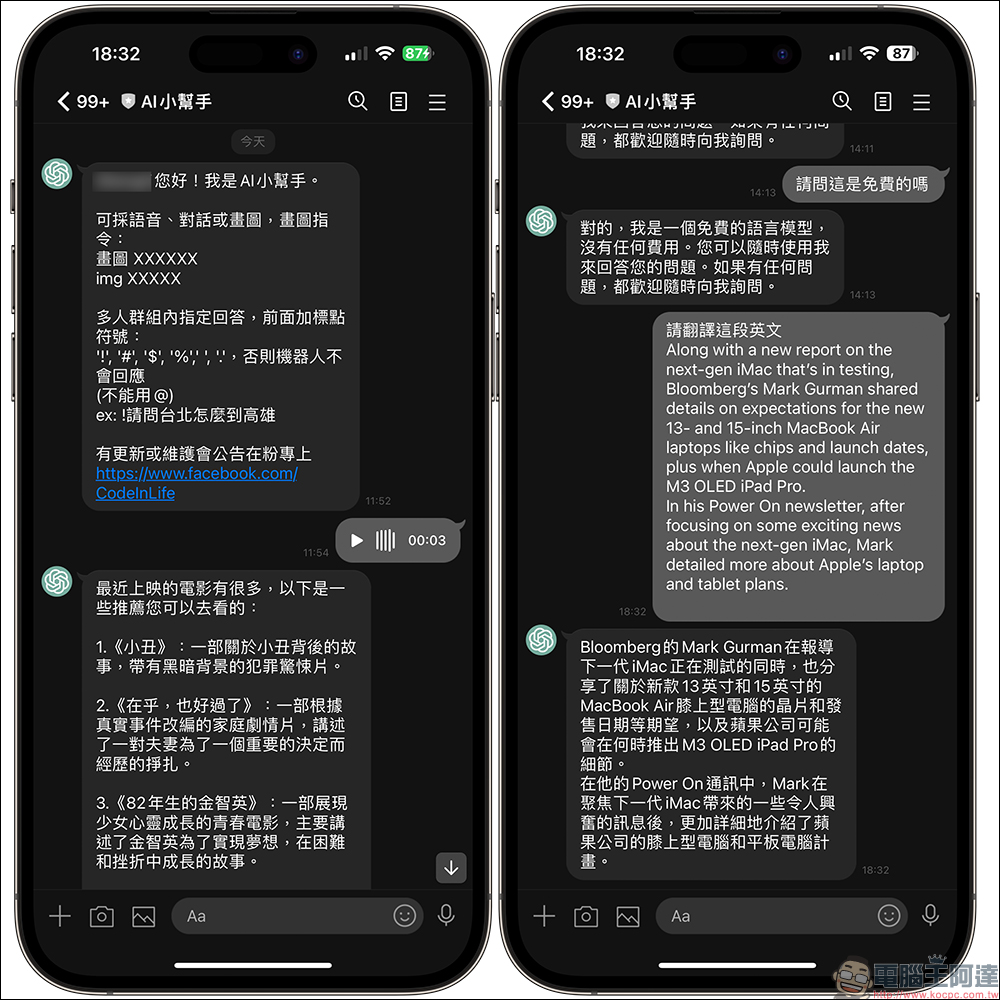
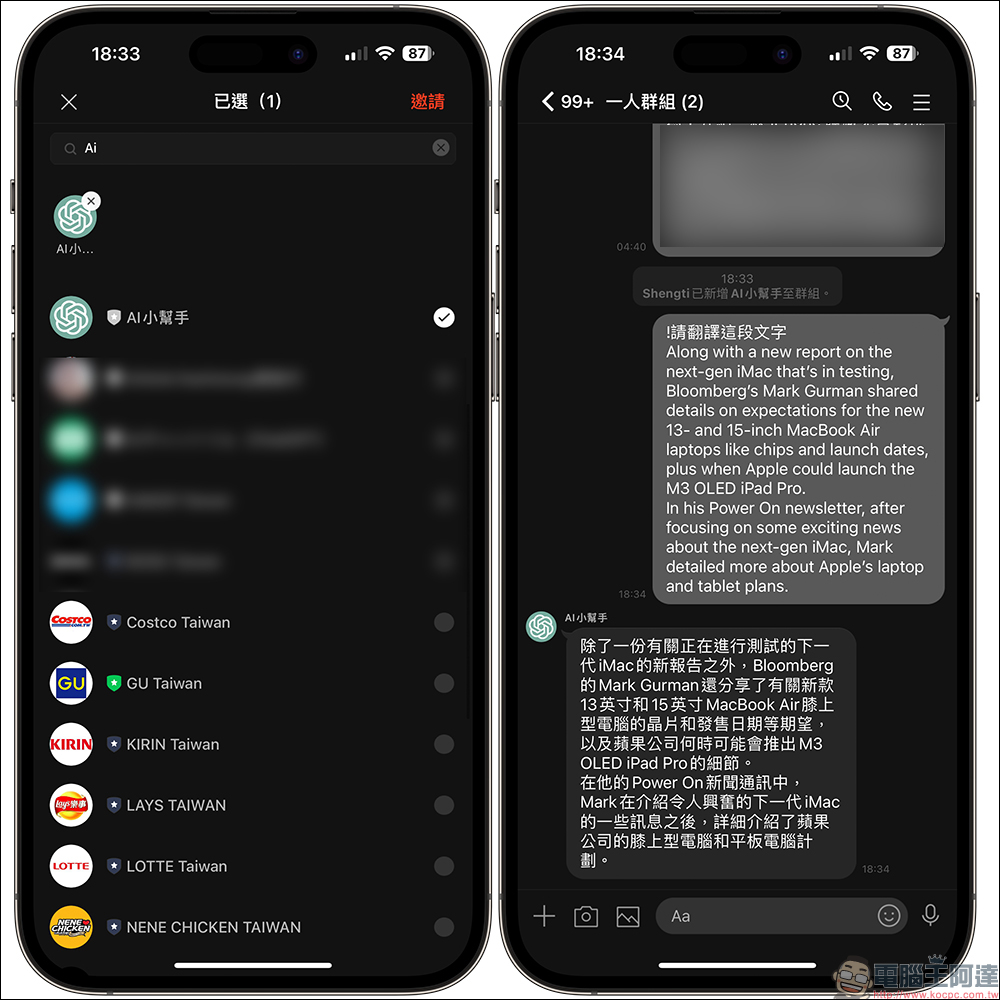
For the group response part, just invite it into the LINE group. When you need it to answer, just add “!”, “#”, “$”, “%”, “,”, “.” and other symbols in front of the question and send it to the group chat room. For example, if you want to ask it to answer how to get from Taipei to Kaohsiung, just write: “!How to get from Taipei to Kaohsiung?”
In addition to the popular ChatGPT chatbot, AI drawing is also a very popular “entertainment” recently. I didn’t expect that this little AI helper could also draw pictures, but according to current actual tests, there is still a lot of room for improvement.

A basic sunset landscape photo doesn’t seem to have much of a problem.

Try asking it to draw a car. The result seems to be based on BMW design elements, which is quite acceptable.

But when you ask it to draw people, you’ll often get somewhat horrifying results.


AI little helper (LINE ID: @007omugu, or click me to add a friend)

Further reading:
If you want to play AI drawing easily, you can create it with one click on your iPhone! (teaching)

Source: KOCPC Chinese