


The latest memory/power saving features in Google Chrome. When it was released at the end of last year, many users exclaimed, thinking that finally, Chrome had thought of completely removing its old image of being considered to consume power and occupy memory. However, these two modes do not appear on your Chrome browser? Now you can confirm again! Because according to foreign media information, starting from Chrome version 110, Google has officially launched these features for Windows, Mac and Google’s own Chrome OS. Continue reading Google Chrome’s memory/power saving feature officially launched.
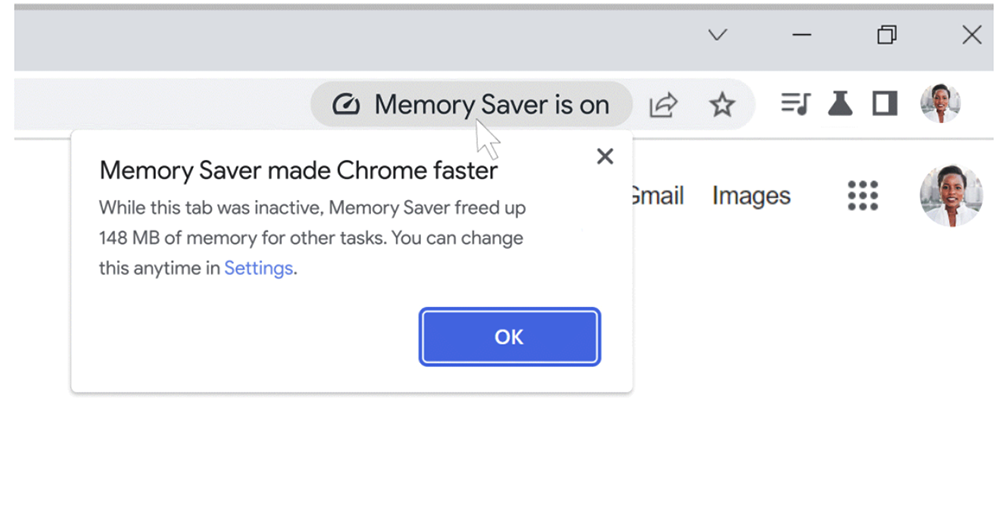
▲Image source: Google
Google Chrome’s memory/power saving feature is officially launched
The latest memory/power saving feature of the Google Chrome browser can directly save up to 40% of memory after activating the saving mechanism, and can help you extend battery life when power is tight. When it was released at the end of last year, many users exclaimed, thinking that finally, Chrome had thought of completely removing its old image of being considered to consume power and occupy memory. However, these two modes do not appear in your Chrome browser (or are too lazy to turn on Flag)?
Now you can confirm again! Because according to foreign media information, starting from Chrome version 110, Google has officially launched it for Windows, Mac and Google’s own Chrome OS and listed this feature as a default activation state.
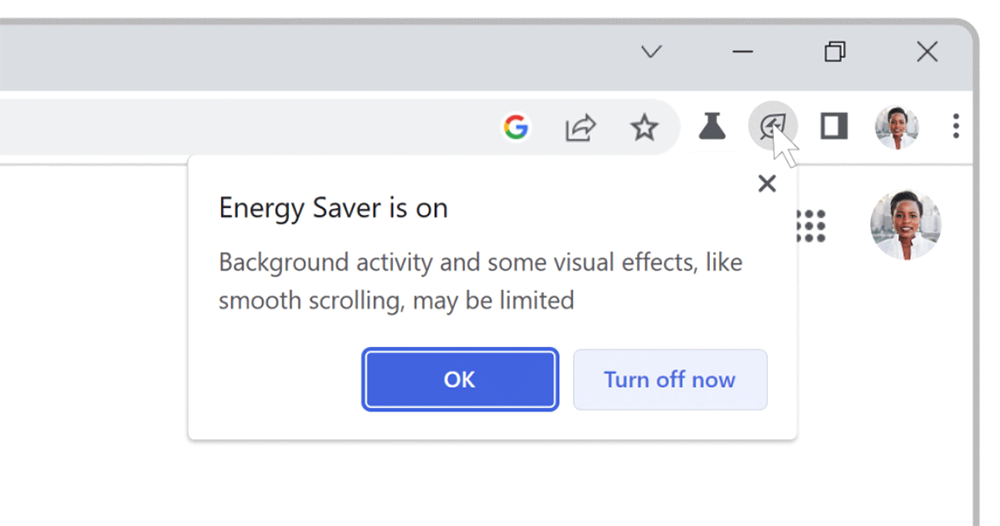
▲Image source: Google
I don’t know if everyone will be the same as the editor in the past. When you need to use your laptop for a long time when you are away from home, you will subconsciously turn off the Google Chrome browser, which is relatively power-consuming and takes up a lot of memory, and give up the various useful services and synchronization functions of this browser. The purpose is to extend the battery life of the laptop as much as possible.
Now that the “Memory Saver” and “Energy Saver” have been officially launched, everyone should no longer be forced to give up their usual Chrome browser.
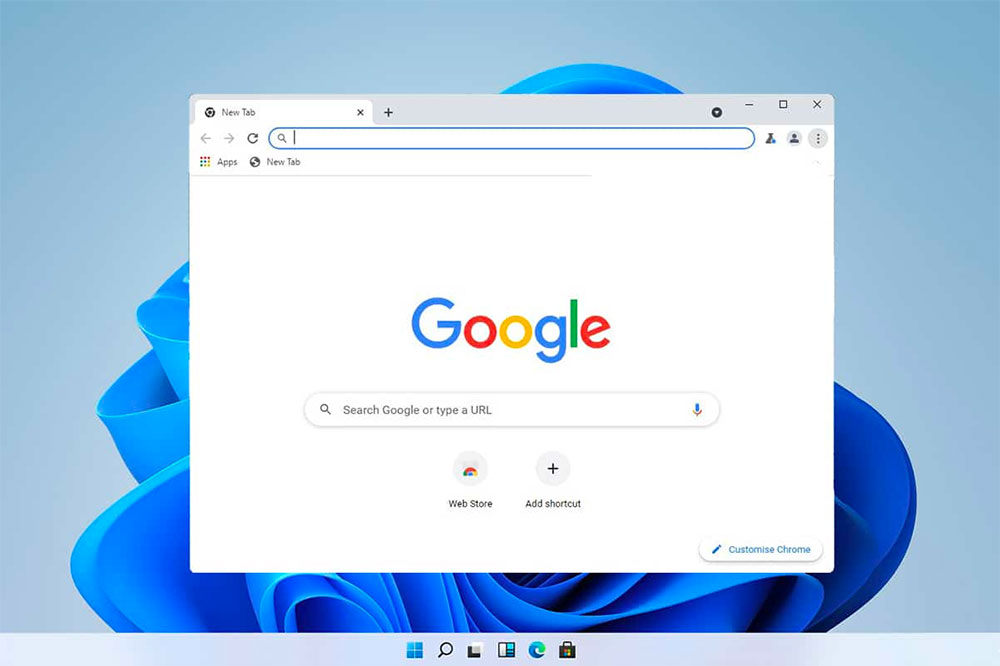
As previously reported by the Computer King Ada team, the memory/power saving feature has been gradually pushed since Chrome 108. Saving memory will more aggressively free up memory resources from pages you are not currently using. Shift system resources to the active web page you are browsing to make the entire experience smoother – you can still open many tabs in Chrome, but when the saving function is enabled, the browser will reload the page only when it switches to an inactive tab that has been defined, thereby achieving a more active memory release effect.
When the power saving mode is activated, it will further detect that the device’s battery power is lower than 20% (or start it when unplugging the power, which can be set), and actively limit the animation of web pages and background activities and dynamic visual effects of video websites to achieve the purpose of saving more power consumption. Both new modes can be found in “Performance” in Chrome settings.
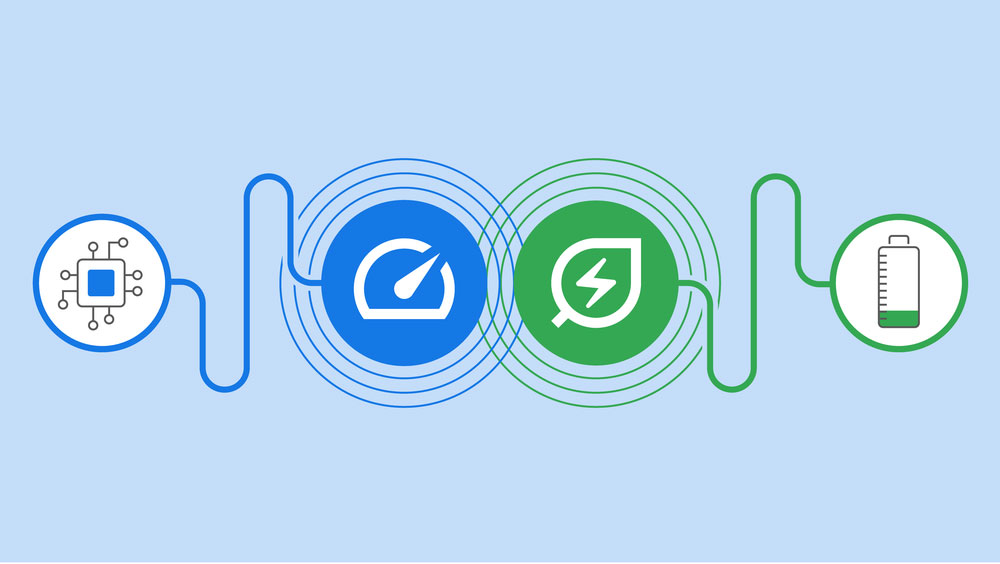
Speaking of which, the leaf logo when this function is activated will also make people feel the spirit of carbon awareness (should). So if you think the normal power is quite enough, even if you already have this function before, you don’t want to turn it on. If after turning on the default this time, you find that there is no obvious difference in the user experience. Maybe we can really turn on this function and save some resources – whether it is memory or the earth’s energy (shown as: positive and optimistic).
Further reading:
Source: KOCPC Chinese