


Regardless of work, life, or school, you will often encounter situations where you need to make product pictures or avatars, especially those who are in online photography or business. Product pictures must be often needed, and not everyone has an art background or image editing software. This article will introduce a super simple and easy-to-use free online tool called Photomash Studio, which can easily create super high-quality “product pictures” and “exquisite avatars”. It can be used without registration, and the downloaded image files are of high resolution and without watermarks.
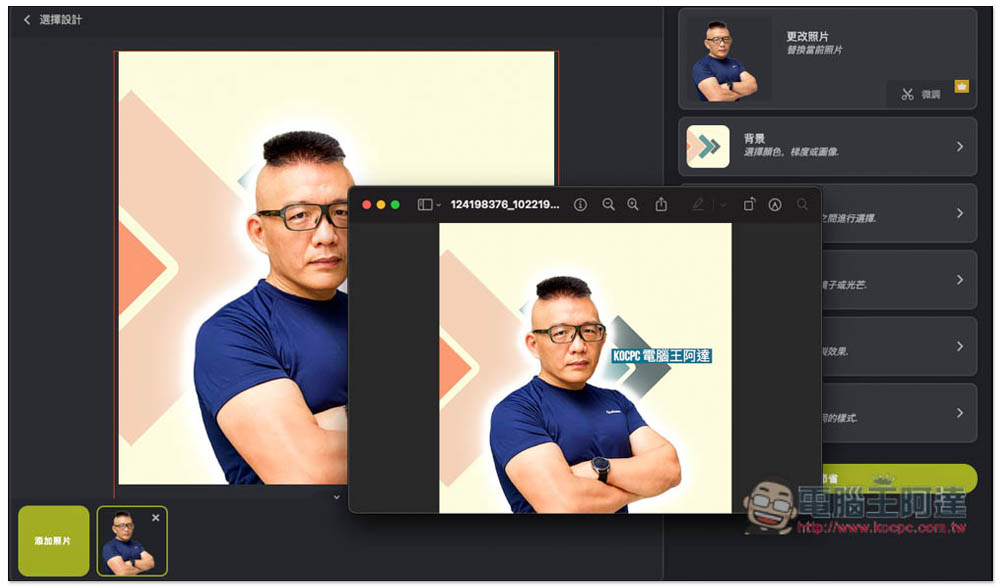
Photomash Studio is a free online tool that allows you to easily create “product images” or “beautiful avatars”
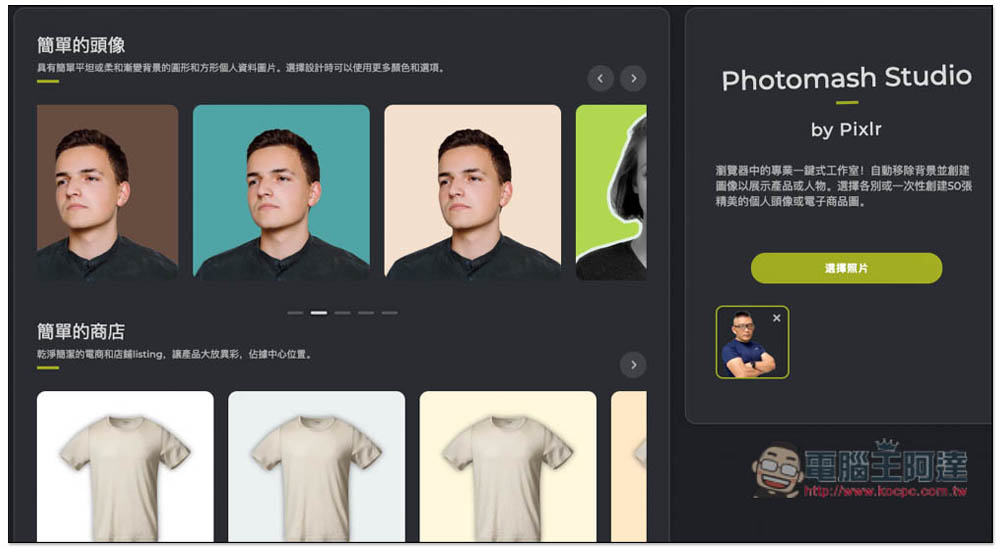
Photomash Studio is a new tool launched by the well-known Pixlr. It is available in Chinese, so you don’t have to worry about not being able to understand it. It is also very simple to use. After entering the website, click on the right side to select an image to upload your photo or product. It will be memorized automatically after uploading, so you don’t have to memorize it first:
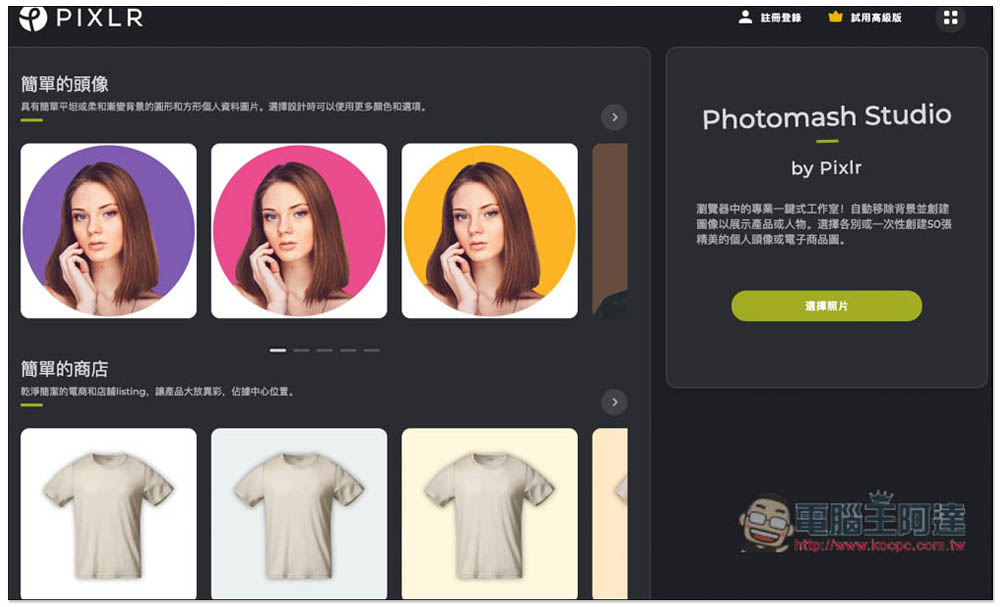
Then select the background you like on the left. You can adjust it later to find the one that suits your eyes the most. The top is the avatar and the bottom is the product photo. Swipe left and right for more options:
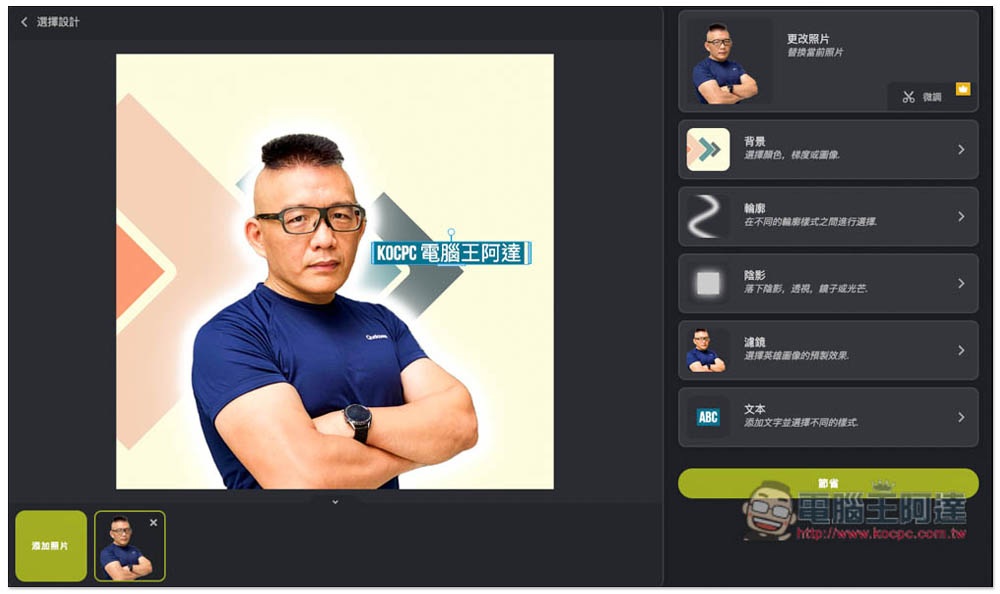
Then you will enter the post-production screen. There are five options that can be adjusted, namely background, outline, shadow, filter and text. If you don’t know how to adjust it, you can try each one. You can create a very good picture by combining them at will:
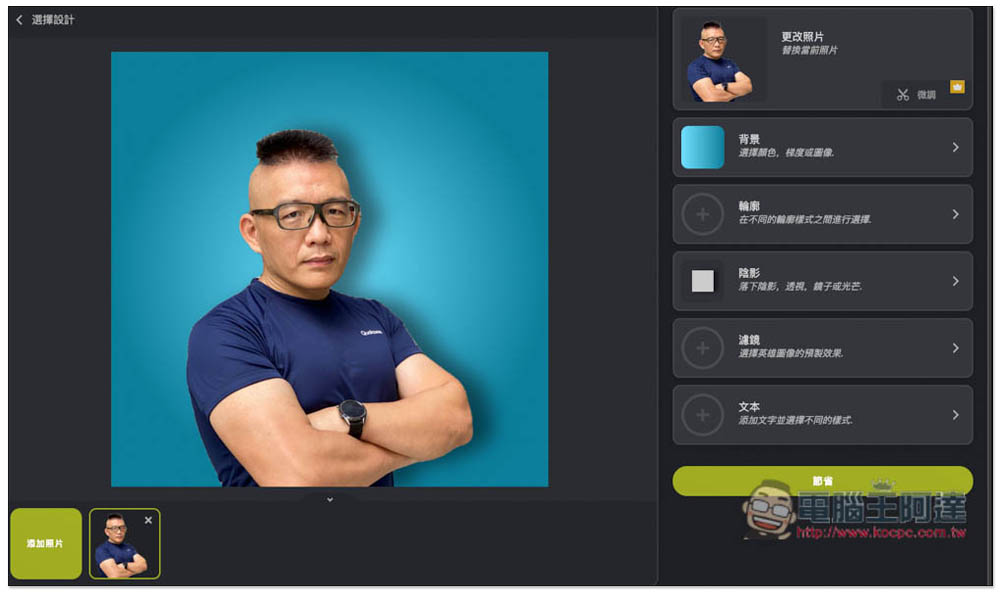
There are three types of backgrounds: solid color, gradient color and picture. Each one has a good texture and there are many choices:
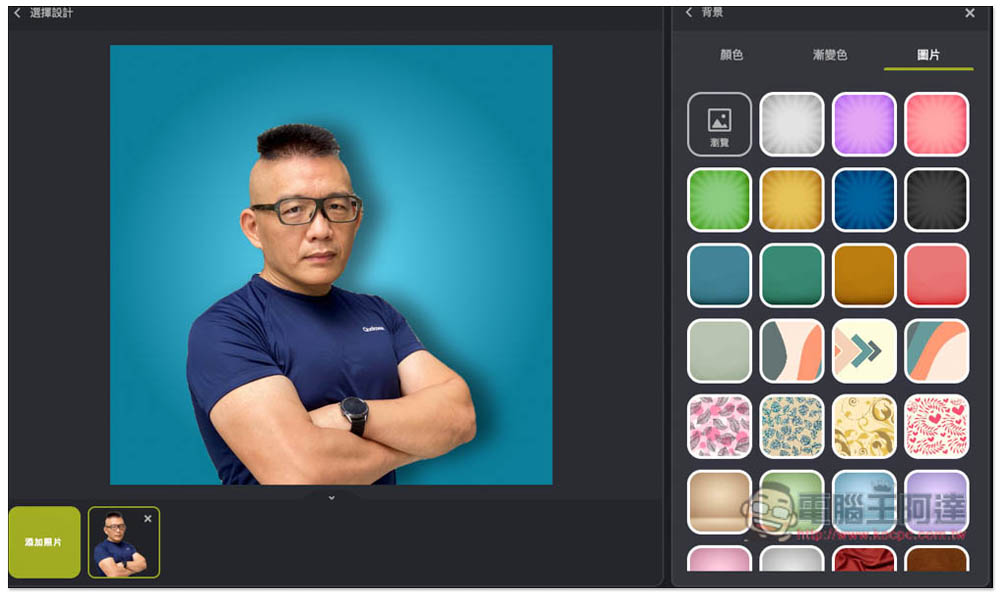
Once selected, it will be applied directly:
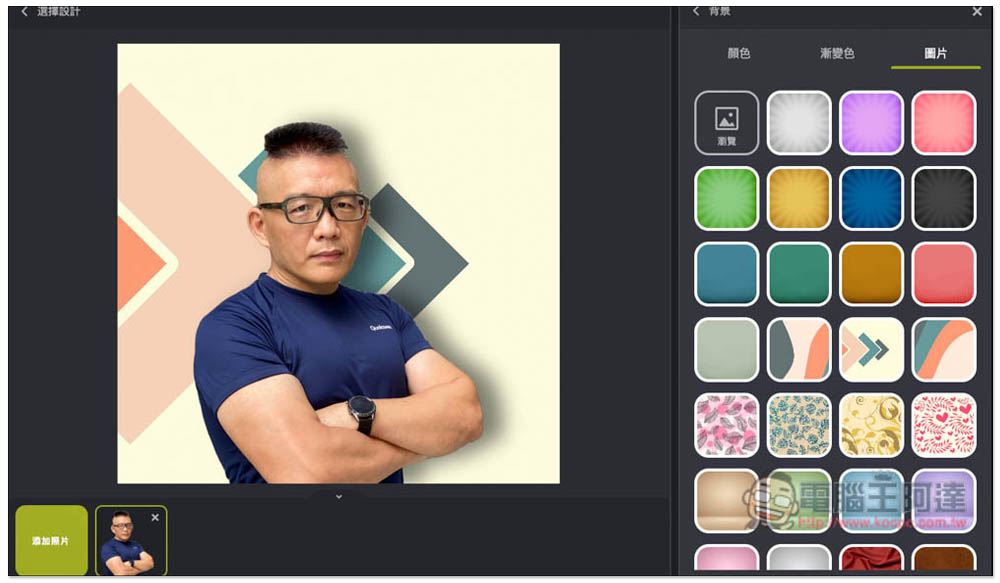
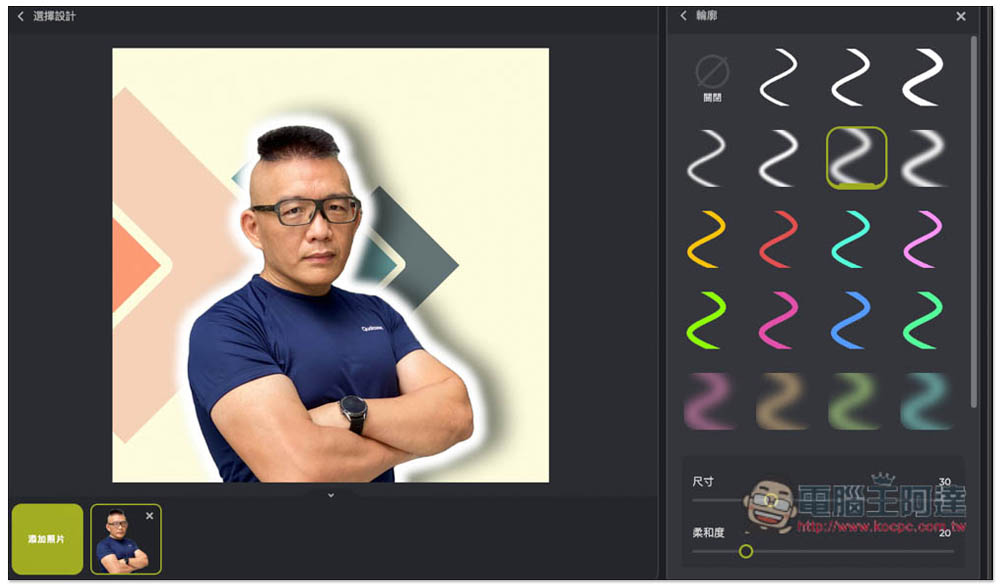
The contour effect is also quite good, much better than I expected:
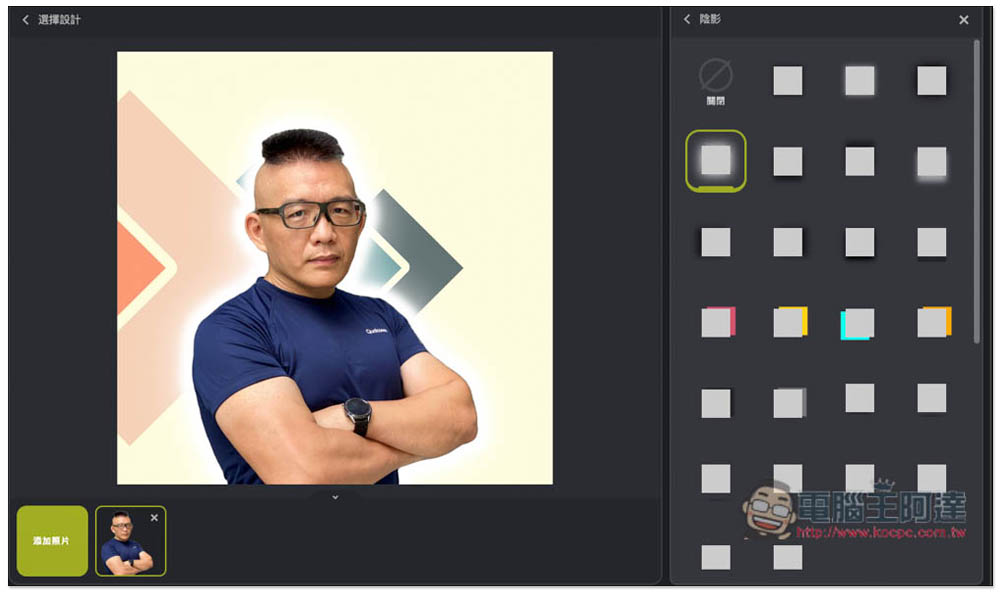
There are also many choices for shadows. For friends who don’t know how to choose, just click on each one to see the effect, and it will be applied directly, and the speed is very fast:
The same goes for the filter part, which is not only the application of colors, but also the color adjustment that makes people look more energetic and clear:
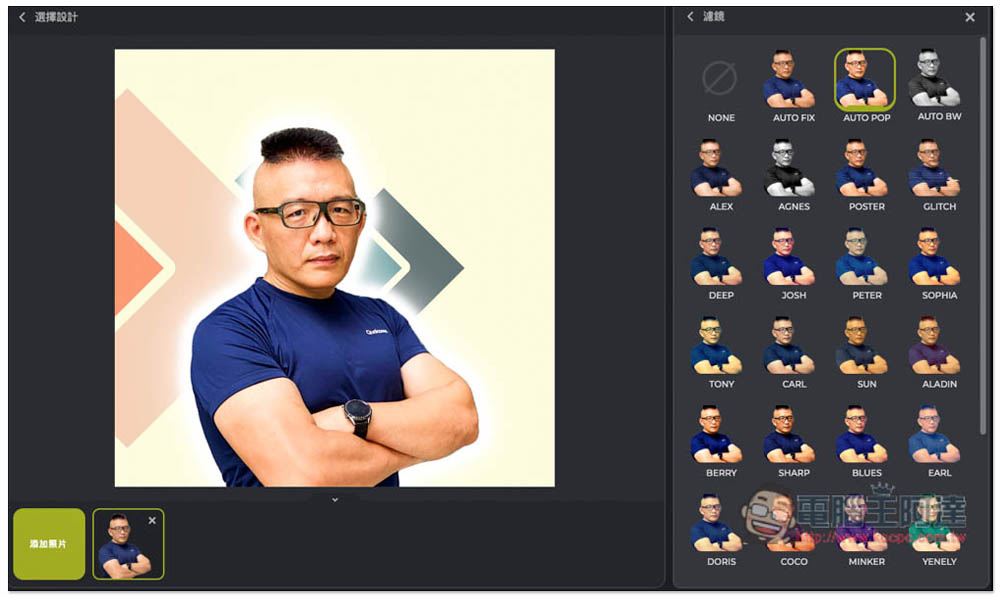
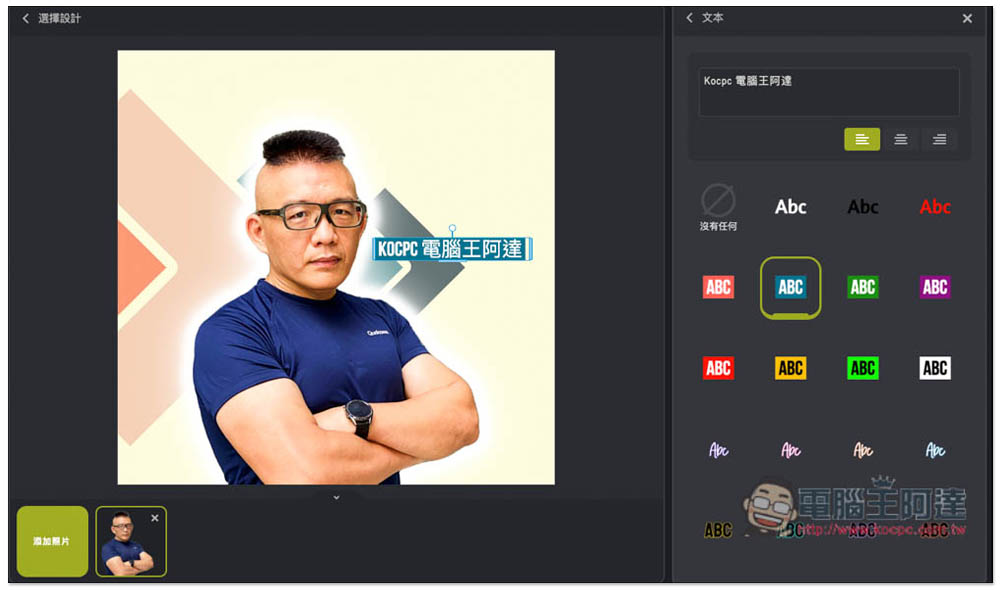
It also supports text functions, has many styles, and can input Chinese. The picture below took me less than 2 minutes to complete:
After confirming that the effect is satisfactory, return to the editing screen and click “Save” on the right to download it. This name should be a translation error:
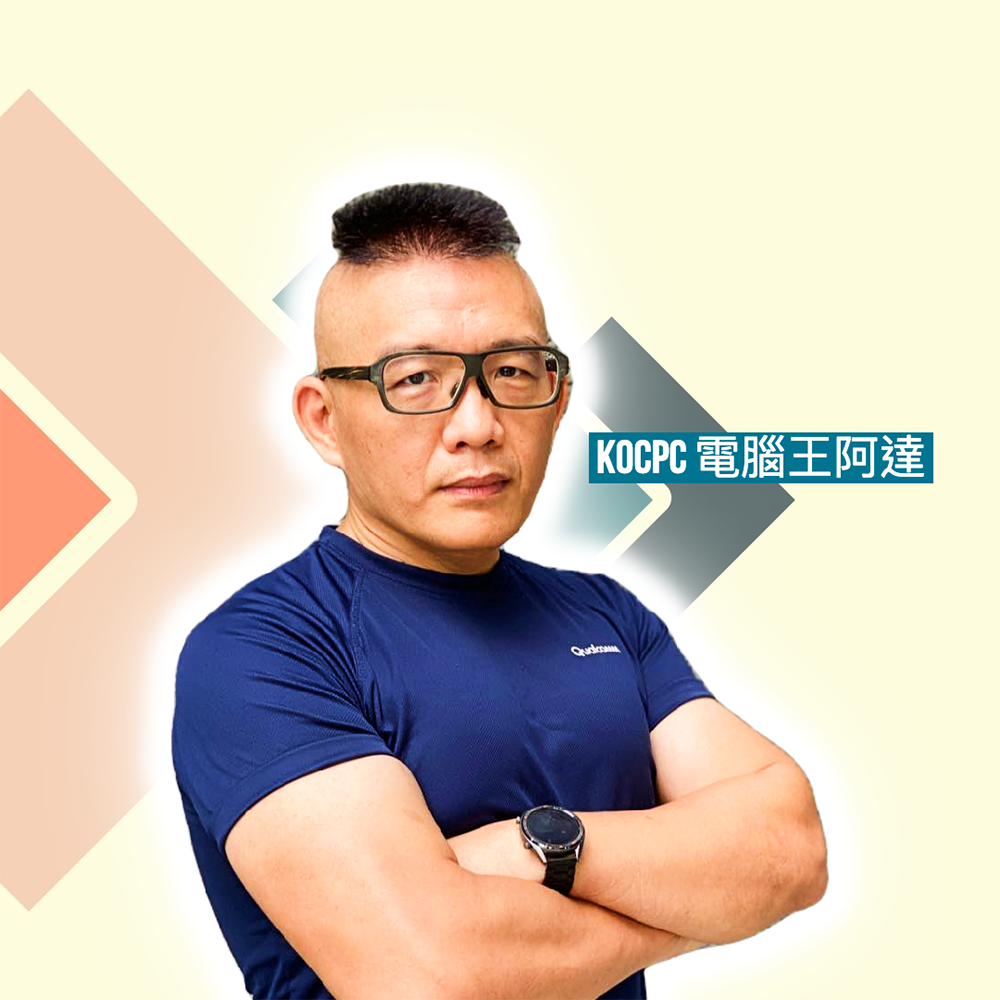
The resolution is more than 1000×1000 and there is no watermark at all, so you can use it directly:
For those who don’t have any background in art or image editing software, we highly recommend this set of free online tools called Photomash Studio. It also has a paid version, which adopts a subscription system. Paid members can get thousands of additional templates, hundreds of exclusive fonts, no ads and other advantages. People who use it frequently may consider checking it out.
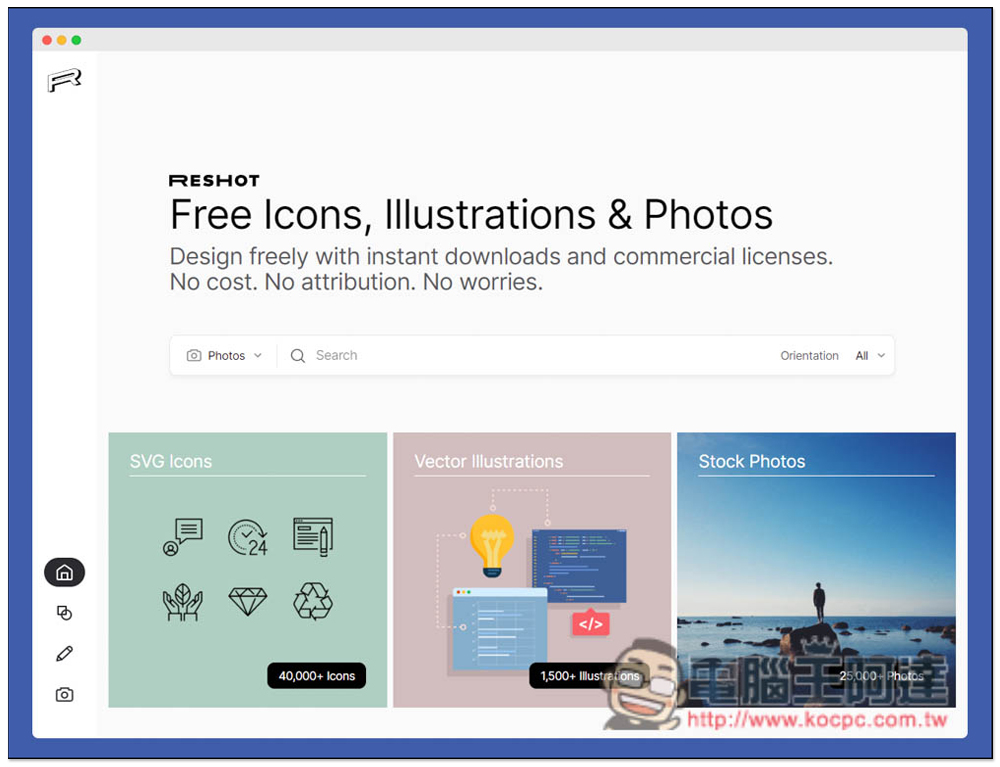
In addition, if you still need some image materials, we have previously introduced a very good RESHOT, which provides icons, vectors, and photo materials, both for personal and commercial use. There is no need to mark the source, and you can download and use it without registration.For a more detailed introduction, please click here to read this introductory article:
Source: KOCPC Chinese