


Speaking of which, Instagram provided the function of automatically generating subtitles earlier than YouTube, which should make people feel very sincere. But how it actually works is another matter entirely. I wonder how you feel after using it? Do you think it’s so bad that you want to turn it off, or you want to confirm whether you have turned on this function, which allows you to roughly understand what the characters in the video are talking about even when the sound is muted? This article will teach you how to confirm whether IG’s automatic subtitles function is turned on correctly! Continue reading Instagram’s automatically generated subtitles are terrible. Would you rather not read them? This article teaches you how to turn off subtitles (teaching) and report content.
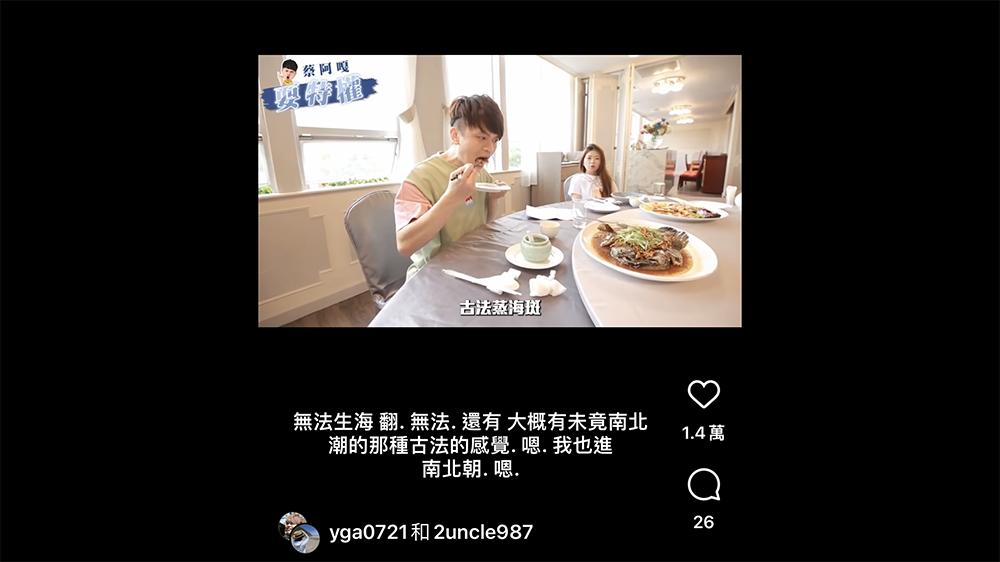
Instagram automatically generates subtitles that suck? Would you rather not read them? This article teaches you how to turn off subtitles (tutorial)
Friends who are using Instagram will probably find that there seems to be a feature that automatically generates subtitles recently… Should I say it is convenient or a bit intrusive? In short, according to the official description, this function will choose whether to automatically generate subtitles based on the video content – I tried it and it will start automatically generating subtitles on some Chinese videos. But the strange thing is that if you browse videos in English, they don’t seem to be displayed – of course, there is no real-time translation function.
Although my impression is that this function is turned on by default, so I believe that not many people would want to actively turn on this function unless they were kindly turned off by family or friends.
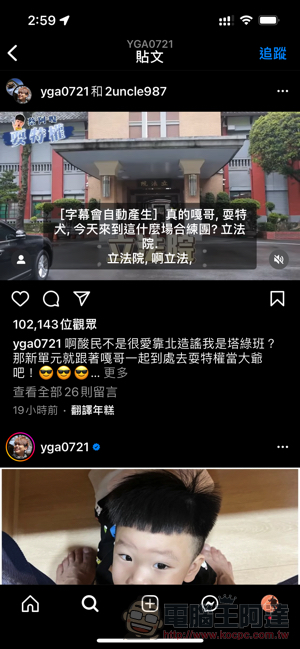
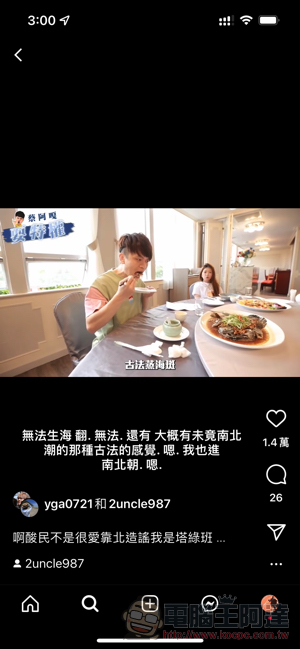
However, I believe that the performance of Chinese subtitles so far, as well as the display method that occupies a considerable space on the small mobile phone screen, coupled with the often NG recognition effect (at least Chinese seems to need improvement?), should make many people want to turn it off, right? Here we will teach you how to find the switch for Instagram captions.
If you want to find the switch for Instagram to automatically generate subtitles, you must first use the “three” sandwich menu button in the upper right corner of the App interface to expand and find “Settings”. After entering, you can see the page below.
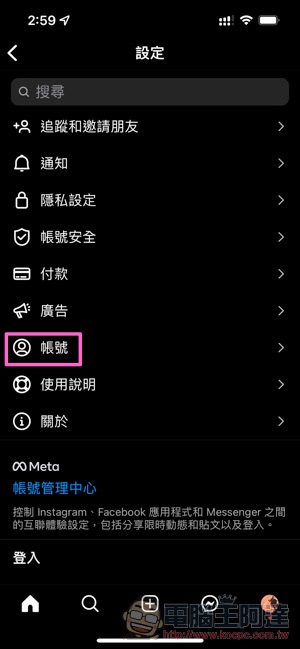
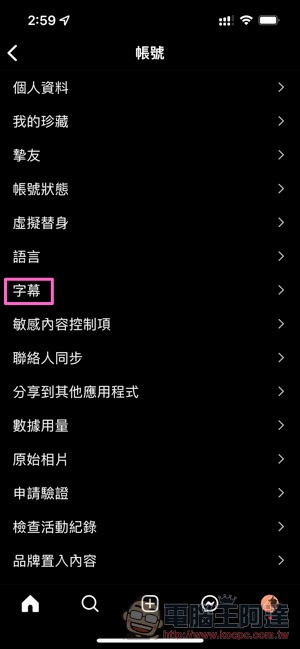
I believe that if you have been really annoyed by randomly recognized subtitles before, you will probably look through these projects like the editor. But I still can’t find which option in the settings the subtitles are hidden in. Because, Instagram actually put it in the “Account” option – great, I didn’t know it was put here until I searched separately, otherwise I would have wanted to find it in “Language”…
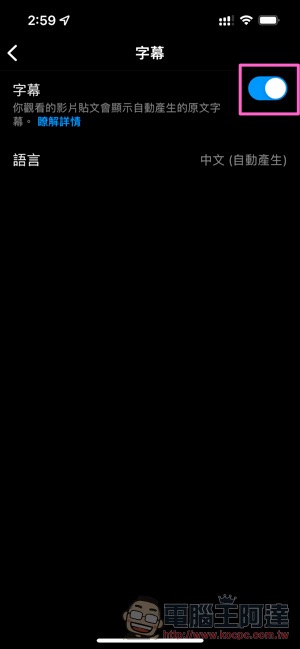
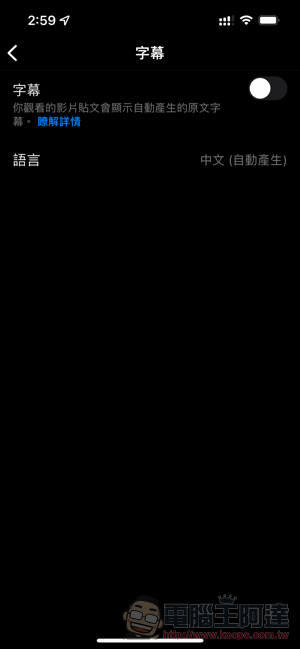
After clicking on the account, you can directly find the “Subtitles” option. You can directly choose to completely turn off the function of automatically generating subtitles – seriously, it is a service related to FB/Meta after all, so I would not be surprised if it is officially turned on again after an update. I still forgot where the switch is after that, so I’ll come back to this review.
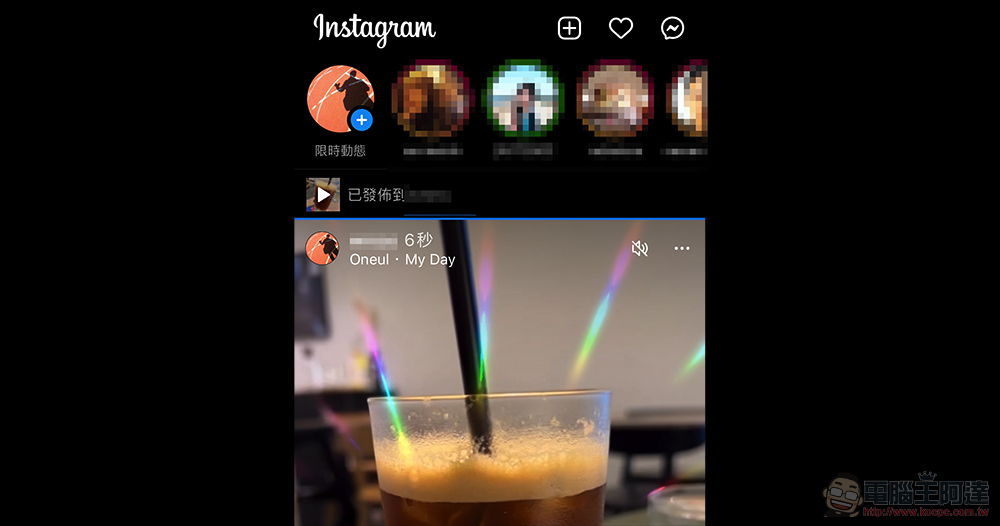
That is to say, although there is “Language” under the function options, it seems that you can choose the language you want to correspond to. However, as of the deadline for this article, Instagram does not give you the freedom to make your own choices. And I don’t know if it’s because of this, so when I watch English videos, I can’t see the automatically generated subtitles – and because of this, on the one hand, Chinese is too often recognized, and English is not displayed, so I feel that it is not very practical, so I want to turn off this function.
The author also tried to directly switch the language of the mobile phone system settings. The result was that the “Language” setting did switch to other languages, but the automatically generated subtitles in other languages did not appear. It can only be said that there should be room for improvement in this function.
Further reading:
Source: KOCPC Chinese