


Compared with other cloud space services, the free version of Google One has 15GB, which is quite a lot. However, for some friends who store files on cloud drives, 15GB is full in no time, so they will definitely consider purchasing a Google One paid plan. This article will teach you how to subscribe to the ultra-cheap Turkish Google One plan. 2TB costs less than NT$500 a year, which means it is cheaper than in Taiwan. It’s NT$2,800, which is a huge savings, and you enjoy the same benefits. You can subscribe without a VPN!
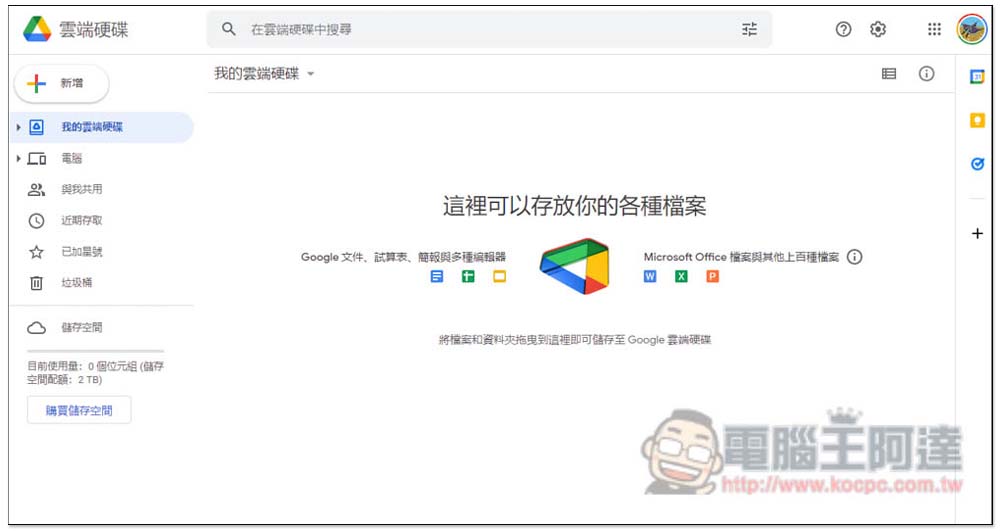
Teach you how to subscribe to Türkiye’s Google One 2TB plan, other space plans are also applicable
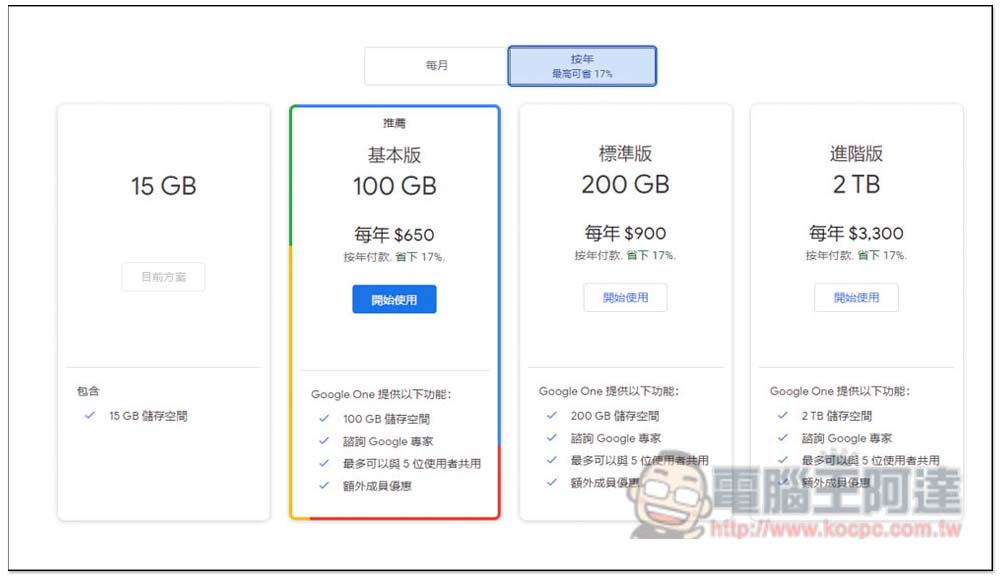
The picture below shows Taiwan’s Google One annual payment plan (monthly payment is more expensive). 2TB is as high as NT$3,300/year. Even 100GB costs NT$650/year. The representative said that subscribing to Turkey’s Google One 2TB plan is cheaper than Taiwan’s 100GB plan:
Before starting, I suggest that it is better to reapply for a Google account, because when you subscribe to the Google One Turkey plan, your Google Play Store will become Turkey, and the credit card may not be swiped for some unknown reasons, so it will be easier to reapply.
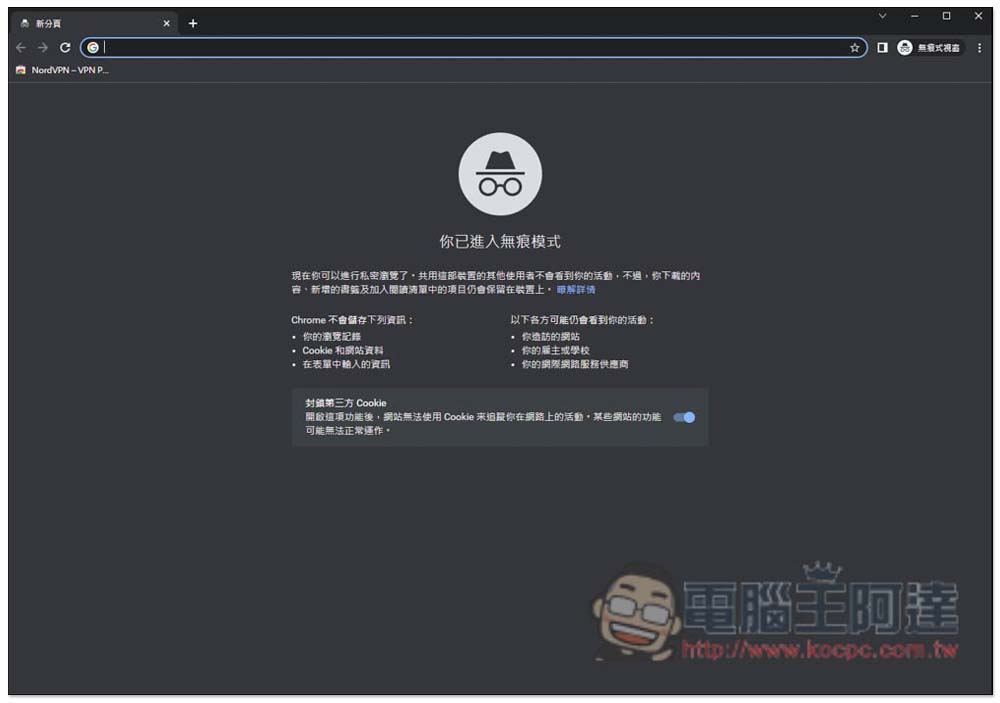
Remember to use incognito mode to apply:
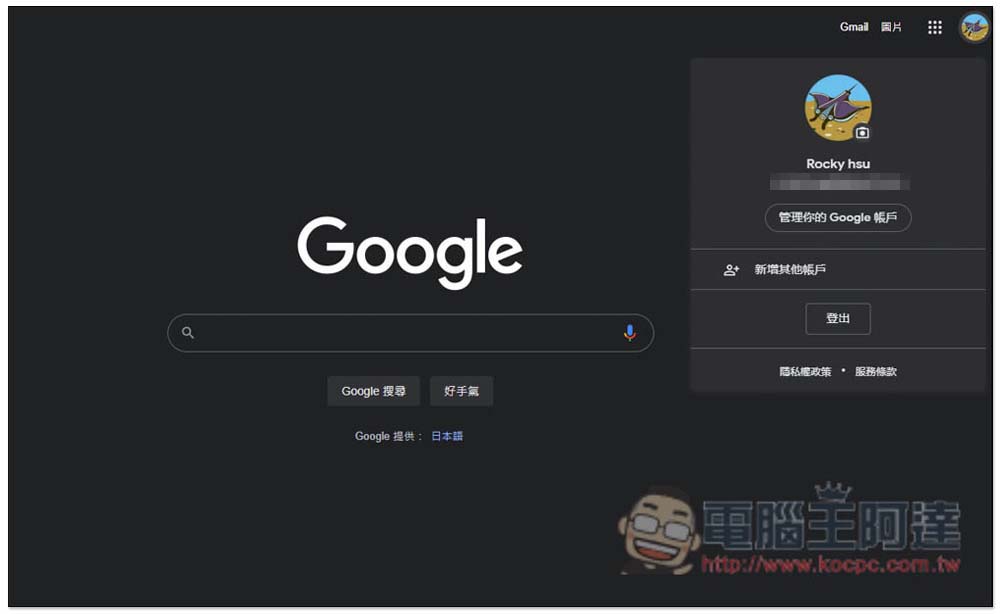
After logging in to the Google account you want to apply for the Google One Türkiye plan, open the icon in the upper right corner and click “Manage your Google Account”:
Go to the “Payments & Subscriptions” option on the left and click “Manage Payment Methods”:
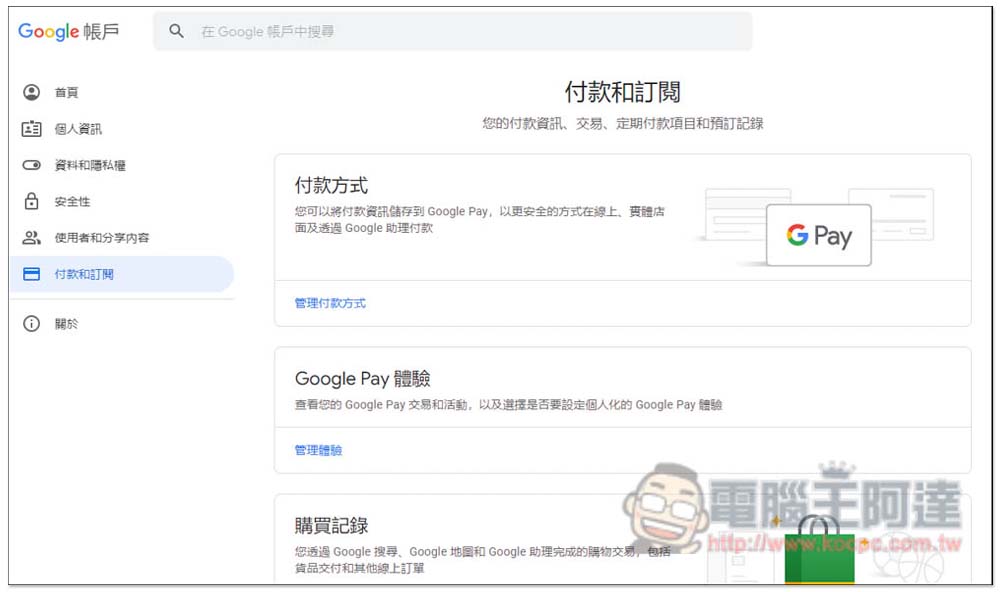
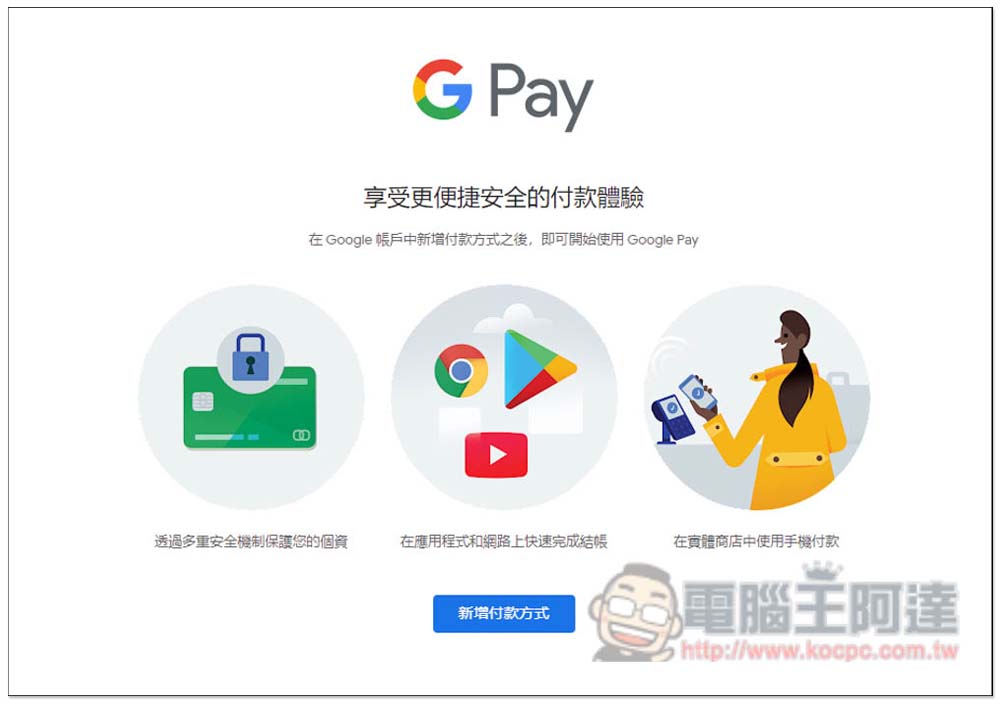
You will then enter the GPay page. Before subscribing, you need to create a payment method for your Turkish address, so please click “Add payment method”:
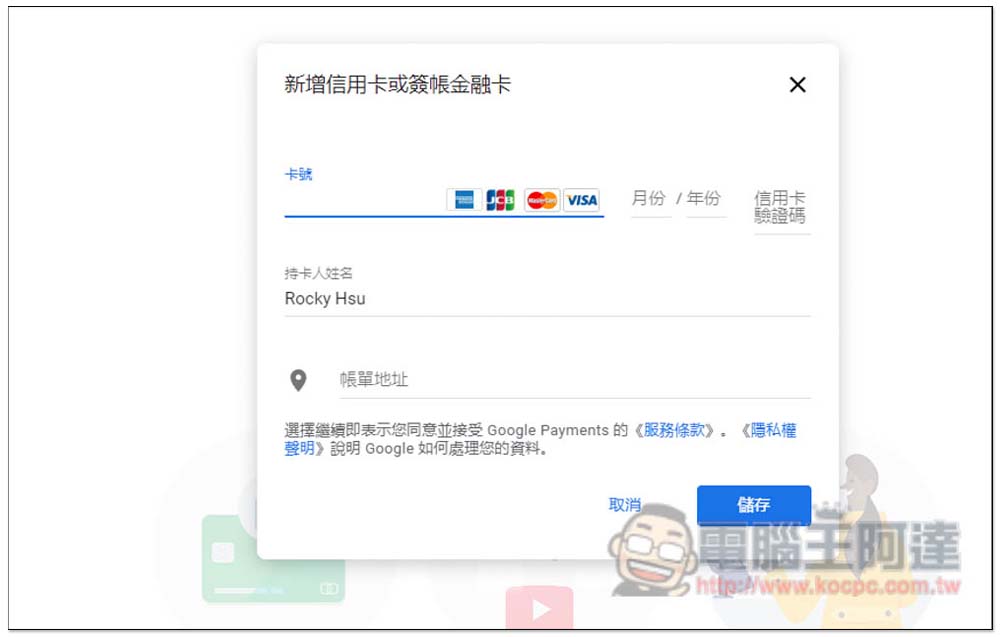
After opening the new credit card or debit card screen, it is recommended to click the billing address first, change the country to Turkey, and then enter the card number, cardholder name and billing address above. You can enter a Taiwanese credit card:
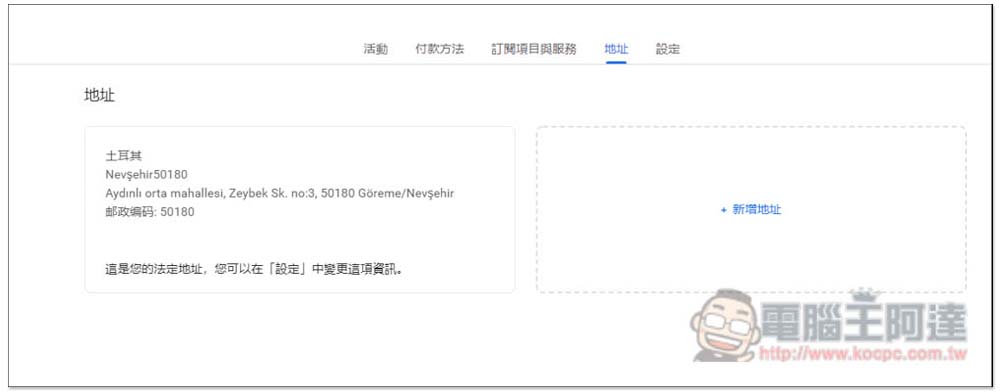
For the address, you can find a hotel in Turkey, or enter the same address as mine (I used the address of Cappadocia Caves Hotel):
- Address line 1: Aydınlı orta mahallesi, Zeybek Sk. no:3, 50180 Göreme/Nevşehir
- Postal code: 50180
- Area: 50180
- State/Province: Nevşehir
If there is no problem, press Save:
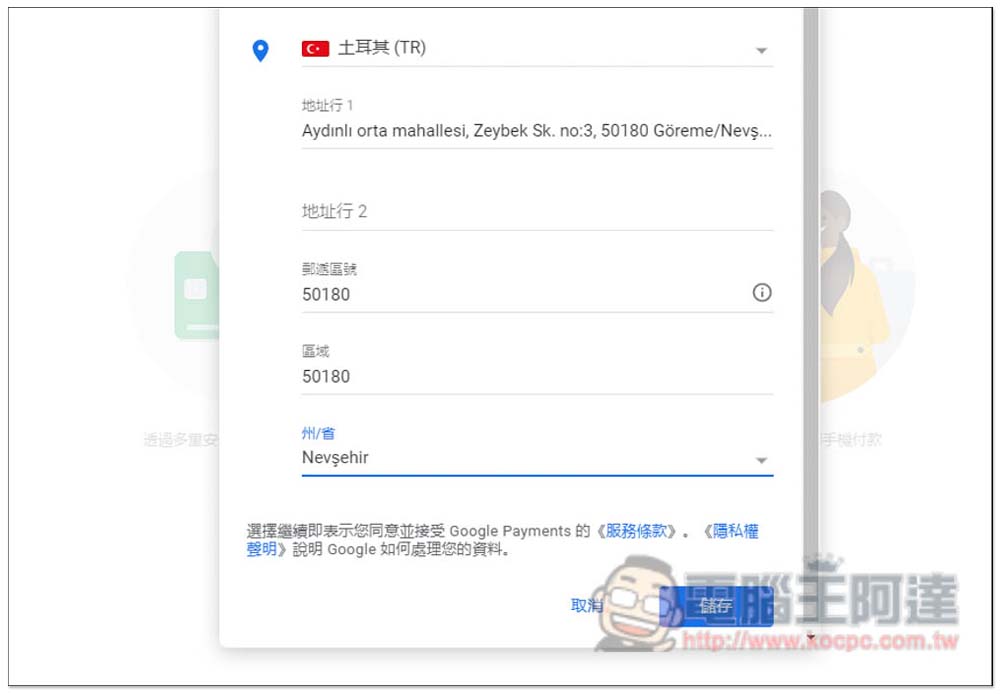
This completes the setting:
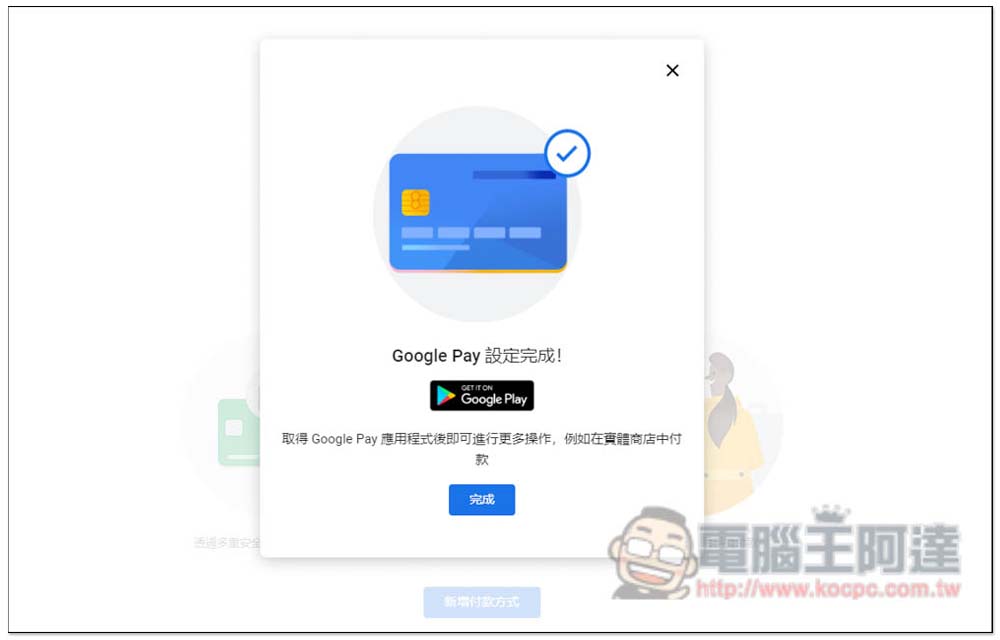
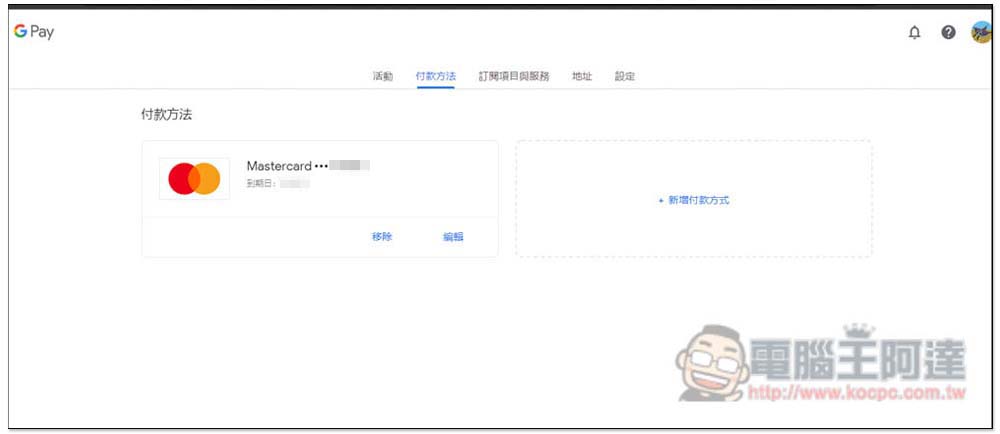
Open the payment method and you will see the credit card information you just registered:
The address will appear with the Turkish address you just entered:
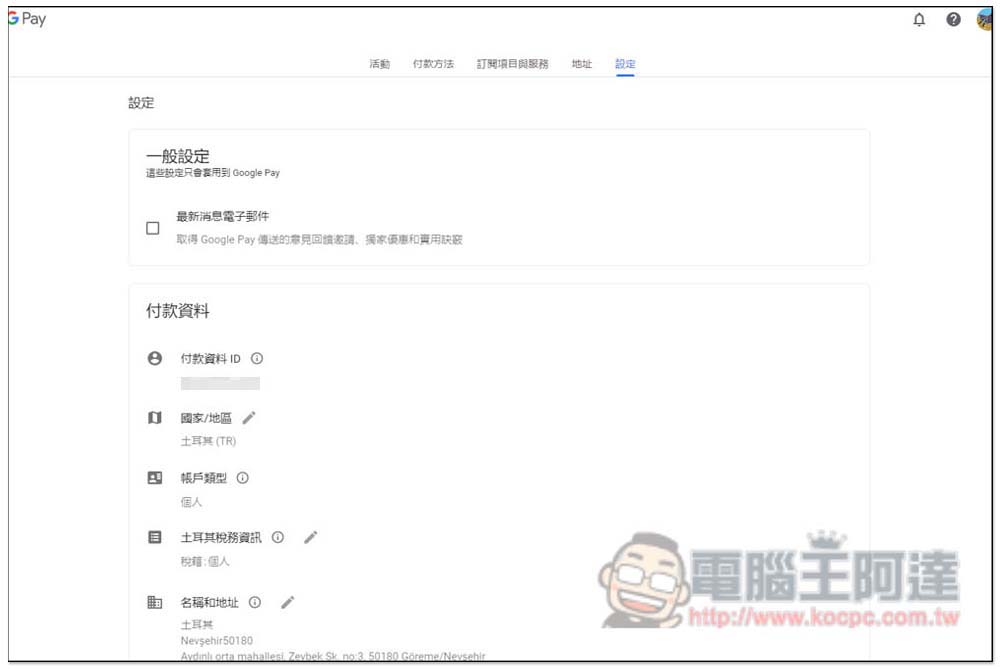
The settings page will also see payment information for Turkey:
Now let’s get down to business and start subscribing to the Google One plan! After opening the Google Drive page, click “Buy Storage” in the lower left:
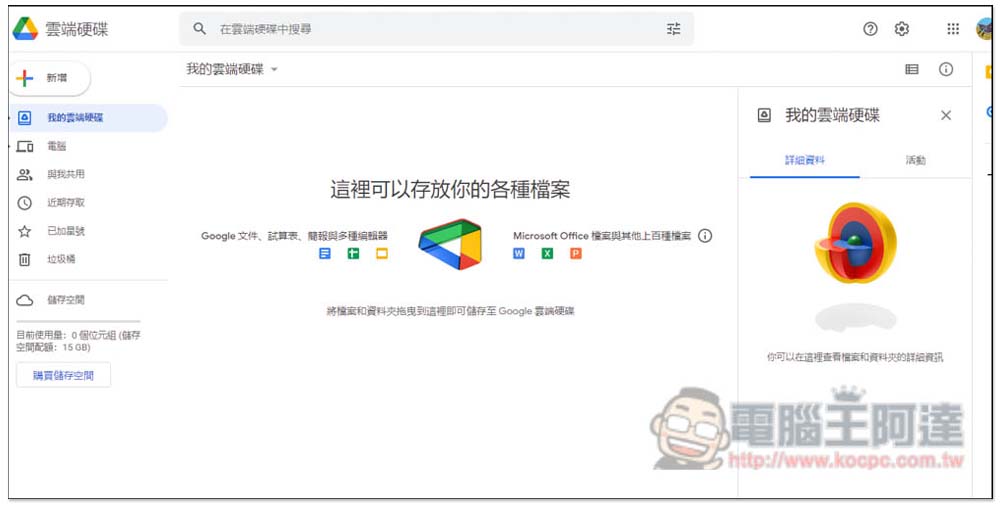
The solution that jumped out was the Turkish price. The picture below shows the monthly 100GB basic version, which only costs TRY 5.79, which is about NT$10. The 200GB standard version is only TRY 11.59, about NT$20/month:
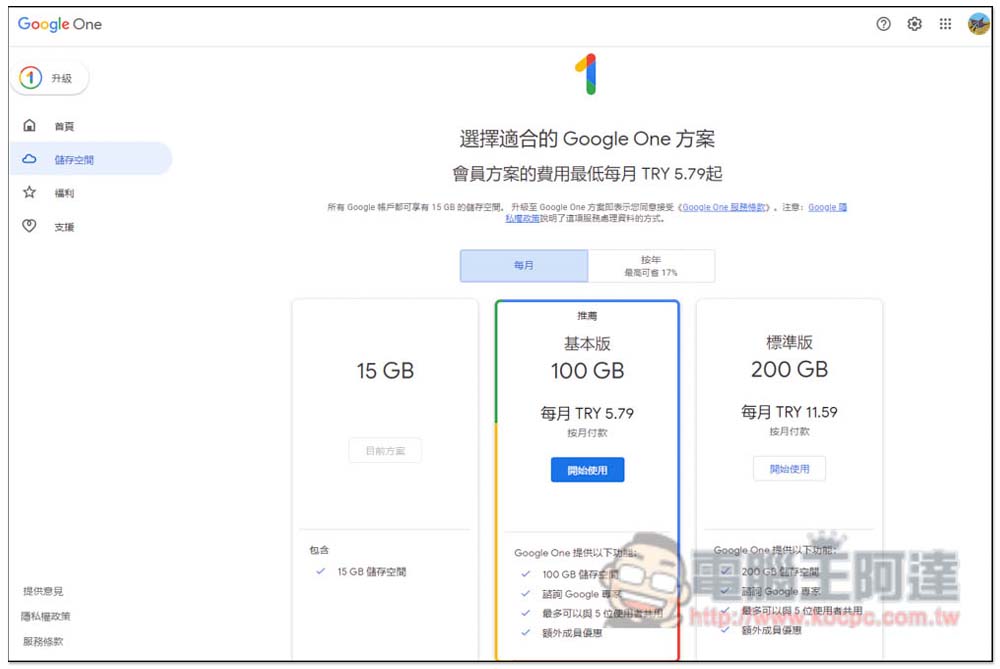
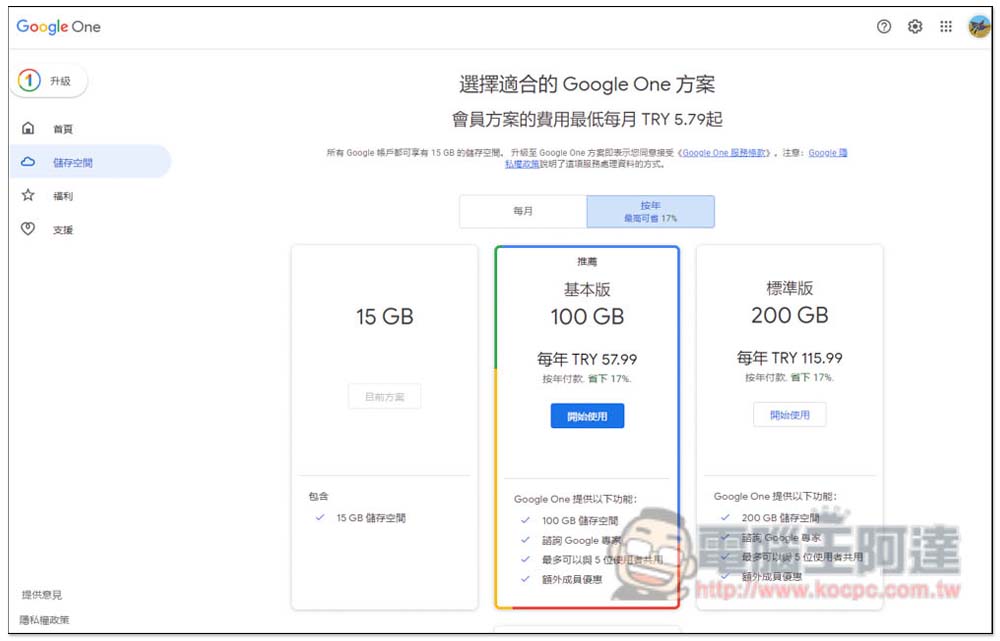
The annual price is TRY 57.99 for the 100GB basic version, which is approximately NT$98. The 200GB standard version is TRY 115.99, about NT$196:
Scroll down to find the 2TB plan, which costs TRY 289.99 per year, about NT$490. All plans are the same as those in Taiwan, and enjoy benefits such as sharing with up to 5 users, additional member discounts (note: if you want to share with others, the other party’s account must also be in Turkey, that is, in the same country):
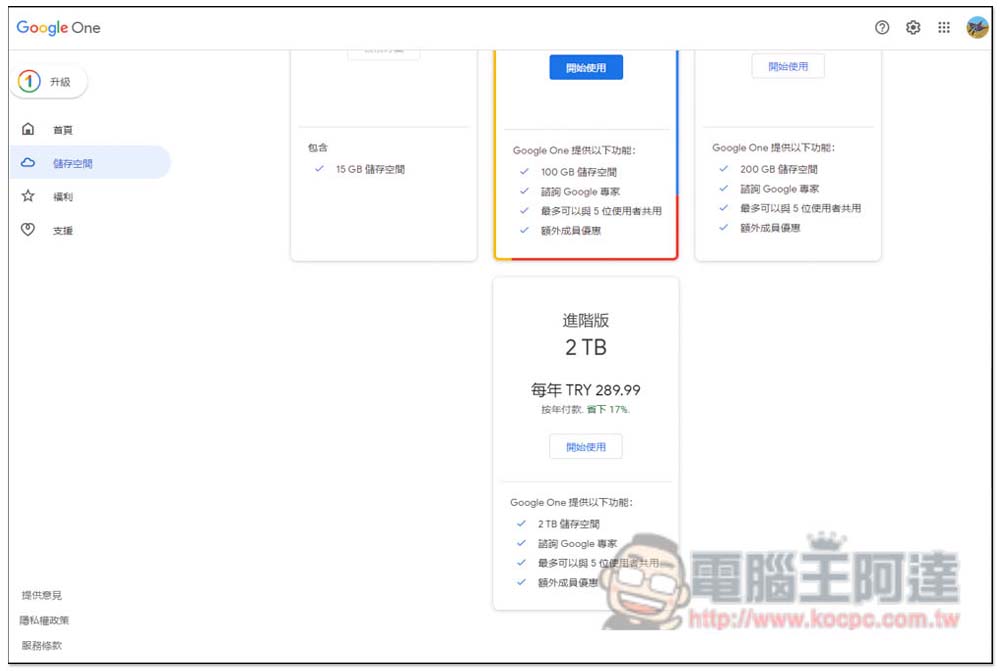
It depends on which plan you want to subscribe to. I’ll take 2TB as an example:
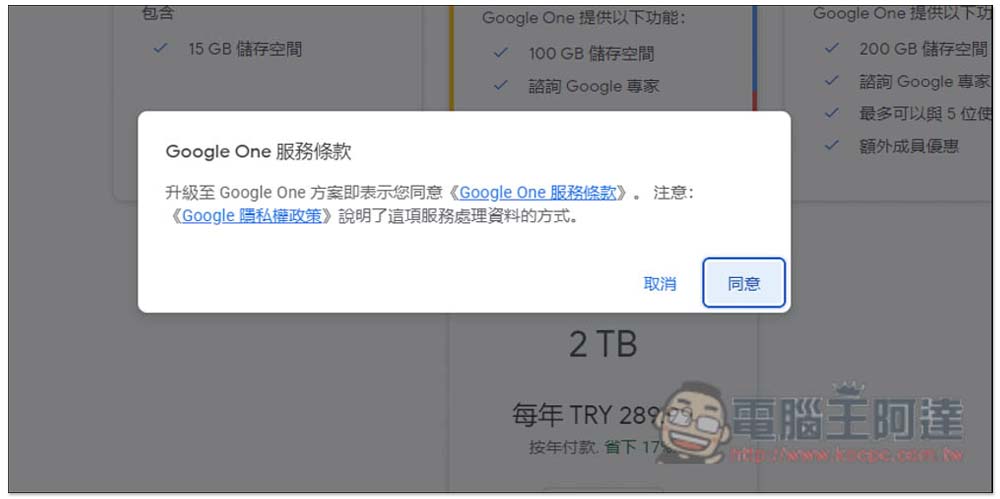
After confirming that the price is correct, click Subscription and payment will begin:
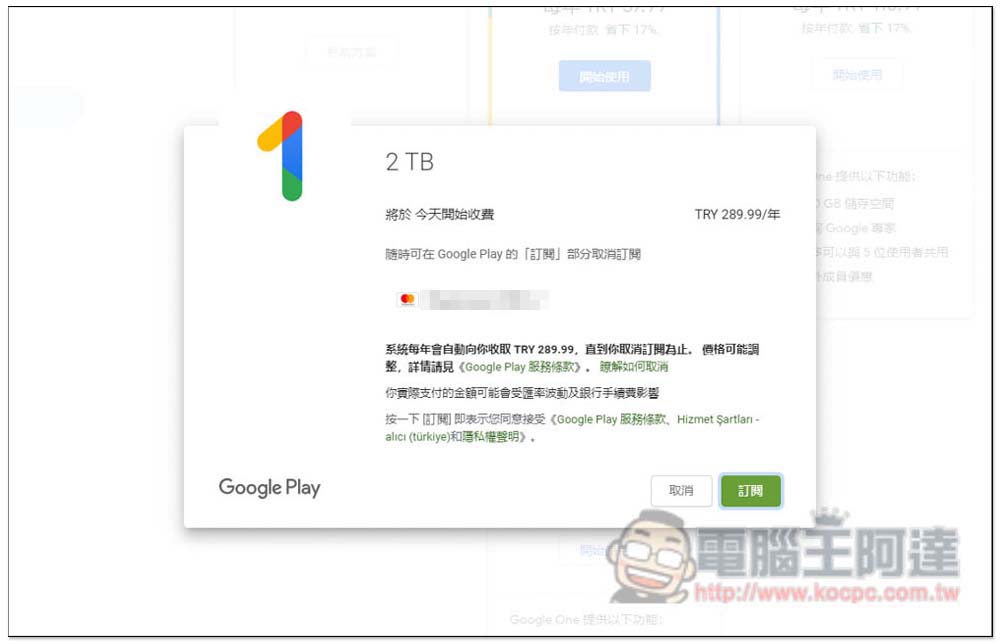
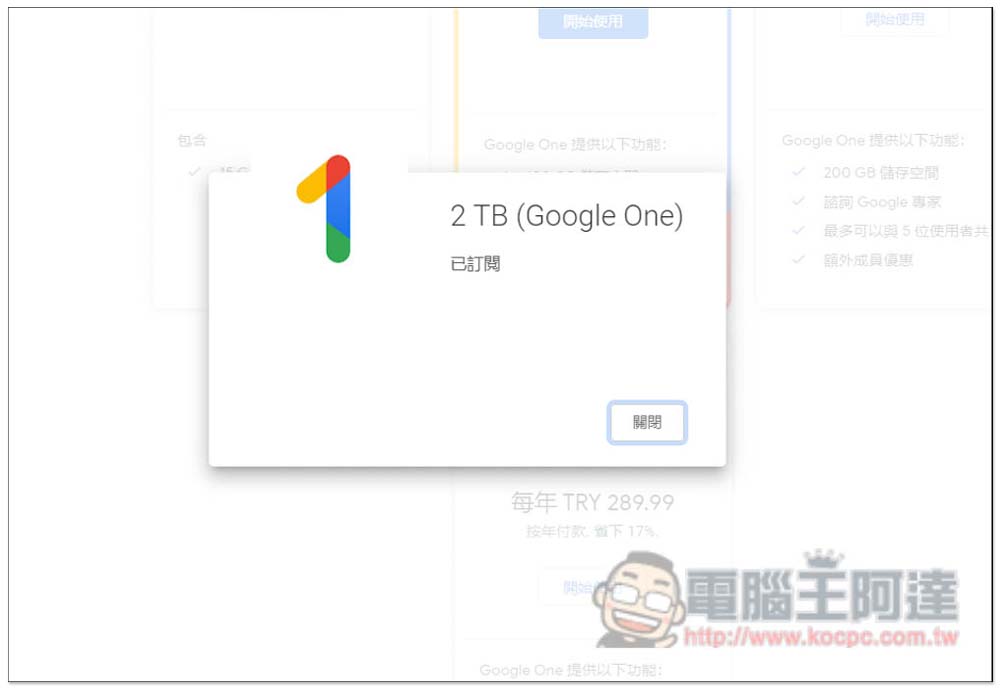
The subscription is successful! If you can’t pay, it’s possible that the credit card company is blocking the transaction. You’ll need to call your credit card customer service and tell them to allow the transaction:
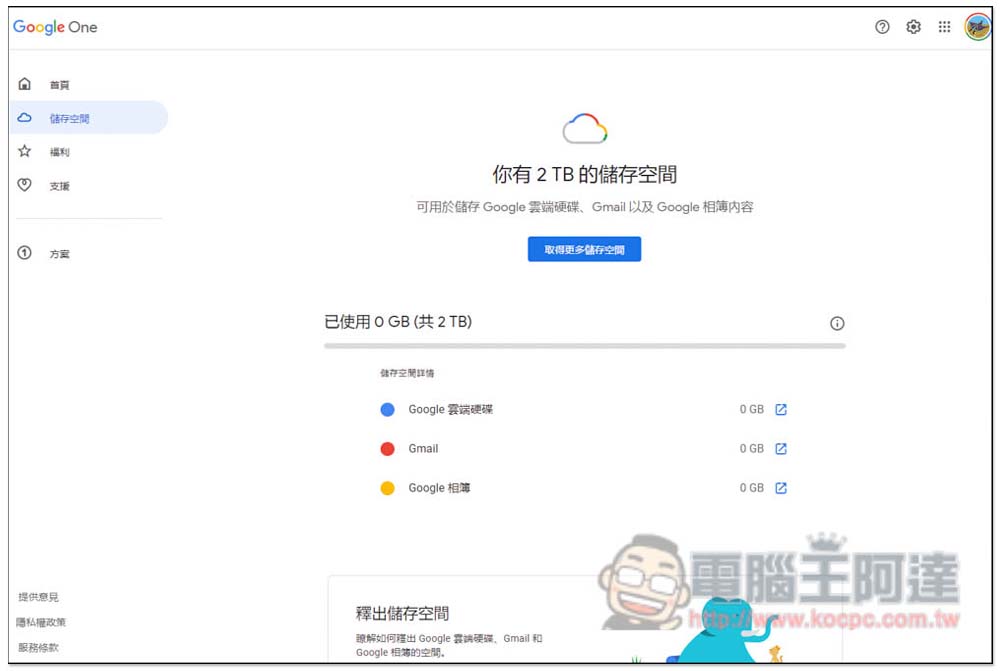
The storage space does become 2TB:
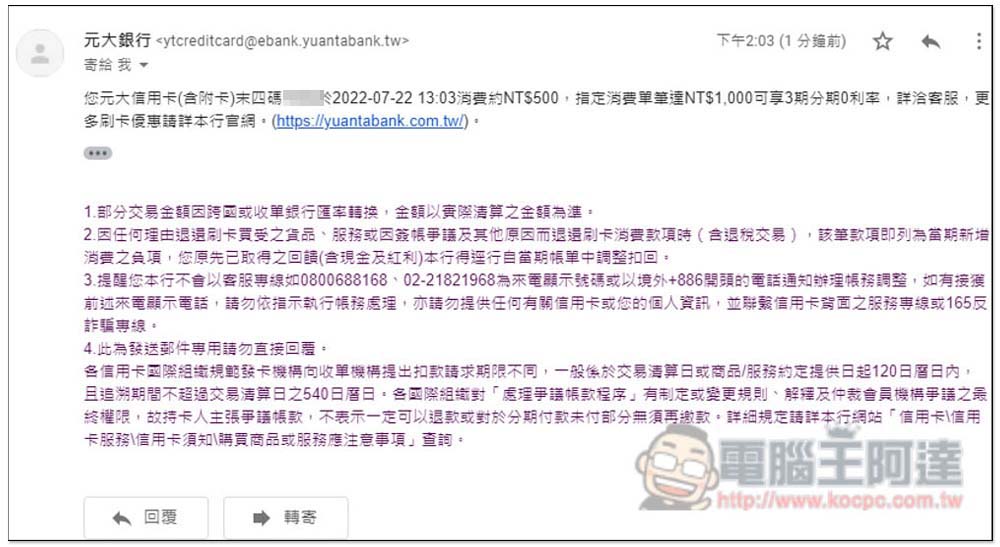
The amount of my credit card swipe notification is also about 500 yuan, so I am sure to subscribe to Türkiye’s Google One 2TB plan:
How to unsubscribe from Türkiye Google One plan?
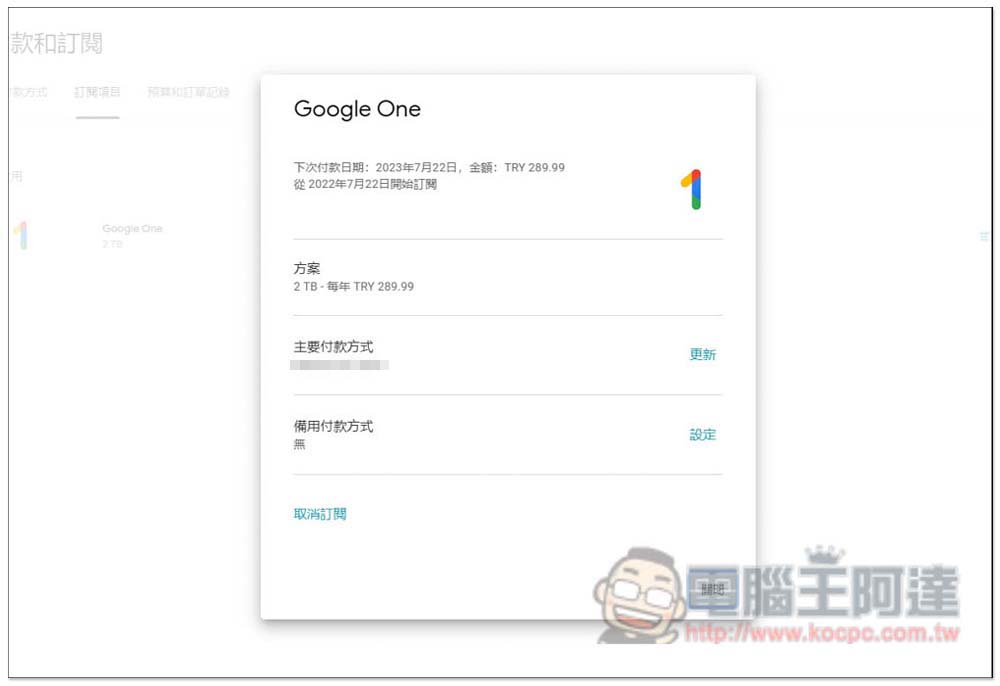
The cancellation method is the same as in Taiwan. After entering the subscription project, you will see your Türkiye Google One plan. Open it and click “Cancel Subscription” below:
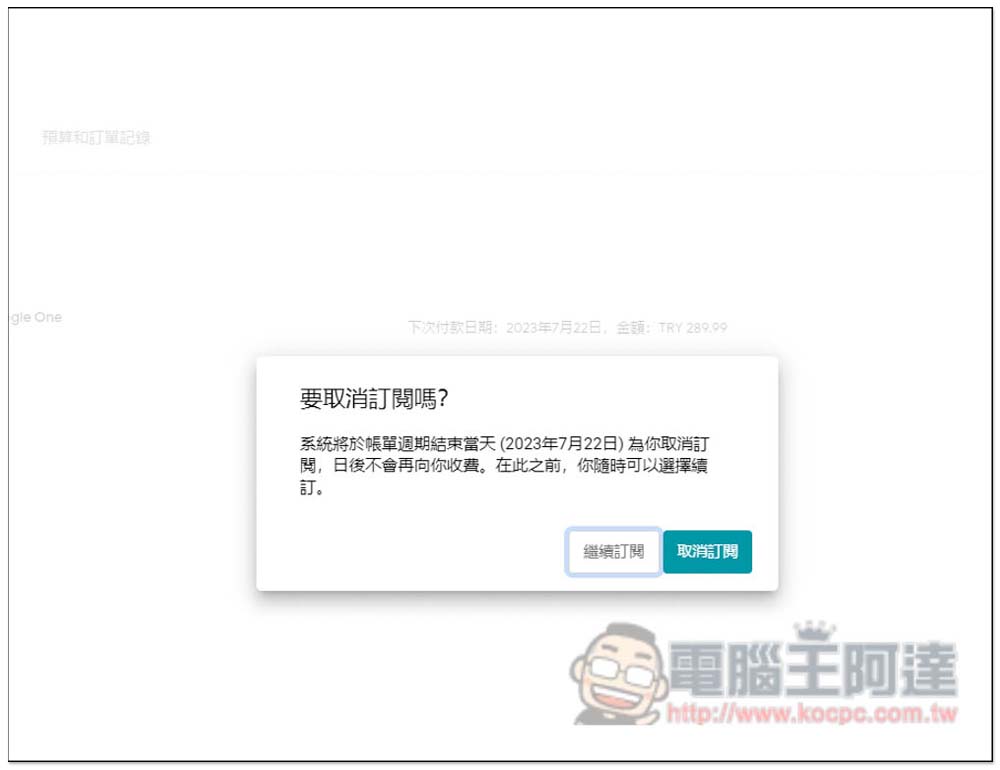
You will be asked if you really want to cancel your subscription. If you have no problem, just press Cancel Subscription. If you still have days left on your current payment bill, you can still use it until the last day after cancellation. So if you want to try it out by subscribing for one year, you can cancel it after you finish the subscription:
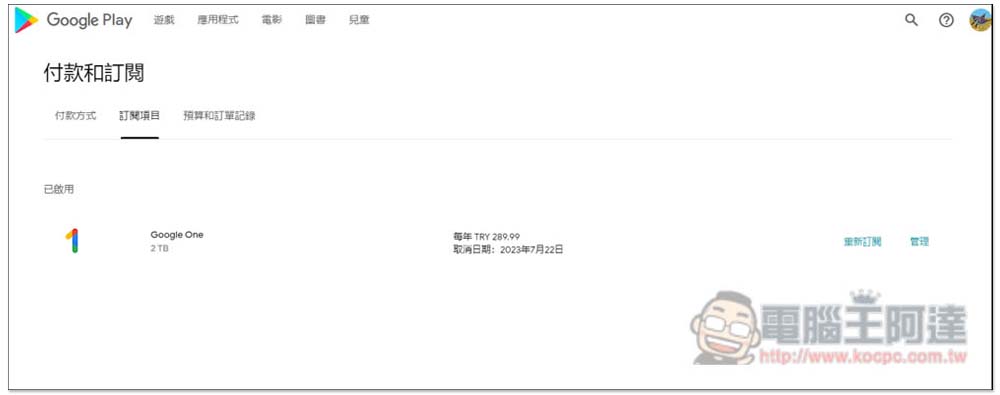
The “Resubscribe” function appears on the right, which means the cancellation is successful:
Source: KOCPC Chinese