


Apple’s design makes people fall in love with it, especially its smart control pad, which is really the most comfortable and smoothest (and also good-looking) that I have ever used. However, it can only take advantage of its gesture control when paired with a Mac. Many people still use the Windows system for work because it is more convenient, so they can only reluctantly give up. But this time I will teach you how to easily make the smart control pad perfectly support Windows 11 gesture control!
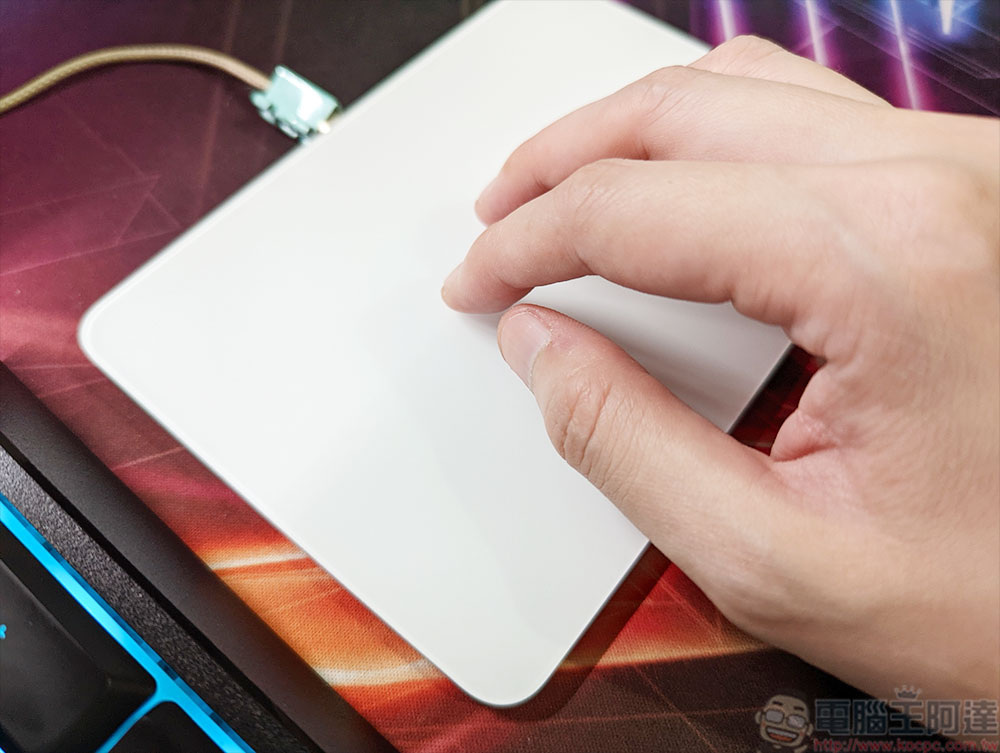
Want to use an Apple Controlpad on your PC that also supports Windows 11 gestures? This trick will help you get everything done
It has to be said that Apple’s smart control board is now in its second generation. Whether it is the neat and clean appearance design, the metallic texture of the aluminum alloy frame, the material of the touch surface, the overall inclination, and the size, it is a product that is difficult to rival on the market. It is the best in terms of smoothness, accuracy during operation, and sensitivity to gesture control. As for the author, although I own a MacBook Pro, I still use a Windows 11 desktop computer most of the time at home. If I just pair it with the smart control board, it can only be used as a mouse, which is overkill.
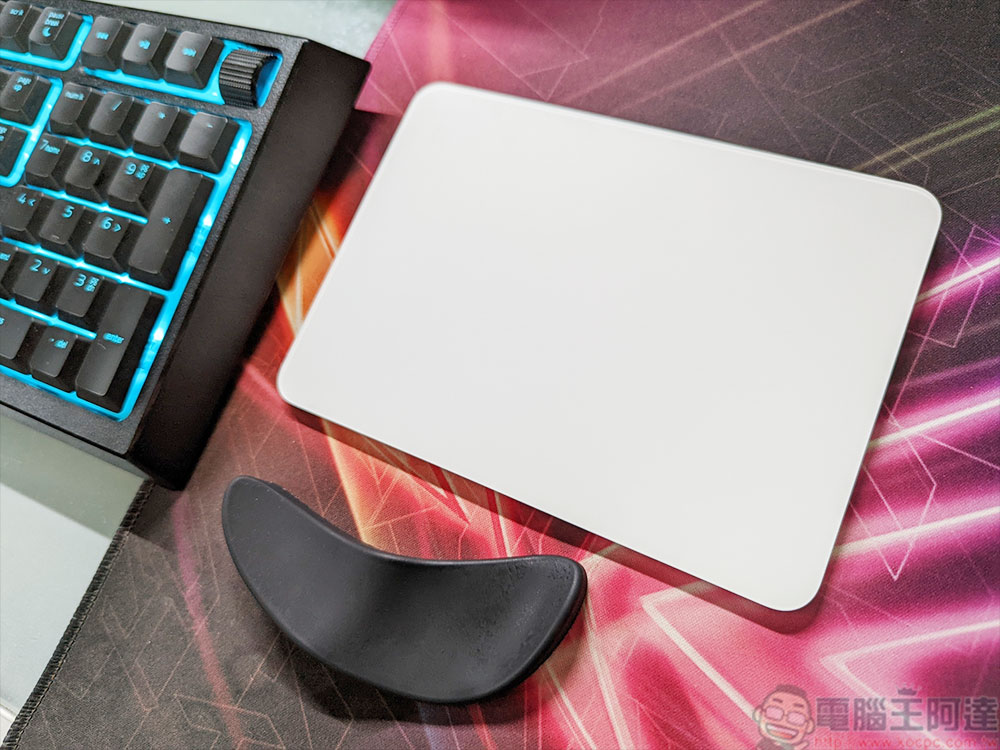
In addition to the various gesture operations built into macOS, there are also very convenient gesture controls in Windows 11. It would be a pity not to make full use of it. If you want to use it with a smart control panel, please do so with me!
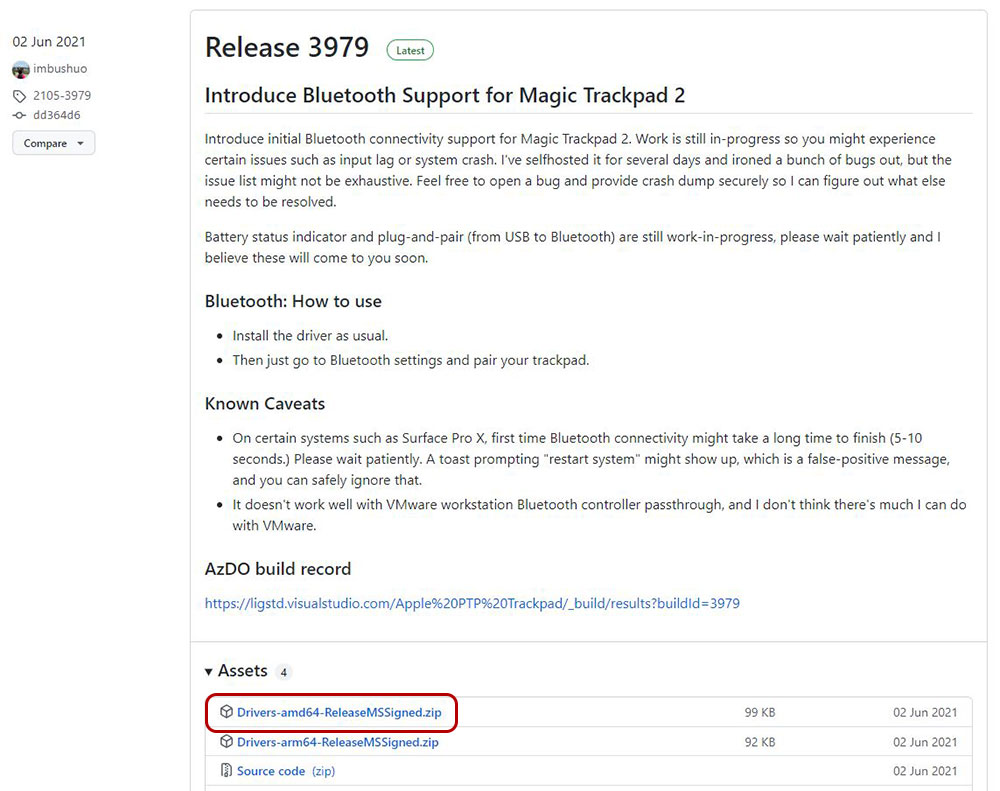
- First, we need to go to GitHub to download a driver called “Mac Precision Touchpad”. This driver is free and installs very quickly. Please note that although there are many files provided on this GitHub page, we only need to download “Drivers-amd64-ReleaseMSSigned.zip”.
【Click to download from GitHub】
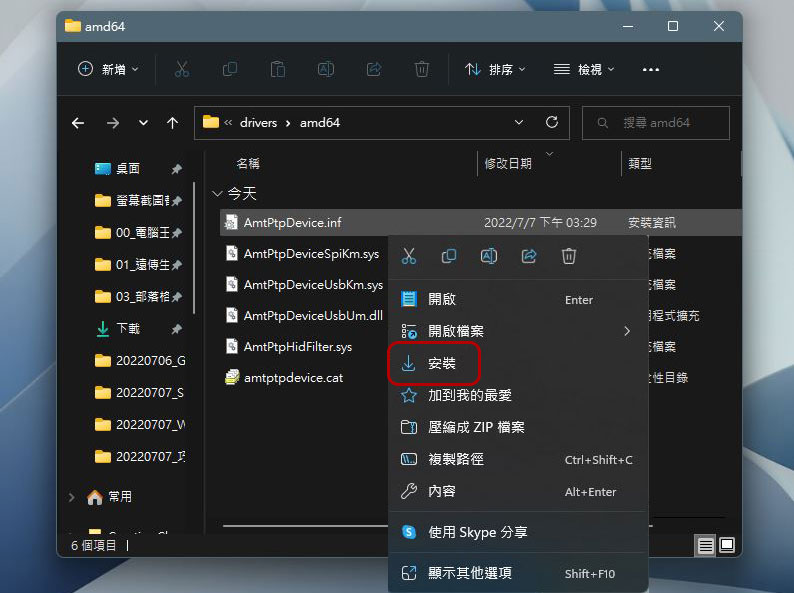
- After downloading, unzip the file, then enter the folder, right-click on the “AmtPtpDevice.inf” file, and click “Install” from the menu (not open!).
- Next, turn on the smart control board switch and perform Bluetooth pairing with the computer. You may need to wait for a while for it to complete the installation before normal use can begin.
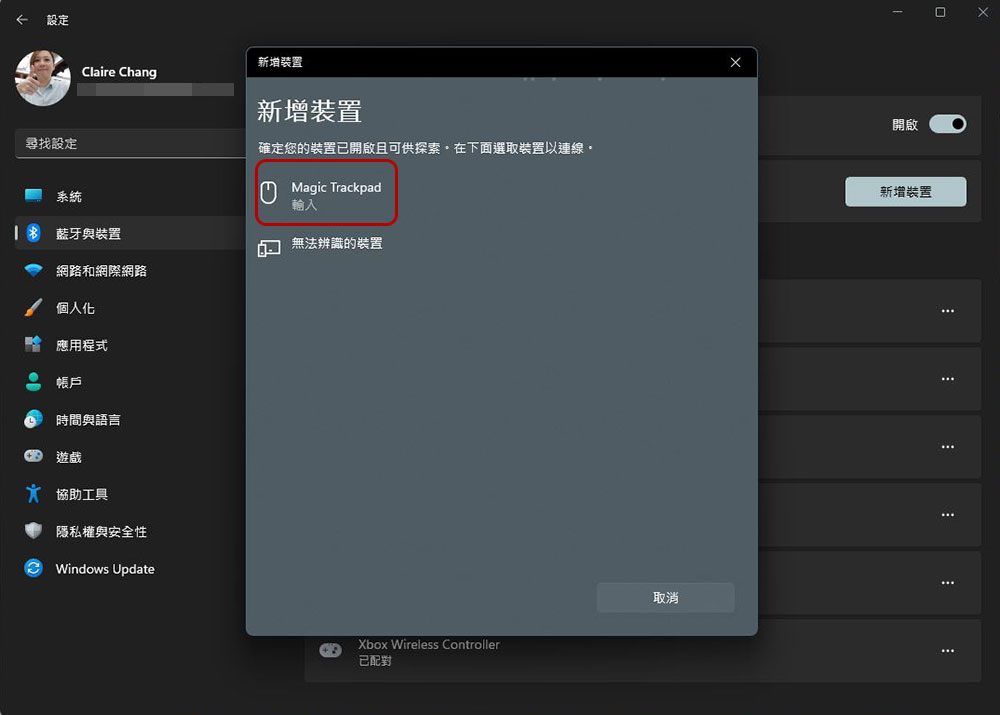
- After successful installation, you can scroll down to see the “Touchpad” item in the “Bluetooth & Devices” item on the sidebar of the “Settings” app.
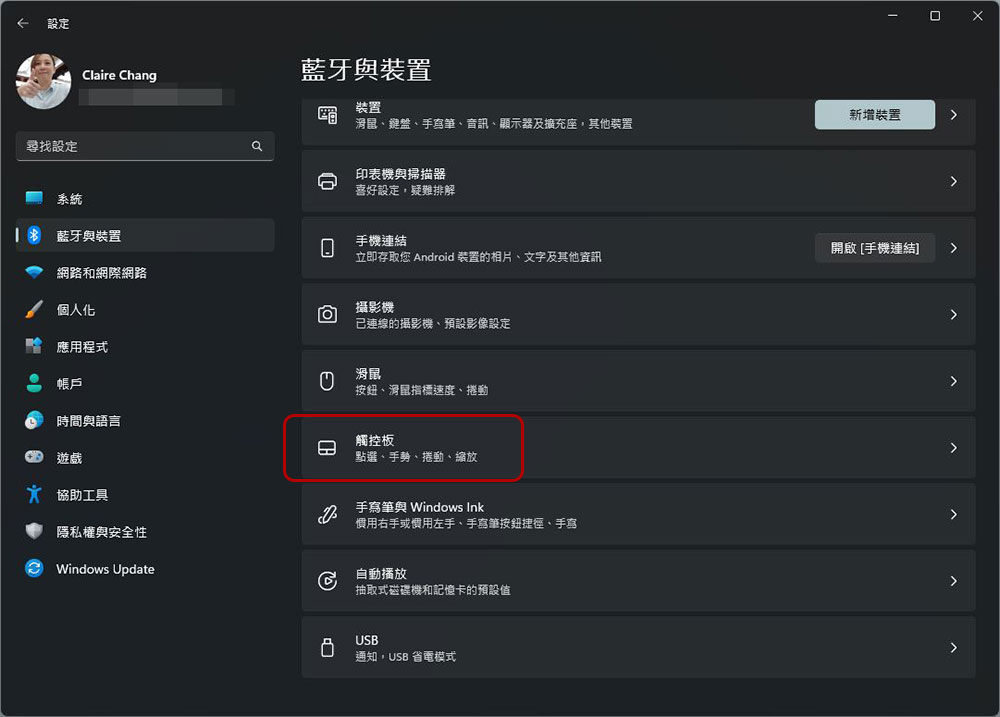
- If you want to further set the touchpad gestures, you can go to the “Settings >> Bluetooth and Devices >> Touchpad” item in the last step above to make settings, including the speed of the touchpad cursor, clicks, scrolls, and actions corresponding to three- and four-finger gesture operations, which you can adjust according to your habits. if you wantTo learn more about practical Windows 11 gesture controls, you can check out the basic collection we compiled for you.。
The Smart Control Panel originally did not support operating systems other than Apple’s own, but because it is so good, I tried it and became a customer. Although there are many relative solutions on the Internet, this method is the easiest and free one that I currently think. You can try it!
Source: KOCPC Chinese